
Zeitlich begrenztes Angebot: 50% RABATT auf deinen ersten Monat mit Pro & Ultra 🎉
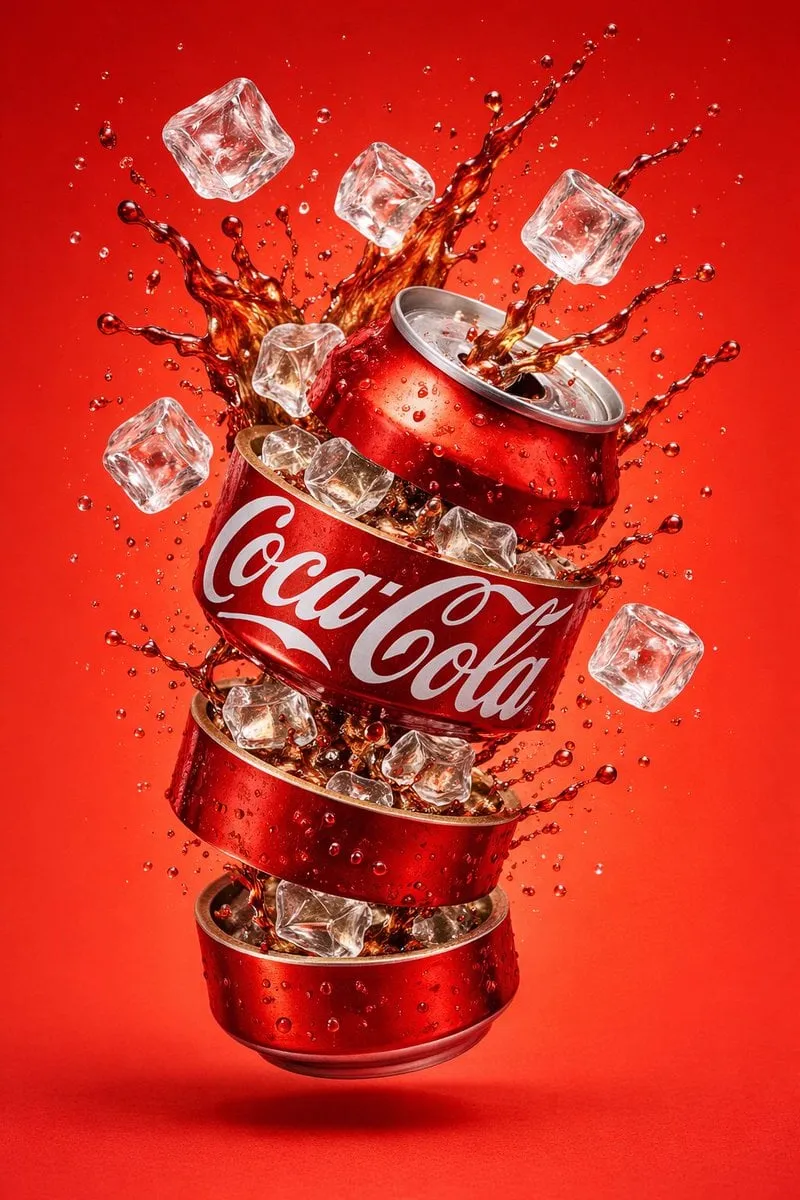
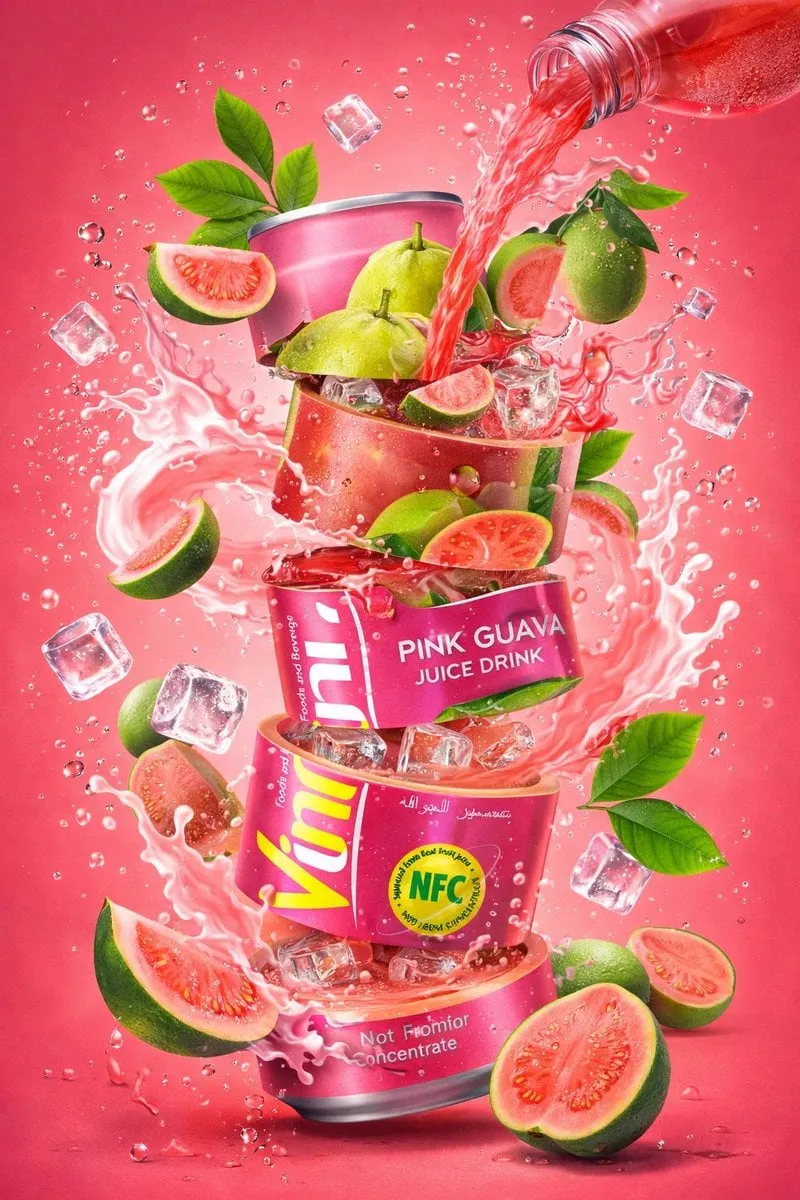
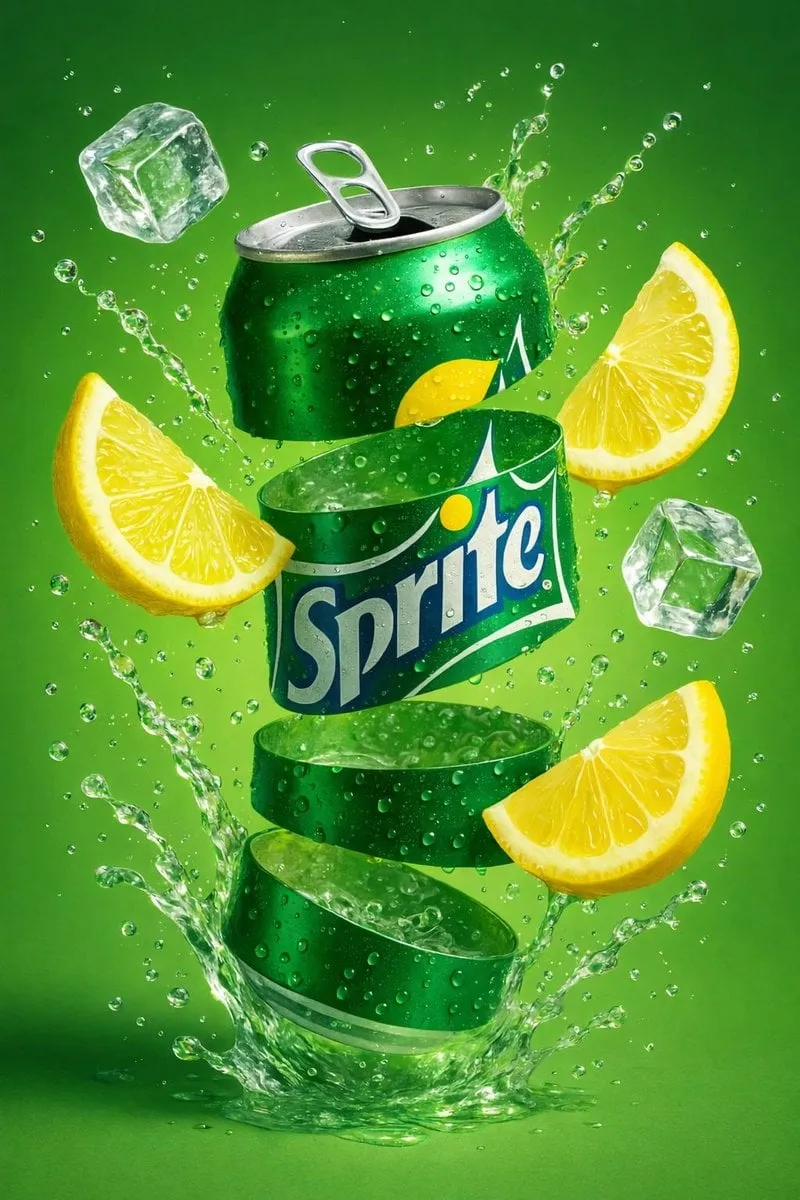
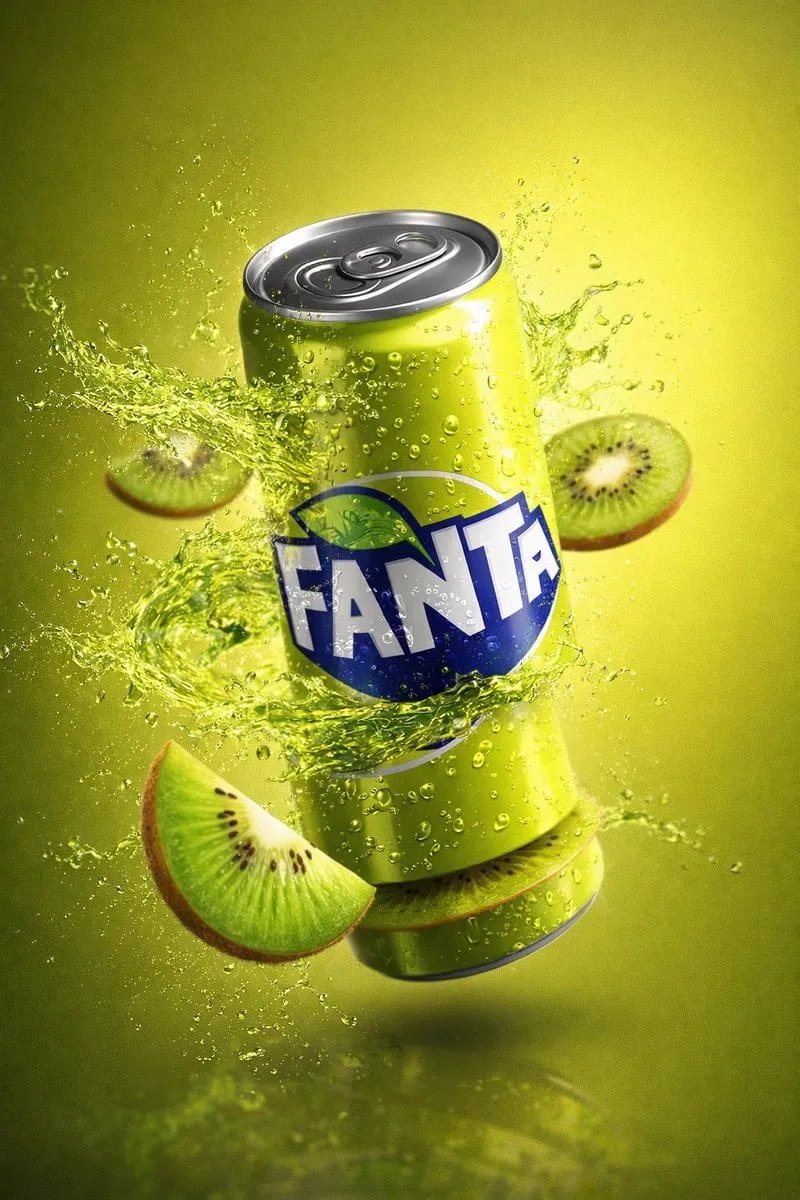
{ "resolution": "8K", "style": "hyper-realistic commercial product…
S
ShaHid WaNii@meng_dagg695
300 8,986 1/9/2026
Modell GPT Image 2
GPT Image 2Kategorien
Teilen:
Prompt
{
  "resolution": "8K",
  "style": "hyper-realistic commercial product photography",
  "composition": {
    "subject": "carbonated beverage can",
    "position": "center frame, floating mid-air",
    "orientation": "slightly tilted vertical",
    "framing": "tight hero shot"
  },
  "can_details": {
    "material": "metallic aluminum",
    "top_bottom": "silver with visible pull tab",
    "surface": "glossy with condensation droplets",
    "label": {
      "text": "{{BRAND_NAME}}",
      "font": "bold uppercase sans-serif",
      "color": "white",
      "background_band": "deep blue",
      "placement": "wrapped around center of can"
    }
  },
  "liquid_effects": {
    "color": "bright green",
    "type": "carbonated liquid splash",
    "motion": "frozen mid-explosion",
    "details": [
      "semi-transparent fluid",
      "fine droplets suspended in air",
      "dynamic curved splash arcs",
      "visible carbonation bubbles"
    ]
  },
  "fruit_elements": {
    "type": "sliced fruit",
    "motion": "floating around the can",
    "texture": "fresh, juicy, glossy"
  },
  "lighting": {
    "type": "studio lighting",
    "highlights": "strong reflections",
    "shadows": "soft"
  },
  "background": {
    "color": "smooth gradient matching liquid tone",
    "environment": "clean studio backdrop"
  },
  "render_quality": {
    "sharpness": "ultra-sharp",
    "contrast": "high",
    "realism": "photorealistic"
  }
}
So verwenden Sie diesen Prompt
In drei einfachen Schritten loslegen.
1
Kopieren oder Verwenden
Kopieren Sie den Prompt-Text oder klicken Sie auf Diesen Prompt verwenden, um den Generator mit ausgefülltem Prompt zu öffnen.
2
Einstellungen anpassen
Passen Sie Seitenverhältnis, Auflösung oder andere Einstellungen an Ihr Projekt an.
3
Generieren & Teilen
Klicken Sie auf Generieren und teilen Sie Ihre Kreation, sobald sie fertig ist.
Verwandte Prompts


Nach Medientyp
Nach Modell


Beeindruckende Bilder mit diesem Prompt erstellen
Öffnen Sie den Generator und erstellen Sie in Sekunden