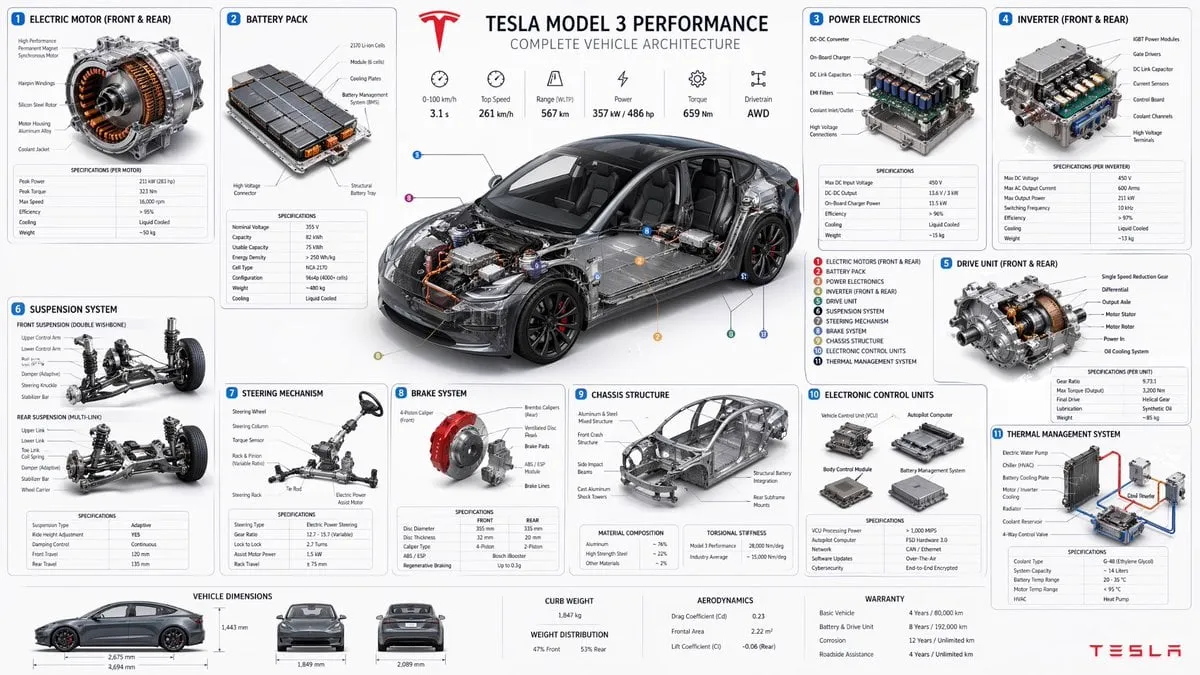
![Create a technical infographic of [OBJECT] with a 45-degree isometric 3D…](https://storage.brightvectorlabs.com/prompts/bright/ui-and-graphic/2017928823497453789-0.webp)
Create a technical infographic of [OBJECT] with a 45-degree isometric 3D…
T
TechieSA@TechieBySA
3,567 159,772 2/1/2026
 GPT Image 2
分享:
提示词
Create a technical infographic of [OBJECT] with a 45-degree isometric 3D perspective showing the device slightly tilted to reveal depth and dimension.
Combine a realistic photoreal render with black ink technical annotations on pure white background. Include:
Key component labels with color-coded callout boxes
Internal component visibility through transparent/cutaway sections
Measurements, dimensions, and precise scale markers
Material callouts and quantities
Color-coded arrows for function/flow: RED (power/battery), BLUE (data/connectivity), ORANGE (thermal/processor), GREEN (sensors/haptics)
Simple schematics or cross-sectional diagrams where relevant

Place “OBJECT” title in a hand-drawn technical box (top-left corner).
Style: Black linework (technical pen/architectural), sketched but precise. Object remains clearly visible. Educational museum-exhibit vibe. Clean composition, balanced negative space.
Perspective: Isometric 3D angle—tilted to show depth, dimension, and internal architecture dramatically. Like a professional product teardown or engineering manual.
Colors: ~10-15% accent density. Black dominant. White background.
Output: 1080×1080, ultra-crisp, social-feed optimized.
如何使用此提示词
三步即可上手。
1
复制或使用
复制提示词文本,或点击'使用此提示词'以打开生成器并预先填入。
2
调整设置
微调宽高比、分辨率或任何其他设置,以适配你的项目。
3
生成并分享
点击生成,作品完成后即可分享。
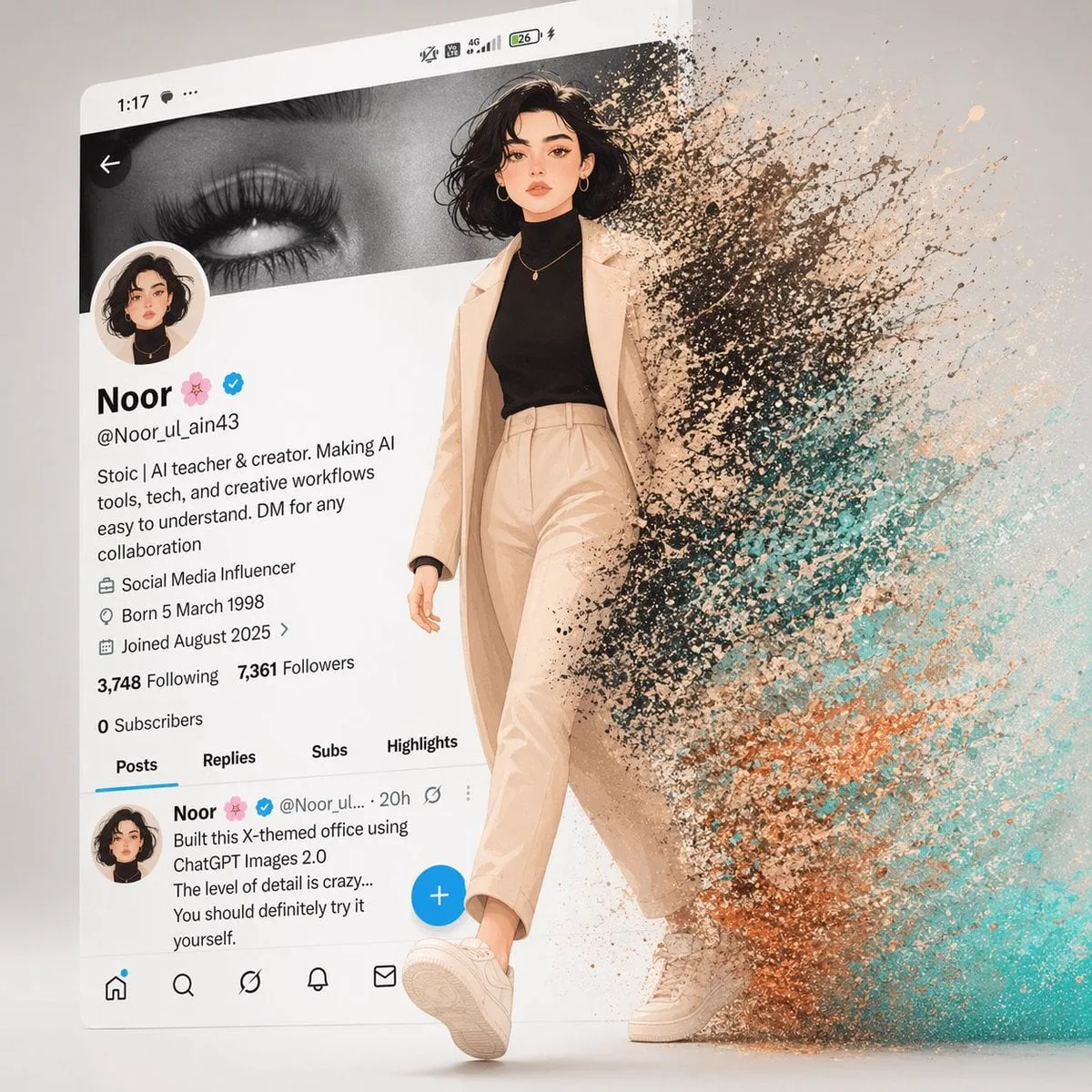
![A simple illustration of a [subject] in [outfit], [doing action], with a…](https://storage.brightvectorlabs.com/prompts/bright/ui-and-graphic/2047993289283133945-0.webp)



![Create a cohesive collection of playful icons for [BRAND NAME], a [BRAND…](https://storage.brightvectorlabs.com/prompts/bright/ui-and-graphic/2047546614257221653-0.webp)