
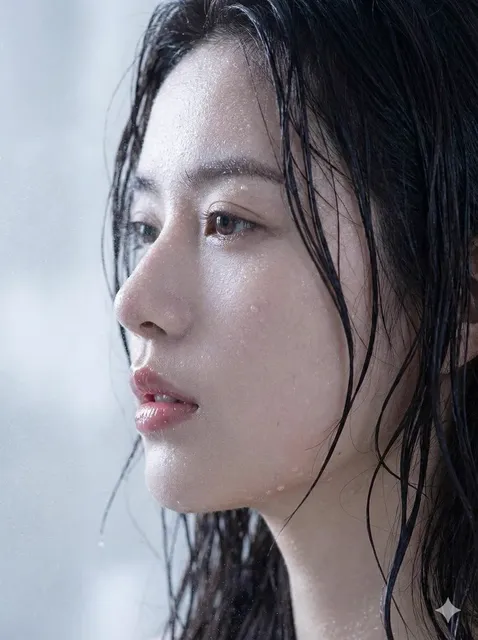
AI Video Generators: A Practical Guide to Animated Videos
Oct 13, 2026
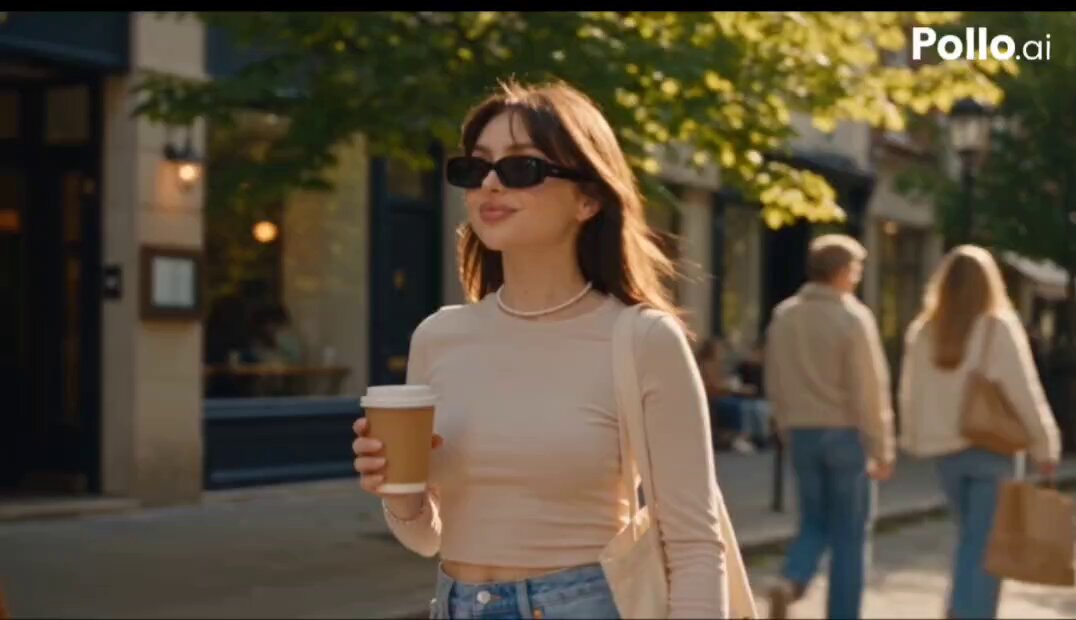
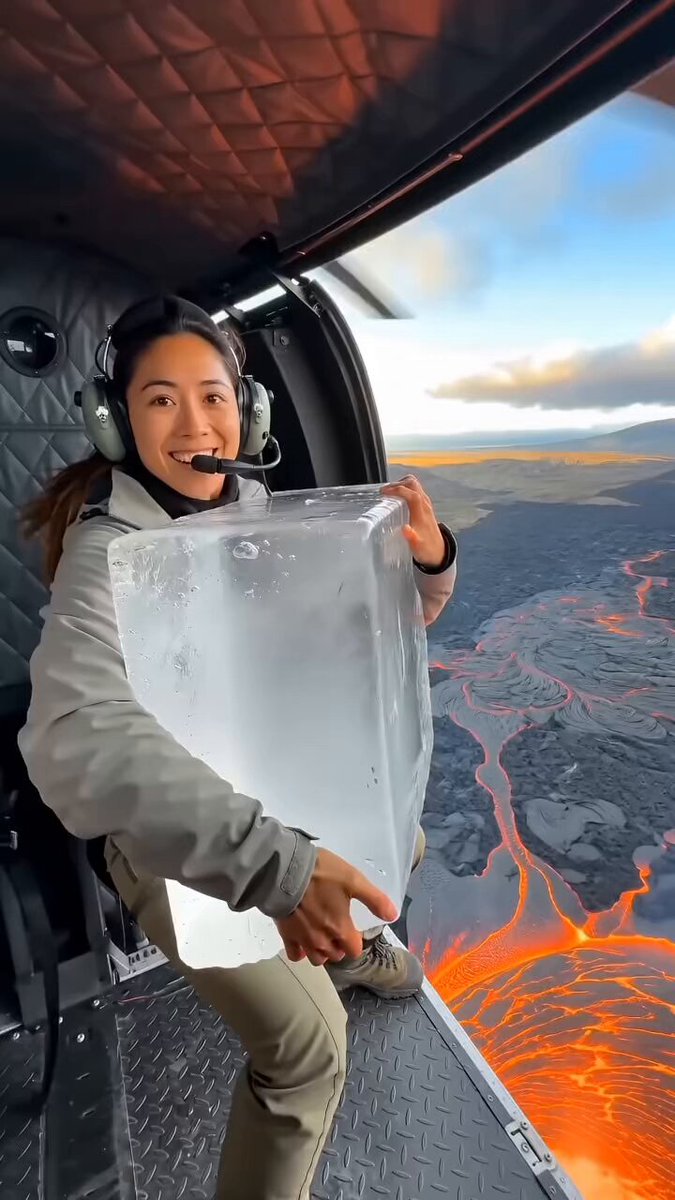
Why AI Video Generation Changed the Production Math
For decades, animation followed a predictable pipeline: script, storyboard, character design, keyframes, in-betweening, compositing, sound. Every step required a specialist, and every revision meant going back through the chain. That pipeline still produces the best results at the highest budgets, but it also created a hard barrier — if you did not have a team, you did not have animation.
AI video generators did not replace that pipeline. They collapsed the most labor-intensive middle of it. A solo creator can now describe a scene in plain language, get a usable moving shot in under a minute, and iterate ten variations before lunch. That changes what is economically rational to attempt. When a draft costs minutes instead of days, you experiment more, throw away more, and end up with a better final piece.
The practical consequences are easy to see:
- Idea-to-draft time drops from weeks to hours. A storyboard that once needed an illustrator can be mocked up as moving reference footage first.
- Revisions stop being expensive. Changing a camera angle, the time of day, or a background is a regeneration, not a manual re-render.
- Volume becomes possible. One creator can produce a dozen variations of the same fifteen-second concept and test which one holds attention.
- The bottleneck moves. Writing a clear shot description and judging output quality now matters more than the ability to draw thousands of frames by hand.
What has not changed is storytelling. A generator can produce a gorgeous shot that says nothing. The people getting the most out of these tools are the ones treating them as a camera and a crew, not as a magic button.
How Text-to-Video Synthesis Actually Works
Under the hood, most modern generators combine a diffusion model that produces still frames with a temporal layer that enforces coherence between them. You supply a prompt, the model maps it into a latent representation, and it denoises that representation across a sequence of frames while trying to keep motion plausible and consistent.
The visible knobs you interact with are usually:
- Prompt text — the semantic content: subject, action, environment, mood.
- Duration — how many seconds are generated in one pass. Most tools cap this between four and twelve seconds.
- Aspect ratio and resolution — vertical for social, horizontal for presentations, square for feeds.
- Motion strength or camera control — how much the subject and camera are allowed to move.
- Seed or variation control — the random starting point that determines the specific look of a generation.
Understanding this helps you set expectations. These models are interpolators of visual patterns, not simulators of physics. They are excellent at atmosphere, motion, texture, and light. They are unreliable at exact continuity, on-screen text, and complex chain-of-events logic.
What the model needs from your prompt
A prompt that works reads like a shot description written for a cinematographer. It contains five things: subject, action, setting, camera, and light.
Weak: a person walking in a city, cinematic.
Strong: a woman in a red raincoat walking away from camera down a narrow European street at dusk, wet cobblestones reflecting shop signs, slow dolly forward, shallow depth of field, moody blue and amber lighting.
The second version gives the model concrete nouns, a direction of travel, a camera move, and a color palette. You will get something usable far more often, and when you do not, you will know which element to change.
Where text-to-video still breaks down
Knowing the failure modes saves hours:
- Hands and fingers. Fast movement and close-ups of hands remain the most common artifact source. Frame wider, or hide hands behind objects.
- On-screen text and logos. Almost nothing renders reliable lettering. Add text in your editor instead.
- Complex physics. Collisions, splashes, and fabric folding at speed often look soft or wrong.
- Crowds and precise repetition. Many similar faces in one frame will drift and smear.
- Long unbroken takes. Quality degrades as duration increases. Generate short, cut often.
- Exact continuity. A character turning around mid-shot is a coin flip. Change shots instead of forcing continuity.
Image-to-Video: Animating What You Already Have
Image-to-video takes a still frame and adds motion. Because composition, color, and character design are already fixed, this route is usually more controllable than pure text prompting — and it is the fastest path for anyone who already has a visual style.
Typical uses: animating a product photo, bringing an illustration or comic panel to life, adding parallax to a landscape painting, or generating B-roll from a stock image that almost works.
Source images matter more than prompts
With image-to-video, the input image does most of the work. A good source frame has:
- Enough resolution to survive upscaling and cropping. Aim well above your final output size.
- Clean, readable edges around the subject, with no compression fuzz.
- A single clear subject rather than a busy scene with competing focal points.
- Headroom and breathing room so a camera push or drift does not crop the subject awkwardly.
- No baked-in motion blur unless you want that blur to be animated and amplified.
Choosing what should move
The best results come from restrained motion matched to what the scene implies. Water should ripple, hair should sway, clouds should drift, fabric should flutter. Ask the model for one primary motion plus one subtle secondary motion, not five simultaneous actions. If a clip looks uncanny, it is usually because too many elements are moving at once at the same speed.
Choosing a Generator: A Practical Decision Framework
Feature lists all look similar. The differences that actually affect your work are narrower. Score candidates against these criteria:
- Input flexibility. Does it accept text, still images, and existing video clips? Mixed input support means you can rescue footage instead of restarting.
- Maximum clip length. Four seconds is fine for cutaways; ten or more helps for dialogue-less sequences.
- Resolution and aspect ratios. Verify native vertical output if you publish to short-form platforms.
- Motion and camera control. Sliders for pan, tilt, zoom, and motion intensity materially change how directable the tool feels.
- Consistency tooling. Reference image upload, character locking, and seed reuse are the difference between a demo and a series.
- Audio support. Native sound design or speech generation reduces the number of tools in your stack.
- Export options. Codec, frame rate, and watermark policies matter more than you think once you are publishing.
- Learning curve. A simpler tool with fewer controls often produces better results in the first week.
Match the tool to the shot type
No single generator wins every category. In practice, creators build a small toolkit:
- Atmospheric establishing shots and B-roll — prioritize realism and motion quality.
- Stylized animation and illustration — prioritize style range and image-to-video fidelity.
- Talking-character content — prioritize speech and lip-sync accuracy.
- Product and object motion — prioritize sharp edges and clean backgrounds.
Test before committing
Run the same three prompts through every candidate: one landscape, one close-up of a person, one motion-heavy action. Compare after twenty-four hours, not in the moment. The tool that produced the least cleanup work wins, regardless of how impressive its showcase reel looked.
A Complete Workflow: From Script to Final Cut
Here is a repeatable process that scales from a fifteen-second social clip to a three-minute explainer.
Step 1: Script and shot list
Write the script first, then break it into shots of four to eight seconds each. A two-minute video typically needs twenty to thirty shots. Label each one with a single purpose: establish, explain, illustrate, transition, or pay off. Shots without a purpose get cut later anyway.
Step 2: Build a style reference
Collect five to ten reference images that define your look — palette, contrast, lens feel, era. Paste the same style adjectives into every prompt and keep a saved note of them. This single habit fixes most consistency problems before they start.
Step 3: Generate in short clips
Generate three to five variations per shot, then pick. Do not chase perfection on the first pass; small flaws disappear under motion, music, and editing. Name files by shot number and version so you can find the take you liked an hour ago.
Step 4: Edit, sound, and captions
Bring everything into an editor. This stage is where AI footage becomes a video:
- Cut on motion. Cutting mid-movement hides generation seams better than cutting on a still frame.
- Add sound before polishing visuals. Room tone, footsteps, whooshes, and music change how you judge pacing.
- Grade everything together. A single color adjustment layer unifies shots generated with slightly different palettes.
- Add text in the editor. Never rely on the generator for lettering.
- Keep clips short. If a shot feels weak, it is usually too long, not badly generated.
Quality control checklist
Before publishing, check for: warping faces, melting hands, flickering backgrounds, inconsistent eye direction, jumps in color temperature, mismatched frame rates, and captions that drift out of sync. Watch the full piece once at normal speed on a phone — small artifacts are far more visible on a small screen at speed.
Prompting Patterns That Consistently Work
After a few hundred generations, clear patterns emerge about what the models respond to.
Use the shot-description formula. Subject, action, setting, camera, light, style. Write it in that order; it mirrors how the model weighs tokens.
Describe motion explicitly. "Slow push in," "handheld drift," "static locked-off shot," "gentle pan left." If you do not specify, you get whatever the model defaults to, which is usually a soft, drifting medium shot.
Name the light. Golden hour, overcast, hard noon sun, neon night, single practical lamp, soft window light. Lighting words do more for perceived quality than almost any other adjective.
Give one style anchor, not five. "Cinematic" plus "anime" plus "claymation" produces mush. Pick one and commit.
Iterate one variable at a time. If you change the subject, the setting, and the camera together, you learn nothing about which change helped.
Use negative prompts when available. Common entries: text, watermark, extra limbs, distorted face, jitter, blur, oversaturated.
Reuse seeds deliberately. When a shot is almost right, lock the seed and change only the prompt words you want to affect.
Keeping Characters and Style Consistent Across Shots
Consistency is the hardest problem in AI video, and it is where most projects quietly fall apart. A few techniques help:
- Generate a character sheet first. Produce one clean reference image of your character from the front, then upload it for every subsequent shot.
- Keep a wardrobe and prop list. Write down exactly what the character wears and carries, and paste those descriptors verbatim into each prompt.
- Reuse the same style adjectives in the same order. Models are sensitive to phrasing; changing "warm cinematic lighting" to "cinematic warm light" can shift the output.
- Limit how much the character turns. Front-facing and three-quarter views are far more stable than full rotations.
- Unify in post. Slight differences in skin tone, contrast, or grain are usually invisible after a grade and a music bed.
- Cut around the problem. If two shots will not match, insert a cutaway of an object or environment between them. Viewers accept a scene change more readily than a continuity error.
Common Mistakes and How to Fix Them
| Mistake | Fix |
|---|---|
| Generating a full scene in one clip | Break it into four-to-eight-second shots and cut between them |
| Vague prompts | Add subject, action, setting, camera, and light |
| Ignoring sound until the end | Add music and effects early so pacing judgments are accurate |
| Chasing a perfect first generation | Accept 80 percent and fix the rest in editing |
| Mixing five visual styles in one video | Lock one palette and one lens language |
| Using AI for on-screen text | Add all lettering in the editor |
| Long, static shots | Cut sooner; motion hides artifacts |
| No backup of good takes | Save every approved clip with a consistent naming scheme |
Where AI Video Pays Off
The strongest use cases share one trait: they need volume, speed, and atmosphere rather than surgical precision.
Marketing and advertising. Teams can produce multiple creative variants of the same concept and test them against real audiences, then scale the winner. Product imagery can be animated into short motion ads without a shoot.
Education and e-learning. Abstract concepts — molecular motion, historical scenes, data flows — can be visualized quickly. Voice-over plus simple animated visuals often explains better than a talking head, and updates to a lesson mean regenerating one shot rather than reshooting.
Entertainment and creative work. Animators use generators for previsualization, mood boards, and pitch videos. Musicians produce visualizers. Writers storyboard quickly. Independent creators can build a recognizable visual identity without a studio.
Internal communication. Training videos, onboarding sequences, and recap clips that would never have justified a production budget suddenly become feasible.
FAQ
How long should each AI-generated clip be?
Four to eight seconds is the sweet spot. Shorter clips stay coherent and give you editing flexibility; longer clips tend to drift, warp, or lose detail. If a shot needs to run twelve seconds, generate two clips and cut them together with a movement match.
Can I use AI-generated video commercially?
It depends on the tool and your jurisdiction. Check the terms of the specific service you use regarding commercial use, ownership, and any restrictions on depicting real people or trademarked content. Keep records of your prompts and source images if you may need to demonstrate how something was made.
Do I need professional editing software?
Not necessarily, but you need something. Free editors handle cuts, music, captions, and color adjustments well enough for most social and internal content. Professional software becomes worth it when you need multicam, advanced keying, or precise audio mixing.
Why does my output look nothing like my prompt?
Usually because the prompt is too abstract or too crowded. Replace adjectives with concrete nouns, specify a camera move, name the lighting, and remove every style word except one. If it is still off, the model may simply be weak at that subject — try image-to-video with a reference frame instead.
How do I stop a character from changing appearance between shots?
Create a single reference image for the character and reuse it for every generation. Keep a written list of wardrobe, hair, and distinguishing features, and paste those exact words into each prompt. Limit full-body turns and keep the camera at similar distances between shots.
Is text-to-video or image-to-video better for beginners?
Image-to-video is usually the easier entry point because the composition is already decided for you. Start with a strong still image, request modest motion, and you will get a usable result faster than by describing a scene from nothing. Once you understand how motion behaves, text-to-video becomes far more productive.
How many generations should I expect per finished shot?
Budget three to five attempts per selected shot, plus a few extras you discard entirely. That number drops as your prompts improve and rises for tricky subjects like hands, crowds, or fast action. Plan your session around iteration rather than expecting a first-try result.

Alexander
More Blogs
Read MoreVidu Q4 Alternatives: 4K AI Video Models Compared (2026)
Vidu Q4 alternatives compared: Kling 4.0, Seedance 2.5, Wan 3.0, and Runway Gen-4 — 4K support, input modes, durations, audio, and what each costs in credits on Domer.
Top 4K AI Image Generators in 2026: 5 Models Compared on Real Costs
The top 4K AI image generators on Domer compared: Flux 3 Klein, Nano Banana 2.1, GPT Image 2.5, GPT Image 2, and Nano Banana Pro — 4K credit costs, reference limits, and speed.
Nano Banana 2.1 vs GPT Image 2.5: Which Image Model Should You Use? (2026)
Nano Banana 2.1 vs GPT Image 2.5 Flare compared: credit costs per resolution, aspect ratios, reference images, text rendering, and which tasks fit each model.