

How to Compare AI Video Generators for Your Workflow
Oct 13, 2026
Why Tool Choice Is Now a Workflow Decision
A few years ago, picking an AI video tool meant picking a novelty. You typed a sentence, waited, laughed at the result, and moved on. That era is over. Modern generators can produce shots that survive a real edit bay, hold a character across multiple cuts, and sync dialogue well enough for a client review. The consequence is that the interesting question is no longer "which generator is best?" but "which combination of generators, control layers, and post-production tools gets this specific project finished?"
That reframing matters because almost nobody ships a video from a single prompt box. A typical finished piece passes through at least four stages: ideation and image generation, motion generation, audio, and editorial finishing. Each stage has different failure modes. A model that excels at cinematic landscapes may be terrible at hands. A tool with gorgeous output may hand you a 6-second clip with no clean way to extend it. A platform with the best prompt adherence might export files your editor refuses to read.
So the useful comparison is not a leaderboard. It is a decision tree. This guide walks through the layers of a modern AI video stack, explains what to test before committing, and gives you a repeatable evaluation routine you can run in a single afternoon with five candidate tools.
The Four Layers of an AI Video Stack
Thinking in layers prevents the most common evaluation error: judging every tool by the same criteria, as if a text-to-video model and a lip-sync utility were competing for the same slot.
Layer 1: Generation models
This is where raw footage comes from. Text-to-video models like Veo, Sora, Runway's Gen family, Kling, Luma, and open-weight options such as Wan or Stable Video Diffusion all live here. The variables that actually matter: maximum clip length, native resolution and frame rate, prompt adherence, motion realism, and whether the model supports image-to-video conditioning.
Layer 2: Control and continuity tools
Control layers are what turn generations into sequences. This includes first-frame and last-frame conditioning, camera-motion presets, motion brushes, depth and pose conditioning, character reference images, and node-based pipelines such as ComfyUI. If your project has more than one shot, this layer determines whether your output looks like a film or like a slideshow of unrelated clips.
Layer 3: Audio and dialogue
Voice synthesis, sound design, music beds, and lip sync live here. Tools like ElevenLabs for voice, Descript for text-based editing, and the built-in audio modules inside larger platforms all compete. The key question is synchronization quality: does the mouth movement match the phonemes, or does it merely approximate opening and closing?
Layer 4: Editing and delivery
Premiere Pro, DaVinci Resolve, Final Cut, and After Effects still do the finishing work. What matters for AI footage is interoperability: codec support, alpha channels, frame-rate consistency, and whether the generator's export metadata survives into your timeline without triggering conform issues.
How to Judge Quality Without Being Fooled by Demos
Marketing reels are curated. They show the best 3 seconds out of 60 attempts. To evaluate honestly, you need your own test material, and you need to look at unglamorous details.
Start with a fixed prompt across all candidates. Use something mundane and specific: "A woman in a grey wool coat walks through a rain-soaked market at dusk, carrying a paper bag, medium shot, slow dolly right." Mundane prompts expose weaknesses that dramatic prompts hide. Then inspect five things:
- Anatomy over time. Watch hands, feet, and teeth across the full clip, not just the first second.
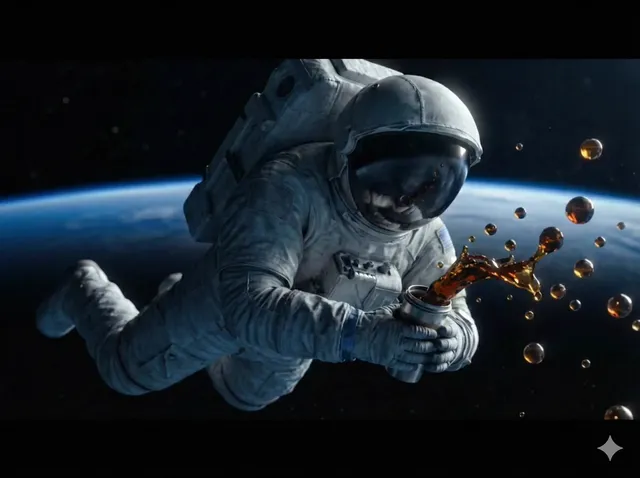
- Motion physics. Does cloth settle? Do liquids behave plausibly? Do wheels rotate at a speed consistent with travel?
- Camera consistency. Does a declared dolly actually dolly, or does the model re-frame opportunistically?
- Prompt adherence. Count how many of your specified elements survived. A model that nails mood but ignores wardrobe is not the same as one that nails both.
- Artifact onset. Note the exact second where quality degrades. A clean 4 seconds is often more valuable than a messy 12.
Run each prompt five times. Variance tells you more about reliability than any single output, and reliability is what you need for client work.
Prompt Handling and Directability: The Real Differentiator
Once baseline image quality converges across vendors, directability becomes the deciding factor. Directability is the degree to which the model does what you meant, not what you literally typed.
There are three practical dimensions to test.
Instruction density. Some models handle long structured prompts with camera, lens, lighting, and performance notes. Others collapse into mush beyond about 40 words. If your workflow depends on precise cinematography language, test prompt length limits explicitly by adding clauses one at a time and watching where fidelity breaks.
Negative control. The ability to exclude elements ("no text overlay," "no extra characters") varies enormously. Poor negative control means generative roulette every take, which destroys scheduling.
Iteration cost. How fast can you resample? A model producing excellent output in 90 seconds may be less practical than a slightly weaker model producing usable output in 12 seconds when you need 40 variations for a client to choose from.
A useful trick: write your prompt as a shot list entry. Blocking, lens, lighting, movement, duration, and continuity notes. Then paste that same structured block into every candidate and compare how much of it survives. This converts vague impressions into a score you can defend in a production meeting.
A Repeatable Comparison Test: Five Tools in One Afternoon
The fastest way to end debates is a structured bake-off. Here is a routine that fits inside four hours.
Step 1: Build a fixed test brief
Choose three shots that represent your real work. A common trio: a talking-head product endorsement, a wide establishing shot with movement, and a close-up with subtle facial performance. Write the prompts once and reuse them exactly.
Step 2: Score on a rubric
Give each output a score from 1 to 5 on: prompt adherence, motion realism, anatomy, temporal stability, and export usability. Weight the categories based on your project. A documentary about machinery weights motion realism heavily; a social campaign weights speed and iteration count.
Step 3: Measure cost per usable second
This is the number that actually governs budgets. Divide total spend by the number of seconds you would genuinely put in a final cut. A cheap model with a 5 percent usable rate is more expensive than a premium model with a 40 percent rate.
Step 4: Test the handoff
Export from every candidate and import into your editor. Check frame rate, color space, audio sync, and file naming. A surprising number of tools fail at this stage, and discovering it during a client deadline is expensive.
Step 5: Document the winner by task, not overall
You will rarely get one winner. More often you get a landscape champion, a character specialist, and a fast ideation tool. Write that down as a routing table so the team stops re-litigating the decision every project.
Shot Continuity, Characters, and Multi-Shot Sequences
Continuity is where AI video projects most often collapse. A single beautiful shot is a demo; eight shots with the same character in the same coat in the same light is a film.
Three techniques solve most continuity problems, and they work across vendors:
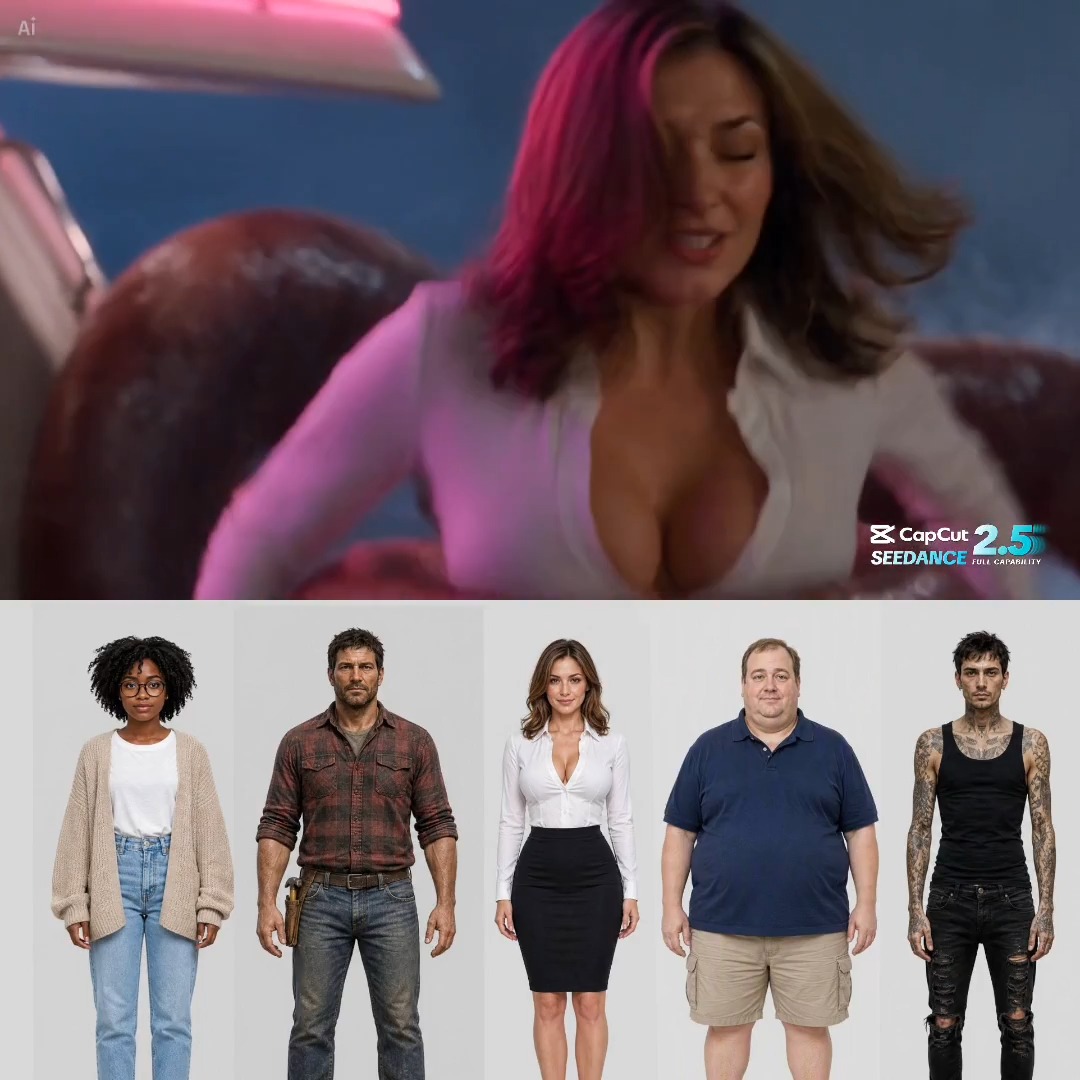
- Reference-image locking. Generate or photograph a character sheet, then use image-to-video conditioning for every shot rather than text descriptions alone.
- First-and-last frame chaining. Generate the end frame of shot A, use it as the start frame of shot B. This creates a visual bridge that reads as a cut rather than a jump.
- Seed discipline. When a model exposes seeds, reuse them. It is the cheapest continuity tool available and frequently overlooked.
Test each candidate on a two-shot sequence with one character. If the tool cannot hold a coat colour across a cut, it is not ready for narrative work, regardless of how good its single-shot demos look.
Audio, Dialogue, and Lip Sync
Audio is the most under-tested layer and the most likely to sink a project late. Silent AI footage can look stunning; the moment a character speaks, every flaw becomes obvious.
Separate the problem into three parts. Voice quality is mostly solved by dedicated synthesis tools, which usually beat the voice modules bundled inside video platforms. Timing and prosody still require human direction, so favour tools that let you edit text and hear the result immediately. Lip sync is where video generators differentiate: some produce phoneme-level accuracy, others produce a general flapping impression that reads as uncanny at close range.
A practical test: record a 12-second line with three distinct plosive sounds and one sibilant cluster. Generate the same line in every candidate, then watch at half speed. If the mouth closes on "p" and "b" sounds and the jaw drops on open vowels, the sync is usable for medium shots. If not, restrict that tool to wide shots or voice-over work.
Also test audio export separately. Some platforms mux audio in ways that desynchronize after a frame-rate conform, which is a painful discovery during a final mix.
Cost Models, Rights, and Scaling Limits
Every platform prices differently, and the differences matter more at volume than at the trial stage. Broadly, you will encounter three structures: subscription tiers with generation allowances, consumption-based billing tied to output length or resolution, and enterprise agreements with negotiated rates and priority queues.
Three questions cut through the noise:
- What happens when the allowance runs out mid-project? Overage pricing and queue deprioritization have very different impacts on a deadline.
- What commercial rights come with the output? Training-data provenance and indemnification policies vary by vendor and by tier. For client work, get this in writing.
- Does resolution or length cost extra? Upscaling from a base render is often cheaper than generating natively at high resolution, but it introduces softness that may not survive a large screen.
Scaling also has a technical ceiling. Rate limits, concurrent job caps, and file retention windows all constrain how much you can produce in a week. Model your busiest realistic week, not your average one.
Common Mistakes When Comparing AI Video Tools
Most bad decisions come from a small set of recurring errors.
Comparing demos instead of outputs. Vendor reels are edited and cherry-picked. Always test with your own material.
Ignoring the last mile. Export quality, codec support, and metadata rarely appear in comparison charts but determine whether footage reaches the timeline at all.
Overweighting price per generation. Price per generation is meaningless without a usability rate. Track cost per finished second.
Choosing one tool for everything. Specialists usually beat generalists. A router that sends landscapes to one model and faces to another often outperforms any single subscription.
Skipping the retention round. Watch your own footage again a week later. Defects that felt acceptable on day one become glaring once novelty fades.
Forgetting the legal layer. Provenance, rights, and disclosure requirements differ by region and by client. Establish this before production, not after delivery.
Avoiding these six errors will do more for your output quality than any single upgrade.
Putting It Together: A Repeatable Workflow for Teams
Here is a workflow that scales from solo creators to small studios.
- Script and storyboard first. Shot lists make AI generation dramatically more controllable, because each prompt becomes a spec rather than an experiment.
- Generate stills before motion. Getting composition right as images is faster and cheaper than iterating on video.
- Route shots by strength. Send wide environmental shots to the model with the best motion physics, and character close-ups to the one with the best facial stability.
- Lock continuity early. Approve the character sheet and colour palette before generating the bulk of footage.
- Assemble a rough cut with placeholder audio. Editorial rhythm exposes missing coverage far earlier than perfect individual shots.
- Add audio once picture is locked. Re-recording dialogue after a re-cut wastes effort.
- Upscale and finish. Use a dedicated upscaler or your editor's built-in tools rather than paying for native high-resolution renders on every take.
- Archive prompts with the project. Prompts are production assets. Version them alongside the media so future reshoots are cheap.
The teams that get the most from AI video are not the ones with the fanciest subscription. They are the ones that treat generation as one stage in a disciplined pipeline, measure what they actually ship, and keep a routing table that reflects reality instead of marketing.
FAQ
Do I need more than one AI video generator?
Usually, yes. Different models have measurably different strengths in motion, faces, and environmental detail. A two-tool setup often beats a single premium subscription on both quality and total cost.
How long should a generated clip be to be useful?
Four to eight seconds is the practical sweet spot for most current models. Longer generations tend to lose coherence, and short clips cut together more flexibly anyway.
Is image-to-video better than text-to-video?
For anything requiring continuity, yes. Starting from a controlled image removes composition and colour uncertainty, which is exactly where text-only generation is weakest.
How do I know if a tool is ready for client work?
Test three things: commercial rights on your specific tier, export reliability into your editor, and consistency across five repeated generations. If any of those fails, keep it for internal concepting only.
What is the single biggest quality factor?
Prompt structure. A structured shot specification consistently outperforms a creative paragraph, regardless of which model you run it through.
Should I train a custom model?
Only after you have exhausted prompt engineering, reference images, and seed reuse. Custom training pays off when you need a very specific recurring style or character, and it requires a stable, well-labelled dataset to be worthwhile.
How often should I re-evaluate my stack?
Quarterly is enough for most teams. Re-run your bake-off rubric, update the routing table, and retire tools that no longer earn their place in the pipeline.

Alexander
More Blogs
Read MoreVidu Q4 Alternatives: 4K AI Video Models Compared (2026)
Vidu Q4 alternatives compared: Kling 4.0, Seedance 2.5, Wan 3.0, and Runway Gen-4 — 4K support, input modes, durations, audio, and what each costs in credits on Domer.
Top 4K AI Image Generators in 2026: 5 Models Compared on Real Costs
The top 4K AI image generators on Domer compared: Flux 3 Klein, Nano Banana 2.1, GPT Image 2.5, GPT Image 2, and Nano Banana Pro — 4K credit costs, reference limits, and speed.
Nano Banana 2.1 vs GPT Image 2.5: Which Image Model Should You Use? (2026)
Nano Banana 2.1 vs GPT Image 2.5 Flare compared: credit costs per resolution, aspect ratios, reference images, text rendering, and which tasks fit each model.