
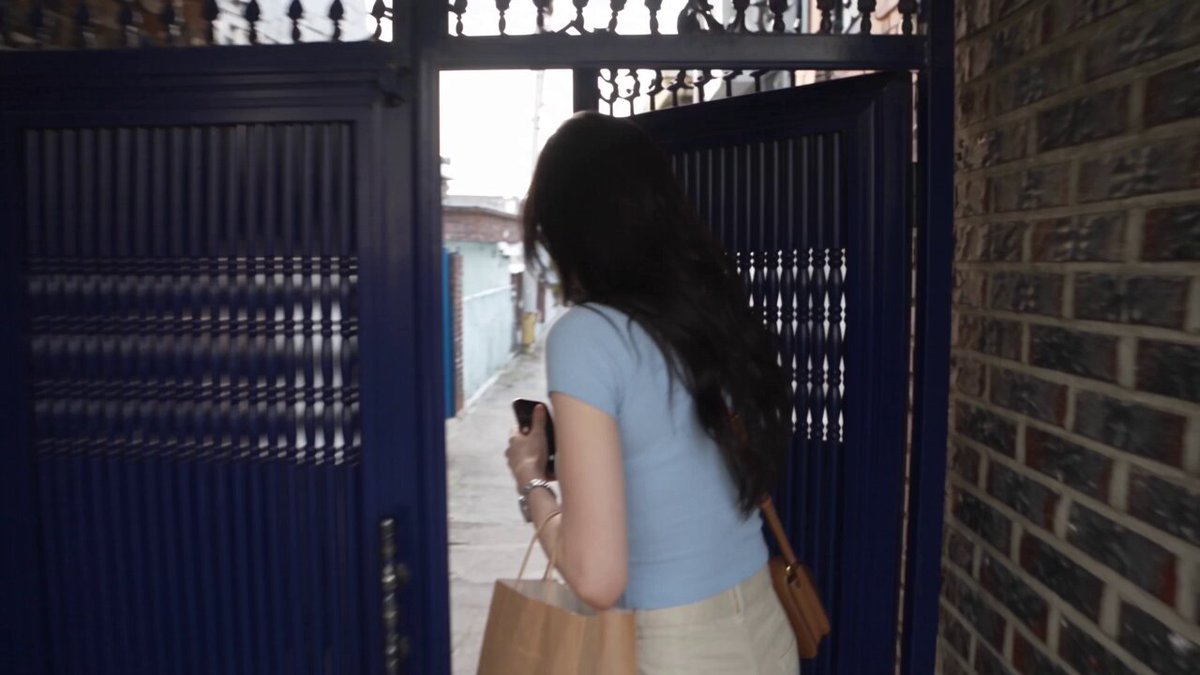
AI Video Generator from Images: Turn Stills into Motion
Oct 13, 2026
Why still images are the strongest starting point
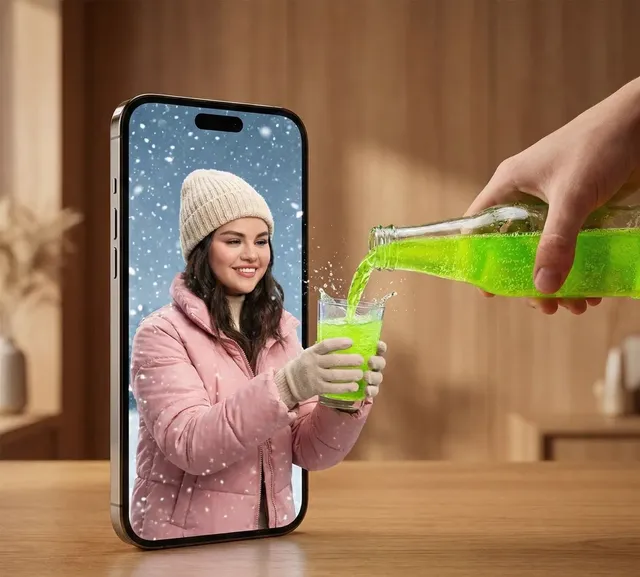
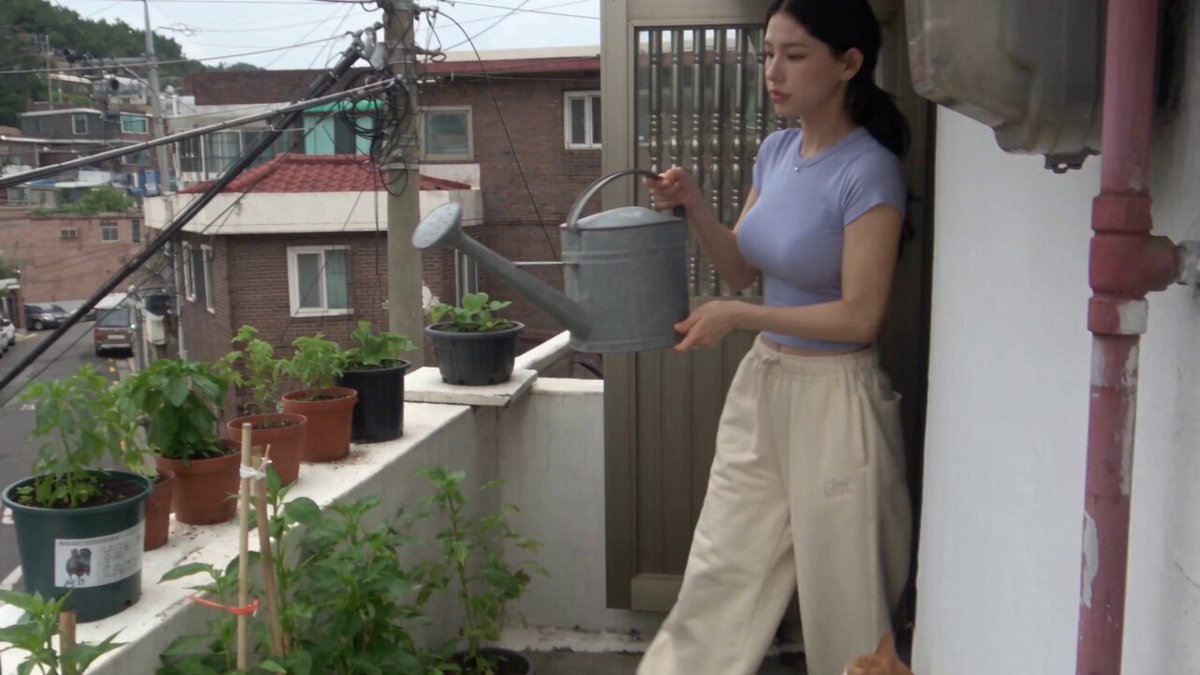
The fastest route to a usable AI video clip is usually not a text prompt. It is a photograph you already trust. Text-to-video models must invent composition, lighting, subject identity, and motion simultaneously, and every one of those invented decisions is a chance to drift. An image hands the model a fixed target: the first frame is already correct, so the job shrinks to a single question, which is what happens next.
That shift matters more than any individual model release. If you already own product photography, portraits, concept art, or years of travel images, you own the hardest part of the pipeline, which is the look. Image-to-video turns that library into motion footage, which is why the technique has become the default entry point for marketers, illustrators, indie filmmakers, and archivists.
There is a production argument as well. Stills are cheap to shoot and easy to retouch. You can refine a composition in any image editor, approve the version you like, and animate that. Repairing a bad frame after generation is far harder than repairing it before, because you are fighting a whole temporal sequence instead of a single canvas.
Continuity is the last reason. When every shot begins from an art-directed frame, a sequence looks intentional. When every shot begins from a paragraph of text, a sequence tends to look like a search result.
There is also a creative angle worth naming. Animating a still forces you to decide what the image is emotionally about. A portrait becomes a moment of hesitation, a product shot becomes a promise, a landscape becomes a journey. Because you can only change one or two things, image-to-video pushes you toward simple, legible ideas, and simple, legible ideas are what audiences remember.
How image-to-video models actually work
You do not need to read research papers to get excellent results, but a working mental model prevents most wasted attempts.
Latent motion priors
Modern generators train on enormous volumes of video, so they absorb statistical patterns of how pixels tend to move: hair lifts, water ripples, fabric folds, crowds shuffle, cameras pan. Given a still, the model is not simulating physics. It predicts future frames that satisfy those learned patterns while staying anchored to your input. This explains why small, familiar motions look extraordinary while unusual motion looks melted.
Camera motion versus subject motion
The most useful distinction in prompting is what the camera does versus what the subject does. Camera moves change the frame: push in, pull back, orbit, tilt, handheld sway. Subject moves change the content inside the frame: a head turn, a hand gesture, a flag snapping in wind. Models respond to these differently, and mixing them carelessly is the most common cause of unstable shots. Choose which one leads, then describe the other as a secondary detail.
Keyframes, interpolation, and extension
Some tools generate a short clip that you then extend. Others accept a start frame and an end frame and interpolate between them. Interpolation gives far more control over the arc of a shot, because you are defining two anchors and letting the model bridge them. If your tool supports a closing frame, use it for anything with a reveal, a punchline, or a product rotation.
Choosing the right tool for the job
Cloud generators versus local pipelines
Cloud tools win on convenience, model variety, and iteration speed. Local pipelines, usually built around open-weight diffusion models and node-based interfaces, win on privacy, unlimited experimentation, and fine control. If you are working with unreleased products, client NDAs, or sensitive footage, local matters. If you need a dozen variations before lunch, cloud matters.
What to verify before committing
- Maximum clip length per generation, and whether extension preserves identity
- Supported aspect ratios, including vertical
- Whether the tool accepts a start frame, an end frame, or both
- Motion strength and camera-control parameters
- Output resolution and built-in upscaling
- Whether audio is generated or added separately
- Licensing for commercial use and for your input images
Start from the destination
Before you compare tools, write down the deliverable. A six-second vertical ad loop has completely different requirements from a thirty-second narrated explainer. Vertical social needs fast, forgiving motion and bold first frames. Narrative work needs identity stability and a closing keyframe. Product work needs crisp geometry and readable labels. Matching the tool to the deliverable saves more time than any prompt trick.
Mixing generation modes
Image-to-video is rarely used alone. A realistic pipeline combines image editing to build or repair the keyframe, image-to-video to animate, text-to-video for insert shots and backgrounds where identity does not matter, plus conventional editing. Treat the generator as one station on an assembly line, not the entire factory.
A step-by-step workflow: from a single still to a finished clip
Step one: prepare the source image
Use the highest resolution your tool accepts. Remove compression artifacts, tidy edges, and avoid heavy sharpening, because sharpening creates halos that the model will happily animate. Keep the framing you actually want; if the subject sits far off center, many models will drift toward the middle of the frame, so compensate in advance. If a face will be prominent, start from a sharp, evenly lit face. If the image contains text or logos, expect them to wobble, so either remove them or plan to overlay clean text in the edit.
Step two: write a motion-first prompt
The model already knows the content, so describe movement rather than appearance. A prompt such as slow dolly in, subject breathes, subtle blink, curtain drifts, warm light stays constant outperforms a paragraph of adjectives. Keep it under roughly forty words for short clips. Front-load the camera move, then the subject action, then any environmental motion.
Step three: set duration, motion strength, and aspect ratio
Clips of two to five seconds hold together best, and longer single generations accumulate artifacts. Raise motion strength only when the shot feels frozen, because high values invite warping. Match the aspect ratio to the destination: vertical for social, widescreen for web and presentations, and wider still for cinematic framing.
Step four: generate variations and evaluate with a checklist
Produce three to six versions, then watch each one three times. Watch once for motion quality, once for identity consistency against the source, and once for artifacts at the frame edges. Reject quickly. A clip that is eighty percent good rarely improves in the edit; it usually gets cut.
Step five: finish the clip
Upscale, interpolate to your target frame rate, grade, add grain to hide banding, and lay in audio. Sound is what makes a generated clip feel shot rather than computed, and it is the cheapest quality upgrade available at this stage.
Prompt patterns that produce believable motion
Camera language
Slow push in, gentle orbit right, locked-off static frame, subtle handheld micro-shake, slow tilt up to reveal the sky. Use one move per clip. Two moves in a four-second shot reads as a mistake.
Subject performance
Choose small, specific, plausible actions. She turns her head slightly toward the window and blinks once beats she looks happy, because the first describes a motion the model can render and the second describes a mood it cannot.
Environment and atmosphere
Environmental motion adds life without disturbing the subject: steam rises from the cup, rain streaks down the glass, leaves flutter in a light breeze, dust motes drift through a beam of light. One ambient motion is usually enough.
Constraint prompts
Add explicit limits such as keep the background unchanged, no camera movement, preserve facial features, or no text overlays. Constraints shrink the search space, and a smaller search space produces fewer surprises.
Troubleshooting the failures you will actually encounter
Morphing faces and hands
Reduce motion strength, shorten the clip, or crop tighter. Faces survive best when they occupy a moderate portion of the frame rather than a sliver, and hands survive best when they stay near the body.
Flicker and texture crawl
This is usually a noisy source image. Denoise lightly, regenerate at a higher resolution, then downscale the final output.
Over-motion and rubber-sheet warping
Dial back motion strength, remove words like dramatic or fast from the prompt, and give the camera a single job. Warping almost always means you asked for too much change in too little time.
Broken text and logos
Never ask a model to preserve typography. Composite text in the edit, where it will be crisp, editable, and on brand.
Drift and identity loss in longer clips
Generate short and stitch, or define a closing keyframe to lock the arc of the shot. If a character must stay recognizable, reuse the same source frame across shots and vary only the crop.
Unexpected cuts or scene changes
This usually means the prompt implied a narrative beat. Describe one continuous action instead of a sequence of events.
Soft or mushy detail
Upscale after generation rather than before, and avoid stacking multiple sharpening passes, which amplify artifacts instead of resolving them.
Building a multi-shot sequence that holds together
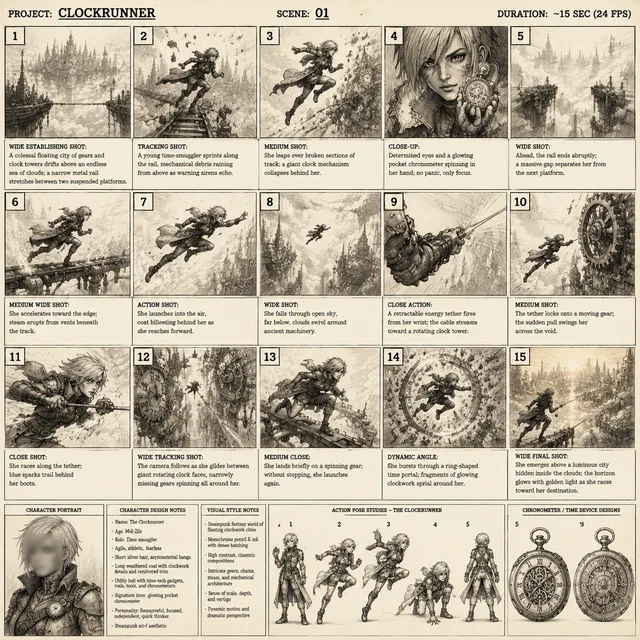
A single clip is a demo; a sequence is a deliverable. The trick is treating your stills as a storyboard. Collect one keyframe per shot, keep lighting direction and color temperature consistent across them, and give each shot one clear motion idea.
Reference frames as style anchors
Reuse the same source image or a closely related one for shots that must feel continuous. Generate a wide, a medium, and a close version by cropping or outpainting the original still, then animate each. Because they share lighting and color, the cuts feel intentional rather than assembled.
A simple shot list
Number, keyframe file, camera move, subject action, duration, audio cue. Six to twelve shots is enough for a thirty-second piece, and twenty seconds of screen time typically needs five to eight.
Audio and the edit
Lay a scratch track first, cut to the beat, and let the visuals serve the rhythm. Generated footage tends to read as faster than it is, so leave a little air around each cut and use sound design such as footsteps, room tone, or a soft riser to connect shots. Ambience does more for believability than any additional visual polish.
Practical use cases with realistic quality bars
Product and e-commerce
This is the highest-value use, because a slow orbit around a hero product with a consistent label beats a static catalog image. Keep clips short and camera motion simple, and fix packaging text in post.
Social and short-form
Vertical, fast, and forgiving. Two-second loops, bold captions, and a punchy first frame. This is where image-to-video currently delivers the best ratio of effort to result.
Real estate and interiors
Subtle camera pushes through kitchens and living rooms, with curtains and foliage providing the only motion. Avoid any move that implies walking, because the geometry breaks quickly.
Education and explainers
Animate diagrams where arrows draw on, parts separate, and highlighted regions glow. Abstract assets survive generation far better than faces do.
Art, archival, and music
Bringing old photographs and paintings back to life is emotionally powerful, and audiences forgive imperfection here more than anywhere else. Keep motion minimal and let grain carry the mood.
Planning the work: resolution, iteration, and rights
Resolution and aspect ratio
Let the delivery platform drive resolution, not the generator maximum. Render at the highest setting you can justify, then deliver vertical at 1080p or horizontal at 4K when a client requires it. Vertical crops lose the sides, so compose keyframes with a vertical safe area in mind from the start.
Iteration economics
Budget two to three times more generations than final shots. A useful rule is ten attempts for every six seconds of finished footage. Save every prompt that worked alongside its source image, because a personal prompt library is the fastest productivity gain available.
Rights, likeness, and disclosure
You need permission for the people in your source images, especially for commercial use. Check the license of any third-party image before you animate it, and be transparent with clients about how footage was produced. Some platforms and broadcasters require a synthetic media label, and building that disclosure into your workflow early is far easier than retrofitting it later.
FAQ
How long should a generated clip be?
Two to five seconds per generation is the sweet spot. Stitch several of those together for longer sequences. Longer single generations accumulate drift, warping, and identity loss.
Do I need expensive hardware?
Not if you use a hosted generator. Local pipelines need a capable GPU, which makes sense only when privacy, offline work, or very high volume justifies the setup cost.
Why does my clip look like a slideshow?
The motion prompt is probably too vague, or motion strength is set too low. Add one specific subject action plus one camera move, and raise motion strength gradually until the shot breathes.
Can I keep a character consistent across several shots?
Yes, with a shared reference frame or a consistent character image. Expect mild variation between generations anyway, and plan cutaways, close-ups, and reaction shots so the audience never stares at a face for too long.
Is image-to-video good enough for client work?
For products, social, abstracts, backgrounds, and archival material, yes. For dialogue-driven scenes with large visible faces, it is still risky, so treat those as experiments rather than commitments.
Should I always add audio?
Always. Even a simple ambience bed and a couple of impact sounds transform how generated footage is perceived. Silent AI video reads as a test; scored AI video reads as a scene.

Alexander
More Blogs
Read MoreVidu Q4 Alternatives: 4K AI Video Models Compared (2026)
Vidu Q4 alternatives compared: Kling 4.0, Seedance 2.5, Wan 3.0, and Runway Gen-4 — 4K support, input modes, durations, audio, and what each costs in credits on Domer.
Top 4K AI Image Generators in 2026: 5 Models Compared on Real Costs
The top 4K AI image generators on Domer compared: Flux 3 Klein, Nano Banana 2.1, GPT Image 2.5, GPT Image 2, and Nano Banana Pro — 4K credit costs, reference limits, and speed.
Nano Banana 2.1 vs GPT Image 2.5: Which Image Model Should You Use? (2026)
Nano Banana 2.1 vs GPT Image 2.5 Flare compared: credit costs per resolution, aspect ratios, reference images, text rendering, and which tasks fit each model.