
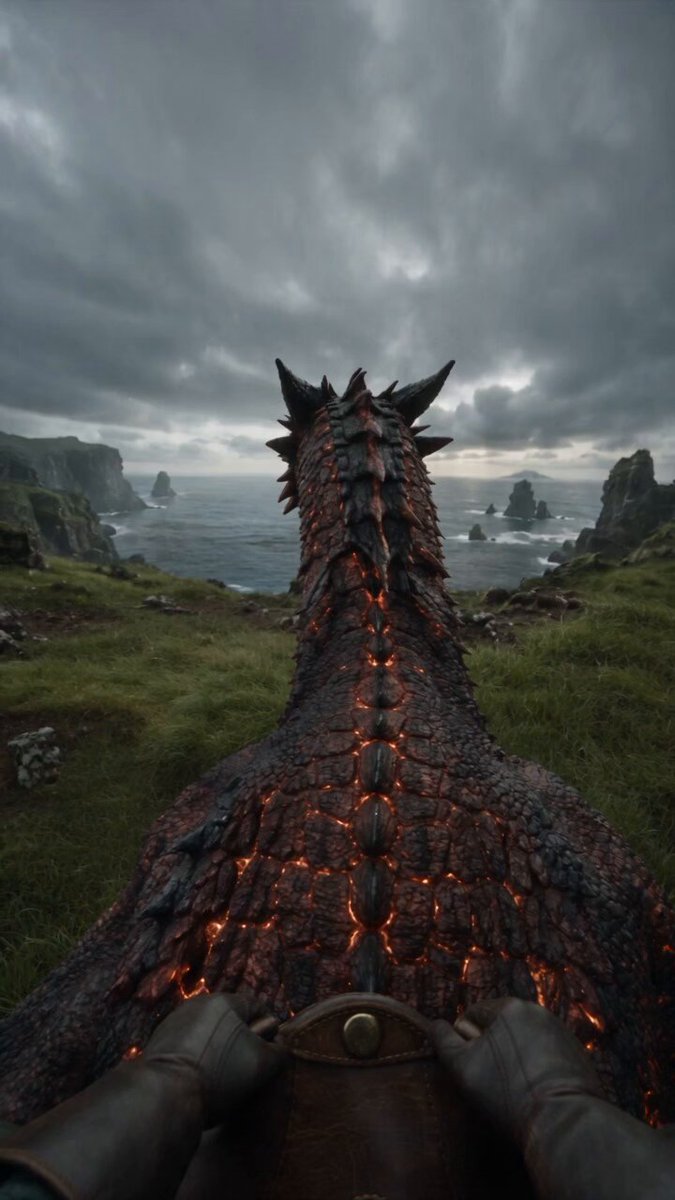
AI Video Workflow Guide: From Prompt to Polished Cut
Oct 13, 2026
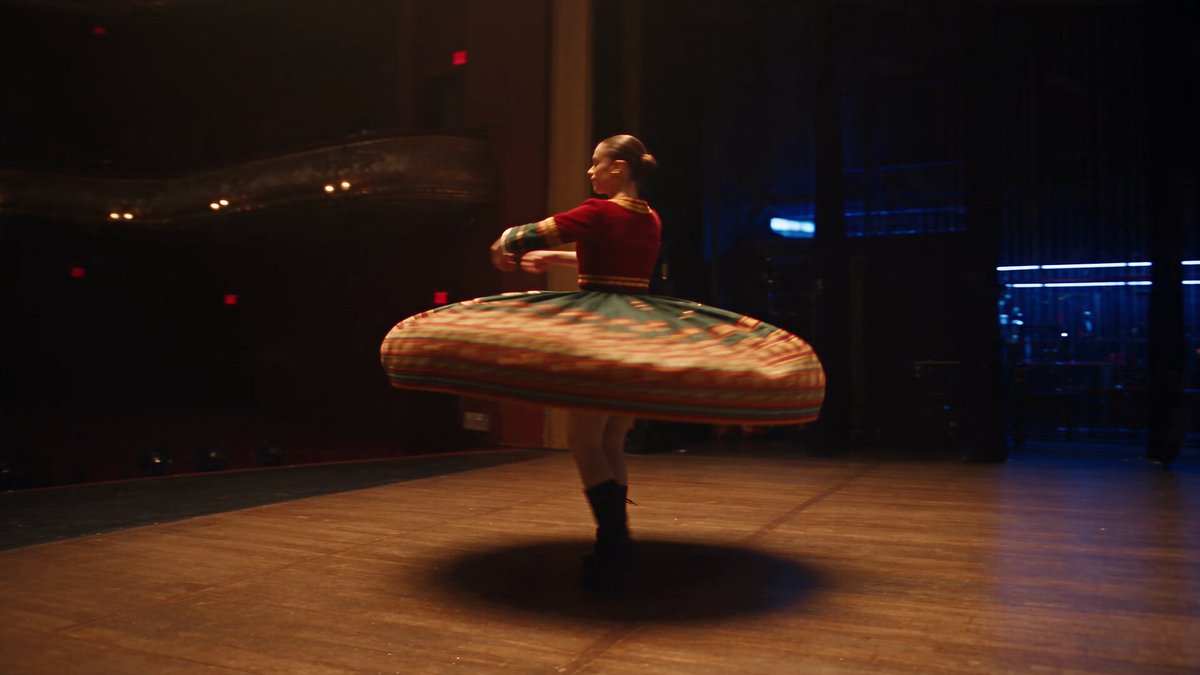

Why Most AI Video Projects Stall Before the First Frame Renders
Most people meet AI video through a single loop: type a prompt, wait, judge the result, repeat. That loop feels productive because something always comes back — a clip, a wobble, a face that melts halfway through. Twenty iterations later the folder is full of fragments and the project is no closer to being finished.
The bottleneck is rarely the model. Generators now handle lighting, texture, and camera motion well enough for real work. The bottleneck is everything around the generation step: planning, reference management, iteration discipline, and delivery. Generation is one department in a production, not the production itself.
A workable AI video workflow treats the generator the way a film crew treats a camera — as a tool you point deliberately at a decision you already made. Script and shot list first, references second, generation third, assembly fourth. Teams that reverse that order spend their time hunting for a good take instead of building one.
This guide lays out a tool-agnostic pipeline you can run with whatever generator you prefer. It covers how to choose a generation mode per shot, how to keep characters and locations stable across dozens of clips, how to plan render spend without guessing, and how to catch problems before they cost you another pass.
The Six Stages of a Repeatable AI Video Pipeline
A pipeline is just an order of operations you refuse to skip. The six stages below work for a fifteen-second social clip and for a five-minute narrative short; only the depth of each stage changes.
Stage 1 — Lock the Script and the Emotional Beat
Write the script until you can state each scene's emotional beat in one sentence. Models render mood extremely well and invent intent very poorly. If you cannot say whether a shot should feel tense, tender, or triumphant, no prompt will rescue it. Keep scenes short. Fifteen to thirty seconds of screen time per scene keeps the generation workload manageable and the edit forgiving.
Stage 2 — Build a Shot List With Visual Grammar
Translate the script into shots: wide establishing, medium two-shot, insert, reaction, movement. Note framing, lens feel, camera motion, and lighting direction for each. This is the document you will actually prompt from. A shot list also exposes problems early — three consecutive wides, no coverage for a conversation, a finale with nothing to cut to.
Stage 3 — Assemble References Before You Generate
Collect or create stills that define your characters, wardrobe, locations, and color palette. Reference images are the cheapest form of control available to you. Ten minutes spent building a character sheet saves an hour of regenerating inconsistent faces. Store references in a named folder structure so a collaborator can find the exact version you approved.
Stage 4 — Generate in Passes, Not in Panic
Work in two passes. The first is low-commitment: short durations, modest resolution, aggressive iteration, one goal — find the take with the right motion and composition. The second refines only the winners at full quality. Generating everything at maximum settings on the first attempt is the most common way to drain a render allowance for nothing.
Stage 5 — Assemble and Cut for Rhythm
Assemble selected takes on a timeline and cut for pace before you fix imperfections. Many disappointing generations become perfectly usable at 1.5 seconds inside a montage. Rhythm hides artifacts that a static viewing would expose. Cut against a temp track so timing decisions are driven by sound rather than by how much you like a particular clip.
Stage 6 — Sound, Grade, and Delivery
Design sound, then grade. Foley, ambience, and music do more for perceived realism than another generation pass. A unified grade — consistent contrast curve, color temperature, and grain — is what makes clips from different models feel like one film. Export at the aspect ratios and codecs your channels require, and archive the project file next to your reference folder.
Choosing the Right Generation Mode for Each Shot
Every shot has a job. Match the mode to the job instead of defaulting to whichever button you used last.
Text-to-Video
Best for establishing shots, abstract transitions, landscapes, and anything without a recognizable face. You trade control for speed. Use it when the shot's job is atmosphere rather than character.
Image-to-Video
The workhorse for character work. Supply a strong still — a photograph, a rendered frame, or a generator output you approved — and let the model add motion. Composition is locked, which removes an entire category of surprises.
Video-to-Video and Motion Transfer
Use these when you need a specific performance, camera move, or dance. Drive the generation with existing footage so timing comes from reality rather than from the model's imagination. Ideal for product demos, choreography, and precise camera paths.
Hybrid: Stills With Programmed Camera Moves
For hero shots, animate a single high-quality still with a programmed push, parallax, or orbit. This produces the cleanest, most controllable motion in AI video and is often indistinguishable from live footage once you layer grain and depth of field.
Building a Consistency Kit That Survives Twenty Iterations
Consistency is not a prompt trick. It is an asset-management discipline. Four documents carry almost all of the weight.
Character Sheets
Every named character gets one document: a neutral front-facing portrait, a three-quarter view, a profile, plus notes on age range, build, wardrobe, and two or three defining details such as a scar, a specific jacket, or a hairline. Generate the sheet once, approve it, freeze it, and reference it for every shot that character appears in.
Location Plates
Locations drift more than faces because models reinterpret architecture on every pass. Create a wide plate image for each location and reuse it as the reference for every shot set there. Note time of day and light direction in the filename so a night scene never inherits midday shadows.
Style Anchors
Pick three images that define your film's look and treat them as non-negotiable. They can be film stills used for study, your own photography, or generated frames you approved. Consistency of palette and contrast is what makes a project feel authored rather than assembled.
Naming and Versioning
Adopt a convention such as project_scene_shot_take. It sounds bureaucratic until the third week, when you need to find the approved take of shot 12B among two hundred files. Version numbers on references matter as much as version numbers on renders; an unlabelled folder of faces is not a reference library.
Planning Your Render Spend Like a Producer
Generation is not free, whether you pay through a subscription tier, a per-render rate, or your own hardware time. Treat it as a production budget with categories, not as an unlimited tap.
Decide the ratio first. A healthy split for most projects is roughly 60 percent of renders on first-pass exploration, 25 percent on refinement of approved takes, and 15 percent on fixes discovered in the edit. If fixes creep above a quarter of the total, your shot list or your references are too vague.
Set a per-shot ceiling. Two or three exploratory attempts per shot, then stop and change an input rather than the seed. Swapping the reference image, shortening the duration, or simplifying the motion usually beats another reroll.
Batch similar work. Generate every shot that shares a location in one session so the reference and style parameters stay identical. Group hero shots separately, because they deserve more attempts than connective tissue.
Keep a prompt library. When a prompt produces a genuinely good result, paste it into a project document with a thumbnail. Reusing a known-good prompt is faster than reconstructing it from memory, and it keeps a series visually coherent across sessions.
Avoid the temptation to regenerate an entire clip to repair half a second. In an edit, a short crossfade, a cutaway insert, or a carefully placed sound effect often solves the problem for a fraction of the cost.
Directing the Model: Prompts, References, and Control Signals
The Shape of a Working Prompt
Use a stable order: subject, action, camera, lighting, style, constraints. A prompt that reads like a shot card is easier to debug than one that reads like poetry. If a result is wrong, you can usually trace which block failed.
Negative Prompting
Name what you do not want: extra fingers, warped hands, on-screen text, watermarks, jitter, flicker, split frames, background crowds. Keep a reusable negative list per project and extend it only when a specific artifact appears twice.
Motion Control
Describe speed and direction in plain terms — slow push in, handheld drift left, static tripod with subject walking through frame. Avoid combining a camera move, a subject move, and a gesture in a single short shot; the model will compromise on all three.
Director-Style Assistants
Some tools offer guided modes that expand a short brief into a structured prompt or propose a shot breakdown. Treat that output as a first draft to edit, not a final instruction. Your own shot list stays the source of truth, and the assistant exists to reduce typing, not to make story decisions.
A Pre-Render Quality Checklist
Run this list before committing a full-quality pass. It takes ninety seconds and prevents most wasted work.
- Reference image is the current approved version, not an older take.
- Duration matches the edit, not the maximum the tool allows.
- Aspect ratio matches the delivery channel.
- Camera motion is a single readable instruction.
- Subject action is describable in one sentence.
- Lighting direction matches the adjacent shots in the sequence.
- Style anchor image is attached.
- Negative list is applied.
- Audio intent is noted, even if you score in post.
- The shot has a cut point, so a partial take is still usable.
Mistakes That Quietly Eat Your Schedule
Chasing perfection on a single shot. A film is a sequence of compromises. One flawless shot does not save a flat scene, and a slightly imperfect shot rarely damages one.
Ignoring the first and last frame. Most edits fail at the joins. Plan how each shot begins and ends in relation to its neighbours, and generate with that in mind.
Skipping sound. Silent AI footage reads as synthetic. Layering ambience and foley is the fastest realism upgrade in the entire pipeline.
Mixing styles without a grade. Three generators produce three color sciences. A unified grade binds them into one film; without it, the seams are obvious.
Never writing anything down. Undocumented prompts, unnamed references, and unversioned exports turn a two-day project into a two-week one.
Worked Example: A Ninety-Second Brand Short
A concrete run-through shows how the stages fit together. The brief: a ninety-second spot for a small furniture studio, delivered in widescreen and vertical.
Day one is script and shot list. Eight shots total: three interior wides of the workshop, two close inserts of hands and tools, one detail of finished joinery, one product beauty shot, one closing wide with natural light. Warm palette, soft window light, gentle handheld energy.
Day one afternoon is references. A location plate of the workshop, a character sheet for the craftsperson, and two style anchors for the warm, low-contrast look. Everything gets named and filed.
Day two is first-pass generation. Wides are text-to-video at low duration. Inserts are image-to-video from photographs. The beauty shot is a hybrid: one strong still with a slow programmed push. Roughly two attempts per shot, all at reduced quality.
Day two evening is refinement. Approved takes are regenerated at full quality with locked references. The beauty shot gets four attempts because it is the emotional centre of the piece.
Day three is edit and finish. Cut to a temp track, solve timing problems by trimming rather than regenerating, then add ambience, foley, and music before the final grade. Export both aspect ratios from the same timeline.
The result is roughly ten full-quality generations for a finished spot — a number that would have been forty without a shot list, references, and a two-pass structure.
FAQ
How many attempts should a single shot get?
Two or three at exploration quality, then either move on or change an input. If a shot resists five attempts, the problem is usually the concept, not the prompt.
Do I need different references for every shot?
No. One character sheet and one location plate can serve a whole sequence. The trick is attaching the same approved files consistently rather than re-uploading whatever is nearby.
Is a shot list really necessary for short social clips?
For a single five-second clip, no. For anything with more than three shots, a one-page list prevents the most expensive mistake in AI video: discovering in the edit that you have no coverage.
How do I keep faces consistent across a long sequence?
Lock a character sheet, prefer image-to-video over text-to-video for any shot featuring that character, and keep the reference attached for every generation rather than relying on a description.
What is the fastest way to improve perceived quality?
Sound, then grade. Most viewers forgive imperfect motion but notice missing ambience and inconsistent color immediately.
Should I generate at maximum resolution from the start?
Almost never. Explore cheaply, refine deliberately, and reserve full-quality passes for takes you have already approved at low settings. It is the single biggest efficiency gain available in an AI video workflow.
When should I stop iterating and ship?
When the piece communicates the intended emotion and holds together in sequence. Technical polish past that point stops serving the audience and starts serving the maker.

Alexander
More Blogs
Read MoreMontaggio video rapido: transizioni e software per l'AI
Guida pratica al montaggio video rapido con AI: transizioni fluide, software, workflow, coerenza visiva, errori da evitare e FAQ operative.
Building an AI Video Production Workflow From Concept to Cut
A practical guide to planning, generating, editing, and finishing AI-assisted videos with consistent characters, clear shot lists, and reliable review loops.
A Repeatable Post-Production Workflow for Polished AI Video
Build a repeatable AI video post-production pipeline: organize assets, cut story-first, design transitions, refine audio, and review versions calmly.