
Utwórz
Kling AI vs PixVerse: Choosing the Right AI Video Generator
Oct 13, 2026
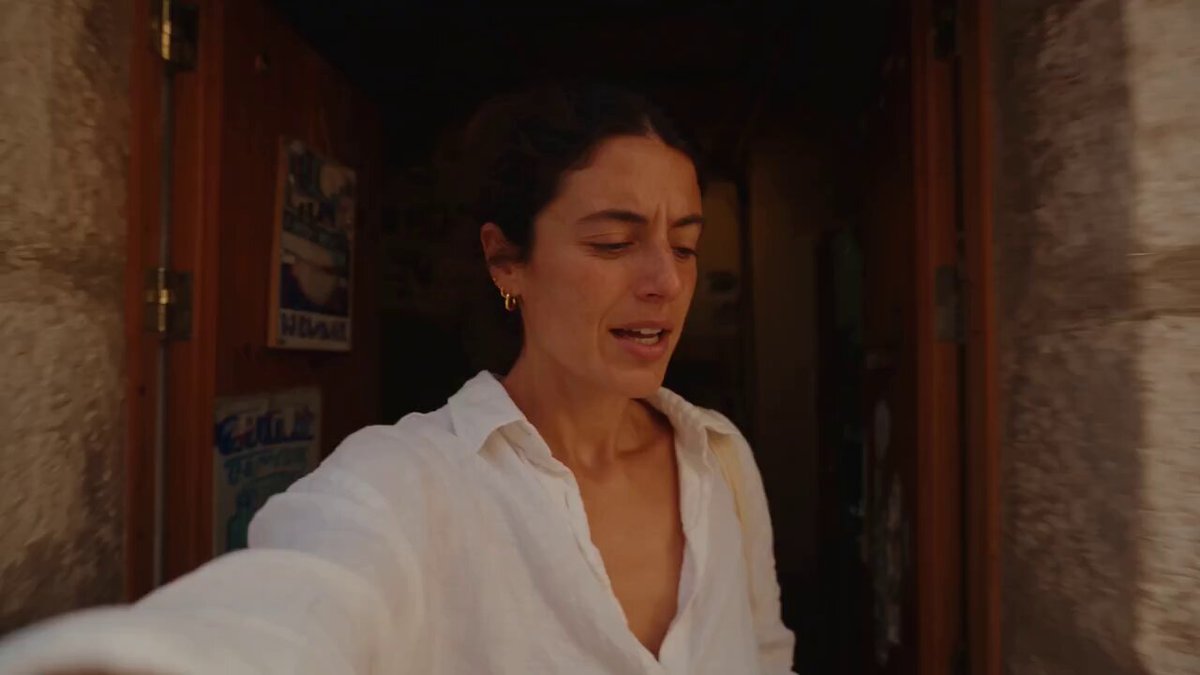
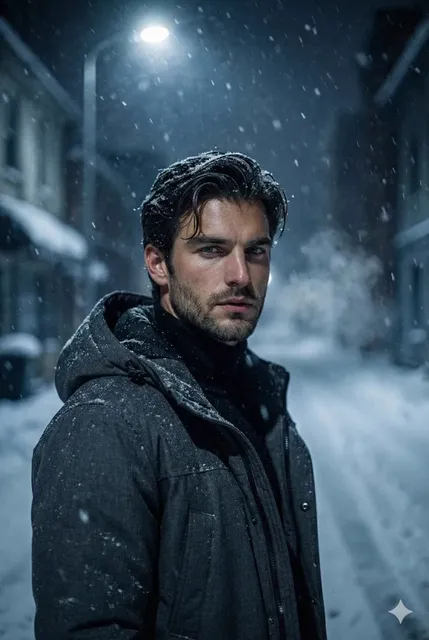
Why These Two Generators Dominate the Conversation
Every few months a new AI video generator arrives with a flashy demo reel, and every few months creators quietly return to the same two names. Kling AI and PixVerse have earned that staying power for different reasons: one leans into cinematic realism and coherent motion, while the other leans into speed, stylization, and a workflow that rewards rapid iteration. Comparing them is not about crowning a permanent winner. It is about matching a tool to the specific shot you need to deliver.
If you produce short-form social video, ads, explainers, or concept reels, the choice affects more than aesthetics. It shapes how you write prompts, how many takes you burn through before a usable clip appears, how much cleanup happens in the edit, and whether your pipeline can scale past a handful of clips per week.
This guide approaches both generators from a working creator's perspective: what they do well, where they frustrate, how their underlying approaches shape output, and a decision framework you can apply to your own projects. There is no single right answer here, but there is a right answer for your next project, and it usually becomes obvious once you know what to test.
What Each Tool Actually Is
The two products look similar on a landing page and behave very differently once you start generating. Understanding the design philosophy behind each one saves hours of trial and error.
Kling AI at a glance
Kling AI is a text-to-video and image-to-video generator built around physically plausible motion. Its community output emphasizes realistic human movement, weight, and camera behavior, which is the detail that separates a clip reading as "real footage" from one reading as "AI." Typical strengths include:
- believable body mechanics in walking, dancing, and athletic motion
- camera moves that respect perspective instead of sliding unnaturally
- image-to-video that preserves source composition rather than reinventing it
- reasonably forgiving handling of scenes with multiple subjects
The tradeoff is patience. Prompt phrasing matters, generation takes time, and some clips need two or three attempts before the motion settles into something usable.
PixVerse at a glance
PixVerse positions itself as a fast, playful generator with a strong emphasis on style. It is widely used for anime-influenced looks, stylized character work, and template-driven effects that turn a still image into a moving clip quickly. Strengths include:
- very fast turnaround, which makes iteration cheap
- a broad set of stylistic presets and effects
- an approachable interface for creators who do not want to learn prompt grammar
- strong performance on stylized, non-photoreal content
The friction point is high-fidelity realism. Hands, crowded scenes, and long continuous motion are harder to land consistently, and the gap becomes visible the moment you need a shot that must pass as documentary footage.
These two are less direct competitors than different altitudes of the same problem. One optimizes for believability under scrutiny; the other optimizes for speed and creative range.
The Technology Behind Convincing Motion
You do not need a machine learning degree to choose between these tools, but understanding two concepts will make your evaluations far more productive.
Diffusion-based generation and why it matters
Most modern video generators descend from diffusion approaches: a model learns to reverse a process of adding noise to training data, then applies that learned reversal to a new prompt. For still images this produces remarkable detail. For video, the challenge multiplies because every frame must remain consistent with the frames before and after it. A single frame can look flawless while the clip as a whole falls apart.
Some earlier systems relied on adversarial training, where one network generates and another judges. That approach still appears in smaller effects tools, but diffusion plus transformer-style temporal modeling now dominates because it handles long-range consistency better.
Temporal consistency is the metric that decides everything
Temporal consistency is the degree to which a clip holds together over time: faces, clothing, lighting, and object identity staying stable rather than melting between frames. It is the single best predictor of whether a clip is usable. When evaluating any generator, watch for:
- identity drift, where a character's face changes across the clip
- texture shimmer on fabric, hair, or foliage
- object permanence failures, where props appear, vanish, or morph
- camera motion that decouples from the geometry of the scene
Both tools improve steadily, and both handle short, simple shots better than long, busy ones. Test with your own footage and your own subject matter rather than trusting a demo reel built by someone else.
Head-to-Head: Visual Quality, Motion, and Style Range
| Dimension | Kling AI | PixVerse |
|---|---|---|
| Photoreal realism | Strong on humans, skin, and natural light | Good, less consistent under close scrutiny |
| Stylized looks | Capable but not the core focus | Excellent, with many presets |
| Motion physics | Weighty and believable | Energetic, occasionally floaty |
| Prompt adherence | Rewards precise, structured prompts | Rewards short, mood-driven prompts |
| Iteration speed | Slower per generation | Fast, ideal for rapid exploration |
| Long takes | Better at holding coherence | Better in short bursts |
| Beginner friendliness | Moderate learning curve | Gentle learning curve |
A practical way to read that table: if your deliverable is a product ad where a hand must interact convincingly with an object, lean toward realistic motion handling. If your deliverable is a stylized social loop that needs to exist in twenty minutes, lean toward the faster tool and accept a little physics weirdness.
Style range deserves a separate note. Stylized generation is not simply a filter. It changes how the model interprets prompts, which means a prompt that produces a gorgeous anime shot in one tool may produce an uncanny half-real result in the other. Build a prompt library per tool rather than trying to reuse one set of prompts everywhere.
Prompting and Control: Turning Ideas Into Shots
Text-to-video prompting patterns
The most reliable prompt structure follows a simple formula: subject, action, environment, camera, lighting, mood. For example: "A cyclist in a yellow rain jacket pedaling through a wet city street at dusk, low tracking shot, reflections on asphalt, soft overcast light, cinematic and quiet." Every clause gives the model a decision it does not have to guess.
Three habits improve results across both tools:
- Keep one action per clip. Two verbs produce mush.
- Name the camera move explicitly. "Slow push in" beats "dynamic shot."
- Use negative prompts for known failure modes. Listing unwanted elements such as extra limbs or warped text often helps more than adding more descriptive adjectives.
Image-to-video and reference-driven shots
Image-to-video is where both generators shine, and it is usually the smarter path for client work because you control composition before motion enters the picture. Start from a clean, well-lit still with clear subject separation. Then request modest motion: a slight camera drift, hair movement, a subtle turn of the head. Large motion requests on complex stills are where artifacts multiply.
A motion strength or creativity slider exists in most interfaces. Treat it as a risk dial. Low settings preserve your composition; high settings invent more and drift further from the source.
Workflow Fit: Where Each Generator Slots Into Production
AI video rarely replaces a full production pipeline. It usually occupies one of four slots:
- Concepting. Fast stylized generation is ideal for exploring tone and pacing before committing to anything expensive.
- Animatics. Turning storyboard frames into rough moving boards helps stakeholders feel timing.
- Inserts and cutaways. Short AI shots fill gaps that would otherwise need a reshoot.
- Standalone content. For social formats, an AI clip can be the entire deliverable.
Map your project to a slot first, then choose the tool. Concepting and animatics reward speed. Inserts and standalone content reward realism and control. That mapping often resolves the choice faster than any feature comparison.
Whichever tool you pick, adopt a naming convention and a versioning habit from day one. A folder full of final_v2_final clips is a project that will be rebuilt from scratch next month.
Decision Criteria: A Practical Scorecard
Score each criterion from one to five for your specific project, then compare totals. Weights matter more than raw scores, so double any criterion that would embarrass you if it failed.
- Realism requirement. Does the shot need to pass as real footage?
- Turnaround pressure. How many iterations can your deadline absorb?
- Style specificity. Do you need a distinct illustrated or anime aesthetic?
- Volume. Are you producing five clips or fifty?
- Control needs. Do you require precise camera moves and composition lock?
- Team skill. Will a designer, editor, or marketer be driving the tool?
- Plan fit. Check current generation limits, resolution ceilings, and commercial usage terms on each platform, since these change often.
- Post-production plan. Do you have an editor who can stabilize, color match, and clean up artifacts?
A useful rule of thumb: if realism and control score high, choose the slower, more physically grounded generator and budget extra iteration time. If style and speed score high, choose the faster generator and invest in your prompt library instead.
Common Mistakes That Wreck AI Video Output
Most disappointing results trace back to process rather than the model itself.
Overstuffed prompts. Cramming four actions, three characters, and a camera move into one clip guarantees compromise. Break the scene into shots.
Judging on a single generation. Variance is real. Generate three to five takes before concluding a tool cannot do something.
Ignoring aspect ratio early. Vertical social edits and widescreen edits need different compositions. Generate for the final frame.
Forgetting audio. Silent AI clips feel unfinished. Plan music, voiceover, or sound design from the start, because audio changes how viewers read imperfect motion.
Skipping the shot list. Random prompting produces random results. Even a five-line shot list keeps a project coherent.
Using AI where a camera is cheaper. A ten-second phone shot of a real hand on a real product will beat an AI attempt almost every time. Reserve generation for what you cannot practically film.
Hybrid Workflows: Using Both Without Doubling Your Effort
Many teams eventually stop asking which tool wins and start assigning each one a role. A workable split looks like this:
- Use the realism-focused generator for hero shots, human performance, and product interaction.
- Use the style-focused generator for transitions, animated inserts, and mood boards.
- Standardize output settings so both feed the same edit timeline.
- Build two prompt libraries instead of one universal list.
- Run a single color pass at the end to unify contrast and saturation.
The hidden cost of running two tools is context switching. Contain it by batching: generate all realism shots in one session, all stylized shots in another, then move to the edit. Switching tools mid-thought usually produces worse prompts than switching deliberately.
FAQ
Which generator handles realistic humans better?
For close-ups and full-body movement, the realism-focused option is generally more reliable. Test with a five-second walking shot and inspect hands, feet, and facial consistency frame by frame. That single test tells you more than any feature list.
Can I use AI-generated clips commercially?
Usually yes on paid plans, but terms differ and change. Read the current usage terms for each platform, keep records of what you generated, and check any restrictions on depicting real people or trademarked material.
How long can a single clip be?
Both tools offer short native clips, typically measured in seconds, with options to extend. In practice, anything past a few seconds benefits from editing multiple clips together rather than relying on one long generation. Cutting between shots also hides small consistency errors.
Do I need a powerful computer?
No. Both run in the browser and process in the cloud. What you actually need is a stable connection, a browser with plenty of free tabs, and a system for organizing downloads.
How many attempts before a clip is usable?
Budget three to five generations per finished shot when you are still learning a tool, dropping to one or two once your prompt patterns are dialed in. Track which prompts worked so you stop reinventing them.
What about audio and lip sync?
Treat video generation and audio as separate steps. Generate the visual, then add voice, music, and effects in an editor. Trying to solve both problems inside a generator usually produces mediocre results in both.
Which should a beginner start with?
Start with the faster, more forgiving tool to learn prompt fundamentals without waiting. Once you understand how action, camera, and lighting clauses change output, move to the realism-focused generator for work that needs polish.
Quick final take
Choose based on the shot in front of you, not on which tool has louder buzz. Realism and control favor the slower, physics-aware generator. Speed and style favor the faster, preset-rich one. Keep both in your toolkit if your work spans both needs, and keep a written prompt library so the knowledge compounds instead of evaporating after each project.

Alexander
More Blogs
Read MoreVidu Q4 Alternatives: 4K AI Video Models Compared (2026)
Vidu Q4 alternatives compared: Kling 4.0, Seedance 2.5, Wan 3.0, and Runway Gen-4 — 4K support, input modes, durations, audio, and what each costs in credits on Domer.
Top 4K AI Image Generators in 2026: 5 Models Compared on Real Costs
The top 4K AI image generators on Domer compared: Flux 3 Klein, Nano Banana 2.1, GPT Image 2.5, GPT Image 2, and Nano Banana Pro — 4K credit costs, reference limits, and speed.
Nano Banana 2.1 vs GPT Image 2.5: Which Image Model Should You Use? (2026)
Nano Banana 2.1 vs GPT Image 2.5 Flare compared: credit costs per resolution, aspect ratios, reference images, text rendering, and which tasks fit each model.