

Synthesys vs Runway Gen-4: Choosing an AI Video Generator
Oct 13, 2026
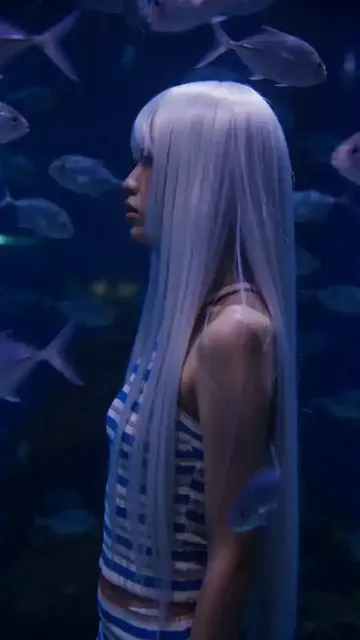
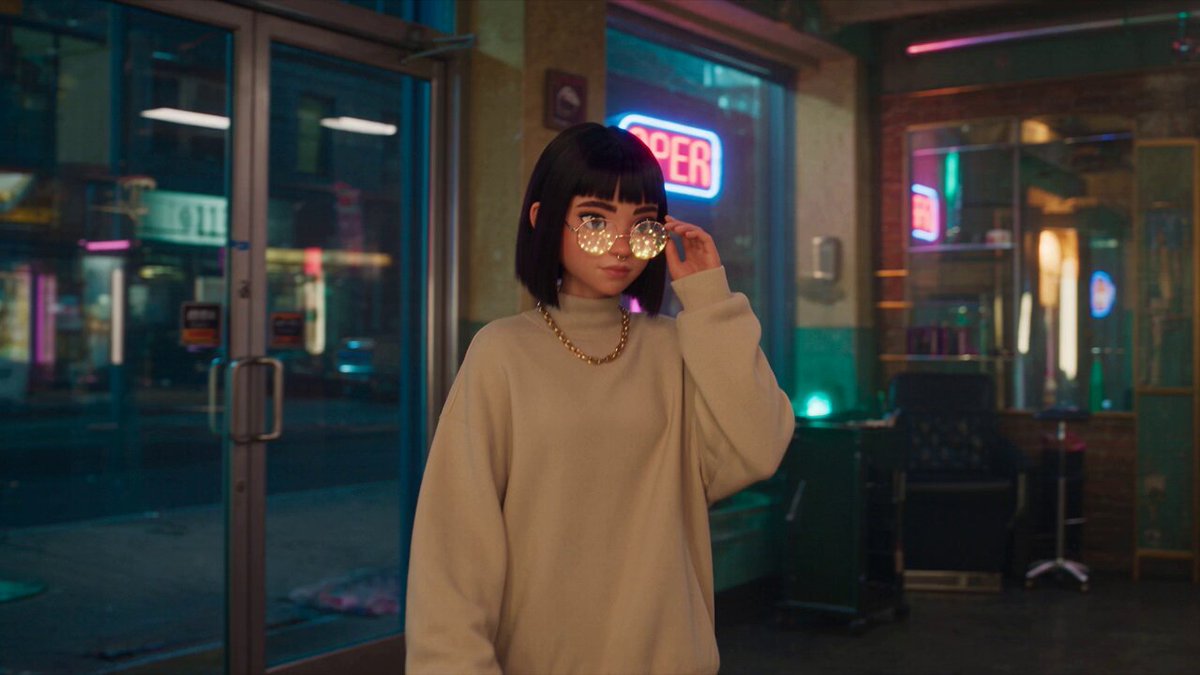

Most teams evaluating an AI video generator right now are not choosing between "good" and "bad." They are choosing between two fundamentally different production philosophies. Synthesys built its reputation on avatar-led, presenter-style video: a script goes in, a talking head comes out, rendered in minutes with brand templates attached. Runway Gen-4 comes from the generative-cinema side of the field, where the model invents motion, lighting, and camera behaviour from a prompt or a reference frame.
Benchmarking them against each other is only useful once you accept that they are optimised for different deliverables. A training video and a sci-fi teaser are not the same problem, and judging both tools on a single axis — realism — hides the decision criteria that actually matter. This guide walks through motion quality, prompt interpretation, texture detail, character persistence, and pipeline integration, and ends with a tool-selection framework you can apply to your own projects.
Two Generators, Two Different Jobs
The cleanest way to understand the split is to ask what each tool assumes you already have.
Synthesys assumes you have a script and a presenter. Its core strength is turning text into a person speaking on camera, with lip sync, gestures, and a background that matches your brand. The creative burden shifts to scripting, tone, and template design rather than to cinematography. If your output is explainer content, onboarding modules, product walkthroughs, or social media announcements, this model of working is dramatically faster than a generative-scene approach, because you never have to describe a shot.
Runway Gen-4 assumes you have an idea and possibly a reference image. Its strength is synthesising footage that does not exist: crowds, weather, camera moves, stylised environments, impossible physics. You describe the shot and the model attempts it. The creative burden shifts to prompt craft, shot planning, and heavy post-selection, because a meaningful share of generations will be unusable.
In practice, mature teams run both. Avatar tools handle the 80 percent of content that is informational and repeatable. Generative models handle the 20 percent that needs visual spectacle, stock-footage replacement, or a look that cannot be filmed.
Motion and Temporal Coherence: Where Output Breaks First
Temporal coherence — whether frame 40 still belongs to the same world as frame 1 — is the hardest problem in generative video and the fastest way to compare systems.
Short bursts versus sustained takes
Most generative models are strongest in the two-to-five-second range. Beyond that, artefacts accumulate: faces soften, hands multiply, background geometry drifts. Runway Gen-4 handles sustained takes better than earlier generations, particularly when motion is slow and the subject stays centred, but fast lateral camera movement or multiple interacting subjects still produce warping.
Avatar-driven tools sidestep the problem entirely because the subject is not synthesised frame by frame from noise. The presenter is driven by a model with structural priors, so a 90-second take stays stable. The trade-off is that the scene is static: you get a stable person, not a stable person running through a forest.
Diagnosing flicker before you blame the prompt
When output shimmers, the cause is usually one of four things: motion that is too fast for the frame rate, insufficient lighting description, contradictory style words, or a reference image with heavy grain. Test by halving the amount of movement in the prompt and regenerating. If the flicker disappears, your prompt was over-ambitious. If it persists, the reference image is the likely culprit — try a cleaner, higher-contrast source.
For anything longer than five seconds in a generative model, plan to build the shot from multiple short clips joined on motion. A cut on a hand gesture or a whip pan hides more than any amount of smoothing software.
Prompt Interpretation and Directorial Control
The two tools read instructions in different languages. Avatar tools read a script and a style preset. Generative tools read a cinematographic description, and the quality of that description determines everything.
Writing prompts that survive translation
A prompt works best as a stack of independent clauses rather than a sentence. Subject, action, environment, lighting, lens, and mood each get their own short phrase. "A cyclist turning a corner, wet asphalt, overcast morning, 35mm lens, shallow depth of field, muted palette" gives the model six separate decisions to make. A flowing paragraph gives it one blurry one.
Order matters. Put the elements you cannot compromise on first. If the shot must be a wide, lead with "wide shot" — do not bury it after four adjectives about the weather.
Negative prompts and motion verbs
Negative prompts are the most underused control in generative video. Removing what you do not want often works better than adding what you do. Common removals: "no text overlays, no watermark, no extra limbs, no camera shake, no zoom."
Motion verbs deserve special attention. "Walking" is vague; "striding toward camera at a steady pace, arms relaxed" is a set of constraints. Verbs like "gliding," "drifting," and "settling" tend to produce smoother interpolation than "running," "spinning," or "exploding," which push the model into territory where temporal consistency breaks down.
Avatar platforms invert this. You rarely describe motion at all — you choose a gesture intensity setting and let the voice track drive timing. Control shifts from vocabulary to pacing: where you place commas, how long you hold a beat before a punchline.
Photorealism, Skin, and Texture Detail
Skin is the honest test. Generative models have improved dramatically on faces at medium distance, but close-ups still reveal the seams: pores that look painted, teeth that merge, hair that fuses into a helmet at the edges.
Runway Gen-4 performs best in mid-shots and wide shots with atmospheric depth — fog, dust, rain, or backlit haze give the model more to work with and mask micro-detail problems. Push it into a tight facial close-up and you will likely need a cleanup pass.
Avatar tools are effectively the opposite. They are built for the close-up, because the close-up is the entire format. Output tends to be clean, evenly lit, and slightly uncanny in the eyes; viewers forgive this far more readily in a corporate explainer than in a narrative short.
For texture-heavy work — fabric, metal, foliage, water — generative models win comfortably. For human presence at conversational distance, avatar rendering is more predictable and much faster to produce.
Character Consistency Across Multiple Scenes
Consistency is the requirement that separates a demo from a series. If your protagonist's jawline changes between shots, no amount of grading will save the edit.
Reference images and wardrobe locks
Generative models anchor identity through reference frames. Supply two or three clean images of the character from different angles, keep the wardrobe description identical word for word across prompts, and avoid lighting words that imply a different time of day unless you intend it. Changing "golden hour" to "overcast" between shots alters skin tone enough to read as a different person.
Where possible, generate all shots for one scene in a single session and reuse the same seed. Seeds are not a guarantee, but they reduce variance noticeably.
Handling hairstyle, voice, and gesture drift
Drift is rarely uniform. Hair and hands change first, then jawline, then eye spacing. A practical mitigation is to keep the character in the same wardrobe and framing family within a scene, and reserve dramatic changes for cuts where the viewer expects a shift.
Avatar platforms solve consistency by construction: the presenter is a fixed asset. You change the background and the script, not the face. The cost is flexibility — you cannot put that presenter on a horse.
A hybrid workflow that works well: use an avatar for all dialogue-driven scenes and a generative model for establishing shots, inserts, and B-roll. The viewer never sees the seams because the two never share a frame.
Fitting AI Footage Into a Real Editing Pipeline
The benchmark that matters most is not what a tool renders, but how easily the render survives contact with an editor.
Image-to-video and video-to-video passes
Image-to-video is the most controllable entry point in generative work. You compose or generate a still, confirm it looks right, then animate it. This isolates composition errors from motion errors — if the output is wrong, you know which stage failed.
Video-to-video is the stylisation workhorse. Feed existing footage and restyle it, keeping the original timing, blocking, and performance. This is how teams get a consistent look across footage from different sources without reshooting anything.
Avatar platforms typically skip both and output a finished, self-contained clip. That is a feature for speed and a limitation for integration.
Matte, alpha, and compositing hygiene
Generative output rarely arrives with clean alpha. Budget time for rotoscoping on any shot that needs to sit over another element. Export at the highest resolution available and downscale in the edit — upscaling artefacts are far more visible after keying than before it.
Keep a consistent frame rate across all sources before you start cutting. Mixing 24 and 30 fps clips creates judder that reads as a quality problem even when every individual shot is fine.
Voice, Lip Sync, and Avatar Presenters
If your video contains a person speaking, lip sync quality is the single largest driver of perceived professionalism. Avatar tools are built around this: phoneme-level timing, mouth shapes that respond to the actual audio waveform, and head movement that matches sentence rhythm.
Generative models can produce convincing speaking shots in short bursts, but longer dialogue usually reveals drift between audio and mouth movement, especially on hard consonants. If you need a 60-second monologue, generate it with an avatar tool, or shoot it.
Voice selection matters as much as the render. Match the synthetic voice's pace to your edit rhythm: a slow voice forces long shots, a fast one forces quick cuts. Test the voice against your script before you commit to a full render, and listen on phone speakers — that is where most of your audience will hear it.
Choosing a Tool by Project Type
Use this as a starting heuristic, then refine with your own tests.
| Project type | Better default | Why |
|---|---|---|
| Explainer, onboarding, training | Avatar platform | Script-driven, stable, fast, brand-consistent |
| Social announcements, product updates | Avatar platform | Volume and turnaround beat visual novelty |
| Brand film, title sequence | Generative model | Bespoke imagery with no footage requirement |
| B-roll and stock replacement | Generative model | Cheaper than licensing, more specific than stock |
| Stylised narrative short | Generative model | Look development is the point |
| Multilingual versions of one video | Avatar platform | Swap the voice track, keep the presenter |
| Multi-scene series with one protagonist | Hybrid | Avatar for dialogue, generative for coverage |
Two secondary criteria matter as much as capability. First, output resolution and aspect ratio options — vertical-first workflows often need 9:16 native renders rather than crops. Second, iteration cost in time, not money: a tool that renders in 40 seconds changes how creatively you work compared with one that takes 10 minutes, because you can afford to try the risky idea.
Common Mistakes That Waste Render Time
Over-specifying the prompt. Ten adjectives do not add control; they add conflict. Pick the three that define the shot and let the model fill the rest.
Ignoring the reference frame. A mediocre reference produces a mediocre animation, every time. Spend the extra minutes making the still excellent.
Chasing a single perfect clip. Generate variations, then select. Treating each render as precious leads to sunk-cost editing on shots that were never going to work.
Skipping continuity planning. Write down wardrobe, lighting direction, and lens choice for each scene before generating anything. Most inconsistency is a planning failure, not a model failure.
Forgetting audio. Silent-test every clip with the intended music before you commit. A shot that looks great can fall apart the moment it has to carry a beat.
Rendering at the wrong length. Cut points are easier to find when you have extra seconds. Generate slightly longer than you need and trim in the edit.
FAQ
Can I use one tool for everything?
Technically yes, practically no. Avatar platforms struggle with environmental spectacle, and generative models struggle with long dialogue. Most productive teams keep one of each and route work by whether a person needs to speak on camera.
How long should a generative clip be?
Plan for two to five seconds per generation and build longer shots by joining clips on movement. Attempting a 15-second continuous take in a single pass usually produces visible degradation in the final third.
What is the best way to keep a character consistent?
Lock the wardrobe description word for word, use the same seed where available, supply two or three reference images from different angles, and avoid changing lighting language between shots in the same scene.
Do I still need an editor?
More than ever. Generation handles the pixels; pacing, sound design, colour, and continuity are still human decisions. Editing is where AI footage stops looking like AI footage.
How should I test two tools fairly?
Give both the same brief: one 30-second script, one character, one location. Score motion stability, character consistency, lip sync, and time-to-final-cut. Time-to-final-cut is the metric that correlates most closely with whether a tool survives in your workflow past the first week.

Alexander
More Blogs
Read MoreMontaggio video rapido: transizioni e software per l'AI
Guida pratica al montaggio video rapido con AI: transizioni fluide, software, workflow, coerenza visiva, errori da evitare e FAQ operative.
Building an AI Video Production Workflow From Concept to Cut
A practical guide to planning, generating, editing, and finishing AI-assisted videos with consistent characters, clear shot lists, and reliable review loops.
A Repeatable Post-Production Workflow for Polished AI Video
Build a repeatable AI video post-production pipeline: organize assets, cut story-first, design transitions, refine audio, and review versions calmly.