
Oferta por tempo limitado: 50% DE DESCONTO no seu primeiro mês de Pro & Ultra 🎉
![[PERSON NAME]. Act as a high-end sports graphic designer creating a conceptual…](https://storage.brightvectorlabs.com/prompts/bright/poster-design/2008976966255337666-0.webp)
[PERSON NAME]. Act as a high-end sports graphic designer creating a conceptual…
A
AmirMušić@AmirMushich
4,023 411,502 1/7/2026
Modelo Nano Banana 2
Nano Banana 2Categorias
Compartilhar:
Prompt
[PERSON NAME].
Act as a high-end sports graphic designer creating a conceptual tribute poster. The style is a complex "dual exposure photo-grid composite" with mixed-media textures.
CENTRAL STRUCTURE (THE VESSEL):
The central focus is a large-scale, high-contrast black and white portrait silhouette of [PERSON NAME]. This main portrait acts as the container.
THE GRID FILL & TEXTURES (MIXED MEDIA):
The interior of the silhouette is populated by a dense "photo mosaic grid" of action shots from the person's career.
CRITICAL TEXTURE INSTRUCTION: Do not just paste flat photos. Apply artistic textures to various grid cells to create a tactile, collage feel. Use effects like:
Halftone Dots: Comic-book style raster patterns on some cells.
Fabric/Embroidery: Subtle thread or canvas textures suggesting a jersey or patch.
Film Grain: Heavy noise on specific high-contrast action shots.
COLOR STRATEGY:
The base is Monochrome B&W. Use selective color overlays (relevant to the team/flag) ONLY on specific grid cells to create a rhythm.
TYPOGRAPHY & BRANDING (STRICT MICRO-SCALING):
Top Left (The Name): Write "[PERSON NAME]" strictly using the font Inter Semibold.
Kerning: Tight negative kerning (-4%).
Size: SMALL and discreet. It must occupy MAXIMUM 20% of the canvas width. Do NOT make it large or loud.
Top Right (The Symbol): Place the primary logo (Team/Brand/Flag).
Size: VERY SMALL. It must occupy MAXIMUM 10% of the canvas width.
COMPOSITION & BACKGROUND:
Background: Off-white or light grey with a visible high-quality paper or concrete texture. It should not be flat digital white.
Alignment: Center the figure perfectly. Maintain wide negative space around the object.
Como Usar Este Prompt
Comece em três passos simples.
1
Copiar ou Usar
Copie o texto do prompt ou clique em Usar este Prompt para abrir o gerador com ele pré-preenchido.
2
Ajustar Configurações
Ajuste a proporção, a resolução ou quaisquer outras configurações para se adequar ao seu projeto.
3
Gerar e Compartilhar
Clique em gerar e compartilhe sua criação assim que estiver pronta.
Prompts Relacionados
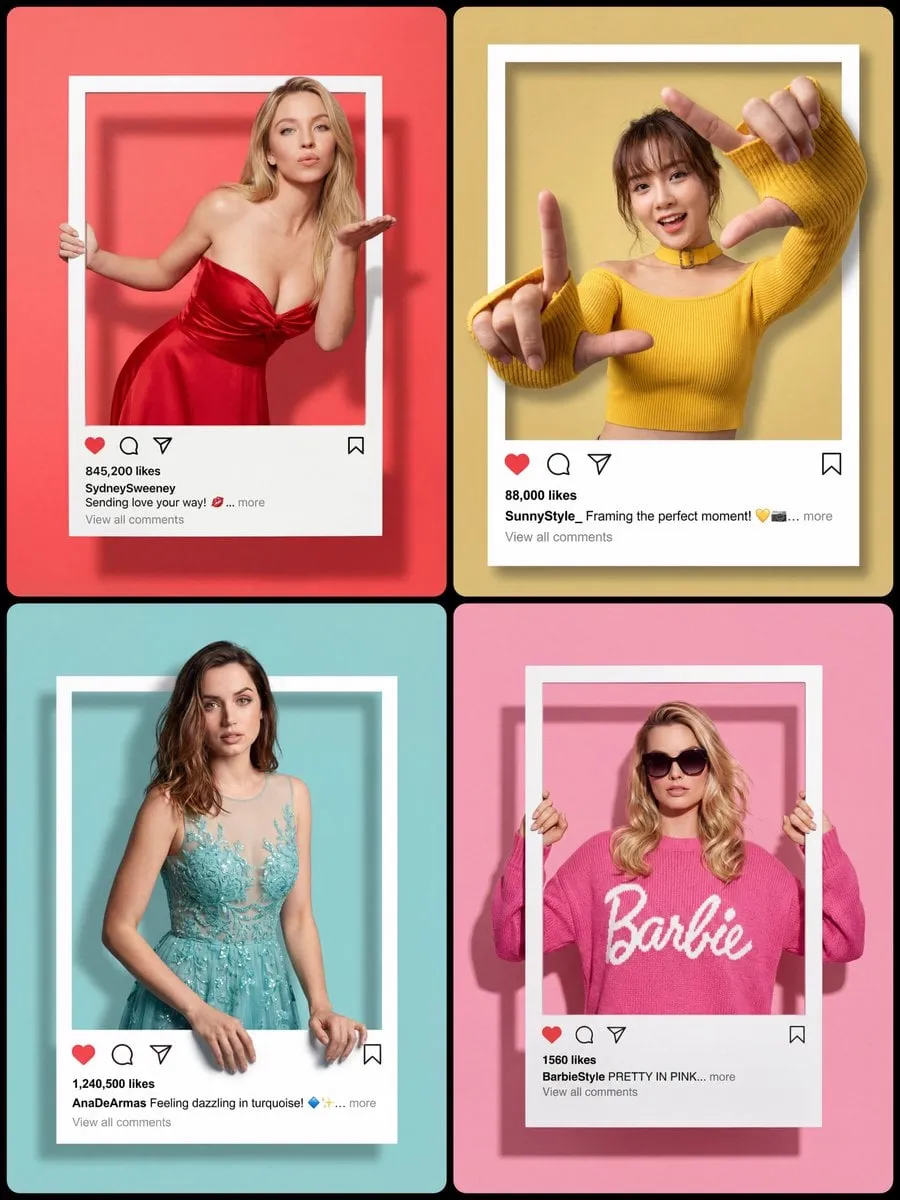
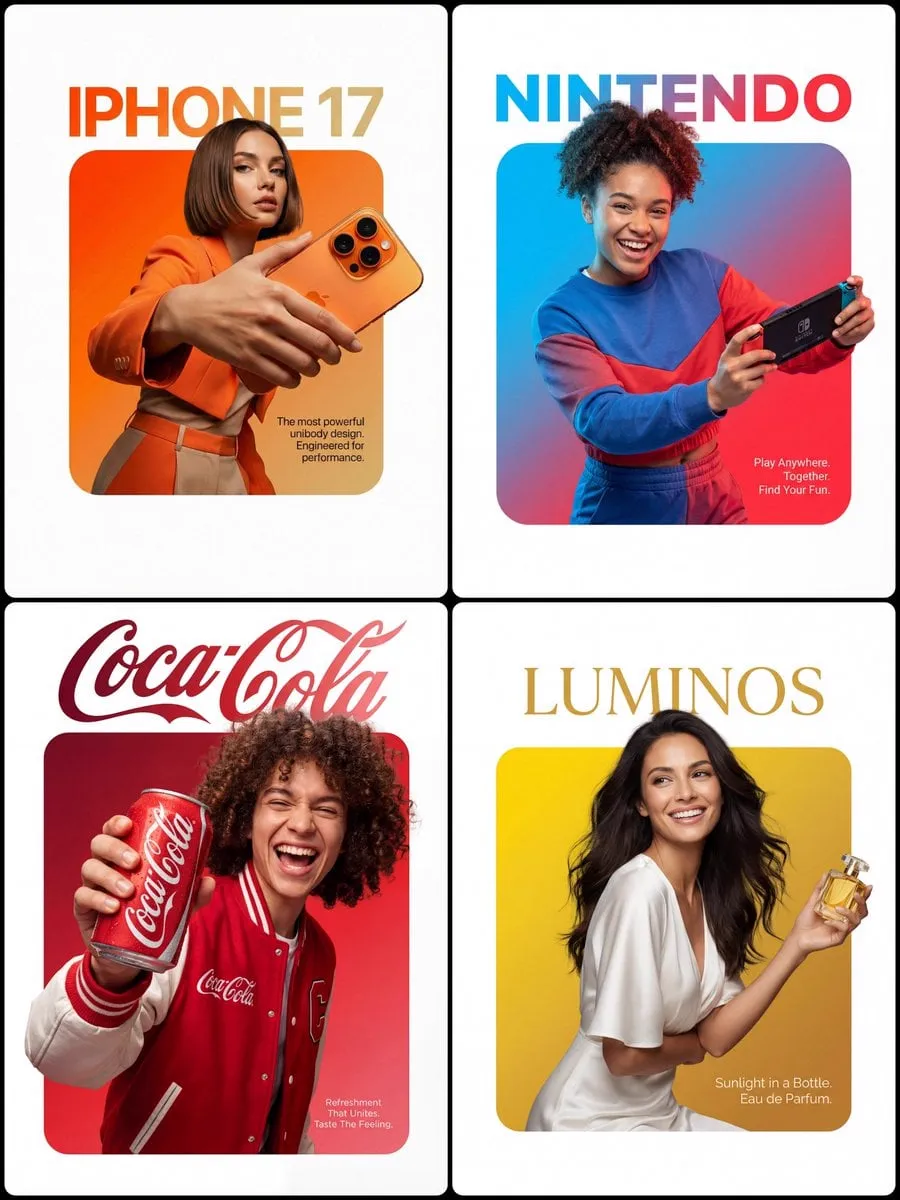
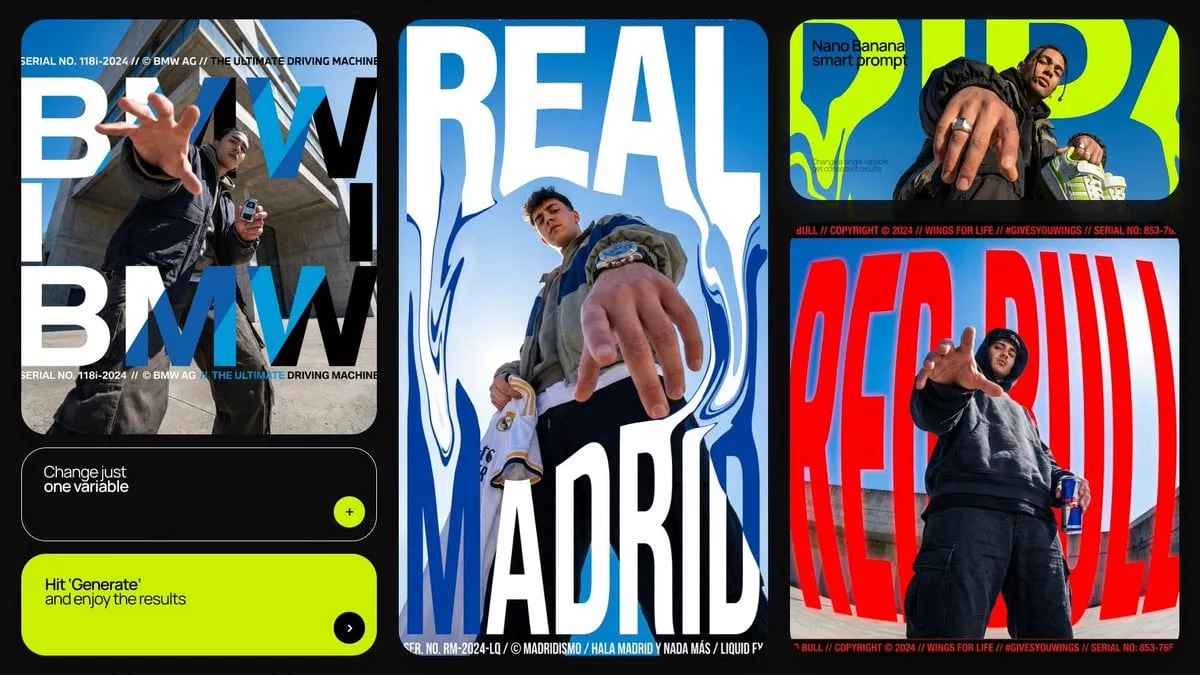
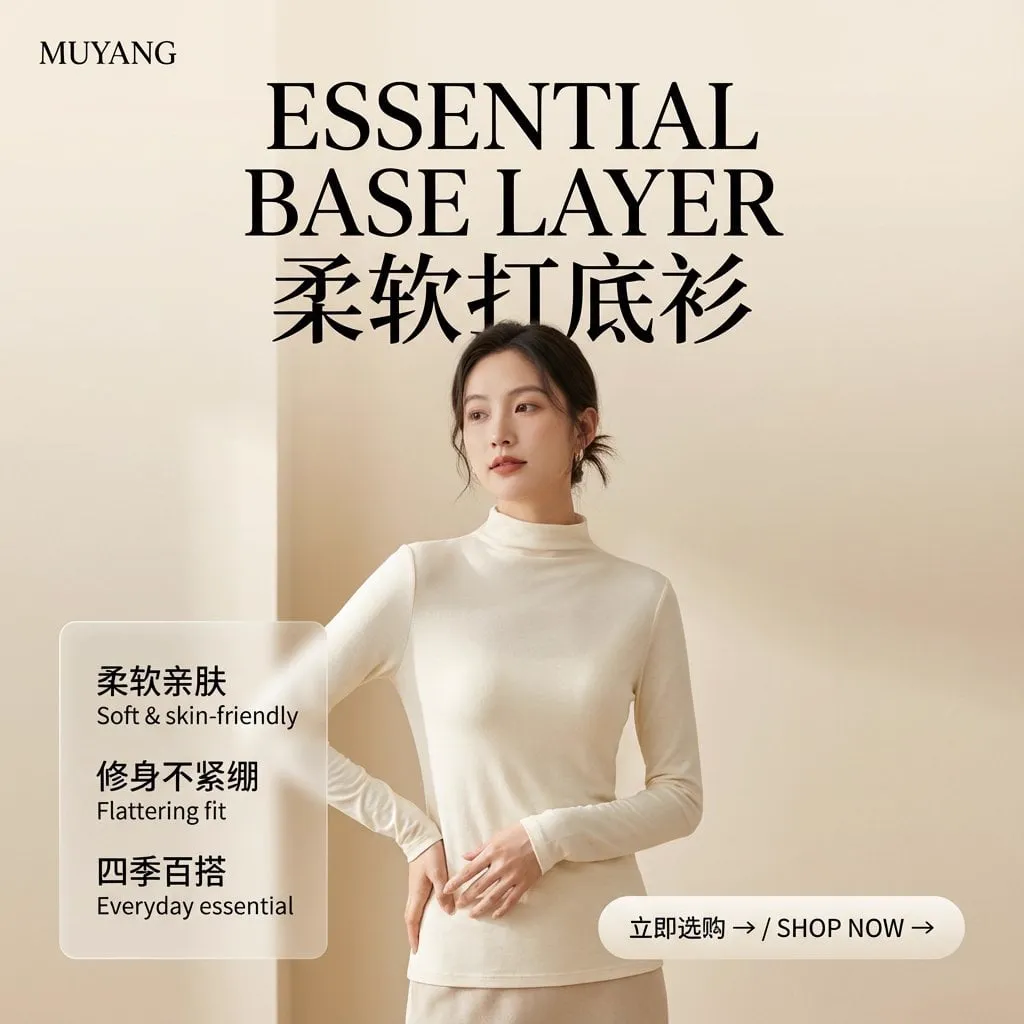
![[BRAND NAME] | [HEADLINE] | [SUB-TEXT] | [CTA]. Act as a Senior Art Director](https://storage.brightvectorlabs.com/prompts/bright/product-and-brand/2026316195977146728-0.webp)
![[BRAND NAME]. Act as a Social Media Art Director and Digital Collage Artist…](https://storage.brightvectorlabs.com/prompts/bright/poster-design/2020895358126002197-0.webp)
![A minimalist cinematic colored poster featuring a [Character Name]’s portrait…](https://storage.brightvectorlabs.com/prompts/bright/poster-design/2019338808009920744-0.webp)

Por Tipo de Mídia
Por Modelo


Crie imagens deslumbrantes com este prompt
Abra o gerador e comece a criar em segundos