
创作
Lego Pixel Magic: AI Style Transfer and Image Fusion for Unique Visual Aesthetics
Aug 4, 2026

What Is Lego Pixel Magic?
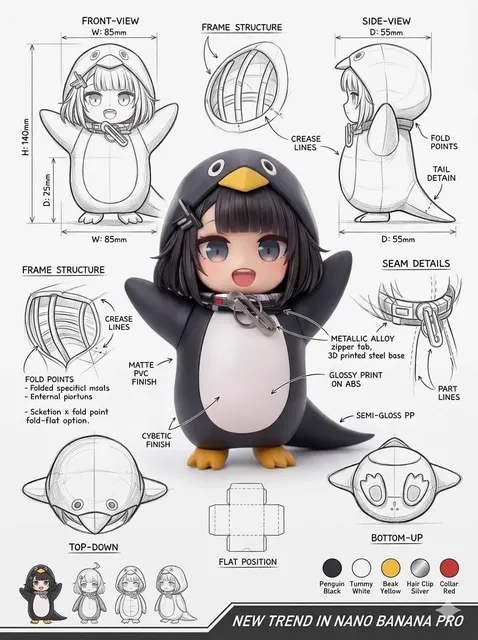
Lego Pixel is an emerging AI-powered visual style that combines the nostalgic blocky aesthetic of Lego with the unpredictability of pixel art. It's taking over social media feeds because it's instantly recognizable and highly shareable.
How AI Style Transfer Works
Style transfer uses neural networks to extract the style from one image and apply it to another. With Lego Pixel, the AI learns the characteristic grid patterns, vibrant colors, and block-based shading that define the aesthetic.
Creating Your Own Lego Pixel Art
Step 1: Source Image
Start with a clear, well-lit photo. Portraits and product shots work best. Use AI image generator to create base images with ideal composition.
Step 2: Apply Style Transfer
Upload your image and select the Lego Pixel style preset. The AI processes the image in seconds, transforming it into a blocky masterpiece.
Step 3: Refine and Enhance
Adjust the block size, color saturation, and detail level. Larger blocks create a more abstract look; smaller blocks preserve more detail.
Image Fusion for Complex Compositions
Multi-image fusion takes style transfer further. Combine multiple source images — say, a portrait and a landscape — into one cohesive Lego Pixel composition. Image-to-video can then animate these fused creations.
Video Integration
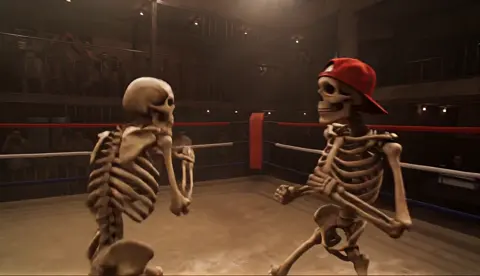
Take your Lego Pixel aesthetic beyond static images. AI video generator can create animated Lego Pixel scenes. Kling 3.0 delivers cinematic quality, while Seedance 2.0 handles character movement smoothly.
Use Cases
- Brand mascots with a unique visual identity
- Social media content that stops the scroll
- Game asset prototyping
- Album covers and merch design
Pro Tips
- High contrast source images produce better results
- Experiment with different block sizes for different effects
- Combine with text-to-video for narrative-driven Lego Pixel animations
The Bottom Line
Lego Pixel is more than a trend — it's a versatile visual language. With AI tools now accessible to everyone, you can create stunning pixel art without any design background.

Alexander
More Blogs
Read MoreVidu Q4 Alternatives: 4K AI Video Models Compared (2026)
Vidu Q4 alternatives compared: Kling 4.0, Seedance 2.5, Wan 3.0, and Runway Gen-4 — 4K support, input modes, durations, audio, and what each costs in credits on Domer.
Top 4K AI Image Generators in 2026: 5 Models Compared on Real Costs
The top 4K AI image generators on Domer compared: Flux 3 Klein, Nano Banana 2.1, GPT Image 2.5, GPT Image 2, and Nano Banana Pro — 4K credit costs, reference limits, and speed.
Nano Banana 2.1 vs GPT Image 2.5: Which Image Model Should You Use? (2026)
Nano Banana 2.1 vs GPT Image 2.5 Flare compared: credit costs per resolution, aspect ratios, reference images, text rendering, and which tasks fit each model.