
Crear
Mastering Text-to-Video: Top AI Generators and How to Choose the Right One
Aug 2, 2026
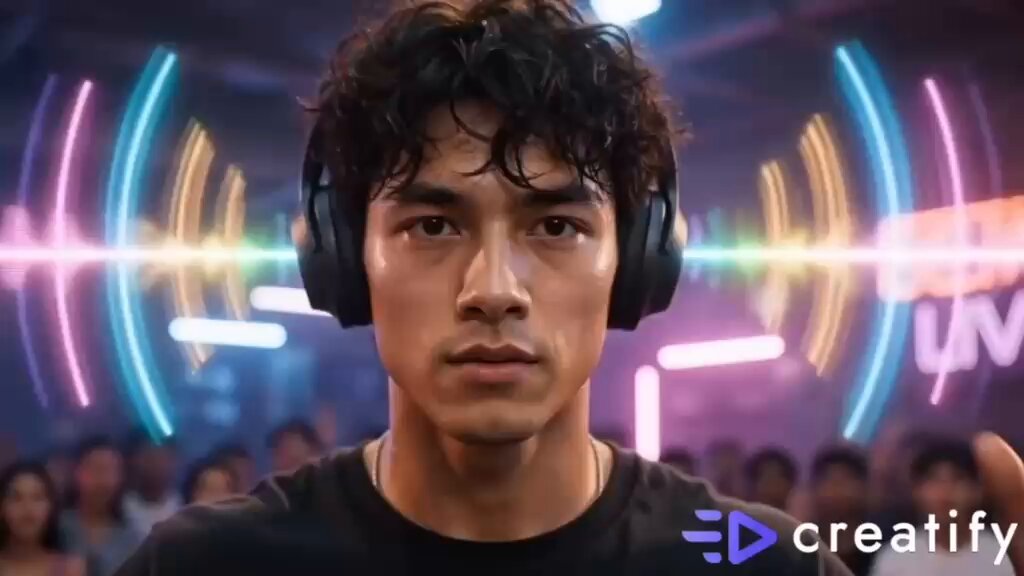

The Text-to-Video Revolution
Text-to-video AI has evolved from a novelty into an essential creative tool. In 2025, the question isn't whether to use AI video generation — it's which tool best fits your specific workflow. This guide compares the landscape to help you decide.
How Text-to-Video AI Works
At its core, text-to-video models convert natural language descriptions into moving images. You describe a scene — "a drone shot flying over a misty forest at sunrise" — and the AI generates a video clip matching that description.
The technology behind this involves diffusion models trained on vast datasets of video-text pairs. The better the training data and model architecture, the more accurate and visually impressive the output.
Key Evaluation Criteria
When comparing text-to-video tools, consider:
- Visual Quality: Resolution, frame consistency, lighting realism
- Prompt Adherence: How accurately the output matches your description
- Generation Speed: Time from prompt to finished video
- Style Range: Support for different visual styles (realistic, animated, artistic)
- Character Consistency: Whether characters maintain appearance across scenes
- Export Options: Resolution, format, watermark status
- Pricing Model: Per-generation, subscription, or hybrid
Types of Text-to-Video Generators
General-Purpose Platforms
These offer a wide range of styles and are designed for everyday content creation. Domer falls into this category, providing an AI video generator suitable for social media, marketing, and creative projects.
Cinematic-Focused Tools
Specialized in high-end, film-quality output. Best for professional productions where visual fidelity is paramount.
Animation and Motion Graphics Tools
Optimized for animated content, motion graphics, and stylized visuals rather than photorealism.
How to Choose the Right Tool
For Social Media Creators
Prioritize speed and vertical format support. You need to generate multiple clips daily in 9:16 aspect ratio.
For Marketers
Look for brand consistency features, batch generation, and integration with existing marketing workflows.
For Filmmakers
Prioritize cinematic quality, frame-by-frame control, and high resolution output.
For Educators
Seek tools with strong text animation, diagram support, and long-form video stability.
Pro Tips for Better Results
- Be specific: "A cat" yields generic results. "An orange tabby cat stretching on a sunlit windowsill, dust particles floating in golden light" yields magic.
- Specify camera movement: Add terms like "slow pan," "dolly zoom," or "handheld shake" for dynamic shots.
- Include lighting cues: "Golden hour," "neon noir," "soft diffused studio light" dramatically affect mood.
- Use style references: Mention art styles like "Studio Ghibli," "Wes Anderson symmetry," or "cyberpunk aesthetic."
- Iterate: Your first result is rarely perfect. Refine your prompt based on what works.
The Role of Image Generation
Often the best text-to-video workflow starts with text-to-image. Generate the perfect keyframe with an AI image generator, then animate it. This two-step approach gives you far more control over the final look.
Future Trends
- Multi-modal prompting (text + image + audio)
- Real-time generation for live streaming
- Next-gen models like GPT Image 2 pushing quality boundaries
- AI-assisted editing with scene understanding
Text-to-video AI is democratizing video creation. The best tool isn't the most expensive or powerful — it's the one that fits seamlessly into your creative process.

Alexander
More Blogs
Read MoreFrom Text to Short Film: A Practical AI Video Workflow
Learn how to turn a written idea into a polished short film with AI video tools: scripting, model choice, shot consistency, sound design, and editing.
AI Transcription and Seamless Video Editing Workflows
Learn how AI transcription enables text-based editing, faster reviews, accessibility, and reliable post-production workflows from rough cut to final delivery.
Photorealistic AI Video Production: A Practical Workflow Guide
Learn a repeatable workflow for photorealistic AI video: model selection, shot planning, prompt design, continuity, audio, and quality control.