

New
Loading...
Power up your creative workflow with our AI-driven tools. Generate stunning videos, create images, and apply custom adjustments - our AI Video Generator and AI Image Generator offer a complete solution for all your creative needs.
Create breathtaking visuals up to 4K resolution with GPT Image 2. Turn text prompts into photorealistic images or transform existing pictures with powerful image-to-image editing — all in a single AI image generator built for professional results.
Ready to elevate your creative work? Tap into the advanced generation and editing capabilities of the GPT Image 2 AI image generator and start producing high-resolution images instantly.
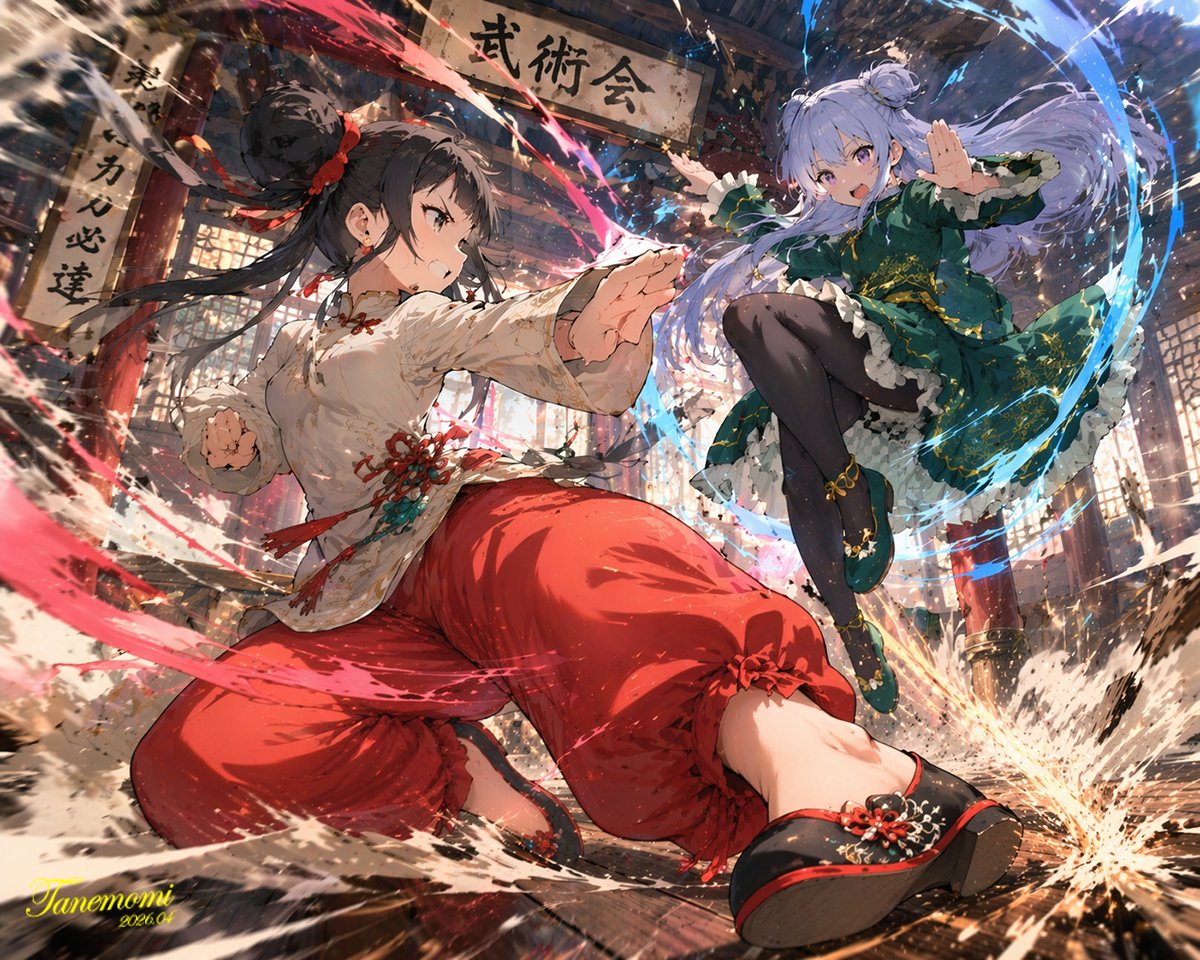
Experience uncompromising visual fidelity with the GPT Image 2 AI image generator. Whether you are generating complex compositions, rendering crisp on-image text, or performing detailed image-to-image edits, GPT Image 2 delivers photorealistic, high-resolution results without the long wait.
Welcome to the next generation of visual creation. When you need to transform a text prompt into a stunning 4K image or precisely edit an existing photo, GPT Image 2 stands as a premier choice for professional creators and teams.
Try GPT Image 2 Free
Resolution matters when quality is non-negotiable. GPT Image 2 generates images at 1K, 2K, and full 4K resolution, giving you the headroom to print large, crop freely, and publish anywhere without visible degradation. Where most generators stop at standard definition, GPT Image 2 preserves fine textures, skin tones, and intricate backgrounds so your work looks polished straight out of the tool.
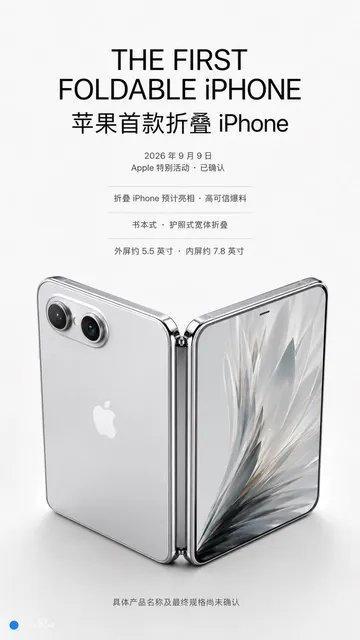
Accurate in-image text has long been the hardest problem in AI image generation. GPT Image 2 solves it, integrating legible, stylistically appropriate typography directly into your visuals. Whether you are designing a poster headline, a product label, or a social graphic, GPT Image 2 renders clean, correct text that is ready to ship without manual retouching.
GPT Image 2 is as powerful at editing as it is at creating. Upload up to 16 reference images and direct the model to restyle, recompose, or refine your visuals with remarkable accuracy. From targeted edits to complete reimaginings, the image-to-image mode lets you iterate on real assets and keep every frame on-brand across a campaign.
Creating with GPT Image 2 is simple. Follow these four steps to turn your idea into a polished, high-resolution image.
Start by selecting your mode. Use 'Text to Image' to create from a prompt, or 'Image to Image' to transform and edit existing visuals with up to 16 references.
Type your vision into the prompt box and pick a resolution (1K, 2K, or 4K) plus an aspect ratio. Clear, detailed prompts help GPT Image 2 match your intent.
Hit generate and let GPT Image 2 do the work. In moments, the model delivers a high-quality, photorealistic result ready to review.
Review your image, download it watermark-free, and share it directly to your social channels, marketing campaigns, or client deck.
Professional-grade generation and editing features for creators who demand resolution, accuracy, and control.
Generate images at 1K, 2K, or 4K for print, web, and large-format use.
Produce images with clean, legible, correctly spelled text every time.
Restyle and refine existing images with precise, controlled edits.
Choose from multiple aspect ratios for any platform or format.
Every image is watermark-free and ready for commercial use.
Pay only for what you generate with transparent, credit-based pricing.
From marketing campaigns to product visuals, GPT Image 2 handles professional image generation and editing across every use case.
Create posters, banners, and ad creatives with accurate on-image text.
Generate product visualizations and lifestyle imagery for e-commerce.
Design scroll-stopping visuals for every platform and aspect ratio.
Bring artistic concepts to life with photorealistic AI generation.
Produce polished visuals for pitch decks and business slides.
Generate illustrations and graphics for articles and publications.
Professional tools for serious creators.
16:9, 9:16, 3:2, 2:3, and more — generate images in any format you need.
Produce images up to 4K for both print and digital use.
Transform and refine existing images with precise AI editing.
Guide edits with multiple reference images for consistent results.
Get high-quality results in moments and iterate quickly.
Fine-tune every result with detailed, descriptive prompts.
Designers, marketers, and businesses use GPT Image 2 every day for professional image generation and editing.
GPT Image 2 is my go-to for client mockups. The 4K output and accurate text rendering let me ship work faster than ever.
Sarah Johnson
Graphic Designer
We use image-to-image editing to restyle campaign visuals across every channel. The consistency is outstanding.
Mike Chen
Marketing Manager
Product images with clean text labels used to take hours. With GPT Image 2 I generate them in minutes.
Emily Rodriguez
E-commerce Owner
The 4K detail is unreal. I can crop and repurpose one image across an entire content calendar.
David Park
Content Creator
Feeding multiple reference images keeps our campaign visuals perfectly on-brand. GPT Image 2 saved us weeks.
Lisa Thompson
Brand Designer
Text rendering is finally professional-grade. I use GPT Image 2 for all my poster and label work now.
James Wilson
Freelance Illustrator
Choose the credit package that works best for you.
No hidden fees • Cancel anytime • Unused credits roll over
Perfect for trying out AI creation.
Credits
200 credits / month
Billed monthly
First-time subscribers get 30% off their first month, then standard price
What's included
Perfect for light creators.
Credits
500 credits / month
Billed monthly
First-time subscribers get 30% off their first month, then standard price
What's included
Best value for creators
Credits
1,200 credits / month
Billed monthly
What's included
For video creators and power users.
Credits
5,000 credits / month
Billed monthly
What's included
Standard models only — upgrade to unlock premium models.
Credits
10 free credits on signup
Questions? Contact us at support@domer.io
Find clear answers to the most common questions about generating and editing images with GPT Image 2.
Get 10 free credits to start. Write a prompt or upload an image and see what GPT Image 2 can create. No credit card required.




Scopri come scegliere un'alternativa a Synthesia e costruire un workflow video AI professionale, dalla sceneggiatura alla distribuzione finale.
A practical workflow for extracting accurate transcripts from any video: audio prep, ASR choices, automation, QA, captions and SEO reuse.
Learn how to plan, edit, and render smooth 1080p video on integrated graphics with practical memory, proxy, codec, and AI-assisted workflow tips.
Build a repeatable AI video pipeline for influencer content, from brief and shot planning to generation, review, repurposing, and quality control.
Pelajari cara membuat efek glow objek dan transisi video profesional lewat alur kerja praktis, teknik masking, pencahayaan, dan evaluasi hasil.
Learn how to collect, vet, and deploy shopper-made videos across product pages, checkout, and email to build trust and lift conversions.

Complete guide to creating Baby Brat memes—the cursed-cute trend combining baby filters with brat aesthetics. Get the best AI prompts, tools, and tips for viral-worthy images.

Everything you need to know about Domer AI—a fast, free image generator for creating memes, art, and transformations. Get 10 free credits to start.

FLUX.2 solves the problems that made AI image tools frustrating—exact colors, consistent characters, readable text, print quality, and efficient workflows. Here's what actually changed.

While competitors race for longer videos and higher resolution, Kling is betting on something different with its AIO model—and it might just work. A deep dive into Kling 3.0's unified approach.

Learn how Kling Motion Control works - upload a reference video and static image to create videos with transferred motion. Complete guide with examples and tips.
Create cinematic videos from text or images with Orelon. Compare 23 video models, apply effects, and direct camera motion in one workspace — no installs.

A deep dive into the Domer meme that took over TikTok in late 2025. Learn what 'Domer' means, why it went viral, and how to create your own Domer-style images with AI.






