
Affiliazione
Inizia Gratis Ora
Photorealistic AI Video: A Creator's Guide to Consistent Characters
Aug 4, 2026


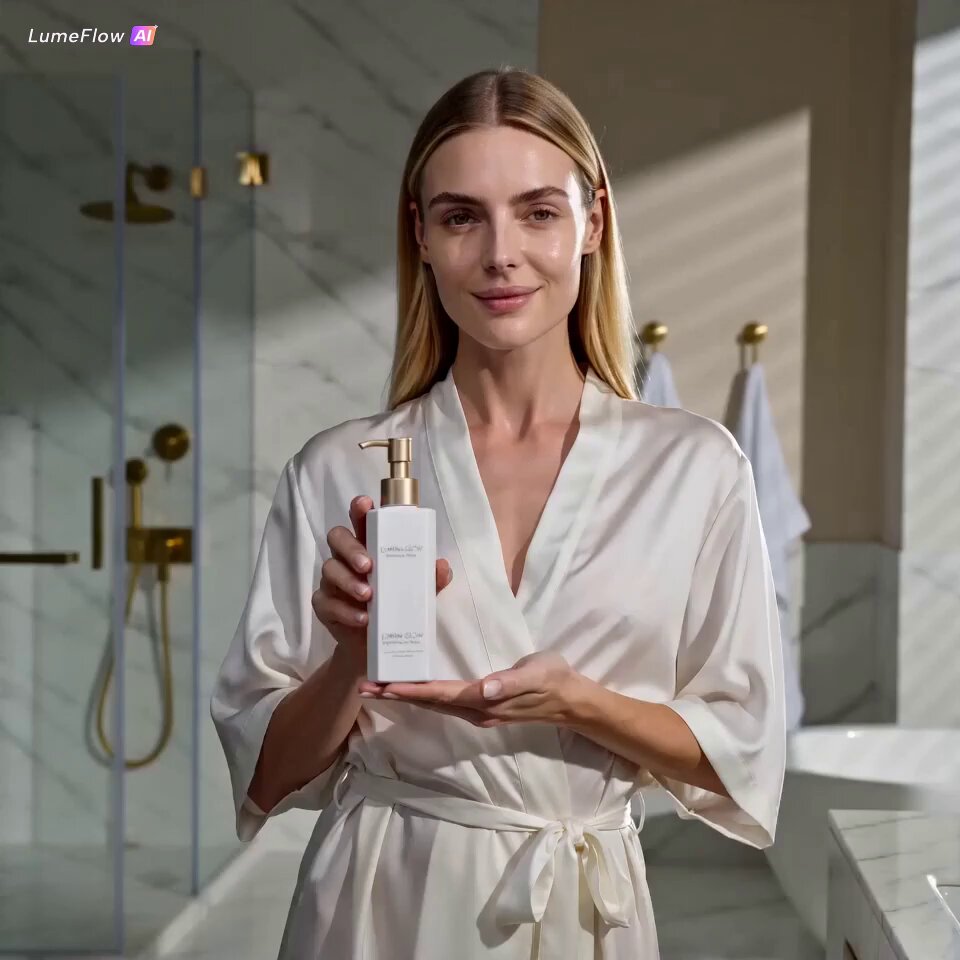
The generative AI video market is projected to clear $25 billion by 2027, and the reason is simple: photorealistic footage is now a production asset, not a novelty. Brands need product shots that hold up beside real studio work, filmmakers need establishing frames that survive a big screen, and creators need to move from concept to finished video in hours instead of weeks. AI video generation has crossed that threshold — but only if you can keep your characters consistent, your workflow repeatable, and your shots actually directed.
Photorealism Is the New Benchmark
Visual fidelity directly affects perceived production value. When a product commercial, enterprise visualization, or independent short looks obviously AI-generated, audiences disengage; when it looks real, they stay. That is why the current generation of models has pushed hard on lighting, texture, and motion physics rather than just raw resolution. Demand is concentrated in marketing, enterprise visualization, and indie filmmaking, where a single convincing scene can replace an entire expensive shoot.
The Hardest Problem: One Character, Many Shots
Generating a single stunning frame is one challenge. Keeping that exact character across ten subsequent shots — each with different angles, lighting, and camera moves — is the real bottleneck. Early AI video workflows broke precisely there: switch models between scenes and the protagonist quietly changes face, wardrobe, or skin tone, and immersion collapses.
The fix is reference-driven generation. Instead of describing a character from scratch in every prompt, you feed the model multiple reference images that define the look under different angles and lighting. The system fuses that visual DNA into the generation process, so a scene rendered for fluid motion and the next scene rendered for text integration still keep the same subject identity. This is foundational to coherent short films and episodic content.
A Practical Multi-Image Fusion Workflow
- Build a character sheet with 3-6 reference images covering angles, expressions, and lighting.
- Generate keyframes from those references with text-to-video or image-to-video.
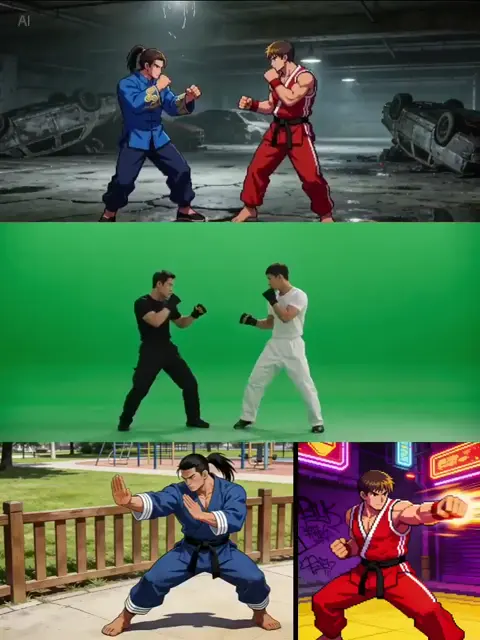
- For high-stakes shots, refine the output with video-to-video passes during complex camera moves.
- Tag fused assets with style markers so you can recall and reuse established identities in later projects.
Starting with strong reference material pays off immediately: use an AI image generator to lock down the character's visual identity before you ever touch video, and every downstream prompt inherits a stable look.
Directing Without Film School
Cinematography used to gatekeep the cinematic look. Modern AI video workflows encode film grammar directly into the generation process: emotional beats map to focal lengths, depth of field, and camera moves. A wide, dreamlike take suits an expansive vista; a tight close-up carries dramatic tension. You can input a screenplay segment or a shot list, and the system suggests the right framing and movement for each beat.
The practical translation: be specific. Say "slow dolly-in, shallow depth of field, golden hour light" instead of "nice video". Most AI tools reward that specificity with dramatically better output.
Matching the Model to the Moment
No single model is best at everything. Some are tuned for fluid motion, others for text rendering, others for open-source customization when you need a highly specific visual style. Keep a small roster and assign by job: motion-heavy shots to the fluid model, detail-heavy close-ups to the high-fidelity model. If you want a look worth repeating, check what is available across models like Seedance 2.0 before committing to a pipeline.
Build a Repeatable AI Video Pipeline
- Define your character's visual DNA once.
- Generate reference frames and lock the identity.
- Storyboard key beats with stills before animating.
- Render scene by scene, refining with video-to-video passes.
- Archive tagged assets so future projects start from memory, not scratch.
This turns AI video from a series of lucky generations into a system. When you reuse established identities across episodes or campaigns, output gets faster and more consistent every time. For more on this, browse the Domer blog.
Start With One Consistent Shot
Photorealistic AI video does not require a studio budget — it requires a character that stays on-model and a workflow you can repeat. Start with a single character sheet, a few keyframes, and one scene. Lock the identity, then scale.

Alexander
More Blogs
Read MoreMontaggio video rapido: transizioni e software per l'AI
Guida pratica al montaggio video rapido con AI: transizioni fluide, software, workflow, coerenza visiva, errori da evitare e FAQ operative.
Building an AI Video Production Workflow From Concept to Cut
A practical guide to planning, generating, editing, and finishing AI-assisted videos with consistent characters, clear shot lists, and reliable review loops.
A Repeatable Post-Production Workflow for Polished AI Video
Build a repeatable AI video post-production pipeline: organize assets, cut story-first, design transitions, refine audio, and review versions calmly.