
Offerta a Tempo Limitato: 50% DI SCONTO sul tuo primo mese di Pro & Ultra 🎉
![Ultra-clean modern editorial infographic on the topic of [ROUTINE] routine](https://storage.brightvectorlabs.com/prompts/bright/poster-design/2047683043918311670-0.webp)
Ultra-clean modern editorial infographic on the topic of [ROUTINE] routine
T
TechieSA@TechieBySA
131 5,846 4/24/2026
Modello GPT Image 2
GPT Image 2Categorie
Condividi:
Prompt
Ultra-clean modern editorial infographic on the topic of [ROUTINE] routine. Hero visual: a stylized flat-lay or floating arrangement of 3–4 objects closely associated with the routine — slightly angled or in soft perspective, glowing subtly. All elements arranged dynamically around the hero in a non-restrictive editorial layout. Ingredients Section: Label it ‘What You Need’ — include 6–8 items with small icons or emoji illustrations next to each. Each item has a name and a practical quantity or duration written like a recipe (e.g. ‘x minutes of Y’). Arranged in a cluster or list connected visually to the hero. Steps Section: 5–6 numbered panels with arrows or connecting lines forming a logical flow. Each step has a short action label and a small relevant icon. Panels use glassmorphism or frosted card styling. Stats Badges: 4–5 floating pill-shaped badges showing relevant metadata — total time, difficulty, consistency streak, energy cost — displayed as clean minimal bubbles near the hero. Visual Style: Warm, soft editorial background — cream, warm white, or soft morning light tones. Muted earthy accent colors with clean highlights. Bold modern sans-serif typography. Clean vector icons. Subtle grain or paper texture in background. Composition: Hero object cluster centered or slightly offset. Ingredients on one side. Steps flow opposite or below with connecting lines. Stat badges scattered as floating pills. Generous negative space to keep it airy and readable. Lighting: Soft warm natural light feel emanating from the hero cluster. Premium lifestyle editorial aesthetic, social-feed optimized. Ultra-crisp. No watermark.
Come Usare questo Prompt
Inizia in tre semplici passaggi.
1
Copia o Usa
Copia il testo del prompt, o clicca su Usa questo Prompt per aprire il generatore con esso precompilato.
2
Regola le Impostazioni
Regola le proporzioni, la risoluzione o qualsiasi altra impostazione per adattarla al tuo progetto.
3
Genera e Condividi
Avvia la generazione e condividi la tua creazione una volta pronta.
Prompt Correlati
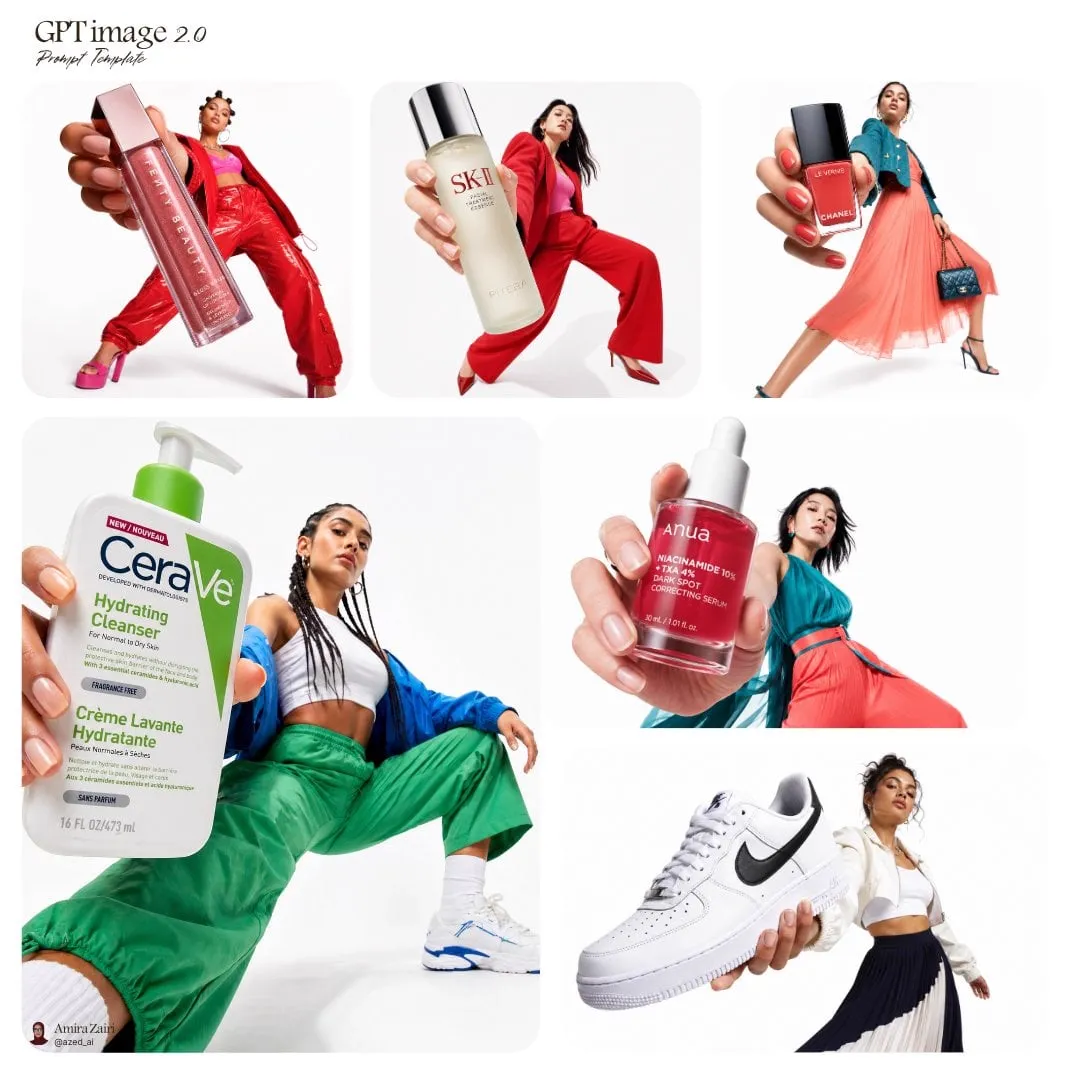
![请根据[主题]自动生成一张[博物馆图鉴式中文拆解信息图]。 要求整张图兼具真实写实主视觉、结构拆解、中文标注、材质说明、纹样寓意、色彩含义和核心特征总结。你需要…](https://storage.brightvectorlabs.com/prompts/bright/poster-design/2045504669401653414-0.webp)
![生成一张[餐饮品牌触点矩阵]系列视觉图,用于展示一个完整的餐饮品牌视觉系统与包装应用方案。 这是一个面向餐饮行业的品牌VI样机展示板 / 包装系统陈列图 /…](https://storage.brightvectorlabs.com/prompts/bright/poster-design/2048360321379701233-0.webp)
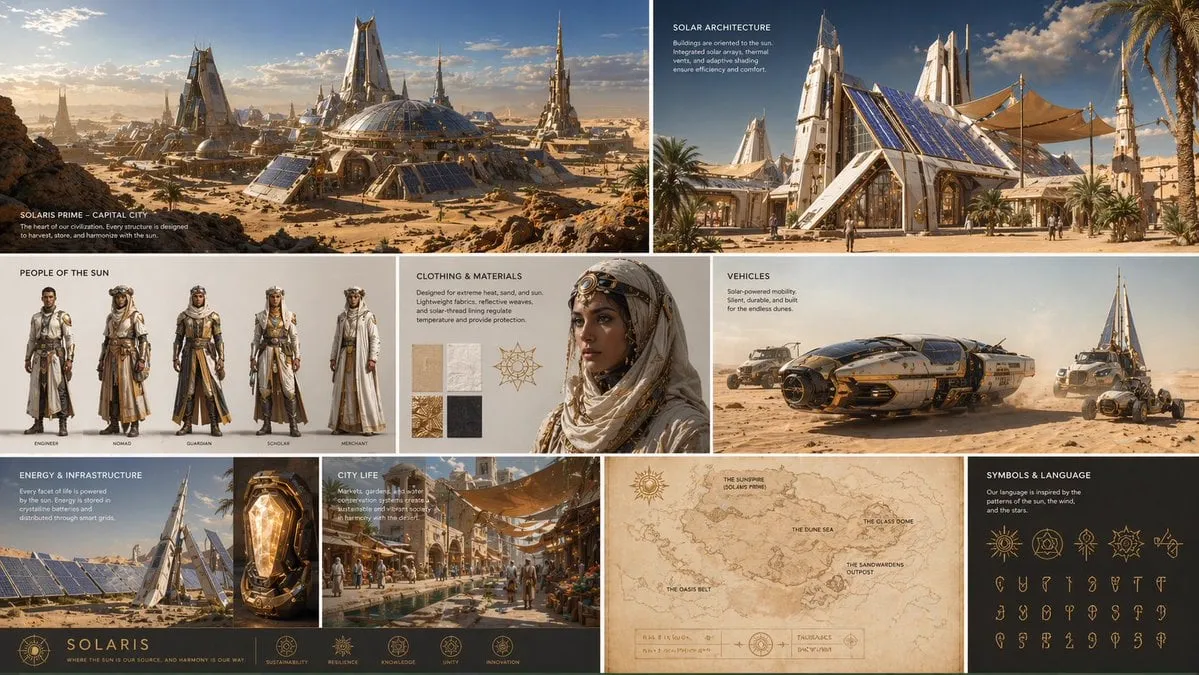
![[INPUT IMAGE: USER_PHOTO] Use the person in the input image as the ONLY subject](https://storage.brightvectorlabs.com/prompts/bright/poster-design/2017598696678895882-0.webp)
Per Tipo di Media
Per Modello


Crea immagini mozzafiato con questo prompt
Apri il generatore e inizia a creare in pochi secondi