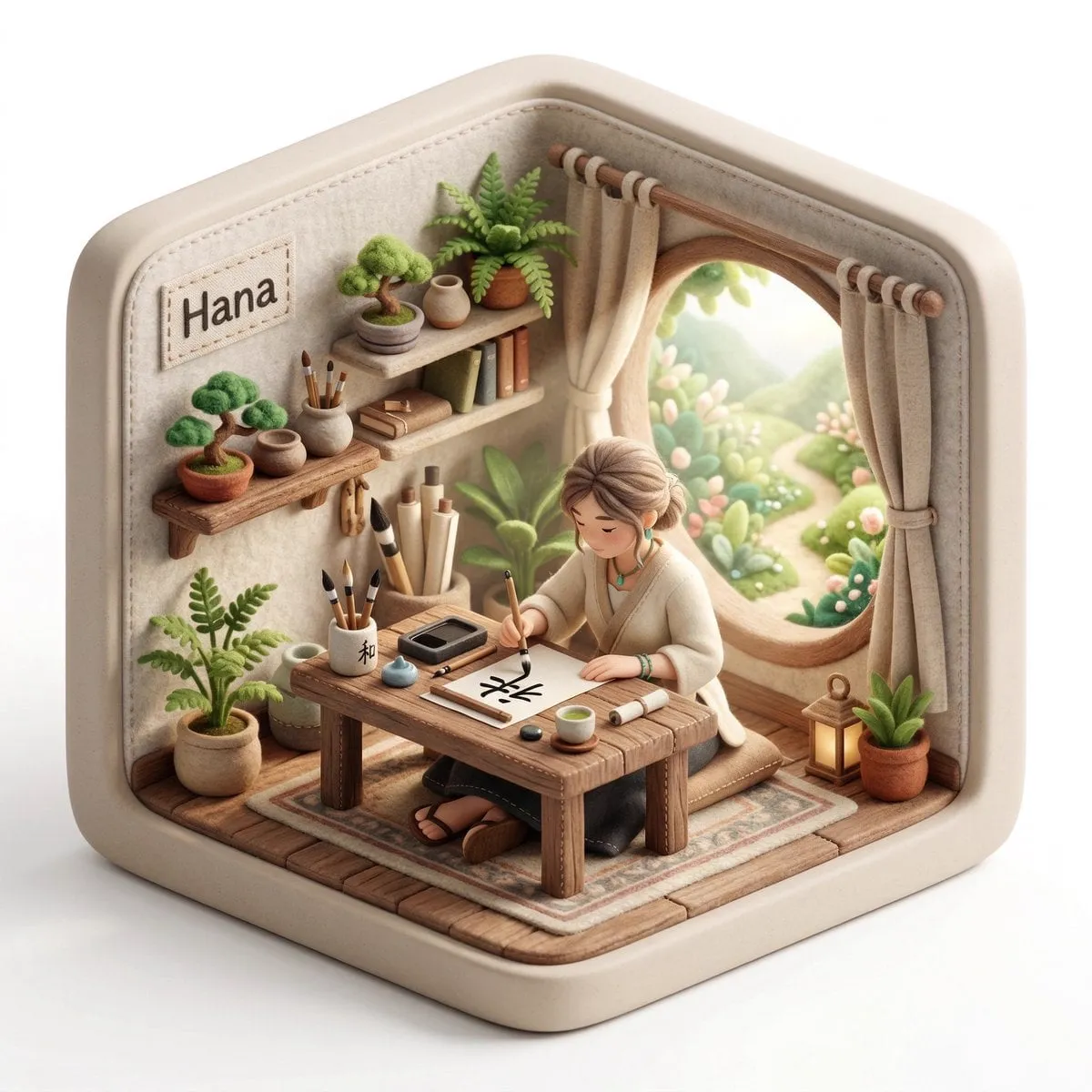
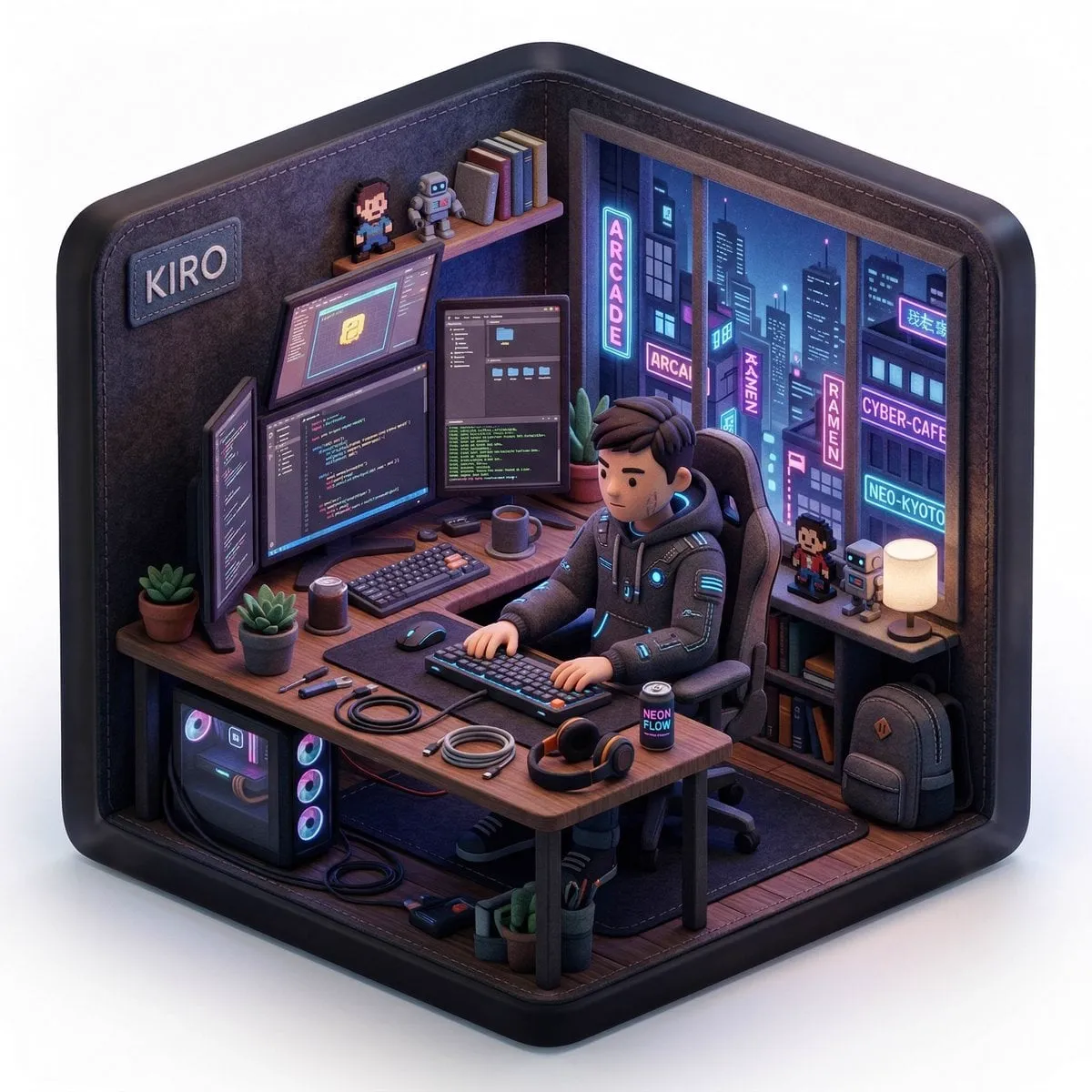
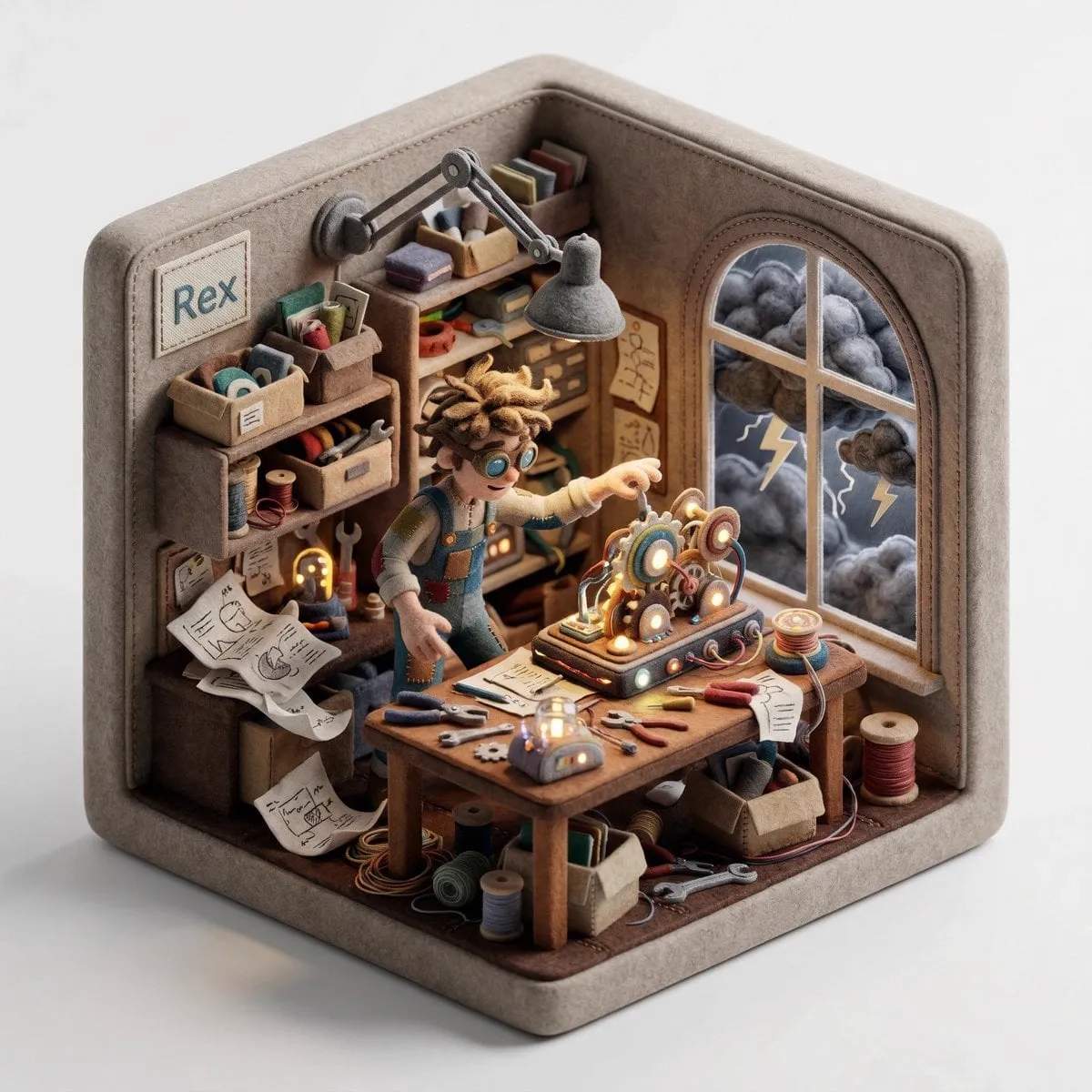
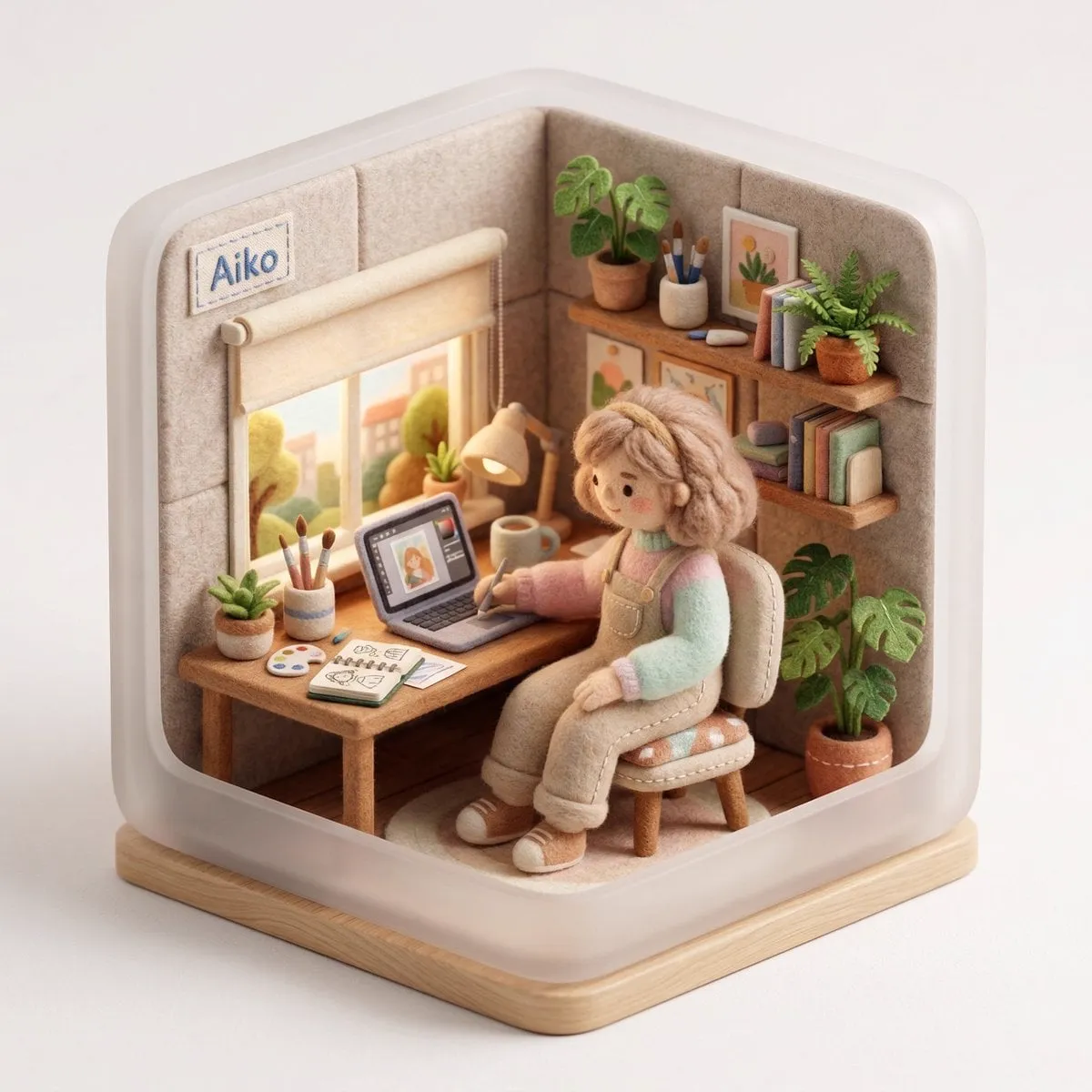
Create a 3D isometric diorama illustration of an original character named…
M
Marcio Lima 利真 マルシオ 💎@Preda2005
135 4,733 3/22/2026
 Nano Banana 2
共有:
プロンプト
Create a 3D isometric diorama illustration of an original character named [CHARACTER NAME], peacefully working or practicing a creative activity in a nature-inspired environment, sitting at a wooden desk near a large open window with sunlight flowing in and soft greenery visible outside.

The character should be inspired by [ARCHETYPE / PROFESSION – e.g. writer, painter, meditator, calligraphy artist, tea master] and have a unique visual identity, including soft, natural clothing, organic textures, and a calm, introspective personality.

The entire scene must have a handcrafted felt aesthetic, with soft rounded shapes, visible stitching details, and clean, polished textures.

The diorama is enclosed inside a rounded cube structure with subtle hexagonal proportions, made of [MATERIAL STYLE – e.g. soft matte ceramic, light frosted resin, natural wood finish].

The environment must strongly reflect a peaceful, nature-connected lifestyle, including plants, natural wood furniture, soft textiles, and minimalistic decor.

On the desk, include small detailed objects such as [OBJECT 1 – e.g. tea cup], [OBJECT 2 – e.g. brush or pen], [OBJECT 3 – e.g. notebook or scroll].

Lighting should be bright, soft, and natural, with warm sunlight beams entering through the window, creating a serene and airy atmosphere, with a clean white background outside the diorama.

Render in 1080x1080, ultra-detailed, photorealistic style.

Include a small stitched fabric name tag sewn onto the INNER wall of the diorama (top-left corner inside the cube), clearly integrated into the scene, not floating and not outside the structure, displaying the name: [CHARACTER NAME].
このプロンプトの使い方
3つの簡単なステップではじめられます。
1
コピーまたは使用
プロンプトのテキストをコピーするか、「このプロンプトを使う」をクリックして、プロンプトが事前入力されたジェネレーターを開きます。
2
設定を調整
アスペクト比、解像度、その他の設定をプロジェクトに合わせて調整します。
3
生成・共有
生成ボタンを押し、完成したら作品を共有しましょう。
![A hyper-realistic 3D travel guide infographic poster for [COUNTRY]](https://storage.brightvectorlabs.com/prompts/bright/illustration-and-3d/2043047413770809708-0.webp)
![A simple black-and-white illustration of a [subject] in [outfit], [doing…](https://storage.brightvectorlabs.com/prompts/bright/illustration-and-3d/2043284009116160473-0.webp)
![A hyper-realistic 3D world guide infographic poster for [SHOW]](https://storage.brightvectorlabs.com/prompts/bright/illustration-and-3d/2045107949639455223-0.webp)