![Cinematic automotive billboard poster, [CAR MODEL + VARIANT] in [PAINT COLOR +…](https://storage.brightvectorlabs.com/prompts/bright/poster-design/2045830975318610408-0.webp)
Cinematic automotive billboard poster, [CAR MODEL + VARIANT] in [PAINT COLOR +…
ᴍ
ᴍᴜʀᴘʜʏ@Diplomeme
195 9,091 4/19/2026
モデル GPT Image 2
GPT Image 2カテゴリ
共有:
プロンプト
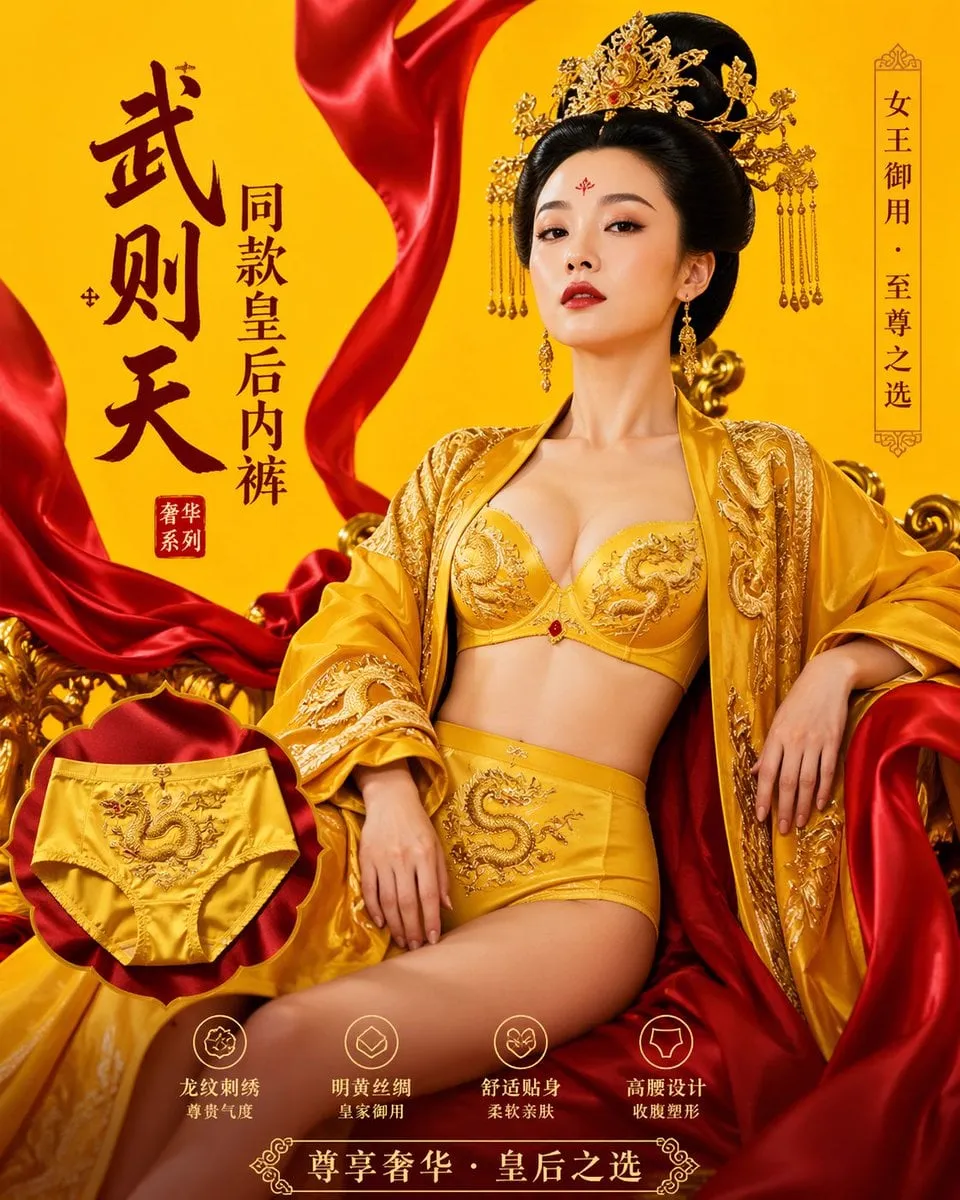
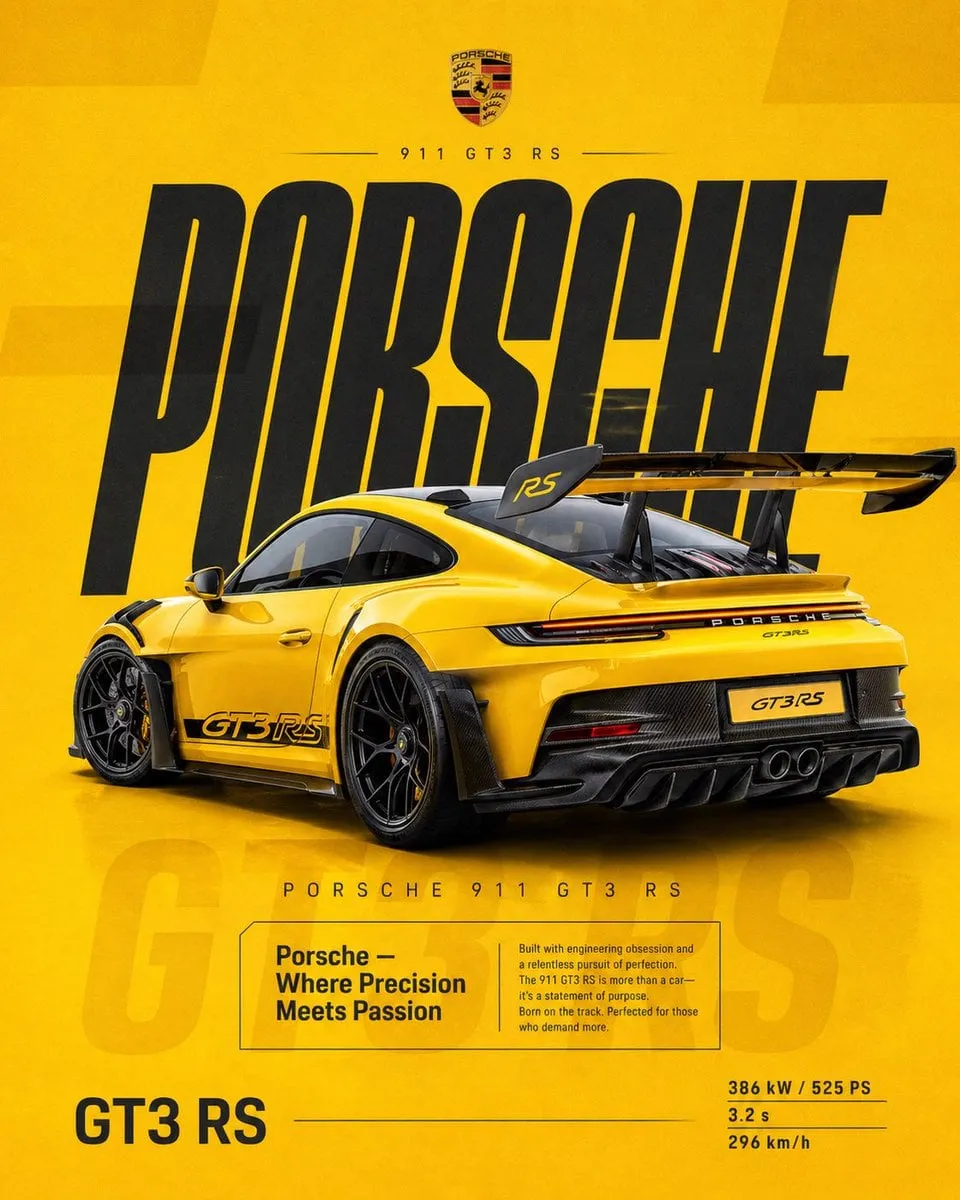
Cinematic automotive billboard poster, [CAR MODEL + VARIANT] in [PAINT COLOR + FINISH], parked center-frame, dominant stance, [CAMERA ANGLE — e.g. low angle / front three-quarter / elevated SUV angle], ultra controlled composition

dramatic studio lighting setup with [PRIMARY LIGHT COLOR/TONE] key light, [RIM LIGHT COLOR] rim lighting defining silhouette, high contrast shadow falloff, precise specular highlights across body panels

massive billboard-style typography composition, bold condensed sans-serif white text "[BRAND NAME]" filling entire background wall behind the car, perfectly centered and spanning edge-to-edge, with thin vertical dark lines slicing through each letter evenly, consistent spacing, no distortion

environment designed to match brand mood: [ENVIRONMENT DESCRIPTION — e.g. minimal concrete / desert haze / forest stone / industrial steel], seamlessly fading into deep gradient background, zero clutter

ground surface: [SURFACE TYPE — wet asphalt / gloss studio floor / textured terrain] with subtle realistic reflections, controlled diffusion, no noise

atmosphere: [FOG / HAZE / PARTICLES — optional but controlled], only at ground level for depth

top right corner: [BRAND LOGO DESCRIPTION], small and elegant, paired with minimal uppercase text "[YOUR SIGNATURE — e.g. MURPHY AI]" aligned cleanly

STRICT RULES:
— no extra taglines
— no performance specs
— no additional typography
— no random elements
— maintain premium minimal billboard aesthetic

render quality: hyper-detailed photorealism, ultra sharp reflections, realistic paint microtexture, cinematic color grade matching environment

composition: perfectly balanced, symmetrical, professional automotive advertising layout

format: 1:1 square, ultra high resolution, print-ready billboard finish
このプロンプトの使い方
3つの簡単なステップではじめられます。
1
コピーまたは使用
プロンプトのテキストをコピーするか、「このプロンプトを使う」をクリックして、プロンプトが事前入力されたジェネレーターを開きます。
2
設定を調整
アスペクト比、解像度、その他の設定をプロジェクトに合わせて調整します。
3
生成・共有
生成ボタンを押し、完成したら作品を共有しましょう。
![请根据[主题]自动生成一张[博物馆图鉴式中文拆解信息图]。 要求整张图兼具真实写实主视觉、结构拆解、中文标注、材质说明、纹样寓意、色彩含义和核心特征总结。你需要…](https://storage.brightvectorlabs.com/prompts/bright/poster-design/2045504669401653414-0.webp)
![生成一张[餐饮品牌触点矩阵]系列视觉图,用于展示一个完整的餐饮品牌视觉系统与包装应用方案。 这是一个面向餐饮行业的品牌VI样机展示板 / 包装系统陈列图 /…](https://storage.brightvectorlabs.com/prompts/bright/poster-design/2048360321379701233-0.webp)
![[INPUT IMAGE: USER_PHOTO] Use the person in the input image as the ONLY subject](https://storage.brightvectorlabs.com/prompts/bright/poster-design/2017598696678895882-0.webp)