

Beyond Basic AI Video: High-Quality Watermark-Free Shorts
Aug 4, 2026
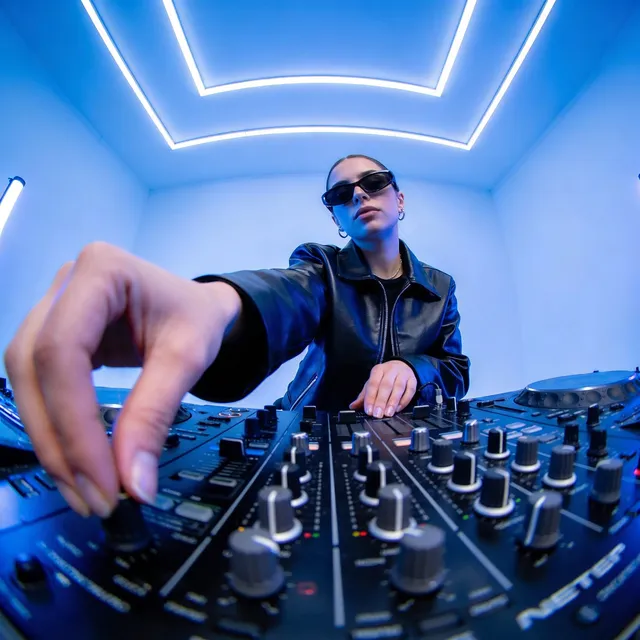


The Professional Standard for AI Video
When AI video first emerged, watermarks and artifacts were the norm. In 2025, professional creators demand clean, commercial-ready output. Whether for client work, brand content, or monetized channels — watermarks are unacceptable.
Domer's AI video generator delivers professional-grade output ready for immediate commercial use.
What Makes AI Video "Professional"?
Clean Output
No watermarks, no branding artifacts, no generation markers. The video should look like it was shot, not generated. This requires:
- High-quality model selection
- Proper export settings
- Clean prompt engineering
Visual Consistency
Professional videos maintain visual identity across every frame:
- Characters look the same in every scene
- Lighting stays consistent
- Color grading is uniform
- Style doesn't drift
Achieve this through reference images and Domer's AI image generator for creating consistent character assets.
Narrative Coherence
Random AI clips don't make a video. Professional content needs:
- Clear beginning, middle, and end
- Logical scene transitions
- Pacing that holds attention
- Audio that complements visuals
The Multi-Model Approach
One size doesn't fit all. Smart creators mix models:
- Photorealism model for hero shots
- Fast model for B-roll and transitions
- Stylized model for branded intros
Domer's text-to-video supports multiple generation styles.
Production Workflow
- Pre-production: Script, storyboard, reference images
- Generation: Create scene by scene with consistent prompts
- Assembly: Combine clips with transitions
- Audio: Add voiceover, music, sound effects
- Export: Optimize for target platform
Avoiding Common Mistakes
- Don't use the same prompt for every scene — adapt to context
- Always check for visual artifacts before final render
- Test on mobile — that's where most viewers are
- Keep files organized — you'll generate many versions
- Use image-to-video for existing assets to save time

Alexander
More Blogs
Read MoreVidu Q4 Alternatives: 4K AI Video Models Compared (2026)
Vidu Q4 alternatives compared: Kling 4.0, Seedance 2.5, Wan 3.0, and Runway Gen-4 — 4K support, input modes, durations, audio, and what each costs in credits on Domer.
Top 4K AI Image Generators in 2026: 5 Models Compared on Real Costs
The top 4K AI image generators on Domer compared: Flux 3 Klein, Nano Banana 2.1, GPT Image 2.5, GPT Image 2, and Nano Banana Pro — 4K credit costs, reference limits, and speed.
Nano Banana 2.1 vs GPT Image 2.5: Which Image Model Should You Use? (2026)
Nano Banana 2.1 vs GPT Image 2.5 Flare compared: credit costs per resolution, aspect ratios, reference images, text rendering, and which tasks fit each model.