
Kling 运动控制
上传视频
或选择自
支持 MP4、MOV,最大 100MB。
上传图片
或选择自
支持 PNG、JPG,最大 10MB。
加载中...




























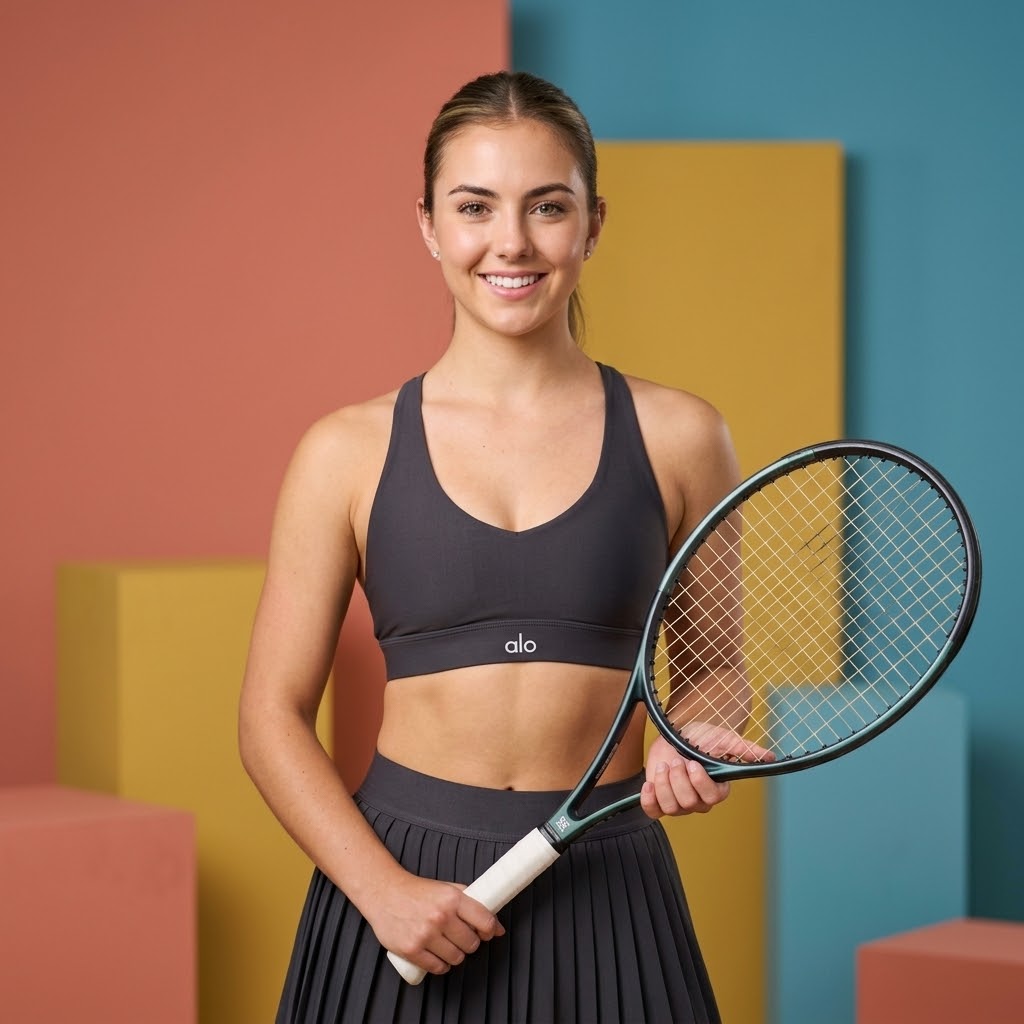
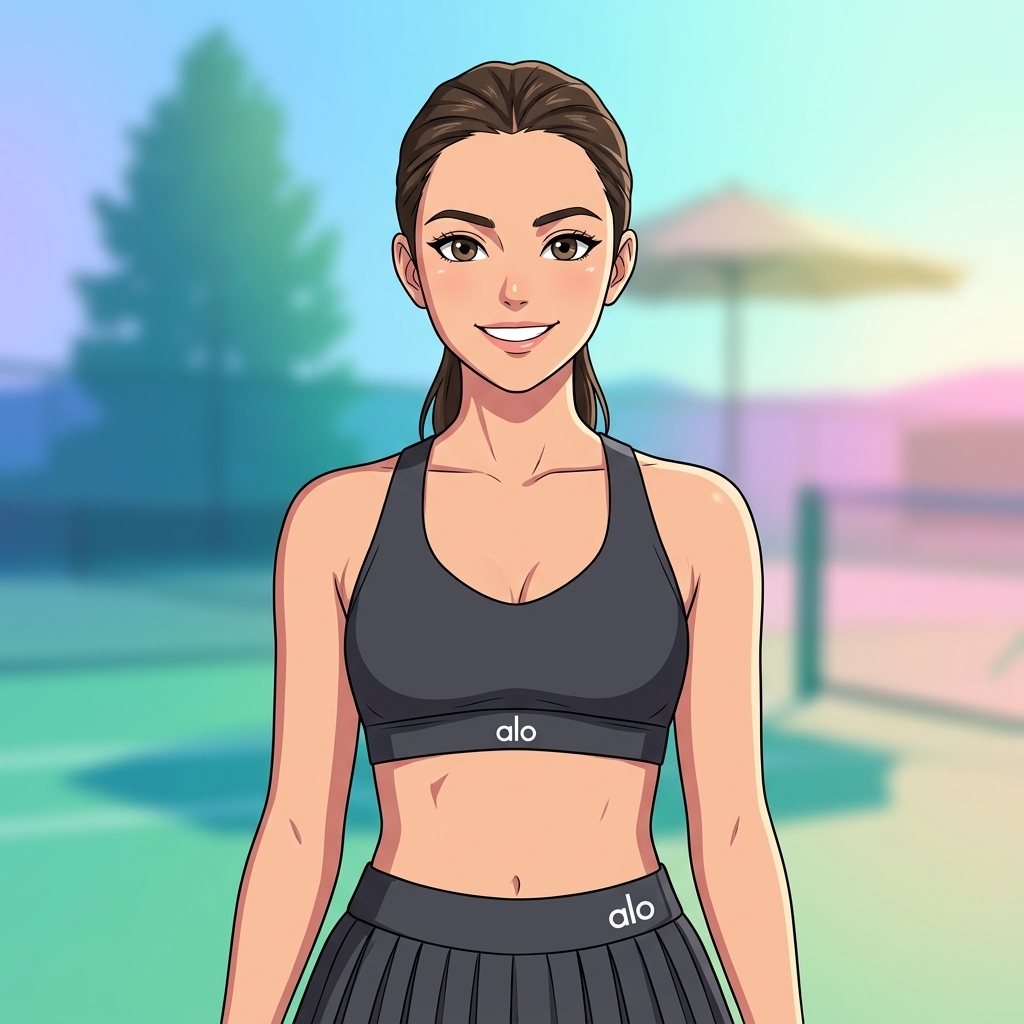
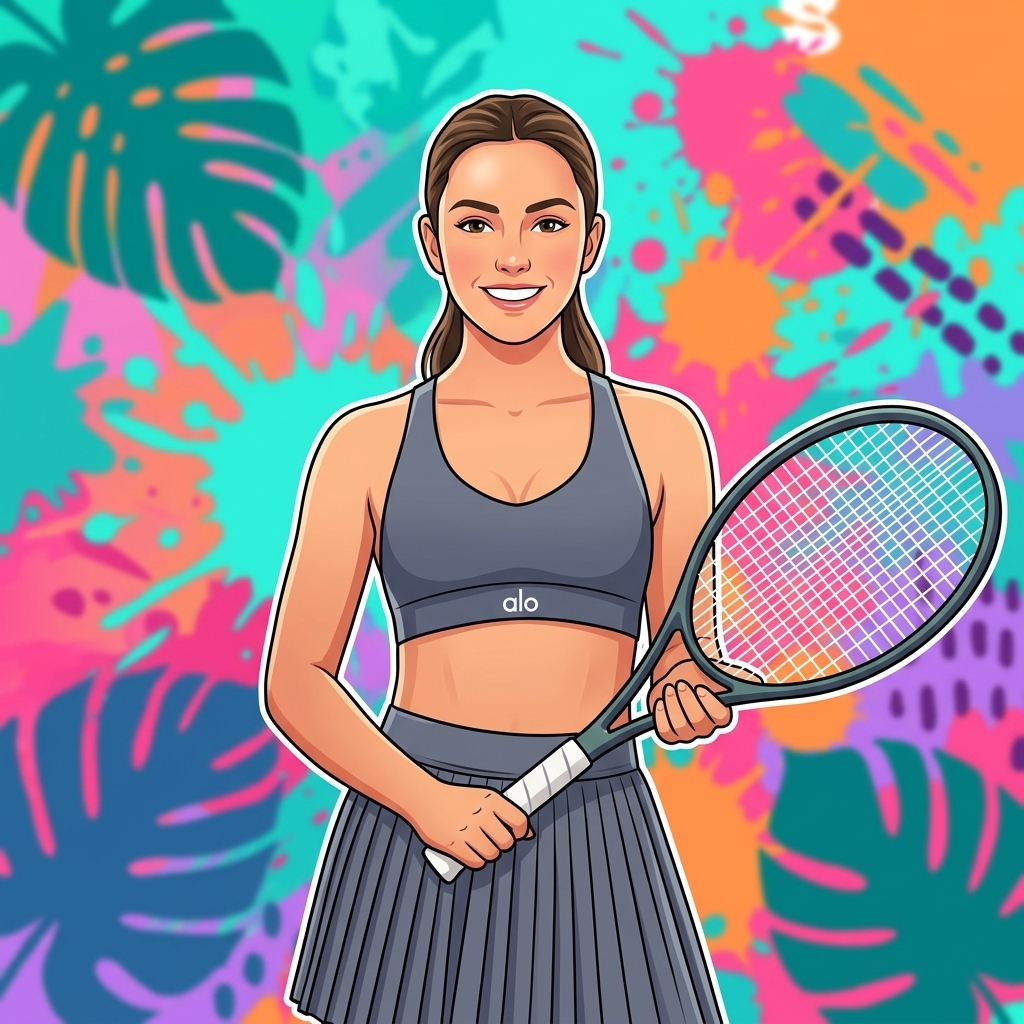
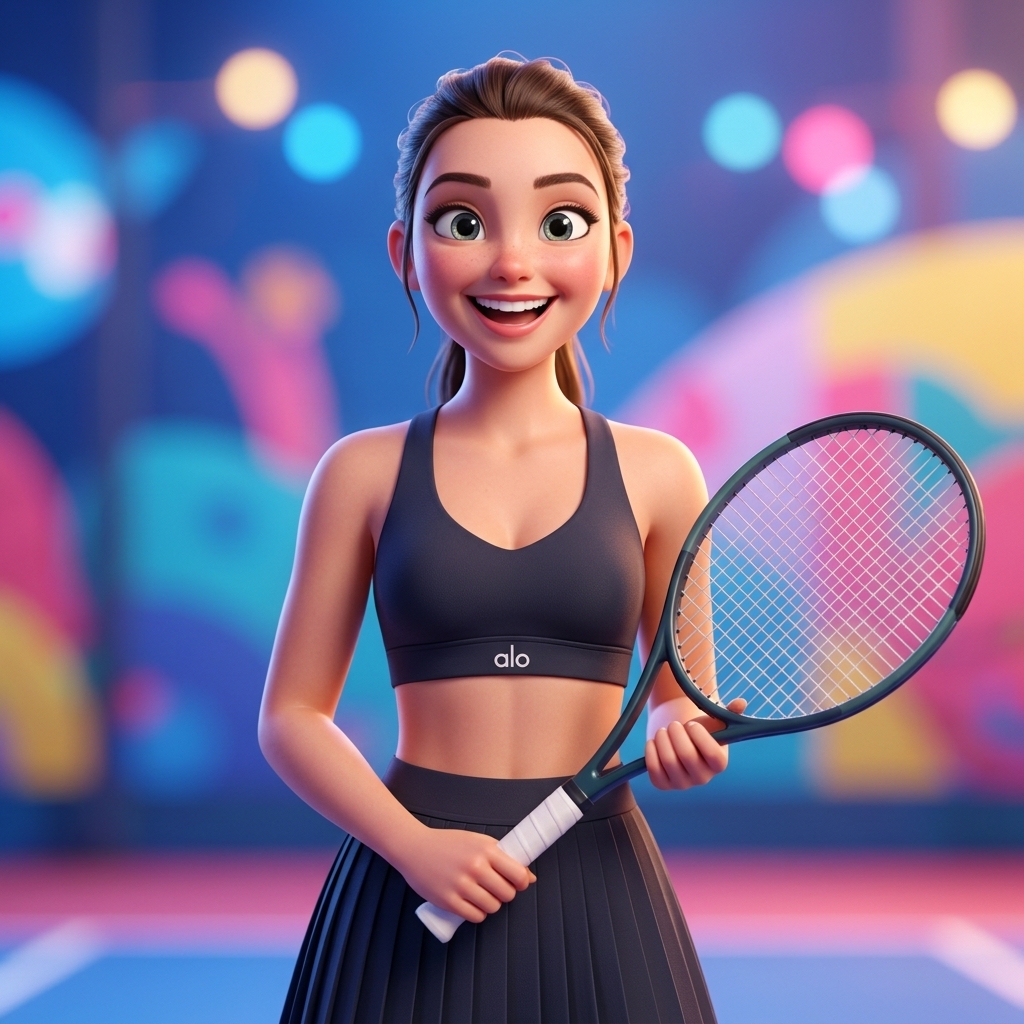
创意套件:AI 视频生成器和 AI 图片生成器工具
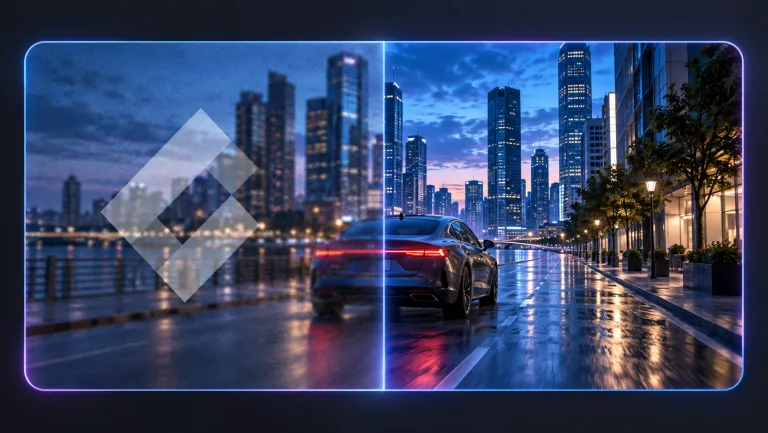
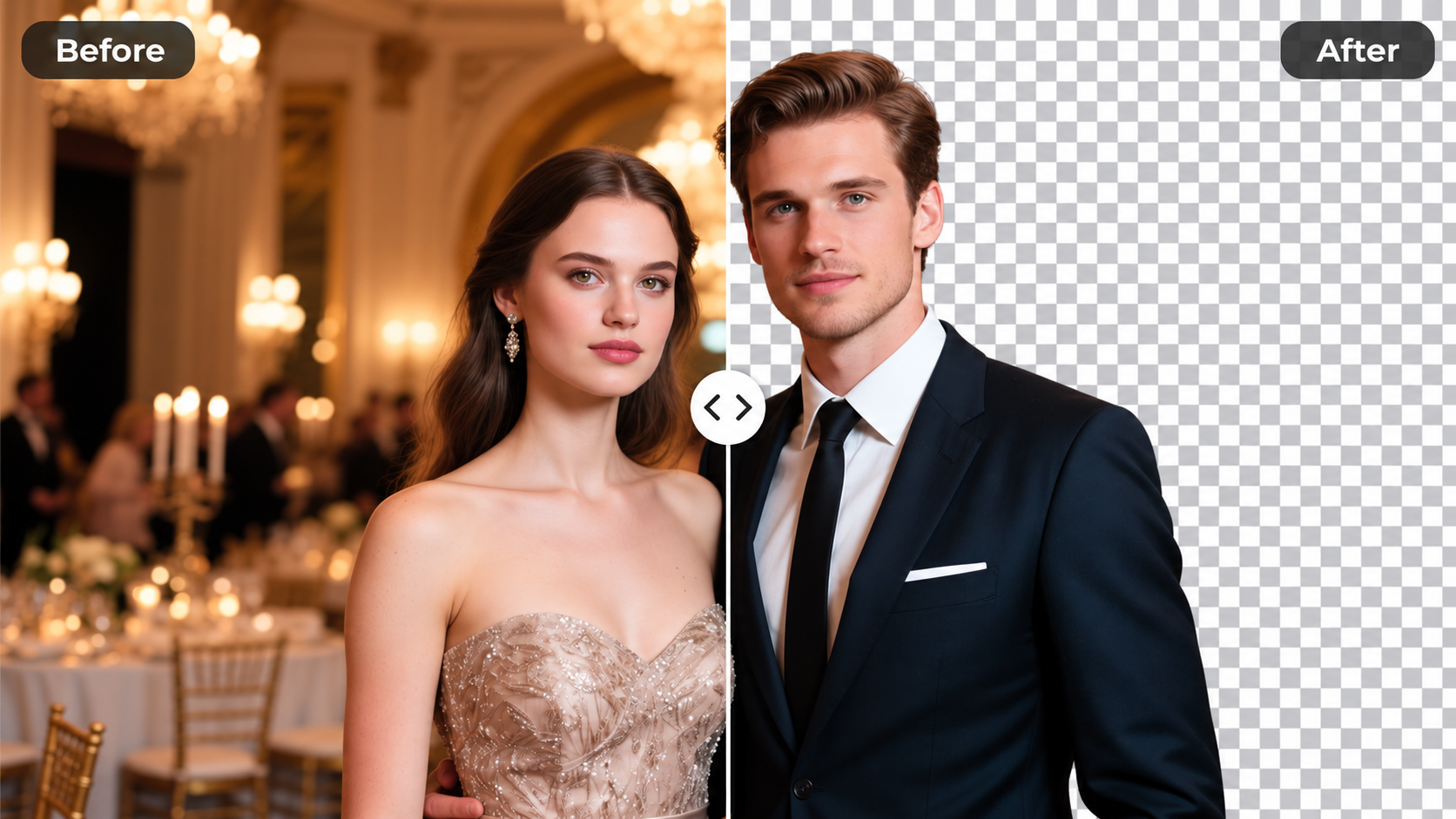
用我们的 AI 驱动工具提升你的创意工作流。生成精美视频、创建图片、应用自定义调整——我们的 AI 视频生成器和 AI 图片生成器为你的所有创意需求提供一站式解决方案。
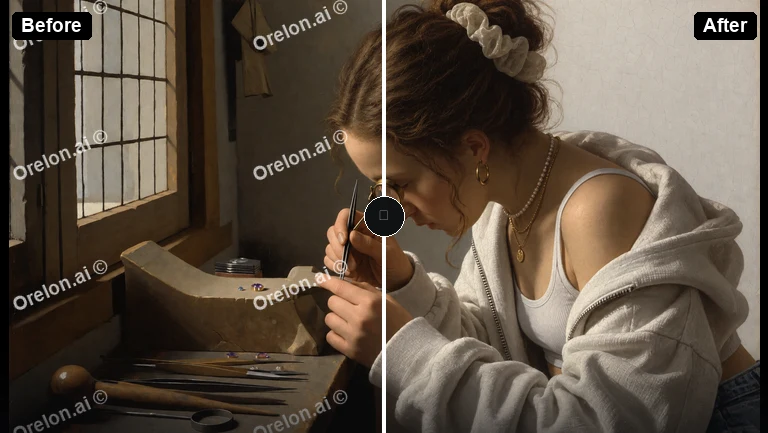
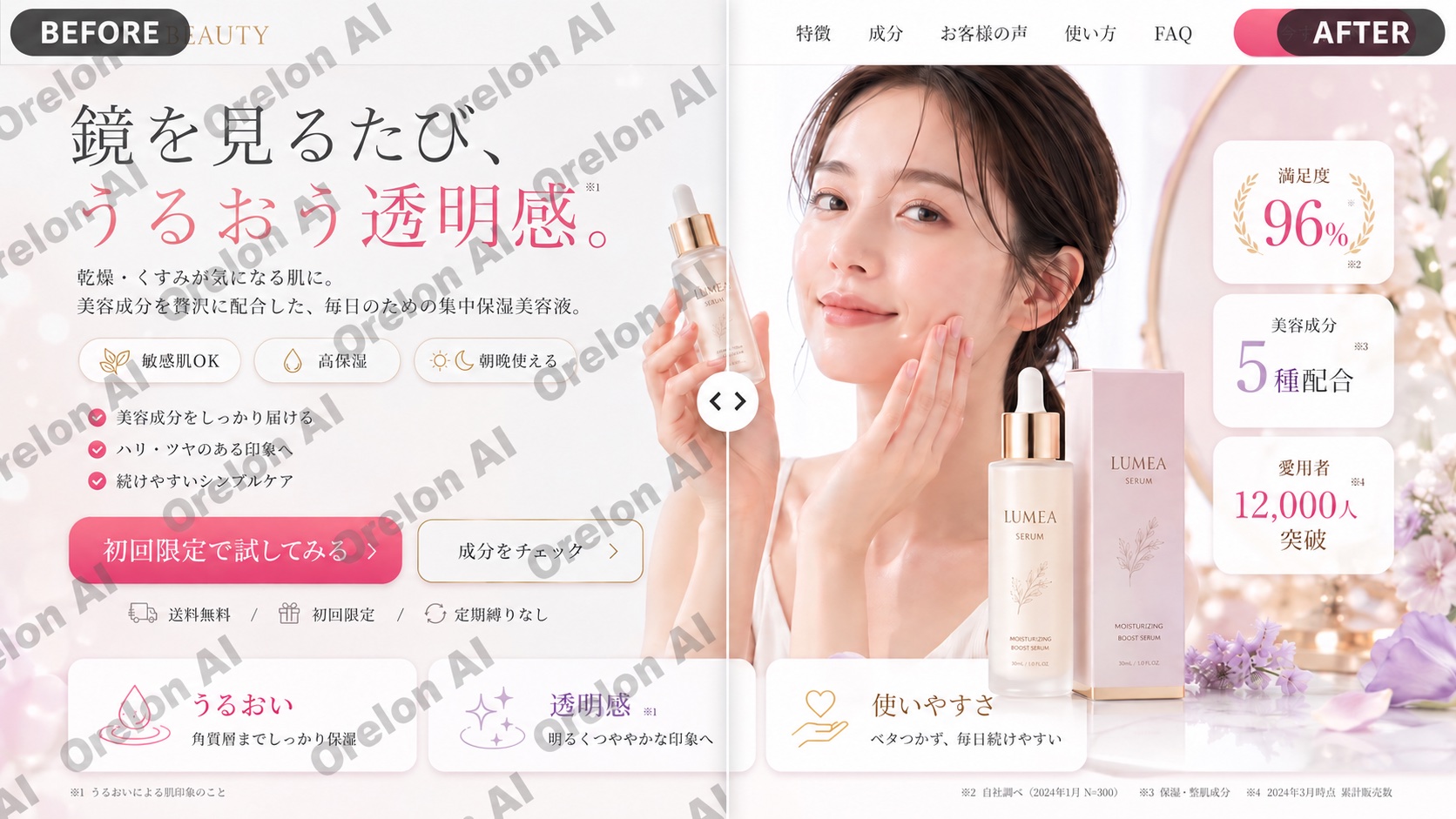
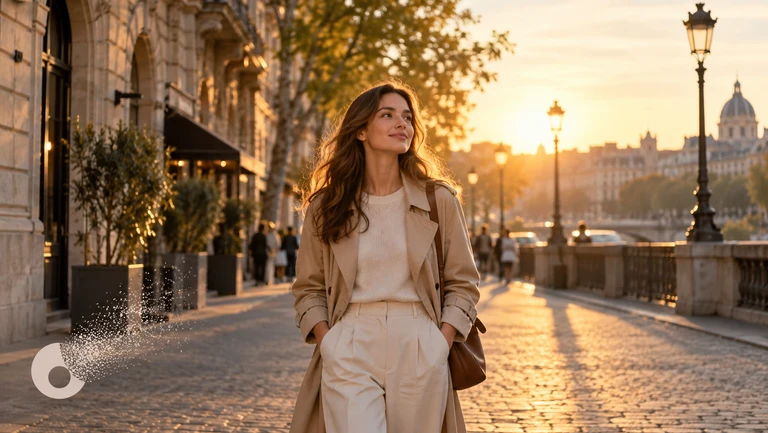
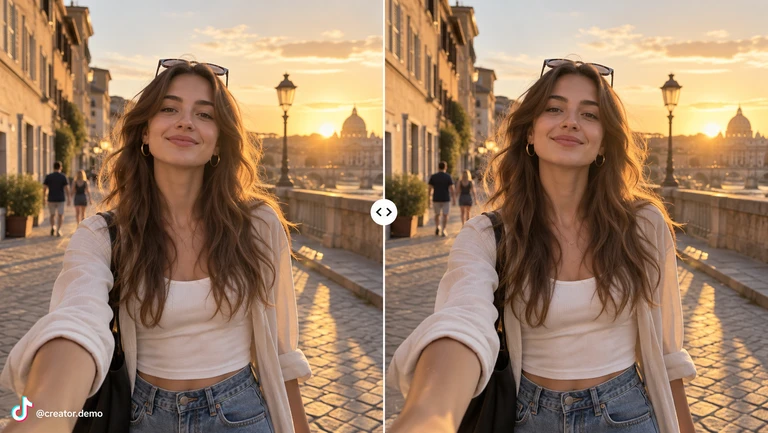
Kling Motion Control
告别动画猜测。Kling Motion Control 能够1:1复制真人表演并应用到任意角色——就像无需穿戴设备的动作捕捉。上传角色图像和动作参考视频,AI会逐帧追踪每个身体姿态、手势和面部表情。生成3-30秒720p或1080p的连续角色动画。一次表演,无限角色。相同的手势、节奏和表现力——不同的视觉形象。10积分免费试用。
免费试用逐帧复制真人动作
录制任何人的动作——跳舞、演示、手势。Kling Motion Control 追踪每个身体姿态、手部动作和面部表情,然后将完整表演迁移到你的角色上。时间完全同步,12秒的参考视频会生成完美的12秒角色动画。
一次表演,无限角色
录制一次,然后用 Kling Motion Control 将表演应用到10个不同角色。相同的手势、节奏和表现力——不同的视觉形象。非常适合品牌吉祥物、A/B测试角色设计,或制作肢体语言一致的多语言内容。
30秒不间断动作
Kling Motion Control 单次可生成长达30秒的视频。足以完成完整的产品演示、整段舞蹈编排或不间断的演讲。没有动作重置的尴尬剪切——从头到尾流畅连贯。大多数其他工具最多只能生成5-10秒。
Kling Motion Control 的实际应用场景
表演迁移优于提示词动画的真实使用案例。
统一演示者的产品演示
录制一段演示视频,用 Kling Motion Control 应用到不同品牌角色。每个演示都有相同的手势、节奏和表现力——但视觉形象各不相同。比多次拍摄更高效。
虚拟主播与AI网红
你的虚拟角色需要在镜头前表现自然。录制自己表演脚本,然后用 Kling Motion Control 迁移表演。肢体语言、节奏、表情——全部从真人复制。
舞蹈与编舞迁移
拍摄舞蹈素材,用 Kling Motion Control 应用到插画或风格化角色。非常适合音乐视频、社交内容或需要真实编舞但非写实画风的动画项目。
可重复动作的培训视频
让讲师录制一次操作演示。用 Kling Motion Control 在不同场景、语言或角色设计中重复使用完全相同的表演。手势和节奏始终保持一致。
社交媒体角色内容
为抖音、Instagram和YouTube创建引人入胜的角色驱动内容。Kling Motion Control 让你制作与热门舞蹈、反应和格式匹配的一致角色表演。
多语言内容制作
跨语言保持相同的肢体语言。录制一次表演,用 Kling Motion Control 应用到不同市场的角色。无论配音语言如何,手势和节奏始终一致。
Kling Motion Control 到底能做什么
你有一段某人跳舞、演讲或挥手的参考视频,还有一个角色——可以是照片、插画或3D渲染图。Kling Motion Control 将视频中的精确动作映射到你的角色上。可以理解为无需穿戴设备的动作捕捉。AI追踪身体姿态、手势、面部表情——甚至细微的重心转移和节奏——然后将所有这些应用到你的图像上。你的角色以相同的节奏和表现力执行相同的动作。这不是基于提示词的动画,不是描述'人在挥手'那种。Kling Motion Control 是表演迁移。如果你的参考视频展示了某人在第3秒、第7秒和第10秒做出特定手势的12秒产品演示,你的角色会在完全相同的时刻做出完全相同的手势。
Kling Motion Control 为何优于其他方法
文生视频工具根据提示词猜测动作。图生视频只添加微妙的动画效果。Kling Motion Control 不同——它1:1复制真人表演。如果你需要精确的编舞、特定的手势,或在多个角色间重复相同动作,这就是你需要的工具。
协调同步的全身动作
手臂、腿部、躯干、头部——Kling Motion Control 让所有部位像真实运动一样协调运动。AI保持身体协调性,走路看起来像走路,跳舞看起来像跳舞。每个身体部位都保持同步。
清晰不模糊的手势
指向、掰手指数数、握持物品——Kling Motion Control 保持手部动作清晰。大多数视频AI在处理手部时表现不佳,但动作控制从手部已经正确运动的真实素材中复制。
30秒连续动作
Kling Motion Control 单次可生成长达30秒。足以完成完整演示、整段舞蹈序列或不间断的演讲。没有动作重置的尴尬剪切——只有一个流畅的长镜头。
相同动作,不同角色
录制一次表演,用 Kling Motion Control 应用到多个角色。非常适合品牌吉祥物、虚拟主播,或用相同动作A/B测试不同视觉风格。
照片、插画、3D渲染均可
Kling Motion Control 适用于任何角色图像——照片、数字插画、动漫风格画作、3D渲染图。只要身体清晰可见,AI就能用你的参考动作为其制作动画。
720p和1080p输出
Kling Motion Control 以高清质量生成。标准模式高效处理,专业模式渲染更精细、画质更清晰。两种模式的动作表现完全一致——专业模式只是画面更锐利。
如何使用 Kling Motion Control
四步上传即可开始生成
上传角色图像
PNG或JPG格式,最小512x512像素。角色应清晰展示头部、肩膀和躯干。正面或略微侧面效果最佳。插画、照片、3D渲染图均可用于 Kling Motion Control。
上传动作参考视频
MP4、MOV或MKV格式,最大10MB。3-30秒的动作表演视频。最佳效果:单人、动作清晰、镜头稳定。Kling Motion Control 自动追踪画面主体。
匹配画面构图并添加场景描述
半身图像需要半身视频,全身图像需要全身视频。可选择描述背景和环境——Kling Motion Control 将场景与动作分开处理。
选择质量并生成
标准模式(70-140积分)高效处理。专业模式渲染更精细。Kling Motion Control 处理时间约2-4分钟。下载无水印的高清MP4视频。
Kling Motion Control 功能特性
从参考视频到角色动画的专业动作迁移所需的一切。
逐帧动作追踪
Kling Motion Control 在参考视频的每一帧中追踪身体姿态、手势和面部表情。动作时间完全按照表演原样保留。
3-30秒生成
Kling Motion Control 可生成3到30秒的连续动画。无拼接、无重置、无剪切——一个流畅的长镜头匹配你的参考视频时长。
多角色应用
一个参考视频,无限角色应用。Kling Motion Control 让你无需重新录制动作,即可将同一表演复用到不同角色。
场景提示词控制
动作来自视频,但你可以通过 Kling Motion Control 的提示词系统控制环境。独立于角色动作描述背景、光照和场景设置。
标准与专业双模式
Kling Motion Control 提供经济实惠的标准模式和最高画质的专业模式。两者动作表现完全一致——专业模式渲染更精细。
商用级输出
每个 Kling Motion Control 视频均导出为无水印的高清MP4。包含完整商业使用权——可用于客户项目、社交媒体、营销或任何商业用途。
创作者对 Kling Motion Control 的评价
内容创作者、营销人员和动画师在 Domer 上使用 Kling Motion Control 制作专业角色动画。
Kling Motion Control 改变了我创作角色内容的方式。我录制自己的动作,迁移到品牌吉祥物上,每次动作都完美还原。再也不用靠文字提示词猜测了。
David Chen, 内容创作者
David Chen
内容创作者
我们用 Kling Motion Control 为4个市场制作产品演示视频。拍摄一位演示者,将动作应用到不同区域的角色。相同的手势,一致的信息传达,制作成本大幅降低。
Rachel Kim, 市场经理
Rachel Kim
市场经理
单次30秒的连续动作——这就是让我选择 Kling Motion Control 的原因。其他工具最多给你5秒。我可以完成一整段舞蹈编排或完整的产品演示,无需剪切。
Marcus Thompson, 自由动画师
Marcus Thompson
自由动画师
我的虚拟主播开场以前看起来很机械。用了 Kling Motion Control 后,我自然地录制开场动作,迁移到角色上,肢体语言真的有了人的感觉。观众立刻注意到了变化。
Sofia Garcia, YouTube创作者
Sofia Garcia
YouTube创作者
品牌吉祥物用真人手势做产品演示——Kling Motion Control 让这成为可能。我们拍摄一次演示,应用到吉祥物角色,几分钟内就有了专业视频。
James Wilson, 电商店主
James Wilson
电商店主
用品牌角色跟热门舞蹈——这就是 Kling Motion Control 让我们做到的。录制一次编舞,应用到不同账号的不同角色。动作质量真的很出色。
Anna Zhang, 社交媒体经理
Anna Zhang
社交媒体经理
定价
选择最适合您的积分套餐。
无隐藏费用 • 随时取消 • 未使用积分可结转
入门版
适合初次尝试 AI 创作。
积分
每月 200 积分
- 每月最多 20 个视频
- 每月最多 100 张图片
按月扣费
首次订阅会员可享首月立减 30%,次月起恢复原价
包含内容
- 积分永不过期
- 标准模型
- 高清无水印下载
- 私密生成
- 更快的生成速度
- 无广告体验
基础版
适合轻度创作者。
积分
每月 500 积分
- 每月最多 50 个视频
- 每月最多 250 张图片
按月扣费
首次订阅会员可享首月立减 30%,次月起恢复原价
包含内容
- 积分永不过期
- 标准模型
- 高清无水印下载
- 私密生成
- 更快的生成速度
- 无广告体验
专业版
热门创作者的最佳性价比
积分
每月 1,200 积分
- 每月最多 120 个视频
- 每月最多 600 张图片
按月扣费
包含内容
- 积分永不过期
- 全部模型 + 新模型抢先体验
- 高清无水印下载
- 私密生成
- 更快的生成速度
- 超高清分辨率
- 无广告体验
旗舰版
适合视频创作者。
积分
每月 5,000 积分
- 每月最多 500 个视频
- 每月最多 2,500 张图片
按月扣费
包含内容
- 积分永不过期
- 全部模型 + 新模型抢先体验
- 高清无水印下载
- 私密生成
- 更快的生成速度
- 超高清分辨率
- 无广告体验
有疑问?请联系我们: support@domer.io
Kling Motion Control 常见问题
关于动作迁移的常见问题
最新资讯
来自 Domer AI 团队的技巧、教程和更新。
How to Add AI Marketing Videos to Email Campaigns That Convert
A practical workflow for producing AI marketing videos, hosting them properly, embedding them in email campaigns, and measuring what actually converts.
Guida all'integrazione video real-time e workflow AI per app
Progettare app con video in tempo reale, WebRTC, Twilio Video e backend NestJS: sincronizzazione AI, qualità, sicurezza e scalabilità.
Automate Transcription, CRM Video Sync, and Content Management
A practical guide to wiring transcription, CRM video sync, and a content management system into one reliable, searchable video pipeline.
Transcript to Video: A Practical AI Workflow for Creators
Turn scripts and transcripts into polished videos with a repeatable AI workflow: chunking, shot planning, model choice, voice, captions, and QA.
AI YouTube Transcription Workflow: From Audio to Assets
A practical workflow for AI-powered YouTube transcription: model choices, accuracy checks, cleanup, repurposing, and SEO so every video earns more reach.
Integrated Graphics for 4K Video Rendering: A Workflow Guide
Learn how integrated graphics handle 4K video rendering, where unified memory helps, where it bottlenecks, and how to build a faster AI video workflow.
Baby Brat Meme Generator: How to Create Cursed-Cute AI Images
Complete guide to creating Baby Brat memes—the cursed-cute trend combining baby filters with brat aesthetics. Get the best AI prompts, tools, and tips for viral-worthy images.
Domer: Free AI Image Generator - Complete Features & Guide
Everything you need to know about Domer AI—a fast, free image generator for creating memes, art, and transformations. Get 10 free credits to start.
FLUX.2: The End of Five Designer Nightmares
FLUX.2 solves the problems that made AI image tools frustrating—exact colors, consistent characters, readable text, print quality, and efficient workflows. Here's what actually changed.
From Kling 2.6 to 3.0: How One AI Video Platform Is Rethinking the Entire Workflow
While competitors race for longer videos and higher resolution, Kling is betting on something different with its AIO model—and it might just work. A deep dive into Kling 3.0's unified approach.
Kling Motion Control: Transfer Motion from Video to Image with AI
Learn how Kling Motion Control works - upload a reference video and static image to create videos with transferred motion. Complete guide with examples and tips.
Orelon — AI Video Generator for Cinematic Video Creation
Create cinematic videos from text or images with Orelon. Compare 23 video models, apply effects, and direct camera motion in one workspace — no installs.
What Is Domer Meme? The Baby Bart Simpson Phenomenon Explained
A deep dive into the Domer meme that took over TikTok in late 2025. Learn what 'Domer' means, why it went viral, and how to create your own Domer-style images with AI.