
Upload Video
or select from
Supports MP4, MOV. Max 100MB.
Upload Image
or select from
Supports PNG, JPG. Max 10MB.
Loading...
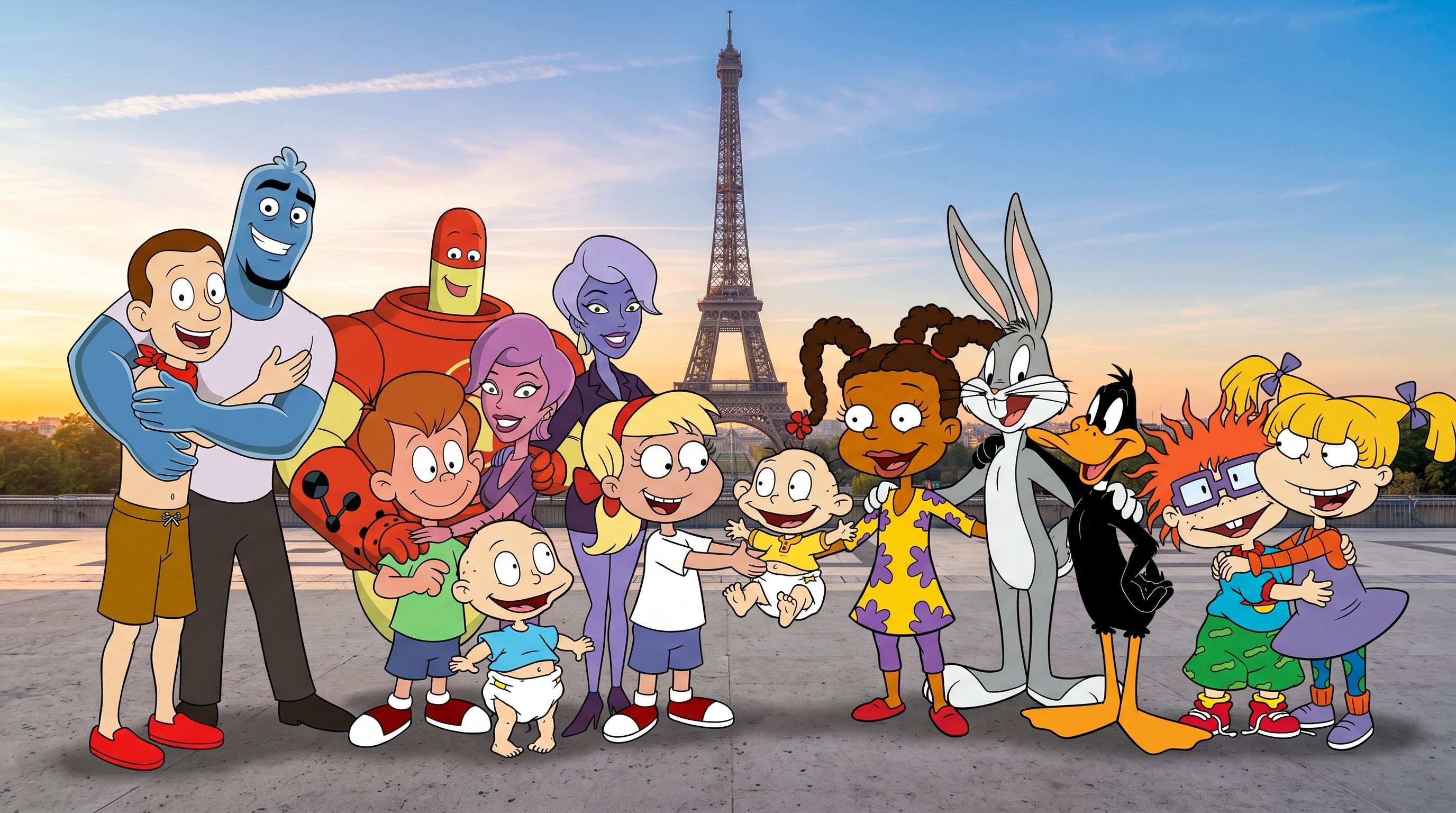












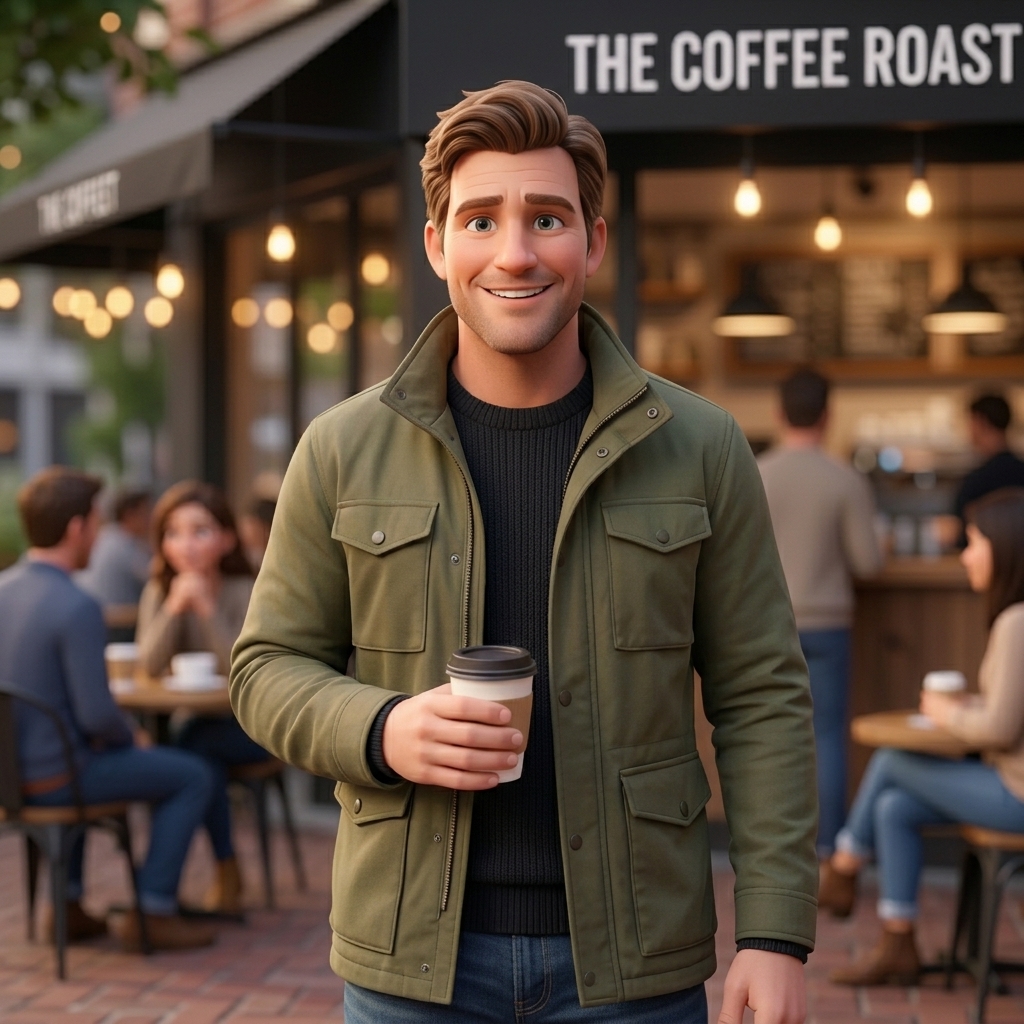

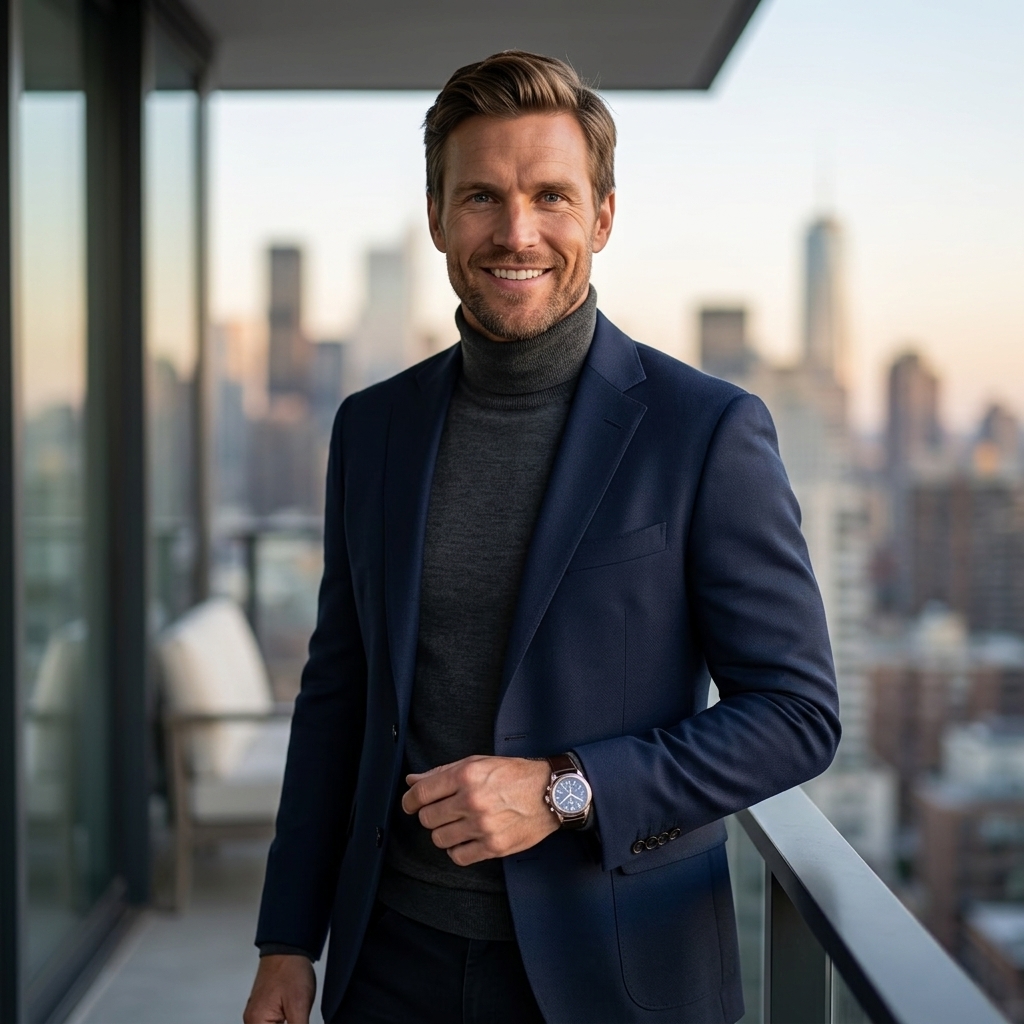


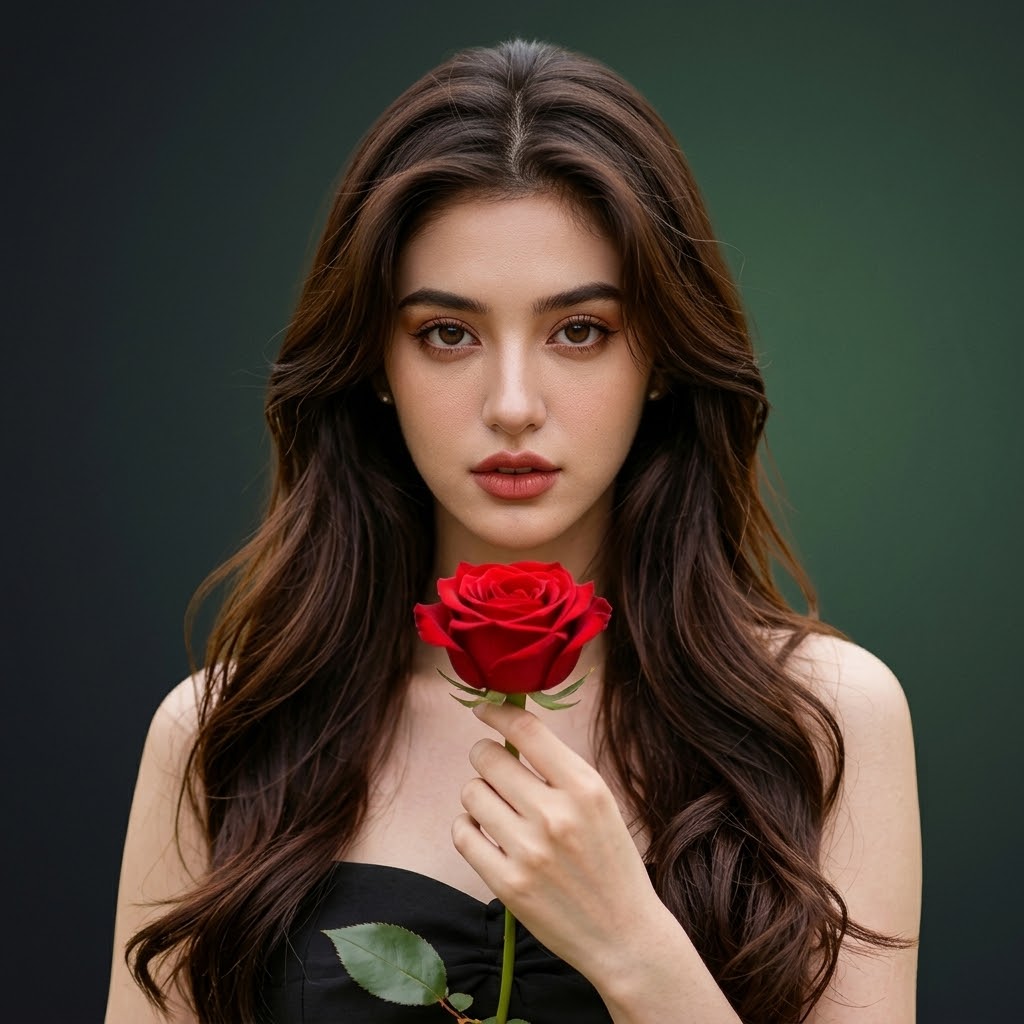
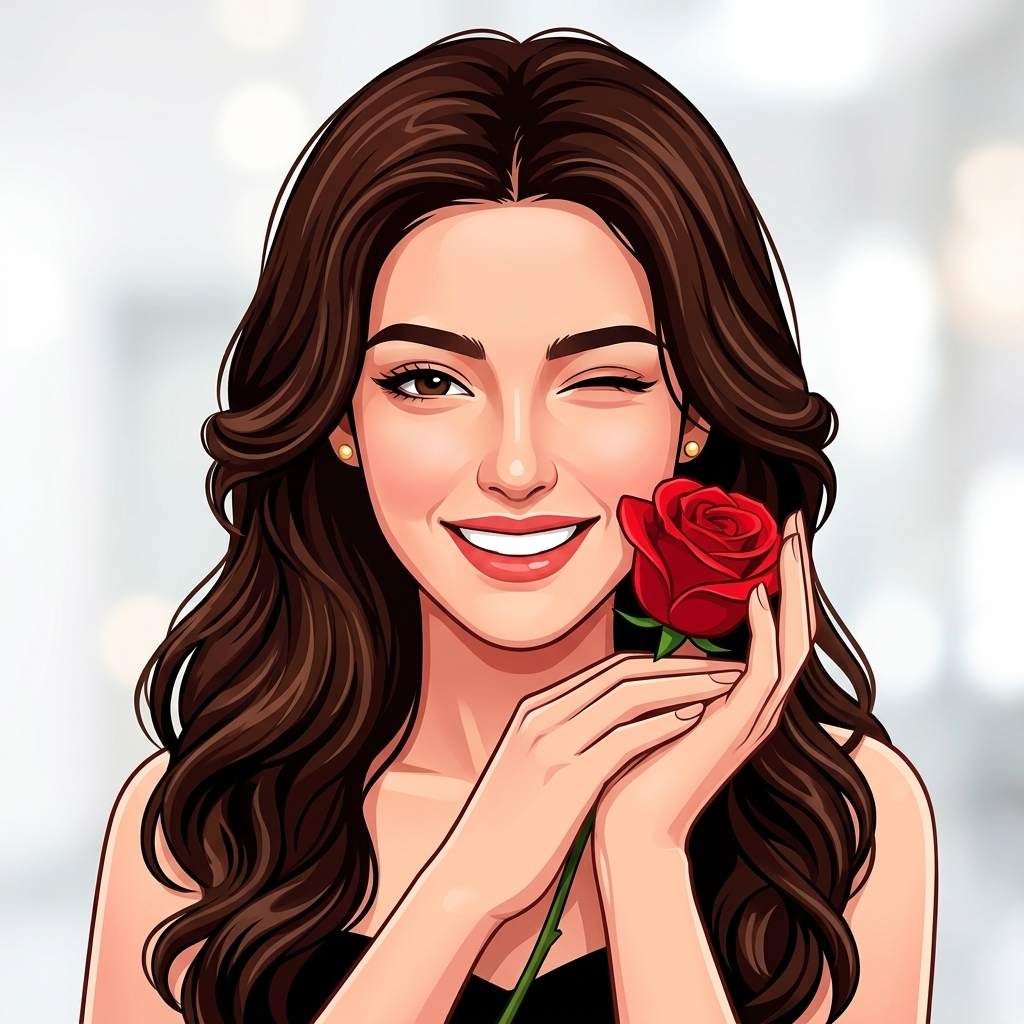

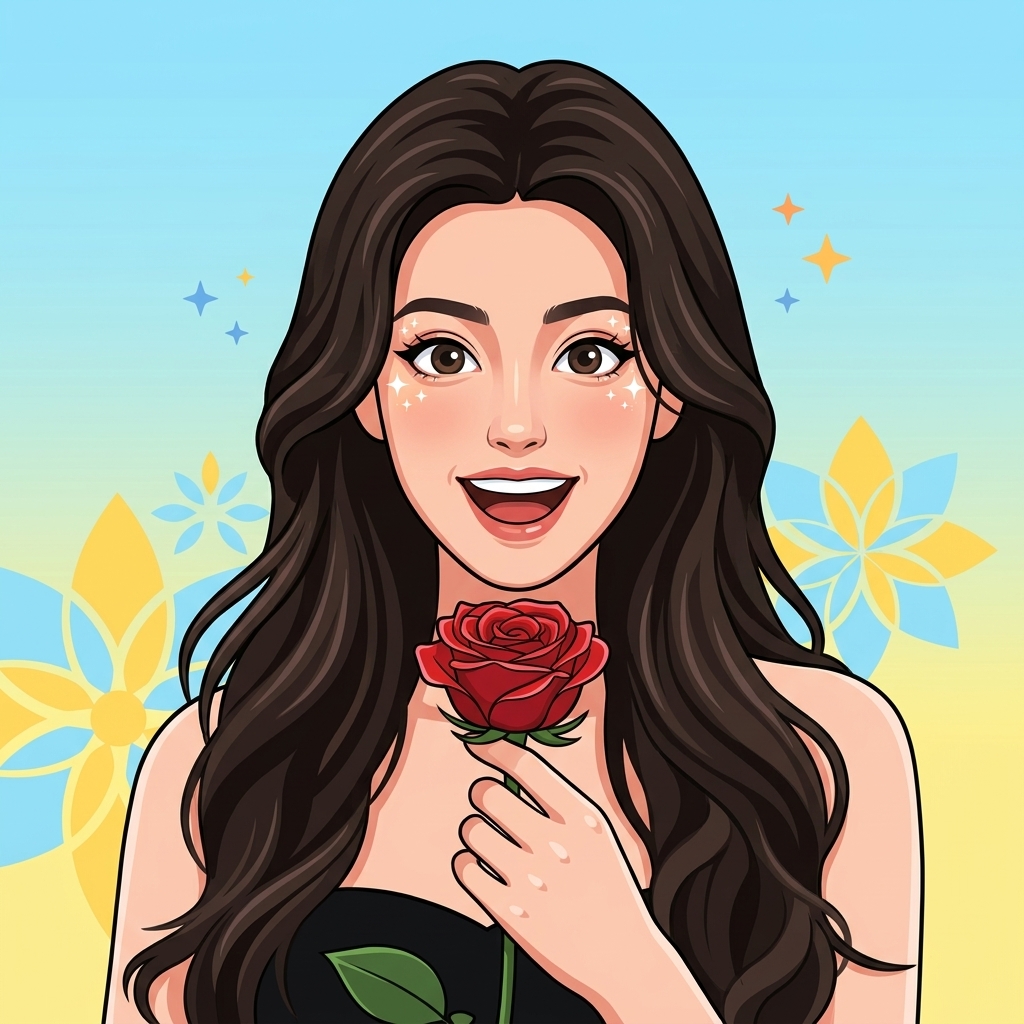


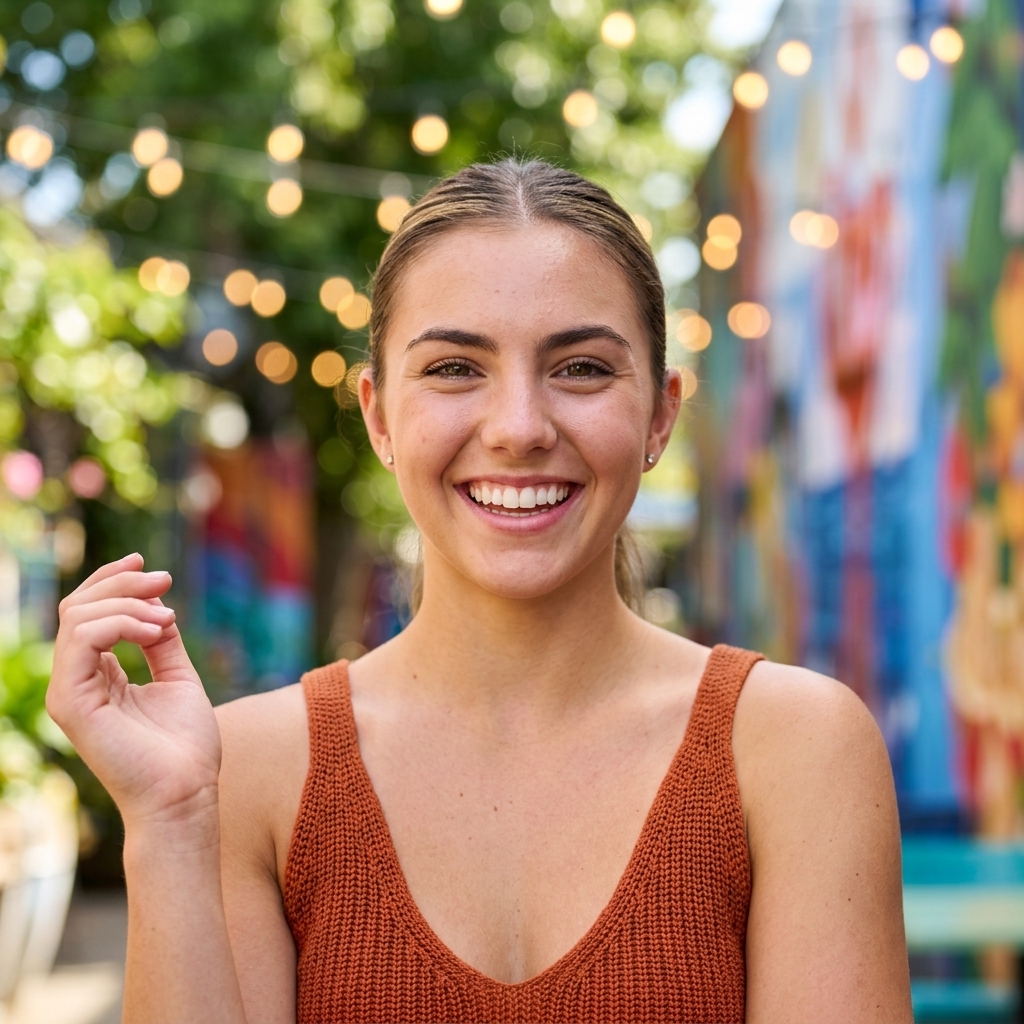
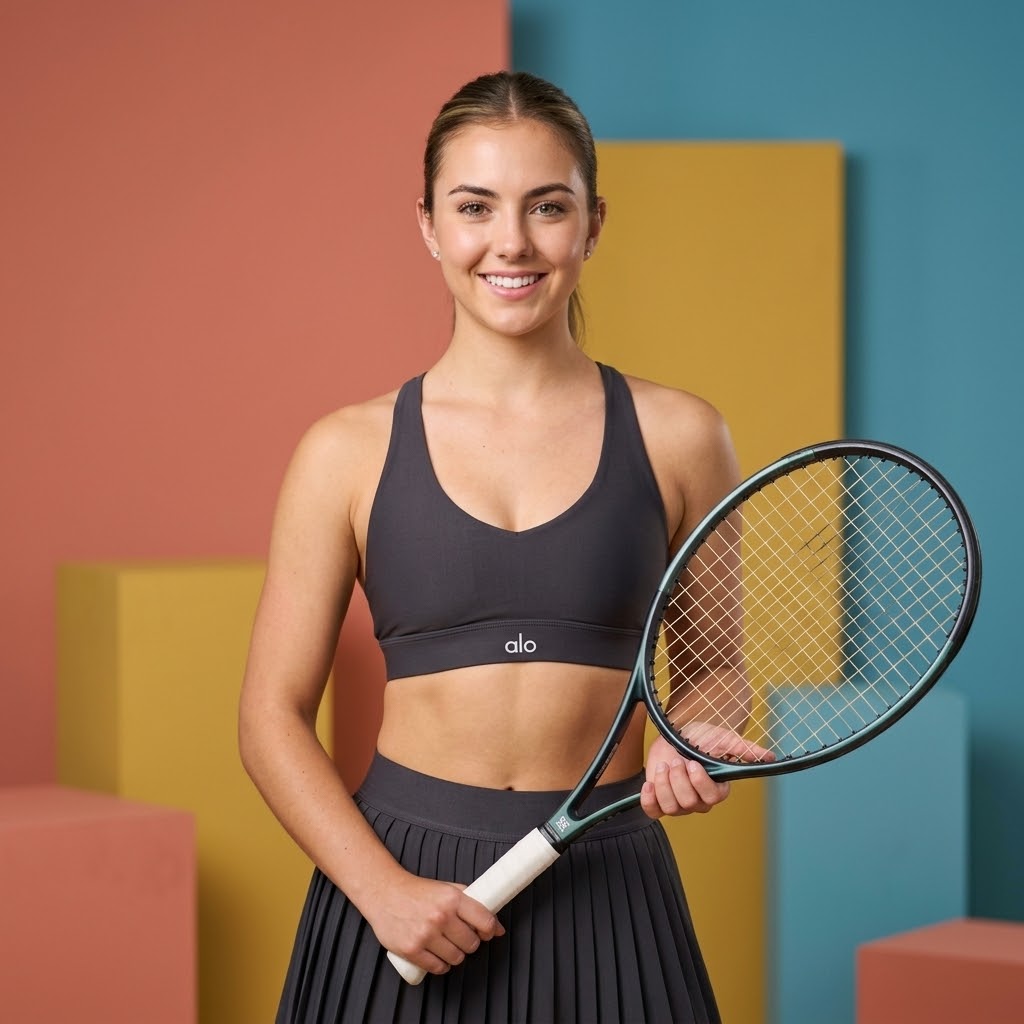
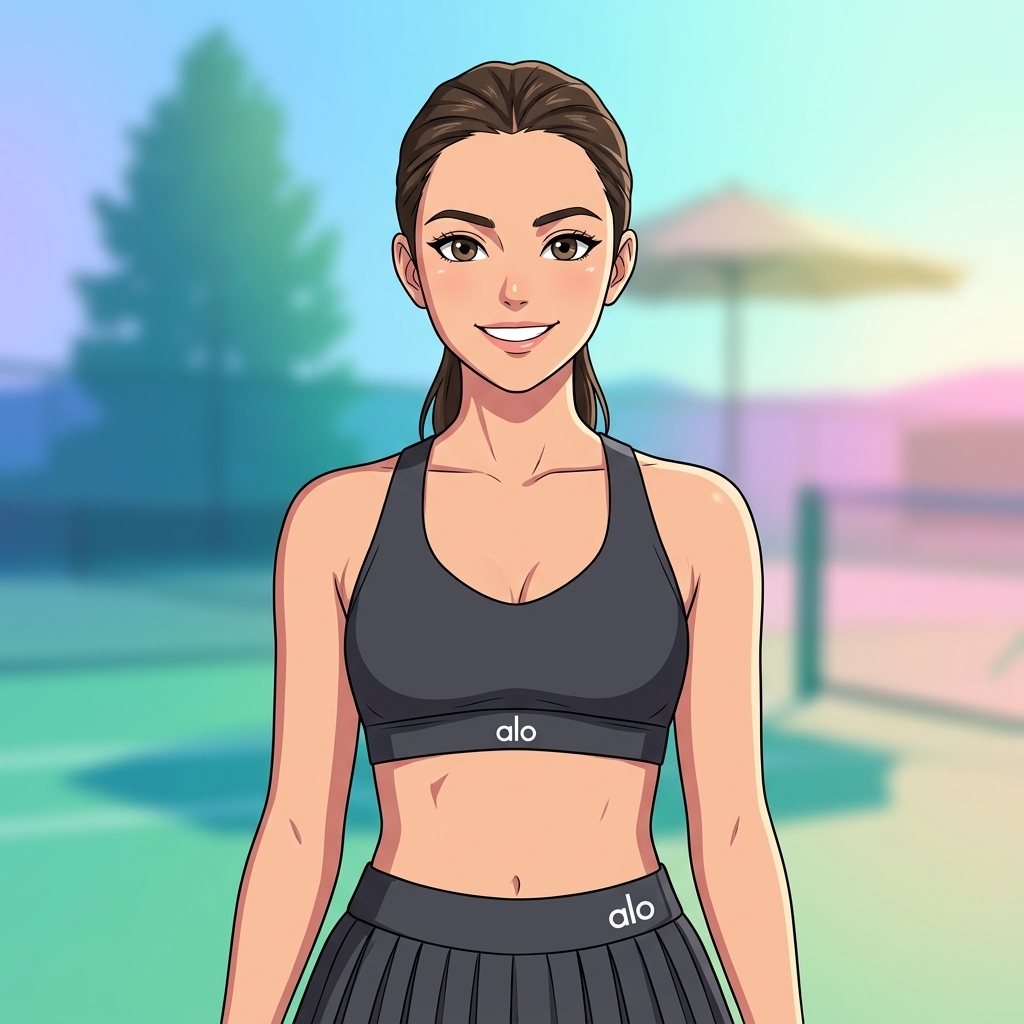
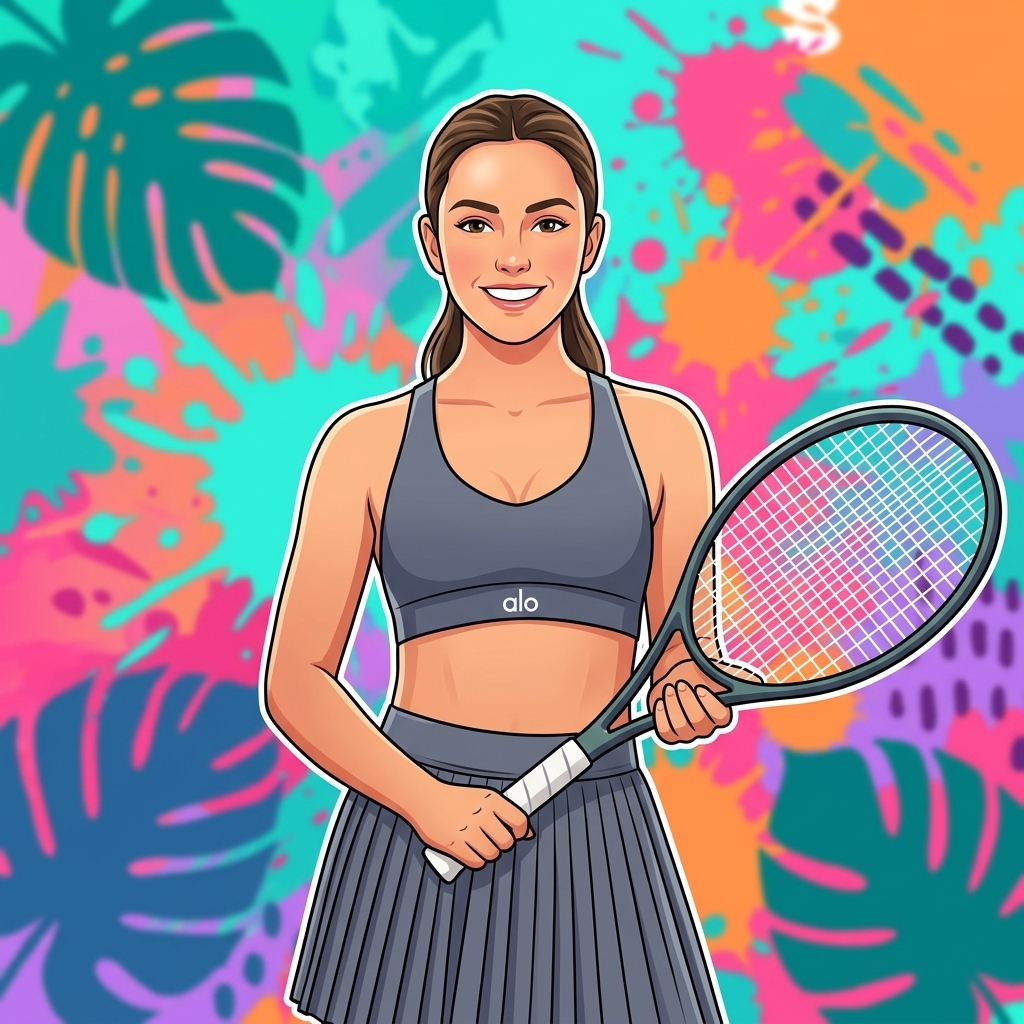
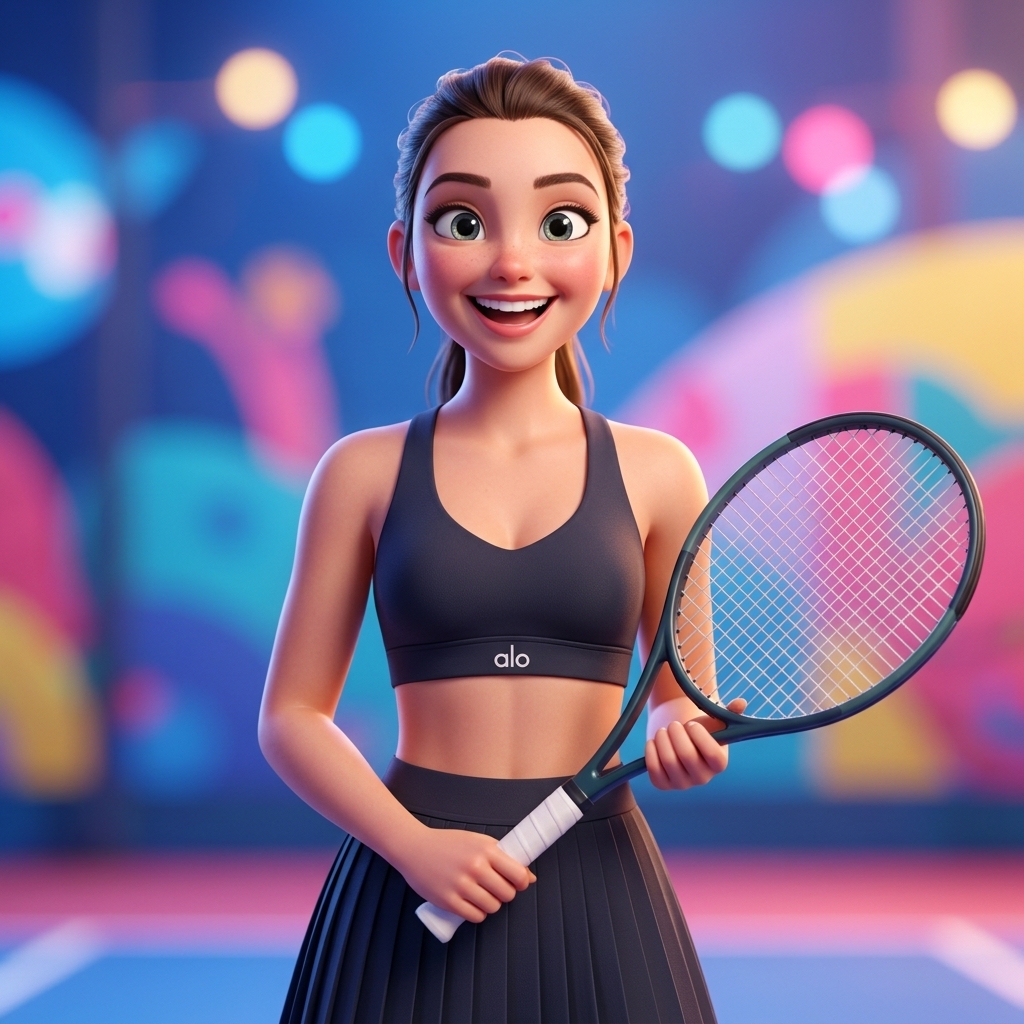
Creative Suite: AI Video Generator & AI Image Generator Tools
Power up your creative workflow with our AI-driven tools. Generate stunning videos, create images, and apply custom adjustments - our AI Video Generator and AI Image Generator offer a complete solution for all your creative needs.


Kling Motion Control
Stop guessing at animation. Kling Motion Control copies real human performance 1:1 and applies it to any character—like motion capture without the suit. Upload a character image plus a motion reference video, and the AI tracks every body position, hand gesture, and facial expression frame-by-frame. Generate 3-30 seconds of continuous character animation in 720p or 1080p. One performance, unlimited characters. Same gestures, same pacing, same energy—different visual identities. Free to try with 10 credits.
Try for FreeCopy Real Human Motion Frame-by-Frame
Record anyone performing an action—dancing, presenting, gesturing. Kling Motion Control tracks every body position, hand movement, and facial expression, then transfers that exact performance to your character. Timing stays locked, so a 12-second reference becomes a perfect 12-second character animation.
One Performance, Unlimited Characters
Film yourself once, then apply that performance to 10 different characters with Kling Motion Control. Same gestures, same pacing, same energy—but different visual identities. Perfect for brand mascots, A/B testing character designs, or producing multilingual content with consistent body language.
30 Seconds of Uncut Motion
Kling Motion Control generates up to 30 seconds in a single take. Long enough for complete product demos, full dance routines, or uninterrupted presentations. No awkward cuts where the motion resets—just smooth, continuous action from start to finish. Most other tools cap out at 5-10 seconds.
Where Kling Motion Control Actually Gets Used
Real use cases where performance transfer beats prompt-based animation.
Product Demos with Consistent Presenters
Record one demonstration video, apply it to different brand characters with Kling Motion Control. Every demo has the same gestures, pacing, and energy—but different visual identities. Faster than filming multiple takes.
Virtual Presenters & AI Influencers
Your virtual character needs to look natural on camera. Record yourself performing the script, then use Kling Motion Control to transfer that performance. Body language, timing, expression—all copied from real humans.
Dance & Choreography Transfer
Capture dance footage, apply it to illustrated or stylized characters with Kling Motion Control. Great for music videos, social content, or animation projects where you want real choreography but non-realistic art styles.
Training Videos with Repeatable Actions
Film an instructor demonstrating a process once. Reuse that exact performance with Kling Motion Control across different scenarios, languages, or character designs. Gestures and timing stay consistent.
Social Media Character Content
Create engaging character-driven content for TikTok, Instagram, and YouTube. Kling Motion Control lets you produce consistent character performances that match trending dances, reactions, and formats.
Multilingual Content Production
Same body language across languages. Record one performance, use Kling Motion Control to apply it to characters for different markets. Consistent gestures and timing regardless of the voiceover language.
What Kling Motion Control Actually Does
You've got a reference video of someone dancing, presenting, or just waving. You've got a character—could be a photo, illustration, or 3D render. Kling Motion Control maps the exact movements from that video onto your character. Think of it like motion capture without the suit. The AI tracks body positions, hand gestures, facial expressions—even subtle weight shifts and timing—then applies all of that to your image. Your character performs the same actions with the same rhythm and energy. This isn't prompt-based animation where you describe 'person waving.' Kling Motion Control is performance transfer. If your reference video shows someone doing a 12-second product demonstration with specific hand gestures at seconds 3, 7, and 10, your character will make those exact gestures at those exact moments.
Why Kling Motion Control Beats Other Methods
Text-to-video tools guess at motion from prompts. Image-to-video adds subtle animation. Kling Motion Control is different—it copies real human performance 1:1. If you need precise choreography, specific gestures, or repeatable actions across multiple characters, this is the tool.
Full-Body Motion That Syncs
Arms, legs, torso, head—Kling Motion Control moves everything together like real movement. The AI preserves body coordination, so walking looks like walking and dancing looks like dancing. Every body part stays in sync.
Hand Gestures That Don't Blur
Pointing, counting on fingers, holding objects—Kling Motion Control keeps hand movements clear. Most video AI struggles with hands, but motion control copies from real footage where hands are already working correctly.
30 Seconds of Continuous Action
Generate up to 30 seconds in one shot with Kling Motion Control. Long enough for complete demonstrations, full dance sequences, or uncut presentations. No awkward cuts where motion resets—just one smooth take.
Same Motion, Different Characters
Record one performance, apply it to multiple characters with Kling Motion Control. Great for brand mascots, virtual presenters, or A/B testing different visual styles with identical movements.
Photos, Illustrations, 3D Renders
Kling Motion Control works with any character image—photographs, digital illustrations, anime-style art, 3D renders. As long as the body is visible, the AI can animate it with your reference motion.
720p and 1080p Output
Kling Motion Control generates in HD quality. Standard mode for efficient processing, Pro mode for cleaner rendering and sharper visual quality. Motion behavior is identical in both—Pro just looks sharper.
How to Use Kling Motion Control
Four uploads and you're generating
Upload Your Character Image
PNG or JPG, minimum 512x512 pixels. Character should show head, shoulders, and torso clearly. Front-facing or slight angle works best. Illustrations, photos, 3D renders all work with Kling Motion Control.
Upload Your Motion Reference Video
MP4, MOV, or MKV up to 10MB. 3-30 seconds of someone performing the action you want. Best results: single person, clear movement, steady camera. Kling Motion Control tracks the primary subject automatically.
Match Framing & Add Scene Description
Half-body image needs half-body video. Full-body needs full-body. Optionally describe the background and environment—Kling Motion Control handles scenery separately from movement.
Pick Quality and Generate
Standard mode (70-140 credits) for efficient processing. Pro mode for cleaner rendering. Kling Motion Control processing takes 2-4 minutes. Download your video as a clean MP4 with no watermark.
Kling Motion Control Features
Everything you need for professional motion transfer from reference video to character animation.
Frame-by-Frame Motion Tracking
Kling Motion Control tracks body positions, hand gestures, and facial expressions across every frame of your reference video. Movement timing is preserved exactly as performed.
3-30 Second Generation
Generate anywhere from 3 to 30 seconds of continuous animation with Kling Motion Control. No stitching, no resets, no cuts—one smooth take matching your reference video duration.
Multi-Character Application
One reference video, unlimited character applications. Kling Motion Control lets you reuse the same performance across different characters without re-recording the motion.
Scene Prompt Control
Motion comes from the video, but you control the environment with Kling Motion Control's prompt system. Describe backgrounds, lighting, and settings independently from the character motion.
Standard & Pro Quality Modes
Kling Motion Control offers Standard mode for budget-friendly processing and Pro mode for maximum visual quality. Both produce identical motion—Pro delivers sharper rendering.
Commercial-Ready Output
Every Kling Motion Control video exports as a clean MP4 with no watermark. Full commercial rights included—use for client work, social media, marketing, or any business purpose.
What Creators Say About Kling Motion Control
Content creators, marketers, and animators use Kling Motion Control on Domer for professional character animation.
Kling Motion Control changed how I create character content. I record myself doing the actions, transfer it to my brand mascot, and the motion is perfect every time. No more guessing with text prompts.
David Chen, Content Creator
David Chen
Content Creator
We use Kling Motion Control for product demo videos across 4 markets. Film one presenter, apply the motion to different characters for each region. Same gestures, consistent messaging, fraction of the production cost.
Rachel Kim, Marketing Manager
Rachel Kim
Marketing Manager
30 seconds of continuous motion in one take—that's what sold me on Kling Motion Control. Other tools give you 5 seconds max. I can do a complete dance routine or full product walkthrough without cuts.
Marcus Thompson, Freelance Animator
Marcus Thompson
Freelance Animator
My virtual presenter intros used to look robotic. With Kling Motion Control I record myself doing the intro naturally, transfer it to my character, and the body language actually feels human. Viewers noticed the difference immediately.
Sofia Garcia, YouTube Creator
Sofia Garcia
YouTube Creator
Brand mascot doing product demos with real human gestures—Kling Motion Control makes it possible. We film one demo, apply it to our mascot character, and have a professional video ready in minutes.
James Wilson, E-commerce Owner
James Wilson
E-commerce Owner
TikTok dance trends with our brand characters—that's what Kling Motion Control lets us do. Record the choreography once, apply it to different characters for each account. The motion quality is honestly impressive.
Anna Zhang, Social Media Manager
Anna Zhang
Social Media Manager
Kling Motion Control FAQs
Common questions about motion transfer
Latest News
Tips, tutorials, and updates from the Domer AI team.
Cómo producir video con IA: flujo multi-modelo paso a paso
Aprende a combinar Sora, Pika, Kling y otros modelos en un flujo de trabajo de video con IA: criterios, prompts, audio, continuidad y posproducción.
One Reference Image, Consistent Characters in AI Video
Build reliable character consistency in AI video from a single reference image, with fusion techniques, prompt templates, and a full production workflow.
Marketing de Conteúdo com Vídeo Gerado por IA: Guia Prático
Aprenda um fluxo de trabalho completo para produzir vídeos virais com IA: roteiro, consistência visual, áudio, edição e distribuição.
AI Director Workflow: Script to Storyboard for Video
A practical workflow for turning scripts into storyboards and finished AI video: shot lists, prompt control, model choice, review loops, and common fixes.
From Script to Screen: An AI Filmmaking Workflow Guide
A practical AI filmmaking workflow from script breakdown to final cut, covering storyboards, prompts, character consistency, sound, editing, and QA.
Lego Pixel Style Transfer: Build a Brick Aesthetic for AI Video
Learn how Lego pixel style transfer turns footage into a brick-built look, with pipelines, prompts, consistency fixes, and quality checks.
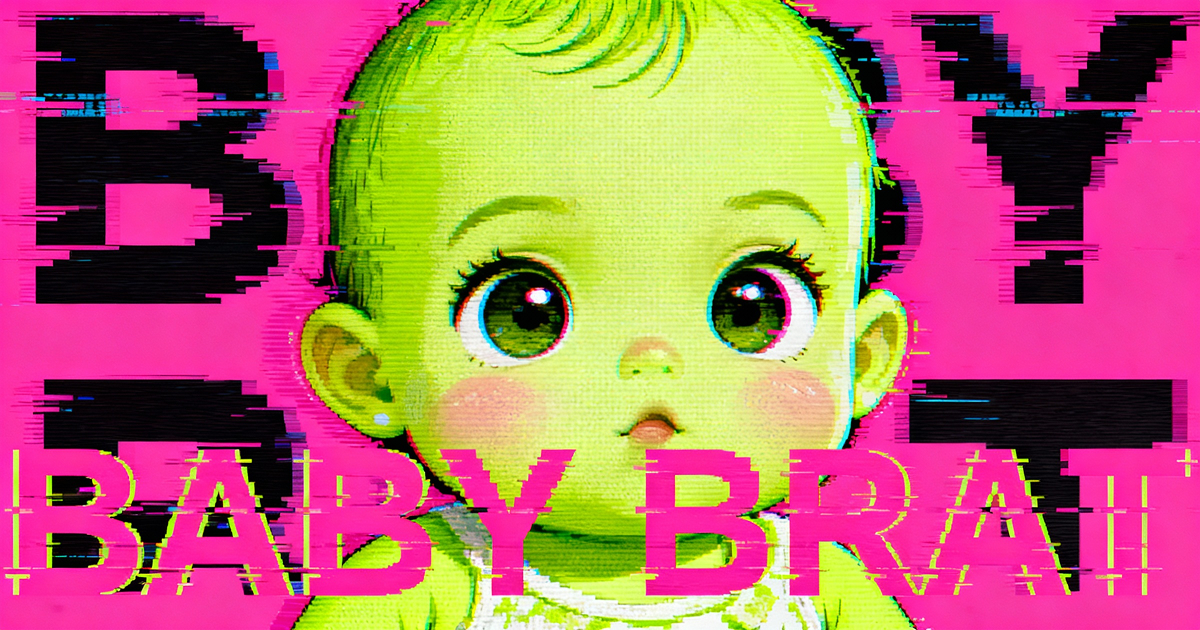
Baby Brat Meme Generator: How to Create Cursed-Cute AI Images
Complete guide to creating Baby Brat memes—the cursed-cute trend combining baby filters with brat aesthetics. Get the best AI prompts, tools, and tips for viral-worthy images.
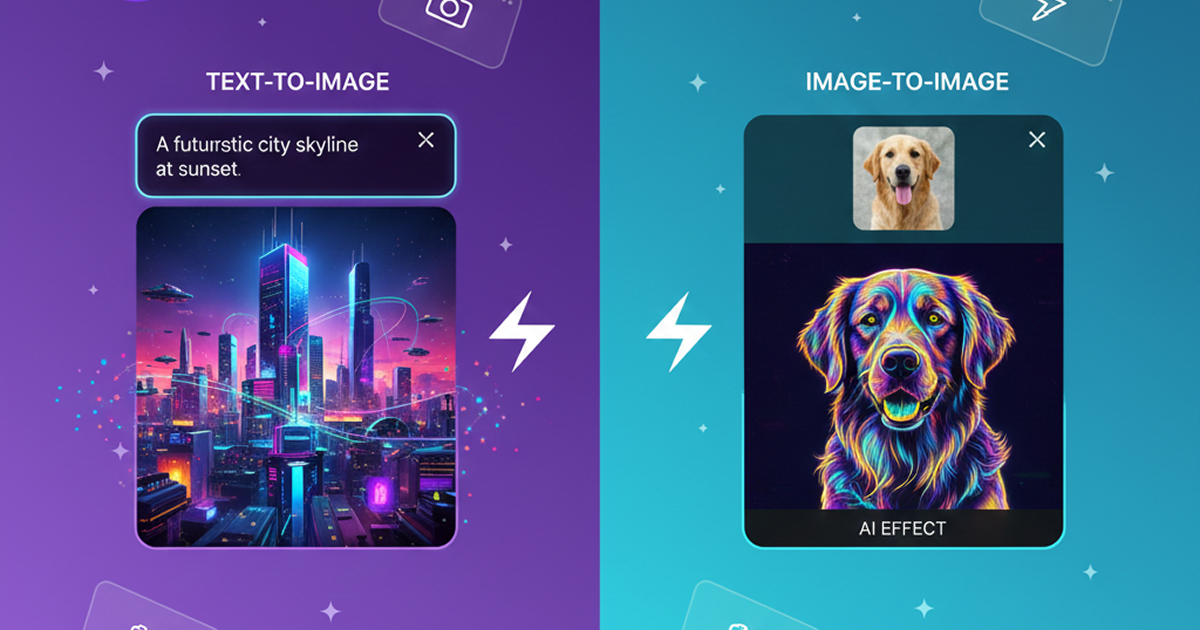
Domer: Free AI Image Generator - Complete Features & Guide
Everything you need to know about Domer AI—a fast, free image generator for creating memes, art, and transformations. Get 10 free credits to start.
FLUX.2: The End of Five Designer Nightmares
FLUX.2 solves the problems that made AI image tools frustrating—exact colors, consistent characters, readable text, print quality, and efficient workflows. Here's what actually changed.
From Kling 2.6 to 3.0: How One AI Video Platform Is Rethinking the Entire Workflow
While competitors race for longer videos and higher resolution, Kling is betting on something different with its AIO model—and it might just work. A deep dive into Kling 3.0's unified approach.
Kling Motion Control: Transfer Motion from Video to Image with AI
Learn how Kling Motion Control works - upload a reference video and static image to create videos with transferred motion. Complete guide with examples and tips.
Orelon — AI Video Generator for Cinematic Video Creation
Create cinematic videos from text or images with Orelon. Compare 23 video models, apply effects, and direct camera motion in one workspace — no installs.
What Is Domer Meme? The Baby Bart Simpson Phenomenon Explained
A deep dive into the Domer meme that took over TikTok in late 2025. Learn what 'Domer' means, why it went viral, and how to create your own Domer-style images with AI.
Try Kling Motion Control Free
10 free credits to start. Upload a character and reference video, see how Kling Motion Control works. No payment required until you want to generate more.