
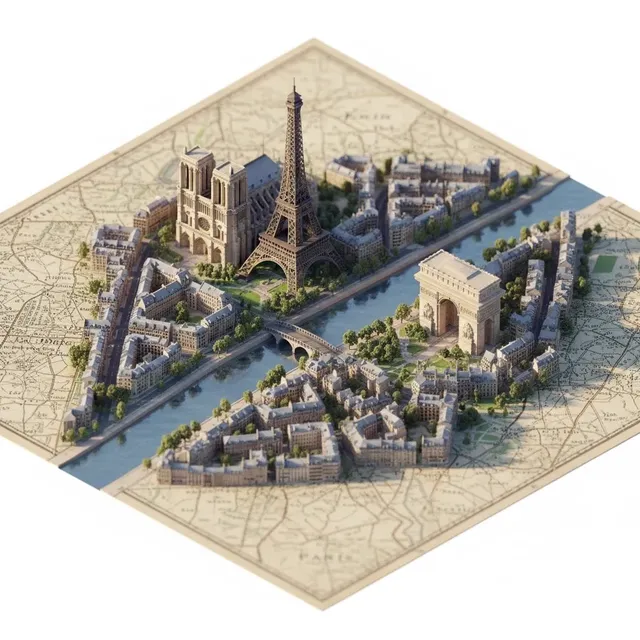
Generate Stunning Visuals: AI Image-to-Video with Modern Generation Models
Aug 3, 2026

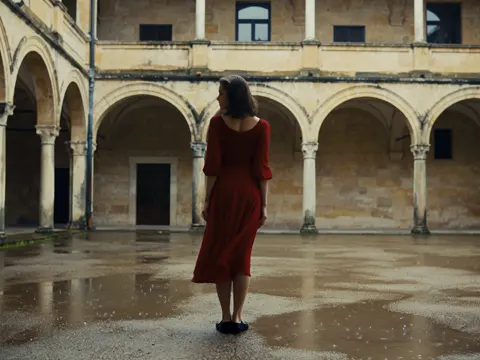
From Still to Motion: The Magic of Image-to-Video
Static images come alive through AI. What was once a complex VFX process is now accessible to everyone through AI video tools.
How Image-to-Video AI Works
Modern AI models analyze your image to understand:
- Depth and spatial relationships
- Object boundaries and textures
- Lighting direction and intensity
- Implied motion possibilities
Then they generate natural-looking movement that respects the original image's physics.
Choosing the Right Source Image
Not all images are equal for conversion:
Ideal Images:
- High resolution and sharp focus
- Clear subject-background separation
- Interesting composition with room for movement
- Good lighting with visible shadows
Challenging Images:
- Extreme close-ups with nowhere to move
- Flat, textureless surfaces
- Very busy compositions
- Extremely dark or overexposed shots
The Image-to-Video Workflow
Step 1: Prepare Your Image
Enhance if needed with AI image generator tools.
Step 2: Define the Motion
Describe exactly what should move and how:
- Camera movement: pan, zoom, dolly, tilt
- Subject movement: walk, turn, gesture
- Environmental motion: wind, water, clouds
Step 3: Generate and Review
Create the video and check for:
- Smooth motion without jerking
- Consistent subject appearance
- Natural physics and timing
Step 4: Refine
Adjust motion speed, add easing, or regenerate with modified prompts.
Creative Applications
- Product Demos: Show products from all angles
- Portrait Animation: Bring family photos to life
- Travel Memories: Add cinematic motion to travel shots
- Art Projects: Animate digital artwork
Pro Tips
- Start with subtle movements — less is often more
- Use text-to-image to create ideal source images
- Chain multiple short clips for longer sequences
- Leverage GPT Image 2 for highest quality source material
Advanced Techniques
Multi-Image Sequences
Create a narrative by converting a series of related images and editing them together.
Style-Consistent Animation
Maintain artistic consistency by using the same model and prompt structure across all frames.
The Next Level
Seedance 2.0 represents the cutting edge of motion generation — more natural, more controllable, more stunning.
Conclusion
Image-to-video AI transforms your existing visual library into dynamic content. Whether for social media, marketing, or creative projects, this technology multiplies the value of every image you own.

Alexander
More Blogs
Read MoreVidu Q4 Alternatives: 4K AI Video Models Compared (2026)
Vidu Q4 alternatives compared: Kling 4.0, Seedance 2.5, Wan 3.0, and Runway Gen-4 — 4K support, input modes, durations, audio, and what each costs in credits on Domer.
Top 4K AI Image Generators in 2026: 5 Models Compared on Real Costs
The top 4K AI image generators on Domer compared: Flux 3 Klein, Nano Banana 2.1, GPT Image 2.5, GPT Image 2, and Nano Banana Pro — 4K credit costs, reference limits, and speed.
Nano Banana 2.1 vs GPT Image 2.5: Which Image Model Should You Use? (2026)
Nano Banana 2.1 vs GPT Image 2.5 Flare compared: credit costs per resolution, aspect ratios, reference images, text rendering, and which tasks fit each model.