期間限定オファー:Pro / Ultraプラン初月が50%OFF🎉
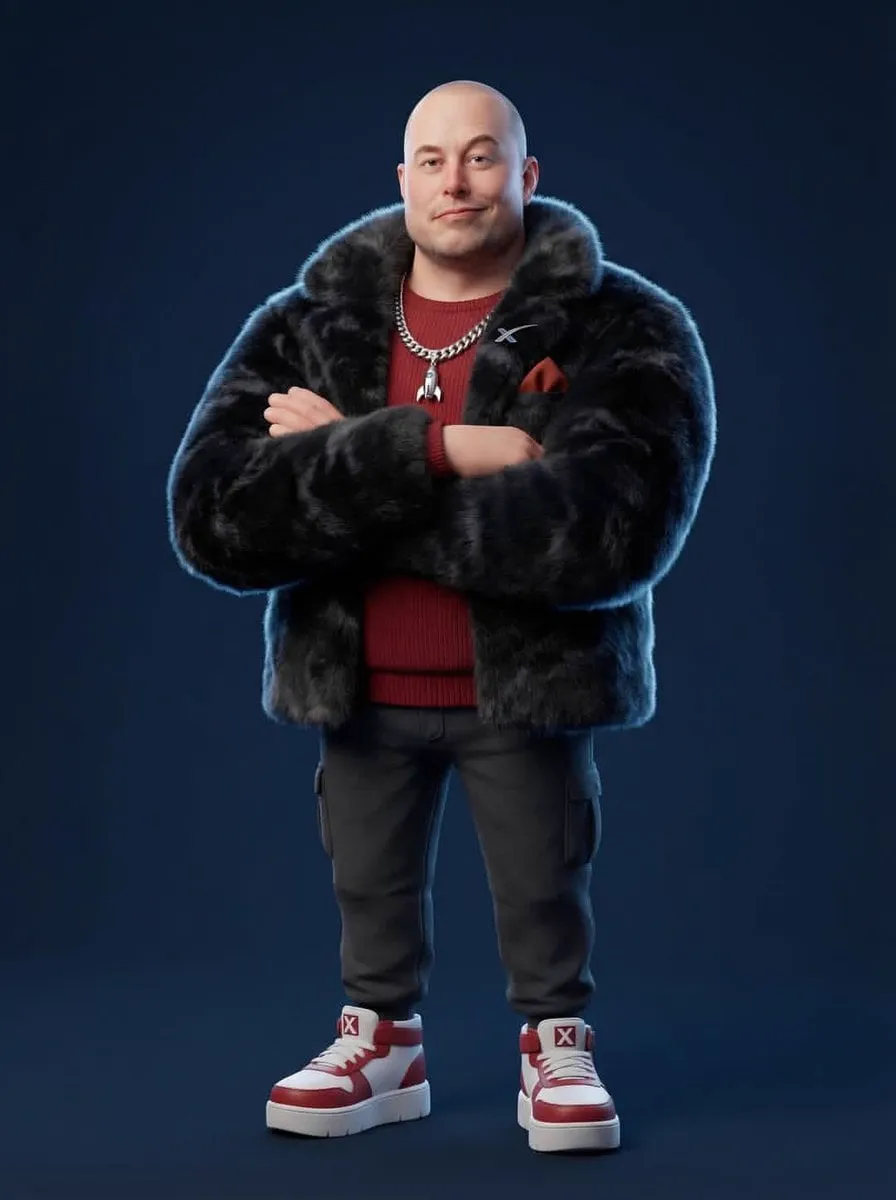
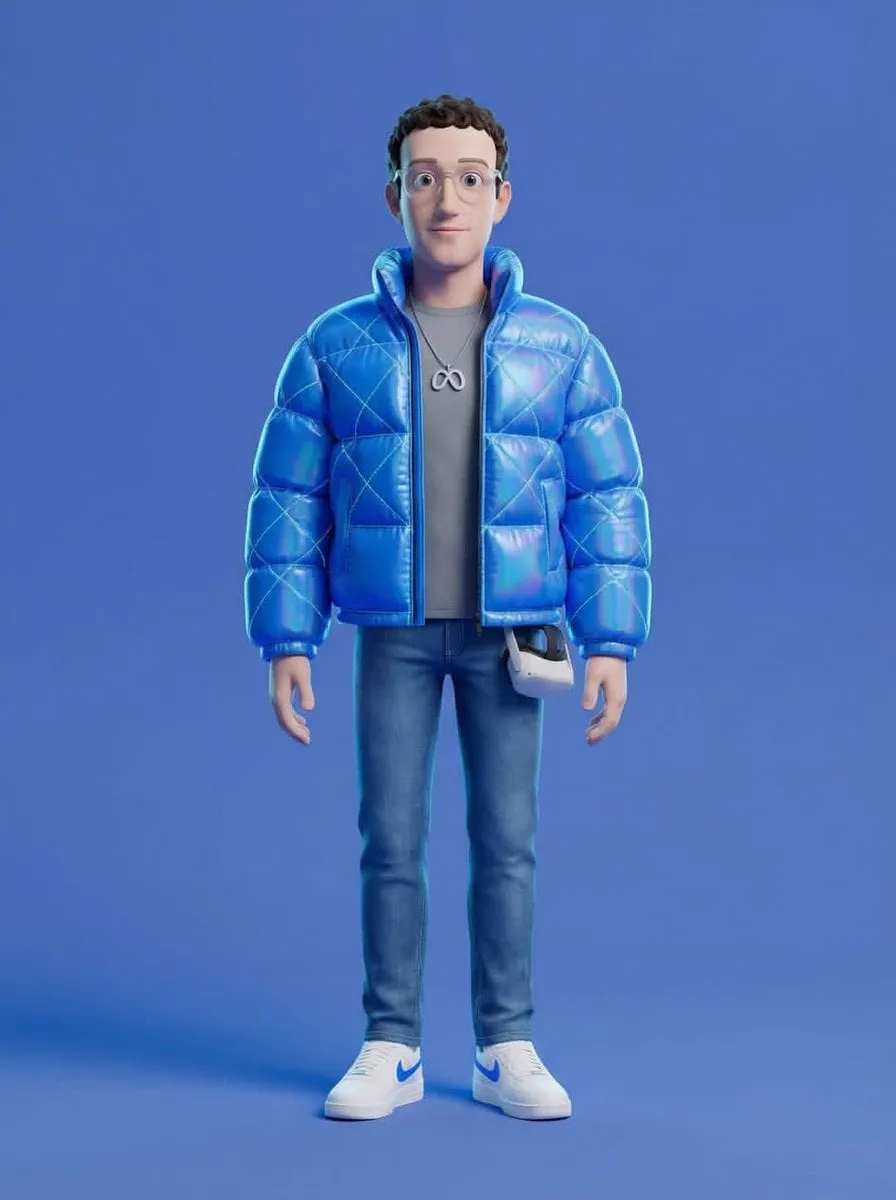
{ "renderEngine": "Blender Cycles / Unreal Engine 5 Lumen", "baseStyle":…
Z
Zar⭕on@Xaroon_x
166 3,506 3/11/2026
 Nano Banana 2
共有:
プロンプト
{
  "renderEngine": "Blender Cycles / Unreal Engine 5 Lumen",
  "baseStyle": "Stylized 3D CGI character — Pixar meets high-fashion editorial",
  "proportions": "Slightly enlarged head (1.3x natural), compact torso, simplified facial features, exaggerated chunky feet/shoes",
  "skinShader": "Subsurface scattering with physically-based roughness, no pores, smooth cartoon-like finish",
  "clothingPhysics": "Marvelous Designer simulation baked in, wrinkle maps, fabric-specific material shaders",
  "furTech": "XGen or Ornatrix volumetric fur for faux-fur pieces, physics-simulated",
  "resolution": "8192x8192px minimum, 300DPI",
  "backgroundStyle": "Solid flat color, no gradient, no texture — studio seamless backdrop",
  "lightingRig": "Three-point studio: key (45° front-top), fill (opposite side soft), rim (back edge definition)",
  "cameraLens": "35-50mm equivalent, slight vignette, no fisheye",
  "postProcessing": "Subtle chromatic aberration on edges, mild film grain 2%, slight color grade"
}
このプロンプトの使い方
3つの簡単なステップではじめられます。
1
コピーまたは使用
プロンプトのテキストをコピーするか、「このプロンプトを使う」をクリックして、プロンプトが事前入力されたジェネレーターを開きます。
2
設定を調整
アスペクト比、解像度、その他の設定をプロジェクトに合わせて調整します。
3
生成・共有
生成ボタンを押し、完成したら作品を共有しましょう。
![A hyper-realistic 3D travel guide infographic poster for [COUNTRY]](https://storage.brightvectorlabs.com/prompts/bright/illustration-and-3d/2043047413770809708-0.webp)
![A simple black-and-white illustration of a [subject] in [outfit], [doing…](https://storage.brightvectorlabs.com/prompts/bright/illustration-and-3d/2043284009116160473-0.webp)
![A hyper-realistic 3D world guide infographic poster for [SHOW]](https://storage.brightvectorlabs.com/prompts/bright/illustration-and-3d/2045107949639455223-0.webp)