
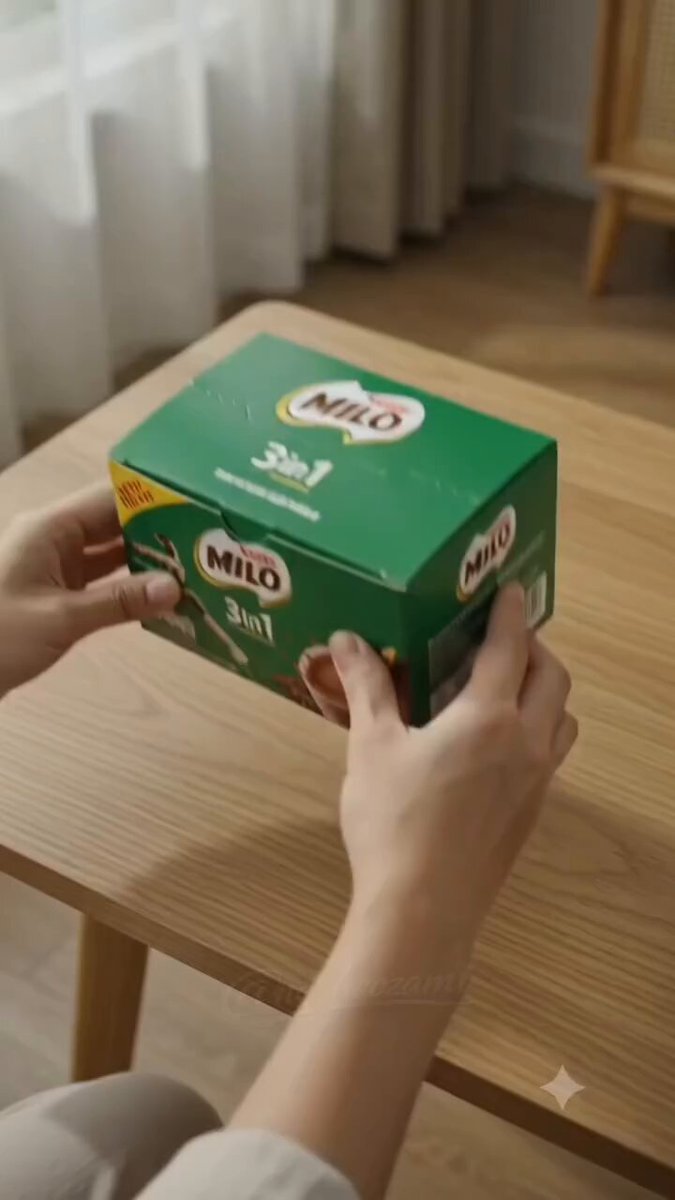
Mastering Prompts: Better Output from AI Video Platforms
Aug 4, 2026
One Prompt Does Not Fit All
Here's a mistake most creators make: they write the same prompt for every AI video platform and expect consistent results. In reality, each model has its own "personality" — strengths, weaknesses, and quirks in how it interprets language.
Understanding these differences is what separates power users from beginners. AI video generator gives you access to multiple models — the key is knowing which prompt style each one prefers.
Text-to-Video Models: Detail Is Everything
When using text-to-video, the model needs to construct an entire scene from scratch. Your prompt should be:
- Front-loaded: Put the most important visual elements first. Models process sequentially.
- Concrete, not abstract: "A golden retriever catching a frisbee in a sunlit park" works. "Joy and freedom" doesn't.
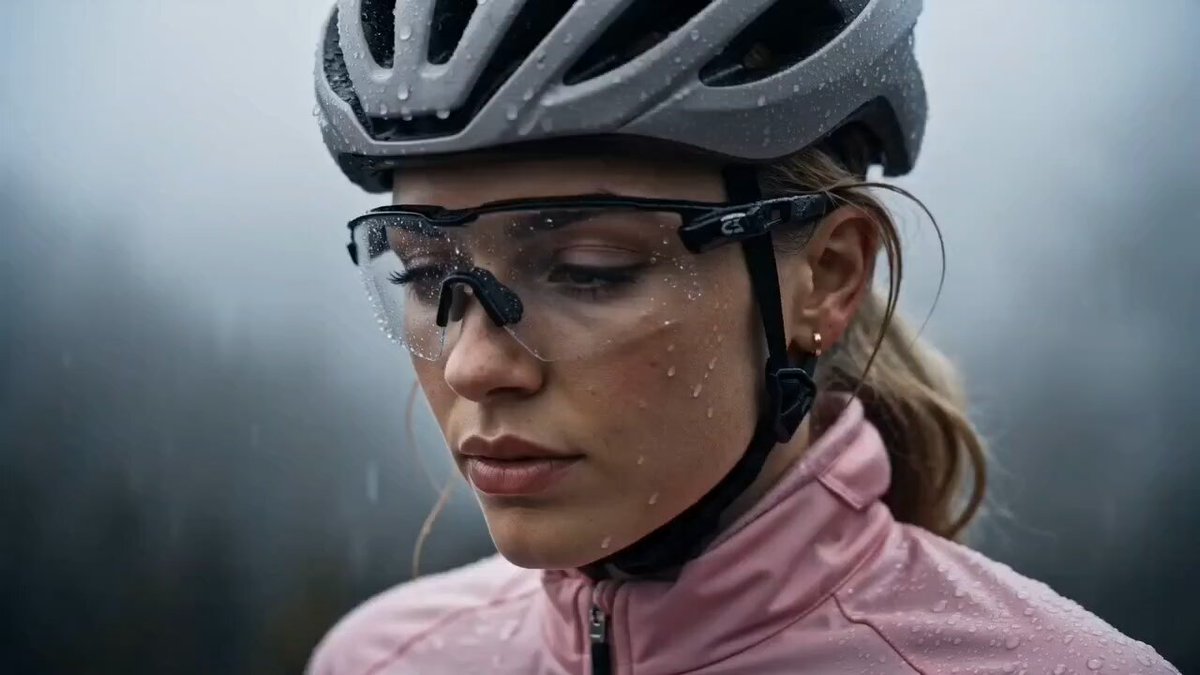
- Rich in sensory detail: Describe textures, lighting conditions, weather, time of day.
Image-to-Video Models: Motion Over Description
For image-to-video, the model already has the visual reference. Your prompt should focus on:
- Desired motion (pan, orbit, zoom, static)
- Speed and duration
- Any elements that should remain unchanged
Advanced Models: Specialization Matters
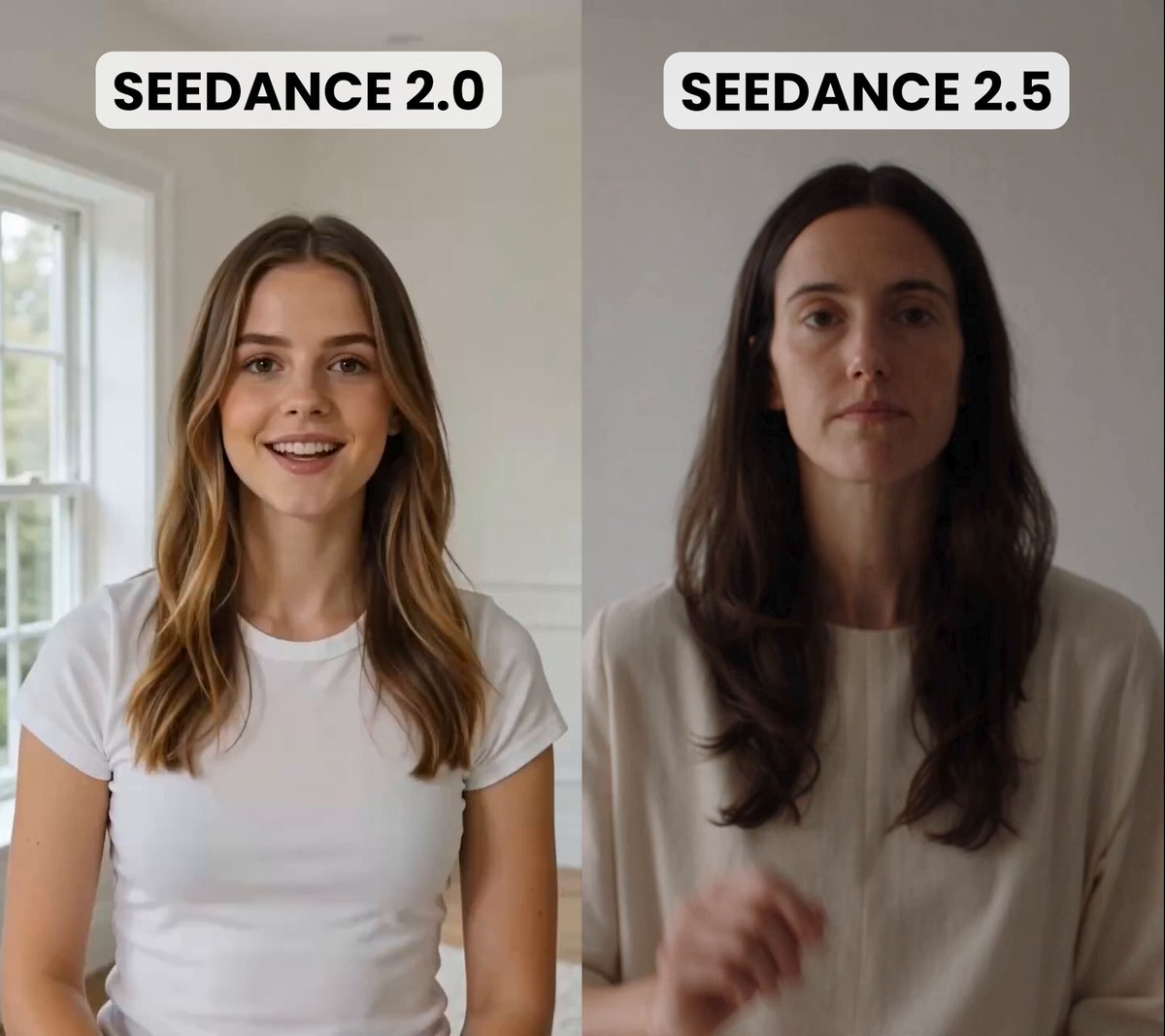
Seedance 2.0 excels at natural physics and fluid motion. Leverage this by prompting for complex movements: "The dancer spins while her silk dress trails in a spiral, fabric catching the spotlight."
GPT Image 2 shines in concept art and style exploration. Use it to prototype visual directions before committing to full video generation.
The Iterative Approach
Don't expect perfection on the first try. The pros work iteratively:
- Write a detailed prompt
- Generate and review
- Identify what worked and what didn't
- Adjust specific sections of the prompt
- Regenerate
Each cycle teaches you more about how the model thinks. Over time, you'll develop an intuition that makes prompt writing fast and predictable.
Common Pitfalls to Avoid
- Contradictory instructions: "Bright sunlight" and "dark moody atmosphere" in the same prompt confuse the model.
- Vague temporal cues: "Then" and "suddenly" mean little to an AI. Use specific timing: "over 3 seconds, the camera slowly pushes in."
- Ignoring output format: Specify aspect ratio, resolution expectations, and any post-processing needs.

Alexander
More Blogs
Read MoreMontaggio video rapido: transizioni e software per l'AI
Guida pratica al montaggio video rapido con AI: transizioni fluide, software, workflow, coerenza visiva, errori da evitare e FAQ operative.
Building an AI Video Production Workflow From Concept to Cut
A practical guide to planning, generating, editing, and finishing AI-assisted videos with consistent characters, clear shot lists, and reliable review loops.
A Repeatable Post-Production Workflow for Polished AI Video
Build a repeatable AI video post-production pipeline: organize assets, cut story-first, design transitions, refine audio, and review versions calmly.