

Character Consistency in AI Ad Videos: A Complete Workflow
Oct 1, 2026
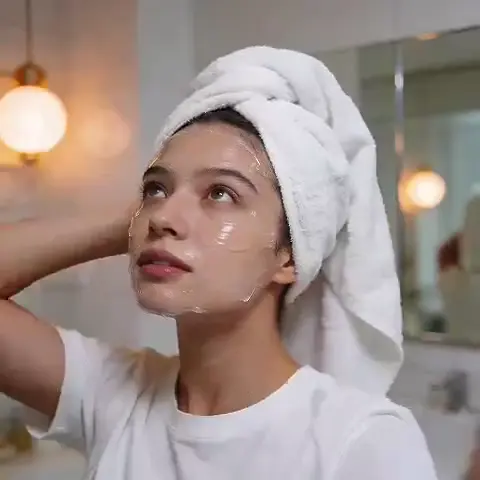
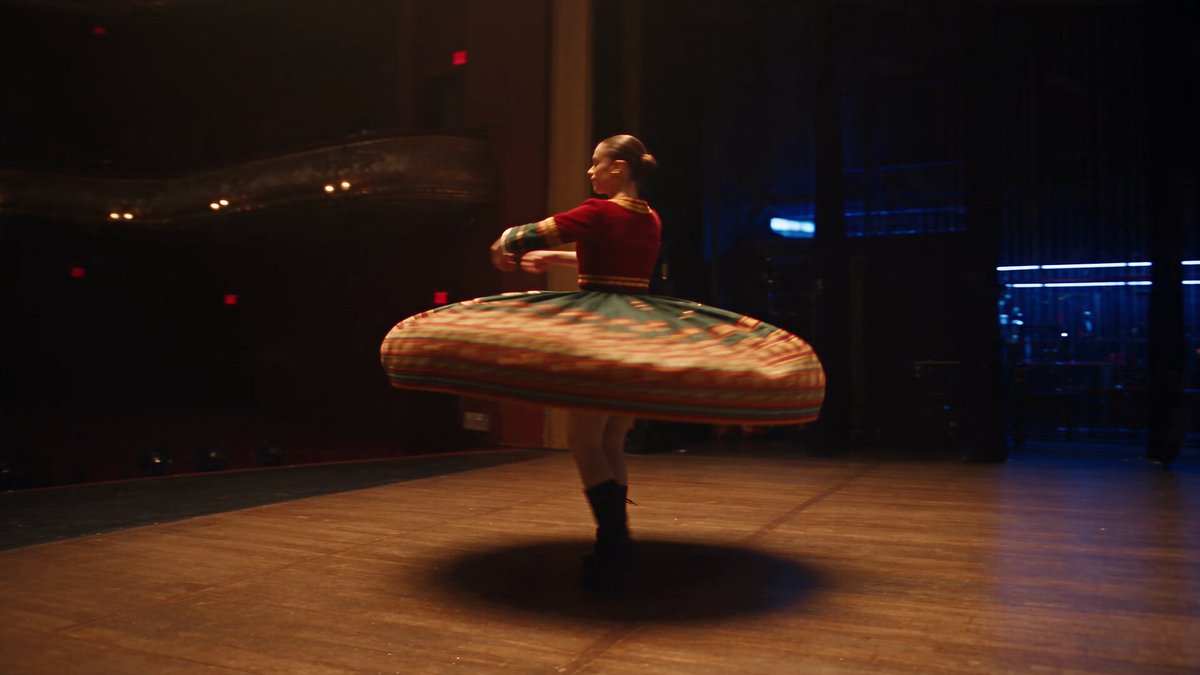
Short-form advertising lives on repetition. A viewer sees a six-second hook, then a problem shot, then a product demonstration, then a reaction, then a final frame with the offer — and all of it has to read as one person in one continuous moment. The second that face changes shape between cuts, the ad stops being a story and becomes a slideshow of strangers. That failure mode is what quietly kills many AI-generated campaigns, and it is why character consistency has become the most valuable practical skill in AI video production.
The mechanics are easy to describe and hard to control. A text-to-video model has no memory. Every generation starts from noise, so a prompt like “a woman in her thirties in a bright kitchen” produces a different woman each time — different jawline, different eye spacing, occasionally a different apparent age. Seed locking helps inside a single model version, but as soon as you switch models, extend a clip, or cut from a wide shot to a close-up, the identity re-rolls.
The encouraging part is that consistency is mostly a workflow problem rather than a model problem. When you treat a character as a production asset — with reference material, identity constraints, approval gates, and a naming convention — you can hold the same face steady across an entire campaign, even when individual shots come from different model families.
There are commercial reasons to care beyond aesthetics. A recurring spokesperson compounds recognition: viewers start finishing the sentence before the voiceover does. A consistent character also cuts the cost of iteration, because a rejected shot can be regenerated instead of reshot, and it keeps the brand from looking like it swapped actors halfway through the story.
The Core Technique: Multi-Image Fusion Explained
Multi-image fusion is the practice of conditioning a generation on a set of reference images of the same subject instead of a single image or a text description alone. You supply several angles and expressions, the model derives a composite identity representation, and that representation is applied to every new frame you generate in the session.
What fusion changes compared with a single reference
Single-image referencing is the default most people learn first. You generate a still, upload it, and ask for motion. It works beautifully as long as the shot begins on or near that still. It breaks the moment the camera crosses roughly 90 degrees, changes the lighting direction, or pushes into a close-up: the model is extrapolating from one flat projection and has no idea what the subject looks like from the side.
Fusion spreads the identity across several projections, which produces three practical improvements:
- Identity survives angle changes, because the model has seen the subject from more than one direction.
- Faces look less “pasted on,” because the model is reconstructing features rather than copying pixels.
- Wardrobe, hair, and accessories stay stable when you include reference images that show them clearly.
Why a bundle beats one perfect photo
A single reference photo is one 2D slice of a 3D person. Ask a model to render that person in profile from that slice and it invents the profile — usually by borrowing from the average face in its training data. Supply four or five angles and the invention drops sharply because the constraints overlap. The same logic applies to expression: a reference set with a neutral face, a smile, and a talking frame prevents the model from inventing a new dental structure every time the character speaks.
The minimum viable reference kit
You do not need a studio shoot. You need coverage. A workable kit for a human character:
- Front-facing portrait, eyes to camera, neutral expression
- Two three-quarter views, left and right, same lighting
- One profile view
- One full-body shot showing build and posture
- One or two expression frames (smile, mid-sentence)
- A wardrobe reference: the outfit flat or worn, including shoes and accessories
- Optional: a hair detail shot, and any distinguishing mark you want preserved
Specifications matter more than quantity. Use images at 1024 pixels on the short edge or larger. Keep lighting direction and color temperature consistent across the set; a warm key light in one reference and cool window light in another teaches the model to drift. Remove sunglasses, hats, and heavy beauty retouching that erase pores and natural asymmetry, because asymmetry is what makes a face recognizable. Six to eight clean images usually outperform twenty inconsistent ones.
Assembling a Character Bible Before You Generate Anything
The reference set handles what the model sees. The character bible handles what the team knows. It is a short document, one page per character, that every writer, editor, voice artist, and reviewer works from. Without it, consistency degrades through human error rather than model error — one editor brightens a shot, another swaps the earrings, a third rewrites a line in a different register.
A compact bible covers:
| Field | What to record | Why it matters |
|---|---|---|
| Character ID | Short slug used in every filename | Prevents version confusion |
| Appearance | Age range, build, skin tone, hair, eye color | Shared vocabulary for prompts |
| Marks | Moles, scars, freckles, glasses | Continuity checks in review |
| Wardrobe | Named outfits with colors and fabrics | Stops mid-campaign outfit drift |
| Voice | Pitch, pace, accent, sample line | Keeps audio matched to face |
| Behavior | Signature gesture, posture, energy | Makes cuts feel like one person |
| Locked elements | What must never change | Escalation rule during review |
| Banned looks | Styles that break the brand | Prevents attractive-but-wrong outputs |
Two habits make the bible useful. First, keep prompts as text files next to the references so the exact phrasing that produced an approved shot can be reused. Second, version everything with the character ID and a number, so “hero-frame-v3” always means the same thing to everyone on the team.
A Practical Workflow for a 30-Second Ad
This sequence assumes a single human spokesperson across five or six shots. It scales up to longer spots and down to a single social cut.
Step 1: Write the shot list before you write prompts
List every shot with its purpose, framing, and duration. A typical thirty-second structure: hook close-up, problem wide, product in hand, demonstration medium, reaction close-up, packshot. Purpose drives framing, and framing determines how much identity detail the model must reconstruct. Close-ups demand the tightest control; wides are forgiving.
Step 2: Build and freeze the reference set
Generate or shoot the reference images, review them against the bible, and then stop touching them. Freeze the folder and note the version. Regenerating a reference midway through a campaign is the single most common cause of a visible “new face” appearing in shot four.
Step 3: Lock a hero frame
Before generating any motion, produce one still that matches the character exactly at the framing of your most demanding shot. Approve it. That image becomes the anchor you compare everything else against, and it is usually the frame you will use for the first shot of the ad.
Step 4: Fuse and generate each shot
Use the reference set with the character bible prompt. Generate each shot separately rather than asking for a multi-shot sequence in one pass; separate generations are easier to fix and easier to re-roll. Keep the camera language consistent between adjacent shots — same lens feel, same light direction — so the cuts read as coverage rather than as collage.
Step 5: Add motion realism, lipsync, and voice
If dialogue is involved, generate or select a take with a clear, front-facing mouth, then apply a lipsync pass. Record or synthesize the voice from a fixed preset and reuse it for every line. Small audio choices — same room tone, same mic distance — do more for perceived continuity than another round of visual refinement.
Step 6: Assemble, grade, and review
Edit to the beat of the script, apply one grade across all shots, and watch the result at full speed before you watch it frame by frame. Continuity problems are usually more visible in motion than in stills, and more visible at normal speed than when scrubbing. Then run the frame-level checklist in the quality control section below.
Matching the Right Model to Each Shot
No single model wins every shot type. The practical approach is to assign each shot to the model family whose strength matches the requirement, then protect identity through references and prompts.
| Shot type | Best-suited model family | Watch out for |
|---|---|---|
| Beauty close-up, minimal motion | Image-generation models with strong portrait fidelity | Over-smoothing and plastic skin |
| Dialogue close-up | Video models with reliable lipsync plus a dedicated lipsync pass | Mouth-reshaping artifacts between words |
| Product in hand | Video models with good object permanence | Fingers morphing into the packaging |
| Wide lifestyle scene | Cinematic video models with strong camera control | Background faces adding unintended people |
| Fast hook cut | Short-clip models tuned for motion energy | Motion blur hiding identity drift |
| Packshot with text | Compositing in an editor rather than generative text | Garbled lettering |
Image first, motion second remains the most controllable order of operations. Generate the still, approve it, then animate it. Some video models offer reference-driven generation that skips the still step, which is faster but gives you less to inspect before you spend time on motion.
Support tools deserve a place in the stack: an upscaler for reference images, a restoration pass for faces that lost detail, a grade in DaVinci Resolve or a similar editor, and a dedicated audio tool for voice consistency. Treat the generative model as one station on an assembly line, not the whole factory. If you want a single place to keep the reference set, the prompt files, and the shot approvals together, a lightweight workflow hub such as Domer keeps that material from scattering across drives.
Prompt Patterns That Keep a Face Stable
Prompting for identity is different from prompting for beauty. The goal is constraint, not description. Four patterns do most of the work.
Identity tokens
Give the character a fixed short descriptor and repeat it verbatim in every prompt: name, age range, hair, and one distinguishing feature. Never paraphrase between shots, because synonyms push the model toward a different average face.
Continuity locks for wardrobe, light, and lens
Specify the outfit, the light direction, and the lens in every shot prompt, even when the shot is a wide where the outfit is barely visible. Consistency in the boring details is what makes the interesting details survive.
Negative constraints
State what must not change. Common negatives: no makeup change, no hair length change, no age shift, no glasses, no facial hair, no logo on clothing.
A reusable prompt skeleton
[character ID], [age range] [gender], [hair], [skin tone], [distinguishing mark],
wearing [named outfit], [expression], [framing and lens], [light direction],
[background], photorealistic, natural skin texture, consistent identity
Pair it with a short negative list and keep the whole block in a text file. Copy-paste beats memory every time.
Common Failure Modes and Their Fixes
| Symptom | Likely cause | Fix |
|---|---|---|
| Face drifts between shots | Only one reference image, or references mixed from different sessions | Rebuild the set with matched lighting and at least four angles |
| Character ages between shots | Vague age wording, or styling changes | Lock age range and wardrobe in the bible; repeat in every prompt |
| Wardrobe swaps | Outfit described differently each time | Name the outfit once and reuse the exact phrase |
| Jawline widens in close-ups | Model reconstructing at a new scale | Generate the close-up from an approved medium shot |
| Skin looks plastic | Over-retouched references | Use references with visible pores and natural texture |
| Background changes mid-scene | Prompt describes the room differently | Write one location block and paste it unchanged |
| Hands merge with props | Complex grip in motion | Generate the still with the object, animate with minimal hand movement |
| Voice does not match face | Multiple voice presets across shots | Freeze one voice profile for the campaign |
Most of these are not model limitations. They are documentation failures — the same information written two different ways on two different days.
Quality Control: The Three Approval Gates
Approve in stages and you avoid discovering a continuity break after spending an afternoon on motion. Three gates are enough.
Gate one: references. Check that all images show the same person, the same lighting direction, and no occluding accessories. Verify resolution and sharpness. If anything feels off, fix it here; it is the cheapest place to fail.
Gate two: hero frame. Compare the approved still against the reference set at 100 percent zoom. Look at eye shape, spacing, nose bridge, lip line, and any distinctive mark. Confirm wardrobe, jewelry placement, and background. Confirm the light direction matches the shot before and after it in the edit.
Gate three: assembled cut. Watch once at full speed for emotional continuity, then scrub for details: eye line, hair part, accessory side, logo direction, shadows on the floor, and the mouth shapes during dialogue. Keep a checklist in the project folder so reviewers check the same things every time.
Scaling One Character Across a Whole Campaign
A single consistent face becomes an asset the moment you can reuse it across dozens of outputs: paid social variants, localized versions, longer brand films, product pages, and email headers. Three practices make that reuse efficient.
Build a character asset pack. One folder per character containing the reference set, the approved hero frames, the prompt text files, the voice profile, and the bible. New team members should be able to produce an on-brand shot from that folder alone.
Version, never overwrite. Reference sets and prompts get numbers. When a model updates and subtly changes its output, you will want to compare against the previous version rather than guess what changed.
Batch by shot type, not by scene. Generate all close-ups together, then all wides. Model behavior is steadier within a batch, and reviewing similar shots side by side makes drift obvious.
Legal and ethical housekeeping belongs here too. If a character resembles a real person, you need consent and rights to that likeness. If you are using realistic synthetic humans in markets that require disclosure of AI-generated media in advertising, label accordingly. Keep records of what was generated, from which references, and when — that paper trail protects you when a platform or client asks.
FAQ
How many reference images do I actually need?
Four to six well-matched images are enough for most shots: front, two three-quarters, a profile, and a full body. Add expression and wardrobe references if the ad includes dialogue or outfit changes. Quality and consistency beat volume.
Can I keep the same character across different models?
Yes, with care. Carry the same reference set and the same prompt text into each tool, and expect a small amount of stylistic shift between model families. Grade all shots at the end so the color and contrast feel unified even when the rendering differs slightly.
Why does my character change after the first clip?
Usually because the second clip was generated without the reference set, or with a shortened prompt. Reintroduce the full identity block and the same references. Do not assume the model remembers anything from the previous generation.
Do I need a real actor to start?
No. Many campaigns begin with a fully synthetic character built from generated references. What you do need is consent and rights if the character resembles a real person, plus disclosure in markets that require it.
Is one character or a cast easier to manage?
One. Every additional character multiplies the reference sets, prompts, and review checks. If the script calls for a cast, build them one at a time and lock each before moving on.
How do I stop the background from changing between shots?
Write one location block — room, time of day, light source, color palette — and paste it into every prompt for that scene. Then generate your establishing shot first and use it as a still reference for the shots that follow.
What is the fastest way to fix a drifted face?
Return to the hero frame. Use it as the reference for the problem shot, keep the identity block verbatim, and regenerate. If drift persists, the reference set itself is inconsistent and needs rebuilding.
How much of a campaign can I realistically automate?
Scripting, shot lists, still generation, first-pass motion, voice, and assembly can all be assisted heavily. Review, continuity judgment, and final grade benefit from a human eye. Budget your time for the approval gates, not for the prompts.
The teams that get consistent characters are rarely the ones with the most advanced models. They are the ones who wrote down who the character is, froze the references, and refused to change the details between shots. Pick one character, build the bible, run the workflow end to end on a thirty-second spot, and the second campaign will take half the time.

Alexander
More Blogs
Read MoreThumbnail efficaci per TikTok e YouTube: guida pratica
Come progettare thumbnail che fermano lo scroll: strumenti, workflow, criteri di test e ottimizzazione per TikTok e YouTube, con esempi pratici.
Cómo descargar portadas de Reels de Instagram con criterio
Guía práctica para descargar, elegir y reutilizar portadas de Reels de Instagram sin perder calidad, con flujos de trabajo, errores y consejos de diseño.
AI Voiceover and Music Workflows for Better Video Sound
Build a repeatable workflow for AI voiceover and generated music: script prep, voice selection, mixing levels, loudness targets, and QA checks.