
Loading...


























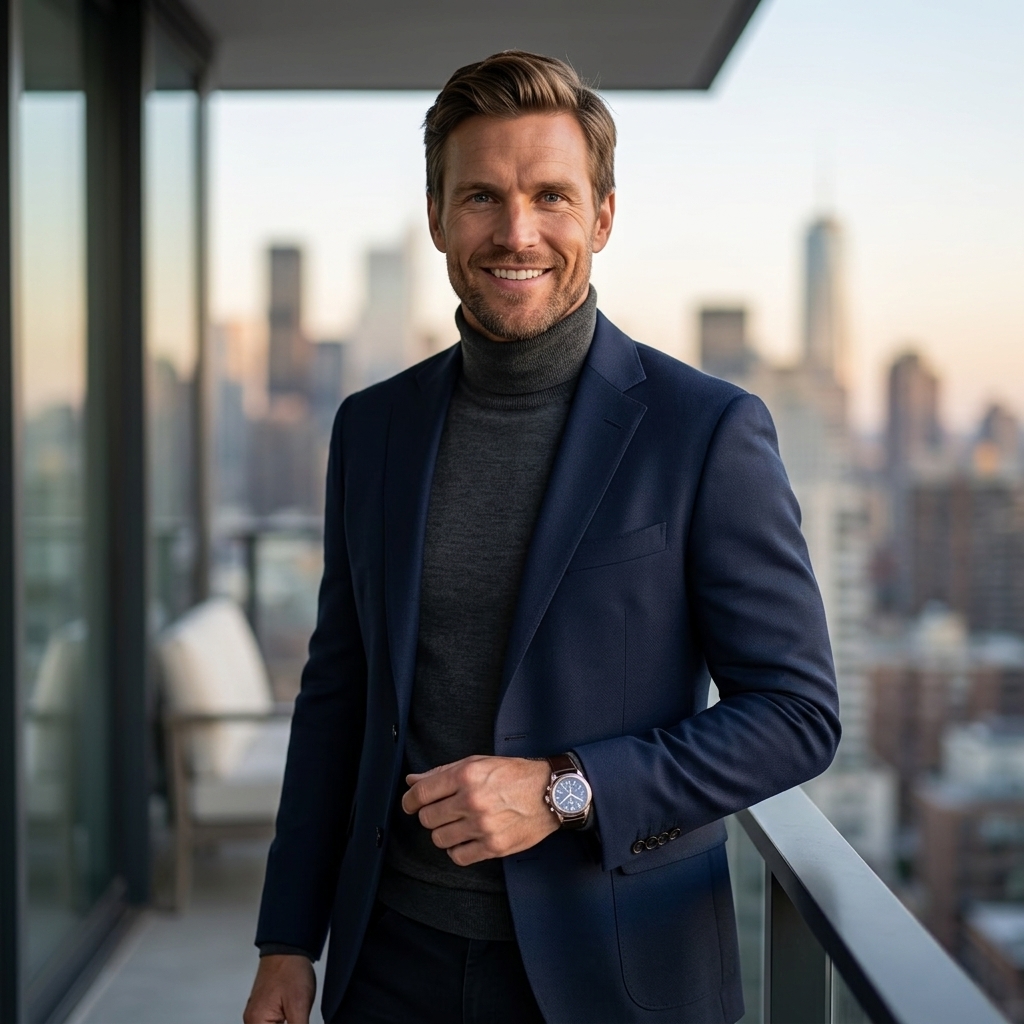


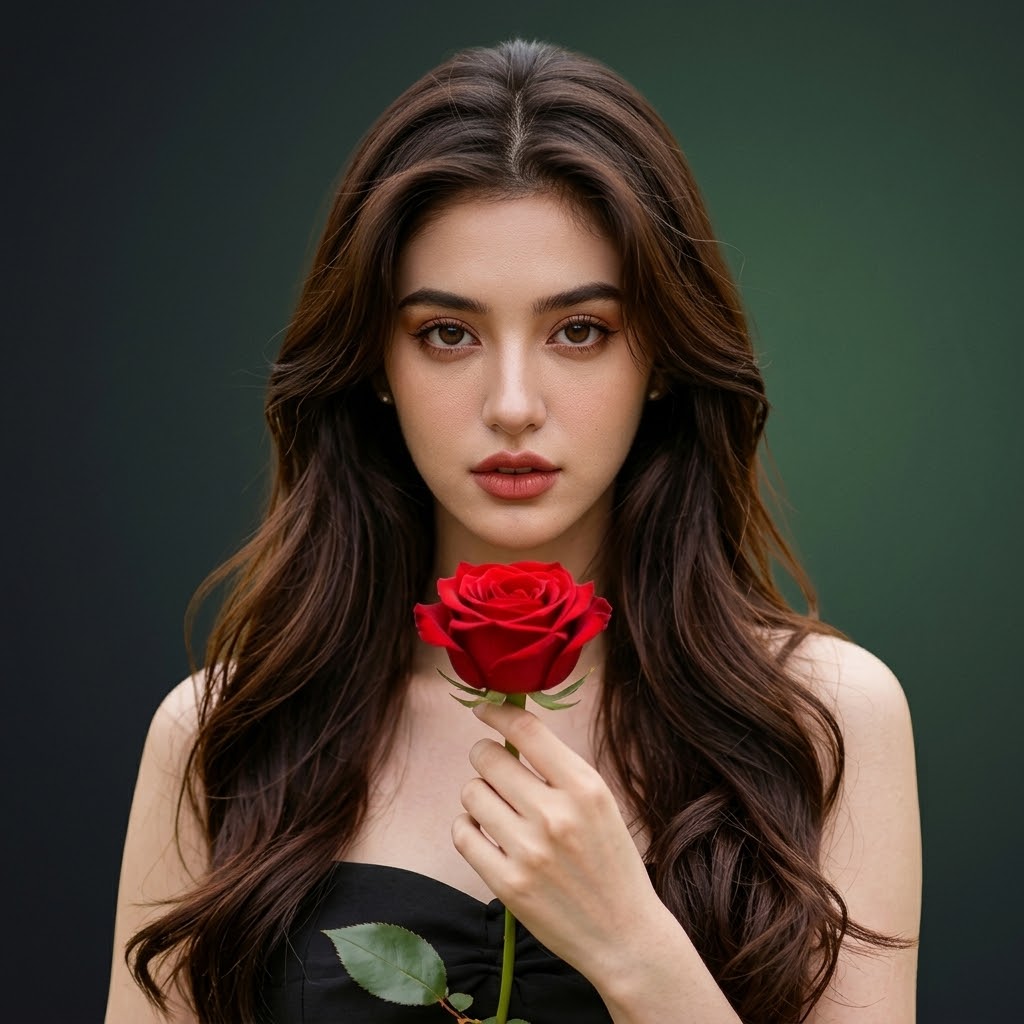



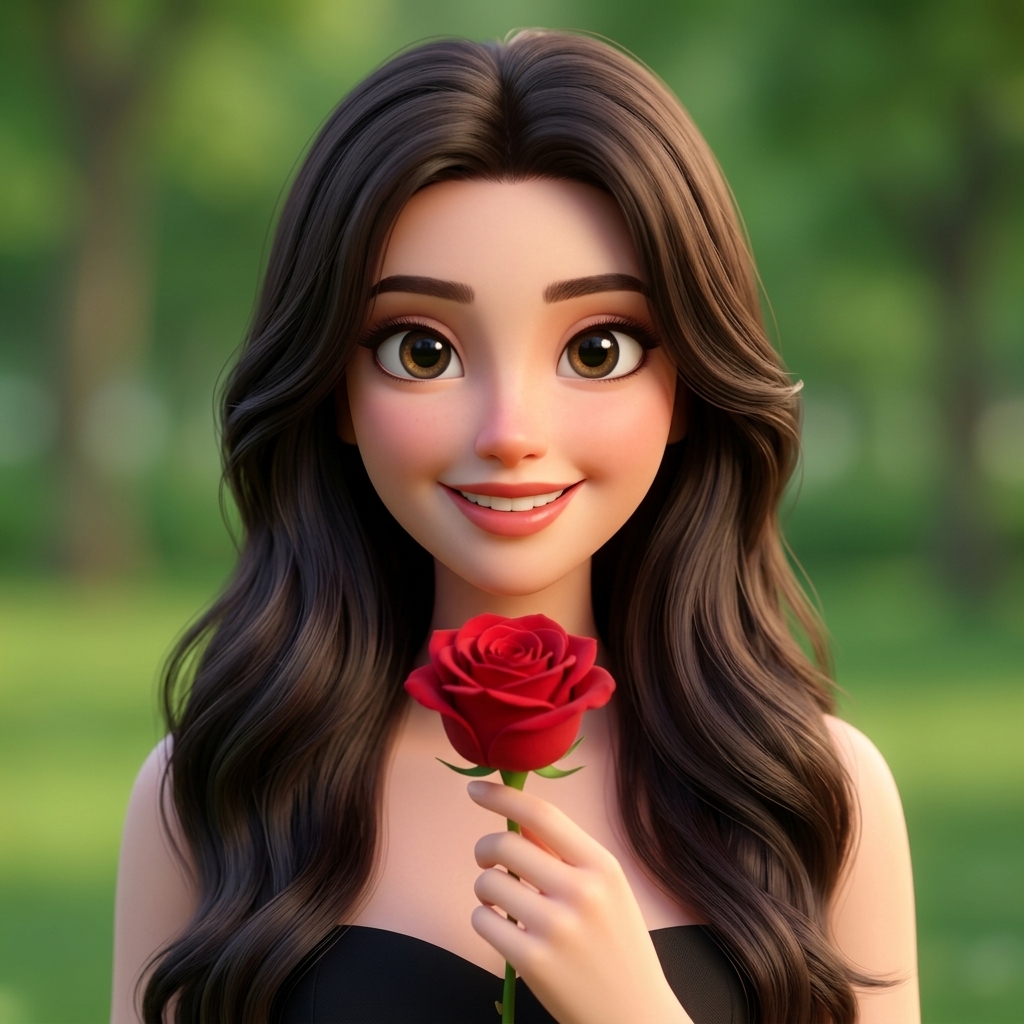





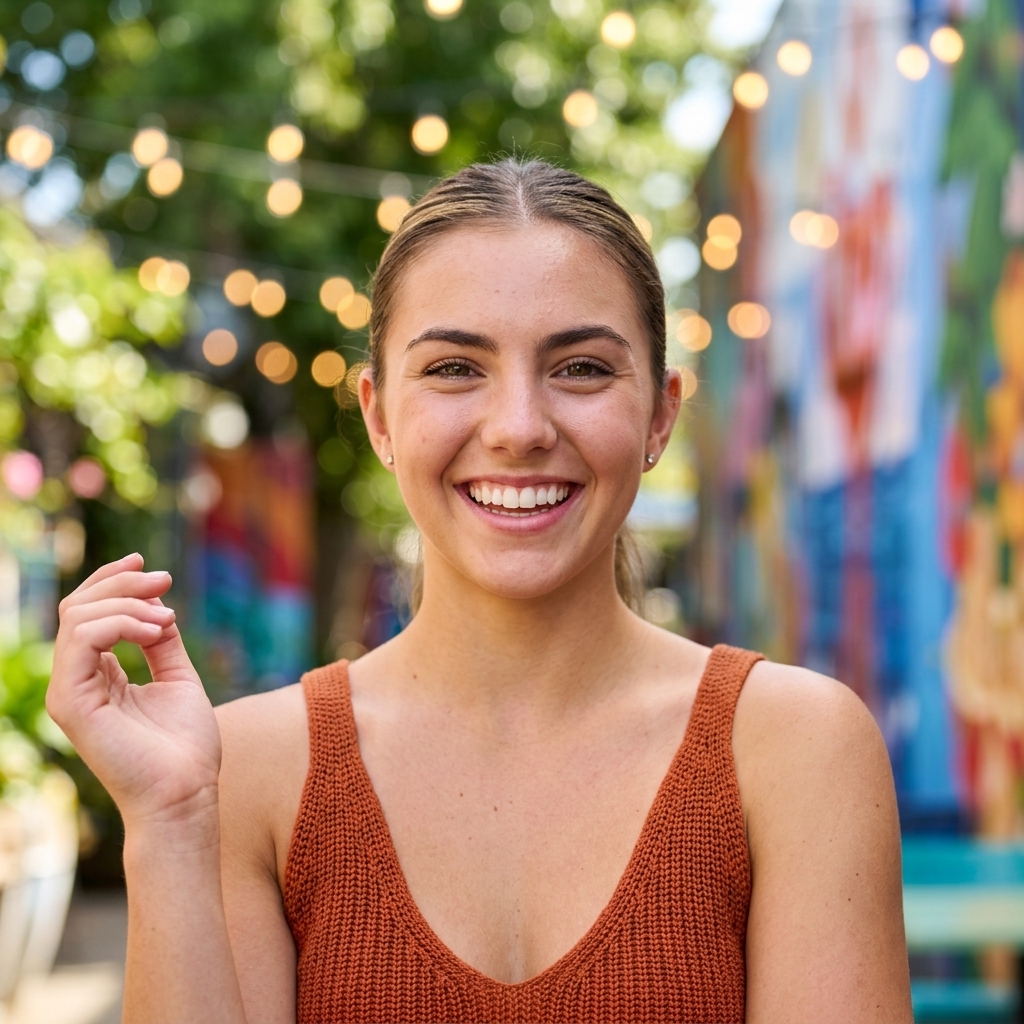
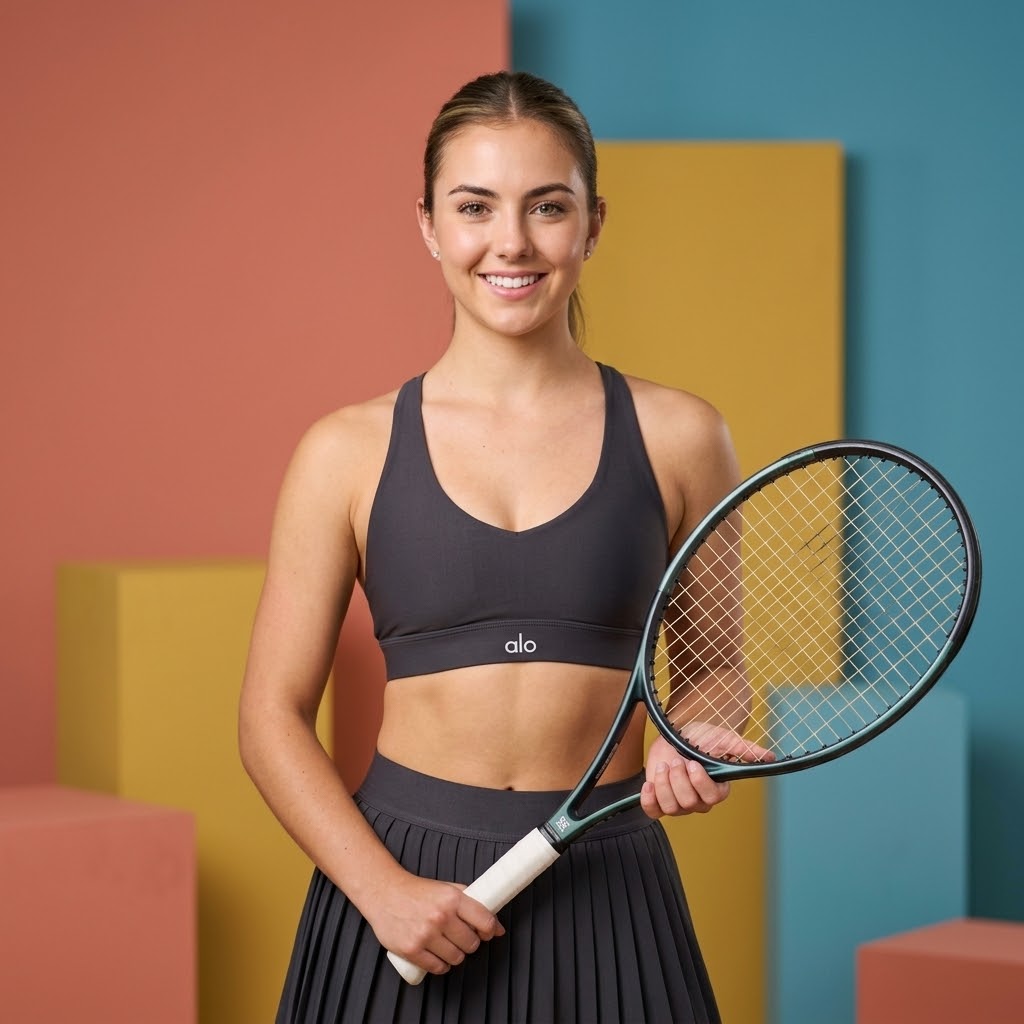
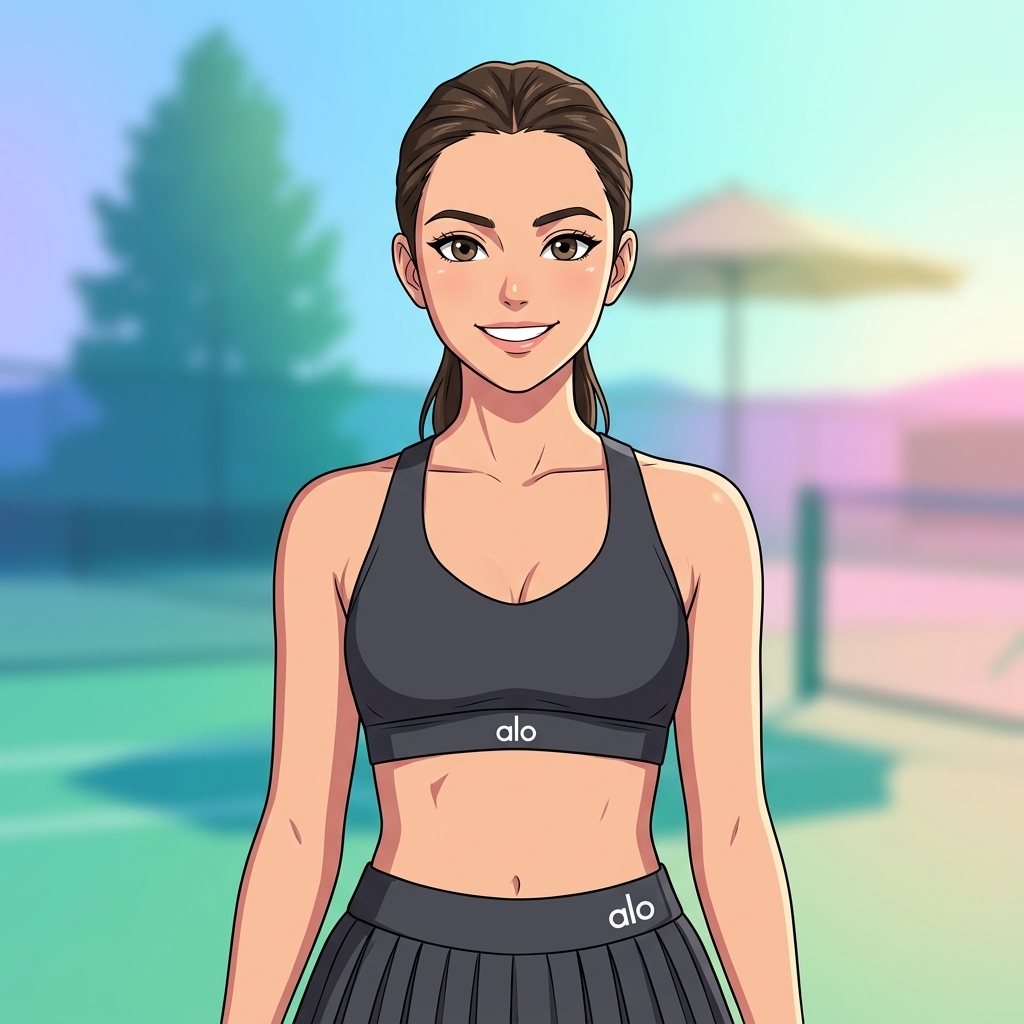

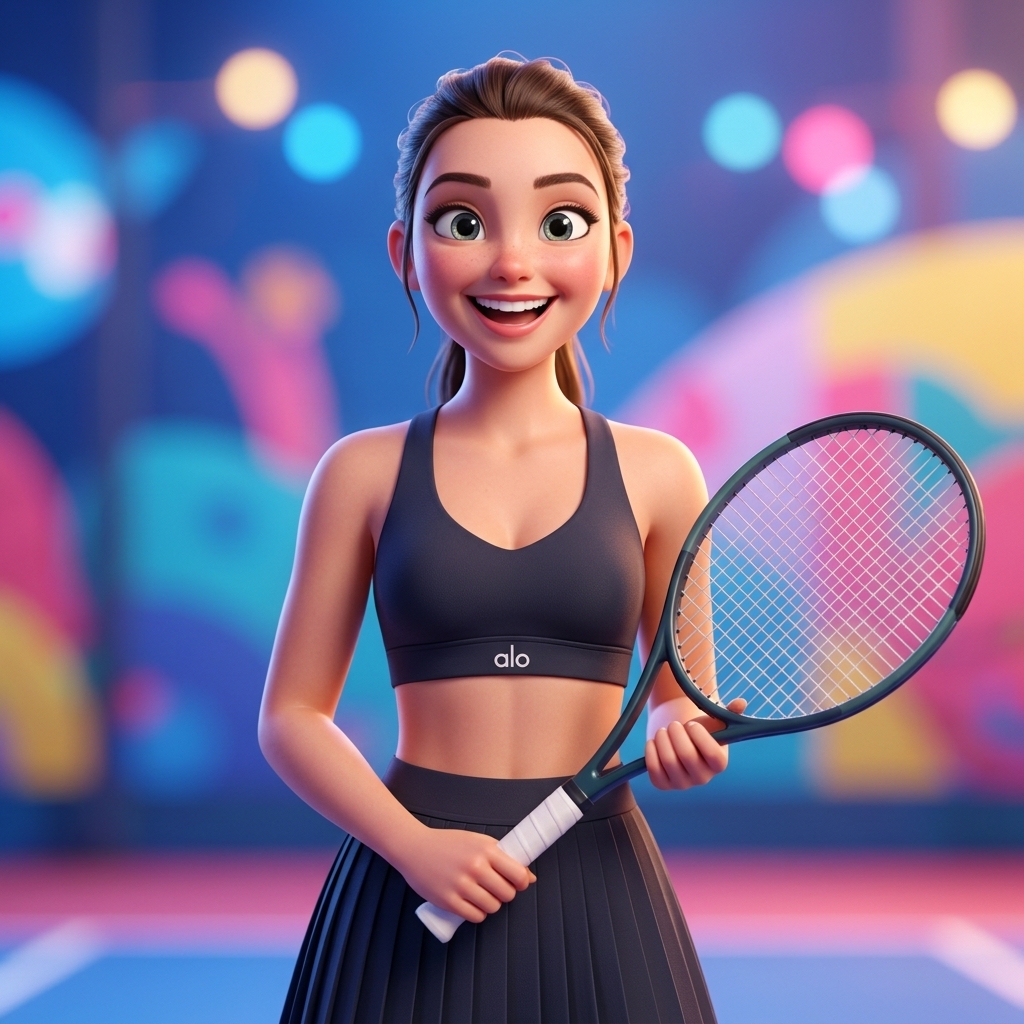
Creative Suite: AI Video Generator & AI Image Generator Tools
Power up your creative workflow with our AI-driven tools. Generate stunning videos, create images, and apply custom adjustments - our AI Video Generator and AI Image Generator offer a complete solution for all your creative needs.


Kling 2.6 Video Maker
Create professional videos with Kling 2.6—the AI model built for creators who need reliable, production-ready results. Start from a text prompt for quick concepts or upload an image for precise control over the starting frame. Kling 2.6 reduces flicker, maintains character identity across frames, and delivers cinematic camera movements that feel directed. Generate 5-10 second clips at 24fps in any aspect ratio. No filming, no editing software, no watermarks. Free to start with 10 credits.
Try for FreeSmooth Motion Without Flicker
Kling 2.6 reduces the flicker and warping that breaks most AI video. Characters stay recognizable, lighting remains consistent, and motion reads naturally from first frame to last—making your clips actually usable for client work and social media content.
Cinematic Camera Movement
Camera moves feel directed, not random. Kling 2.6 understands tracking shots, slow push-ins, and controlled pans—giving your videos the visual grammar of planned cinematography instead of accidental motion. Describe the camera work you want and the AI delivers.
Consistent Quality Across Frames
Identity drift ruins most AI video projects. Kling 2.6 maintains character appearance, scene geometry, and lighting direction across the full clip—so your 10-second video looks like one continuous shot, not a stitched-together experiment. Reliable enough for professional output.
What You Can Create with Kling 2.6
From social media clips to marketing assets—Kling 2.6 handles professional video generation across every creative use case.
Professional Animations
Create smooth, high-quality animations from static images with Kling 2.6. Perfect for marketing materials, social media content, and creative projects that need polished motion.
Social Media Content
Generate engaging video content for Instagram, TikTok, and YouTube with Kling 2.6. Multiple aspect ratios supported—16:9 for landscape, 9:16 for vertical formats.
Marketing Videos
Transform product images into compelling video ads. Kling 2.6 adds motion and life to static marketing materials with professional camera movements and smooth transitions.
Creative Projects
Bring your creative vision to life with Kling 2.6 AI-powered video generation. Experiment with different motion styles, camera angles, and visual effects for portfolios and presentations.
Product Demos
Showcase products in action without a camera crew. Use Kling 2.6 to generate lifestyle videos, feature highlights, and zoom effects that convert browsers into buyers.
Presentations & Pitch Decks
Replace static slides with dynamic video segments generated by Kling 2.6. Create visual storytelling for investor pitches, team meetings, and conference talks.
About Kling 2.6 Video Generator
Kling 2.6 is an advanced AI model specialized in generating high-quality videos from both text prompts and images. Upload a single image and describe the motion you want, or start from a text prompt—the AI handles the complex animation work. The model excels at understanding motion prompts and creating smooth, professional-looking animations. It supports multiple aspect ratios (16:9, 9:16, 1:1, and more) and generates videos at high resolution with consistent quality. Technical capabilities: generates 5-10 seconds of video at 24fps, accepts detailed motion prompts up to 2500 characters, works with PNG, JPG, and WebP images up to 10MB. Kling 2.6 is particularly strong at camera movements, subject animations, and maintaining visual consistency throughout the generated video.
Kling 2.6 Video Generator — Built for Creators Who Need Flexibility
Most AI video tools produce flickering, inconsistent output. Kling 2.6 delivers production-ready clips with smooth motion, cinematic camera control, and consistent quality across every frame.
Text & Image to Video in One Tool
Start from a text prompt for quick concepts, or upload an image when you need precise control over the starting frame. Switch between modes instantly with Kling 2.6 without changing tools or losing your workflow momentum.
2500-Character Prompt Support
Kling 2.6 accepts detailed motion prompts up to 2500 characters. Describe camera angles, lighting setup, subject motion, speed, timing, and mood—everything needed to get usable results on the first try.
Multiple Aspect Ratios
Generate Kling 2.6 videos in 16:9 for YouTube and websites, 9:16 for TikTok and Instagram Reels, or 1:1 for social posts. The AI optimizes composition for each format automatically.
30-90 Second Generation Time
Write your prompt, hit generate, wait about 30-90 seconds. Kling 2.6 delivers results faster than filming, faster than stock footage hunting, faster than editing clips together.
No Watermark, Full Commercial Rights
Every Kling 2.6 video exports as a clean MP4 file. Use for client work, YouTube monetization, social media ads, product pages—no attribution, no licensing fees, no branding on your content.
Free Credits to Start
New accounts get 10 free credits—enough to test Kling 2.6 and see real results before paying. No credit card required to sign up and start generating professional videos.
How to Use Kling 2.6
Generate professional videos in minutes
Upload Your Image or Write a Prompt
Upload a single image (PNG, JPG, or WebP up to 10MB) for image-to-video, or write a detailed text prompt for text-to-video. Higher resolution images typically produce better Kling 2.6 results.
Describe the Motion
Write a detailed prompt describing the motion you want. Include camera movements (zoom, pan, rotate), subject motion, speed, and any effects. Kling 2.6 accepts up to 2500 characters for precise control.
Choose Settings and Generate
Select your preferred aspect ratio (16:9, 9:16, 1:1) and video duration (5-10 seconds). Click generate and Kling 2.6 delivers your video in 30-90 seconds.
Download and Use
Your Kling 2.6 video is ready as an MP4 file with no watermark. Download and use it for any purpose—client work, social media, marketing campaigns, or creative projects.
Kling 2.6 Video Generator Features
Everything you need to turn prompts and images into professional video content with Kling 2.6.
Precise Motion Control
Kling 2.6 supports detailed prompt descriptions up to 2500 characters. Describe camera movements, subject motion, speed, and effects with precision. The model understands complex motion instructions.
HD Resolution Output
Generate Kling 2.6 videos at high resolution in landscape or portrait format. Sharp enough for YouTube uploads, client presentations, and professional use without upscaling.
Cinematic Camera Directions
Describe camera movements in your prompt—push-in, tracking shot, overhead, low angle, orbit. Kling 2.6 interprets cinematic directions and applies them with professional-quality results.
Consistent Lighting and Identity
Kling 2.6 maintains character appearance, lighting direction, and scene geometry across the full clip. No identity drift, no flickering, no inconsistent shadows between frames.
Prompt Privacy
Your prompts are not used for model training. Generate confidential product concepts, unreleased marketing ideas, or sensitive creative work with Kling 2.6 without data leakage concerns.
Automatic Credit Refund
If Kling 2.6 generation fails, credits are automatically refunded to your account. No lost credits from server issues or content policy edge cases.
What Creators Say About Kling 2.6
Content creators, marketers, and businesses use Kling 2.6 on Domer every day for professional video generation.
Kling 2.6 is my go-to for TikTok content. The motion is smooth, no weird flicker artifacts. I generate 3-4 videos a day and the quality is consistent every time.
David Chen, Content Creator
David Chen
Content Creator
We switched to Kling 2.6 for product demo videos. The cinematic camera movements make our products look premium. Production costs dropped 80% compared to hiring videographers.
Rachel Kim, Marketing Manager
Rachel Kim
Marketing Manager
I use Kling 2.6 for client pitch concepts. Generate 5 variations in a meeting, client picks a direction, then I shoot the real thing. The consistent frame quality actually impresses clients.
Marcus Thompson, Freelance Videographer
Marcus Thompson
Freelance Videographer
B-roll was my biggest bottleneck until I found Kling 2.6. I describe the shots I need and get usable clips in 60 seconds. The camera tracking feels like real cinematography.
Sofia Garcia, YouTube Creator
Sofia Garcia
YouTube Creator
Product videos on every listing page—Kling 2.6 made it possible. Upload a product image, describe the motion, download a clean video. No watermark, ready for my store.
James Wilson, E-commerce Owner
James Wilson
E-commerce Owner
Managing video across 5 brand accounts used to need a production team. Kling 2.6 handles our short-form content now. The identity consistency across frames is what sold me.
Anna Zhang, Social Media Manager
Anna Zhang
Social Media Manager
Kling 2.6 FAQs
Common questions about Kling 2.6 video generator
Latest News
Tips, tutorials, and updates from the Domer AI team.
From Script to Screen: Free AI Video Workflow Guide
Learn a practical workflow for turning a written script into a finished AI video using free tiers, prompt design, shot planning, and editing tips.
Short-Form Video Growth: An AI Workflow for More Views
A practical AI workflow for planning, generating, editing, and publishing short-form videos that hold attention and earn more views on every feed.
AI Voiceover and Royalty-Free Music: A Video Sound Workflow
Build a complete AI voiceover and royalty-free music workflow for video: voice selection, licensing, ducking, loudness targets, and QC.
Réaliser un storyboard IA : méthode complète pour créateurs
Méthode pas à pas pour concevoir scènes et storyboards avec l'IA : cohérence des personnages, découpage, prompts et erreurs à éviter.
Como Fazer Vídeos com IA Localmente: Guia Prático e Completo
Aprenda a gerar vídeos com IA localmente: requisitos de hardware, modelos, fluxos de trabalho, consistência de personagem e como resolver erros comuns.
Cómo hacer que un corto de TikTok se vuelva viral: guía práctica
Aprende a diseñar cortos de TikTok con ganchos fuertes, retención, señales del algoritmo y flujos de trabajo con IA para escalar tu producción.
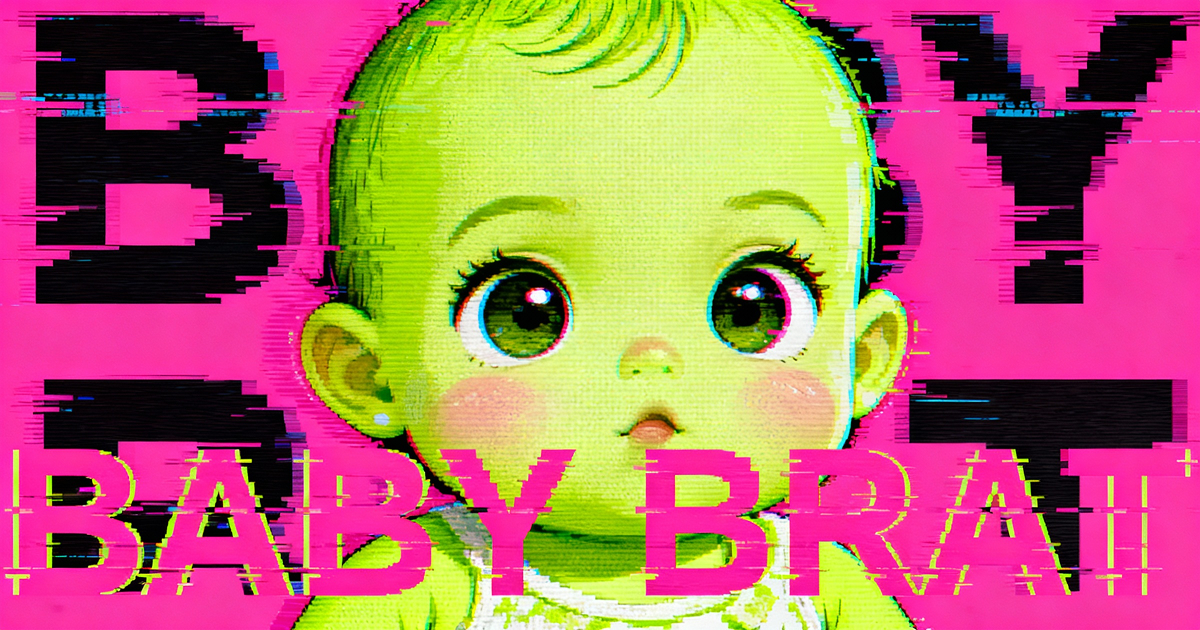
Baby Brat Meme Generator: How to Create Cursed-Cute AI Images
Complete guide to creating Baby Brat memes—the cursed-cute trend combining baby filters with brat aesthetics. Get the best AI prompts, tools, and tips for viral-worthy images.
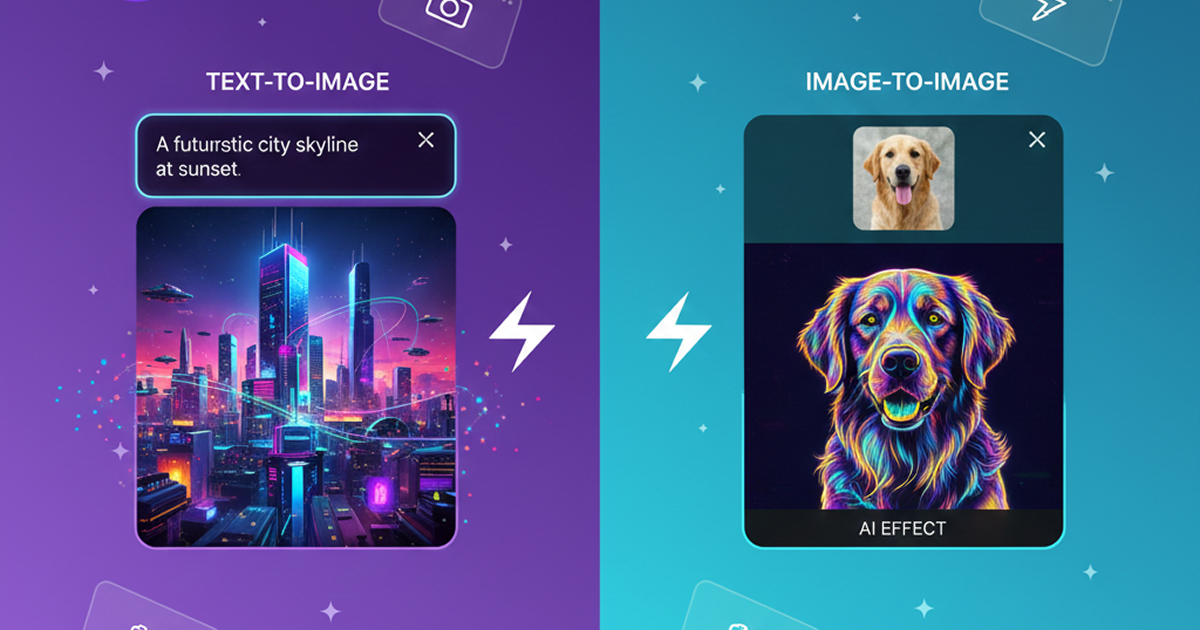
Domer: Free AI Image Generator - Complete Features & Guide
Everything you need to know about Domer AI—a fast, free image generator for creating memes, art, and transformations. Get 10 free credits to start.
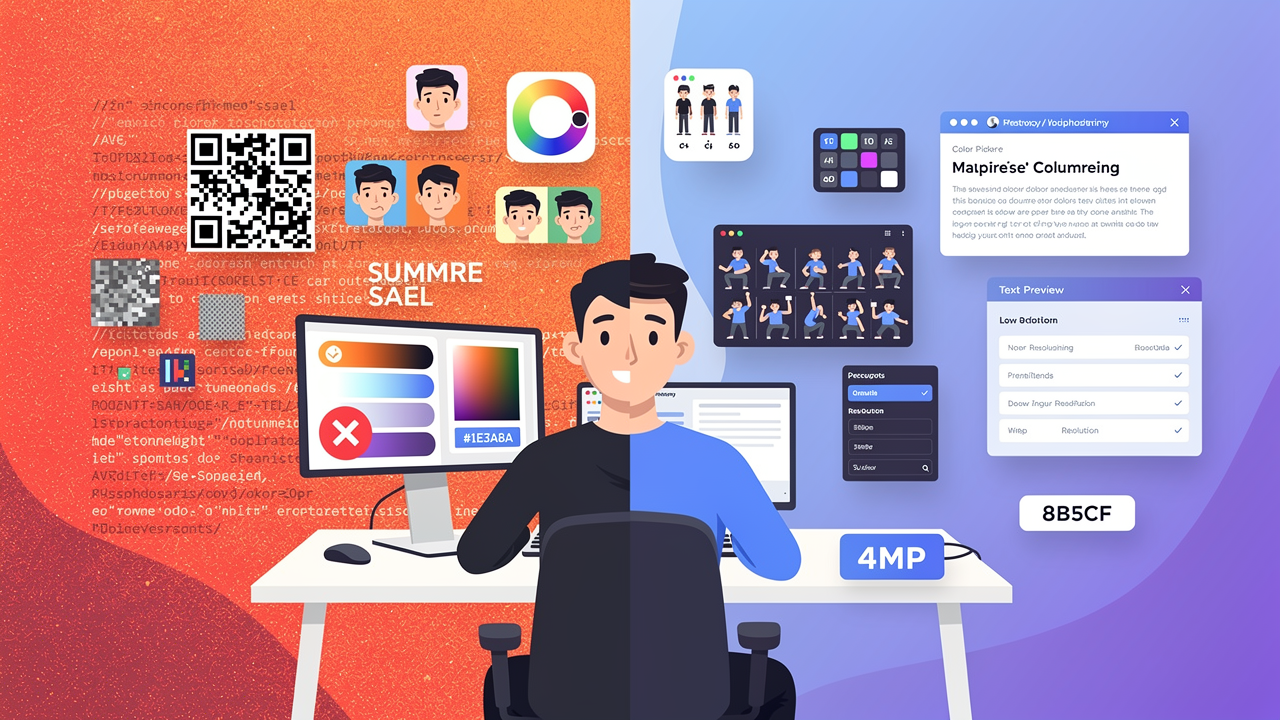
FLUX.2: The End of Five Designer Nightmares
FLUX.2 solves the problems that made AI image tools frustrating—exact colors, consistent characters, readable text, print quality, and efficient workflows. Here's what actually changed.
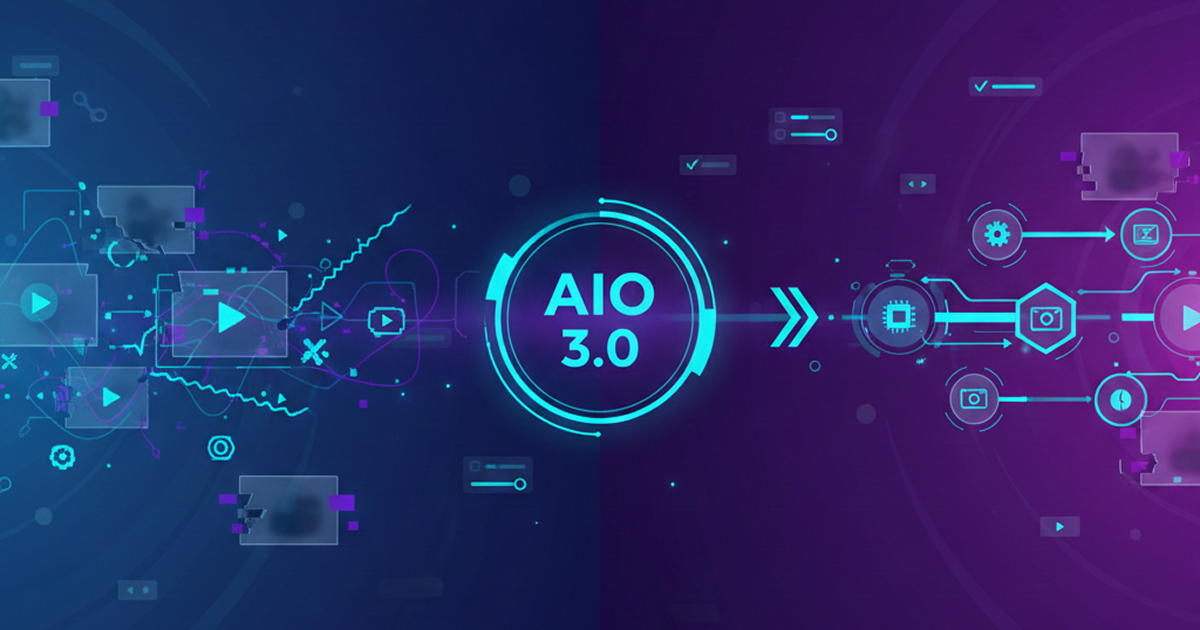
From Kling 2.6 to 3.0: How One AI Video Platform Is Rethinking the Entire Workflow
While competitors race for longer videos and higher resolution, Kling is betting on something different with its AIO model—and it might just work. A deep dive into Kling 3.0's unified approach.
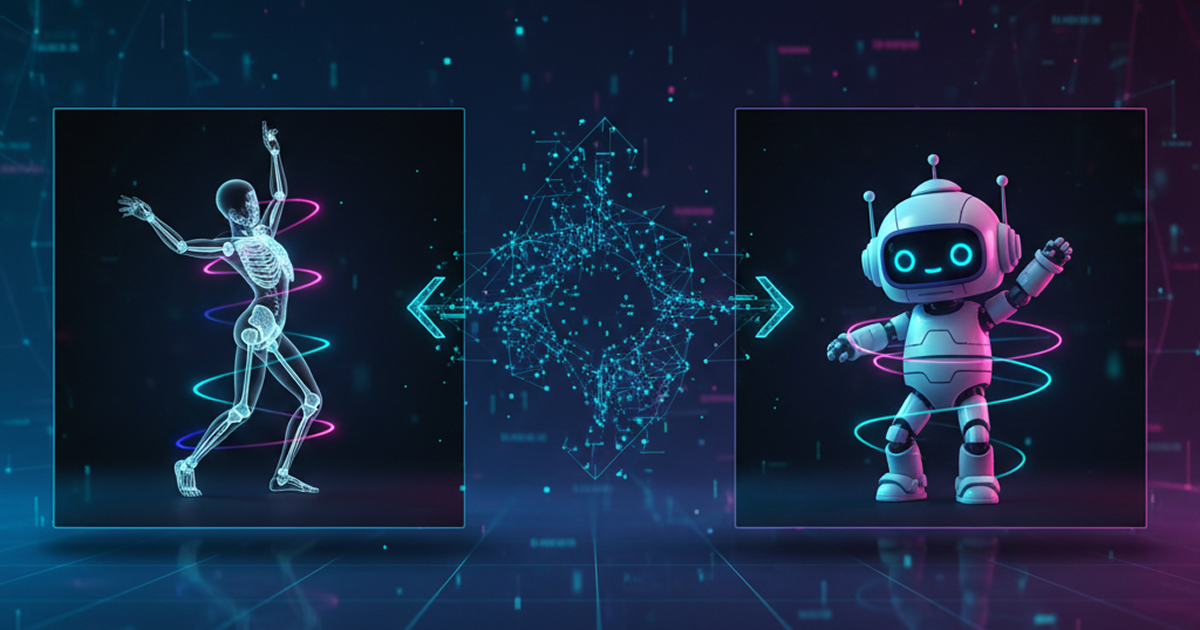
Kling Motion Control: Transfer Motion from Video to Image with AI
Learn how Kling Motion Control works - upload a reference video and static image to create videos with transferred motion. Complete guide with examples and tips.
Orelon — AI Video Generator for Cinematic Video Creation
Create cinematic videos from text or images with Orelon. Compare 23 video models, apply effects, and direct camera motion in one workspace — no installs.
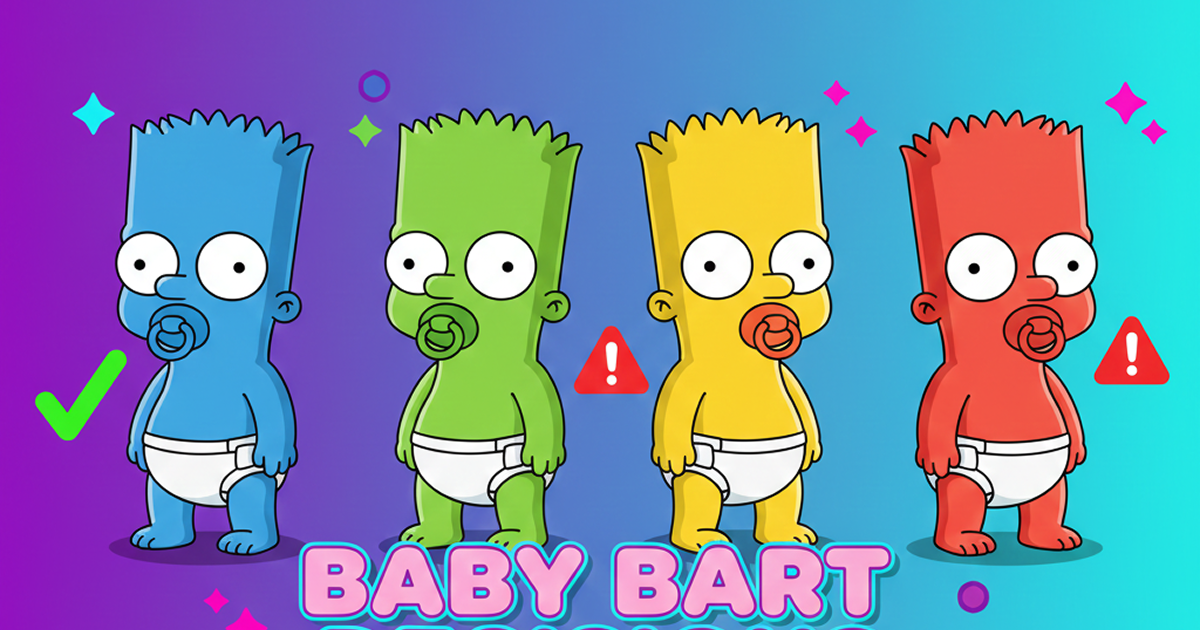
What Is Domer Meme? The Baby Bart Simpson Phenomenon Explained
A deep dive into the Domer meme that took over TikTok in late 2025. Learn what 'Domer' means, why it went viral, and how to create your own Domer-style images with AI.
Create Your First Video with Kling 2.6
Get 10 free credits to start. Upload an image, describe the motion, and see what Kling 2.6 can create. No credit card required.