![[PERSON NAME]. Act as a high-end sports graphic designer creating a conceptual…](https://storage.brightvectorlabs.com/prompts/bright/poster-design/2008976966255337666-0.webp)
![A hyper-realistic 3D travel guide infographic poster for [COUNTRY]](https://storage.brightvectorlabs.com/prompts/bright/illustration-and-3d/2043047413770809708-0.webp)
![Create a technical infographic of [OBJECT] with a 45-degree isometric 3D…](https://storage.brightvectorlabs.com/prompts/bright/ui-and-graphic/2017928823497453789-0.webp)
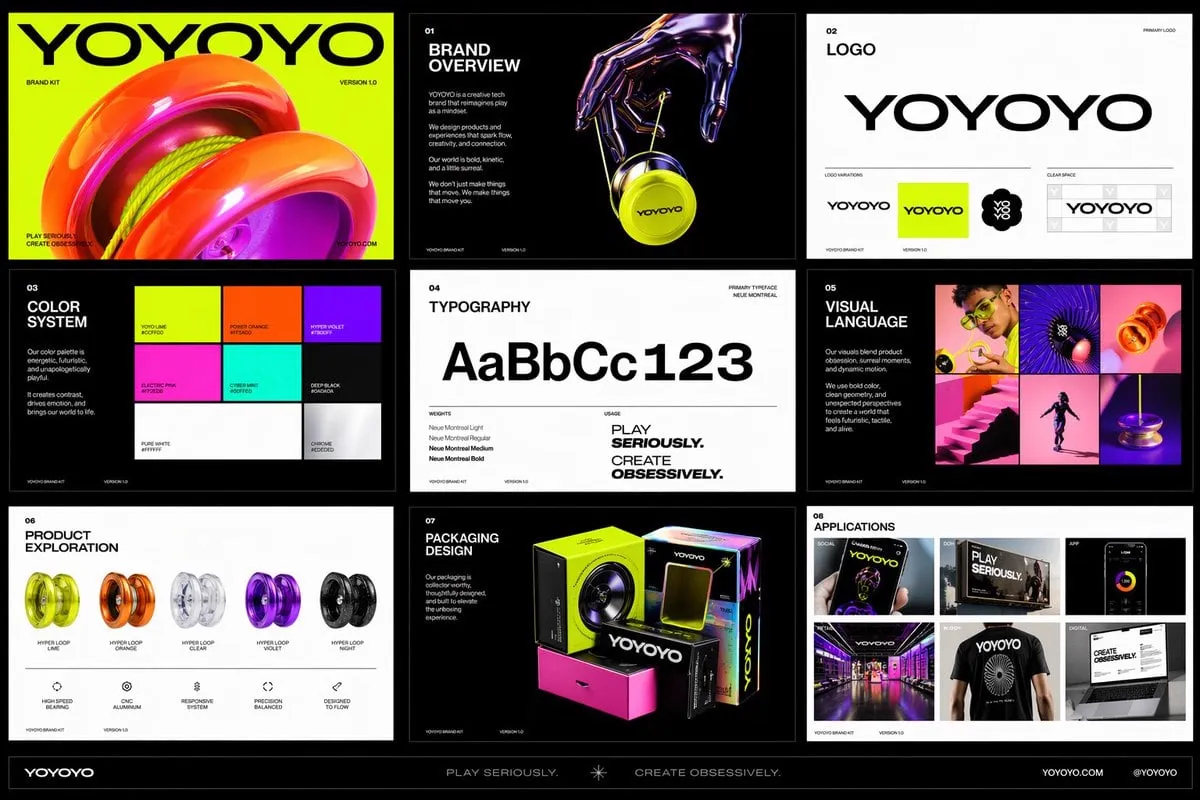
![[BRAND NAME]: The name of the brand](https://storage.brightvectorlabs.com/prompts/bright/product-and-brand/2032908105994961090-0.webp)

![[BRAND NAME]. Act as a World-Class Editorial Designer](https://storage.brightvectorlabs.com/prompts/bright/product-and-brand/2028115571724660920-0.webp)
![[BRAND NAME] | [COLOR] Act as a 3D Type Designer and CGI Artist working at the…](https://storage.brightvectorlabs.com/prompts/bright/ui-and-graphic/2043381172646920237-0.webp)
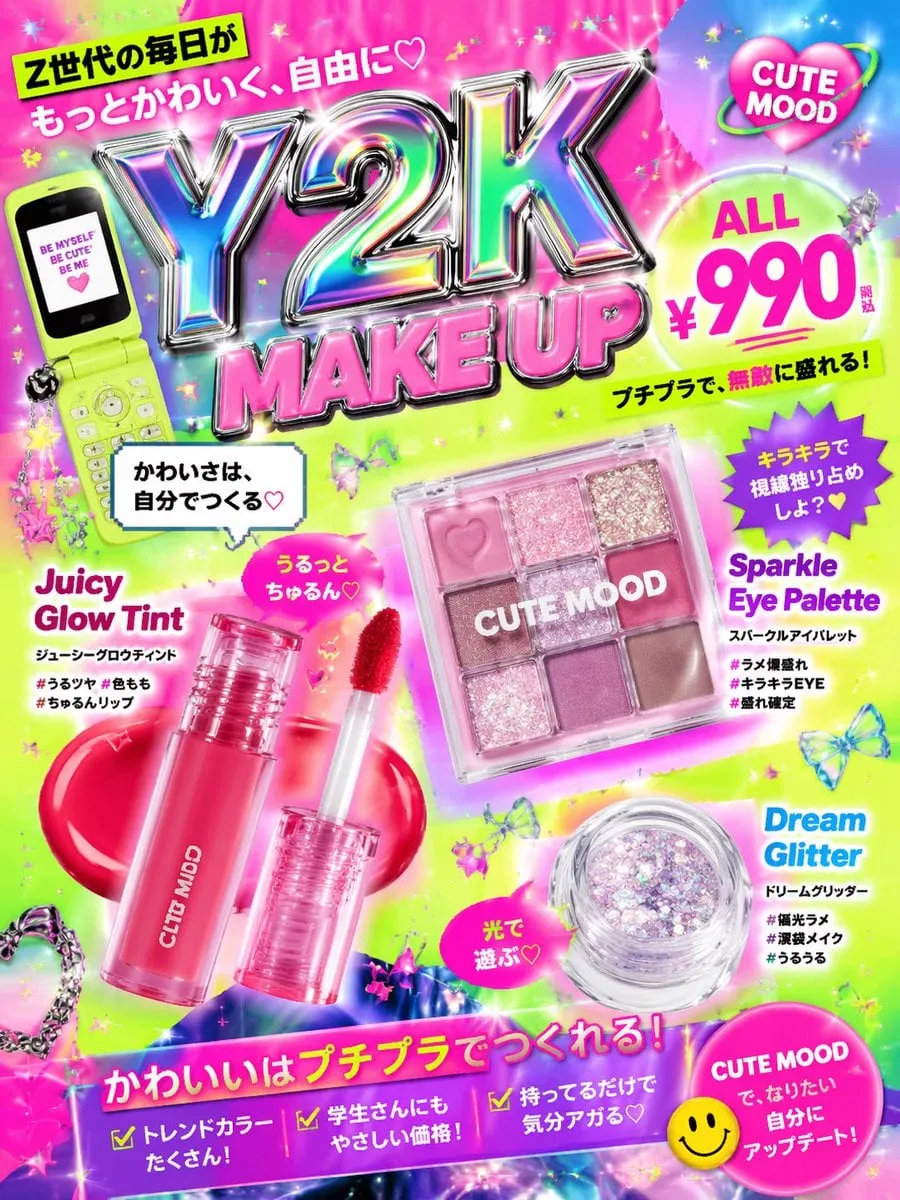
![[BRAND NAME] | [HEADLINE] | [SUB-TEXT] | [CTA]. Act as a Senior Art Director](https://storage.brightvectorlabs.com/prompts/bright/product-and-brand/2026316195977146728-0.webp)

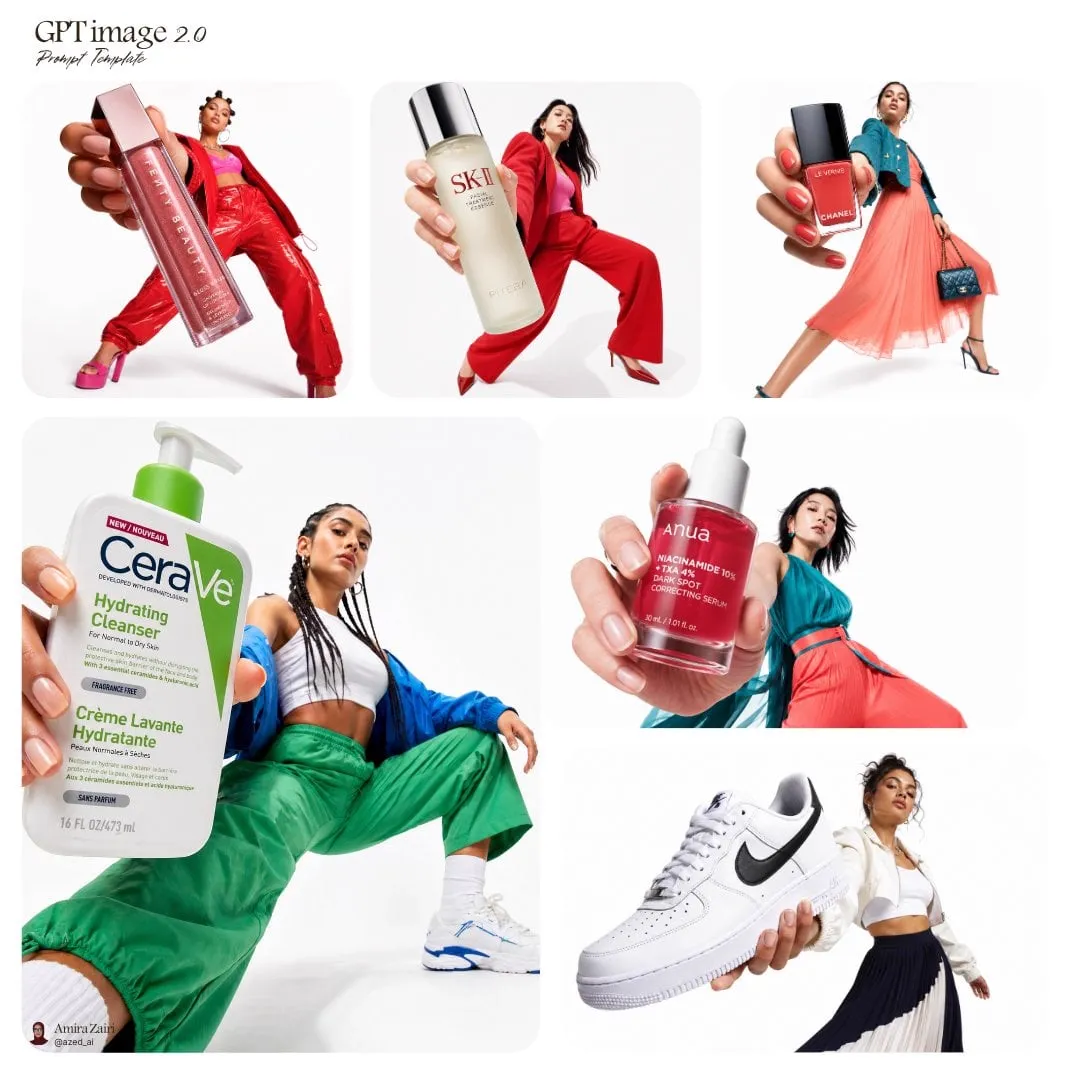
![[BRAND NAME]. Act as a Senior Editorial Designer and Typographer](https://storage.brightvectorlabs.com/prompts/bright/product-and-brand/2027798913516761522-0.webp)
![A simple black-and-white illustration of a [subject] in [outfit], [doing…](https://storage.brightvectorlabs.com/prompts/bright/illustration-and-3d/2043284009116160473-0.webp)
![[BRAND NAME]. Act as a Social Media Art Director and Digital Collage Artist…](https://storage.brightvectorlabs.com/prompts/bright/poster-design/2020895358126002197-0.webp)
![A hyper-realistic 3D world guide infographic poster for [SHOW]](https://storage.brightvectorlabs.com/prompts/bright/illustration-and-3d/2045107949639455223-0.webp)
![请根据[主题]自动生成一张[博物馆图鉴式中文拆解信息图]。 要求整张图兼具真实写实主视觉、结构拆解、中文标注、材质说明、纹样寓意、色彩含义和核心特征总结。你需要…](https://storage.brightvectorlabs.com/prompts/bright/poster-design/2045504669401653414-0.webp)
![生成一张[餐饮品牌触点矩阵]系列视觉图,用于展示一个完整的餐饮品牌视觉系统与包装应用方案。 这是一个面向餐饮行业的品牌VI样机展示板 / 包装系统陈列图 /…](https://storage.brightvectorlabs.com/prompts/bright/poster-design/2048360321379701233-0.webp)
![A minimalist cinematic colored poster featuring a [Character Name]’s portrait…](https://storage.brightvectorlabs.com/prompts/bright/poster-design/2019338808009920744-0.webp)
![[BRAND NAME] + [METAL COLOR] Act as a Senior CGI Artist and Brand Identity…](https://storage.brightvectorlabs.com/prompts/bright/product-and-brand/2045580765136920938-0.webp)
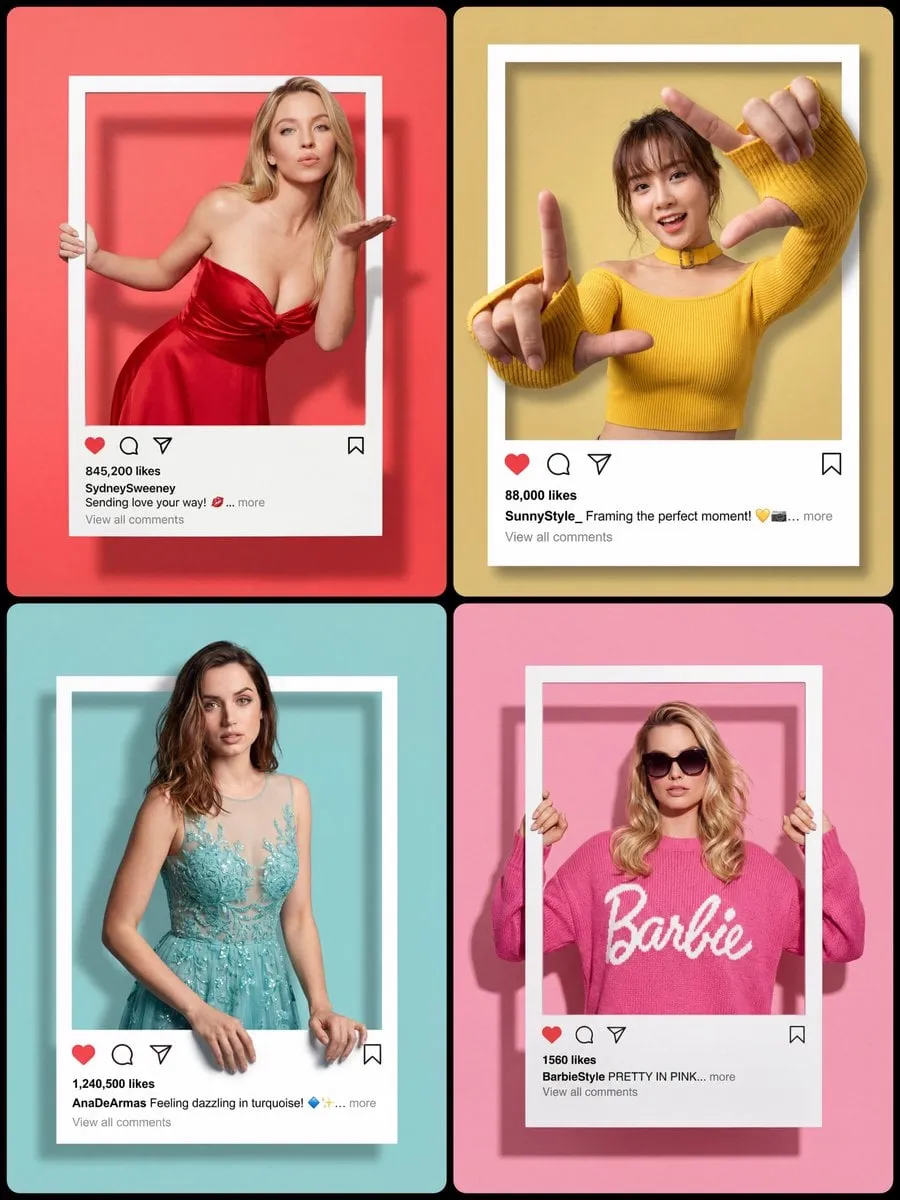


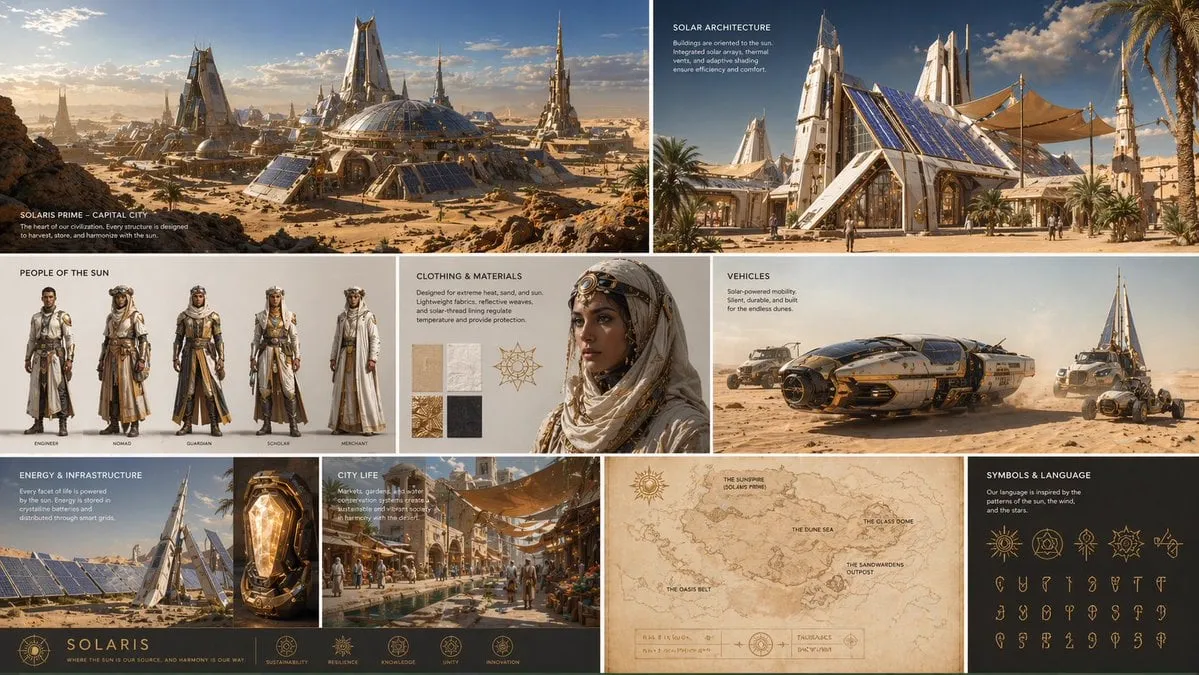
![[BRAND NAME] Act as a Macro Product Photographer and Textile Art Director…](https://storage.brightvectorlabs.com/prompts/bright/product-and-brand/2044829425464656123-0.webp)
![[BRAND NAME]. Act as a World-Class Editorial Designer](https://storage.brightvectorlabs.com/prompts/bright/product-and-brand/2040806718523748627-0.webp)
![[product], centered top down flat lay, surrounded by [ingredients], fresh…](https://storage.brightvectorlabs.com/prompts/bright/product-and-brand/2015423674061643925-0.webp)
![[INPUT IMAGE: USER_PHOTO] Use the person in the input image as the ONLY subject](https://storage.brightvectorlabs.com/prompts/bright/poster-design/2017598696678895882-0.webp)

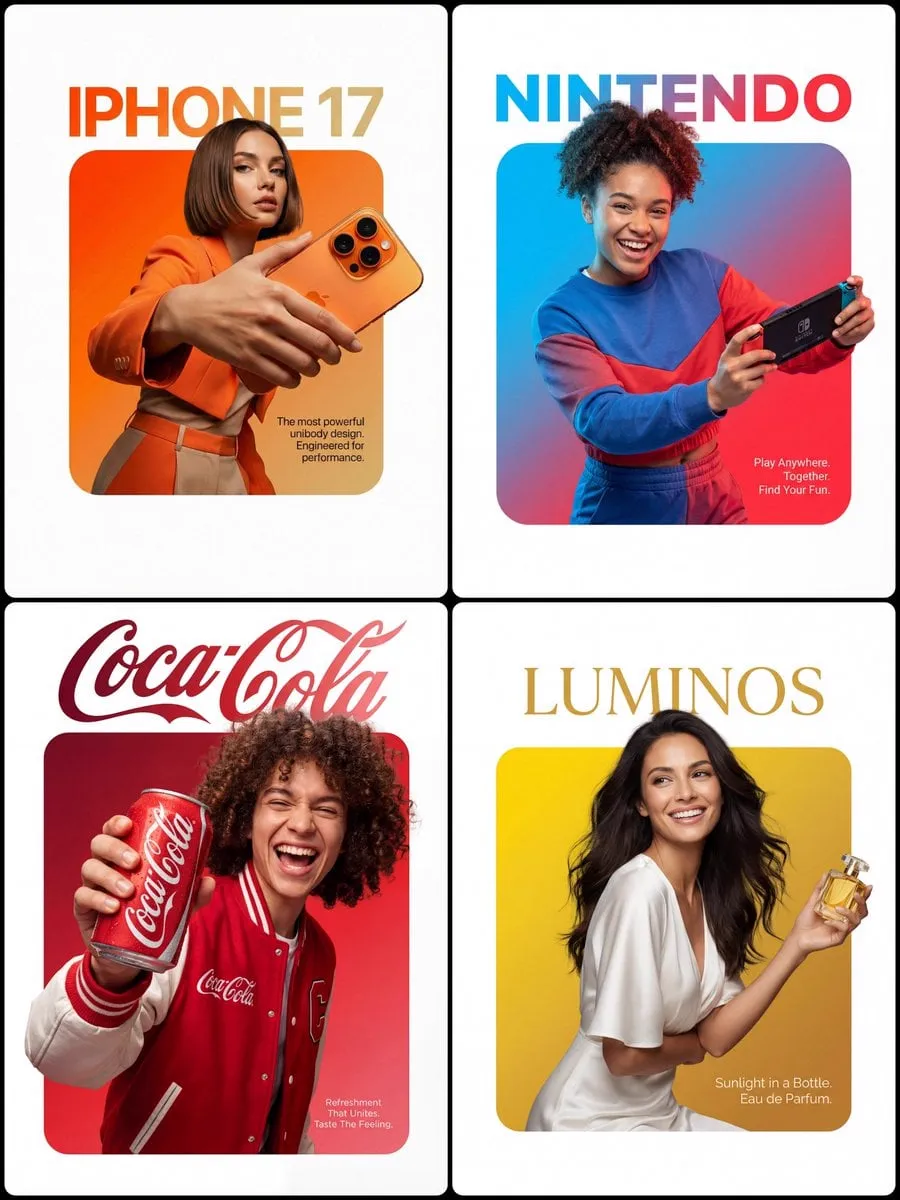
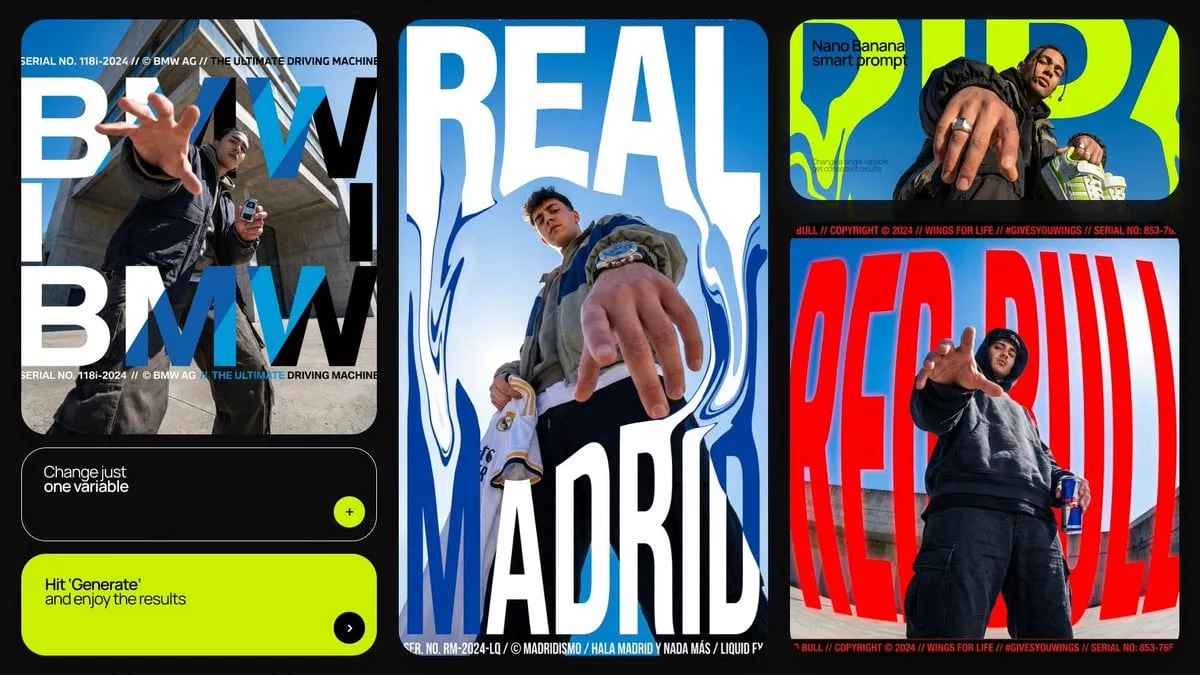
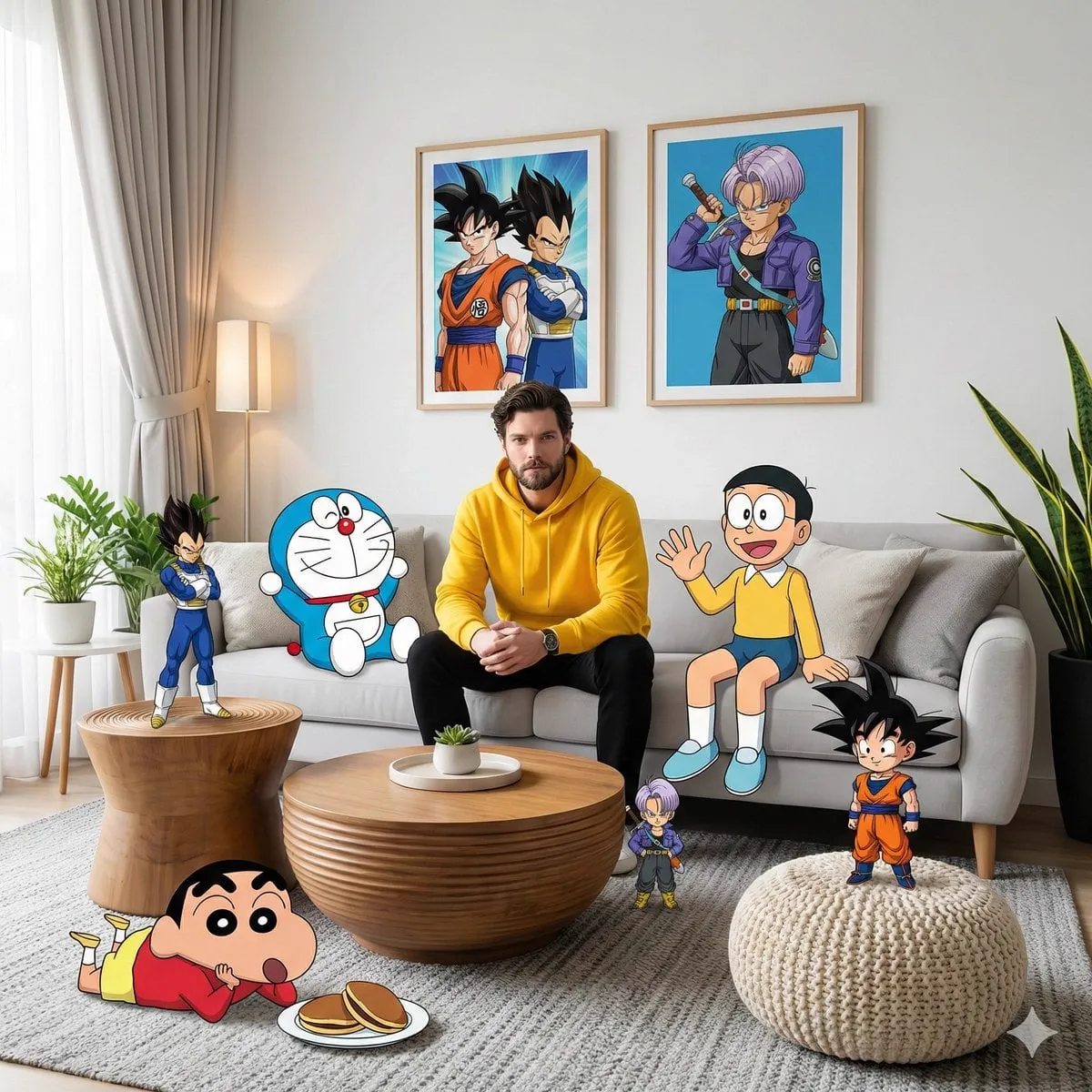

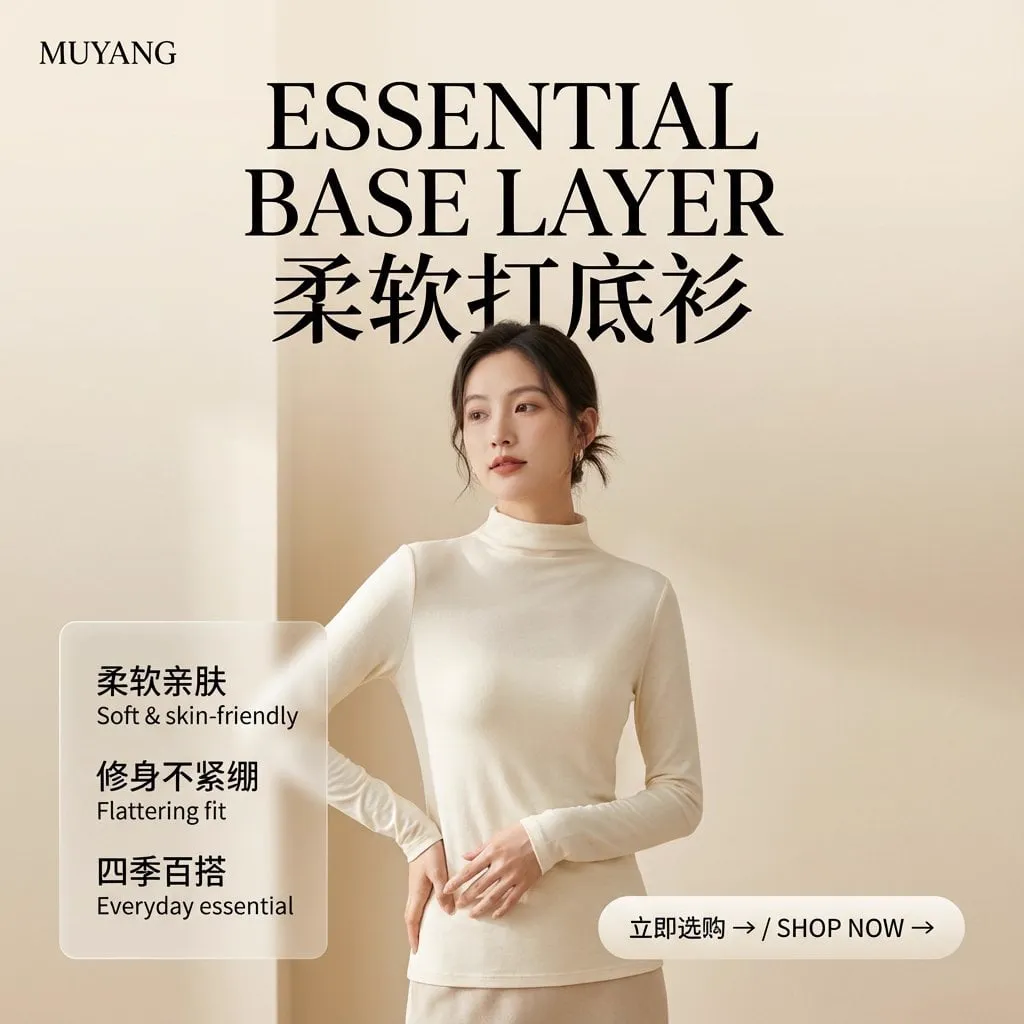
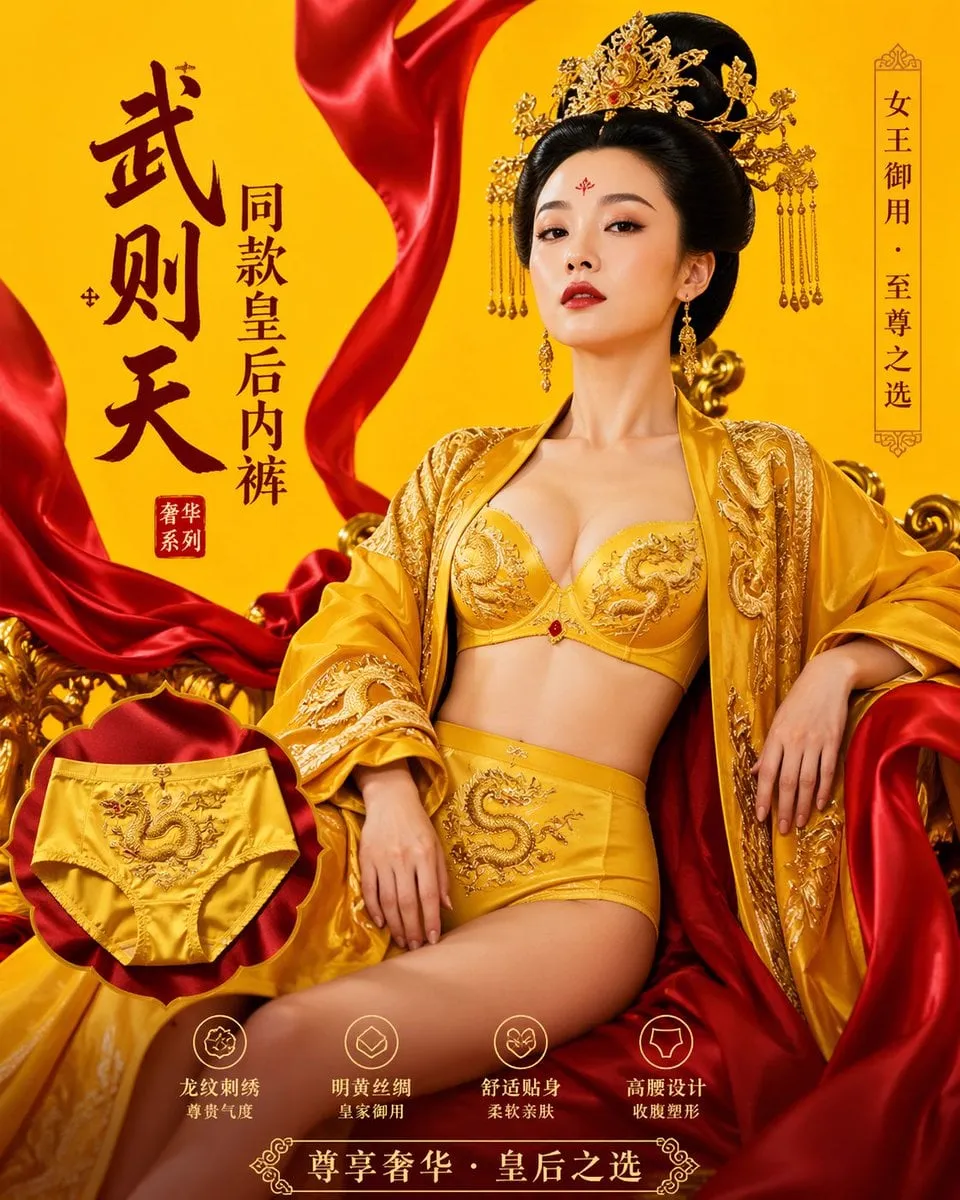

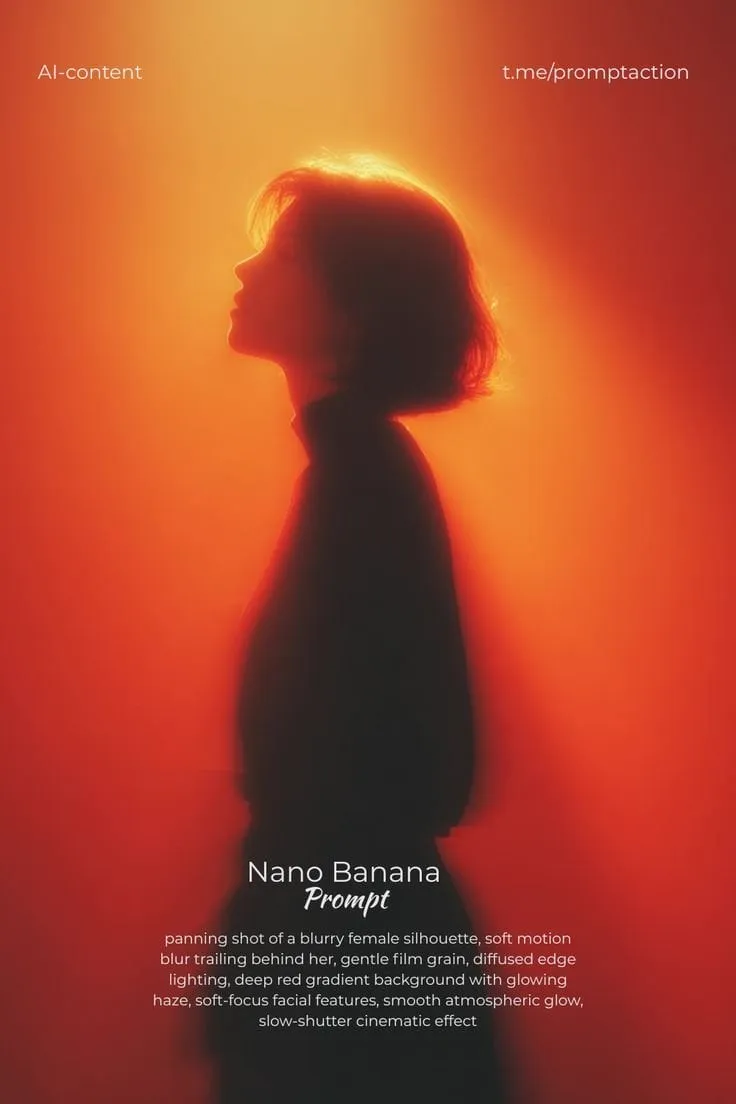
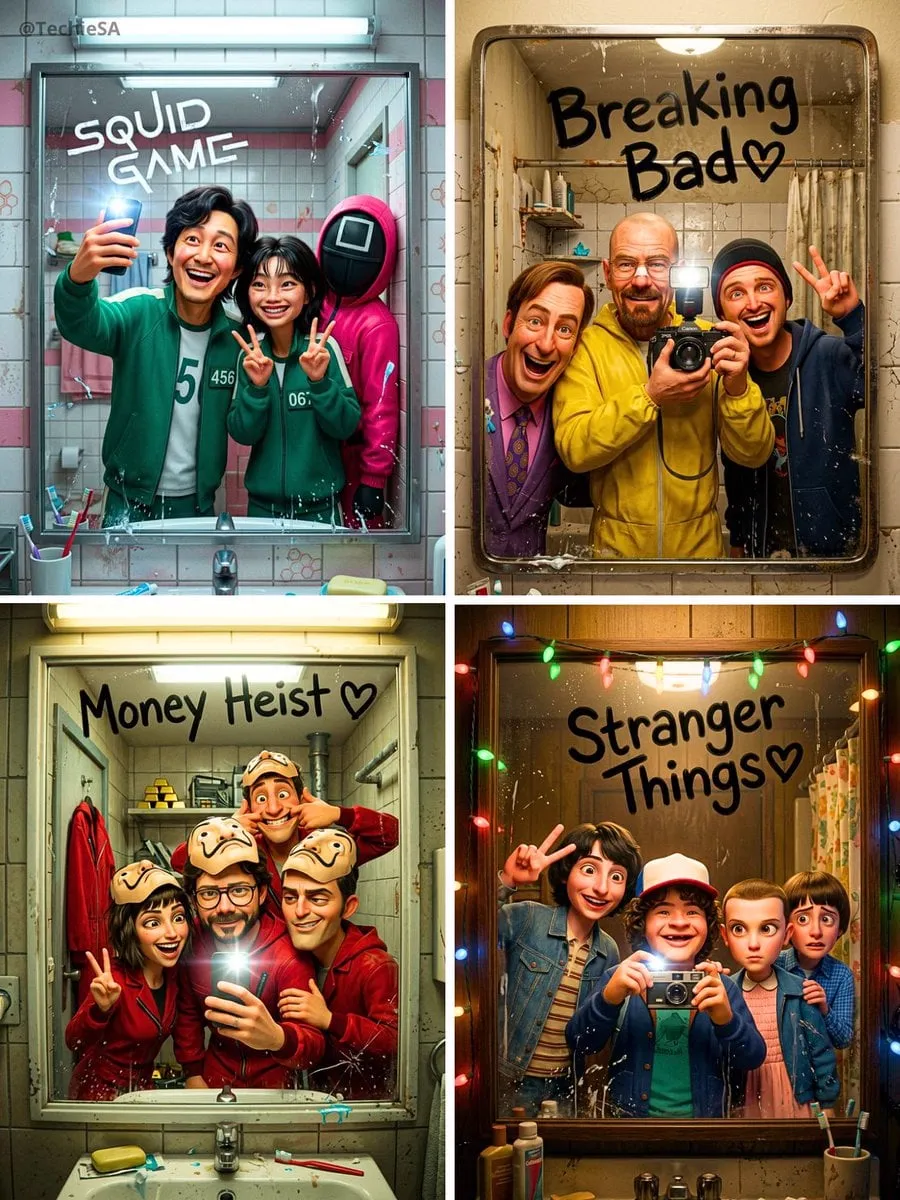
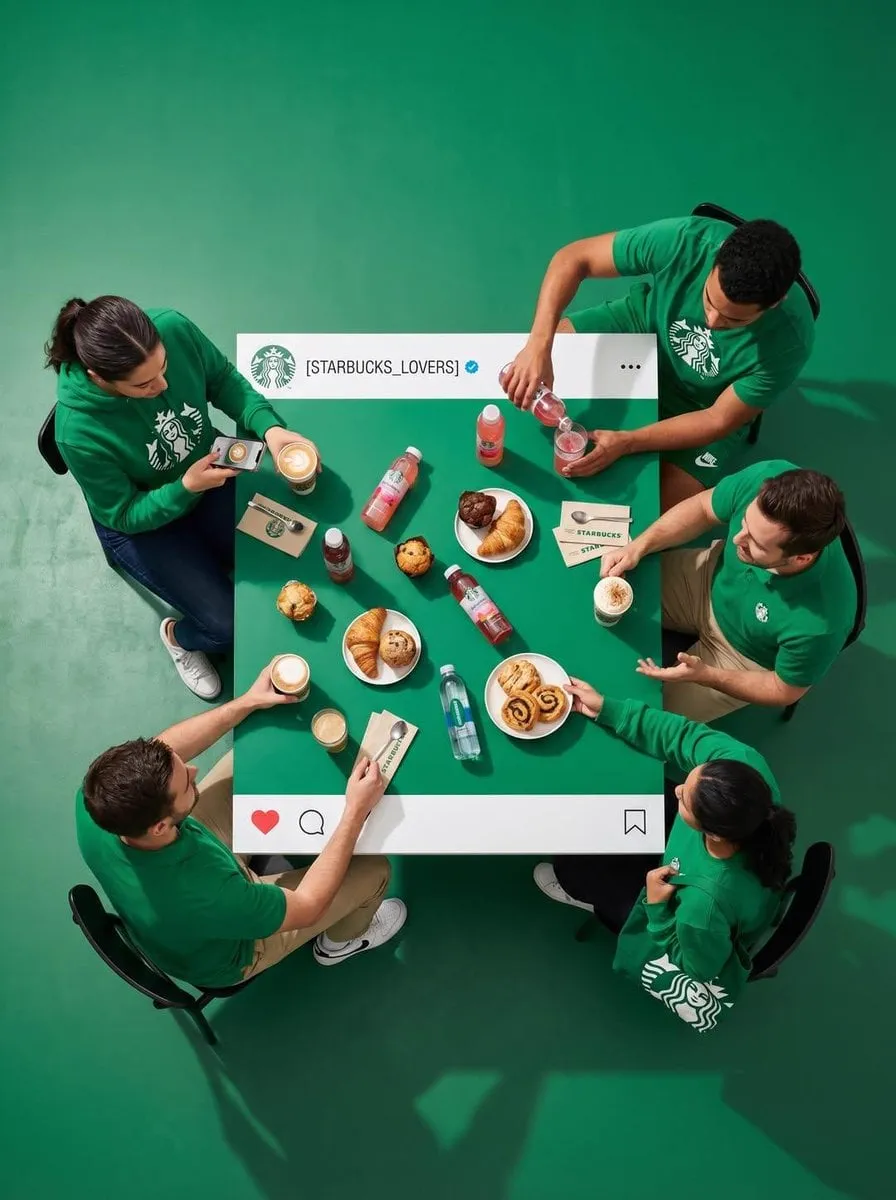
![[person], [pose], oversized product in the attached image as the main hero…](https://storage.brightvectorlabs.com/prompts/bright/poster-design/2015152385207984348-0.webp)
![[BRAND NAME]: Enter the brand name here](https://storage.brightvectorlabs.com/prompts/bright/product-and-brand/2033260707525914989-0.webp)
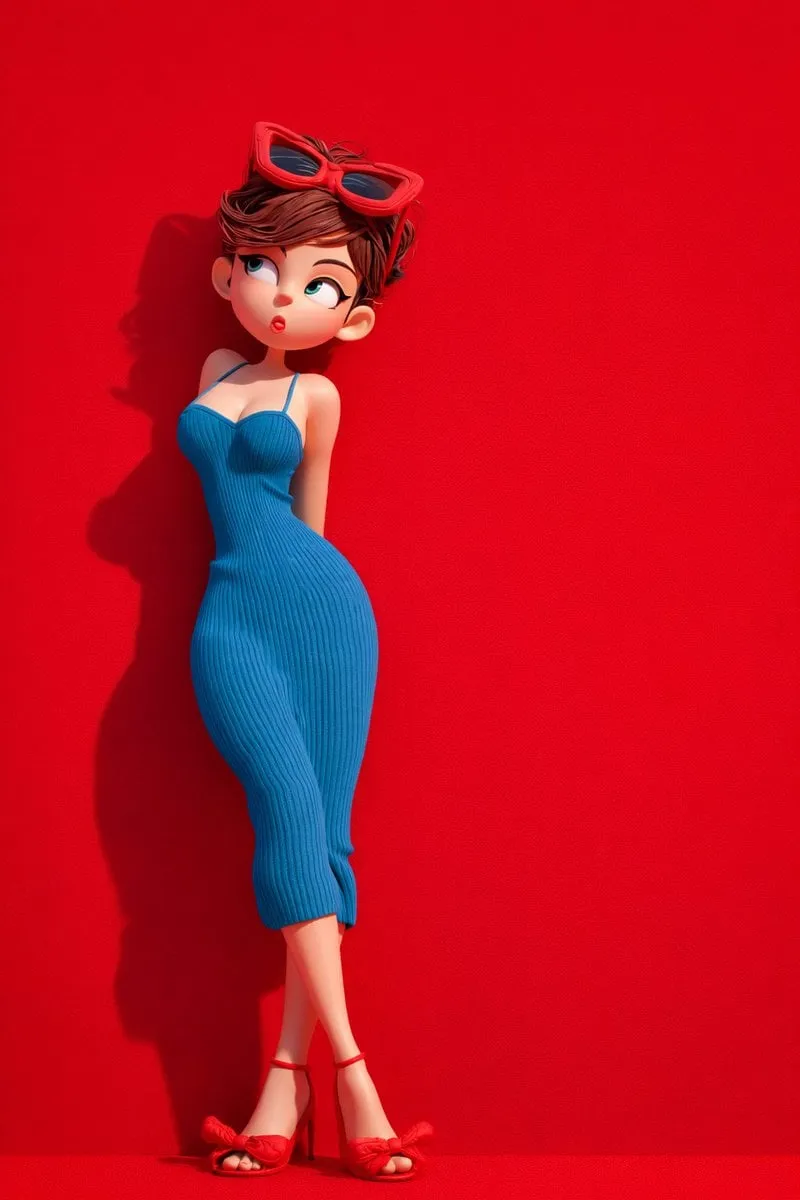
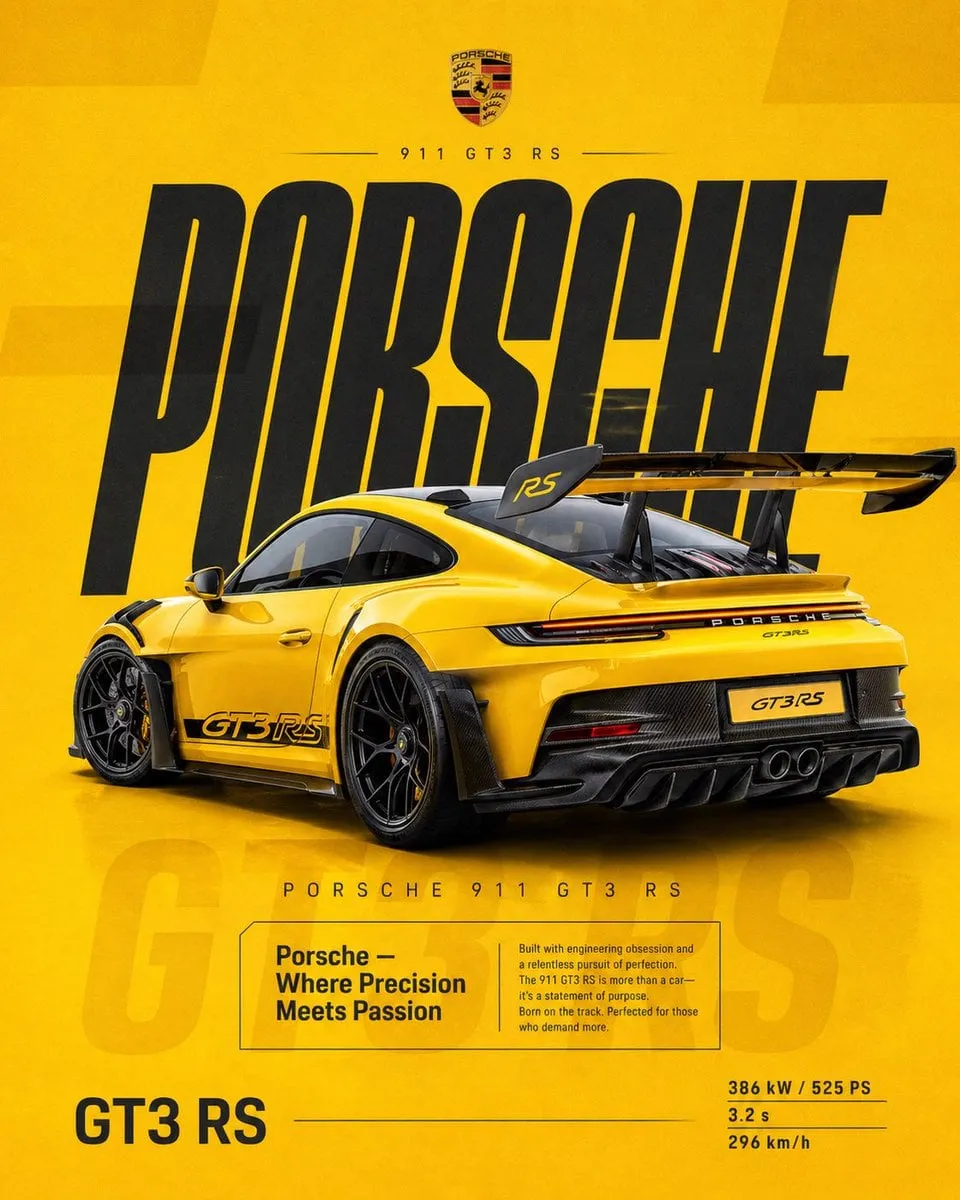

![[product setup], minimalist product photo, clean warm studio scene, textured…](https://storage.brightvectorlabs.com/prompts/bright/product-and-brand/2027021107015143498-0.webp)
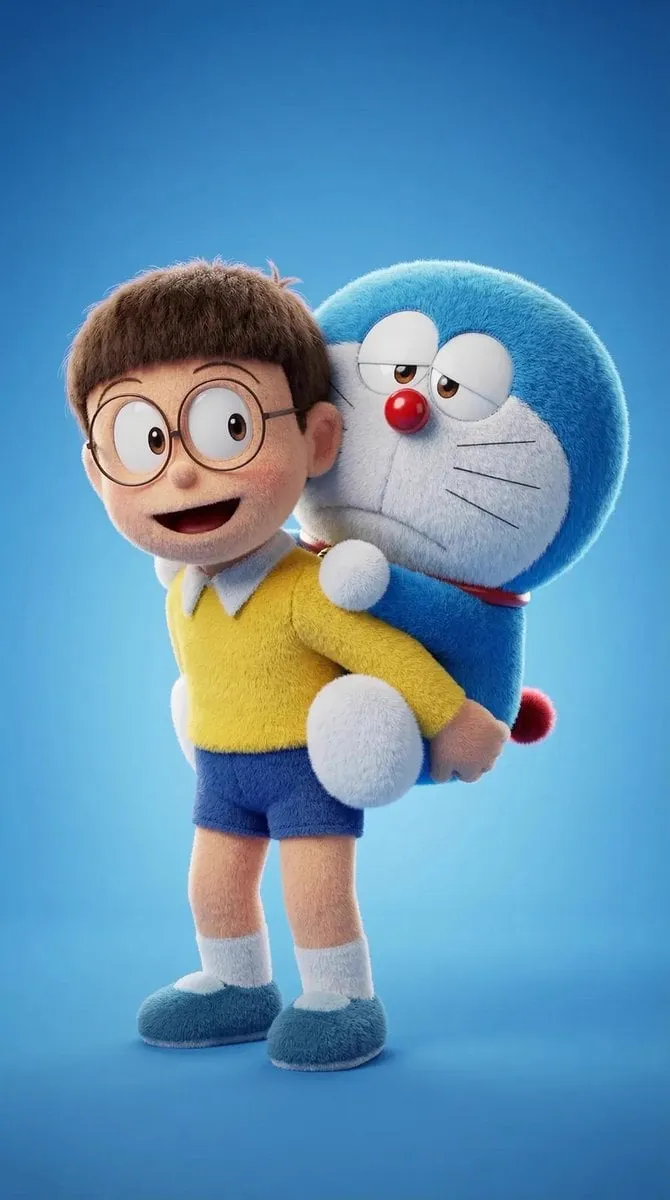
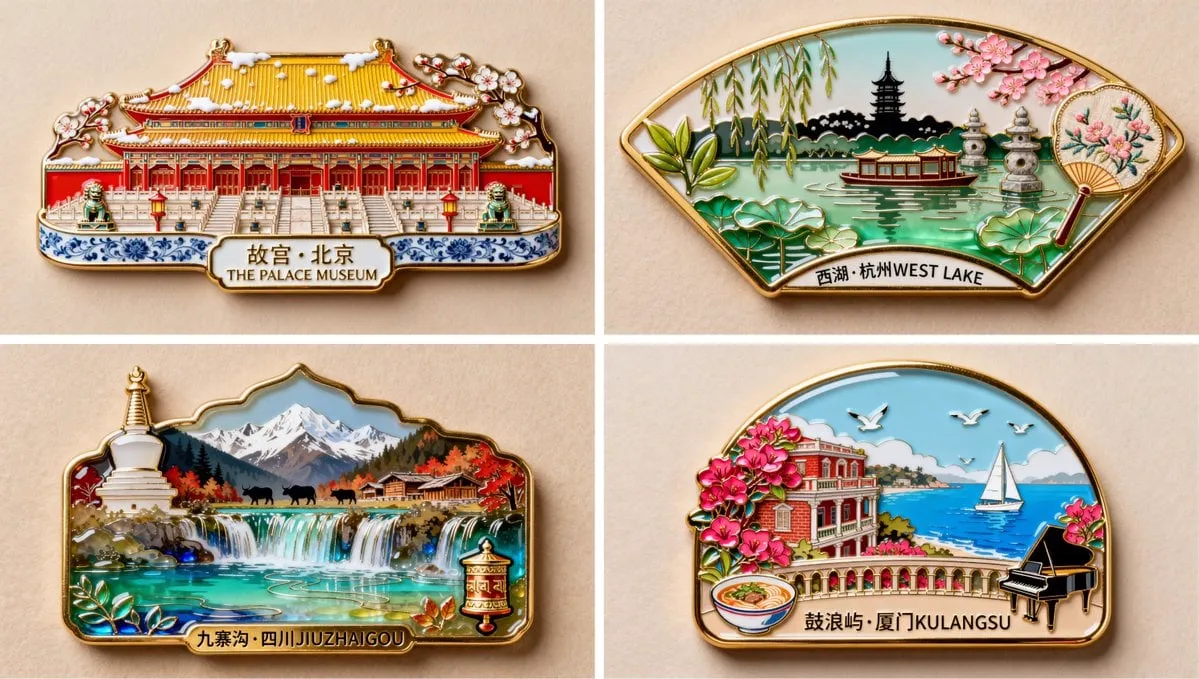
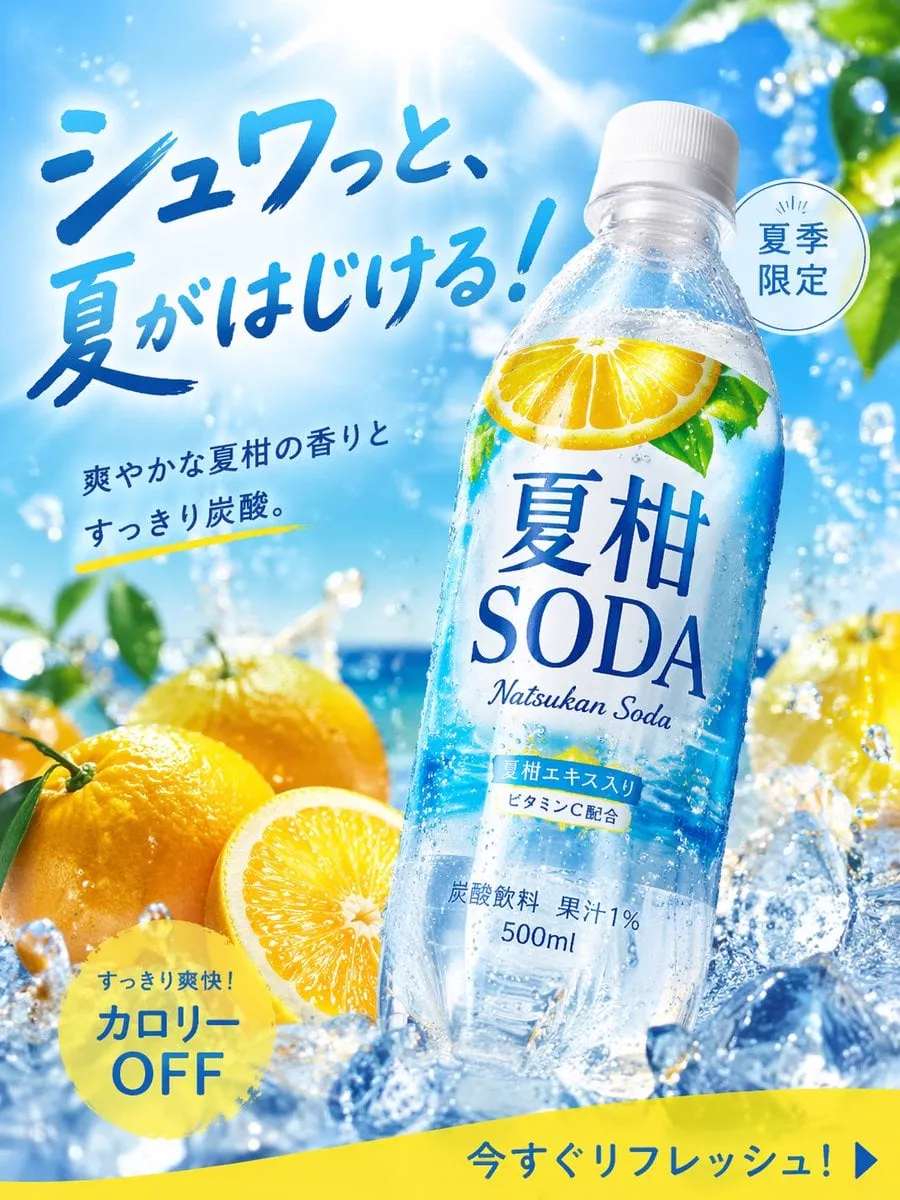

![[BRAND NAME]. Goal: Generate a professional mixed-media oil painting on…](https://storage.brightvectorlabs.com/prompts/bright/ui-and-graphic/2031083098364858524-0.webp)
![Create an infographic image of [FOOD], combining a realistic photograph or…](https://storage.brightvectorlabs.com/prompts/bright/food-and-drink/2015488786445082660-0.webp)
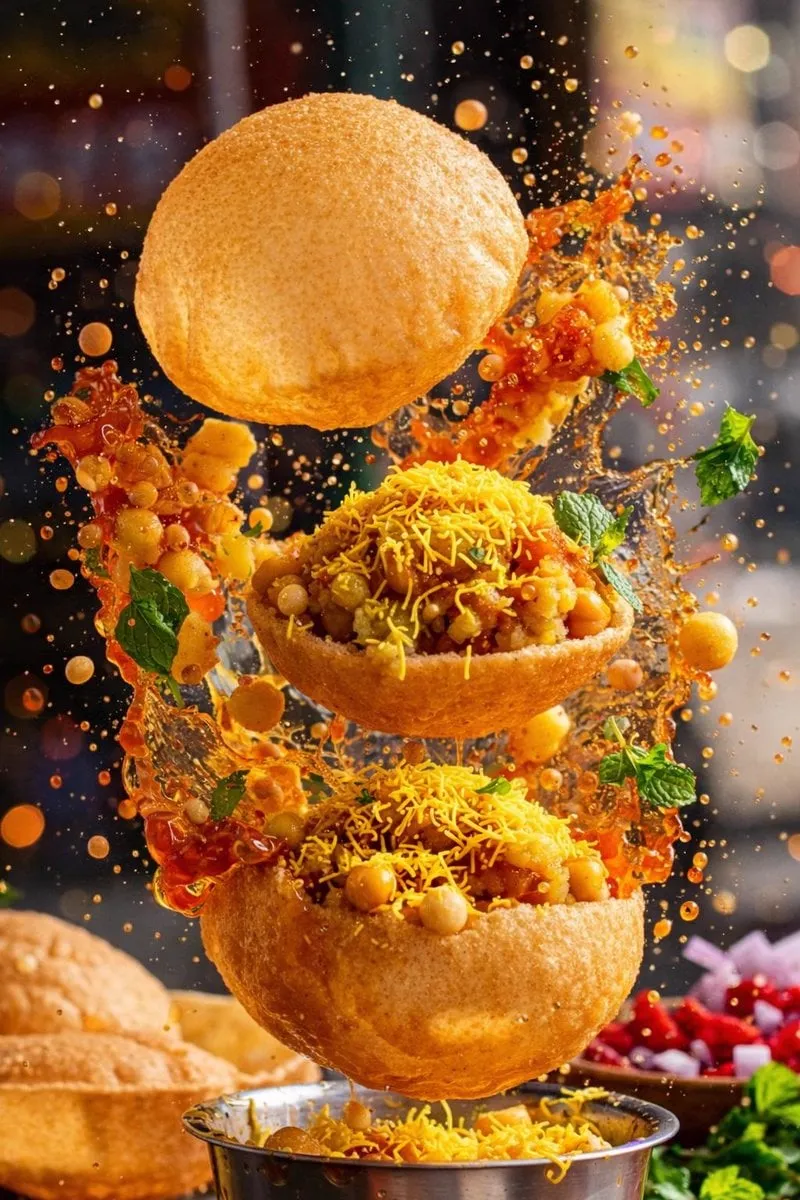

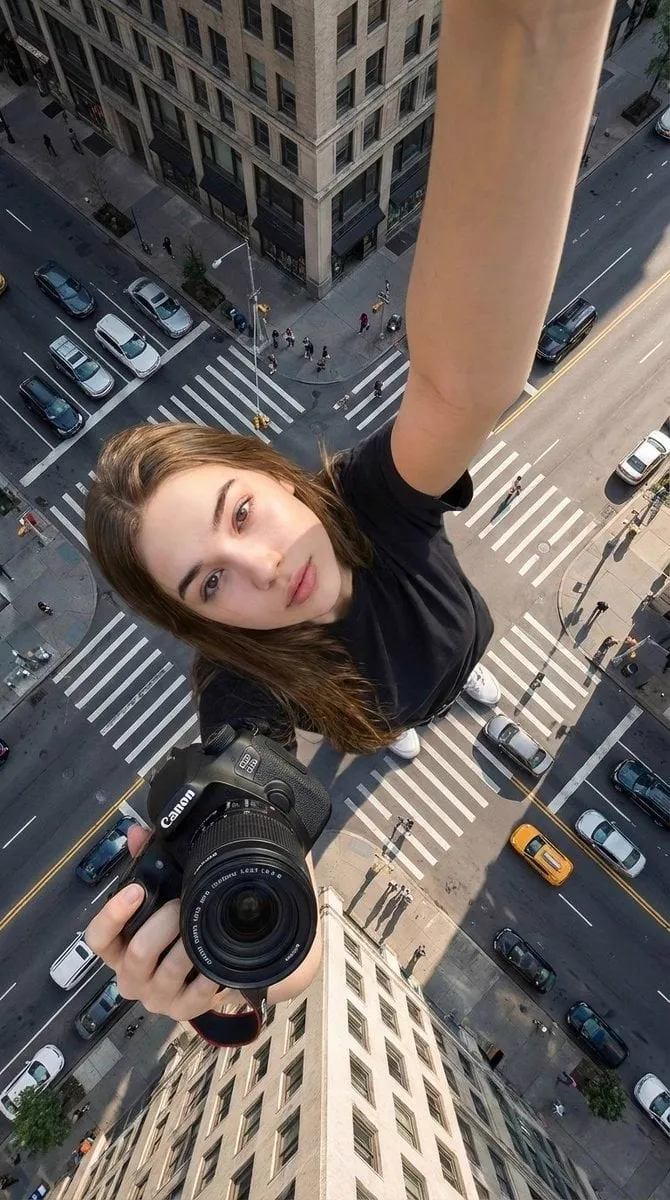
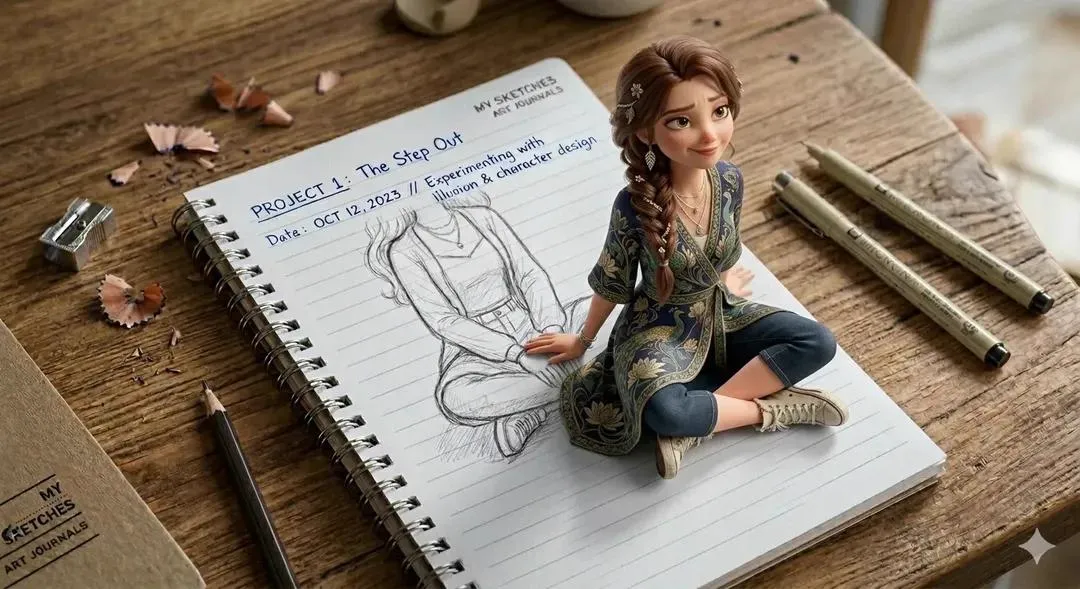
![[BRAND NAME]: Enter the brand name here](https://storage.brightvectorlabs.com/prompts/bright/illustration-and-3d/2033619671522345426-0.webp)
![Mixed-media portrait of [SUBJECT], [EXPRESSION], [GAZE DIRECTION], with…](https://storage.brightvectorlabs.com/prompts/bright/poster-design/2036534946433736932-0.webp)


New
Browse thousands of curated prompts for image and video generation. Copy, customize, and create with top AI models.
Power up your creative workflow with our AI-driven tools. Generate stunning videos, create images, and apply custom adjustments - our AI Video Generator and AI Image Generator offer a complete solution for all your creative needs.
A prompt is the set of instructions you give an AI model to generate an image or video. The more precise the prompt, the more predictable the result.
Describe subject, composition, lighting, camera angle, and style for a single generated frame.
Add motion, camera movement, scene transitions, and timing across multiple seconds.
Every prompt here is sourced from real creators and ranked by popularity and quality before it's added.
No prompt engineering required — copy a prompt or click Create to open it directly in the matching generator.
Get started in three simple steps — no experience needed.
Explore thousands of curated prompts across different models, categories, and media types. Find the perfect prompt for your creative project.
Click on any prompt to view details, then copy it or click Create to open the corresponding AI generator with the prompt pre-filled and ready to use.
Adjust settings to your needs, hit generate, and share your creations. It's that simple — no complex prompt engineering required.
Everything you need to know about using AI prompts on Domer.
Vidu Q4 alternatives compared: Kling 4.0, Seedance 2.5, Wan 3.0, and Runway Gen-4 — 4K support, input modes, durations, audio, and what each costs in credits on Domer.
The top 4K AI image generators on Domer compared: Flux 3 Klein, Nano Banana 2.1, GPT Image 2.5, GPT Image 2, and Nano Banana Pro — 4K credit costs, reference limits, and speed.
Nano Banana 2.1 vs GPT Image 2.5 Flare compared: credit costs per resolution, aspect ratios, reference images, text rendering, and which tasks fit each model.
Kling 4.0 vs Vidu Q4 compared on Domer: text-to-video vs image-to-video, 1080p vs 4K, audio, durations, and credit costs per second — plus which one fits your shot.
Looking for a Kling 4.0 alternative? Compare how to run Kling 4.0 itself, Kling 3.0, Vidu Q4, and Seedance 2.5 — durations, resolutions, audio, and credit costs per second.
The best AI poster generators compared: Ideogram 4.5, Nano Banana 2.1, Flux 3 Klein, and GPT Image 2.5 — text rendering, poster formats, reference support, and credit costs.

Complete guide to creating Baby Brat memes—the cursed-cute trend combining baby filters with brat aesthetics. Get the best AI prompts, tools, and tips for viral-worthy images.

Everything you need to know about Domer AI—a fast, free image generator for creating memes, art, and transformations. Get 10 free credits to start.

FLUX.2 solves the problems that made AI image tools frustrating—exact colors, consistent characters, readable text, print quality, and efficient workflows. Here's what actually changed.

While competitors race for longer videos and higher resolution, Kling is betting on something different with its AIO model—and it might just work. A deep dive into Kling 3.0's unified approach.

Learn how Kling Motion Control works - upload a reference video and static image to create videos with transferred motion. Complete guide with examples and tips.
Create cinematic videos from text or images with Orelon. Compare 23 video models, apply effects, and direct camera motion in one workspace — no installs.

A deep dive into the Domer meme that took over TikTok in late 2025. Learn what 'Domer' means, why it went viral, and how to create your own Domer-style images with AI.
Use these prompts with our AI generators to create stunning images and videos.