

AI Cartoon Animation Generators: A Practical Visual Workflow
Oct 15, 2026
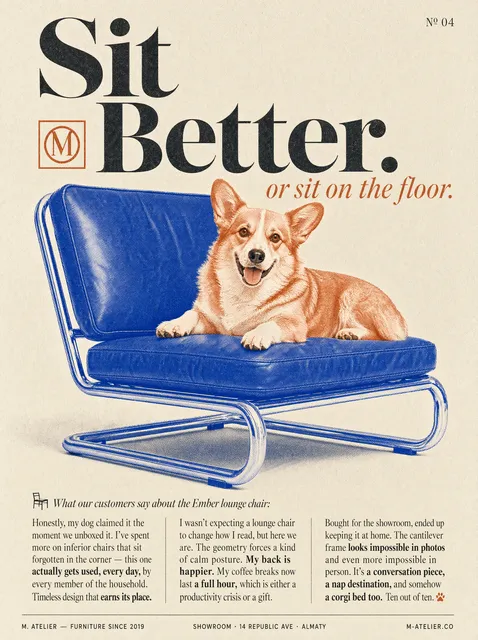
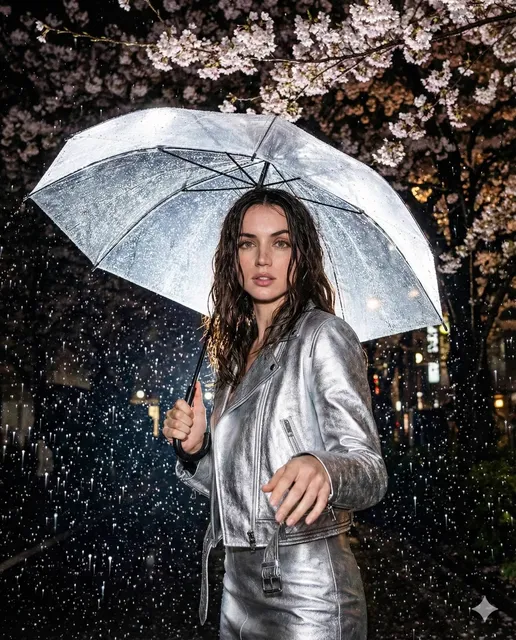
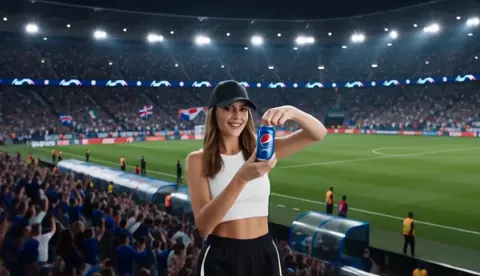
Cartoon animation has always been one of the most labor-intensive ways to fill a minute of screen time. A thirty-second gag with two characters and a camera move can absorb days of keyframing, inbetweening, and cleanup. AI cartoon animation generators attack that bottleneck directly: you describe a look and an action, and the system returns moving pixels that already read as drawn art. The catch is that the first attempts usually look almost right — a jacket that shifts color between cuts, a walk cycle that dissolves into mush, a background that quietly redraws itself every two seconds. Getting past "almost right" is a workflow problem far more than a model problem, and that is what this guide focuses on.
Why Cartoon Animation Poses a Different Challenge Than Live-Action Video
Live-action generation can hide a lot. Film grain, motion blur, shallow depth of field, and natural texture give a model room to improvise. If a shirt collar changes shape slightly between frames, most viewers never notice, because real footage is noisy anyway.
Drawn animation is the opposite. Flat color fields, clean silhouettes, and consistent line weight mean every deviation is visible. A chin that wobbles for two frames, an eye that grows a pixel wider, a background tree that swaps its leaf pattern — these read as mistakes immediately, even to viewers who could not explain what bothered them. Cartoon styles carry very little visual information per pixel, so errors have nowhere to hide.
The practical consequence is that cartoon work rewards control over raw quality. A generator that produces gorgeous but unstable frames is less useful than a plainer one that holds a character steady across twelve shots. When you evaluate tools, judge them on repeatability, not on the single best clip in a demo reel.
There is also the frame-rate question. Classic television animation often ran on twos — twelve unique drawings per second inside a twenty-four frame rate. AI video models generally produce smoothly interpolated motion at 24 or 30 frames per second, which looks nothing like a hand-drawn show. If you want that staccato, snappy feel, you will usually create it in the edit rather than in the generator.
How AI Cartoon Animation Generators Actually Work
Understanding the machine at a conceptual level makes debugging much faster, because you can tell which stage failed instead of re-rolling blindly.
From text prompt to first frame
Most systems begin with a text encoder that converts your prompt into a numeric representation of meaning. A diffusion model then starts from noise and denoises it step by step, guided by that representation, until an image appears. When a style is described as "flat two-dimensional cartoon with bold outlines," the model is matching statistical patterns learned from enormous collections of images and captions — it is not retrieving a drawing from a library.
That distinction matters because style words are approximate. "Cartoon" covers everything from rubber-hose slapstick to modern vector-style explainer art. If your output looks generic, the prompt is usually the reason, not the model.
Motion is a separate problem
Turning a still into animation adds a temporal layer. The model must decide how each region of the frame moves relative to the others. Some architectures use temporal attention, where frames "look at" neighboring frames to stay coherent. Others predict optical flow and warp the image accordingly, then inpaint the gaps. Many pipelines do both and blend the results.
This is why animation quality and image quality are not the same thing. A model can render a beautiful character sheet and still produce a walk cycle where the legs slide. Motion modules are trained on different data and fail in different ways.
Where consistency breaks
Three failure modes dominate cartoon work. Identity drift changes facial proportions or costume details across a sequence. Style drift shifts line weight, shading, or palette between shots. Background morphing lets scenery rearrange itself when the camera moves. Naming these problems precisely is the first step toward fixing them, because each has a different remedy: identity drift wants stronger references, style drift wants a locked look description plus a consistent seed, and background morphing often wants a simpler, less detailed environment.
Choosing the Right Generator: Decision Criteria
Tool catalogs change constantly, so evaluate on capabilities rather than brand names.
Text-to-video versus image-to-video versus hybrid
Text-to-video is fastest for exploration and storyboards. Image-to-video, where you supply a still and let the model animate it, is the workhorse of production because you control the design before a single frame moves. Hybrid pipelines — generate a still, refine it in an image editor, then animate — produce the most reliable results for anything with recurring characters.
Style range versus style depth
Some models handle a dozen aesthetics competently. Others are exceptional at one look. For a series, depth beats range: you want the model that nails your specific visual language repeatedly.
Control surfaces
Look for pose guidance, depth maps, camera direction, and mask-based regional prompts. The more ways you can constrain motion, the less you rely on luck.
Output length, resolution, and usage allowances
Short clips are easier to keep coherent. Most cartoon sequences work best in two-to-four-second beats that you cut together. Check how long a single generation can run and how much output you can produce in a working session, since animation needs many attempts per usable shot.
Export and finish
Transparent backgrounds, alpha channels, and clean frame export matter if you plan to composite in an editor. A generator that only exports flattened video forces you to rebuild flexibility you already had.
A Practical Cartoon Animation Pipeline, Step by Step
Step 1 — Write a one-page visual bible
Before touching any tool, write down the rules: line weight, palette limits, shading approach, eye style, background complexity, and how the camera behaves. One page. Vague intentions produce vague output, and a written reference stops you from chasing a new look every session.
Step 2 — Lock a character sheet first
Generate a turnaround: front, three-quarter, profile, and back views, plus three or four expressions. Iterate on stills until the character is right. Never start animating a character you have only seen once.
Step 3 — Generate keyframes, then animate in short beats
Plan each scene as a handful of key poses. Generate them as stills, approve them, then animate each pose into a two-to-four-second clip. This keeps errors small and cheap to fix, and it gives you natural cut points.
Step 4 — Maintain a motion vocabulary list
Keep a running document of phrases that produced good motion: "slow push-in," "character turns head left then settles," "wind moves hair from right to left." Reusing proven phrasing is faster than inventing new descriptions every scene.
Step 5 — Assemble, stabilize, and design sound
Bring clips into an editor, trim to the beat, and add subtle stabilization or line-cleanup passes. Sound design is not optional: footsteps, cloth movement, and ambience sell animation more than any render setting. Silence makes even good motion feel unfinished.
Step 6 — Watch at normal speed before you judge
Review at playback speed first, because that is how audiences see it. Then, if something feels off, step through frames to locate the exact problem frame.
Prompt Craft for Cartoon Motion
Describe style before action
Put the visual language at the front of the prompt and the action at the end. Models tend to weight early tokens more heavily, so leading with "bold-outline two-dimensional cartoon, limited palette of six flat colors" frames everything that follows.
Use camera language the model recognizes
Terms like push-in, pull-back, tracking shot, static wide, and over-the-shoulder are widely understood. Frame-rate and lens language is less reliable, so avoid treating the prompt as a cinematography textbook.
Write negative prompts for known failures
If hands keep melting, say so in the negative field. Common entries include extra fingers, warped faces, flickering lines, text artifacts, and three-dimensional shading. Keep the list short and specific; a long negative list can starve the model of detail.
Plan repair passes
When a clip is 80 percent right, do not discard it. Generate a corrected version from a nearby frame, or mask the problem region and regenerate only that area. Repair beats re-rolling for both speed and consistency.
Solving Character Consistency
Reference images and multi-image fusion
Feeding several views of the same character lets the model triangulate an identity rather than guessing from a description. Front, profile, and three-quarter references cover most camera angles you will need.
Build a pose and expression library
Generate poses you expect to reuse: sitting, running, pointing, surprised, angry. Save them. A library turns consistency into a lookup problem instead of a generation problem.
Lock seeds per character
When a tool supports seed values, reuse the same seed for the same character and vary only the action. Change the seed when you want a genuinely new look; keep it stable when you want continuity.
Know when to fix in post
Small drift — a slightly different ear shape, a line that thickens for six frames — is often cheaper to paint out than to regenerate. Match the fix to the cost. Regenerating a well-composed shot to repair one eyebrow is usually a mistake.
Style Recipes by Genre
Classic television two-dimensional
Favor bold outlines, four to eight flat colors, simple backgrounds with generous negative space, and limited shading. Add a step-frame effect in the edit if you want the on-twos cadence.
Anime-adjacent action
Push dynamic poses, speed lines, and directional blur. Keep faces simple and consistent; detail belongs in hair and effects, where drift is less noticeable.
Stop-motion and clay look
Add texture words: fingerprints, matte clay surface, fabric weave, slightly uneven edges. Reduce motion smoothness in the edit to mimic physical frame capture.
Retro limited-palette and rubber-hose
Constrain the palette hard, exaggerate limbs, and keep backgrounds to abstract shapes. Restriction is the aesthetic here — the fewer colors, the more authentic it reads.
Storybook and paper cutout
Describe layered paper, visible edges, and soft drop shadows. These styles tolerate less motion, so favor simple pans and subtle character shifts.
Common Mistakes and How to Avoid Them
Overloading a single prompt. Ten ideas in one sentence produce an average of all ten. Split style, character, action, and camera into separate passes.
Animating before the design is locked. Every hour spent refining a still saves several hours of regenerating motion.
Ignoring frame rate. Smooth 30 fps output fights a hand-drawn look. Decide your target cadence early and enforce it in the edit.
Letting the model invent backgrounds. Backgrounds are where drift is most visible. Use simple, low-detail environments or composite backgrounds separately.
Skipping sound. Unfinished audio makes finished animation feel like a test render.
Judging from stills only. A frame can look perfect and the motion can still be wrong. Always watch the clip.
Rights, Ethics, and Disclosure
Style imitation raises real questions. Copying a specific living artist's signature look without permission is a bad idea both legally and professionally, even when it is technically easy. Aim for genre-level description rather than artist-level mimicry.
Be transparent about AI involvement when your audience, client, or platform expects it. For commercial work, confirm that your tool's terms permit the use you intend, and keep records of your source assets and reference images so you can show provenance if asked. If a project involves a real person's likeness or voice, get written permission before generating anything.
Frequently Asked Questions
Can AI replace hand animation entirely?
For short-form social content, explainers, and previsualization, largely yes. For feature work with precise acting and complex choreography, AI currently works best as an accelerator inside a human-led pipeline.
Why does my character's face change between shots?
Almost always because identity is being described in words instead of shown in references. Supply multiple views and reuse the same seed across the sequence.
How long should each generated clip be?
Two to four seconds for anything with a character. Longer clips accumulate drift, and short beats cut together more naturally anyway.
Do I need expensive hardware?
Not necessarily. Browser-based tools handle generation remotely; a capable machine mainly helps with editing, compositing, and any local models you choose to run.
Is AI animation suitable for children's content?
It can be, but young audiences notice inconsistency quickly. Keep character designs simple, limit the number of unique environments, and review every frame of anything instructional.
What is the fastest way to improve output quality?
Build a reference library for your main characters and write down the prompt phrasing that worked. Consistency compounds faster than any single setting change.
A Starting Plan for Your First Week
Spend day one defining a single character and generating a turnaround. Day two, write your visual bible and pick two style phrases you will commit to. Day three, generate ten key poses. Day four and five, animate those poses in short beats and collect the phrasing that produced clean motion. Day six, cut everything to music and add sound effects. Day seven, review at normal speed and note every moment your eye caught an inconsistency — that list becomes your priority queue for the next project.
Cartoon animation with AI is not a button. It is a discipline of locking design early, animating in small pieces, and treating consistency as the primary quality metric. Get that loop right, and the visual polish follows almost on its own.

Alexander
More Blogs
Read MoreVidu Q4 Alternatives: 4K AI Video Models Compared (2026)
Vidu Q4 alternatives compared: Kling 4.0, Seedance 2.5, Wan 3.0, and Runway Gen-4 — 4K support, input modes, durations, audio, and what each costs in credits on Domer.
Top 4K AI Image Generators in 2026: 5 Models Compared on Real Costs
The top 4K AI image generators on Domer compared: Flux 3 Klein, Nano Banana 2.1, GPT Image 2.5, GPT Image 2, and Nano Banana Pro — 4K credit costs, reference limits, and speed.
Nano Banana 2.1 vs GPT Image 2.5: Which Image Model Should You Use? (2026)
Nano Banana 2.1 vs GPT Image 2.5 Flare compared: credit costs per resolution, aspect ratios, reference images, text rendering, and which tasks fit each model.