

How AI Is Reshaping Filmmaking: A Practical Workflow Guide
Oct 1, 2026
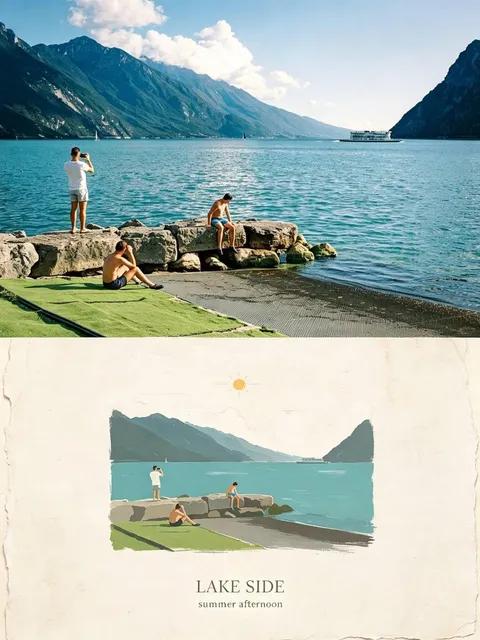
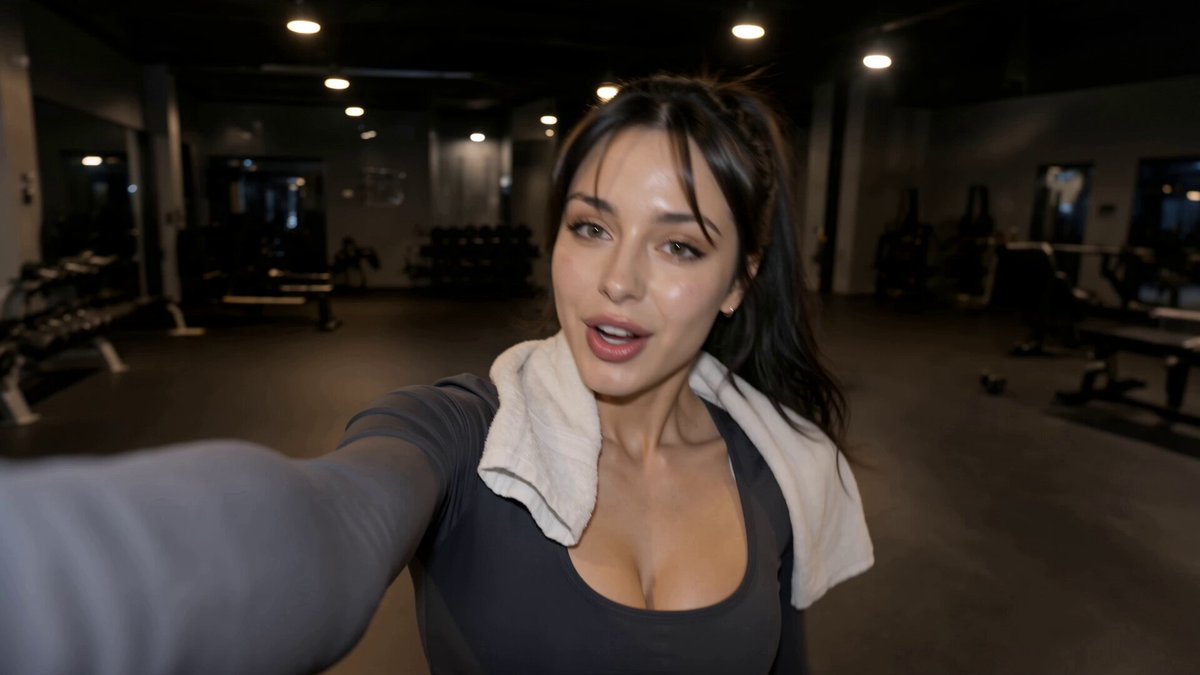

The debate about artificial intelligence in filmmaking usually collapses into two positions: it will replace everyone, or it is an expensive toy. Neither is useful on a shooting day. What is useful is knowing which tasks the technology handles well right now, which it handles badly, and where a human decision still determines whether the result plays like cinema or like a screensaver. This guide walks through that terrain in practical terms, from script breakdown to final delivery.
The Real Shift: From Cleanup Tool to Generation Engine
For most of the digital era, AI on a film set meant invisible labour: rotoscoping, denoising, wire removal, auto-reframing, colour matching. Valuable, unglamorous, and almost never creative.
The shift is that generative systems now produce footage that was never photographed. A coherent camera move across a landscape that does not physically exist. A performance from a synthetic performer composited into live plates. Weather, crowds, and set extensions created in minutes instead of weeks of rendering.
It helps to separate three tiers of adoption, because they carry very different risks:
- Assistive AI accelerates work that humans still drive: rough cuts, transcription, dialogue isolation, upscaling, marker removal.
- Generative AI creates new material: shots, backgrounds, voices, music, textures.
- Agentic AI chains those steps together, reading a script, proposing a shot list, generating plates, and assembling a first pass with limited supervision.
Most productions extract real value from the first two tiers immediately. The third tier is where the workflow questions get serious, because it changes who is accountable for the cut. A director who cannot explain why a shot exists is no longer directing; they are curating an output. The practical rule is simple: automate the parts you can verify, keep human judgement on the parts you cannot.
Where AI Actually Fits in the Production Pipeline
Treat AI as a set of station-specific tools rather than one monolithic solution. Each stage of production has different tolerance for unpredictability.
Development and pre-production
Script analysis tools can break a screenplay into scenes, locations, characters, and emotional beats, then suggest a shot list you can edit. Style-frame generation turns a mood board into consistent visual references in an afternoon. Previsualisation, once a luxury reserved for action sequences, becomes cheap enough to use on dialogue scenes, which is where most blocking problems hide. The output is not a plan you follow blindly; it is a set of arguments you can settle before anyone books a location.
Production
On set, the useful applications are narrower than the marketing suggests. Live compositing, previz playback for camera crews, and instant background replacement help departments communicate. Fully generated shots during principal photography are usually a bad idea because they lock creative decisions before the edit reveals what the story needs.
Post-production
This is where AI pays for itself fastest. Dialogue isolation rescues unusable sound. Automated rough cuts give editors a starting structure. Object removal and clean-up now take minutes. Segmentation tools speed up masking for colour grades. The trick is to keep every automated pass versioned and reversible, because generative clean-up can quietly alter continuity in ways that are painful to unpick later.
Localisation and delivery
Dubbing with voice synthesis, lip-sync adjustment, and subtitle generation compress timelines that used to run for weeks. They also raise consent questions that need answering before, not after, the mix is finished.
Choosing a Video Generation Model
There is no single best model. There are models that suit a shot type, a budget shape, and a control requirement. Selection is a craft decision, not a brand decision.
The six criteria that matter
- Motion coherence. Does the model hold anatomy and physics when the camera or the subject moves quickly?
- Temporal consistency. Does the frame stay stable across a long take, or does texture drift and shimmer?
- Controllability. Can you drive camera path, subject blocking, and depth, or are you limited to describing the result and hoping?
- Input flexibility. Does it accept a reference image, a depth map, a pose sequence, a previous clip for continuation?
- Duration and resolution. Short clips with strong control often beat long clips with none, because you can assemble coverage later.
- Terms of use. Commercial rights, training-data provenance, and output restrictions matter more than frame rates when a distributor is involved.
Model families and what they are good at
Text-to-video systems such as Runway, Pika, Kling, and Google's Veo family excel at ideation and stylised establishing shots. Image-to-video tools like Luma Dream Machine are strongest when you already have a composed frame and want motion inside it. Control-driven workflows built on Stable Video Diffusion or open-weight pipelines inside ComfyUI give you the most repeatability, at the cost of setup time. Video-to-video restyling is the quiet workhorse: it preserves a real performance while changing environment, era, or palette.
The fastest way to choose is a bake-off. Take one difficult shot from your own project, run it through three systems with the same prompt and reference, and compare. Twenty minutes of testing beats twenty hours of reading comparisons.
A Shot-to-Screen Workflow You Can Actually Run
Step 1: Lock the look before you generate anything
Generate ten to twenty style frames by hand or with an image model. Pick a palette, a lens character, a grain structure, and a lighting logic. Every later prompt inherits from these frames. Productions that skip this step end up with beautiful shots that do not belong to the same film.
Step 2: Build a shot list that matches model strengths
Map each shot to the tool most likely to deliver it: wide establishing shots to text-to-video, insert and detail shots to image-to-video, anything requiring a specific performance to video-to-video over live plates. Mark which shots need continuity with a neighbour and which can stand alone.
Step 3: Generate in variants, not singles
Never accept the first output. Generate six to ten variations per shot with small changes in phrasing, seed, and reference weight. Keep a naming convention that records prompt, model, seed, and settings; without this, reproducing a lucky frame becomes impossible.
Step 4: Assemble for continuity
Edit as you generate. Drop clips into a timeline and watch them in sequence, because drift is invisible in isolation and obvious in a cut. Use the edit to decide which shots to regenerate rather than polishing clips that will never make the final.
Step 5: Finish the cut
Stabilise, upscale, grade, and add sound. Generated footage usually needs a consistent grain and contrast pass so synthetic and photographed shots sit in the same world. This is also the stage to confirm that every asset has documented provenance.
Directing Synthetic Performance
Prompting is closer to directing than to programming. You are describing intention, blocking, and camera behaviour, then judging the result on performance rather than on technical fidelity.
Break a prompt into four parts: subject and wardrobe, action with a verb that implies timing, camera language including lens and movement, and lighting or atmosphere. A prompt that says a tired detective walks into a rain-soaked alley at night is weaker than one that says a tired detective in a soaked wool coat steps out of frame left, stops, and turns toward a flickering neon sign, shot on a 40mm lens with a slow push-in, wet asphalt reflecting magenta light.
Then handle the things models cannot. Decide eyeline. Decide rhythm. Decide what the audience should notice second. If a generated take is technically flawless but dramatically empty, it belongs in the bin, no matter how impressive it looked in the browser.
Sound, Voice, and the Invisible Half of the Film
Audiences forgive imperfect images far more readily than imperfect sound. Synthetic voice tools are now good enough for temp tracks and, with consent, for final dubbing. Voice cloning without explicit written permission is a legal and reputational hazard, full stop.
Practical priorities: record real room tone whenever possible, because AI-generated ambience often lacks the specific character of a location. Use dialogue isolation for rescue, not as a default. Build a sound design pass before you fall in love with the picture, since good sound can save a weak shot and good picture cannot save bad audio. Music generation is useful for scratch scores and temp mood, but a licensed composer still wins on theme development and emotional arc.
Budgets, Rights, and Labour: What Actually Changes
The economics shift in three predictable ways. Pre-production gets cheaper because iteration costs almost nothing. Production stays expensive because people, equipment, and locations still cost money. Post-production gets faster but raises review load, because ten variants per shot means someone must watch all of them.
Contracts need to catch up. Key clauses to settle early include ownership of generated outputs, permitted uses of an actor's likeness and voice, whether training data provenance must be documented, and how the work is attributed on screen. Performers deserve clear terms for digital replicas of their likeness, including duration, scope, and compensation for reuse.
Crew roles do not vanish; they migrate. A gaffer who understands how light reads in generated frames is more valuable than one who refuses to look. Editors who can judge a synthetic performance become unusually valuable. The people who struggle are those who treat the tool as either salvation or betrayal rather than as equipment.
Seven Mistakes That Sink AI-Assisted Films
- Starting with tools instead of a script. Technology cannot fix a story that does not hold attention.
- Skipping look development. Without locked style frames, every shot becomes a separate art direction decision.
- Generating singles. One take means no choice in the edit.
- Ignoring continuity drift. Small texture changes across a cut read as a mistake, not a style.
- Over-relying on long takes. Short, controllable clips assembled well beat ambitious generations that fall apart.
- Treating sound as an afterthought. Bad audio makes good footage feel amateur immediately.
- No provenance trail. If you cannot say where an asset came from, you cannot license or defend it.
A Governance Checklist for Ethical Use
Before delivery, confirm that you have documented consent for any synthetic likeness or voice, disclosed AI-generated material where required by broadcasters, festivals, or clients, retained source files and settings for every generated shot, and reviewed outputs for bias or stereotype in casting, accent, and character depiction. Adding provenance metadata to exported files is a small step that prevents large conversations later.
Frequently Asked Questions
Do I need a full crew to make an AI-assisted film?
No, but you need clear roles. One person can generate, edit, and sound-design a short film. Anything feature-length benefits enormously from a dedicated editor and a sound designer, because those are the two places where weak work is most visible.
Will AI replace actors?
For background, crowd, and certain effects work, largely yes. For leading performances, no, because audiences connect with intentional choices and presence, not with plausible pixels. The realistic change is that likeness and voice licensing becomes a standard part of contracts.
How long should a generated shot be?
As short as the cut allows. Three to eight seconds is the sweet spot for most models before consistency decays. Shoot coverage in many small pieces and assemble them in the edit.
How do I keep a consistent character across shots?
Lock a reference image set first, then reuse the same reference, seed, and descriptive language across every generation. Consistency comes from constraint, not from luck.
Is AI-generated footage copyrightable?
Rules vary by jurisdiction and are evolving. Assume you need substantial human authorship and documented contributions, and get legal advice before building a commercial release around generated material alone.
What is the fastest way to learn this workflow?
Make a ninety-second short. Write it, design three style frames, generate a shot list of fifteen shots, and finish it with sound. You will learn more in that one project than in months of tool research.
The technology will keep changing faster than any guide can track. The durable skills do not: knowing what a scene needs, judging whether a take serves it, and building a workflow where every automated step is a choice you made rather than something that happened to you. Treat AI as another department with unusual strengths and obvious limits, and it becomes what every good tool becomes on set: quiet, useful, and invisible in the final result.

Alexander
More Blogs
Read MoreThumbnail efficaci per TikTok e YouTube: guida pratica
Come progettare thumbnail che fermano lo scroll: strumenti, workflow, criteri di test e ottimizzazione per TikTok e YouTube, con esempi pratici.
Cómo descargar portadas de Reels de Instagram con criterio
Guía práctica para descargar, elegir y reutilizar portadas de Reels de Instagram sin perder calidad, con flujos de trabajo, errores y consejos de diseño.
AI Voiceover and Music Workflows for Better Video Sound
Build a repeatable workflow for AI voiceover and generated music: script prep, voice selection, mixing levels, loudness targets, and QA checks.