
Create
AI Video Generators Compared: Sora, Runway, Kling, PixVerse
Oct 1, 2026
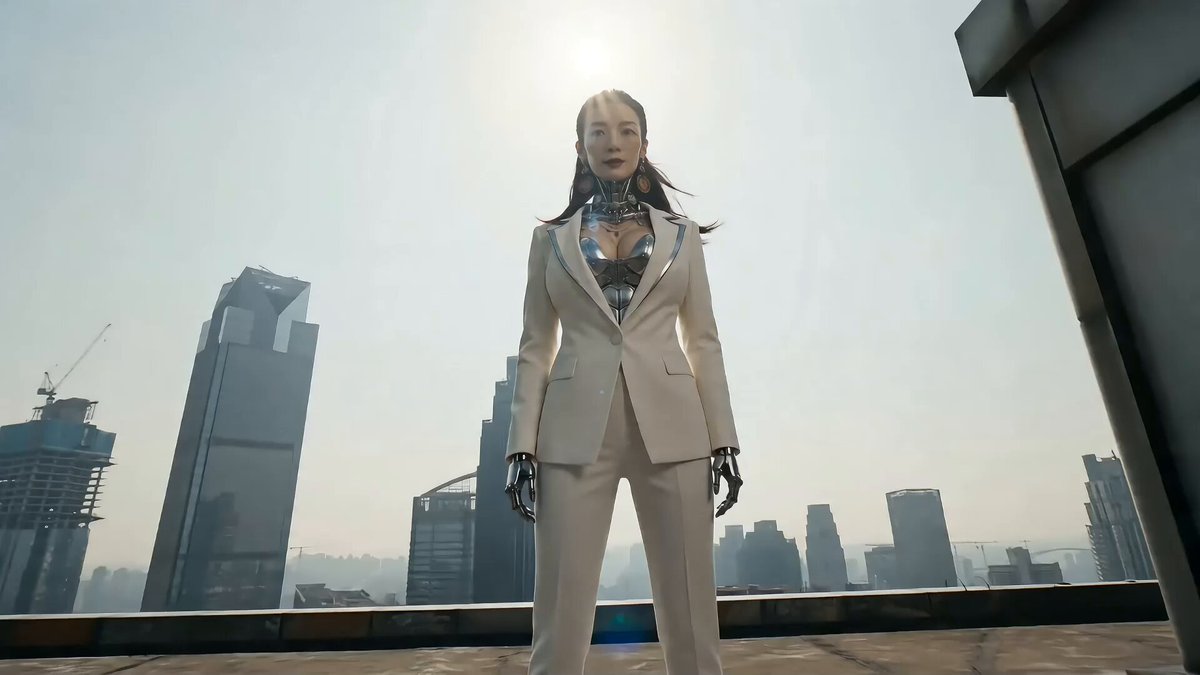
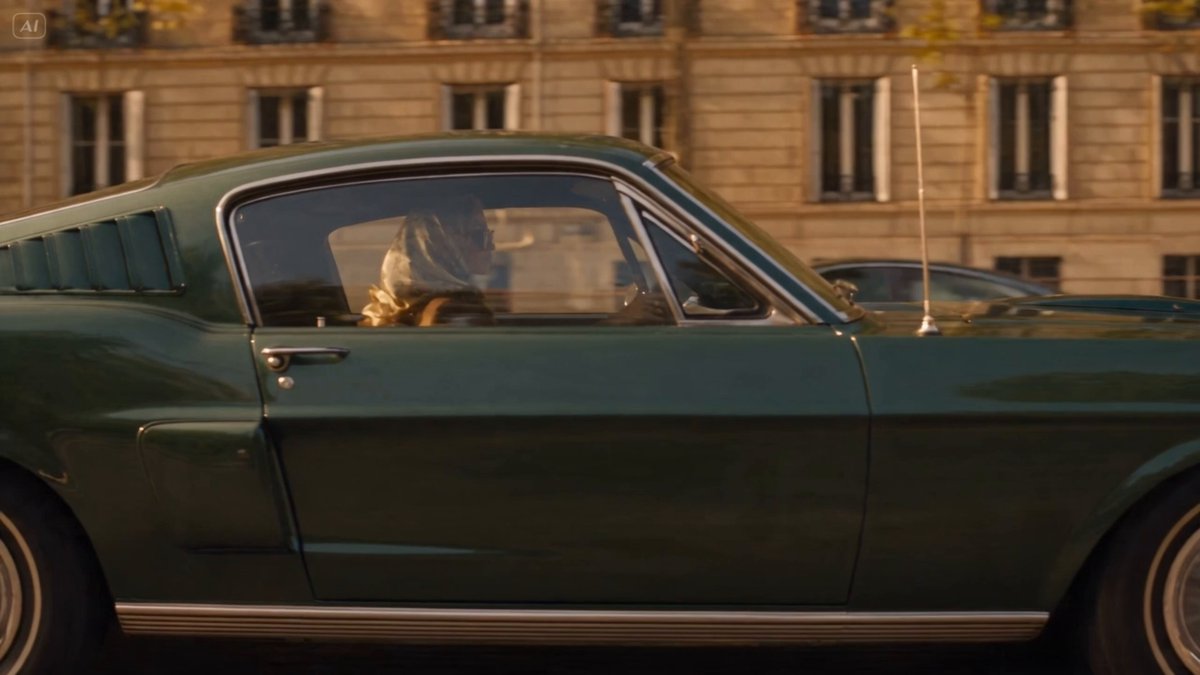
Start with the job, not the model
Every few months a new text-to-video model arrives with a demo reel that makes everything else look obsolete. The instinct is to pick a favourite and force every shot through it. Teams that actually ship consistently do the opposite: they define the deliverable first, break it into shots, and then route each shot to whichever model's weaknesses will hurt least.
That is the whole discipline behind a useful comparison. Sora, Runway, Kling, PixVerse, Hailuo, Luma, Vidu, and Hunyuan are not competing for the same slot in your pipeline. They fail in different ways, and the failure modes matter far more than the highlight reels.
Three failure patterns show up again and again:
- Beautiful but disobedient. The clip looks extraordinary and does something completely different from what you asked. Great for mood boards, useless for a scripted sequence.
- Correct but plastic. The action matches the brief, but skin looks airbrushed, textures melt, and everything has the same soft, over-lit sheen.
- Perfect frame, broken motion. The still is flawless. Two seconds in, a hand sprouts an extra finger or a background building slowly bends.
The practical answer is almost never a single model. Real projects are hybrids: a handful of generated hero shots, some stock or plate footage, some motion graphics, and a grade applied at the end to make the seams disappear. If you plan around that reality from the start, model selection becomes a routing decision rather than a religious one.
The four axes that actually decide a shoot
Rating models on "quality" is meaningless because quality means different things for a talking head, an explosion, and a product turntable. Break it into four axes instead.
Physical plausibility and motion realism
How well does the model understand that objects have weight, that liquids pour, that cloth folds, that a thrown ball follows an arc? This axis decides whether an action shot survives the cut. Models with strong world simulation hold up over four to eight seconds without obvious cheating. Models that are weaker on this axis tend to produce gorgeous drift: everything moves slightly, nothing moves convincingly.
Prompt adherence
Can you describe a specific action, camera move, and blocking and get it back? Adherence is what separates a generator you can direct from a generator you can only inspire. It matters most when there are people in frame, when there is dialogue-adjacent blocking, and when the shot has to match a storyboard.
Aesthetic control
Style anchors, lens character, colour response, and whether the model lets you lock a look across multiple generations. A model that produces one gorgeous style and nothing else is a liability for a series. A model that respects a reference image and a style description is a production asset.
Throughput
How long until you have a usable clip, and how cheap is a failed attempt? This axis is chronically underrated. If a single attempt takes twenty minutes, you will write cautious prompts and accept the first decent result. If attempts come back in under a minute, you will explore twelve variations and find the one that actually works. Speed is not a convenience feature. It is a creative variable.
A quick decision table
| Job type | First choice | Backup | Why |
|---|---|---|---|
| Cinematic wide shot with complex physics | Sora-class world-simulation models | Luma | Object permanence and camera confidence |
| Branded spot with tight art direction | Runway | Kling | Granular controls, iteration tools, style references |
| Character action and dance | Kling | Vidu | Body mechanics and instruction following |
| High-volume social variants | PixVerse | Hailuo | Fast turnaround per usable clip |
| Emotional close-up beats | Hailuo | Kling | Micro-expression handling |
| Experimentation and fine-tuning | Hunyuan | Open-weight alternatives | Weights and pipeline access |
Treat that table as a starting hypothesis, not gospel. Model behaviour changes with every update, and your specific prompt style will shift the ranking.
Sora: world simulation and physical coherence
Sora's defining trait is coherence. It tends to keep a scene spatially consistent: if a character walks behind a pillar, they emerge on the other side in the right place. Camera moves feel like they were executed by someone who understands lenses rather than someone guessing at pixels. Reflections, shadows, and depth relationships usually hold together.
Where it shines:
- Environmental and aerial shots. Cities, coastlines, interiors, weather. These play to the model's strength in simulating a world rather than animating an object.
- Complex camera language. Push-ins, parallax moves, crane-like rises, and slow orbits that would take a physical rig to execute.
- Shots with multiple interacting elements. Crowds, vehicles, and weather at once.
Where it struggles:
- Surgical control. Getting one specific gesture or a precise product angle can take many attempts.
- Stylised extremes. Heavy graphic, hand-drawn, or deliberately rough aesthetics sometimes get sanded into something smoother and more generic.
- Iteration speed for exploratory work. If you need forty quick variations of a ten-second social clip, a world-simulation model is usually not the efficient tool.
A useful pattern: use Sora for the establishing material that gives a project its sense of place, and let faster models handle the connective tissue.
Runway: the production workbench
Runway behaves less like a magic box and more like an editing suite that happens to generate footage. That orientation shapes how you use it. Instead of one prompt producing one clip, you get a set of instruments: image-to-video, motion controls, camera direction, keyframes for start and end states, style references, and cleanup tools for removing unwanted objects or extending a shot.
This makes it the strongest choice when art direction is non-negotiable. If a client has approved a specific frame, you can feed that frame in, control how much the camera moves, and keep the palette consistent across a series. You are directing rather than gambling.
Practical strengths:
- Keyframe bookending. Set where a shot starts and where it ends, and let the model interpolate. This is how you hit a storyboard beat rather than hoping for it.
- Selective motion. Motion brushes and region controls let you animate part of the frame while keeping the rest stable. Extremely useful for product and fashion work.
- Iterative review. Fast enough that you can show three options, take notes, and produce three more.
Watch out for: a tendency toward polished, slightly commercial-looking output if you do not push the style hard; and the temptation to over-engineer a shot with controls when a simpler prompt would have landed it.
Kling: instruction adherence and human motion
Kling's reputation rests on two things: it listens, and it understands bodies. If you write a shot that involves a person walking into frame, turning, picking something up, and reacting, Kling is frequently the model that renders that sequence without inventing extra limbs or losing the thread.
That makes it the default for:
- Dance and choreography. Weight shifts, footwork, and momentum transfer read correctly far more often than with general-purpose models.
- Action and martial beats. Short bursts of physical movement where timing matters.
- Multi-shot storytelling. Sequences that need continuity of a character across several cuts.
- Instruction-heavy prompts. When you need a specific number of people, a specific direction of movement, and a specific end state.
Its weaknesses are more about texture than motion. Skin can look smoothed, backgrounds can feel slightly synthetic, and very fine detail on hands or held objects still needs review at full resolution. Budget time for a cleanup pass: a short upscale and a light grain overlay in your editor fixes a surprising amount of it.
A habit worth building: give Kling a reference image of your character before you give it an action prompt. Identity drift drops dramatically when the model has an anchor frame to condition on.
PixVerse, Hailuo, Luma, Vidu, Hunyuan: the speed-first tier
This group is where most of your exploration happens, and it is where a lot of finished social and marketing work ends up too.
PixVerse is built around fast turnaround and repeatable looks. Generation is quick enough that a variation sweep is comfortable rather than painful: twelve attempts in the time another model takes for two or three. Its template-driven effects and stylised presets make it especially good for short-form content where a strong visual hook matters more than photoreal texture. Use it for hook shots, transitions, and A/B testing of visual concepts.
Hailuo handles short dramatic moments unusually well. Micro-expressions, a glance, a small head turn, the split second before someone speaks. If your shot is a close-up with emotional content and no complex physics, this tier often produces the most usable result on the first attempt.
Luma is the pick for dreamy camera movement and interpolation between two stills. When you have two images and need a graceful move between them, Luma's transitions feel intentional rather than interpolated. It is also forgiving with moody, low-light, high-contrast material.
Vidu leans into reference-driven consistency: multiple subjects, a character sheet, a specific object that must appear across shots. If your project has recurring characters and a tight deadline, this is worth a dedicated test.
Hunyuan and other open-weight options matter for a different reason: they give you control over the pipeline itself. If you need batch automation, custom fine-tuning, or on-premise processing for sensitive material, open weights change what is possible. Quality is competitive, but you are trading hand-holding for infrastructure work.
A shot-by-shot workflow that mixes models
Here is a workflow that assumes you will use more than one model and that your time is the scarcest resource.
Step 1: Write the shot list before you open any generator
One line per shot: subject, action, camera, duration, and the emotional job the shot does. Anything you cannot describe in a sentence is not ready to generate. This single habit prevents the most expensive mistake in AI video, which is generating footage for a scene you have not actually designed.
Step 2: Route shots by risk
Mark each shot as either high-risk (specific action, people in frame, tight continuity) or low-risk (environment, texture, transition, mood). Send high-risk shots to the model with the strongest adherence and give yourself time. Send low-risk shots to the fastest model that produces an acceptable look. Most projects end up roughly 70 percent low-risk, which is why speed-tier models carry so much of the load.
Step 3: Write prompts as camera directions, not descriptions
A prompt is a shot instruction, not a paragraph of prose. Lead with the subject and the action, then the camera, then the light. Keep it to one beat. "One beat" means one continuous action from start to finish, not a mini-story with three developments.
Step 4: Lock continuity with keyframes and reference images
Generate your character or product reference first, approve it, then use it as conditioning for every subsequent shot. For actions, supply a start frame and, where the model supports it, an end frame. This converts guessing into hitting a mark.
Step 5: Assemble, cut, and finish
Cut fast and cut early. Generated shots often work best at 1.5 to 3 seconds in a sequence, where the viewer's brain fills gaps and never notices the small uncanny moments. Apply a consistent grade, a shared grain or halation layer, and a subtle camera-shake pass to unify footage from different models. Sound design does more for perceived realism than another round of generation ever will.
Step 6: Keep a run log
Every serious AI video team eventually keeps a simple log: prompt, model, settings, result, verdict. After a few weeks you will have a private, accurate benchmark that beats any published comparison, because it reflects your content, your style, and your tolerance for imperfection.
Prompt patterns that transfer between models
Different models weight different parts of a prompt, but a well-ordered prompt works nearly everywhere. The structure below is a reliable default.
Template:
[subject and wardrobe] + [single action beat] + [camera: shot size, movement, lens] + [lighting and time of day] + [environment motion] + [style anchor] + [constraints]
Filled in for a product shot:
Matte black wireless earbuds on a wet stone slab, single droplet falls and ripples outward, macro shot with a slow 30-degree orbit, hard side light with deep shadows, rain in the background, high-end commercial photography look, no text, no logos, no people
Filled in for a character beat:
A woman in a grey wool coat steps out of a doorway and turns to look left, medium close-up, slow push-in, overcast afternoon light, steam drifting from a vent, muted cinematic grade, no camera shake, no extra characters
Filled in for an environment:
Aerial view of a fishing village at dawn, small boats rocking on calm water, slow forward drone move, low golden sunlight through mist, gentle water movement, documentary drone footage, no people in frame
Four rules that make prompts portable:
- Order matters more than length. Subject, action, camera, light. Do not bury the action at the end.
- State what you do not want. Negative constraints genuinely help with crowds, text, and unwanted camera movement.
- Name the genre, not the model. "Documentary drone footage" or "high-end commercial photography" steers style better than a list of adjectives.
- One camera move per shot. Chained moves, like a push-in that becomes a pan and then a crane rise, confuse most models and produce mush.
Troubleshooting: common failures and fixes
| Symptom | Likely cause | Fix |
|---|---|---|
| Hands or fingers deform | Too much motion in the first half-second | Shorten the action, start mid-motion, or crop tighter |
| Background flickers or warps | Low detail in background prompt | Add two concrete background elements and lock the camera |
| Character identity drifts | No reference conditioning | Supply a reference image; regenerate the reference every few shots |
| Prompt mostly ignored | Overstuffed prompt | Cut to one action beat and one camera move |
| Plastic, over-lit skin | Model default aesthetic | Add a grade, grain, and slightly imperfect lighting language |
| Camera drifts when it should be static | Vague camera language | Write "locked-off static shot, no camera movement" explicitly |
| Garbled on-screen text | Model cannot render type | Generate plates only, add text in your editor |
| Motion feels sped up or slow | Ambiguity about pacing | Specify "slow, deliberate movement" or "rapid, energetic movement" |
The pattern behind most fixes: reduce what you are asking for in a single generation, and add the polish in post. Editing tools are far more reliable than prompting for precision.
FAQ
Which model is best overall?
There is no overall winner, only a winner for a specific shot. If you must pick one for general work, choose based on whether you need adherence (scripted scenes with people) or throughput (volume content with fast turnaround). Those two needs pull in different directions.
Can I mix footage from several models in one video?
Yes, and you should. Unify it with a shared grade, matching grain, consistent black levels, and a light stabilisation pass. Sound design and music glue shots together more effectively than trying to match every model's default look.
How long should a generated shot be in the final edit?
Usually between one and three seconds for fast-cut content, and up to five or six for a hero establishing shot. Long generated shots tend to accumulate small artefacts that viewers notice even if they cannot name them.
Do I still need a storyboard?
More than ever. Storyboards and shot lists are what let you route work to different models, review output against intent, and hand the project to an editor. Generating without a shot list is expensive exploration, not production.
How many attempts should a shot take?
Budget three to eight for a straightforward shot and fifteen-plus for anything with specific action and a specific person. If a shot consistently exceeds that, the problem is usually the prompt or the shot design, not the model.
Is a faster model worth lower fidelity?
Often, yes, because speed lets you explore. A slightly softer shot that arrives in thirty seconds and can be re-prompted ten times will usually beat a technically superior shot that takes twenty minutes and two attempts, especially in short-form and advertising work.
What about open-weight models?
They are the right choice when you need automation at scale, custom fine-tuning, or data that cannot leave your infrastructure. Expect to invest engineering time in exchange for control.
The teams producing the most consistent AI video work are not loyal to any single generator. They keep a small toolkit, know which tool answers which problem, and spend their saved time on the parts no model can do for them: the shot list, the cut, and the sound.

Alexander
More Blogs
Read MoreThumbnail efficaci per TikTok e YouTube: guida pratica
Come progettare thumbnail che fermano lo scroll: strumenti, workflow, criteri di test e ottimizzazione per TikTok e YouTube, con esempi pratici.
Cómo descargar portadas de Reels de Instagram con criterio
Guía práctica para descargar, elegir y reutilizar portadas de Reels de Instagram sin perder calidad, con flujos de trabajo, errores y consejos de diseño.
AI Voiceover and Music Workflows for Better Video Sound
Build a repeatable workflow for AI voiceover and generated music: script prep, voice selection, mixing levels, loudness targets, and QA checks.