
AI Video Tools: A Practical Workflow Guide for Creators
Oct 13, 2026
Why AI Video Tools Changed the Production Math
For most of the past two decades, video production scaled in a straight line. If you wanted twice the output, you booked twice the shooting days, twice the editing hours, and twice the revision cycles. That math forced every creator into the same painful trade-off: publish rarely and polish heavily, or publish often and accept that most of what you make looks unfinished. AI video tools bend that line in three specific places, and knowing which three matters far more than memorizing a feature list.
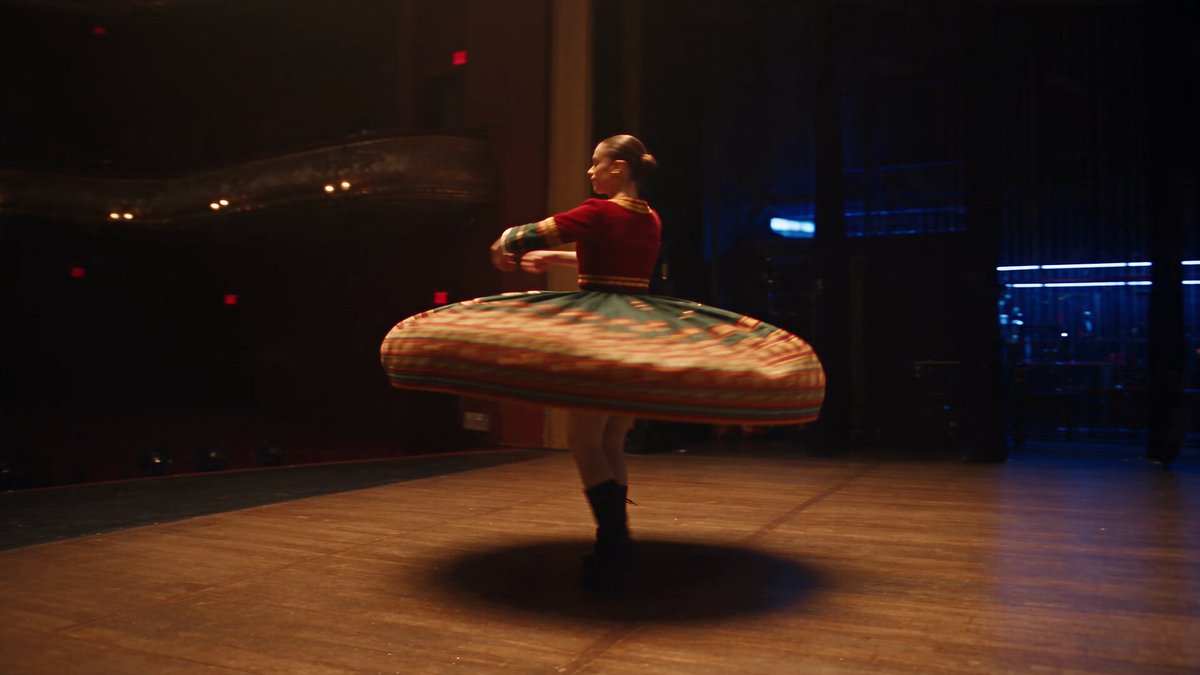
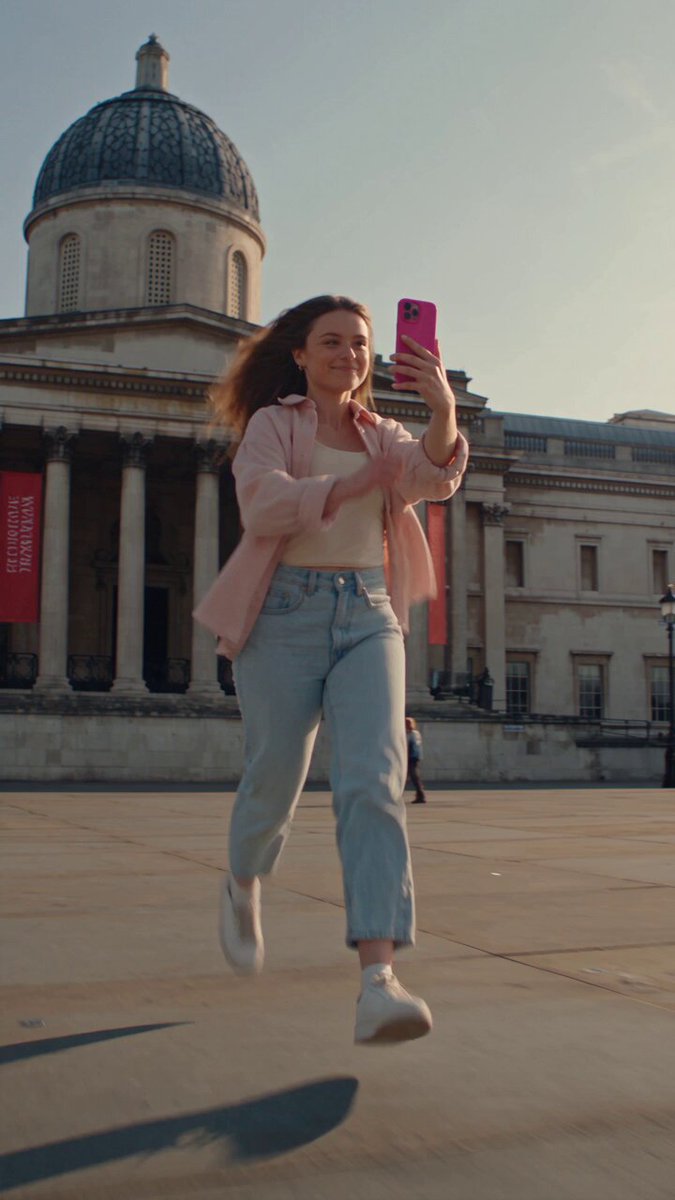
The first is ideation speed. A tool that turns a paragraph into moving images lets you test ten visual directions before lunch instead of debating one direction for a week. The second is first-draft motion. Backgrounds, transitions, atmospheric shots, and abstract sequences that used to require a crew can now be generated in minutes and refined in an editor. The third is iteration cost. When a client asks for a different color grade, a different pacing, or a different ending, you are adjusting prompts and timelines rather than re-shooting.
What AI still does not do well is narrative judgment. It will not tell you that your opening five seconds are boring, that your protagonist has no want, or that your ending arrives two beats too late. It also will not deliver a genuine performance. The most successful creators treat AI as a production department that works instantly, costs almost nothing per attempt, and needs an extremely precise brief. They stay in charge of taste, structure, and the final ten percent of polish that audiences actually remember.
That reframing leads to three practical shifts in how you plan work:
- From single assets to variations. Instead of producing one hero clip, you generate several versions and choose in the edit.
- From pre-production to pre-visualization. Storyboards become moving animatics, so problems surface before you commit.
- From linear pipelines to loops. Script, generate, edit, and review in short cycles rather than one long handoff chain.
A Five-Stage Workflow You Can Repeat
Every durable content operation runs on a repeatable process. With AI in the mix, five stages cover almost everything from a one-person channel to a small studio:
- Idea and script. Nail the promise, the hook, and the structure before generating anything.
- Look and storyboard. Define the visual language and lock reference material.
- Generation. Produce shots with the right technical approach for each moment.
- Assembly. Cut, score, caption, and mix.
- Quality control and publishing. Screen for errors, adapt to each platform, and ship.
The temptation is to skip straight to step three because generation is the fun part. That is also the fastest way to burn a weekend on beautiful clips that do not add up to a coherent video. A ten-minute scripting pass saves an hour of generation, and a locked visual bible saves an entire day of re-generating mismatched shots.
Treat each stage as a gate. Do not open the generator until the script has a clear hook and a defined ending. Do not start editing until you have enough coverage to survive a change of mind. Small constraints at each gate produce a surprisingly flexible final product.
Stage One: Idea Development and Scripting
Turning a rough brief into a shot-ready script
Start with the promise of the video in one sentence: who is watching, what they get, and how long it takes. From there, build a beat sheet before writing prose. A beat sheet lists the emotional or informational turns: the hook, the setup, the first proof point, the complication, the payoff, and the close. For a five-minute explainer, six to eight beats is comfortable.
Once the beats are set, write narration at roughly 140 to 160 spoken words per minute. That single number prevents the most common planning error, which is writing a script that runs twice as long as the format allows. If your target is a sixty-second vertical video, you have room for about 150 words of speech, which means about four beats and no room for a second example.
Working with AI writing assistants
AI assistants are excellent at structure and terrible at voice. Use them to generate three alternative hooks, compress a rambling section, or propose a listicle order. Then rewrite the winning draft in your own words. The giveaway of an AI-written script is not vocabulary, it is symmetry: every sentence the same length, every transition identical, every claim conveniently balanced. Break that rhythm deliberately.
Prompt patterns that survive contact with reality
When you move to generation, a prompt should describe subject, action, setting, camera behavior, lighting, and mood. Weak prompts name a thing; strong prompts describe a shot. Compare 'a city at night' with 'a slow dolly-in on a rain-slicked crosswalk, neon signage reflecting in puddles, warm sodium streetlights against cool blue shadows, shallow depth of field.' The second gives the model decisions to make and gives you something to correct.
Keep a running prompt library. When a shot works, save the prompt, the seed if the tool exposes one, and a screenshot. Six months later that library is worth more than any subscription.
Stage Two: Storyboards and Visual Consistency
Building a visual bible
A visual bible is a short document that answers questions before they are asked: color palette, lens language, camera height, pacing, typography, and character rules. Ten reference images will do more for consistency than a thousand words of description. Pull stills from films, photography, or previous work of your own, and annotate what specifically you are borrowing: the framing, the light, the palette.
For character work, create a front, three-quarter, and profile reference at the same lighting. For locations, produce a wide establishing view and a tight detail view. This is the single highest-leverage preparation step in the entire workflow, because consistency problems are almost impossible to fix late.
Consistency techniques that actually work
- Lock a seed or reference image where the tool supports it, so the model keeps the same visual DNA across shots.
- Name files systematically with project, scene, shot, and version, for example
doc-s02-sh03-v04. - Generate in batches from the same reference set rather than one-offs scattered across a day.
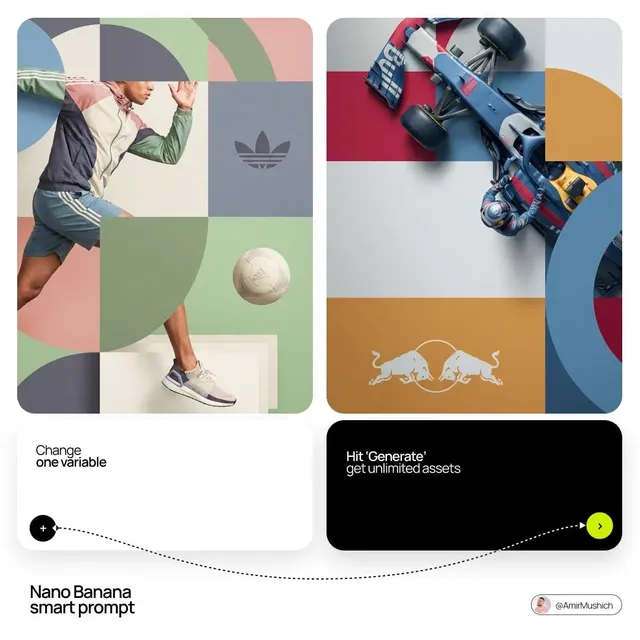
- Change one variable at a time when troubleshooting, so you know what caused the drift.
- Archive rejected takes rather than deleting them. A discarded shot often becomes the perfect insert three weeks later.
A simple shot list format
| Shot | Purpose | Approach | Duration | Notes |
|---|---|---|---|---|
| 01 | Hook visual | Generated | 3s | Strong motion, no text |
| 02 | Problem statement | Screen capture | 8s | Add zoom on key UI |
| 03 | Concept explanation | Motion graphic | 12s | Match brand palette |
| 04 | Proof or demo | Live footage | 15s | Real hands, real product |
| 05 | Close | Generated | 5s | Return to opening frame |
Stage Three: Choosing a Generation Approach
Not every shot deserves the same technique. Matching the approach to the moment is what separates a coherent video from a demo reel of unrelated clips.
| Approach | Best for | Weakness | Typical setup |
|---|---|---|---|
| Text-to-video | Establishing shots, abstract sequences, mood pieces | Hard to control precisely | Detailed prompt, short duration |
| Image-to-video | Character shots, product views, style-matched scenes | Motion can feel subtle | Strong reference frame |
| Video-to-video restyle | Turning existing footage into another look | Artifacts on fast motion | Clean source footage |
| Motion graphics and templates | Data, UI, text-heavy explanation | Can look generic | Brand kit and type system |
| Live footage with AI post | Interviews, demonstrations, authenticity | Requires a shoot | Lighting and audio discipline |
Text-to-video is best understood as a way to create atmosphere and connective tissue. It excels at the three-second shot that carries the audience from one idea to the next. Image-to-video gives you more control because the frame is already correct, and you are only asking for movement. Video-to-video restyling is powerful for turning a rough phone shoot into a stylized sequence, but keep an eye on fast pans and complex edges.
A useful rule: if the audience needs to trust what they see, shoot it. If they need to feel something, generate it. Product details and human faces in close-up usually benefit from real capture, while dream sequences, scale shots, and transitions benefit enormously from generation.
Stage Four: Assembly, Sound, and Pacing
The editing order that saves hours
Assemble with a rough voice track first. Place narration, then lay shots over it, then trim. Editing to picture before audio is one of the most common time sinks, because every change in narration forces you to re-time the visuals. A locked audio bed makes the visual edit almost mechanical.
Cut for clarity, then cut for rhythm. Watch the sequence once with sound off to see if the visual story reads without narration. Then watch it with sound and no picture to check whether the audio alone makes sense. Both passes expose problems that a normal viewing hides.
Sound design and voice
Sound is where AI-generated video most often falls apart. Ambient beds, subtle whooshes, and room tone make generated footage feel grounded. Synthetic voice is usable for narration-heavy formats when you keep sentences short, avoid unusual proper nouns, and add natural pauses. For anything conversational or brand-critical, record a human voice. The audience forgives a slightly soft shot far more readily than a robotic read.
Music should support pacing rather than fill silence. Choose one track per section rather than a continuous bed, and let it drop out before a key point. Silence is a legitimate edit decision.
Captions and platform formats
Build captions from the transcript, then correct them by hand. Export in three aspect ratios from the same timeline: vertical for short-form, square for feeds, and widescreen for long-form. Keep text away from the outer ten percent of the frame so platform interfaces never cover it.
Stage Five: Quality Control Before Publishing
Before anything leaves your desk, run the same checklist every time:
- Anatomy and hands. Pause on every human figure. Generated hands and teeth are still the most common tell.
- Text in frame. Any lettering inside a generated shot is usually nonsense. Replace it with a real overlay.
- Temporal stability. Watch for flicker, warping, and objects that change shape between frames.
- Lip sync. If a face is speaking, check the consonants, not just the vowels.
- Continuity. Clothing, props, weather, and light direction should not jump between shots in a scene.
- Audio levels. Aim for consistent loudness and check the mix on a phone speaker, not just headphones.
- Captions and alt text. Accuracy and accessibility are ranking factors and audience trust factors.
- First three seconds. If the hook does not land instantly, fix the hook rather than the thumbnail.
Keep a short rejection log. Tracking why takes fail turns quality control from taste-driven guessing into a process you can tune.
Where AI Video Fits in a Content Engine
A single well-produced video should become many assets. Cut three short verticals from the strongest thirty seconds, but re-frame them rather than simply cropping. Generate a vertical-safe version of any shot that loses its subject in a 9:16 crop. Pull one quote as a text card and one moment as an animated loop for social.
Plan publishing in waves. A long-form piece anchors the week. Shorts drive discovery. A written version captures search traffic. Each format should have its own hook, because the audience arrives with different intent and different patience.
Measure with restraint. Watch time and retention curves tell you where attention breaks, which is more useful than total views. If viewers drop at twenty seconds, the problem is almost always a mismatch between the thumbnail promise and the first beat of the video, not the production quality.
Common Mistakes That Derail AI Video Projects
- Generating before scripting. Without structure, gorgeous clips have nowhere to go.
- Chasing a single perfect take. Generate variations and solve problems in the edit instead.
- Ignoring reference material. Every consistency problem traces back to an undefined look.
- Overloading prompts. Too many conflicting details produce mush. Prioritize subject, action, and camera.
- Using AI for faces in close-up. Real footage is still more trustworthy for human moments.
- Neglecting sound. Weak audio undermines strong visuals faster than the reverse.
- Publishing without a QC pass. One distorted hand in the first second costs more than a day of polishing.
- Scaling before the format works. Prove a repeatable episode structure before you increase frequency.
Frequently Asked Questions
How long does an AI-assisted video take to produce?
A two-minute explainer with mostly generated visuals typically takes six to twelve hours end to end once your workflow and prompt library exist. The first project in a new format takes two to three times longer, because you are defining the look rather than applying it.
Do I need expensive hardware?
For cloud-based generation, no. A mid-range laptop with a stable connection handles scripting, editing, and uploads comfortably. Local generation demands a capable GPU, which is worth it only if privacy or volume justifies the cost.
How do I keep characters consistent across shots?
Start from a fixed reference image, keep the description identical in every prompt, generate in batches, and change only one variable at a time. A character sheet with front, three-quarter, and profile views solves most drift before it starts.
Is AI-generated video acceptable for client work?
Increasingly, yes, as long as you disclose your process where contracts or platforms require it and you never present generated people as real events. Most clients care about the result, the deadline, and the rights situation, so clarify usage terms early.
What should I learn first if I am new?
Scripting and editing, in that order. Generation tools change every few months, but structure and pacing skills transfer immediately and compound for years.
How do I avoid a generic look?
Anchor everything to a specific reference set, limit yourself to a small palette, and add one human element per video, whether that is real footage, a hand-drawn overlay, or a recorded voice. Specificity is the antidote to sameness.
The creators who get the most from these tools are not the ones who generate the most clips. They are the ones who built a workflow that turns a clear idea into a finished, watchable video on a predictable schedule. Pick one format, run the five stages three times, and refine the process rather than the software.

Alexander
More Blogs
Read MoreMontaggio video rapido: transizioni e software per l'AI
Guida pratica al montaggio video rapido con AI: transizioni fluide, software, workflow, coerenza visiva, errori da evitare e FAQ operative.
Building an AI Video Production Workflow From Concept to Cut
A practical guide to planning, generating, editing, and finishing AI-assisted videos with consistent characters, clear shot lists, and reliable review loops.
A Repeatable Post-Production Workflow for Polished AI Video
Build a repeatable AI video post-production pipeline: organize assets, cut story-first, design transitions, refine audio, and review versions calmly.