

Best AI Video Generator Websites: A Practical Workflow Guide
Oct 13, 2026
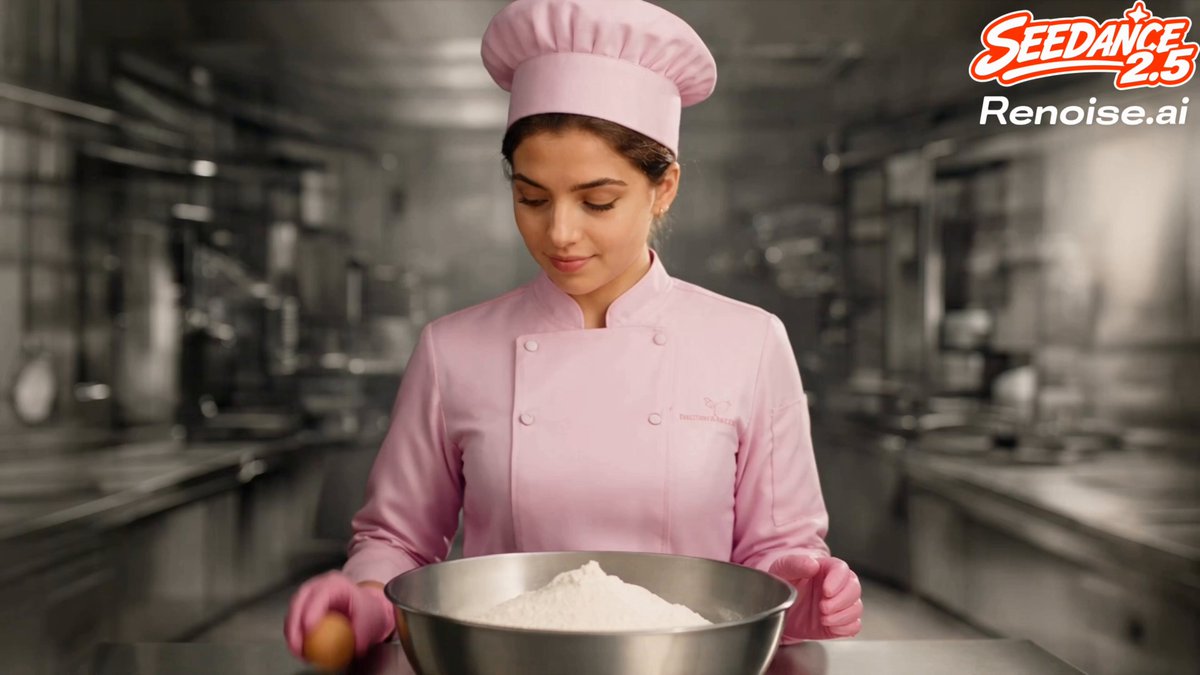
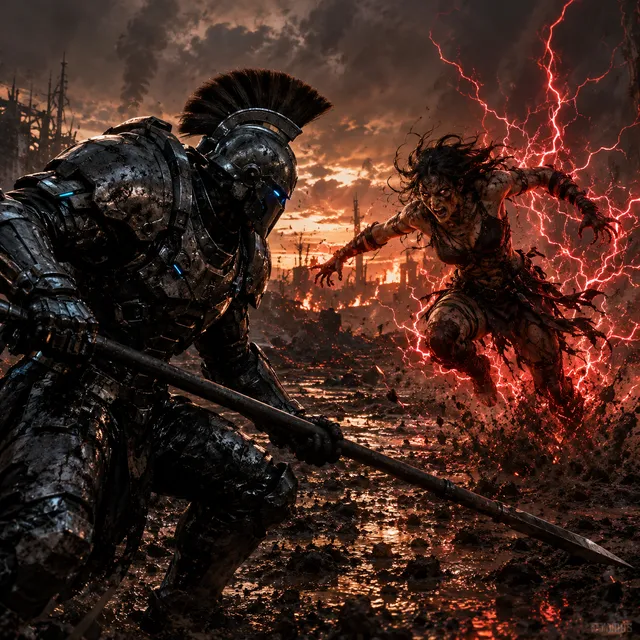

Why AI Video Generation Became a Standard Part of Content Production
Video is no longer one channel among many. It is the default way people learn, shop, decide, and share. That shift created a permanent demand problem: every team needs more video than it can produce with traditional crews, timelines, and budgets. AI video generator websites exist to close that gap. They take the slowest parts of production — scripting drafts, storyboards, voice recording, rough cuts, localisation, resizing — and compress them into minutes instead of days.
The useful way to think about these tools is not "which one is best." It is "which parts of my pipeline can be automated without hurting the final result." A solo creator making short vertical clips needs something very different from a training team producing forty localised explainers a month. This guide walks through the underlying technology, the categories of platforms available, the decision criteria that actually matter, and a repeatable workflow you can run from a blank page to a publishable file.
The Core Technology Stack in Plain English
Most AI video platforms are assembled from a handful of building blocks. Knowing what each block does helps you predict where a tool will succeed and where it will embarrass you.
Text-to-video synthesis
Text-to-video models interpret a written prompt and generate moving footage. Modern systems break a prompt into semantic pieces — subject, action, setting, camera behaviour, lighting, mood — then generate frames that stay coherent over time. The hardest problem is temporal consistency: keeping a face, a jacket, or a background stable as the camera moves. When a generator "looks wrong," it is usually because consistency broke, not because resolution was low.
Practical implication: text-to-video is strongest for b-roll, abstract visuals, atmospheric shots, and concept exploration. It is weakest when you need a specific person, a specific product label, or exact text rendered on screen.
Image-to-video and multi-image fusion
Instead of describing a scene, you supply a still and let the model animate it — a slow push-in, drifting clouds, a character turning their head. Multi-image fusion takes this further by using several references to keep a character or product consistent across shots. This is the technique behind most "same presenter, new location" sequences you see in ads.
For brands, image-to-video is often more valuable than pure text-to-video because you start from approved visual assets. Your product photography, your brand palette, your existing illustrations. The model animates what you already own rather than inventing something you have to fact-check.
AI presenters, avatars, and synthetic voice
Avatar-driven platforms generate a talking presenter from a script. The pipeline is: script → voice synthesis → lip-sync animation → background and captions → export. Quality now hinges on three details: prosody (does the voice breathe naturally?), phoneme accuracy (does the mouth match difficult sounds?), and gesture timing (do hands move at plausible moments?).
Voice cloning and multilingual synthesis let one recording become many language versions. The trade-off is review effort. Machine-translated scripts read awkwardly even when the audio sounds fluent, so budget time for native-language review, not just audio generation.
Editing, upscaling, and repurposing
The back half of the pipeline is where most time is actually saved. Automatic captioning, silence removal, scene detection, aspect-ratio reframing, background removal, and upscaling turn a single master file into a family of deliverables. A 16:9 explainer becomes a square social cut, three vertical shorts, and a silent autoplay version for a landing page — from one timeline.
Treat this layer as your real productivity multiplier. Generation gets the attention, but repurposing is what makes volume sustainable.
How to Choose a Platform: Decision Criteria That Matter
Feature lists are long and similar. These criteria separate tools that fit your work from tools that merely demo well.
Output length and shot control. Can you generate a full 60-second sequence, or only short clips you must stitch? Does the platform support camera direction, or does it only accept a single prompt?
Consistency controls. Look for character references, style locking, seed reuse, and brand asset libraries. Consistency is the difference between a one-off experiment and a repeatable series.
Editability. Can you export a project file, or are you locked into the editor? Teams that need colour grading, audio mixing, or complex compositing should prioritise export flexibility.
Language and accent coverage. Test your actual target languages, including regional accents. Ask for a sample in your language before committing.
Rights and commercial terms. Confirm that generated assets can be used commercially, that you own or can license the output, and how uploaded footage is stored. For regulated industries, this review is not optional.
Collaboration and review. Comment threads, version history, and approval states matter more than any single generative feature once more than two people touch a project.
Throughput limits. Understand how much you can render at your plan level and how long jobs queue at peak times. Rendering bottlenecks, not creativity, usually block delivery.
A Repeatable Workflow: From Brief to Published File
This is a pipeline you can run on almost any platform. Adapt the order rather than skipping steps.
Step 1 — Lock the objective and the single takeaway
Write one sentence: "After watching, the viewer will know / feel / do X." Every later decision — length, tone, presenter, music — is judged against that sentence. Videos that try to deliver three messages usually deliver none.
Step 2 — Script for the ear, not the page
Read the draft aloud. Cut any sentence you stumble over. Keep spoken sentences under about twenty words. Front-load the value in the first five seconds, because that is where retention collapses.
Structure that works for almost any format: hook, context, three to five points, one concrete example, call to action. For training content, replace the hook with a problem statement the learner recognises.
Step 3 — Storyboard with prompts, not sketches
You do not need drawing skills. Create a table with columns for shot number, duration, visual description, camera movement, and on-screen text. Each row becomes either a generated clip, a stock clip, or a screen recording. This table is your production plan and your prompt library at the same time.
Step 4 — Generate in small batches
Generate several variations of each shot rather than one. Judge them on framing and motion first, detail second, because small artefacts are often fixable in post while bad framing is not. Name files with shot numbers so assembly is mechanical.
Step 5 — Build the voice track before the picture
Record or synthesise narration early, then cut visuals to the audio. Editing to a finished voice track keeps pacing honest and prevents the common failure where a beautiful montage runs twenty seconds too long.
Step 6 — Assemble, caption, and reframe
Lay clips on the timeline, add music at a level that never competes with speech, burn in or upload captions, and reframe for each destination. Captions are not optional — most social viewing happens muted, and accessible captions improve comprehension for everyone.
Step 7 — Review against a checklist, not a feeling
Use the quality-control section below. Two reviewers is enough: one for factual and brand accuracy, one for pacing and clarity.
Comparing the Main Categories of AI Video Tools
Platforms cluster into four practical groups. Most teams end up using two.
Avatar presenter platforms. Best for talking-head content: explainers, onboarding, sales outreach, localised announcements. Strength is speed and consistency. Weakness is visual sameness — heavy reliance on them makes every video feel like the same channel.
Template and timeline editors. Best for marketing and social content that needs fast turnaround, brand kits, and lots of resizing. Strength is usability; a non-editor can ship something credible. Weakness is creative ceiling when you need a distinctive look.
Generative clip engines. Best for b-roll, concept visuals, stylised sequences, and anything you cannot film. Strength is originality. Weakness is control — expect iteration and accept that a percentage of outputs get discarded.
Character animation and motion tools. Best for bringing illustrations, mascots, or stylised characters to life, plus motion graphics and animated text. Strength is personality. Weakness is setup time; rigging and asset preparation still take effort.
A practical stack: one generative engine for visuals, one avatar or editor platform for assembly and voice, and a lightweight audio tool for cleanup. That combination covers most needs without a sprawling subscription list.
Prompting and Storyboarding for Better Output
Prompt quality is not about magic words. It is about specificity in the dimensions the model actually controls.
A reliable prompt structure includes: subject and appearance, action, environment, camera angle and movement, lighting, lens or film reference, and mood. Example: "Medium close-up of a ceramicist shaping a bowl on a wheel, hands wet with clay, warm window light from the left, slow dolly in, shallow depth of field, calm documentary tone."
Three habits improve results dramatically. First, change one variable at a time when iterating, so you learn what caused the improvement. Second, keep a prompt log with the settings and seed for every shot you like — reproducibility is what turns luck into process. Third, describe motion explicitly, because models default to static or drifting frames when movement is unspecified.
Negative guidance is equally useful: no text overlays, no extra fingers, no fast cuts, no lens flare. Many platforms accept this as a separate field or as a clause in the prompt.
Common Mistakes and How to Avoid Them
Generating before scripting. Random clips never assemble into a story. Write the shot list first.
Using AI for everything. Audiences notice when nothing is real. Mix generated footage with real product shots, screen recordings, and human narration where authenticity matters.
Ignoring audio. Poor audio sinks otherwise excellent video. Clean the room tone, level the narration, and keep music under speech.
Neglecting the first three seconds. If the opening is a logo animation or a slow fade, viewers leave. Open with the most interesting frame or claim you have.
Skipping native-language review. Machine translation produces sentences that are grammatically fine and culturally wrong. A native speaker catches this in minutes.
Publishing without rights checks. Confirm commercial usage terms, music licensing, and any restrictions on depicting real people or trademarked products.
Never measuring. Track retention, completion rate, click-through, and conversions. The data tells you which format deserves the next ten hours of work.
Quality-Control Checklist Before You Publish
Run this list on every deliverable.
- Consistency: faces, clothing, product labels, and colour grading match across shots.
- Text accuracy: every on-screen word is spelled correctly and matches the narration.
- Audio: no clipping, no awkward pauses, no mismatched lip-sync on close-ups.
- Captions: timed to speech, readable at small sizes, and free of auto-transcription errors.
- Aspect ratios: correctly framed per destination, with safe margins for platform UI overlays.
- Brand: fonts, colours, and logo placement follow the guidelines.
- Claims: every statistic, quote, and product statement is verified.
- Accessibility: contrast is sufficient and captions are accurate.
- File settings: resolution, bitrate, and format match the platform's recommendation.
Scaling: Turning One Video Into Twenty
Volume comes from systems, not from clicking faster. Build a master file, then derive everything else from it.
Create one long-form version for YouTube or a landing page, then cut vertical shorts from the strongest moments. Extract the audio as a podcast episode. Pull three quotes as text posts. Turn the script into an article or newsletter. Convert the transcript into a carousel. Each derivation takes minutes once the master exists.
For teams, standardise a project template: folder structure, naming convention, caption style, intro and outro, and a review checklist. Document it once and onboarding gets dramatically cheaper. Assign clear ownership — one person for script, one for assembly, one for review — and keep render jobs queued overnight so daytime hours go to creative decisions instead of waiting.
Frequently Asked Questions
Do AI video generators replace editors?
They replace the tedious parts: rough cutting, resizing, captioning, and first-draft voiceover. They do not replace judgement about pacing, story, and taste. The strongest results come from a human making final decisions on top of machine-generated material.
How long does it take to produce a two-minute video?
With a locked script and an existing brand kit, a simple presenter or template-based video can be assembled in a few hours. Generative b-roll adds iteration time, so budget one to two days for a polished piece with custom visuals.
Can generated footage be used commercially?
Usually yes, but terms vary by platform and by which model or asset you used. Read the current terms of the specific tool and keep records of what you generated and where it appeared.
What about realism and uncanny results?
Realism improves quickly, but audiences still react badly to subtle wrongness in faces and hands. Keep synthetic humans at medium distance, avoid extreme close-ups, and prefer real footage when a human face carries the message.
How do I keep a consistent character across shots?
Use the platform's character or style reference feature, reuse the same seed or reference image set, keep lighting descriptions identical, and maintain a reference sheet of approved stills.
Is a single platform enough?
For simple formats, yes. For anything with distinctive visuals, plan on a generator plus an editor, and a separate audio tool. Specialisation beats one bloated subscription.
How do I avoid every video looking the same?
Vary formats deliberately: rotate between presenter-led, screen recording, animation, and location footage. Change music, pacing, and framing choices. Consistency should live in your brand elements, not in a single template.
Putting It Together
The best AI video generator website is the one that fits your pipeline and your review capacity. Start by identifying which production stage costs you the most time. If it is scripting and voiceover, look at avatar and narration tools. If it is visuals you cannot film, look at generative engines. If it is repurposing, look at editors with strong captioning and reframing. Then run one small pilot project end to end — one video, one deadline, one checklist — and judge the result on the finished file, not the demo reel. Repeat what worked, template it, and let the system carry the volume while you focus on the story.

Alexander
More Blogs
Read MoreVidu Q4 Alternatives: 4K AI Video Models Compared (2026)
Vidu Q4 alternatives compared: Kling 4.0, Seedance 2.5, Wan 3.0, and Runway Gen-4 — 4K support, input modes, durations, audio, and what each costs in credits on Domer.
Top 4K AI Image Generators in 2026: 5 Models Compared on Real Costs
The top 4K AI image generators on Domer compared: Flux 3 Klein, Nano Banana 2.1, GPT Image 2.5, GPT Image 2, and Nano Banana Pro — 4K credit costs, reference limits, and speed.
Nano Banana 2.1 vs GPT Image 2.5: Which Image Model Should You Use? (2026)
Nano Banana 2.1 vs GPT Image 2.5 Flare compared: credit costs per resolution, aspect ratios, reference images, text rendering, and which tasks fit each model.