
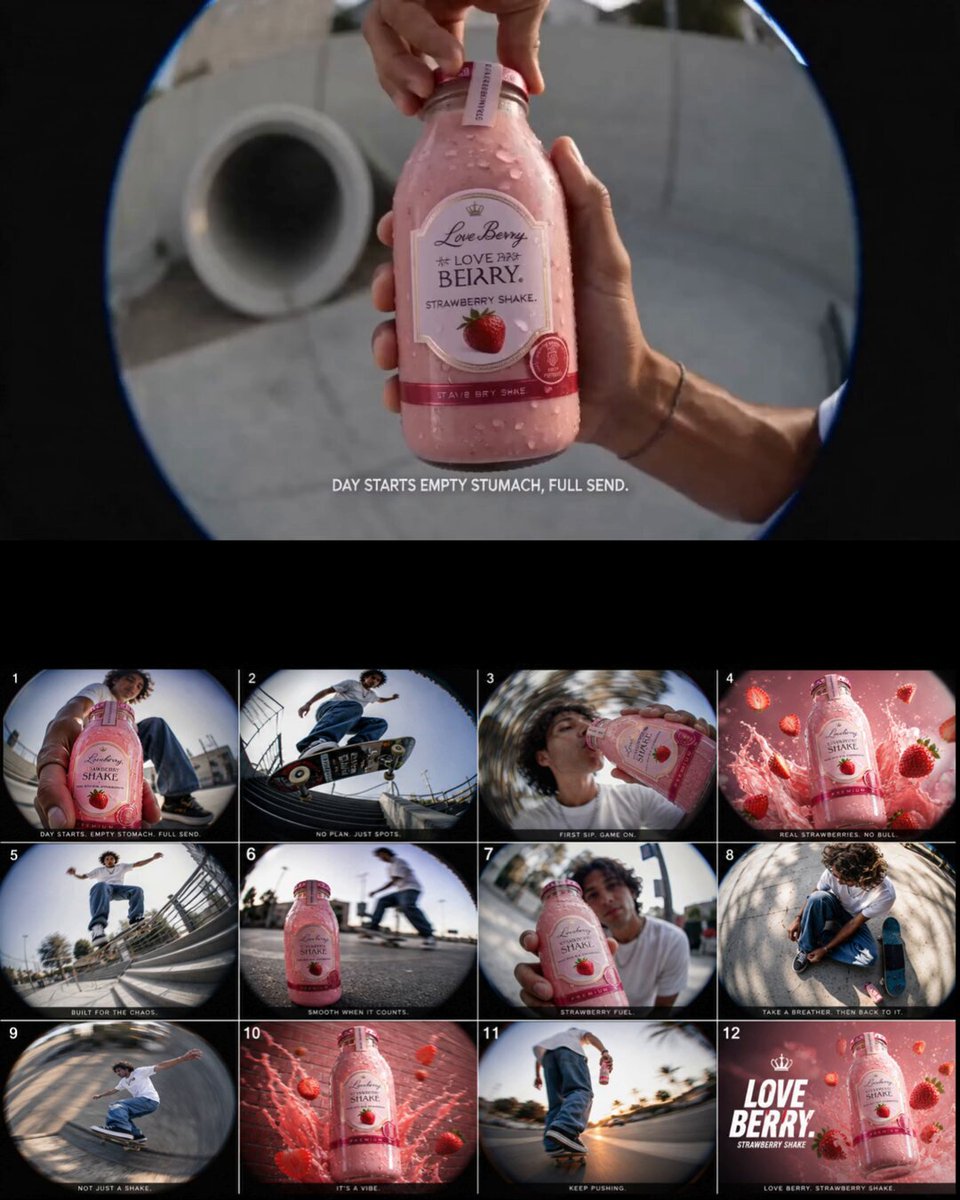
High-Volume AI Video Production Workflows for Agencies
Oct 13, 2026



What high-volume AI video production actually requires
High-volume video production in an agency setting means repeatability at scale. A studio that ships four cinematic hero films a month works on a completely different operating model from a team that ships forty to two hundred short assets every month across paid social, YouTube pre-roll, marketplace listings, and localized campaign variants. The second team cannot survive on heroics, individual artist ownership, or improvised decisions about which generator to use for which shot.
Three constraints define the work:
Throughput. Campaign calendars are fixed. A launch date does not move because a render queue backed up overnight.
Consistency. Every asset in a campaign must look like it belongs to the same brand universe, even when clips were generated weeks apart by different operators.
Auditability. Clients and legal reviewers increasingly ask how an asset was made, which source footage it used, and who approved the final cut.
Traditional post-production solved all three with people. AI-augmented pipelines solve them with systems: standardized briefs, locked asset libraries, queue-based rendering, deterministic file naming, and a review layer that catches problems before a client ever sees them. The craft does not disappear. It moves upstream into direction, shot design, prompt architecture, and final polish.
The practical takeaway is blunt: map the pipeline before you subscribe to another tool. Most high-volume AI video failures are process failures wearing a technology costume.
Mapping your pipeline before you automate
A pipeline map is a one-page diagram showing every stage an asset passes through, who touches it, and what the input and output of each stage looks like. Build it before you automate anything, because automation amplifies whatever structure already exists — including bad structure.
Start by writing down five to ten recent projects in reverse. For each finished asset, list the decisions that were made: who wrote the brief, who chose the visual direction, who generated the first draft, who rejected it, who fixed it, and who delivered it. Patterns appear quickly. Most teams discover that two or three stages consume most of the calendar time, and that those stages are usually review bottlenecks rather than generation bottlenecks.
Brief intake and normalization
The single highest-leverage change in a high-volume workflow is a structured brief. Instead of a client email thread, use a form that captures deliverable count, aspect ratios, duration ranges, brand asset references, mandatory claims, prohibited elements, tone references, and localization languages. Normalized briefs make downstream automation possible because every job arrives with the same fields in the same order.
A normalized brief also enables triage. Jobs that need a cinematic narrative sequence go to the senior team. Jobs that need twenty product close-ups with text overlays go to the batch lane. Without normalization, every job looks custom and nothing scales.
Asset preparation and shot lists
High-volume generation lives or dies on reference material. Before any prompt is written, prepare: hero product photography on neutral backgrounds, logo lockups in every required aspect ratio, approved color palettes, and a small library of look-reference frames. Tag them consistently so operators can find them without asking a colleague.
Then convert the brief into a shot list with one row per clip: shot type, camera move, duration, aspect ratio, subject, background, text overlay copy, and target language. A shot list is the contract between creative direction and generation. When a clip misses, the question becomes concrete — was the prompt wrong, the reference wrong, or the brief wrong?
Choosing generation engines for scaled output
Different generators are good at different things, and high-volume teams treat model choice as a routing decision rather than a loyalty decision. New models arrive frequently, so build a lightweight evaluation habit instead of a permanent stack: pick two or three engines for the quarter, test them against your own shot list, and document the results in a shared table.
Match the model to the shot type
Routing logic that holds up across most current tools:
- Product and packshot motion — engines that handle precise object fidelity and small, controlled camera moves.
- Talking-head and presenter content — avatar or lip-sync tools with stable expression control and natural cadence.
- Atmospheric and b-roll — text-to-video models with strong physics, depth, and lighting.
- Stylized brand sequences — image-to-video with a locked keyframe and moderate motion strength.
- Text-heavy explainers — generation for backgrounds, motion graphics for the type itself.
Running everything through one engine produces mediocre results in half the categories. Routing by shot type produces better output, faster, with less rework.
Latency, resolution, and iteration trade-offs
Every engine sits somewhere on a triangle of speed, fidelity, and controllability. High-volume work usually optimizes for iteration speed on the first pass and fidelity on the final pass: draft at lower resolution to test composition and motion, then re-render approved shots at full quality.
Track per-shot iteration counts. If a clip takes more than three regeneration attempts, the problem is almost never the model. It is usually a vague brief, a weak reference frame, or an impossible camera instruction. Logging iteration counts by operator and shot type turns a vague complaint about inconsistency into a fixable process metric.
Keeping visual consistency across hundreds of clips
Consistency is the hardest problem in high-volume AI video, and it is solved with constraints rather than with better adjectives in a prompt.
Character and product locking
For recurring people and products, build a reference kit: five to eight images per subject covering multiple angles, lighting conditions, and expressions. Generate from that kit rather than from text descriptions alone. Text descriptions drift; references anchor.
For products, lock the hero image and use image-to-video with conservative motion strength. Aggressive motion settings warp logos, shift label text, and change packaging proportions — the kind of error that clients notice instantly and reviewers reject.
Keyframes and motion control
First-and-last-frame workflows are the most reliable way to control narrative motion. Design the opening frame and the closing frame, then let the engine interpolate between them. This gives you editorial control over pacing before generation, which is far cheaper than fixing pacing after.
Add a short consistency checklist to every batch: same color temperature, same lens character, same grade, same logo placement, same subtitle style. A ten-item checklist reviewed by one person per batch catches more problems than any single automated detector.
Prompt systems and agent-style direction
Free-form prompting does not survive contact with a production schedule. High-volume teams build prompt systems — reusable templates where only a few variables change.
A practical template has five slots:
- Subject and action — what happens, in plain language.
- Shot specification — framing, lens, camera movement, duration.
- Lighting and mood — time of day, source direction, contrast, palette.
- Style anchor — a reference to the approved look library.
- Negative constraints — artifacts, unwanted text, watermarks, chaotic motion.
Store templates by shot type and let operators fill slots rather than compose from scratch. Version them and keep a changelog. When a template produces better output, everyone benefits immediately instead of rediscovering the same fix next week.
The agent layer sits above templates. Instead of writing one prompt, you write a short direction brief — objective, tone, sequence of beats — and let a multi-step process expand it into per-shot prompts, generate drafts, and return options. Treat this as an assistant, not an autopilot: it compresses the tedious part of prompt writing while leaving final selection with a human editor who understands the brand.
Running the queue: infrastructure and asset management
Queue design
Generation is bursty. A batch of sixty clips submitted at once will either queue gracefully or collapse into a folder of half-finished files. Design for the queue explicitly:
- Job records. Every generation request gets an ID, a status, a submitter, and a linked brief.
- Retry logic. Transient failures should retry automatically with a cap and a clearly visible failure state.
- Concurrency limits. Respect provider rate limits and your own review capacity. Producing faster than you can review creates waste, not velocity.
- Notifications. Operators should know when a batch completes without refreshing a dashboard every ten minutes.
Naming, versioning, and storage
Adopt a naming convention on day one: client, campaign, shot, version, aspect ratio, language. Something like brand_q3launch_s03_v04_9x16_en. It looks bureaucratic until you are searching for the approved vertical cut of shot three at 6 p.m. before a midnight delivery.
Store originals, references, and finals in separate, clearly labeled folders. Never overwrite a version. Keep an approved-assets folder that contains only material that passed review, so downstream editors and localization vendors cannot accidentally pull a rejected render.
Review, QA, and approval at volume
Review is where high-volume pipelines break. If every clip needs a meeting, throughput collapses.
Split review into tiers:
Automated checks. Duration, aspect ratio, audio loudness, file size, missing text overlays, encoding profile.
Operator self-check. A short checklist before a clip leaves the production lane.
Peer review. A second operator scans for artifacts, brand violations, and continuity errors.
Client round. Only approved-for-client material reaches this tier.
Then standardize feedback. A note saying the vibe is off is not actionable. A note saying shot three drifts from warm to cool lighting around the two-second mark is. Use timestamped comments and a single source of truth for approvals. Batch client feedback into one consolidated round instead of five fragmented messages — this alone can cut a campaign cycle by days.
Finally, keep a rejection log. Categorize every rejected clip: model artifact, prompt ambiguity, reference mismatch, brief error, or taste. After a month, the log tells you exactly where to invest your next hour of process work.
Localization, variants, and market adaptation
High-volume almost always means multi-market. Build localization into the shot list rather than bolting it on afterward.
Practical rules that save entire delivery weeks:
- Generate without baked-in text. Overlay copy in post so a single render serves multiple languages.
- Leave headroom for text expansion. German and Polish copy runs longer than English; Spanish and Portuguese sit in between.
- Check cultural fit per market. Gestures, humor, colors, and wardrobe read differently across regions.
- Keep aspect-ratio families aligned. Produce 9:16, 1:1, and 16:9 from the same approved master where composition allows.
- Version subtitles separately. Caption files should be their own tracked assets, not embedded in the render.
A localization matrix — markets on one axis, deliverables on the other — prevents the classic end-of-campaign scramble where three languages are missing and nobody knows who approved the subtitles.
Team roles, mistakes, and a rollout plan
Roles that emerge in AI-augmented agencies
- Creative director — owns look, tone, and final approval.
- AI production lead — owns the pipeline, templates, and model routing.
- Prompt and shot designer — turns briefs into shot lists and generation instructions.
- Asset librarian — keeps references, finals, and versions findable.
- Review and QA operator — runs checks and maintains the rejection log.
- Editorial finisher — grading, sound design, text, and delivery specs.
Small teams combine roles, but the responsibilities must still be assigned. Unowned stages are where projects quietly stall.
Common mistakes
- Automating before standardizing. Speeding up a broken process just produces broken output faster.
- One model for everything. Routing beats loyalty.
- No reference library. Text-only prompting guarantees drift.
- Reviewing inside chat threads. Approvals disappear into scrollback.
- Ignoring delivery specs. A beautiful clip at the wrong loudness or ratio is not finished work.
- Skipping the rejection log. Without data, every retrospective becomes an opinion contest.
A thirty-day rollout
Days 1–5: Map the current pipeline. Write the normalized brief.
Days 6–10: Build the reference library and the shot-list template.
Days 11–15: Run one campaign through two engines and compare per-shot iteration counts.
Days 16–20: Formalize prompt templates, naming conventions, and the queue.
Days 21–25: Introduce tiered review and the rejection log.
Days 26–30: Add localization variants and document the pipeline for new hires.
FAQ
How many clips per month counts as high volume?
Volume is relative to your review capacity, not an absolute number. If your team can review twenty clips a week well, then forty clips a week is high volume for you. The real signal that you have crossed the line is that individual clip quality starts dropping when deadlines compress.
Do we need custom-trained models?
Rarely at first. Reference-based image-to-video with locked keyframes and consistent templates gets most teams surprisingly far. Consider fine-tuning only after you have a stable pipeline and a large library of approved assets that genuinely needs it.
How do we keep clients from noticing a generated look?
Control three things: motion, lighting, and sound. Overly smooth or physically implausible motion, flat lighting, and stock-sounding audio are the biggest tells. Add real footage, grade consistently, and treat audio as a first-class deliverable rather than an afterthought.
What is the biggest cause of rework?
Ambiguous briefs. In most audits, a majority of rejected clips trace back to the brief or the reference material, not the generator. Fixing intake quality usually improves output more than any model upgrade.
Should generation and editing be handled by the same person?
For small teams, yes. Above a certain volume, separating generation from finishing prevents the common trap where one operator polishes a single clip for hours while a batch of twenty sits unreviewed.
How do we handle client confidentiality?
Agree on which assets can be uploaded, use private or enterprise tiers where available, keep a documented retention policy, and store client material in segregated folders with restricted access.
What metrics matter most?
First-pass approval rate, average iterations per approved clip, time from brief to first draft, and time from final draft to delivery. Improve those four and everything else follows.
Where should a new team start?
With the brief and the shot list. Those two artifacts improve output quality before any tooling change, require no new software, and make every later automation step easier.
How do we keep the pipeline from becoming a black box?
Document each stage in plain language, including why routing decisions are made the way they are. When a client asks how a clip was produced, you should be able to answer in two sentences without opening a generation tool.

Alexander
More Blogs
Read MoreVidu Q4 Alternatives: 4K AI Video Models Compared (2026)
Vidu Q4 alternatives compared: Kling 4.0, Seedance 2.5, Wan 3.0, and Runway Gen-4 — 4K support, input modes, durations, audio, and what each costs in credits on Domer.
Top 4K AI Image Generators in 2026: 5 Models Compared on Real Costs
The top 4K AI image generators on Domer compared: Flux 3 Klein, Nano Banana 2.1, GPT Image 2.5, GPT Image 2, and Nano Banana Pro — 4K credit costs, reference limits, and speed.
Nano Banana 2.1 vs GPT Image 2.5: Which Image Model Should You Use? (2026)
Nano Banana 2.1 vs GPT Image 2.5 Flare compared: credit costs per resolution, aspect ratios, reference images, text rendering, and which tasks fit each model.