
Kling 2.2 vs Sora: Which AI Video Model Fits Your Workflow?
Oct 13, 2026
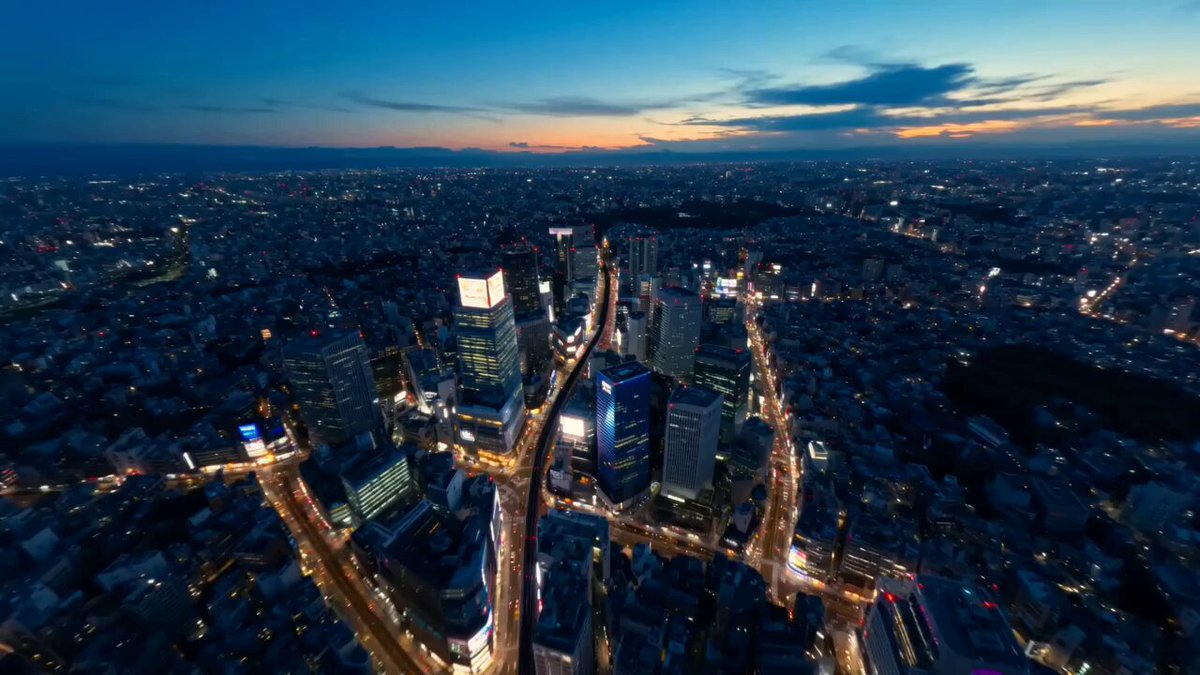
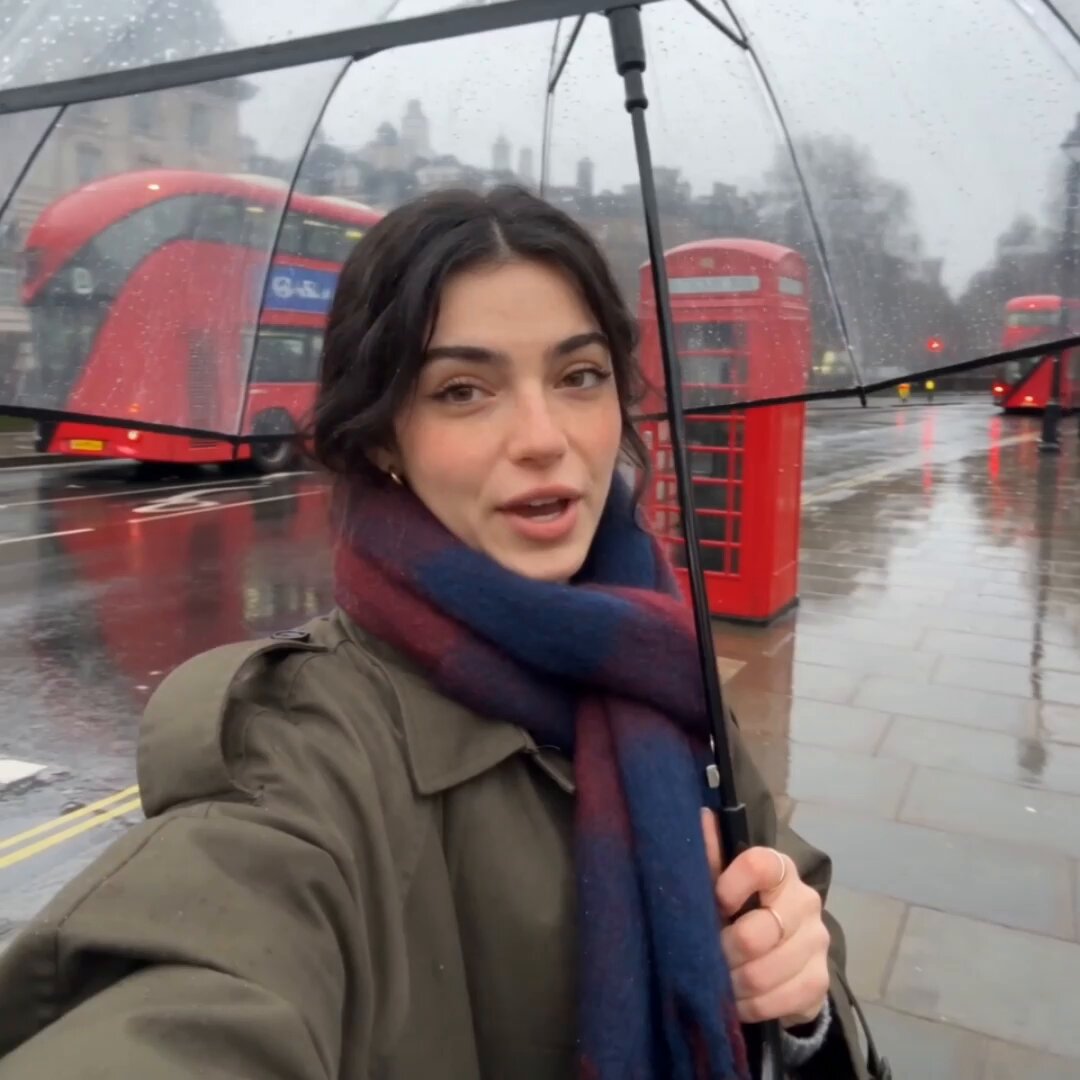
Every few months the conversation in editing suites and creator communities settles on the same question: which video model should we actually be using? Right now that question often takes the form of Kling 2.2 versus Sora. Both produce footage that would have been impossible to generate a few years ago, both have loud defenders, and both will fail spectacularly if you hand them the wrong kind of prompt.
This guide treats the comparison as a production decision rather than a horse race. You will find a breakdown of how each model behaves, where each tends to shine, the workflows that keep quality stable across a multi-shot sequence, and a decision framework you can apply to your own project without running a full benchmark.
Why This Comparison Matters for Modern Video Work
The economics of video production changed the moment generated clips became usable in real edits. A five-second shot that used to require a location, a permit, a lighting package, and an actor can now be drafted in a browser tab before lunch. That does not eliminate crews, but it does change what a first draft looks like and who gets to make one.
That shift is why model choice matters more than it looks. Kling 2.2 and Sora are not interchangeable. They disagree about motion, about how literally to interpret camera language, about how long a coherent clip can run, and about how much of your intent survives a long prompt. Choosing the wrong one for a specific shot is the difference between three iterations and thirty.
The practical stakes show up in three places:
- Iteration speed. If a model needs six attempts to get a usable camera move, your afternoon disappears.
- Continuity. Multi-shot sequences live or die on whether a character's jacket, lighting direction, and walking speed stay consistent.
- Post-production load. A clip that looks great but has warped edges, flickering textures, or unstable frames costs more to fix than to regenerate.
Treat the two models as specialists, not rivals. Most working teams end up using both, plus one or two others, and routing shots based on what each handles best.
How Kling 2.2 and Sora Actually Generate Video
Both systems belong to the same broad family of diffusion-based video generators, but they make different trade-offs in how they model time.
Diffusion transformers and temporal attention
Modern video generators extend image diffusion into the time dimension. Instead of denoising a single frame, the model denoises a sequence of latent representations while attending across frames so that motion remains coherent. The quality of that temporal attention is what separates a clip that reads as filmed from a clip that reads as a slideshow with drift.
Kling 2.2 has been tuned with an emphasis on physical plausibility: objects that obey weight, cloth that folds, liquids that splash in believable arcs. Sora tends to be praised for scene comprehension — understanding what a described situation implies and rendering the surrounding world consistently, including background elements that were never mentioned in the prompt.
What that means in practice
If your shot is about an object behaving correctly, Kling 2.2 often rewards you quickly. If your shot is about a world existing correctly — a street scene where every extra is doing something plausible — Sora frequently needs fewer corrective passes.
This is a generalization, not a rule. Prompt quality, resolution, duration, and the specific subject all move the result. But knowing the bias of each model helps you pick the first attempt wisely instead of guessing.
Text-to-Video: Realism, Coherence, and Prompt Response
Text-to-video is the headline feature, and it is also where expectations most often outrun reality. A prompt is not a screenplay. It is a compressed set of constraints, and every model resolves ambiguity differently.
A prompt structure that survives both models
A reliable pattern for either system:
- Subject and action. One subject, one primary action. "A ceramicist shapes a bowl" beats "a person making something."
- Environment and time of day. Establish light direction early, because lighting is the hardest thing to fix later.
- Camera. Shot size, angle, and movement, in that order. "Medium close-up, eye level, slow push in."
- Style and texture. Film stock, lens character, color palette, grain.
- Constraints. What should not appear, and what should not change.
Long prompts are not automatically better. Both models degrade when a prompt contains contradictory instructions — "handheld and perfectly stable," "golden hour and overcast." Pick a lane.
Where coherence breaks
Coherence usually fails in the same three places regardless of model:
- Hands and object interaction. Fine manipulation remains the most common failure mode.
- Reflections and screens. Mirrors, windows, and monitors are where temporal logic gets expensive.
- Crowds. More than three or four moving people in frame increases the odds of identity drift.
When a shot fails, do not rewrite the whole prompt. Change one variable at a time, starting with camera movement. Cutting a push-in is often enough to stabilize an otherwise unusable clip.
Image-to-Video and Video-to-Video Workflows
Still-image animation is where most professional work actually happens, and it is the fairest way to compare two models.
Starting frames and character consistency
Both systems accept a reference frame and animate forward. The practical difference is how much they respect the source. Kling 2.2 tends to preserve the composition and detail of the input frame closely, which is ideal for product shots, architectural renders, and stylized illustrations where you already fought for the look. Sora often introduces more interpretive motion, which helps when the still is flat or diagrammatic and you want it to feel alive.
For character work, the rule is simple: lock the face in a reference image, then keep the camera modest. A slow dolly and a head turn will hold identity. A whip pan across a full body will not.
Transformations and restyling
Video-to-video is useful for three jobs: upscaling a rough draft, applying a consistent look across a sequence, and repairing a clip whose motion is right but whose texture is wrong. In these workflows, treat the generator as a finishing pass rather than a director. Feed it strong footage, describe the surface you want, and keep strength settings moderate so the underlying performance is not overwritten.
A pragmatic pipeline many small teams use: generate rough motion cheaply, pick the best take, then run that take through a restyle pass. It costs a little more time and saves enormous effort compared with chasing a perfect one-shot generation.
Control, Customization, and Prompt Engineering
Control is where the two models diverge most for experienced users.
Camera language
Kling 2.2 responds relatively well to explicit camera terminology and tends to honor the direction of a move. Sora is often better at inferring camera behavior from the emotional intent of a scene — a tense conversation may get an appropriate slow creep without you asking for it.
The tactic that works across both: state the camera first, then the subject, then the mood. Models weight early tokens more heavily, and camera dictates how the audience reads everything that follows.
Reference images and style anchors
If the platform supports multiple references, use them deliberately. One image for the subject, one for the palette, one for the environment. Mixing a subject reference and a style reference from different sources produces mushy results because the model cannot tell which attribute belongs where.
Negative constraints
Negative prompts are underused. Adding "no text overlay, no logos, no subtitles, no morphing hands" prevents a surprising share of wonky outputs. Both systems will otherwise try to fill empty space with something, and text is a common filler.
Fine-tuning versus prompt discipline
Most creators do not need fine-tuning. They need a saved prompt template, a fixed seed when the platform exposes one, and a habit of changing one variable per attempt. Consistency comes from process far more reliably than from model tuning.
Cinematic Quality, Motion, and Style Transfer
Quality is not a single number. Break it into five dimensions and score your own outputs.
- Motion naturalness. Does weight transfer feel right? Do feet plant? Does cloth lag correctly?
- Temporal stability. Do textures shimmer? Do edges crawl? Does the background reshuffle between frames?
- Detail retention. At full resolution and in motion, do faces, products, and signage hold up?
- Lighting logic. Do shadows agree with the light source, and do they move consistently?
- Editability. Can you cut into the shot, add a title, or color grade without exposing artifacts?
On motion naturalness, Kling 2.2 has a strong reputation for physical credibility, especially with water, fabric, and rigid body movement. On scene-level consistency and lighting logic in complex environments, Sora often performs better because it reasons about the whole scene rather than the subject alone.
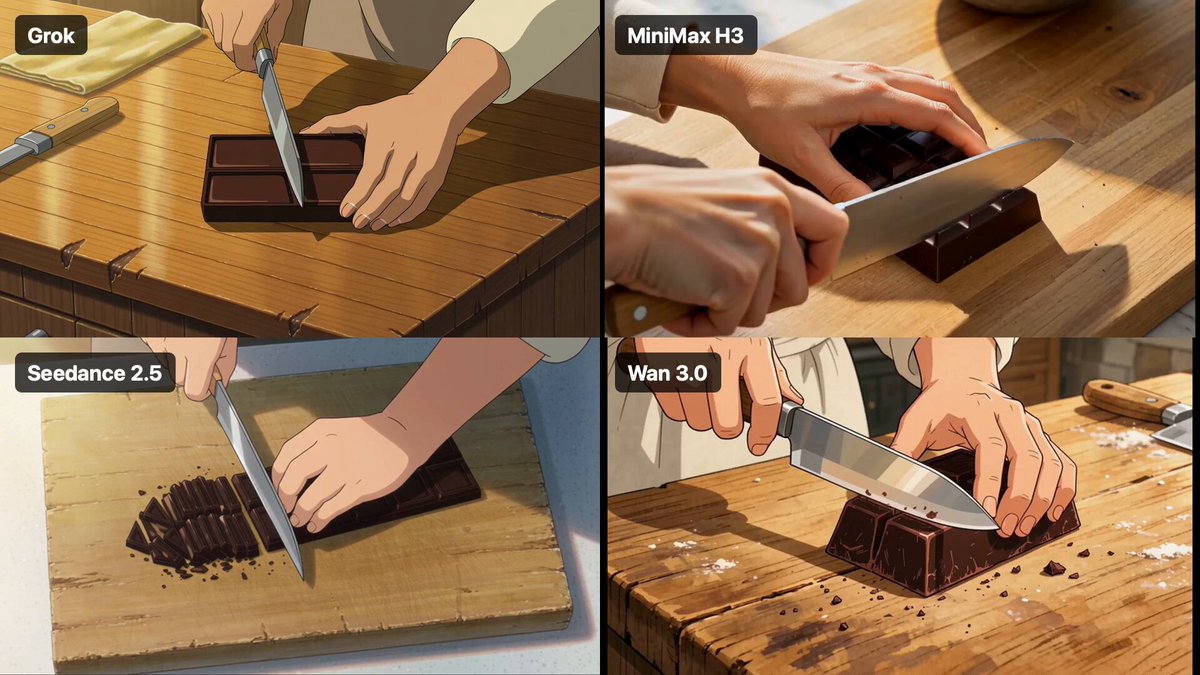
Style transfer is a different axis. Both can imitate a look, but heavy stylization usually hides model weaknesses — which is why animated, painterly, or graphic outputs are a smart place to start if you are still calibrating expectations. Photoreal humans under dramatic light remain the hardest test for any generator, and both will occasionally produce the uncanny result that audiences notice instantly.
A practical habit: judge clips at 100% zoom, on a real screen, at normal playback speed. Video that looks impressive paused often falls apart the moment it moves.
Workflow Efficiency, Iteration, and Team Fit
A model is only as good as the loop around it.
Building a review loop that does not waste renders
Generate at lower resolution and shorter duration first. Approve motion and composition before you spend time on fidelity. Most wasted generation time comes from rendering a beautiful version of a shot whose blocking was wrong from the start.
Then work in threes: three takes per prompt, pick the best, change one variable, repeat. Cap yourself at three rounds. If a shot has not converged by round three, the problem is the concept, not the model.
Asset management
Name files with the prompt version, model, and take number. Keep a running document of prompts that worked, including the seed where available. Six weeks later, that document is worth more than any subscription tier.
Team fit
- Solo creators benefit from whichever model needs fewer corrective attempts for their typical subject matter.
- Small teams benefit from standardizing on one primary model with one backup for specific shot types.
- Agencies and studios benefit from treating models as interchangeable renderers behind a consistent shot list, because client work rarely survives a hard dependency on a single vendor.
Set expectations internally before you set them externally. Clients who hear "we will generate it" assume instant perfection; clients who hear "we will draft it and refine" stay happy.
Practical Production Playbooks
Three scenarios cover most real-world use.
Short-form social video
Fast cuts, vertical framing, and strong motion. Generate three-second clips, favor punchy camera moves, and accept a slightly stylized look — it reads better on a phone and survives compression. Kling 2.2's motion handling is a natural fit for action beats and object reveals. Batch-generate a dozen clips, then cut them to a music bed rather than trying to generate a perfect sequence in order.
Product and brand spots
Here, fidelity and brand safety dominate. Start from a clean product render, animate it minimally, and keep the camera deliberate. Image-to-video with a tightly preserved source frame is usually the safest path, which favors Kling 2.2 for hero shots. Use Sora or another model for the surrounding lifestyle scenes where environmental coherence matters more than exact product detail.
Narrative previsualization
When the goal is to communicate a vision to a crew or a client, scene comprehension beats polish. Sora's tendency to build a believable surrounding world makes it strong for previz, animatics, and pitch material. Generate rough shots, cut them against temp audio, and use the sequence to win approval before any real budget is committed.
Across all three, the rule is the same: match the model to the risk. If the risky part is motion, choose accordingly. If the risky part is the environment, choose differently.
Common Mistakes and How to Avoid Them
Overloading the prompt. Five ideas in one prompt produce five half-realized ideas. Split into separate generations and cut them together.
Chasing duration. Longer clips accumulate drift. It is almost always better to generate two short clips and join them than to request one long one.
Ignoring audio. Most generated video has no usable sound. Plan for voiceover, foley, and music from the beginning, or you will be retrofitting sound into a rhythm that does not support it.
Skipping the human pass. Generated footage still needs editing, color, and pacing. The tool drafts; you direct.
Forgetting rights and likeness. Do not generate recognizable people, trademarks, or protected characters without a clear basis to do so. Policy enforcement is inconsistent and reputational risk is not.
Benchmarking with the wrong test. Comparing two models on a random prompt tells you very little. Compare them on your actual shot type, with your actual reference images, at your actual output length.
Assuming version numbers mean everything. Small updates can change behavior noticeably. Re-test your standard prompt template after any major model change before committing a project to it.
FAQ and a Decision Framework
Is one of these models objectively better?
No. They are optimized differently. One favors physical motion and source fidelity; the other favors scene comprehension and interpretive continuity. The better model is the one that needs fewer retries for your specific shot.
Can I mix outputs from both in a single edit?
Yes, and most teams do. Match color, grain, and motion blur in post, and keep an eye on frame rate and resolution consistency. Blending two models in one sequence is usually invisible when the grade is unified.
Which is easier for a beginner?
Start with whichever offers the shortest path from prompt to preview, and begin with non-photoreal subjects. Stylized animation forgives model weaknesses and teaches you prompt structure quickly.
How long should generated clips be?
Short enough to stay stable. In most workflows, three to five seconds per generation, assembled into longer sequences in the edit, produces the best quality-to-effort ratio.
Do I still need a traditional camera?
For interviews, documentary, and anything requiring genuine performance, yes. Generated video excels at inserts, transitions, environments, concepts, and previz — the connective tissue of a production.
A quick decision checklist
- Motion-heavy beat, object reveal, or product hero shot? Start with Kling 2.2.
- Complex environment, multiple characters, or story setup? Start with Sora.
- Need frame-accurate control from a still? Start with Kling 2.2.
- Need a believable world around a simple action? Start with Sora.
- Unsure? Run three takes on each with the same prompt and compare at full speed, not on a still frame.
The honest answer to "Kling 2.2 or Sora" is that the question is underspecified. Ask instead which shot you are making, what could go wrong, and which tool has the shortest path to a usable take. Answer that, and the model choice makes itself.

Alexander
More Blogs
Read MoreVidu Q4 Alternatives: 4K AI Video Models Compared (2026)
Vidu Q4 alternatives compared: Kling 4.0, Seedance 2.5, Wan 3.0, and Runway Gen-4 — 4K support, input modes, durations, audio, and what each costs in credits on Domer.
Top 4K AI Image Generators in 2026: 5 Models Compared on Real Costs
The top 4K AI image generators on Domer compared: Flux 3 Klein, Nano Banana 2.1, GPT Image 2.5, GPT Image 2, and Nano Banana Pro — 4K credit costs, reference limits, and speed.
Nano Banana 2.1 vs GPT Image 2.5: Which Image Model Should You Use? (2026)
Nano Banana 2.1 vs GPT Image 2.5 Flare compared: credit costs per resolution, aspect ratios, reference images, text rendering, and which tasks fit each model.