
Create
Master Photorealistic Video: AI Tools and Techniques for Stunning Visuals
Aug 4, 2026

Introduction
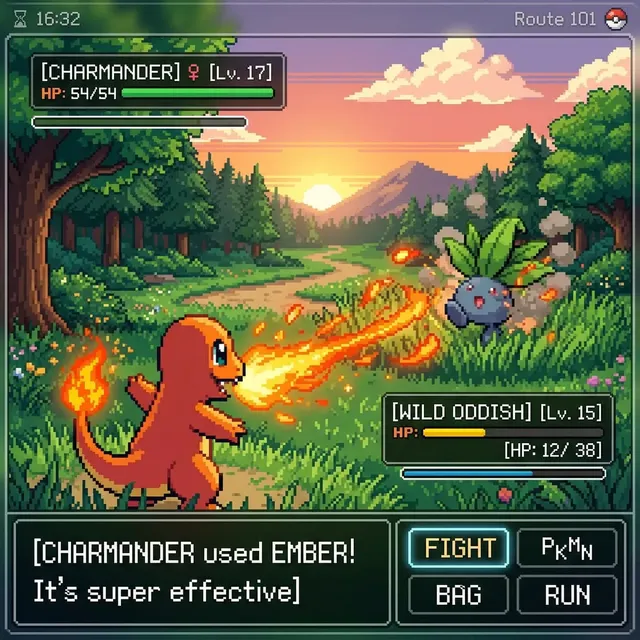
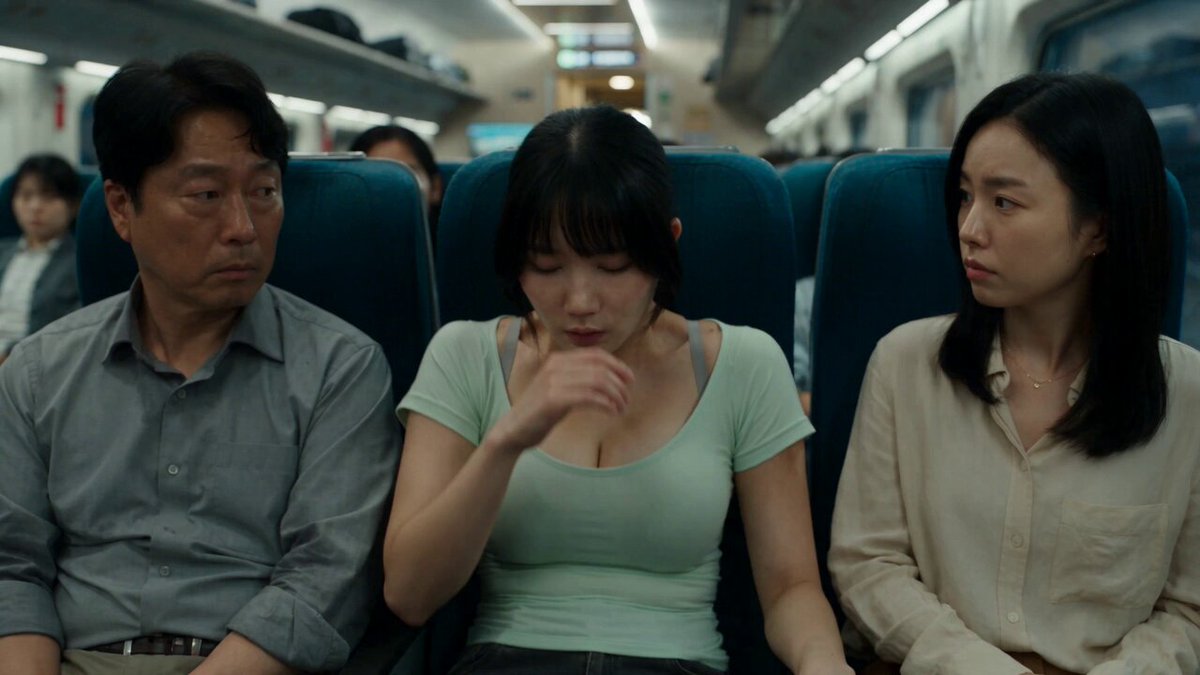
Photorealism in AI video has crossed a critical threshold. In 2025, the best AI-generated clips are so convincing that viewers often can't tell they weren't filmed with a physical camera. The secret isn't a single "magic" model — it's understanding the complete pipeline.
This guide covers everything: choosing the right model, writing effective prompts, and applying post-production techniques that push your results from "clearly AI" to "wait, that's not real?"
The Four Pillars of Photorealism
1. Physically Accurate Lighting
Light behaves according to physics. AI models that simulate:
- Global illumination: Light bounces off surfaces, not just the direct source
- Subsurface scattering: Light penetrates skin, wax, leaves
- Ambient occlusion: Contact shadows where objects meet
- Volumetric effects: Fog, dust, atmospheric haze
Produce the most convincing results. When prompting, specify lighting conditions: "overcast afternoon light", "golden hour backlight", "practical lamp as key light".
2. Material Properties
Realistic surfaces have distinct material properties. Wood absorbs, metal reflects, glass refracts. Your prompt should hint at materials:
"Worn leather jacket with subtle scratches and sheen, polished concrete floor with slight reflection, weathered wood table with visible grain"
3. Natural Motion
This is where most AI video fails. Jerky movement, physics-defying acceleration, inconsistent speed — these betray AI origin instantly.
Seedance 2.0 excels at natural, physically coherent motion. Combined with AI Video Generator, you get smooth, believable movement.
4. Lens Characteristics
Real cameras have imperfections. Adding these makes AI video feel authentic:
- Shallow depth of field (bokeh)
- Subtle lens distortion at wide angles
- Chromatic aberration on high-contrast edges
- Natural vignetting
- Film grain (yes, adding "imperfection" increases realism)
The Photorealistic Workflow
Step 1: Create Perfect Keyframes
Start with still images. Use AI Image Generator and GPT Image 2 to generate photorealistic keyframes. Create multiple — wide shot, medium shot, close-up — for the same scene setup.
Step 2: Generate Video from Keyframes
Use image-to-video generation: feed your keyframe and describe the desired motion. Being specific matters:
"Slow push-in over 5 seconds. Character remains still, only eyes moving slightly. Maintain exact lighting from reference. 24fps, shallow depth of field."
Step 3: Post-Process
Raw AI output is rarely publication-ready:
- Upscale to 4K with AI upscalers
- Apply consistent color grading via LUT
- Stabilize minor jitter
- Add subtle film grain or texture overlay
Model Selection Strategy
Different shots need different models:
- Close-ups of faces → prioritize texture detail and skin rendering
- Wide landscapes → prioritize environmental coherence and atmospheric effects
- Fast action → prioritize motion smoothness
- Static beauty shots → prioritize resolution and detail
Domer provides access to multiple models through one platform, making this strategic switching seamless.
Common Mistakes
- Too much camera movement: In real cinematography, the camera often stays still. Excessive movement screams AI.
- Ignoring physical constraints: Water flows downhill. Wind moves light objects. Respect physics.
- Perfect everything: Real footage has imperfections. Embrace them.
Conclusion
Photorealistic AI video is not about finding the perfect model — it's about mastering the pipeline. Keyframes → generation → post-production. Each step amplifies the previous one.
Start your photorealistic journey on Domer.

Alexander
More Blogs
Read MoreVidu Q4 Alternatives: 4K AI Video Models Compared (2026)
Vidu Q4 alternatives compared: Kling 4.0, Seedance 2.5, Wan 3.0, and Runway Gen-4 — 4K support, input modes, durations, audio, and what each costs in credits on Domer.
Top 4K AI Image Generators in 2026: 5 Models Compared on Real Costs
The top 4K AI image generators on Domer compared: Flux 3 Klein, Nano Banana 2.1, GPT Image 2.5, GPT Image 2, and Nano Banana Pro — 4K credit costs, reference limits, and speed.
Nano Banana 2.1 vs GPT Image 2.5: Which Image Model Should You Use? (2026)
Nano Banana 2.1 vs GPT Image 2.5 Flare compared: credit costs per resolution, aspect ratios, reference images, text rendering, and which tasks fit each model.