

Modern Video Production: Tech Tips from Command Line to Creative Control
Aug 3, 2026


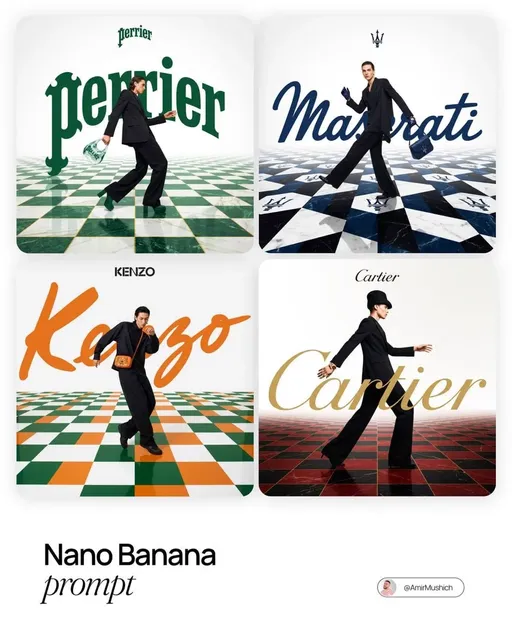
The Technical Side of Creativity
Great video production isn't just about creative vision — it's about efficient workflows. The best creators pair artistic talent with technical systems that let them produce more, faster, without sacrificing quality.
In 2025, the line between "creative" and "technical" has blurred. AI video tools handle the heavy lifting, but smart workflow design is what separates pros from hobbyists.
Tip 1: Build a Prompt Library
Why It Matters
Every minute spent rewriting prompts from scratch is a minute not spent on creative decisions. Build a structured prompt library:
- Category folders: Product demos, landscapes, character scenes, abstract visuals
- Variable slots: Mark places where you swap in project-specific details
- Success notes: Track which prompts performed best and why
Template Example
[CINEMATIC STYLE] + [SUBJECT: ___] + [ACTION: ___] + [LIGHTING: golden hour] + [CAMERA: tracking shot]
Use Text-to-Video to test templates rapidly.
Tip 2: Master the Hybrid Pipeline
Don't Use One Tool — Use All of Them
The best results come from combining:
- AI Image Generator for concept art and keyframes
- Image-to-Video for controlled scene transitions
- Kling 3.0 for action and movement
- Seedance 2.0 for premium final renders
The Pipeline
Concept → Keyframe → Rough Cut → Premium Render → Final Edit
Each step uses the right tool for the job.
Tip 3: Automate Repetitive Tasks
What to Automate
- File naming and organization: Consistent naming saves hours of searching
- Batch rendering: Queue multiple videos overnight
- Format conversion: Auto-convert 16:9 to 9:16 for social media
- Quality checks: Scripted validation of resolution, duration, and format
Tools for Automation
Most Domer AI tools support batch operations. Use them to process projects while you sleep.
Tip 4: Version Control Your Creative Work
Treat Videos Like Code
- Keep multiple versions of every project
- Tag successful outputs with metadata
- Build on proven templates rather than starting fresh each time
- Document what worked (and what didn't)
Tip 5: Optimize Your Hardware and Network
The Bottlenecks
- Render time: Use cloud rendering for heavy projects
- Storage: 4K video eats space — plan your storage architecture
- Upload speed: Compress smart, not hard — quality matters
The Pro Mindset
Systems Over Heroics
Amateurs rely on inspiration. Professionals rely on systems. Build workflows that:
- Work even when you're tired
- Scale with your ambition
- Capture lessons from every project
Measure Everything
Track: time per video, cost per minute, approval rates, iteration cycles. What gets measured gets improved.
Quick Wins for This Week
- Create a prompt template library (30 minutes)
- Set up a file naming convention (15 minutes)
- Test Domer's batch features (1 hour)
- Document your current workflow end-to-end (45 minutes)
The Bottom Line
Creativity gets you started. Systems keep you going. Invest in your technical workflow as seriously as you invest in your creative skills — your future self will thank you.

Alexander
More Blogs
Read MoreVidu Q4 Alternatives: 4K AI Video Models Compared (2026)
Vidu Q4 alternatives compared: Kling 4.0, Seedance 2.5, Wan 3.0, and Runway Gen-4 — 4K support, input modes, durations, audio, and what each costs in credits on Domer.
Top 4K AI Image Generators in 2026: 5 Models Compared on Real Costs
The top 4K AI image generators on Domer compared: Flux 3 Klein, Nano Banana 2.1, GPT Image 2.5, GPT Image 2, and Nano Banana Pro — 4K credit costs, reference limits, and speed.
Nano Banana 2.1 vs GPT Image 2.5: Which Image Model Should You Use? (2026)
Nano Banana 2.1 vs GPT Image 2.5 Flare compared: credit costs per resolution, aspect ratios, reference images, text rendering, and which tasks fit each model.