
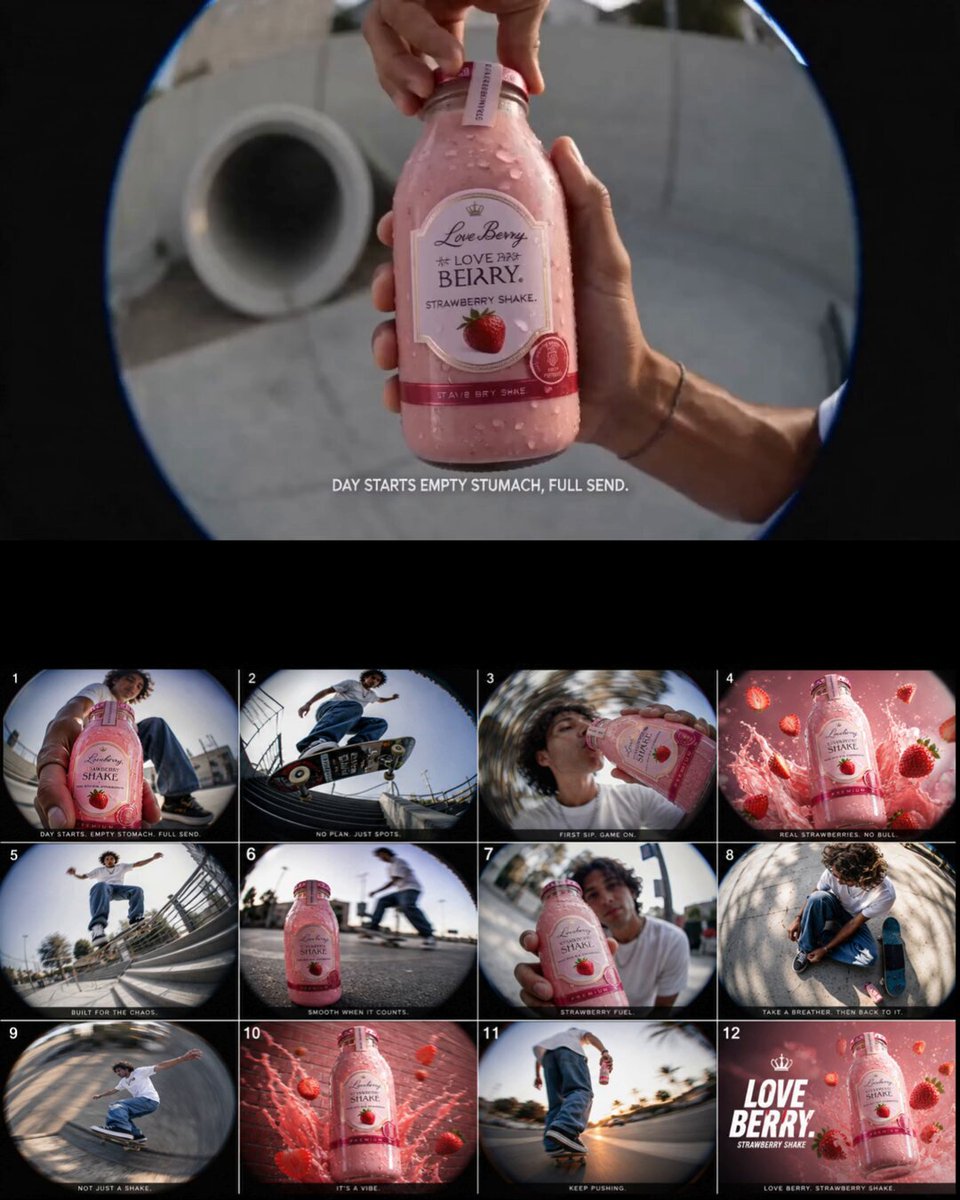
Next-Gen AI Video Compared: Sora, Runway, and Beyond
Oct 1, 2026
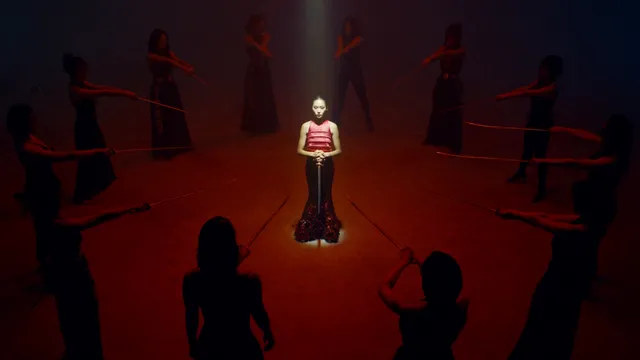

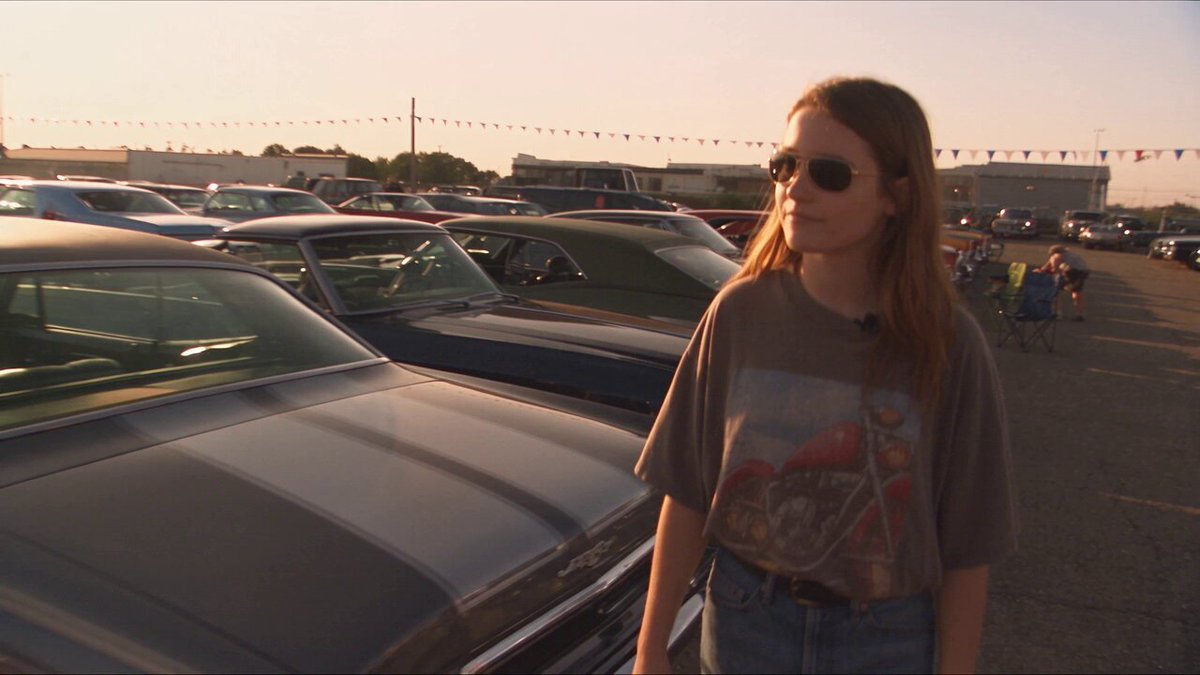
AI video generation stopped being a novelty the moment directors started treating it as a plate-generation tool rather than a slot machine. The real question is no longer whether a model can produce a striking five-second clip — most can — but whether it can hold a character's face steady across six shots, respect camera language, and survive an edit that a client will actually approve. That shift in expectations is what separates today's tools from the first wave of demos.
The Three Axes That Separate AI Video Tools
Every comparison that reduces video models to a single ranking misses the point. In practice, tools diverge along three axes, and almost no model leads on all three.
Axis one is simulation fidelity. This covers physics, lighting behavior, and how convincingly the model reproduces the world: gravity on fabric, reflections in wet asphalt, the way a hand interacts with a door handle. Models trained on large-scale video corpora tend to score higher here, producing footage that reads as photographed rather than synthesized.
Axis two is directorial control. A model can be visually stunning and still be frustrating if it ignores a request for a slow dolly-in, a locked-off wide, or a specific lens. Control includes image conditioning, camera directives, motion brushes, and how gracefully the tool accepts revisions.
Axis three is operational fit. Rendering speed, resolution ceilings, clip duration, output formats, API access, price per second of generated footage, and licensing terms determine whether a model is usable inside a production pipeline or only in a sandbox.
A model that wins the demo reel often loses the production. Sora earns its reputation through simulation depth. The Runway family, from Gen-2 through its later iterations, earns its keep through control and editing affordances. Open and regional alternatives such as Kling, Luma Dream Machine, Pika, and Wan compete on cost, speed, and specific stylistic strengths. The productive move is not picking a winner but mapping each tool to a job.
Model-by-Model Reality Check
Cinematic World Simulation
When you need a shot that feels like it came from a camera crew, simulation-heavy models are the starting point. Prompts describing real environments — a rain-slicked market street at dusk, a cargo ship cutting through fog — tend to resolve into coherent geography with believable depth cues. Movement has weight. Water behaves like water.
The tradeoff is latency and predictability. Long renders and limited takes encourage careful prompt writing, which is good discipline but slow for exploratory work. These models are best reserved for hero shots: the opening image, the product reveal, the establishing frame that anchors a sequence.
Stylized Control and Editing
Tools built around iterative editing shine when the goal is revision rather than raw generation. Image-to-video conditioning lets you feed a locked frame and animate it. Motion controls let you isolate a subject and push it in a direction. Style references let you maintain a palette across a sequence.
This is the practical home of most commercial work. A brand campaign rarely needs a fully simulated ocean; it needs twelve consistent variations of a product on a rotating pedestal, each with slight lighting differences, delivered by end of day. Editing-first tools win that brief.
Fast Iteration and Volume Work
Some models are simply cheap, fast, and good enough. They generate a usable clip in under a minute and let you test fifty prompt variations before lunch. Quality plateaus below the leaders, but the volume advantage is enormous for storyboarding, animatic creation, and social-first content where the frame is small and the scroll is fast.
Treat these as your sketch layer. Block the sequence in a fast model, then rebuild only the shots that earn it in a premium one.
Temporal Consistency: The Real Quality Metric
Object Permanence and Physics
Object permanence is the ability of a model to keep a prop, garment, or background element unchanged as the camera moves. When it fails, you get a coffee cup that changes shape mid-pan or a jacket whose zipper migrates. Physics failures are more subtle: feet that slide, liquid that ignores gravity, doors that bend.
Evaluate models with a deliberate stress test. Generate the same shot three times with identical seeds where supported. Then generate a camera move across a scene with three distinct objects and watch whether each survives the move. Ten minutes of testing tells you more than any leaderboard.
Character Persistence Across Shots
Character consistency is the hardest problem in AI video and the one most likely to stall a project. Face drift across cuts destroys the illusion faster than any other artifact.
The most reliable current approaches combine several techniques:
- Reference conditioning. Feed the model a canonical portrait plus a full-body reference and reuse those references in every shot prompt.
- Shot economy. Reduce the number of angles showing the face. A sequence built from over-the-shoulder shots, hands, and silhouettes is far easier to keep coherent.
- LoRA or custom training. For recurring characters in a series, fine-tuning on a curated image set gives far better stability than prompt-only methods.
- Post-production repair. Face-swap or compositing passes in dedicated tools can rescue a shot whose only flaw is an inconsistent face.
Plan for persistence at the script stage. If a character must be seen clearly in fourteen shots, budget time for repair or consider casting the character as a voiceover presence with limited on-screen footage.
Prompting Like a Director, Not a Search Engine
Shot Language Models Actually Parse
The single biggest quality upgrade available to most creators is not a new model — it is better shot description. Models respond well to structured prompts that answer predictable questions:
- Subject: who or what, with specific visual detail.
- Action: one primary motion, described in plain verbs.
- Camera: shot size and movement — wide static, medium handheld, slow push-in, orbit.
- Environment: location, time of day, weather, key light direction.
- Look: lens character, film stock reference, contrast, color bias.
- Mood: emotional register in a single clause.
A prompt written this way reads like a shot list entry and produces far more consistent output than a poetic paragraph. Keep each clause short. Models weight early tokens more heavily, so lead with the subject and the action.
Blocking, Motion, and Negative Constraints
Motion is where prompts get sloppy. "She walks through the market" invites the model to invent camera behavior. "She walks left to right at a steady pace, camera tracks alongside at chest height" constrains it. Specify direction, speed, and whether the camera is locked, tracking, or handheld.
Negative constraints deserve caution. Many models handle "no text, no watermark, no extra limbs" reasonably, but long lists of negations can degrade overall coherence. Prefer affirmative descriptions of what you want. Say "clean plain background" rather than "no clutter."
Finally, version your prompts. Save every prompt alongside its seed and output. When a shot works, you want to reproduce the conditions, not rediscover them.
A Practical End-to-End Workflow
Script and Shot List First
The temptation to start generating before the script is locked is the number one cause of wasted budget. Write the sequence in shots. For each shot, note duration, framing, subject, action, and the audio bed. Mark which shots need a recognizable face and which can be handled with hands, silhouettes, or landscapes.
This step also reveals where AI video is the wrong tool. A two-second insert of a hand opening a drawer is often cheaper to shoot practically than to generate and repair.
Generate Plates, Then Coverage
Generate in order of risk. Start with the shots that must be perfect — the hero frame, the reveal, the emotional close-up. If those fail after several attempts, the concept needs adjusting before you invest in the rest.
Once the hero shots are locked, use their style references to generate coverage: reverses, inserts, establishing wides, and transition frames. Feed a still from a successful shot back in as an image prompt for adjacent shots. This is the cheapest way to maintain lighting and color continuity across a sequence.
Assemble, Upscale, Finish
Assemble in a standard editor — DaVinci Resolve, Premiere, or Final Cut. AI clips arrive at inconsistent resolutions and frame rates, so normalize immediately: conform everything to a single timeline setting before you fall in love with an edit.
Upscaling is usually necessary. Dedicated upscalers handle the soft edges and micro-flicker that video models produce better than generic resampling. Apply noise reduction sparingly, then add a light film grain pass to unify clips from different models — grain masks small differences in sharpness and texture remarkably well.
Audio, Voice, and the Sound Layer
Silent AI video feels like a tech demo. Sound is what makes it feel like film.
Build the audio in three passes. First, dialogue or narration using a voice tool with consistent speaker identity across lines. Second, ambience and foley — room tone, footsteps, cloth movement, weather. Third, music, cut to the edit rather than laid over it.
Watch for timing mismatches. AI video rarely delivers lip sync, so either avoid on-camera speech, generate a hero shot with a locked mouth position and dub over it, or use dialogue as off-screen narration while the visuals carry action. Many strong AI films lean on voiceover precisely because it sidesteps the sync problem.
Cost Control Without Sacrificing Quality
Resolution and Duration Budgeting
Generation cost scales with resolution, duration, and number of attempts. Attempts are the hidden multiplier: a shot that takes nine tries costs nine times the estimate.
Practical rules that hold up:
- Generate at the lowest resolution that survives final delivery, then upscale.
- Keep clips short. Three to five seconds per generation, stitched in the edit, is almost always cheaper and more controllable than one twelve-second render.
- Use a draft model for exploration and a premium model only for final shots.
Draft-First Batching
Batch your iterations. Write twenty prompt variants for a single shot, generate all twenty at low resolution, then pick two to refine. This costs less than three premium attempts and gives you far more creative options.
Track spending per sequence, not per project. When one sequence consumes most of the budget, that is a signal the concept is fighting the tool and should be simplified.
Common Mistakes That Wreck AI Video Projects
Overloading the prompt. Five competing ideas in one prompt produce mush. One shot, one idea.
Skipping the shot list. Generating without a plan creates beautiful orphan clips that never cut together.
Ignoring frame rate and resolution drift. Mixing outputs without conforming them creates judder that no amount of color grading fixes.
Chasing continuity in post. Fix face drift at generation time, not in the edit. Every repair pass compounds quality loss.
Using AI for everything. Practical footage, stock, screen recordings, and motion graphics all blend seamlessly with generated shots and often cost less.
Forgetting the cut. AI clips are usually strongest in their first two seconds and weakest at the end. Cut before the artifacts arrive.
Choosing Your Stack: Decision Criteria
Match tools to the job rather than committing to one platform:
- Hero cinematic shots: a simulation-strong model with strong physics and lighting.
- Brand and product sequences: an editing-first tool with image conditioning and style references.
- Storyboards and social volume: a fast, inexpensive model.
- Recurring characters: open-weight models you can fine-tune locally, paired with post-production repair.
- Long-form narrative: a hybrid pipeline where generated shots intercut with practical footage.
For a small team, two tools plus one upscaler and one voice generator covers most briefs. Resist the urge to add a fifth model; depth in two tools beats shallow familiarity with six.
FAQ
How many attempts should a shot take before I change approach?
If three well-written, structurally different prompts fail, the problem is usually the concept, not the prompt. Simplify the action, change the shot size, or replace the shot entirely.
Can AI video hold a consistent character across a full short film?
With reference conditioning, careful shot design, and some post-production repair, yes — but expect the character to appear in fewer shots than a conventional film would allow. Necessity produces stylistically interesting work.
Is a premium model always worth the extra cost?
For hero shots, usually. For coverage, inserts, and background plates, a mid-tier model is often indistinguishable after grading and grain.
What resolution should I deliver?
For social, 1080p vertical is sufficient and cheap. For client work or anything headed to a large screen, generate at the highest supported resolution for hero shots and upscale the rest.
Do I need to learn prompt engineering as a formal skill?
You need shot-list literacy. If you can describe a shot to a cinematographer — framing, movement, light, action — you can prompt a video model. The vocabulary transfers almost directly.
How do I keep style consistent across a sequence?
Lock three things: a color reference still, a lighting description you reuse verbatim, and a lens clause. Feed the same reference image into every adjacent shot. Consistency comes from repetition of constraints, not from luck.

Alexander
More Blogs
Read MoreThumbnail efficaci per TikTok e YouTube: guida pratica
Come progettare thumbnail che fermano lo scroll: strumenti, workflow, criteri di test e ottimizzazione per TikTok e YouTube, con esempi pratici.
Cómo descargar portadas de Reels de Instagram con criterio
Guía práctica para descargar, elegir y reutilizar portadas de Reels de Instagram sin perder calidad, con flujos de trabajo, errores y consejos de diseño.
AI Voiceover and Music Workflows for Better Video Sound
Build a repeatable workflow for AI voiceover and generated music: script prep, voice selection, mixing levels, loudness targets, and QA checks.