
Pixel Processing: Creating Unique Visual Styles with AI Image Generation
Aug 5, 2026

Why Visual Style Matters More Than Ever
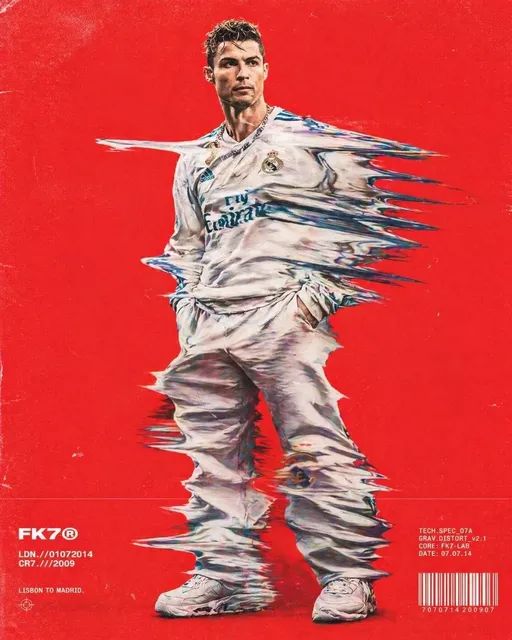
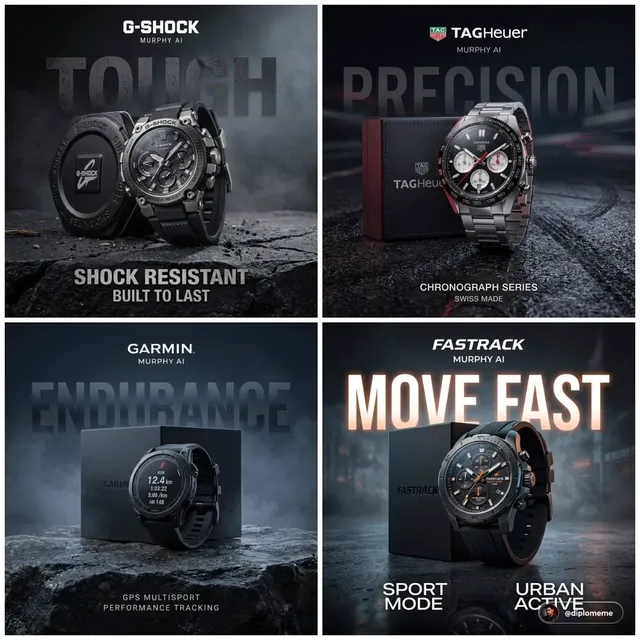
In a world drowning in AI-generated content, having a recognizable visual style is your competitive advantage. When everyone can generate "a beautiful landscape" or "a professional headshot," the creators who stand out are those with a signature aesthetic.
Pixel processing — deliberately constraining or stylizing AI output through pixel-level manipulation — is one of the most underutilized techniques for achieving this.
What Is Pixel Processing?
Pixel processing refers to techniques that control the visual output at the pixel level, rather than relying solely on text prompts. This includes:
- Resolution constraints: Forcing output at specific pixel dimensions (e.g., 64x64 for retro pixel art)
- Color palette limitation: Restricting to 8, 16, or 32 colors
- Dithering patterns: Applying specific pixel distribution algorithms
- Block-based rendering: Creating Lego-like or Minecraft-like aesthetics
Why It Works
The human brain is drawn to novelty within constraints. A photorealistic AI image is impressive but forgettable. The same scene rendered as Lego-style pixel art? That's memorable. It triggers nostalgia, curiosity, and delight.
How to Create Pixel-Style Content
Step 1: Generate Your Base Image
Start with the AI image generator to create your base composition. Describe what you want in the scene clearly.
Step 2: Apply Style Constraints
In your prompt, add style modifiers:
- "Lego brick style, blocky, plastic texture"
- "8-bit pixel art, limited palette"
- "Isometric pixel art, game asset style"
Step 3: Refine with Premium Models
GPT Image 2 excels at understanding complex style instructions. It can maintain the pixel/block aesthetic while delivering professional-quality composition.
Step 4: Animate for Extra Impact
Take your pixel creations into motion with Seedance 2.0. A Lego-style character walking or a pixel-art landscape with animated clouds creates incredible engagement.
Use Cases
Social Media Content
Pixel art thumbnails and short animations perform exceptionally well on platforms favoring colorful, distinctive visuals.
Brand Identity
A consistent pixel/Lego aesthetic across your content builds instant brand recognition. Viewers scroll, see your style, and know it's you.
Educational Content
Complex concepts become approachable when rendered in playful pixel or block styles. Technical tutorials, explainers, and how-to content benefit enormously.
Pro Tips
- Don't overdo it — use pixel styling for key moments, not entire videos
- Pair pixel visuals with modern typography for interesting contrast
- Test your pixel art at actual display size — what looks good zoomed in may not work at thumbnail size
- Build a style guide: define your palette, typical compositions, and "rules" for consistency
The Bottom Line
In the AI content era, visual distinctiveness is everything. Pixel processing gives you a toolkit for creating content that doesn't just compete — it stands apart. The AI video generator makes it easy to experiment with different styles until you find the one that's uniquely yours.

Alexander
More Blogs
Read MoreMontaggio video rapido: transizioni e software per l'AI
Guida pratica al montaggio video rapido con AI: transizioni fluide, software, workflow, coerenza visiva, errori da evitare e FAQ operative.
Building an AI Video Production Workflow From Concept to Cut
A practical guide to planning, generating, editing, and finishing AI-assisted videos with consistent characters, clear shot lists, and reliable review loops.
A Repeatable Post-Production Workflow for Polished AI Video
Build a repeatable AI video post-production pipeline: organize assets, cut story-first, design transitions, refine audio, and review versions calmly.