
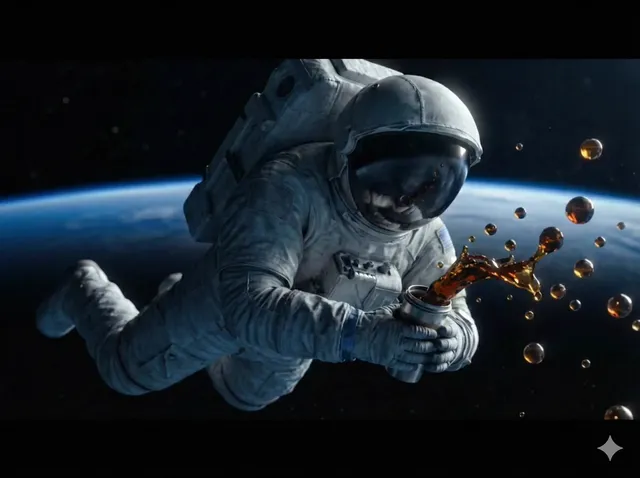
PixVerse vs MiniMax Hailuo: AI Video Generator Comparison
Oct 13, 2026
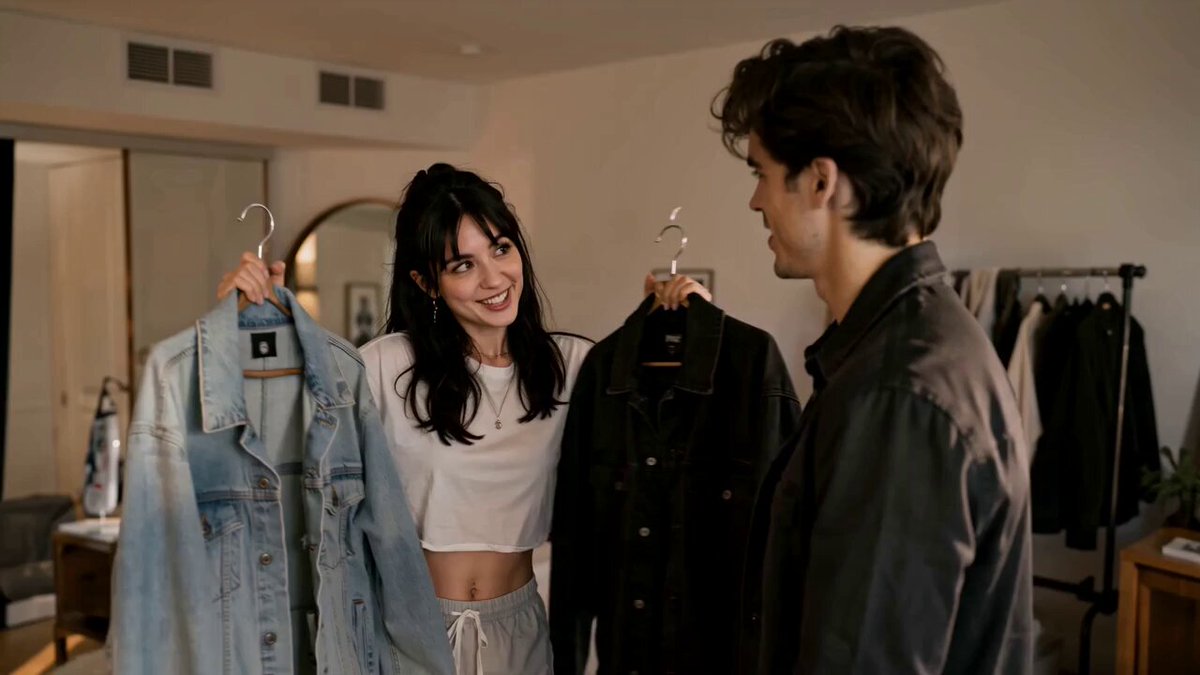
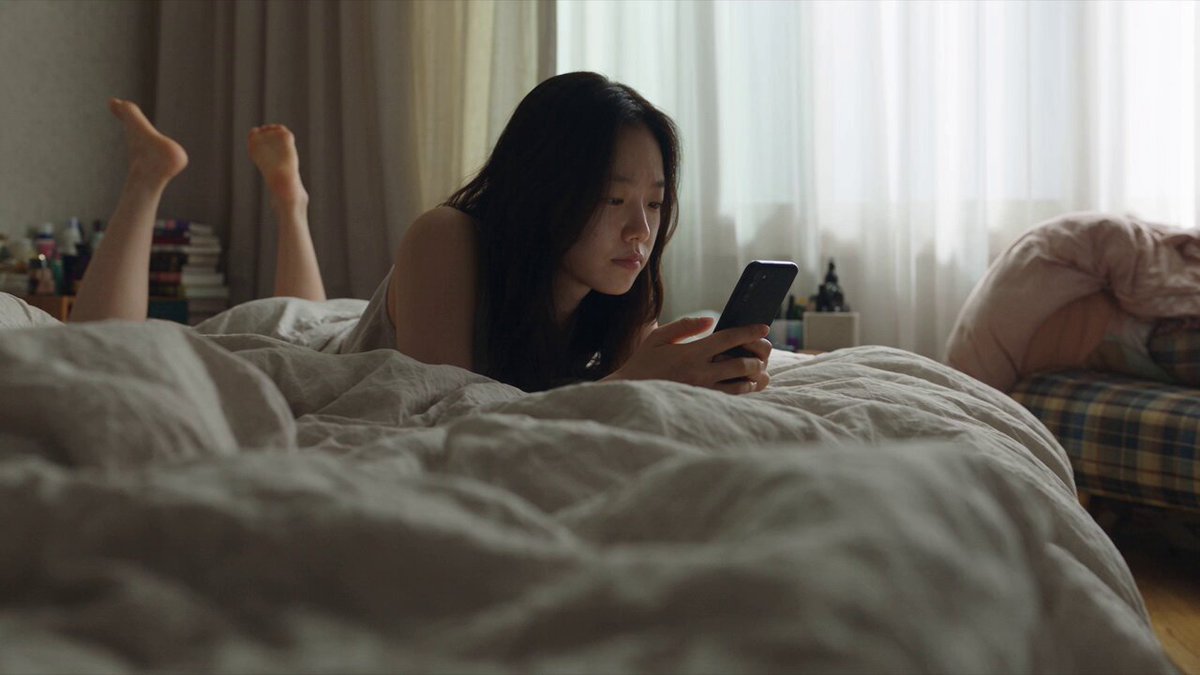
Video generation tools have quietly split into two camps: engines that chase visual polish and engines that chase controllability. PixVerse and MiniMax's Hailuo series sit on different sides of that divide more often than their marketing pages suggest, and choosing between them is rarely about which one is "better." It is about which failure mode you can live with on a given shot, and how much iteration time you are willing to spend getting there.
This comparison walks through how both engines behave in real production conditions: how they read prompts, how they handle first-frame images, where motion breaks down, and how to build a repeatable workflow around whichever one you pick. There is no single winner here. There is a decision framework, and a set of habits that make either engine dramatically more useful.
The Landscape in Plain Terms
Modern video models are built on diffusion transformers and related architectures that predict frames in sequence rather than one image at a time. That shift is what finally made coherent motion possible at consumer-accessible speeds. The practical consequences are worth spelling out, because they explain almost every difference you will notice between PixVerse and Hailuo.
First, temporal consistency is the hard problem. A model can produce a gorgeous single frame and still fail the moment that frame has to stay recognizable for three seconds. Second, physical plausibility is separate from aesthetics: an engine can render beautiful skin texture while making a coffee cup phase through a hand. Third, control mechanisms matter more than raw fidelity once you move past experimentation. A slightly softer render that obeys your camera instruction beats a razor-sharp render that ignores it.
Both engines are strong at the first problem in many scenes and inconsistent at the second. The gap between them shows up in how they handle the third.
Core Comparison: Text-to-Video and Image-to-Video
How each engine reads a text prompt
PixVerse tends to lean into stylization and cinematic framing. Give it a short, evocative prompt and it often produces something that looks like a trailer shot: shallow depth of field, dramatic light, deliberate camera drift. That is a strength for mood pieces and a liability for anything that requires a specific action sequence, because the model will happily invent drama you did not ask for.
Hailuo tends to reward explicit, sequential description. Prompts that name the subject, the action, the camera, and the environment in order usually map more literally onto the output. If you want a person to walk three steps and then turn, saying so plainly works better than implying it through atmosphere.
The practical takeaway: write for the engine you are using. A prompt tuned for PixVerse will look flat in Hailuo, and a prompt tuned for Hailuo will look over-constrained in PixVerse.
Image-to-video and first-frame fidelity
Image-to-video is where most real work happens, because it lets you control composition before you spend generation time. The workflow is simple: create or select a still, then ask the model to animate it.
PixVerse generally preserves the overall look and color grade of the input frame well, and it is fairly willing to introduce movement into elements that were static. That willingness is a double-edged sword. Background details sometimes start drifting or morphing without being asked.
Hailuo often shows stronger first-frame adherence, particularly with faces. If your input image has a specific expression or an unusual angle, it is more likely to survive. The trade-off is that motion can be more conservative, so you may need to push the prompt harder to get a dynamic result.
A useful test before committing to either: animate a portrait still with a simple prompt like "subject turns slightly toward camera, subtle wind in hair." Whichever engine keeps the face stable across the full clip is the one to use for dialogue-adjacent shots.
Motion realism and physical plausibility
Neither engine is a physics simulator. Both can produce objects that slide, cloth that behaves like paper, or liquids that flow uphill.
Where they differ is the frequency and type of error. PixVerse errors often show up as over-stylized motion: exaggerated speed, dramatic swoops, characters moving faster than the scene implies. Hailuo errors more often show up as under-motion or abrupt transitions: a subject that starts a movement and then snaps into a different pose.
The right response is not to fight it but to design around it. Short, single-action clips in the 3-5 second range hide more problems than long continuous takes. Cut on the movement rather than trying to sustain it.
Audio, lip sync, and native sound
Native audio generation has become a differentiator rather than a novelty. If a model can produce ambient sound or approximate dialogue synced to a mouth, it saves a whole post-production pass. Both ecosystems have moved in this direction with varying support across model versions.
For most projects, though, treat generated audio as a scratch track. Dialogue-heavy content still benefits from recording or synthesizing voice separately and syncing in the edit. Ambient beds generated by the model are usually usable; spoken lines are the part that needs verification.
Model Lineups: What Each Generation Actually Changes
PixVerse
PixVerse has iterated through several major versions, each tightening motion coherence and adding stylistic options. The general pattern across releases: better handling of multi-subject scenes, improved camera instruction adherence, and more consistent identity retention across a clip.
Older versions still have uses. If you want a more painterly, less literal look, an earlier model sometimes delivers it faster than trying to coax a newer one into the same aesthetic with prompt gymnastics.
MiniMax Hailuo
The Hailuo line has followed a similar arc, with newer generations improving physical plausibility and character consistency. Later versions in particular tend to handle complex interactions — two people, an object being passed between them, a camera move around a subject — with fewer structural collapses.
Hailuo's reputation centers on motion quality and prompt adherence, and in many head-to-head tests on dynamic action it holds up. Where it is less forgiving is extreme stylization; the model's realism bias is strong.
Practical rules for version selection
- Match the version to the shot, not to the release date. Newer is not automatically better for a stylized sequence.
- Keep a record of which version produced which approved clip. Reproducing a look months later is much harder if you do not.
- When a shot fails repeatedly, change the model before you rewrite the prompt a fifth time.
Prompting Techniques That Transfer Across Both Engines
The five-part shot prompt
A structure that works in both tools:
- Subject — who or what, with one or two defining details.
- Action — a single, continuous movement expressed as a verb.
- Camera — static, slow push in, tracking left, handheld, drone rise.
- Environment — location, time of day, weather, key light direction.
- Look — film stock, lens, color treatment, animation style.
Example: "A produce vendor in her sixties lifts a crate of oranges onto a wooden stall, medium shot, camera slowly pushes in, morning market with warm side light, 35mm film grain, muted warm palette."
That prompt gives the engine a subject, one action, one camera instruction, a location, and a look. Anything beyond that competes for the model's attention.
Prompt examples by engine
For PixVerse, compress: "Cinematic close-up of a rally car drifting through gravel, low angle, dust in golden light, anamorphic flare."
For Hailuo, sequence: "A rally car enters frame from the left, drifts around a gravel corner, exits right. Low camera angle, dust trailing behind, golden hour light."
Same shot, different grammar. The PixVerse version sets a mood; the Hailuo version blocks a movement.
Negative prompts and iteration loops
Not every interface exposes negative prompting, but when it does, use it surgically. Blanket negatives like "no artifacts" accomplish almost nothing. Targeted ones work: "no camera shake," "no text overlay," "no extra people," "no morphing hands."
Change one variable per generation pass. If you alter the camera instruction, the lighting, and the subject description simultaneously and the result improves, you have learned nothing you can reuse.
Style Fit: Anime, Cinematic, Product, and Social Clips
Anime and illustration. PixVerse generally adapts more readily to illustration styles, holding line work and flat color regions without trying to add photoreal texture. Hailuo can do it, but tends to push toward realism unless the input frame is strongly stylized.
Cinematic live action. Both are capable. Hailuo's motion quality often gives it an edge in action and human performance; PixVerse's look design often wins on atmosphere shots with little movement.
Product and food. This is a controllability contest. Slow, precise camera moves around a static object favor whichever engine follows instructions most literally. Generate a 3-second orbit test on both and compare edge stability on the product label.
Social-first vertical clips. Fast turnaround matters more than perfection. Pick the engine with the shorter iteration loop in your setup, and lean on punchy single-action shots that hide temporal weaknesses.
A Practical End-to-End Workflow
1. Script and shot list
Write the video as a list of shots with durations, not as paragraphs. A 30-second piece is usually 8-12 shots. Mark which shots must be generated and which can be stock, screen recording, or stills with a Ken Burns move. Generating everything is a common and expensive mistake.
2. Keyframes
Produce stills for every generated shot before touching the video model. Composition errors are cheap to fix here and expensive to fix later. Lock aspect ratio at this stage too — upscaling or reframing after generation degrades the result.
3. Generation passes
Run each shot through the chosen engine three to five times with small prompt variations. Do not evaluate in the interface. Download and review on a timeline, because a clip that looks impressive in isolation often reads as a jump cut next to its neighbors.
4. Selection and repair
Pick the best take per shot. For shots that nearly work, try a different model version rather than discarding the idea. For shots that keep failing, simplify: shorten the duration, reduce to one action, or replace with a different shot entirely from your list.
5. Edit and finish
Cut on motion. Color-match across shots — generated clips from different prompts will have different grades even within one engine. Add sound design; a simple whoosh or ambient layer does more for perceived quality than another round of generation.
Troubleshooting: The Failures You Will Actually Hit
Warping and melting subjects
Usually caused by too much movement in too few frames, or by a subject that occupies a small part of the frame. Fixes: shorten the clip, move the camera closer in the source image, and avoid prompts that describe more than one action.
Flicker and texture crawl
Fine textures — gravel, foliage, knitwear, hair — are the usual culprits. Slight softening of the source image before generation often reduces it. Some interfaces expose a motion strength or consistency control; lower it and accept less movement.
Text, logos, and signage
Generated text is unreliable in both engines. If a sign must read correctly, composite it in post. If a logo appears on a t-shirt, generate the shirt blank and add the logo in the edit.
Hands, faces, and crowds
Hands remain the most common break point, especially in close-up. Frame them out, keep them still, or place them at the edge of frame. Crowds are simpler than they look — distant background figures are usually fine; two foreground people interacting are the hard case.
Continuity across shots
Generated clips rarely match each other by default. Establish a color reference, reuse the same subject description verbatim, and keep lighting direction consistent between prompts.
Speed, Resolution, and Realistic Constraints
Generation time varies widely by resolution, clip length, and current demand. A practical habit: batch your experiments at the lowest usable resolution, then re-run only the approved shots at final quality. Rendering a full-quality pass on a shot you will discard is the single most common waste of time in AI video work.
Plan for a 3:1 to 5:1 generation-to-usable ratio on simple shots, and much worse on complex ones. Budget accordingly. If your project has a fixed deadline, cut shot count before cutting quality — a tight eight-shot sequence beats a sprawling twenty-shot one that never finishes.
Decision Framework: Matching the Engine to the Project
| Project type | Better starting point | Why |
|---|---|---|
| Atmospheric mood shots | PixVerse | Strong look design with minimal prompt effort |
| Action and human movement | Hailuo | Better motion plausibility |
| Illustration and anime | PixVerse | Holds stylization without realism creep |
| Dialogue-adjacent close-ups | Hailuo | Stronger first-frame and face retention |
| Rapid social iterations | Either — pick your faster loop | Throughput beats marginal quality |
| Product turntables | Test both on one label shot | Instruction adherence is the deciding factor |
A simple rule: if the shot's value comes from how it looks, start with PixVerse. If it comes from what happens, start with Hailuo. Then verify with one test clip rather than trusting the rule blindly, because model updates shift these tendencies over time.
FAQ
Can I mix both engines in one video?
Yes, and you probably should. Color-match in the edit and keep a consistent lens and grade language across prompts. Most audiences will not notice which shot came from which engine if the lighting and motion cadence stay consistent.
Which one is better at image-to-video?
Hailuo tends to preserve the input frame more faithfully, especially faces. PixVerse tends to produce more visually interesting movement from a static image. Choose based on whether you need fidelity or dynamism.
Do I need a powerful computer?
No — both run as hosted services. Editing generated clips does benefit from a machine that can handle proxy workflows, but generation itself is off-device.
How long should my clips be?
Start at 3-4 seconds. Extend only when the shot genuinely needs it, and prefer joining two short clips over generating one long one.
Why does my prompt work once and fail the next time?
Generation is stochastic. Seed variation, server-side model updates, and prompt ambiguity all play a role. Keep prompts specific and save the ones that consistently work as reusable templates.
Is it worth learning both?
Yes. The prompt grammar you develop for one translates surprisingly well, and having a second engine available turns a blocked shot into a ten-minute detour instead of a redesign.
Bringing It Together
The PixVerse versus Hailuo question resolves fastest when you stop looking for an overall winner and start matching engines to shot types. PixVerse rewards mood, stylization, and cinematic framing. Hailuo rewards explicit sequencing, physical plausibility, and first-frame loyalty.
Build a small personal test suite — a portrait animation, an action beat, a product orbit, and a stylized still — and run it on any new model version before trusting it with a real project. Keep a log of which prompt produced which approved clip. Structure your prompts in the five-part format so they transfer between tools. Cut on motion, keep clips short, and fix text and logos in post rather than hoping the model gets them right.
Do that, and the choice between the two engines becomes a routine production decision instead of a creative gamble.

Alexander
More Blogs
Read MoreMontaggio video rapido: transizioni e software per l'AI
Guida pratica al montaggio video rapido con AI: transizioni fluide, software, workflow, coerenza visiva, errori da evitare e FAQ operative.
Building an AI Video Production Workflow From Concept to Cut
A practical guide to planning, generating, editing, and finishing AI-assisted videos with consistent characters, clear shot lists, and reliable review loops.
A Repeatable Post-Production Workflow for Polished AI Video
Build a repeatable AI video post-production pipeline: organize assets, cut story-first, design transitions, refine audio, and review versions calmly.