
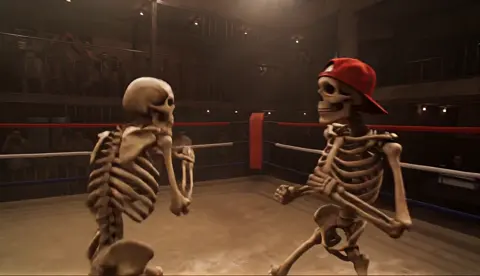
Text to Video AI Generators: A Practical Workflow Guide
Oct 13, 2026

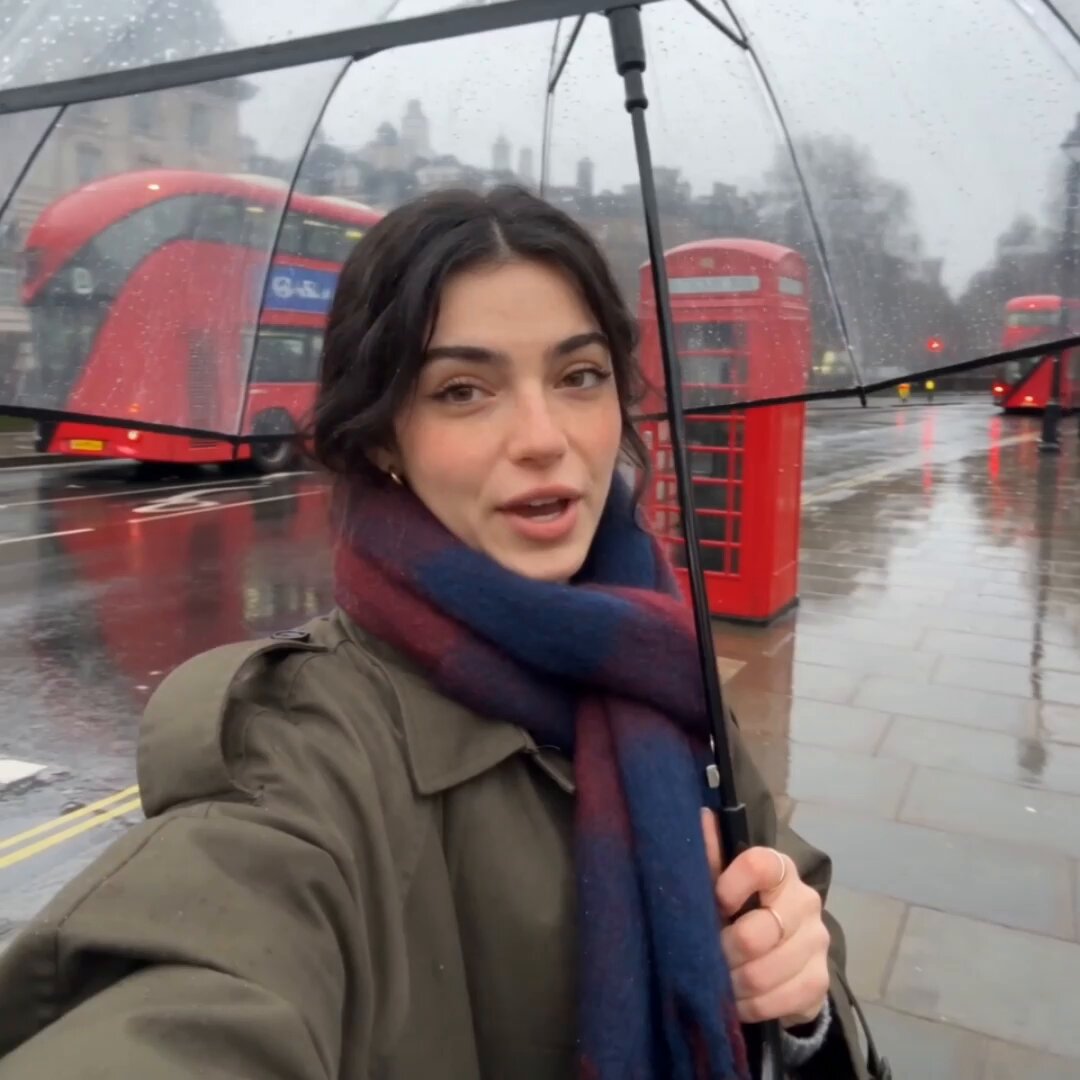

Why Text to Video Finally Became Practical
Text-to-video generation stopped being a demo-reel novelty the moment it became predictable enough to plan around. The turning point was not a single breakthrough but a stack of them: text encoders that grasp relationships between objects instead of isolated keywords, video models trained on far larger and better-captioned datasets, and latent compression that makes it feasible to denoise dozens of frames rather than one image. The practical result is that a writer, marketer, or solo editor can now produce moving footage for a concept before a camera is ever booked.
That does not mean these tools replace a shoot. It means they change the order of operations. Teams pre-visualize with generated clips, produce social-first spots without a crew, and patch gaps in existing footage that would otherwise require a reshoot. The workflow question — who prompts, who reviews, who assembles — now matters more than which model happens to top a leaderboard this month.
This guide is about that workflow. It covers how the technology works, which criteria genuinely separate tools, how to write prompts that survive contact with reality, and how to build a repeatable pipeline from script to delivered file.
What These Generators Actually Do (and Don't Do)
A text-to-video model maps language onto patterns in visual data. It does not understand your script, your brand, or your intent. It predicts a plausible sequence of frames that fits the statistical shape of your prompt. That distinction explains almost every frustrating result you will encounter.
What the tools handle well:
- Short, self-contained shots with one clear subject and one clear action
- Environments, textures, weather, and lighting that would be expensive to shoot
- Camera moves that are hard to execute physically, such as slow orbital pushes
- Rapid iteration on look and mood before committing to production
What still requires human work:
- Multi-shot continuity, especially precise character consistency across a minute or more
- Exact text rendering, logos, and brand-accurate typography
- Physical logic in complex interactions — hands, tools, crowds, collisions
- Dialogue timing when lip sync is involved
The healthiest mental model is a very fast, very literal concept artist who has never read your brief. You get speed and volume; you supply judgment.
How the Generation Pipeline Works
Text becomes a conditioning signal
Your prompt is tokenized and passed through a text encoder, which converts words into dense numerical vectors. Those vectors nudge every later step of generation. This is why word choice matters so much: the encoder responds to relationships and phrasing patterns, not to a hidden checklist of visual objects. "A cyclist in heavy rain at dusk" and "rainy evening, bicycle, person outside" land differently.
Latent diffusion builds the frames
The model works in a compressed latent space rather than full-resolution pixels, which is what makes video generation computationally survivable. Starting from noise, it denoises step by step, guided by the conditioning signal. Each step is a small correction. Fewer steps mean faster but coarser output; more steps refine detail at the cost of time.
Temporal attention holds motion together
If you generated frames independently you would get flicker, drifting textures, and objects that melt between seconds. Video models use temporal attention and related mechanisms to let frames reference each other, which produces coherent motion. Crucially, that coherence degrades as clip length grows. This is the single most important technical fact for planning: a model that looks flawless at four seconds may fall apart at twelve.
Audio, lip sync, and finishing layers
Modern pipelines increasingly bolt audio onto video generation. Some models produce ambient sound and effects alongside the image; others add separate speech and mouth-shape synthesis. Treat these as separate quality dimensions. A clip can be visually excellent and unusable because the audio has a metallic timbre or the mouth shapes drift out of sync.
The Decision Criteria That Actually Matter
Review lists of features are less useful than asking what your project needs. Six criteria do most of the work.
Clip length, resolution, and frame rate
Note the native generation length before extrapolation, then check whether extension is iterative or one-shot. Iterative extension tends to drift in color and identity; single-pass long generation tends to lose detail. Also confirm output resolution and frame rate, since upscaling and interpolation change the look — interpolated footage can read as unnaturally smooth.
Prompt adherence versus cinematic polish
Some models obey instructions precisely but produce flat-looking footage. Others deliver gorgeous cinematography while quietly ignoring half your prompt. Neither is universally better. Product explainers need adherence. Mood pieces and title sequences reward polish.
Available control inputs
Keyframe-to-video and image-to-video are usually more useful than pure text-to-video, because a still frame locks composition, palette, and subject. Depth maps, pose references, and motion brushes add another layer of control. If you care about matching a storyboard, prioritize tools that accept your composition rather than inventing their own.
Character and style consistency
Look for reference-image conditioning, character training slots, or seed locking. Test consistency across ten separate shots, not two. This is where most ambitious projects fail.
Rights, licensing, and commercial safety
Read the terms that apply to your account tier and jurisdiction. Confirm what you may do with output, whether training data provenance is documented, and whether indemnification exists. For client work, get written confirmation before delivery.
Iteration speed
A slower, prettier model can cost you more in practice than a fast, adequate one. Time fifty generations, not one. Fast iteration is how you discover the prompt that works.
Prompt Craft: A Framework You Can Reuse
The five-slot formula
Write every prompt with five slots in a consistent order:
- Subject — who or what, with two or three concrete attributes
- Action — a single continuous verb phrase
- Setting — location, time of day, weather, background activity
- Camera — shot size, angle, and movement
- Light and look — lighting direction, color palette, film or lens reference
Example: "An elderly ceramicist with clay-dusted forearms / slowly shapes a bowl on a spinning wheel / in a sunlit studio with shelves of unfinished pots / medium shot, slow dolly in at chest height / warm window light from the left, shallow depth of field, subtle 35mm grain."
Camera language that models recognize
Short, conventional terms work best: wide establishing shot, medium shot, close-up, low angle, overhead, tracking shot, dolly in, orbit, handheld. Avoid stacking three movements in one clip. One movement per shot keeps motion legible.
Lighting and color vocabulary
Reference real-world lighting conditions rather than abstractions. "Golden hour backlight with lens flare" beats "beautiful lighting." Named colors anchor palettes better than adjectives: teal and amber, desaturated greens, sodium-vapor orange.
When the model ignores you
If an instruction is consistently dropped, it is usually competing with something else in the prompt. Delete adjectives, shorten the sentence, and move the ignored element toward the start. If a subject keeps morphing, add a reference image. If motion is chaotic, remove camera movement entirely and let the subject carry the shot.
A Repeatable Production Workflow
Step 1 — Turn the script into a shot list
Break the script into beats, then into shots. Each shot gets one action, one camera idea, and one emotional note. Aim for shots of three to six seconds. This is the highest-leverage step in the entire pipeline, because generators are far better at executing discrete shots than at interpreting narrative.
Step 2 — Storyboard with stills first
Generate still images before video. Stills are cheap, fast, and easy to revise. Approve composition, palette, and subject before spending time on motion. When a still works, use it as the first frame of the video generation.
Step 3 — Generate in batches, then select
Run several variants per shot with the same prompt and different seeds. Do not evaluate as you go; collect first, then review a contact sheet. Flag your best takes and keep a note of which prompt produced them. Your prompt library becomes the most valuable asset you build.
Step 4 — Edit, sound, and rhythm
Assembled AI footage rarely cuts together on its own. Trim to the strongest half-second of each clip, match motion direction between adjacent shots, and use sound to bridge cuts. Music carries more weight when visual continuity is imperfect, and a well-placed cut on a beat hides a hundred small flaws.
Step 5 — Quality control and delivery
Watch the whole piece once at normal speed without pausing, then again frame by frame on the busiest shots. Check for warped hands, drifting text, inconsistent wardrobe, and color shifts between clips. Export at your platform's specifications and keep a master version with minimal compression.
Tool Categories at a Glance
| Category | Best for | Trade-offs |
|---|---|---|
| Text-first generative models | Concepting, abstract and environmental shots | Weak continuity, limited control |
| Image-to-video models | Storyboard-driven production, brand consistency | Depends on strong source stills |
| Character-focused platforms | Talking-head and presenter content | Narrow range, template feel |
| Editing suites with AI features | Finishing, captions, reframing, cleanup | Generation is secondary |
| Local and open pipelines | Privacy, custom control, high-volume batches | Setup time, hardware demands |
Most serious workflows combine three of these: one tool for concept stills, one for motion, and an editing suite for assembly.
Mistakes That Quietly Kill Output Quality
- Writing long prompts. Beyond roughly sixty to eighty words, extra detail dilutes attention. Cut ruthlessly.
- Chasing one perfect generation. Ten fast attempts beat one slow attempt with the same total time.
- Ignoring aspect ratio. Vertical social and widescreen delivery need different compositions, not a crop.
- Skipping the still stage. Motion problems are usually composition problems in disguise.
- No naming convention. You will lose the one prompt that worked. Date, project, shot, and version in every filename.
- Judging on a phone screen only. Fine artifacts vanish at small sizes and reappear on a monitor or projector.
- Treating sound as an afterthought. Audio is half the perceived quality of any clip.
Where Text to Video Works Best Right Now
Strong fits: social ads and product teasers with fast cuts, explainer videos using stylized or animated environments, B-roll and texture inserts, pre-visualization for client approval, internal training scenarios that would be costly to stage, and music or mood pieces where atmosphere matters more than literal accuracy.
Workable with supervision: narrative shorts under two minutes with limited characters, brand films mixing generated shots with real footage, localisation of existing spots through re-generated backgrounds.
Still difficult: long-form narrative with recurring characters, precision product demonstrations showing real mechanisms, any content requiring exact on-screen text, and anything relying on complex human interaction. Knowing which bucket your project falls into saves weeks.
FAQ
Do I need video editing experience?
Not to generate clips, but definitely to assemble them into something watchable. An hour learning trimming, transitions, and audio levels pays off more than any prompt trick.
How long should a generated clip be?
Start at four seconds. Extend only when the shot earns it. Short clips cut together more convincingly than long ones.
Why do hands and faces still look wrong?
Both involve articulated structure that is hard to model consistently across frames. Use tighter framing, add reference images, or restructure the shot so the hands are partly out of frame.
Can I match a real actor's likeness?
Technically often yes, legally and ethically frequently no. Obtain explicit consent, check regional rules on likeness, and avoid implying endorsement.
What is the fastest way to improve results?
Change three things: shorten your prompts, add a reference still, and generate more variants per shot. Most quality gains come from volume and selection, not from finding a magic phrase.
Should I rely on one platform?
No. Model strengths shift quickly, and different shots suit different engines. Keep your prompt library and asset organization independent so switching costs stay low.
How do I keep a series visually consistent?
Lock a look reference, a palette, and a camera language document. Reuse seeds where possible and keep lighting descriptions identical across shots in the same sequence.
Turning the Tool Into a Process
The best text-to-video results rarely come from a single brilliant prompt. They come from a pipeline: a clear shot list, approved stills, generous batches of variants, disciplined selection, and an edit that uses pacing and sound to carry the piece. The generators will keep improving, and specific model names will keep changing. The process is the durable part.
Start small. Pick one thirty-second piece, run it end to end, and document what worked. That document — your prompts, your settings, your selection notes — is worth more than any comparison chart, because it is tuned to your taste and your audience. Once the loop is fast, you can scale volume without losing quality, and the technology stops being a novelty and becomes a tool you actually control.

Alexander
More Blogs
Read MoreVidu Q4 Alternatives: 4K AI Video Models Compared (2026)
Vidu Q4 alternatives compared: Kling 4.0, Seedance 2.5, Wan 3.0, and Runway Gen-4 — 4K support, input modes, durations, audio, and what each costs in credits on Domer.
Top 4K AI Image Generators in 2026: 5 Models Compared on Real Costs
The top 4K AI image generators on Domer compared: Flux 3 Klein, Nano Banana 2.1, GPT Image 2.5, GPT Image 2, and Nano Banana Pro — 4K credit costs, reference limits, and speed.
Nano Banana 2.1 vs GPT Image 2.5: Which Image Model Should You Use? (2026)
Nano Banana 2.1 vs GPT Image 2.5 Flare compared: credit costs per resolution, aspect ratios, reference images, text rendering, and which tasks fit each model.