
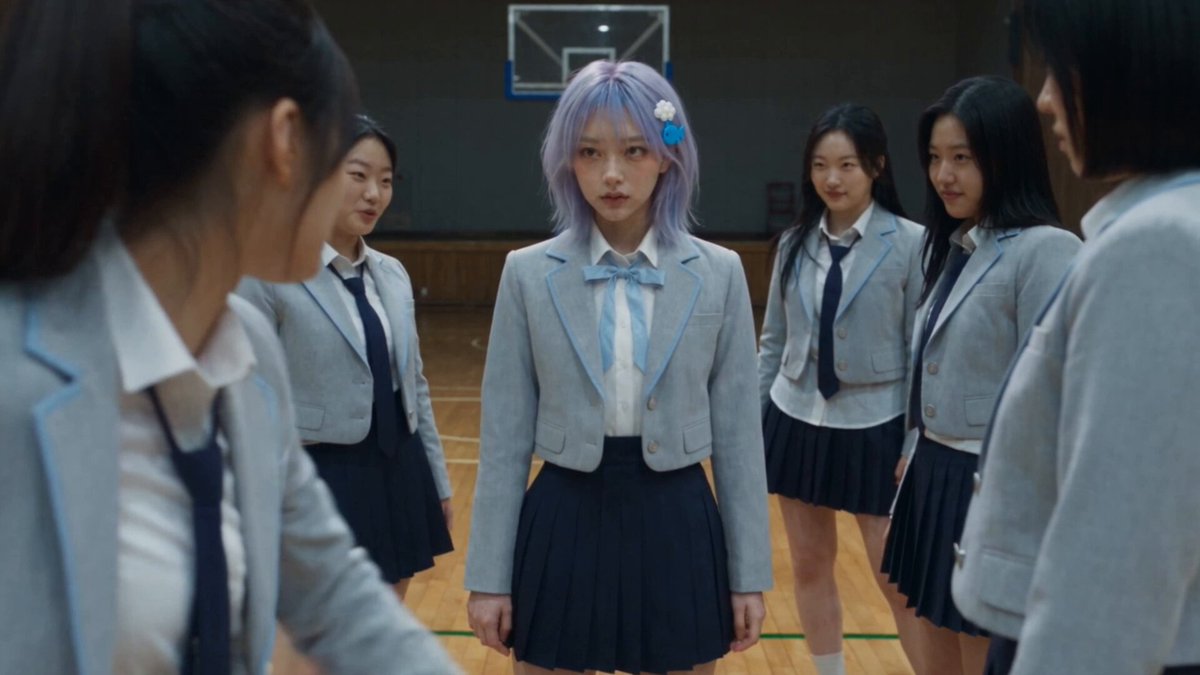
How to Make Trending YouTube Videos With AI Video Workflows
Oct 1, 2026

Trending on YouTube used to reward the person who could shoot the most, edit the fastest, or afford the best crew. That advantage has largely evaporated. A single creator with a laptop and a well-organized AI video pipeline can now produce cinematic b-roll, animated explainers, faceless documentaries, and vertical shorts at a pace that would have required a small studio a few years ago.
But faster production does not automatically mean more views. The bottleneck simply moved. Instead of fighting rendering time, you now fight for attention in the first three seconds, for visual consistency across a series, and for a workflow that does not collapse the moment a trend shifts. This guide lays out a practical, tool-neutral system for making trending YouTube videos with generative video models, from trend research through quality control and publishing.
Why Trending on YouTube Is Now a Systems Problem
The platform is saturated. Hundreds of hours of video are uploaded every minute, and the recommendation system has become extremely efficient at filtering out anything that fails its early signals. That means "trending" is rarely about a single lucky upload. It is about velocity: click-through rate in the first hour, average view duration in the first thirty seconds, and session continuation when a viewer finishes your video.
Three forces now decide whether a video rides a trend or drowns in it:
- Speed to publish. A trend has a short half-life. If your concept takes a week to produce, you are usually late.
- Style fidelity. Trending formats have a recognizable look and rhythm. If your output looks generically synthetic, viewers scroll past before the hook lands.
- Retention structure. AI can generate beautiful footage, but it cannot invent pacing. The script and edit still decide whether someone watches to the end.
Generative video solves the first problem well, helps with the second if you use it deliberately, and does almost nothing for the third. Treat AI as a production layer, not a content strategy.
The AI Video Stack, Layer by Layer
Most creators fail because they treat "AI video" as one tool. In practice, a reliable pipeline has five or six distinct layers, and each one has different strengths and failure modes.
| Layer | What it does | Typical tools |
|---|---|---|
| Script and ideation | Hooks, outlines, titles, shot lists | General-purpose language models |
| Stills and keyframes | Reference images, thumbnails, character sheets | Midjourney, Stable Diffusion, Flux-based tools |
| Motion | Image-to-video and text-to-video clips | Sora, Runway, Kling, Luma, Pika, Veo-class models |
| Voice | Narration, character dialogue, dubbing | ElevenLabs, Play.ht, built-in TTS engines |
| Music and SFX | Beds, stingers, ambience | Suno, Udio, royalty-free libraries |
| Assembly and finishing | Cutting, captions, color, upscaling | CapCut, DaVinci Resolve, Premiere Pro, Topaz |
Strong channels are usually strong at two or three layers and competent at the rest. You do not need the best model in every category. You need a chain where each layer hands off clean assets to the next, with naming conventions and file structure that survive a busy week.
Choosing Models by Job Instead of by Hype
Model rankings change constantly, and a leaderboard-topping model is often the wrong choice for your specific shot. A more durable approach is to define the job first, then test candidates against it.
Useful selection criteria:
- Shot type. Some models excel at photoreal humans, others at stylized animation, product macro shots, or camera moves.
- Clip length per generation. Longer native clips reduce stitching seams but can reduce per-second quality.
- Temporal consistency. How well do faces, clothing, and backgrounds hold across five seconds? Across a cut?
- Controllability. Do you get camera direction, start and end frames, motion brushes, or reference conditioning?
- Resolution and aspect ratio. Native vertical output saves you from destructive crops.
- Latency and queue behavior. A fast model with acceptable quality often beats a slow model with perfect quality when a trend is moving.
- Licensing and commercial terms. Confirm what you can use commercially before you build a series on it.
A practical test protocol: write one eight-shot brief that matches your typical video, then run it through three candidate models. Score each on consistency, prompt adherence, motion realism, and time to first usable clip. You will usually find that one model handles faces, another handles environments, and a third is best for stylized inserts. Route shots accordingly instead of forcing one model to do everything.
A Repeatable Workflow: From Trend Signal to Upload
Step 1 — Trend research and concept lock
Build a small set of sources you check daily: YouTube's trending and "popular right now" surfaces, rising searches, Reddit communities in your niche, and short-form feeds. Capture not just topics but formats — a narration style, a split-screen comparison, a "day in the life" structure. Formats trend as hard as subjects do.
Then lock one concept. Write a single sentence: who is watching, what promise the video makes, and what format delivers it. Ambiguity here costs you hours later.
Step 2 — Script, hook, and shot list
Draft the script first, then convert it into a numbered shot list with an estimated duration for each shot. This is the document your entire pipeline depends on. Each row should contain: shot number, description, camera movement, lighting and mood, subject, duration, and whether it is a still, a generated clip, or live footage.
Front-load the hook. The first three seconds should contain the most visually striking shot you can generate, matched to a line that creates an open loop. Do not open with a logo, a slow establishing shot, or a generic title card.
Step 3 — Keyframe generation and asset locking
Generate stills before motion. Stills are cheap, fast to iterate, and let you approve composition before you spend time on video renders. Approve the keyframe, then animate it. This single habit cuts wasted generation time dramatically.
Lock your assets once approved: character sheets, location plates, wardrobe references, and a consistent color direction. Freeze them into a project folder with clear names.
Step 4 — Motion generation and shot assembly
Generate three variants per shot, not ten. Review at low resolution, pick the best, and move on. Over-iterating on one shot is the most common way creators lose a trend window.
Assemble in your editor with the shot list open. Keep the first pass rough — no color, no captions — and judge pacing only. A cut that feels slow at this stage will feel slower with music added.
Step 5 — Sound design, captions, and packaging
Add narration, then music, then sound effects. Narration first prevents you from writing dialogue to fit a music bed. Burn in captions for short-form and add a selectable subtitle track for long-form. Finally, build the thumbnail and title as a matched pair: the thumbnail creates the question, the title answers part of it.
Publish, then log the result. A simple spreadsheet with title, format, hook type, publish time, and first-48-hour retention turns guesswork into a compounding asset.
Style Matching: Making AI Footage Feel On-Trend
Generic AI footage has a recognizable signature: shallow depth of field, over-smooth motion, and an uncanny sheen. Trending content usually has texture. To match a trend's feel, work on these variables:
- Palette and grade. Pull three frames from reference videos and sample their dominant colors. Apply a consistent look across every shot rather than grading shot by shot.
- Grain and imperfection. A light film grain and slight contrast crush removes the plastic quality that signals synthetic footage.
- Lens language. Prompt with specific optics: 35mm handheld, 85mm portrait compression, anamorphic flare. Vague prompts produce vague footage.
- Cut rhythm. Short-form trends often cut every 1.5 to 3 seconds. Count the cuts in a reference video and match the rhythm before you match the visuals.
- Camera motivation. Every movement should have a reason. Drift, push, or orbit — not random motion.
Audio carries as much trend signal as visuals. A specific narration cadence, a genre of background music, or a signature sound effect can make your video read as part of a trend even when the footage is unusual.
Character Consistency and Continuity Systems
If your channel has a recurring host, mascot, or narrator avatar, consistency becomes your brand. Inconsistent faces are the fastest way to look amateur, and viewers notice within seconds.
Build a character bible containing:
- Front, three-quarter, and profile reference images at high resolution
- Wardrobe variants and when each is used
- Fixed physical details: hairline, eye color, accessories, posture
- Voice settings: pitch, pace, accent, and energy level
- A short list of forbidden variations, such as aging or changing face shape
Then decide how you will enforce it. Options include image-to-video with a locked reference image, a trained style or character adapter, or a consistent seed plus a tightly written prompt template. Whatever you choose, write it down so a future you — or an editor — can reproduce it.
Continuity extends beyond faces. Track props, weather, time of day, and wardrobe across shots in the same scene. Most "AI glitches" that audiences complain about are continuity breaks, not rendering errors.
Render Allowances, Queues, and Time Management
Generation capacity is the real currency of an AI video pipeline, whether you are on a subscription plan or pay-as-you-go usage. Plan it like a budget.
- Batch by type. Generate all stills for a video in one sitting, then all motion shots. Switching contexts wastes time and mental energy.
- Preview before final. Draft at lower resolution, then re-render only approved shots at full quality.
- Generate off-peak. Queues lengthen during busy hours; schedule heavy batches earlier or later if your tooling allows.
- Cap your iterations. Three variants per shot, maximum. If none work, the problem is usually the prompt or the keyframe, not the model.
- Keep a spare slot. Reserve part of your capacity for a last-minute trend response. Rigid planning leaves no room to move fast.
Time management matters more than raw speed. A two-hour focused block that produces a finished five-shot sequence beats a scattered day of tinkering.
Quality Control: Catching Artifacts Before Upload
Run every video through the same checklist before publishing. It takes five minutes and prevents the comment section from doing it for you.
- Hands and fingers. Check every shot with visible hands at full resolution.
- Faces. Watch for eye drift, teeth morphing, and jaw warping during speech.
- Text. Any on-screen text generated by a model should be replaced with real overlays.
- Physics. Look for objects that pass through each other, floating items, or water that moves wrong.
- Lip sync. Watch dialogue shots at normal speed, not frame by frame — desync often only reads in motion.
- Audio. Listen once with headphones for clicks, level jumps, and room tone mismatches.
- The mute test. Watch the first thirty seconds with sound off. If the visuals alone do not hold attention, the pacing is the problem.
- The phone test. Review the final export on a phone screen. Small text, subtle color issues, and low-contrast captions hide on a large monitor.
Keep a running list of recurring artifacts so you can pre-empt them in your prompts rather than fixing them after the fact.
Mistakes, Policy, and Disclosure
A few failure modes show up again and again among creators scaling AI-assisted channels.
Chasing trends without a niche. If your last ten videos share no audience, the algorithm cannot build a viewing habit around you. Pick a lane and vary format within it.
Clickbait that the video cannot pay off. A misleading hook boosts click-through rate and destroys retention. Both signals matter, and retention wins long-term.
Ignoring disclosure requirements. Many platforms require you to flag realistic synthetic or altered content. Read the current policy for the platforms you publish on and label when required.
Rights and likeness problems. Do not generate a recognizable real person's face or voice without permission, and be careful with music, brand marks, and copyrighted characters. When in doubt, commission or generate an original alternative.
Single-model dependency. If your entire output depends on one model's API or pricing structure, a policy change can stall your channel overnight. Keep a tested backup for your two most important shot types.
Neglecting rights to your own assets. Keep your prompts, project files, and source assets organized so you can prove authorship and reuse material in future videos.
FAQ
How long should an AI-generated trending video take to produce?
For a three-to-five minute faceless video with roughly forty to sixty shots, a practiced creator can complete research, script, generation, and edit in six to twelve hours spread across two days. Short-form vertical clips can be produced in ninety minutes to three hours once your templates and character references are locked.
Do I need many different video models, or is one enough?
One strong model plus one backup covers most channels. Add a second model when you consistently hit a specific weakness — usually stylized animation, long-duration shots, or precise camera control. More models mean more context switching, not automatically better videos.
How do I stop AI footage from looking synthetic?
Approved keyframes, deliberate lens language, a consistent grade, light grain, motivated camera movement, and realistic sound design. The single biggest improvement is generating motion from a locked, well-composed still rather than prompting video from scratch.
What should I do when a trend appears and I have no footage ready?
Keep a bank of pre-approved character references, location plates, and reusable intro and outro assets. Then you only need to generate the shots unique to the new concept. Responding within twenty-four hours usually beats responding perfectly in a week.
Can AI-assisted channels sustain long-term growth?
Yes, if the format is consistent, the hooks are honest, and the production value holds up across dozens of uploads. The channels that stall are usually the ones that treated generation as a novelty rather than a repeatable production system with its own quality standards.
How do I decide whether a video needs AI generation at all?
Use generation where it saves the most time or unlocks footage you could not otherwise get: historical scenes, sci-fi environments, abstract visualizations, stylized animation. For talking-head commentary, screen recordings, or product demos, a camera and a decent microphone are still faster and more credible.
The creators winning with generative video right now are not the ones with the longest tool list. They are the ones with a documented workflow, a locked visual identity, a fast review process, and the discipline to publish before a trend cools. Build the system once, then let it carry you through the next hundred uploads.

Alexander
More Blogs
Read MoreThumbnail efficaci per TikTok e YouTube: guida pratica
Come progettare thumbnail che fermano lo scroll: strumenti, workflow, criteri di test e ottimizzazione per TikTok e YouTube, con esempi pratici.
Cómo descargar portadas de Reels de Instagram con criterio
Guía práctica para descargar, elegir y reutilizar portadas de Reels de Instagram sin perder calidad, con flujos de trabajo, errores y consejos de diseño.
AI Voiceover and Music Workflows for Better Video Sound
Build a repeatable workflow for AI voiceover and generated music: script prep, voice selection, mixing levels, loudness targets, and QA checks.