
![[INPUT IMAGE: USER_PHOTO] Use the person in the input image as the ONLY subject](https://storage.brightvectorlabs.com/prompts/bright/poster-design/2017598696678895882-0.webp)
[INPUT IMAGE: USER_PHOTO] Use the person in the input image as the ONLY subject
S
Saman | AI@Samann_ai
894 125,092 1/31/2026
Model GPT Image 2
GPT Image 2Categories
Share:
Prompt
[INPUT IMAGE: USER_PHOTO] Use the person in the input image as the ONLY subject. Preserve their identity and facial features clearly.

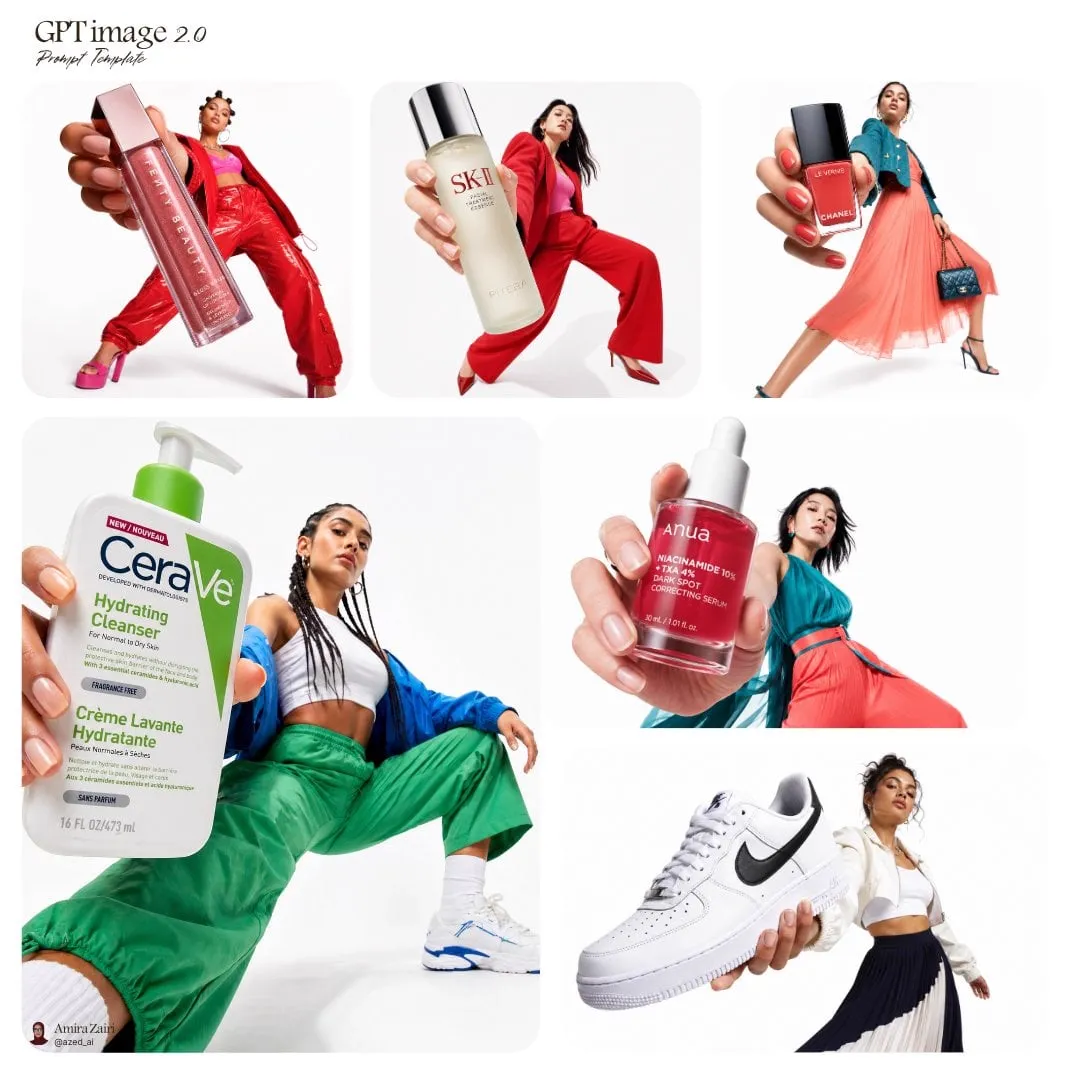
Create a hyper-realistic high-fashion editorial photo inside a surreal 3D geometric “color box” room (a hollow cube / tilted cube set). Each render MUST randomly choose:
1) a bold single-color box (monochrome environment, vivid and saturated),
2) a dynamic “cool” fashion pose (gravity-defying or extreme stretch / leap / sideways bracing against the walls),
3) a dramatic camera angle (wide-angle 24–35mm equivalent, tilted horizon, strong perspective).

The subject appears full-body and sharp, wearing an avant-garde fashion styling that feels modern and editorial (clean silhouette, stylish layering, premium fabric texture). Keep clothing tasteful and fashion-forward. The subject’s pose should feel athletic, stylish, and unusual—like a magazine campaign shot.

Lighting: studio quality, crisp and cinematic; strong key light with controlled soft shadows, subtle rim light; realistic reflections and bounce light from the colored walls. Ultra-detailed skin texture, natural pores, realistic fabric weave, clean edges, high dynamic range.
Composition: subject centered with plenty of negative space and strong geometric lines; the box perspective frames the subject.
Color: the box color is a SINGLE bold color and MUST be different each run (random vivid hue). The subject’s outfit contrasts well with the box color.

Output: hyper-real, photorealistic, 8k detail, editorial campaign quality, sharp focus on subject, no motion blur, no distortion of face, natural proportions.
How to Use This Prompt
Get started in three simple steps.
1
Copy or Use
Copy the prompt text, or click Use this Prompt to open the generator with it pre-filled.
2
Adjust Settings
Tweak the aspect ratio, resolution, or any other settings to fit your project.
3
Generate & Share
Hit generate and share your creation once it's ready.
Related Prompts
![请根据[主题]自动生成一张[博物馆图鉴式中文拆解信息图]。 要求整张图兼具真实写实主视觉、结构拆解、中文标注、材质说明、纹样寓意、色彩含义和核心特征总结。你需要…](https://storage.brightvectorlabs.com/prompts/bright/poster-design/2045504669401653414-0.webp)
![生成一张[餐饮品牌触点矩阵]系列视觉图,用于展示一个完整的餐饮品牌视觉系统与包装应用方案。 这是一个面向餐饮行业的品牌VI样机展示板 / 包装系统陈列图 /…](https://storage.brightvectorlabs.com/prompts/bright/poster-design/2048360321379701233-0.webp)
By Media Type
By Model


Create stunning images with this prompt
Open the generator and start creating in seconds