
Your Domer AI Creative Library
Every image and video you generate with Domer AI's video generator and image tools is automatically saved to your personal creative library. Browse your AI video generator outputs, uploaded source files, and favorited community creations in one organized dashboard. Filter by media type, track creation history, and reuse any asset as a starting point for new projects. One-click access to re-generate, edit, or transform any creation. Your Domer AI library is built to turn past work into future content—nothing gets lost, everything stays actionable.
Your Creative Command Center on Domer AI
Domer AI's My Creations library is designed to be your central repository for all AI-generated content and uploaded materials. More than just storage—it's a dynamic workspace where every asset from our AI video generator and image tools is primed for reuse. Track the complete creation history of every generation, see original prompts and model settings, and re-open any asset directly in Domer AI's creation tools with a single click. Whether it's AI video generator clips, text-to-image artwork, or image-to-image transformations, your entire creative output lives here, organized and ready for action.
Why Creators Rely on Domer AI's Creative Library
Most AI platforms generate content and forget about it. Domer AI saves every creation with full context—prompts, models, settings—so you can pick up where you left off or build on past work with our AI video generator and image tools.
Automatic Organization
Every image and video from Domer AI's video generator and image tools is automatically saved and categorized. No manual filing, no lost creations. Your AI video generator outputs, uploads, and favorites are always one click away.
Complete Creation History
Domer AI tracks the full lineage of every asset—original inputs, prompts used, AI video generator model selected, and generation parameters. Understand exactly how each creation was made and reproduce it anytime.
One-Click Reuse & Remix
Any creation in your Domer AI library can be re-opened directly in our AI video generator or image tools. Edit parameters, use it as input for a new generation, or transform it with a different model—all with a single click.
Smart Filtering System
Filter your Domer AI creations by type (image, video), source (AI-generated, uploaded, favorited), and media format. Find exactly what you need in seconds, even across hundreds of AI video generator outputs.
Cross-Tool Integration
Assets flow seamlessly between Domer AI tools. Use an AI image generator output as input for the AI video generator. Transform a text-to-image creation with image-to-image. Your library connects every creative workflow.
Secure Cloud Storage
Your Domer AI creations are securely stored in the cloud. Access your AI video generator outputs and image library from any device, anytime. No local storage limits, no files to manage.
How Domer AI's Creative Library Works
Effortlessly manage every creative asset
Create or Upload
Generate content with Domer AI's video generator, image tools, or effects—everything saves automatically. Upload your own files to use as inputs for AI generation. All assets land in your personal library.
Browse & Filter
Switch between My Creations, My Uploads, and My Likes tabs. Filter by media type—images, videos, or all. Find any Domer AI generation instantly, whether it's your latest AI video generator output or an upload from weeks ago.
View Creation Details
Click any asset to see its full history—original prompt, AI model used, aspect ratio, generation settings, and source inputs. Domer AI preserves the complete DNA of every creation for easy reproduction.
Reuse & Transform
Hit re-generate to create a new variation, or open any asset in Domer AI's video generator or image tools for further editing. Every past creation becomes a building block for your next project.
Domer AI Creative Library Features
Everything you need to organize, track, and reuse your AI video generator and image tool creations.
Three-Tab Organization
My Creations for AI-generated content, My Uploads for source files, My Likes for favorited community work. Domer AI keeps every asset type cleanly separated and easy to find.
Media Type Filtering
Toggle between All, Image, and Video views instantly. Quickly narrow down your Domer AI library to find the exact AI video generator clip or image you're looking for.
Full Prompt & Settings Recall
Every Domer AI creation stores its complete generation context—prompt text, model name, aspect ratio, and parameters. Never lose track of what settings produced your best AI video generator results.
Re-Generation Pipeline
One-click re-generation from any saved creation. Domer AI loads the exact settings into the AI video generator or image tool so you can iterate without starting over.
Cross-Tool Asset Flow
Send any image to Domer AI's video generator for animation. Route any creation to image-to-image for style transfer. Your library is the hub that connects all creative workflows.
Creation Status Tracking
See real-time status for in-progress generations. Domer AI shows which AI video generator or image tool jobs are creating, completed, or failed—all visible in your library dashboard.
What Creators Say About Domer AI's Creative Library
Thousands of creators use Domer AI's library daily to manage their AI video generator and image tool outputs.
Having every AI video generator output saved automatically with the exact prompt is a lifesaver. I go back to Domer AI creations from weeks ago, tweak the prompt, and generate better versions. My library is basically a prompt database now.
David Chen, Content Creator
David Chen
Content Creator
Our team generates hundreds of assets a week on Domer AI. The filtering system makes it easy to find any AI video generator clip or image instantly. No more searching through download folders.
Rachel Kim, Marketing Manager
Rachel Kim
Marketing Manager
The cross-tool flow on Domer AI is what keeps me here. I generate an image, click one button to send it to the AI video generator, and get an animated version. My library connects everything seamlessly.
Marcus Thompson, Freelance Designer
Marcus Thompson
Freelance Designer
I use Domer AI's library to track which AI video generator settings produce the best thumbnails and b-roll. Full prompt history means I can reproduce my best results consistently.
Sofia Garcia, YouTube Creator
Sofia Garcia
YouTube Creator
Product images, demo videos, social content—everything our team creates on Domer AI lives in one library. The one-click reuse feature means we iterate on product shots in seconds.
James Wilson, E-commerce Owner
James Wilson
E-commerce Owner
Managing content for five brands on Domer AI is actually manageable because of the library. Filter by type, find what I need, remix it for a different brand. The AI video generator outputs are all organized and ready.
Anna Zhang, Social Media Manager
Anna Zhang
Social Media Manager
Domer AI Creative Library FAQ
Common questions about managing your AI video generator and image tool creations
Latest News
Tips, tutorials, and updates from the Domer AI team.
AI Video for Fashion Marketing: A Practical Workflow Guide
How fashion brands use AI video for consistent visuals, faster campaigns, and personalization, with workflows, tool criteria, and common mistakes.
How to Create ASMR Relaxation Videos With AI Sound and Visuals
A practical workflow for building calming ASMR videos: recording triggers, layering audio, designing soft visuals, and using AI tools responsibly.
Short-Form Video Trends and Viral Ideas for AI Creators
A practical workflow guide to short-form video trends, viral hooks, AI-assisted production, and repeatable content systems for modern creators.
AI Video Marketing Workflow: From Idea to Multi-Platform Release
Build a repeatable video marketing workflow with AI: goal setting, scripting, storyboarding, generation, editing, and platform-native delivery that converts.
Cinematic Video Production: Study and Career Guide for France
Plan a cinematic video career in France: film-school craft, AI-assisted workflows, portfolio building, and realistic job paths explained step by step.
AI视频脚本与运镜设计完整实战指南:从故事结构到成片节奏的系统工作流(适合短视频与品牌片全流程解析)
本文从脚本结构、情绪曲线、分镜表、角色与环境设定、运镜语言、提示词模板、声音设计与后期节奏十个层面,系统讲解AI视频的稳定制作流程。包含工具分工、一致性控制、决策标准、三十秒案例拆解、常见故障排查与FAQ,帮助创作者把零散的好看片段组织成有叙事节奏的成片,提升完播率与视觉专业度。
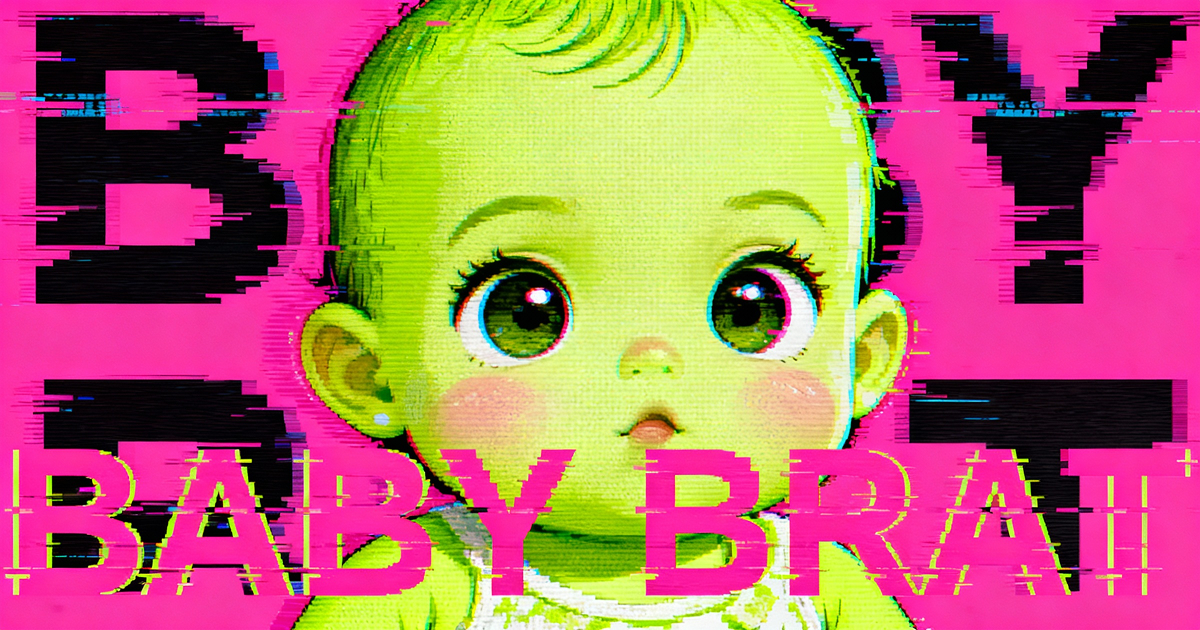
Baby Brat Meme Generator: How to Create Cursed-Cute AI Images
Complete guide to creating Baby Brat memes—the cursed-cute trend combining baby filters with brat aesthetics. Get the best AI prompts, tools, and tips for viral-worthy images.
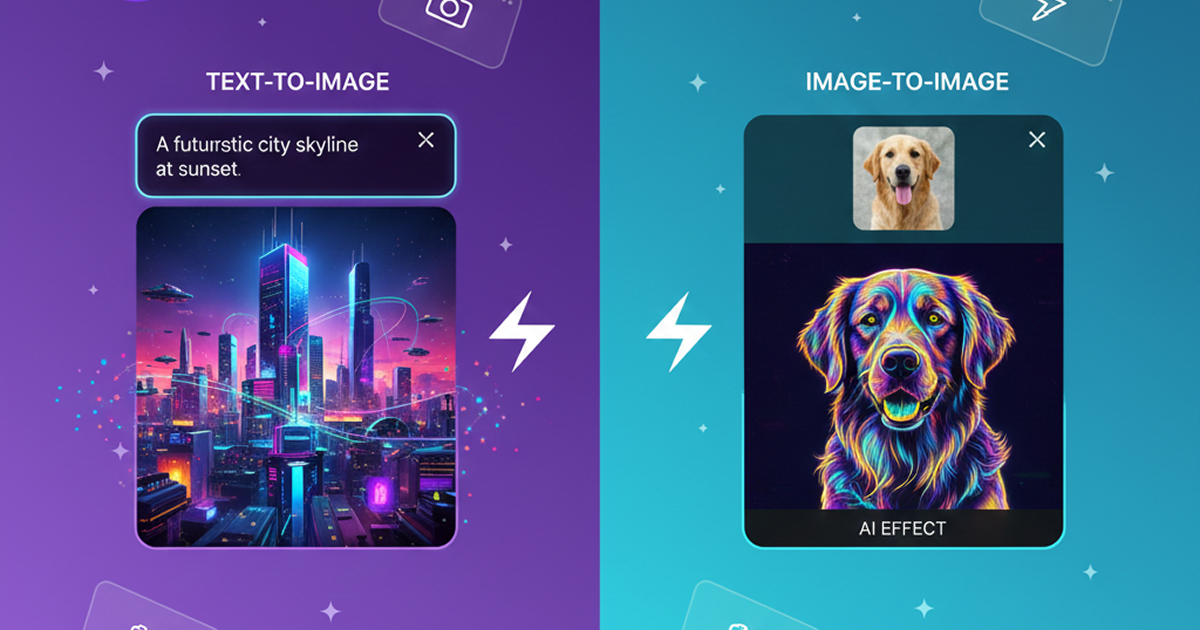
Domer: Free AI Image Generator - Complete Features & Guide
Everything you need to know about Domer AI—a fast, free image generator for creating memes, art, and transformations. Get 10 free credits to start.
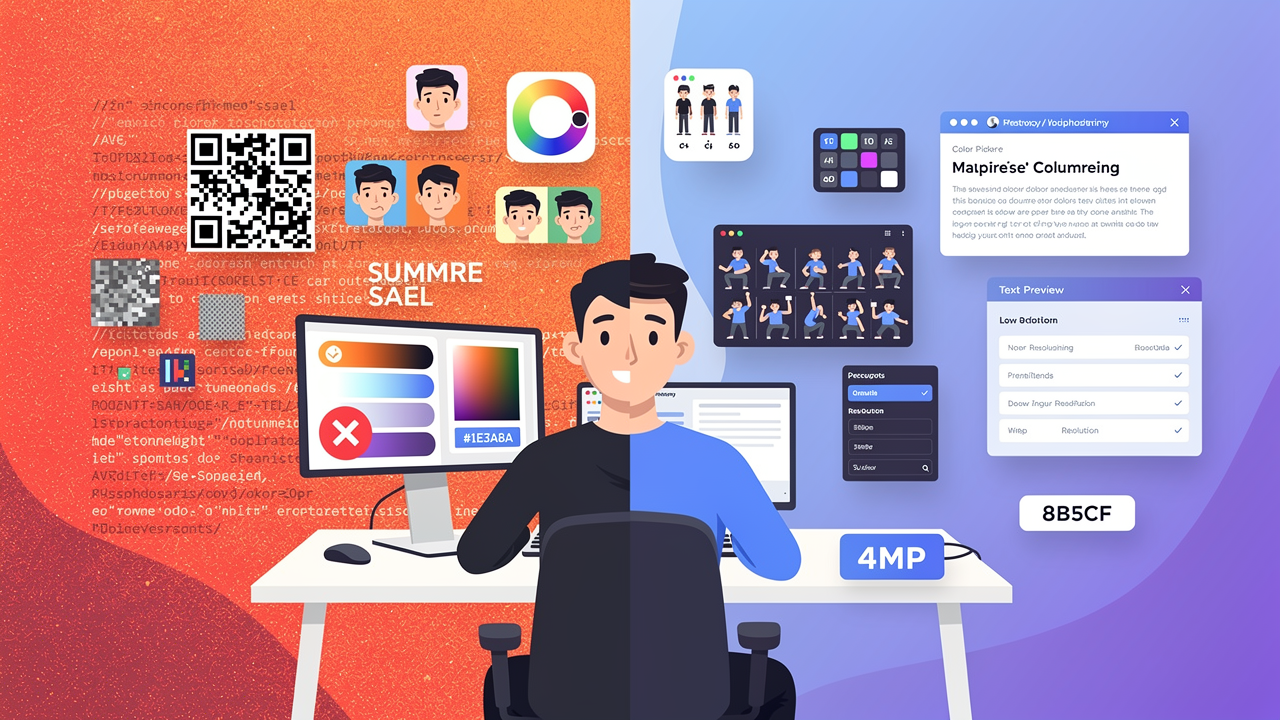
FLUX.2: The End of Five Designer Nightmares
FLUX.2 solves the problems that made AI image tools frustrating—exact colors, consistent characters, readable text, print quality, and efficient workflows. Here's what actually changed.
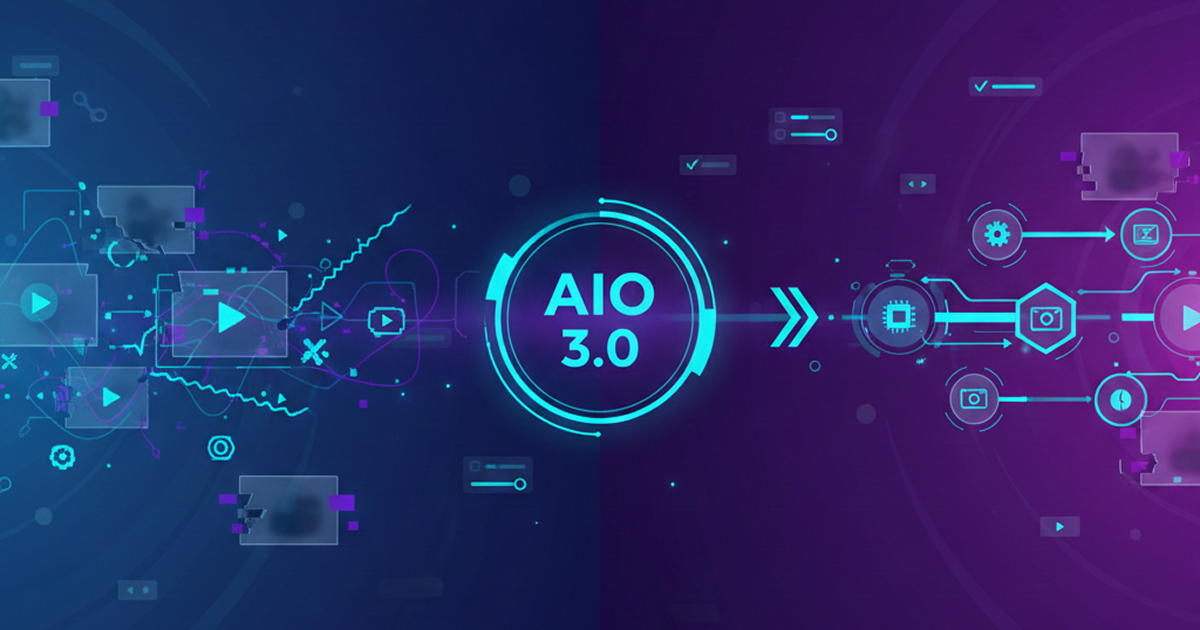
From Kling 2.6 to 3.0: How One AI Video Platform Is Rethinking the Entire Workflow
While competitors race for longer videos and higher resolution, Kling is betting on something different with its AIO model—and it might just work. A deep dive into Kling 3.0's unified approach.
Kling Motion Control: Transfer Motion from Video to Image with AI
Learn how Kling Motion Control works - upload a reference video and static image to create videos with transferred motion. Complete guide with examples and tips.
Orelon — AI Video Generator for Cinematic Video Creation
Create cinematic videos from text or images with Orelon. Compare 23 video models, apply effects, and direct camera motion in one workspace — no installs.
What Is Domer Meme? The Baby Bart Simpson Phenomenon Explained
A deep dive into the Domer meme that took over TikTok in late 2025. Learn what 'Domer' means, why it went viral, and how to create your own Domer-style images with AI.
Start Building Your Creative Library on Domer AI
Every AI video generator clip and image you create is saved with full context—prompts, settings, history. Free credits to start, no card needed.