
Transform Your Content with AI-Powered Effects
A growing library of AI effects for video and image transformations—powered by trained AI models, not basic filters from standard photo apps. Upload your content, select a style, and let AI handle the processing. Video AI effects process frame-by-frame for smooth motion and temporal consistency. Image AI effects analyze your photo's content and apply intelligent adjustments based on what's actually in the scene. Results download as standard files ready for any platform. No design skills needed, no watermarks, free to start.


What You Get with Our AI Effects Library
A growing collection of video and image AI effects powered by trained models—not basic filters you'd find in standard photo apps. Upload your content, select a style, and let AI handle the processing. Results download as standard files ready for any platform. Video transformations process frame-by-frame to maintain smooth motion and temporal consistency. Image enhancements analyze your photo's content and apply intelligent adjustments based on what's actually in the scene. Both categories expand regularly as we add new AI effects styles and capabilities.
Why Our AI Effects Outperform Basic Filter Apps
Most filter apps apply the same transformation regardless of content. Our AI effects system understands what's in your media—faces, objects, backgrounds, motion—and adapts processing accordingly. Results look intentional and professional, not like a generic filter overlay.
Content-Aware Processing
Our AI effects analyze your media before applying transformations. Faces receive different treatment than backgrounds. Moving objects get tracked across frames. This intelligent approach creates natural-looking results instead of obviously artificial output.
Quality That Holds Up
AI effects maintain your original resolution without introducing compression artifacts. Videos stay smooth at the original frame rate. Images keep their sharpness and detail. You're enhancing content, not degrading it.
One-Click Application
No sliders to adjust, no parameters to tune. Select an AI effect, upload your file, get your result. The AI determines optimal settings based on your specific content. Works for beginners and saves time for professionals.
Commercial-Ready Output
Everything you create with our AI effects is yours to use commercially. No watermarks, no attribution requirements, no licensing fees. Use results in client work, social media, products, advertising—whatever you need.
Video Frame-by-Frame Processing
AI effects for video process each frame individually while maintaining temporal consistency. No flickering, no style jumps between frames. Characters and objects stay visually coherent from start to finish.
Growing Style Library
New AI effects added regularly based on creator feedback and trending demands. Artistic styles, photo enhancements, creative transformations, meme generators—the collection keeps expanding.
How to Transform Your Content in 4 Simple Steps
From upload to download in under a minute
Browse the AI Effects Library
Scroll through our video and image AI effects. Each one shows a preview of the style it creates. Categories help you find specific looks—artistic, enhancement, creative, or professional styles.
Select Your Style
Click any AI effect to open it. You'll see more examples and details about what it does best. Some styles work better with certain content types—the description explains what to expect.
Upload Your Content
Drag and drop your image or video file. Supported formats include PNG, JPG, WebP for images and MP4 for videos. File size limits depend on the specific AI effect—most accept files up to 10MB.
Download Your Result
Processing takes a few seconds for images, up to a minute for videos. Preview the result, then download in your preferred format. No account required for basic AI effects—just download and use.
AI Effects Platform Features
Everything you need to transform videos and images with professional AI effects.
Video Style Transfers
Apply artistic and cinematic AI effects to video content. Frame-by-frame processing ensures smooth transitions and consistent style throughout the entire clip.
Image Enhancements
AI effects that analyze photo content and apply intelligent adjustments. Improve lighting, add artistic styles, or completely transform the visual aesthetic of any image.
Meme Generators
Specialized AI effects for creating viral meme content. Face swaps, style transfers, and creative transformations designed specifically for social media sharing.
Multiple Format Support
Upload PNG, JPG, WebP images and MP4 videos. AI effects output matches your input format—upload a PNG, receive a PNG back. No format conversion headaches.
No Account Required
Start using basic AI effects without signing up. Browse the library, upload content, download results. Premium styles and unlimited processing available with credits.
Non-Destructive Processing
Your original files stay untouched. AI effects create new output files—if you don't like the result, try a different style. Credits are only charged for successful generations.
What Creators Say About Our AI Effects
Content creators, marketers, and social media managers use Domer's AI effects library every day.
I use the AI effects library for all my Instagram content now. Browse styles, upload, download. The content-aware processing makes every effect look natural, not like a cheap filter slapped on top.
David Chen, Content Creator
David Chen
Content Creator
We run product videos through the AI effects for different campaign looks. Same source video, five different styles for A/B testing. What used to take our design team a full day now takes 10 minutes.
Rachel Kim, Marketing Manager
Rachel Kim
Marketing Manager
The video AI effects blew me away—frame-by-frame processing without any flickering. I transform client videos into artistic styles that look like they took hours of After Effects work.
Marcus Thompson, Freelance Designer
Marcus Thompson
Freelance Designer
Thumbnails and shorts get way more clicks since I started using Domer's AI effects. The artistic styles are actually unique—not the same filters everyone else has from basic apps.
Sofia Garcia, YouTube Creator
Sofia Garcia
YouTube Creator
Product photos transformed with AI effects for seasonal campaigns—holiday looks, summer vibes, minimal aesthetic. One photo set, multiple styles. Saves us thousands in reshoots every quarter.
James Wilson, E-commerce Owner
James Wilson
E-commerce Owner
Managing visual consistency across five brand accounts is easy now. Run everything through the same AI effect and the whole feed looks cohesive. The quality never degrades either—that's the key difference.
Anna Zhang, Social Media Manager
Anna Zhang
Social Media Manager
AI Effects FAQ
Common questions about our AI effects platform
Latest News
Tips, tutorials, and updates from the Domer AI team.
Vídeo marketing financiero con IA: guía práctica y flujos
Cómo producir vídeo marketing financiero con IA: flujo de trabajo, personalización por segmentos, cumplimiento normativo, métricas y errores frecuentes.
How to Make Educational Quote Videos for Creative Leaders
A practical AI video workflow for turning leadership quotes into short, visually consistent microlearning lessons that people actually remember.
Mimic Blockbuster Cinematic Shots With AI Visual Effects
Learn how to recreate blockbuster-style cinematic shots with AI video tools: lighting, lens language, camera moves, consistency, and post-grade.
Spójne postacie w filmach AI: praktyczny przewodnik twórcy
Naucz się utrzymywać spójność postaci w filmach generowanych przez AI: referencje, karta postaci, kontrola scen i typowe błędy.
Intro Gaming 3D e Transizioni Video Professionali: Guida Pratica
Come progettare intro gaming 3D e transizioni video professionali: pipeline, ritmo, coerenza visiva, esportazione e controllo qualità.
Marketing Video Optimization: Why Video Wins in Ads
Learn how to optimize marketing video for ads: hooks, format specs, AI-assisted production, testing frameworks, and the metrics that matter.
Baby Brat Meme Generator: How to Create Cursed-Cute AI Images
Complete guide to creating Baby Brat memes—the cursed-cute trend combining baby filters with brat aesthetics. Get the best AI prompts, tools, and tips for viral-worthy images.
Domer: Free AI Image Generator - Complete Features & Guide
Everything you need to know about Domer AI—a fast, free image generator for creating memes, art, and transformations. Get 10 free credits to start.
FLUX.2: The End of Five Designer Nightmares
FLUX.2 solves the problems that made AI image tools frustrating—exact colors, consistent characters, readable text, print quality, and efficient workflows. Here's what actually changed.
From Kling 2.6 to 3.0: How One AI Video Platform Is Rethinking the Entire Workflow
While competitors race for longer videos and higher resolution, Kling is betting on something different with its AIO model—and it might just work. A deep dive into Kling 3.0's unified approach.
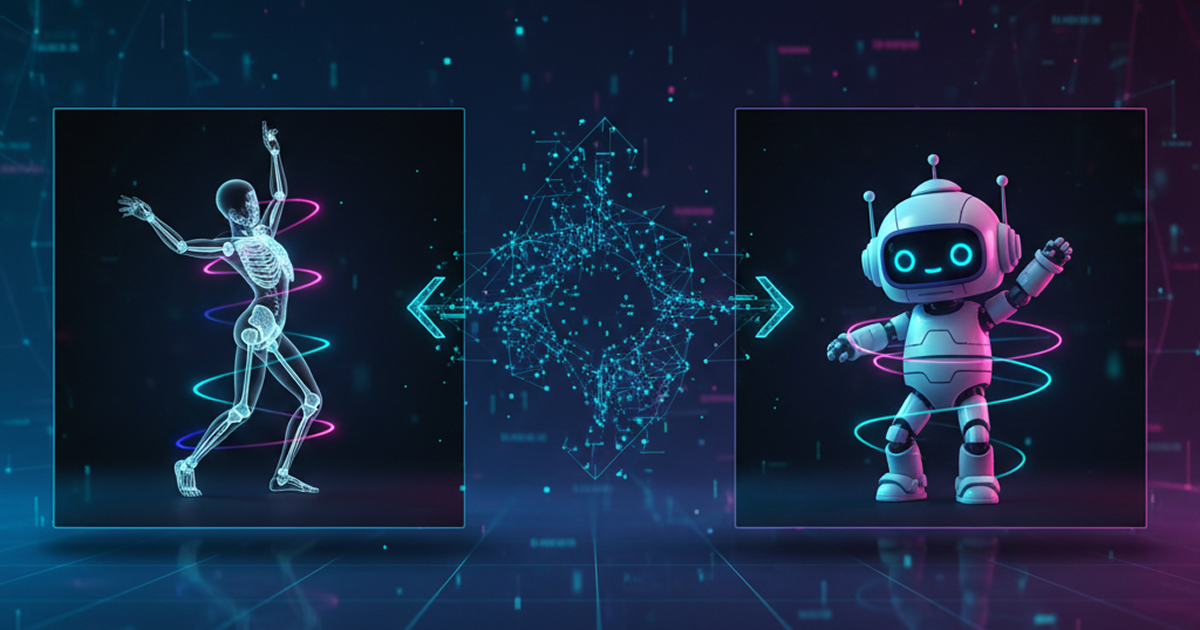
Kling Motion Control: Transfer Motion from Video to Image with AI
Learn how Kling Motion Control works - upload a reference video and static image to create videos with transferred motion. Complete guide with examples and tips.
Orelon — AI Video Generator for Cinematic Video Creation
Create cinematic videos from text or images with Orelon. Compare 23 video models, apply effects, and direct camera motion in one workspace — no installs.
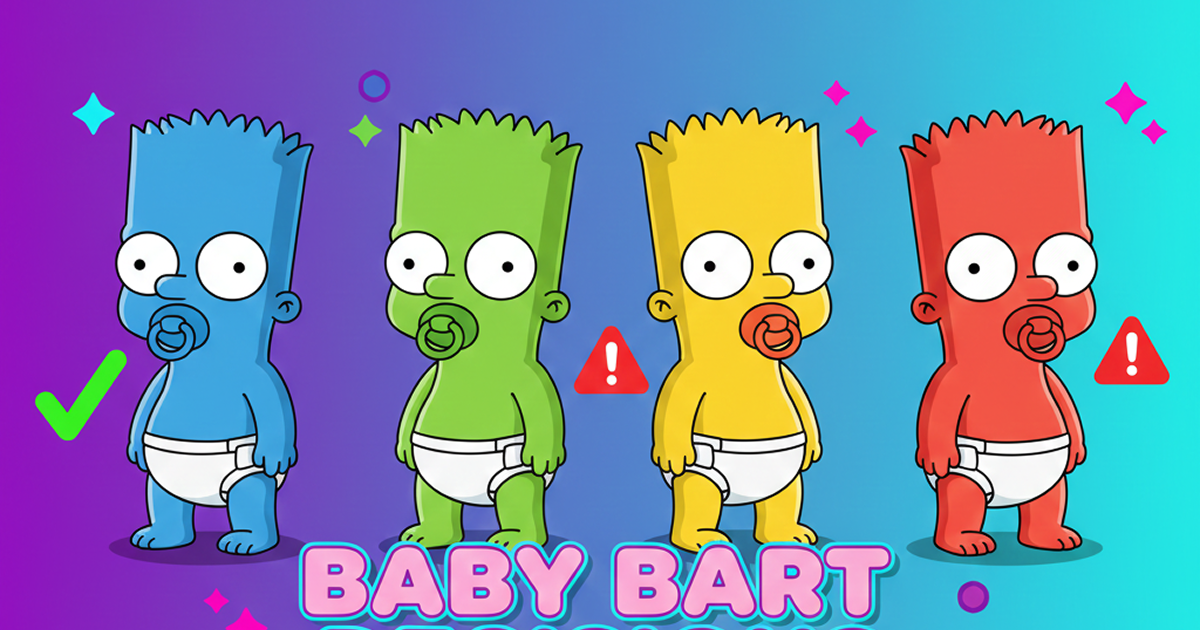
What Is Domer Meme? The Baby Bart Simpson Phenomenon Explained
A deep dive into the Domer meme that took over TikTok in late 2025. Learn what 'Domer' means, why it went viral, and how to create your own Domer-style images with AI.
Start Transforming Your Content Today
Browse the AI effects library, select a style, upload your media. Professional results in seconds, no signup required for basic transformations.