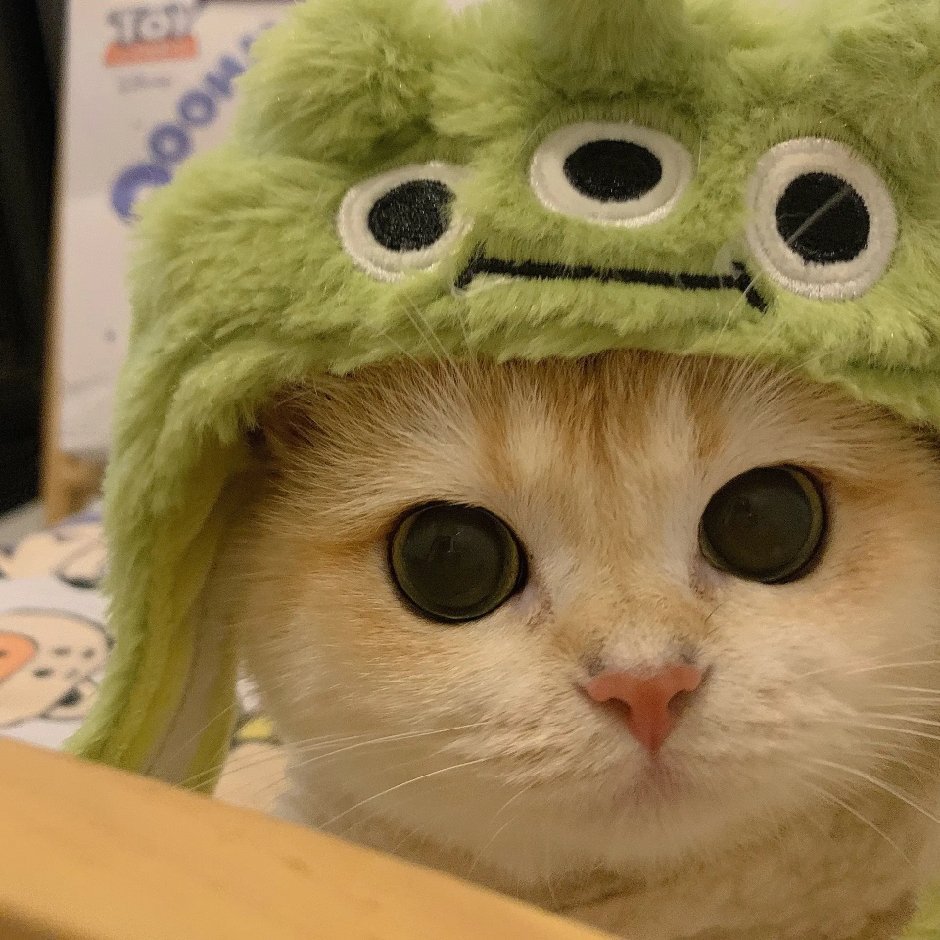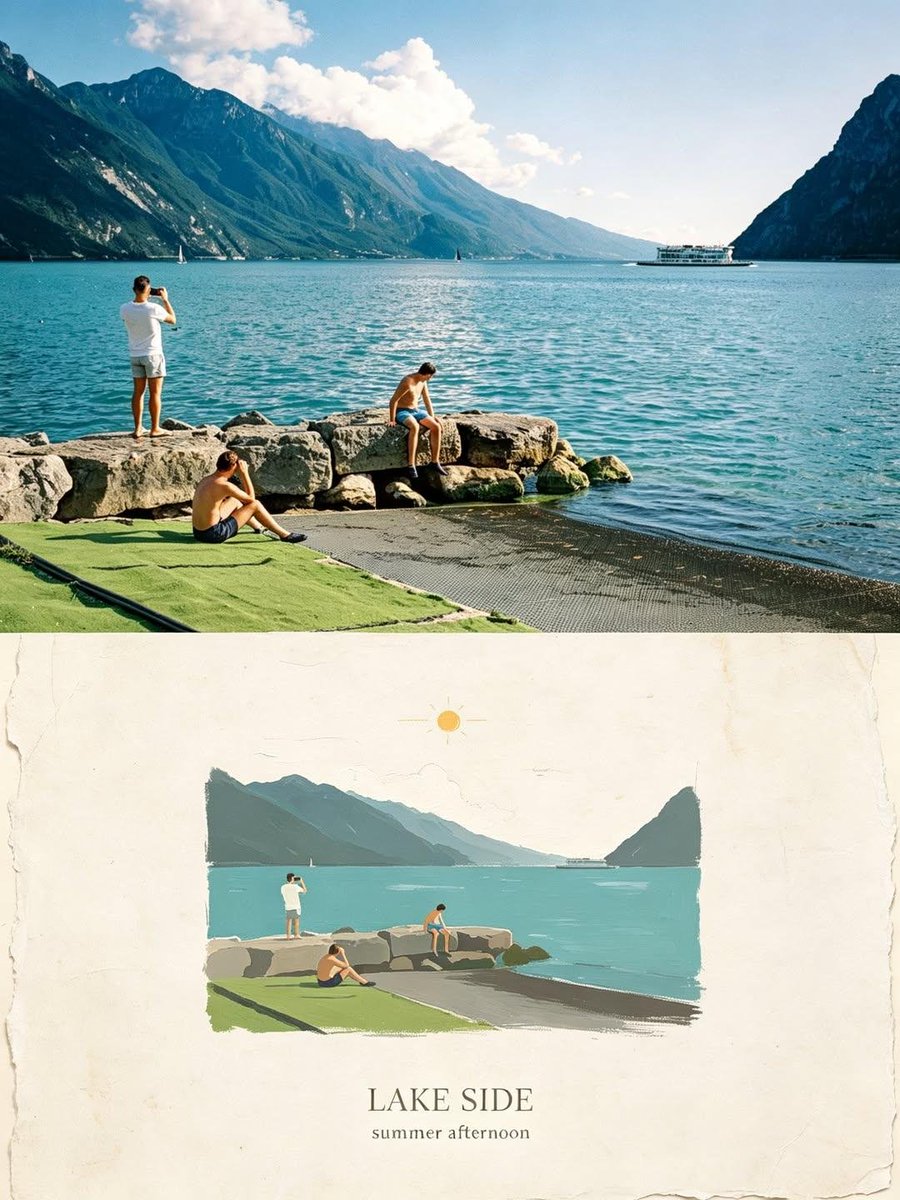
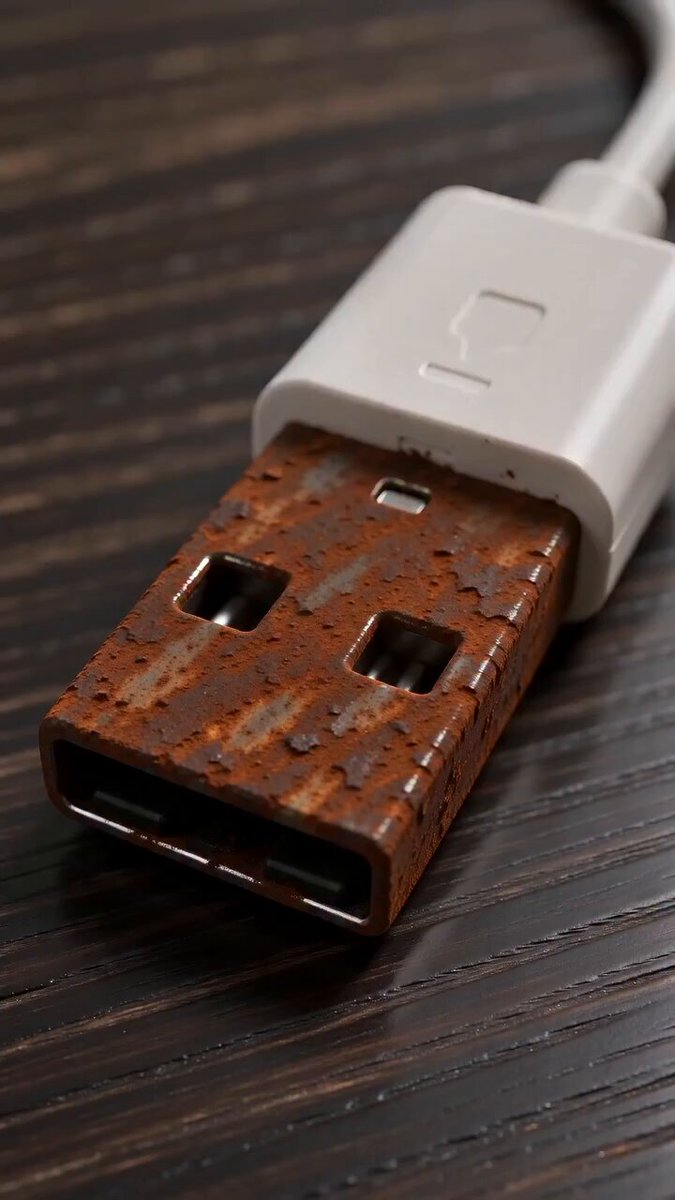
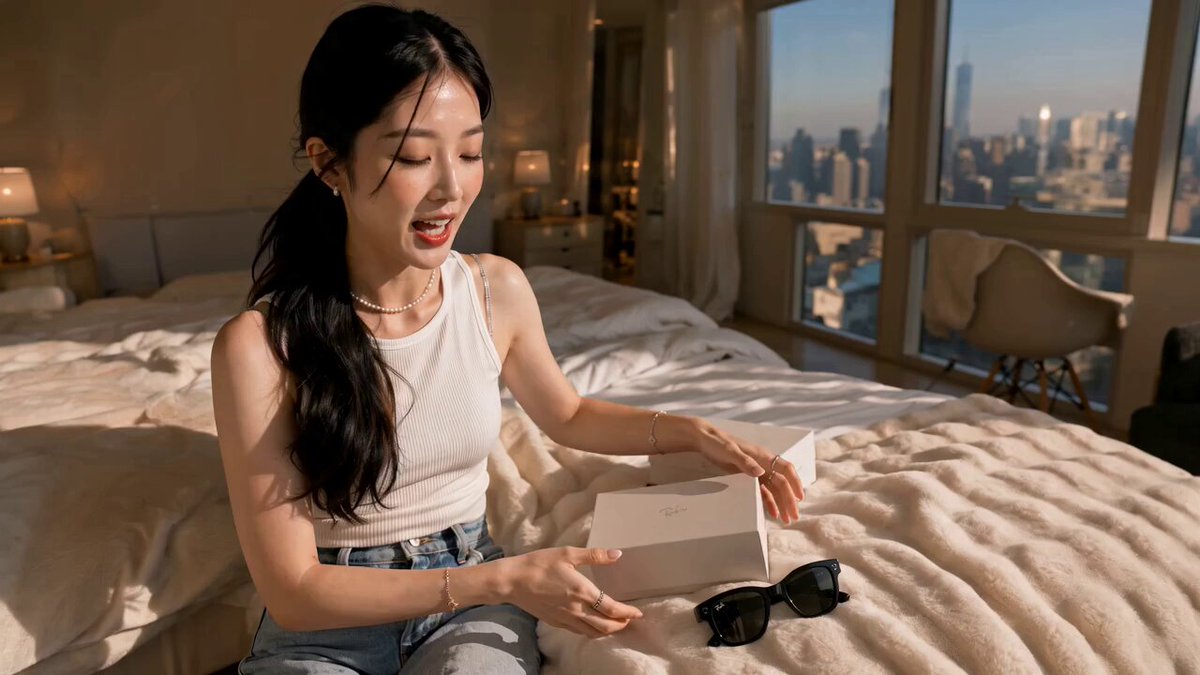
Why Combine Nano Banana 2 and Kling 3.0 for Video Creation
Creating professional videos for TikTok, Instagram, and other social media platforms used to require expensive equipment and editing skills. Now, with AI image generators and AI video generators, you can create stunning content in minutes.
The workflow is simple but powerful:
- Generate high-quality images with Nano Banana 2 - an advanced AI image generator
- Transform images into dynamic videos with Kling 3.0 - a state-of-the-art AI video generator
- Export and share your videos on TikTok, Instagram Reels, YouTube Shorts, and more
This combination gives you complete creative control. You design the exact visuals you want with Nano Banana 2, then bring them to life with Kling 3.0's motion capabilities.
What Makes This Workflow Special
Nano Banana 2: High-Quality AI Image Generator
Nano Banana 2 is designed for creating detailed, high-resolution images with:
- Multiple aspect ratios: 1:1, 16:9, 9:16, 4:3, 3:4 - perfect for different social media platforms
- High resolution options: 1K, 2K, 4K output
- Text-to-image and image-to-image modes: Start from scratch or refine existing images
- Fast generation: Get results in seconds
Kling 3.0: Advanced AI Video Generator
Kling 3.0 transforms your images into professional videos with:
- Image-to-video mode: Animate your Nano Banana 2 images
- First and last frame control: Create videos with specific start and end poses
- Multiple duration options: 5s, 10s, or 15s videos
- Professional modes: Standard and Pro quality
- Sound generation: Add audio to your videos automatically
The key advantage: Kling 3.0 specializes in motion and action, making it perfect for dynamic content like dance videos, action sequences, and animated performances.
Step-by-Step Tutorial: Create a Concert Dance Video
Let me walk you through creating a professional concert dance video - perfect for TikTok and Instagram Reels.
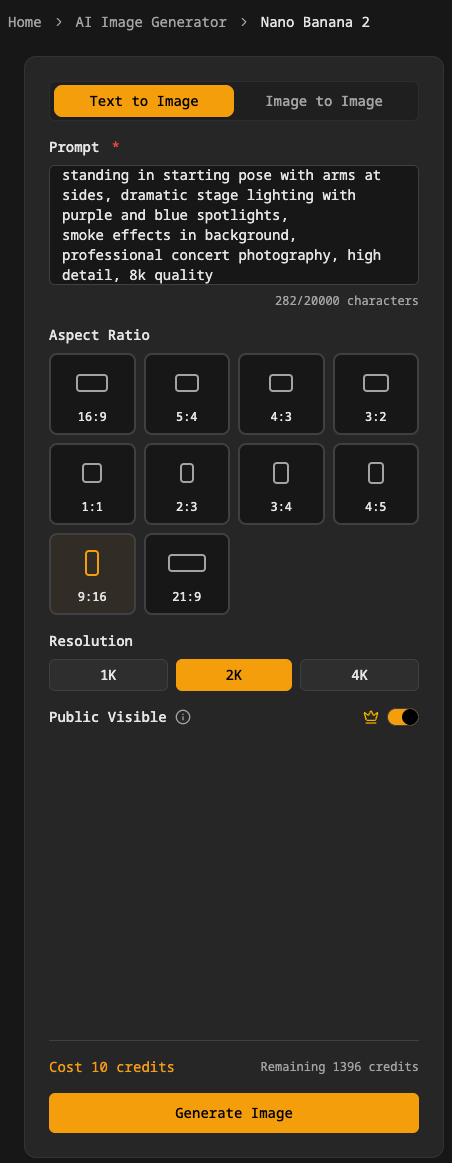
Step 1: Generate Your First Frame with Nano Banana 2
Go to Nano Banana 2 generator and create your starting image.
Example Prompt:
A young female dancer on a concert stage, wearing a sparkly silver crop top and black pants,
standing in starting pose with arms at sides, dramatic stage lighting with purple and blue spotlights,
smoke effects in background, professional concert photography, high detail, 8k quality
Parameters to set:
- Mode: Text-to-Image
- Aspect Ratio: 9:16 (vertical format for TikTok/Instagram Reels)
- Resolution: 2K or 4K for best quality
- Public Visible: Your choice
Click Generate Image and wait for your result.
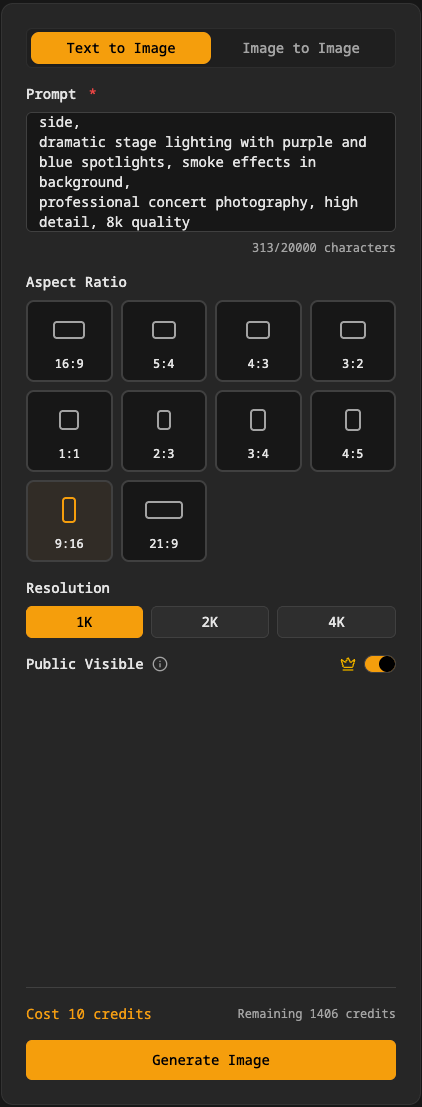
Step 2: Generate Your Last Frame with Nano Banana 2
Now create the ending pose for your video. This is what makes Kling 3.0's motion so powerful - you define both the start and end positions.
Example Prompt:
A young female dancer on a concert stage, wearing a sparkly silver crop top and black pants,
in dynamic dance pose with one arm raised high and body leaning to the side,
dramatic stage lighting with purple and blue spotlights, smoke effects in background,
professional concert photography, high detail, 8k quality
Parameters:
- Keep the same settings as Step 1
- Only change the pose description in the prompt
This ensures visual consistency between frames while showing clear motion.
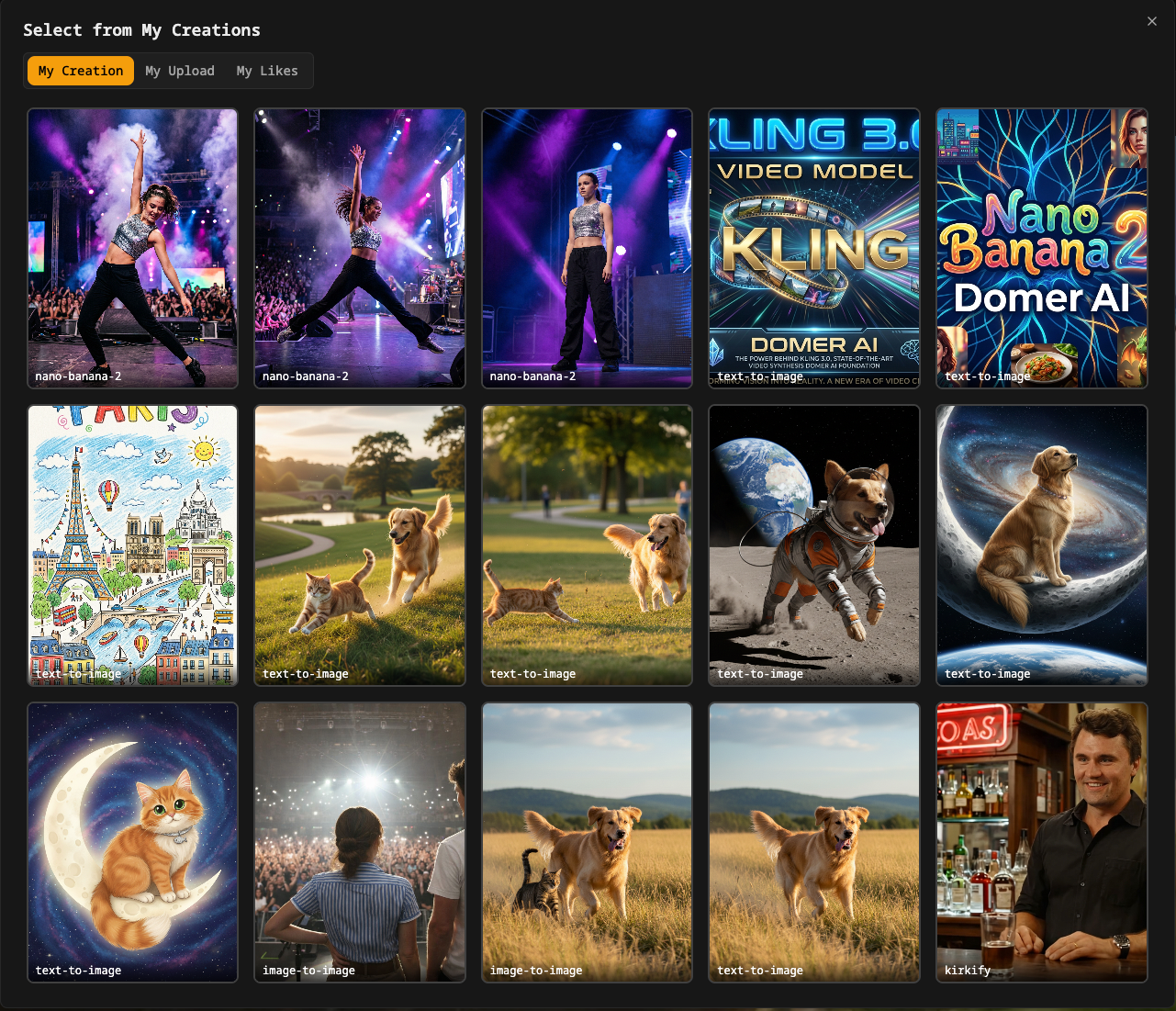
Pro Tip: Save both images to My Creations - you'll need them in the next step.
Step 3: Create Video with Kling 3.0
Now go to Kling 3.0 generator to bring your images to life.
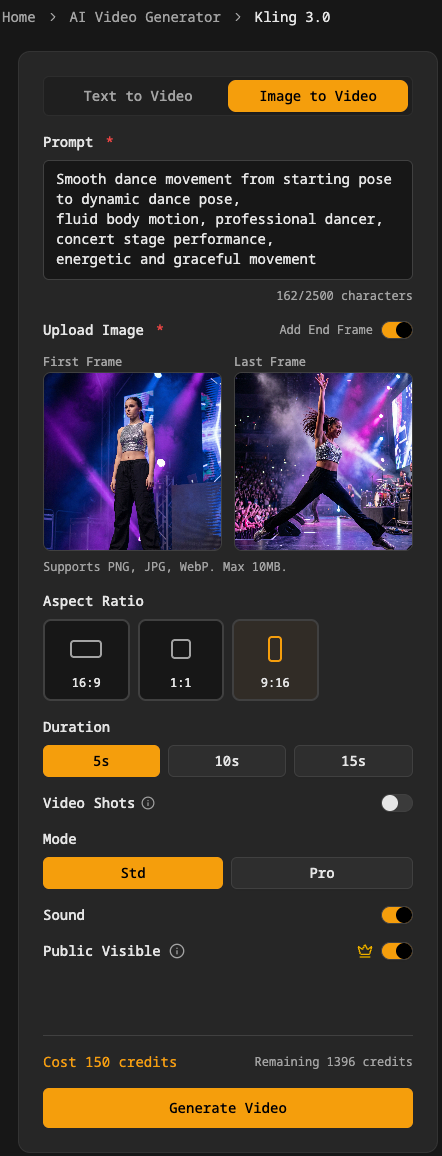
Select Image-to-Video Mode:
- Click the Image-to-Video tab
Upload Your Images:
- Click the image uploader
- Select "From My Creations" tab
- Choose your first frame (starting pose)
- Enable "First and Last Frame" mode
- Upload your second frame (ending pose)
Enter Your Prompt:
Smooth dance movement from starting pose to dynamic dance pose,
fluid body motion, professional dancer, concert stage performance,
energetic and graceful movement
Set Parameters:
- Aspect Ratio: 9:16 (matches your images)
- Duration: 5s (good for first attempt)
- Mode: Pro (better motion quality)
- Sound: Enabled (adds background music/ambience)
Generate:
- Review your credit cost (varies by duration and mode)
- Click Generate Video
- Wait 2-3 minutes for processing
Step 4: Review and Download
Once generation completes:
- Preview your video in the results panel
- Check the motion quality and timing
- Download the video file
- Find it in My Creations for future reference
Step 5: Share to Social Media
Your video is now ready for:
- TikTok: Upload directly (9:16 format is perfect)
- Instagram Reels: Native vertical format
- YouTube Shorts: Optimized aspect ratio
- Instagram Feed: Works great for posts
- Twitter/X: Eye-catching video content
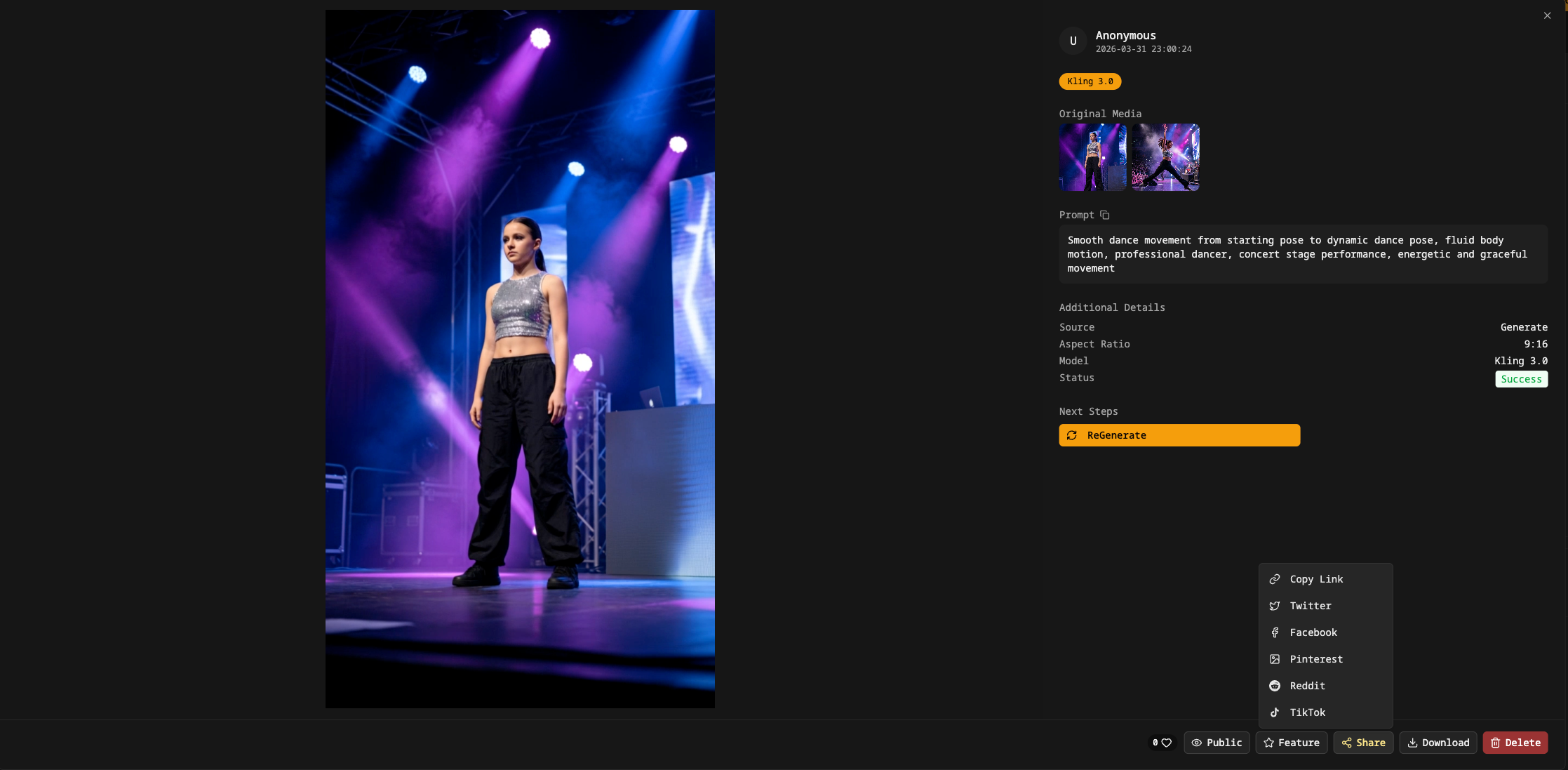
Understanding the Parameters
Nano Banana 2 Parameters
Aspect Ratio:
- 1:1 - Instagram posts, profile videos
- 16:9 - YouTube, landscape content
- 9:16 - TikTok, Instagram Reels, Stories (recommended for mobile)
- 4:3 - Classic format
- 3:4 - Portrait orientation
Resolution:
- 1K - Fast generation, good for testing
- 2K - Balanced quality and speed (recommended)
- 4K - Maximum quality for professional use
Kling 3.0 Parameters
Duration:
- 5s - Quick clips, lower credit cost, good for testing
- 10s - Standard social media length
- 15s - Longer storytelling (requires multiple shots)
Mode:
- Standard (std) - Faster, lower cost, good quality
- Pro - Higher quality motion, more realistic, better for final output
Sound:
- Enabled - Adds generated audio/music
- Disabled - Silent video (add your own audio later)
First and Last Frame:
- Single Image - AI generates motion from one image
- Two Images - You control start and end positions (more precise)
Tips for Better Results
Image Generation Tips
Be specific in prompts:
- Describe clothing, pose, lighting, environment
- Include quality keywords: "professional photography", "high detail", "8k"
- Mention the mood: "energetic", "dramatic", "elegant"
Keep consistency:
- Use similar prompts for first and last frames
- Only change the pose/action description
- Keep lighting and environment the same
Choose the right aspect ratio:
- 9:16 for TikTok/Reels (vertical)
- 16:9 for YouTube (horizontal)
- 1:1 for Instagram feed (square)
Video Generation Tips
Motion description matters:
- Describe the type of movement: "smooth", "dynamic", "fluid"
- Mention the action: "dancing", "jumping", "spinning"
- Include style: "graceful", "energetic", "powerful"
Start with shorter durations:
- 5s videos are easier to control
- Test your concept before generating longer videos
- Longer videos cost more credits
Use Pro mode for final output:
- Standard mode for testing and iteration
- Pro mode for final videos you'll publish
- Pro mode has better motion quality and realism
More Creative Ideas
Fashion Showcase
- Generate model images in different outfits
- Create smooth transitions between poses
- Perfect for fashion brands and clothing lines
Product Demonstrations
- Show products from different angles
- Create rotating or zooming effects
- Great for e-commerce and marketing
Character Animation
- Create character illustrations with Nano Banana 2
- Animate them with Kling 3.0
- Build storytelling content
Music Videos
- Generate performance scenes
- Create dance sequences
- Sync with your music tracks
Fitness Content
- Show exercise movements
- Create workout demonstrations
- Perfect for fitness influencers
Cost and Credits
Both tools use a credit system:
Nano Banana 2:
- Fixed credit cost per image
- Higher resolution may cost more credits
Kling 3.0:
- Cost varies by duration and mode
- Pro mode costs more than Standard
- Longer videos cost more credits
- Example: 5s Pro mode = X credits, 10s Pro mode = 2X credits
Check your remaining credits in the generator interface before creating.
Frequently Asked Questions
Can I use images from other sources?
Yes! Kling 3.0's image uploader supports uploading from My Creations (your generated images) or uploading files from your device.
What video format do I get?
MP4 format, compatible with all social media platforms.
Can I edit the video after generation?
Yes, download the video and edit it in your preferred video editor. Add text, filters, or combine multiple clips.
How long does generation take?
- Nano Banana 2: 10-30 seconds per image
- Kling 3.0: 2-3 minutes per video
Can I generate multiple variations?
Yes! Generate multiple images with Nano Banana 2, then create different videos with each one.
Getting Started
Ready to create your first AI-generated video?
- Start with Nano Banana 2 - Generate your images
- Continue with Kling 3.0 - Create your video
- View your creations - Access all your generated content
Quick Links
AI Image Generators:
- Nano Banana 2 - High-quality image generation
- Text to Image - More image generation options
AI Video Generators:
- Kling 3.0 - Advanced video generation
- Image to Video - Other image-to-video tools
- Text to Video - Generate videos from text
Your Content:
- My Creations - View all your generated images and videos
Key Takeaways
The workflow:
- Generate first frame with Nano Banana 2
- Generate last frame with Nano Banana 2
- Upload both to Kling 3.0
- Generate video with motion between frames
- Download and share
Best practices:
- Use consistent prompts for both frames
- Choose 9:16 aspect ratio for TikTok/Reels
- Start with 5s duration for testing
- Use Pro mode for final output
- Enable sound for more engaging videos
Perfect for:
- TikTok content creators
- Instagram Reels producers
- YouTube Shorts creators
- Social media marketers
- Content creators and influencers
Ready to create? Start with Nano Banana 2 → Then use Kling 3.0
Need help? Check out My Creations to manage your generated content
Last Updated: March 31, 2026