

AI Image to Video Workflows
Explore AI image-to-video workflows for animating product shots, portraits, posters, characters, and still images with motion.
AI Video Generator
0/20000 characters
Cost:10
My videos
Loading...

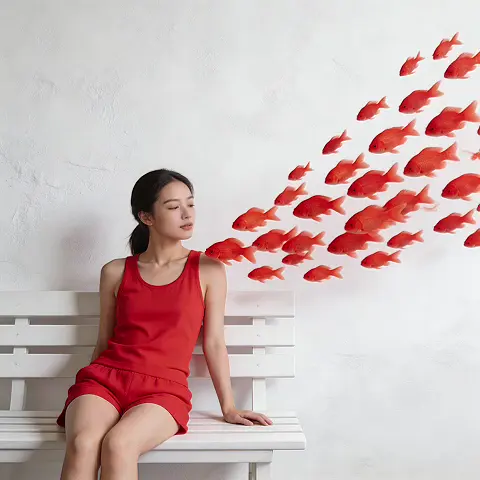
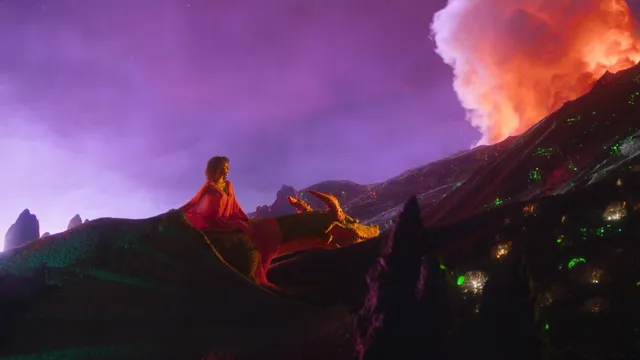
What image to video is best for
Image to video works best when you already have a strong still image and want to add camera movement, subject motion, atmosphere, or a short animated reveal without rebuilding the scene from text.
Animate a still image
Published topic hubs will help you choose an image-to-video workflow for a specific visual outcome.
Strong source images
Begin with a clear image whose subject and composition can support the intended movement.
Intentional motion
Describe camera movement and subject action together to make the animation coherent.
Prompt recipes
Use these prompt structures to move from a broad category to a usable first generation.
Product camera push
Animate the product image with a slow camera push-in, subtle reflections, soft studio light movement, keep product shape accurate, 5 seconds.
It uses the source image as the visual anchor and adds restrained motion around it.
Portrait micro-motion
Animate this portrait with subtle head movement, natural blinking, soft background parallax, realistic lighting, keep facial identity stable.
It keeps motion small and identity-preserving, which is safer for portrait animation.
Poster reveal
Turn this poster into a cinematic reveal, slow zoom, drifting particles, gentle light sweep, preserve typography and main composition.
It specifies both the motion style and the static elements that should remain stable.
Character idle animation
Animate the character with subtle breathing, hair movement, cloth motion, slight camera drift, keep pose and outfit consistent.
It asks for believable idle movement instead of drastic action that may distort the image.
Landscape atmosphere
Animate this landscape with slow clouds, moving mist, gentle water motion, gradual camera pan, preserve the original scene layout.
It adds environmental movement while respecting the source composition.
How to choose the right workflow
Match the job, input, and expected output before opening the generator.
Animate a product shot
Input: A clean product image plus camera direction and motion constraints.
Result: A short product motion clip that keeps the original item recognizable.
Tool: Image to Video
Bring a portrait to life
Input: A well-lit portrait and a prompt for subtle facial or background motion.
Result: A restrained animated portrait suitable for review before publishing.
Tool: Image to Video
Create a social motion asset
Input: A poster, campaign image, or thumbnail with a clear main subject.
Result: A motion version that can be used as a short social clip or ad test.
Tool: AI Image to Video
Add atmosphere to artwork
Input: A landscape, character, or illustration plus environmental motion cues.
Result: An animated scene concept with movement layered onto the still image.
Tool: Image to Video
Limitations to know before generating
- Image-to-video quality depends heavily on the source image clarity, composition, and subject separation.
- Large character actions, complex object interactions, and exact text preservation can be unreliable.
- Use subtle motion prompts when product accuracy, facial identity, or brand layout must remain stable.
- You are responsible for rights to source images, likenesses, logos, and commercial assets you animate.
Explore topics
Choose a focused workflow before opening the generator.
Creative Suite: AI Video Generator & AI Image Generator Tools
Power up your creative workflow with our AI-driven tools. Generate stunning videos, create images, and apply custom adjustments - our AI Video Generator and AI Image Generator offer a complete solution for all your creative needs.
Strictly Prohibits Adult/NSFW Content






Pricing
Choose the credit package that works best for you.
No hidden fees • Cancel anytime • Unused credits roll over
Starter
Perfect for trying out AI creation.
Credits
200 credits / month
- Up to 20 videos per month
- Up to 100 images per month
$6.99/ month$9.9930% OFF
Billed monthly
First-time subscribers get 30% off their first month, then standard price
What's included
- Credits never expire
- Standard models
- HD, Watermark-Free Downloads
- Private Generation
- Faster Generation Speed
- Ad-free experience
Basic
Perfect for light creators.
Credits
500 credits / month
- Up to 50 videos per month
- Up to 250 images per month
$13.99/ month$19.9930% OFF
Billed monthly
First-time subscribers get 30% off their first month, then standard price
What's included
- Credits never expire
- Standard models
- HD, Watermark-Free Downloads
- Private Generation
- Faster Generation Speed
- Ad-free experience
Pro
PopularBest value for creators
Credits
1,200 credits / month
- Up to 120 videos per month
- Up to 600 images per month
$39.99/ month
Billed monthly
What's included
- Credits never expire
- All models + Early access to new models
- HD, Watermark-Free Downloads
- Private Generation
- Faster Generation Speed
- Ultra HD resolution
- Ad-free experience
Ultra
For video creators and power users.
Credits
5,000 credits / month
- Up to 500 videos per month
- Up to 2,500 images per month
$99.99/ month
Billed monthly
What's included
- Credits never expire
- All models + Early access to new models
- HD, Watermark-Free Downloads
- Private Generation
- Faster Generation Speed
- Ultra HD resolution
- Ad-free experience
Free
Standard models only — upgrade to unlock premium models.
Credits
10 free credits on signup
Questions? Contact us at support@domer.io