
AI Profile Picture Generator
Loading...




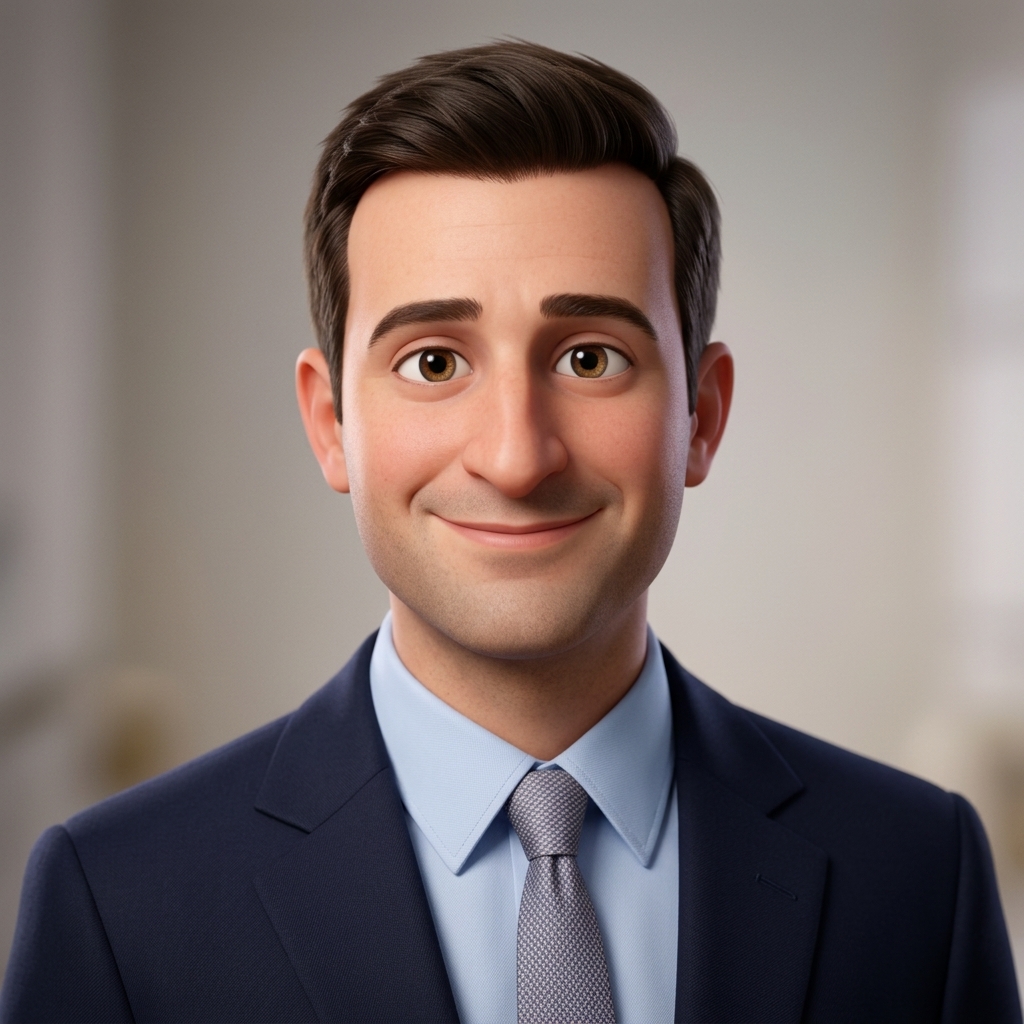





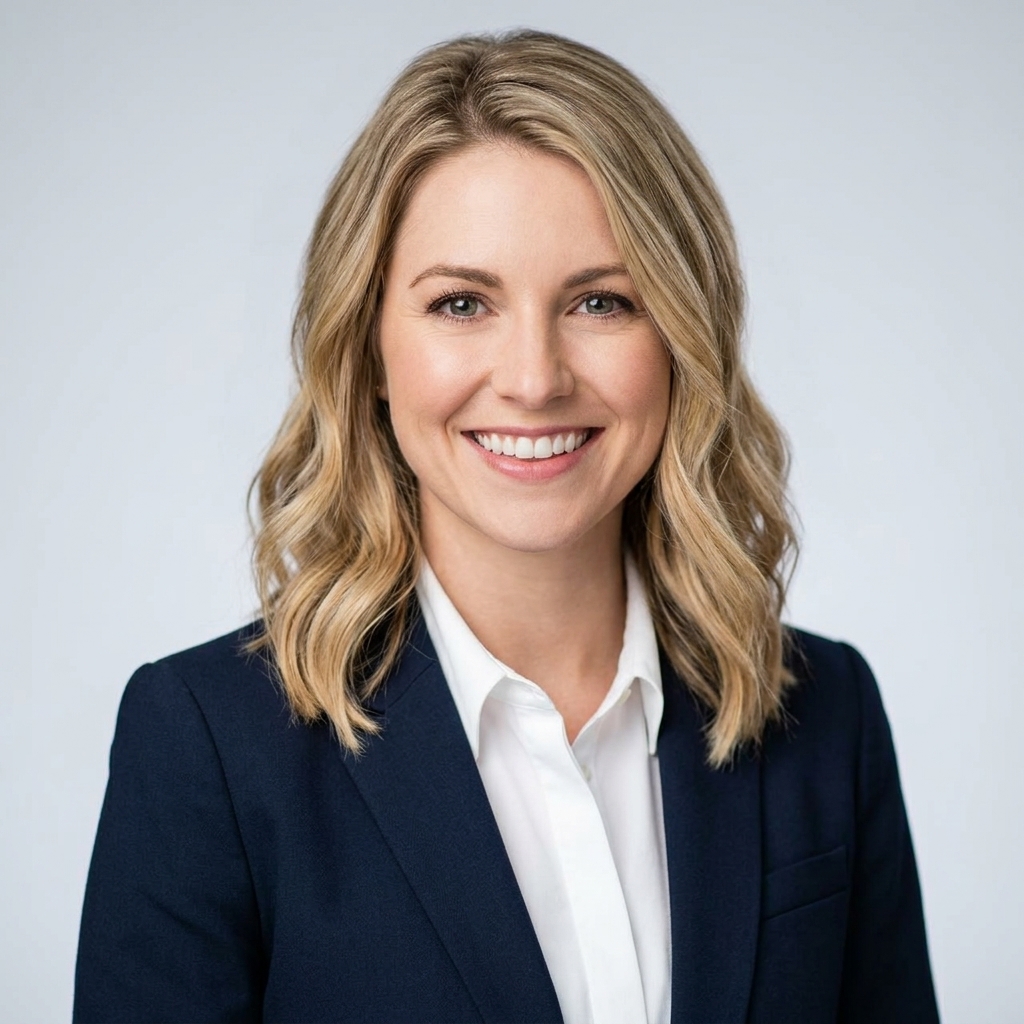


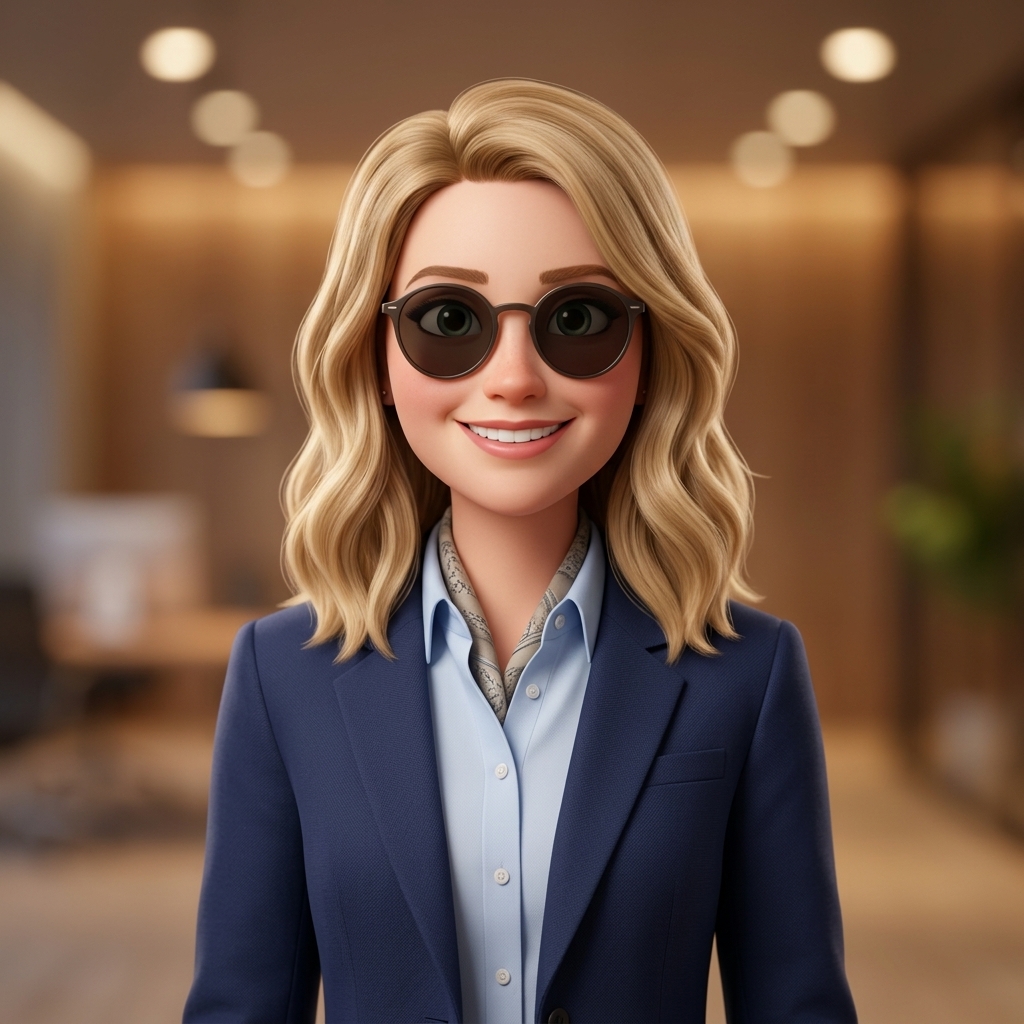
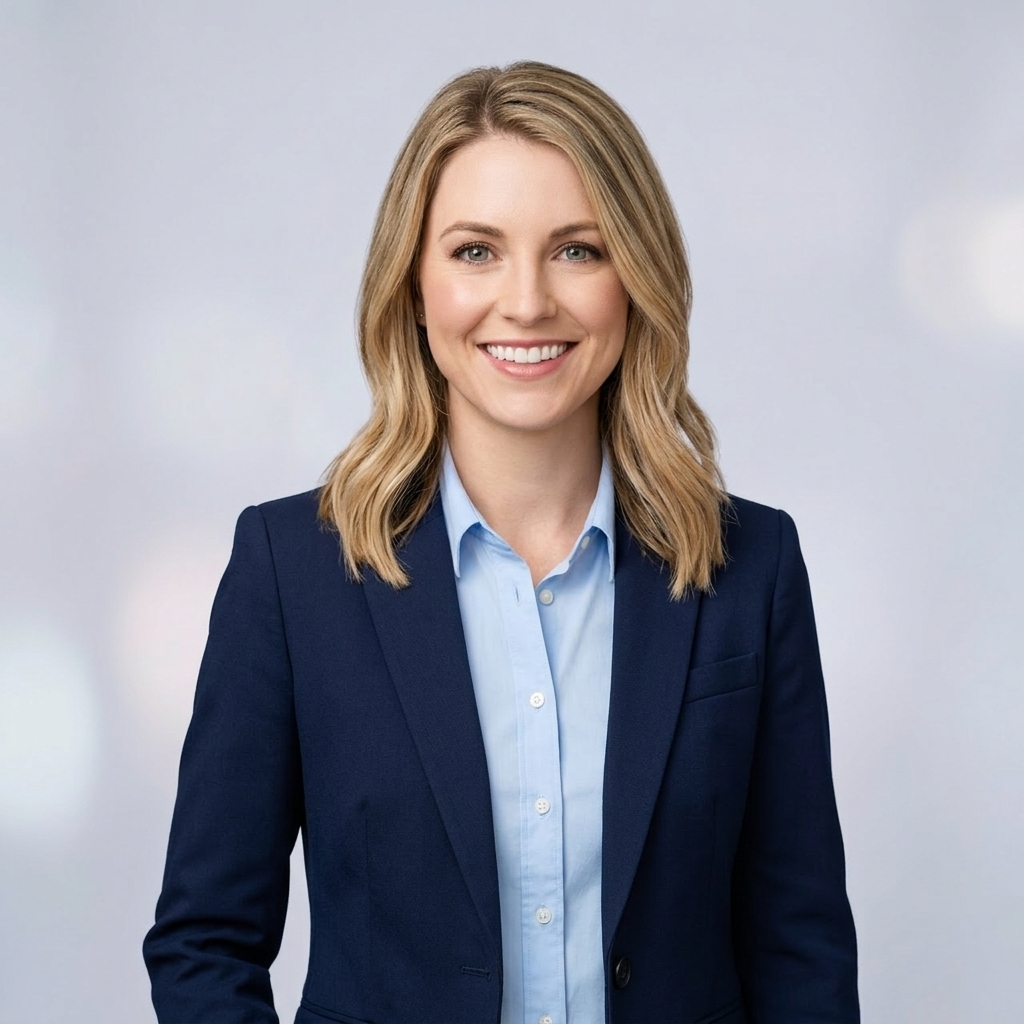







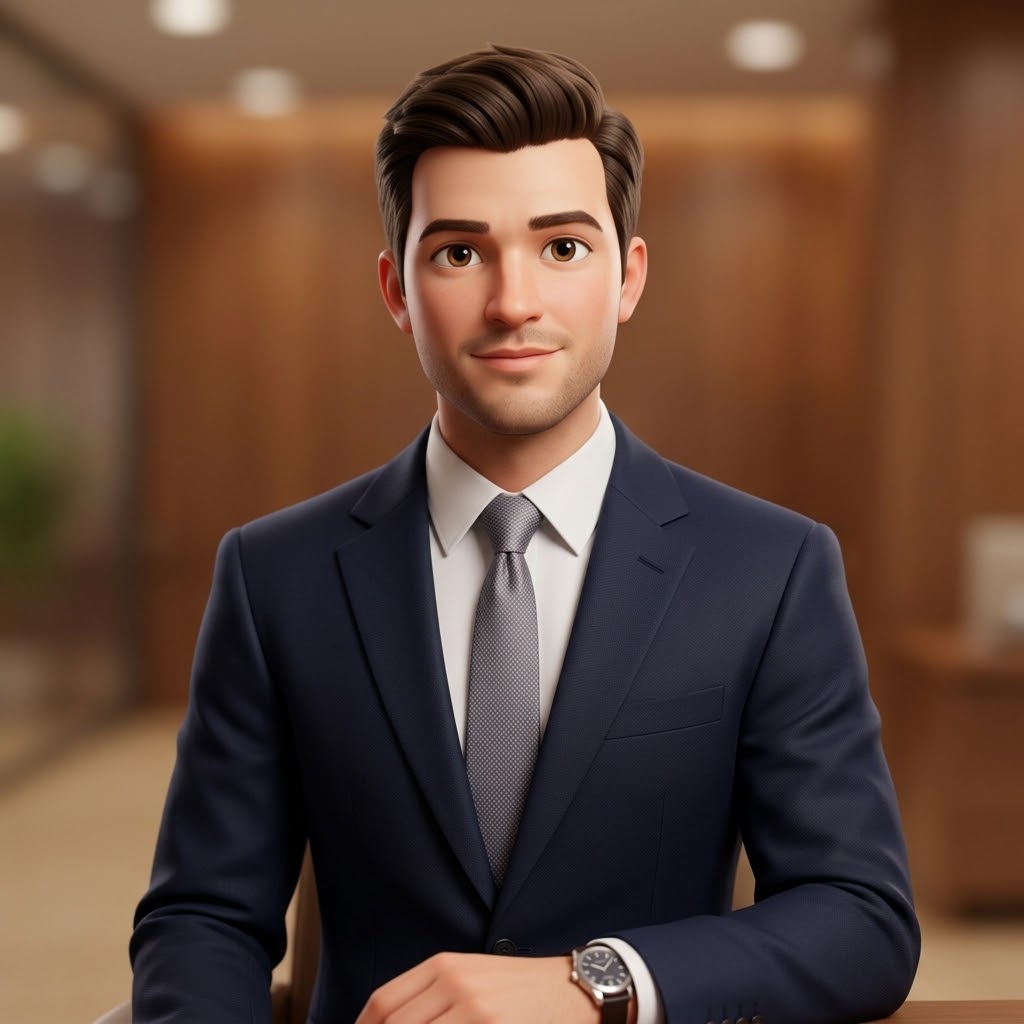




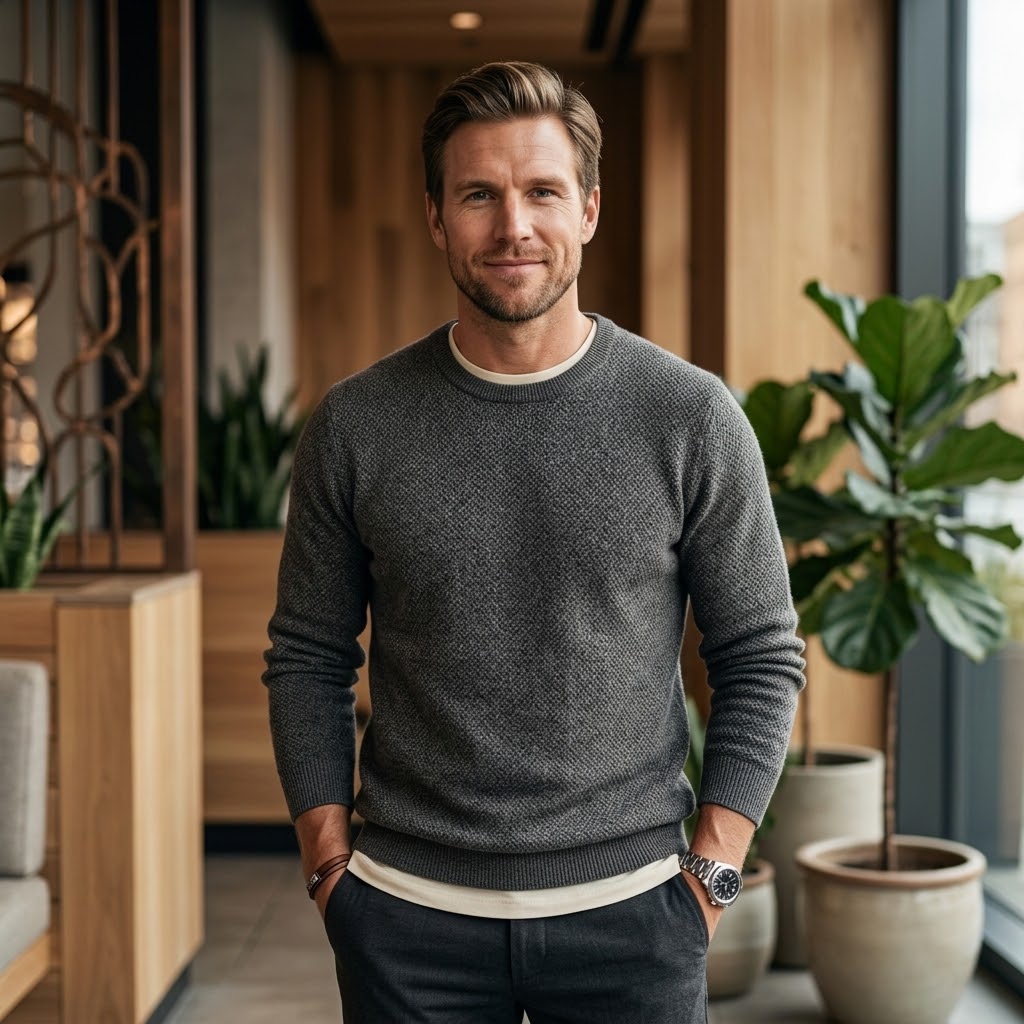

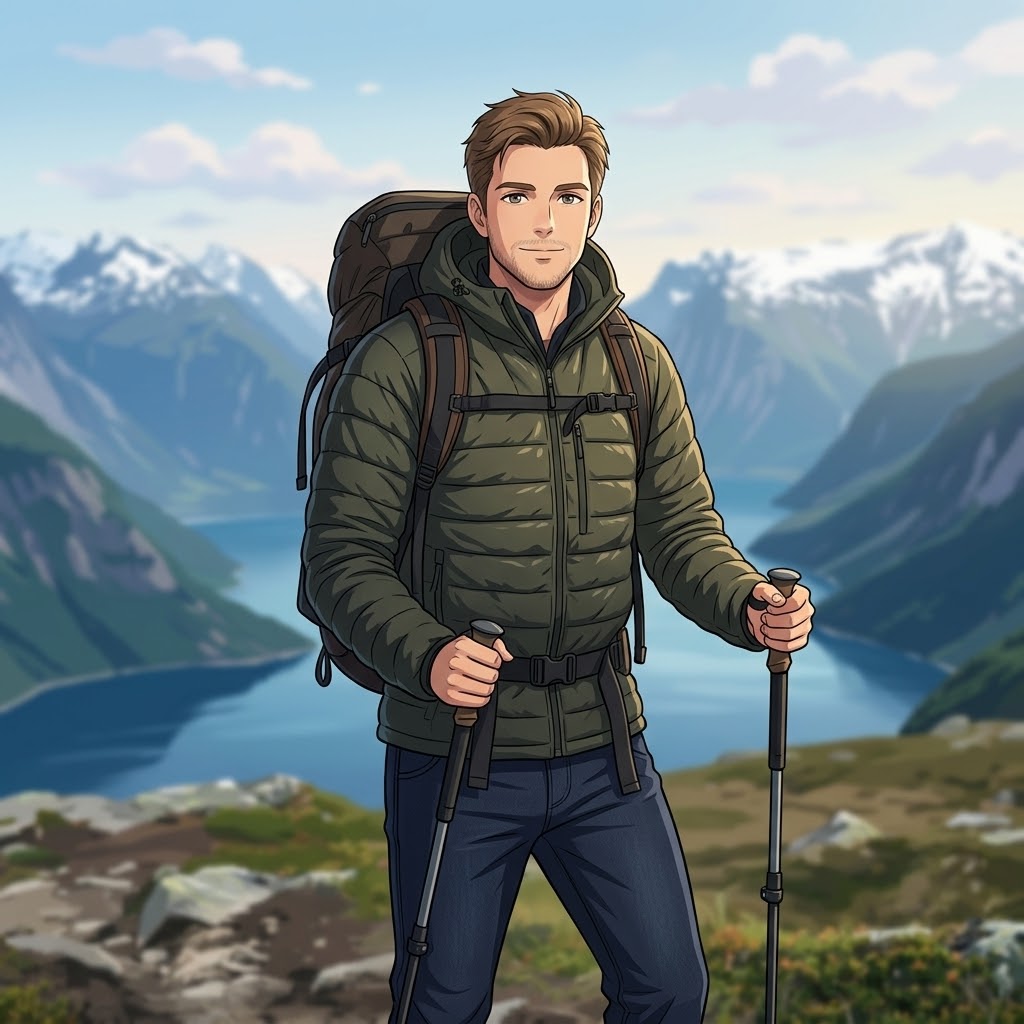

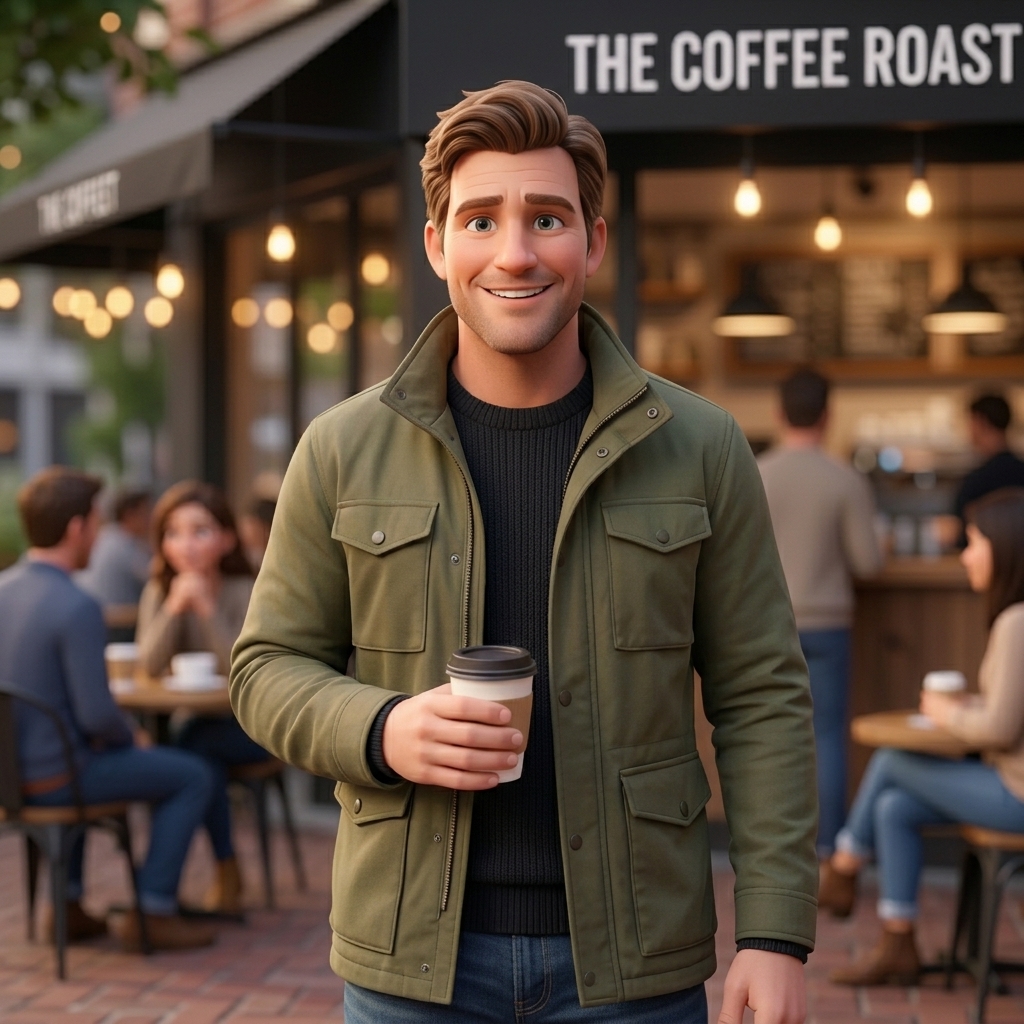

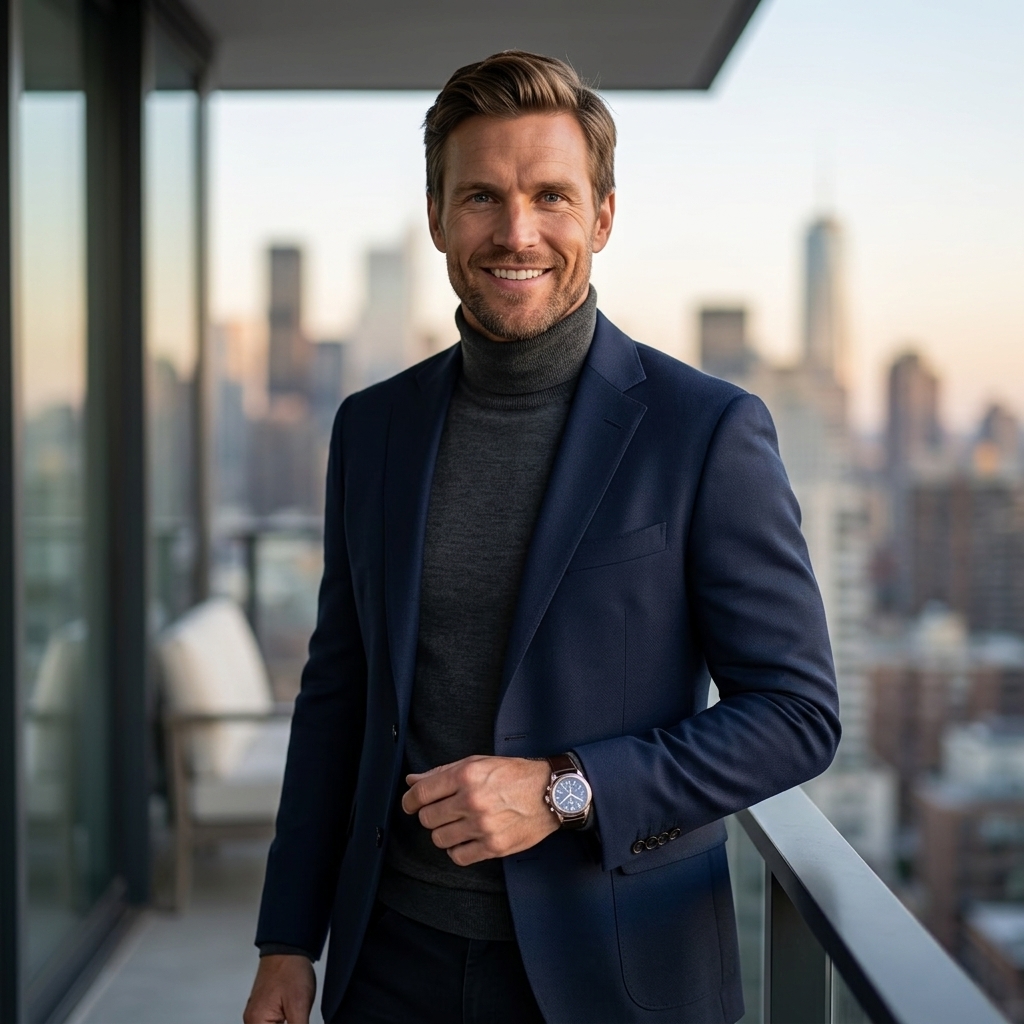


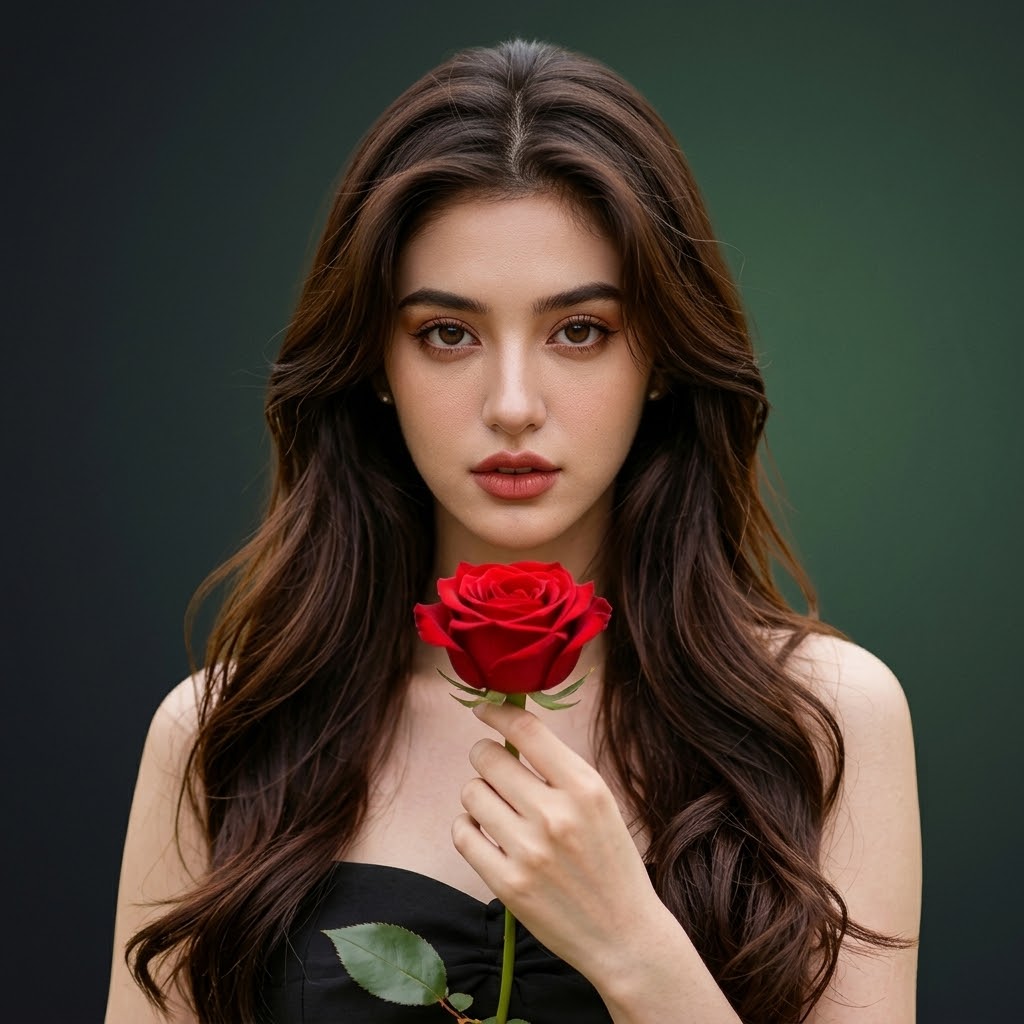

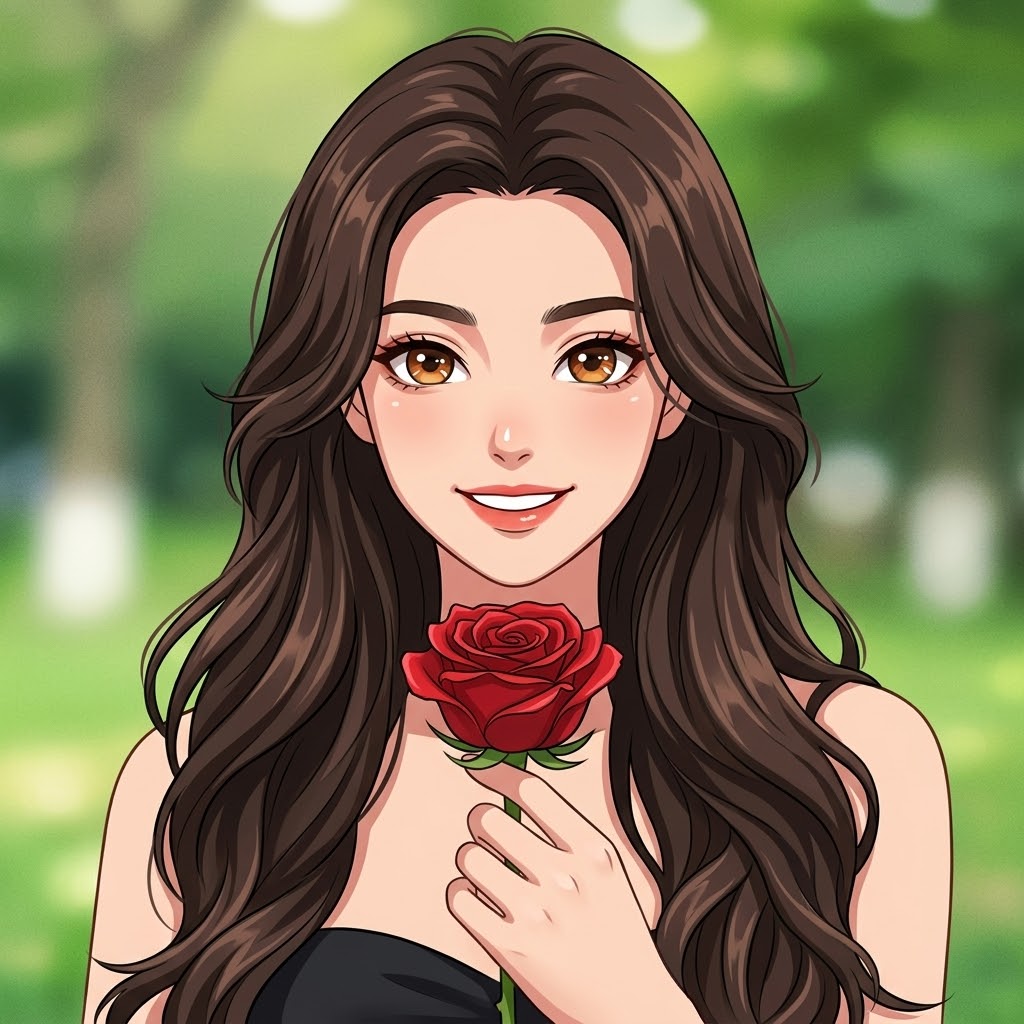
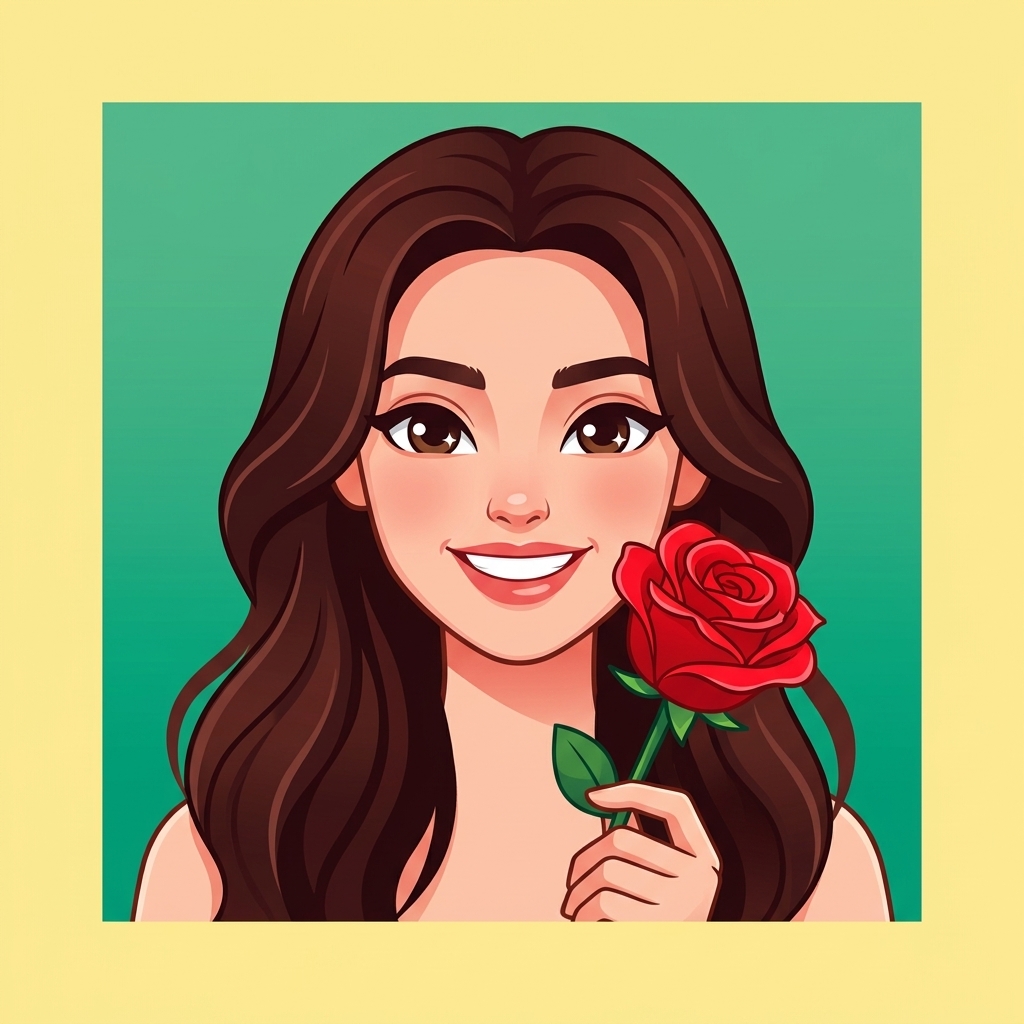
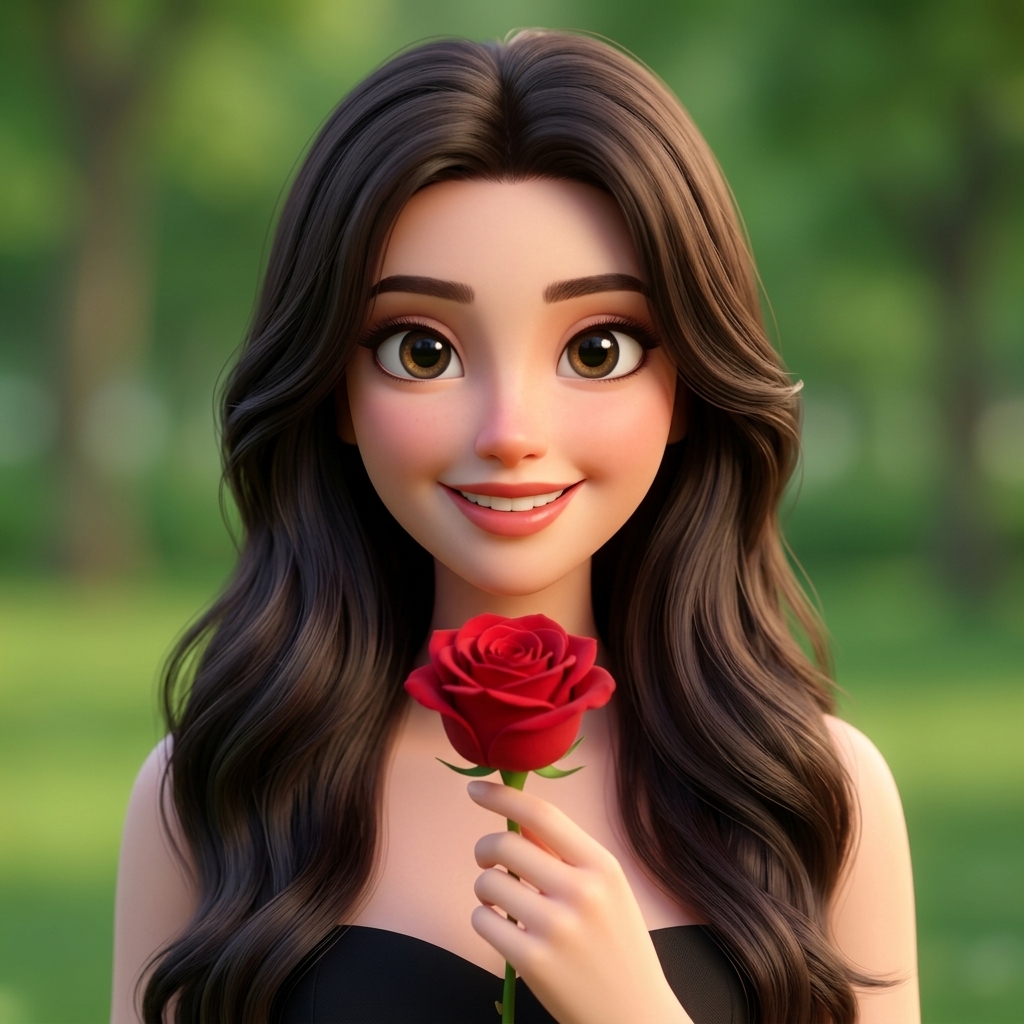
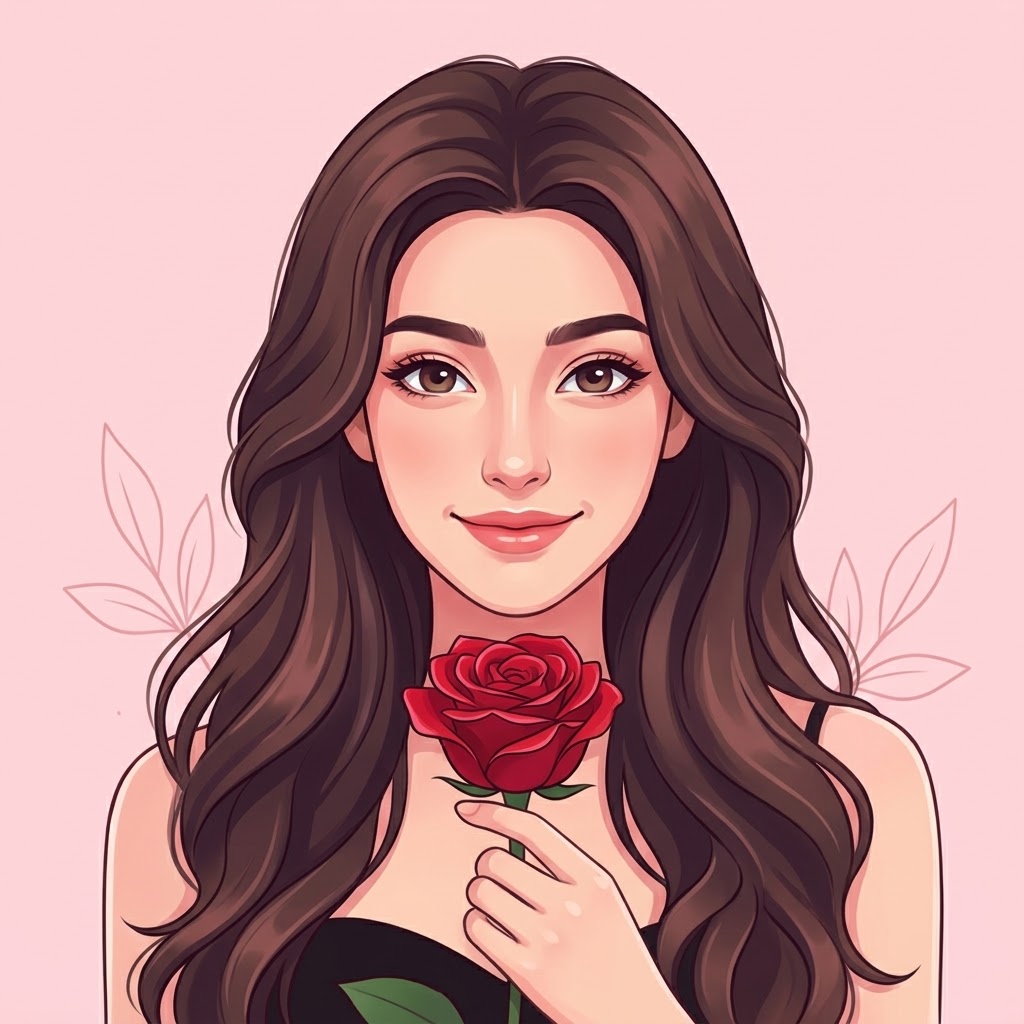
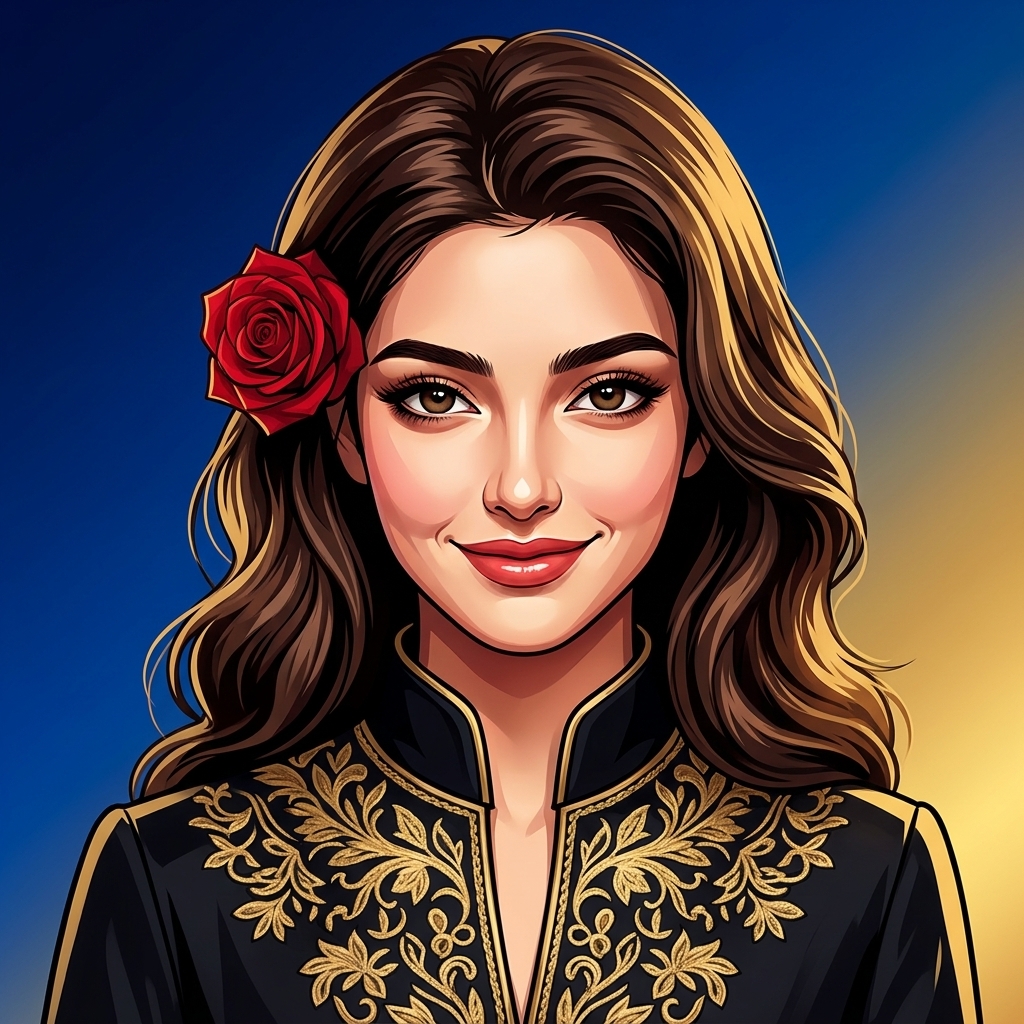
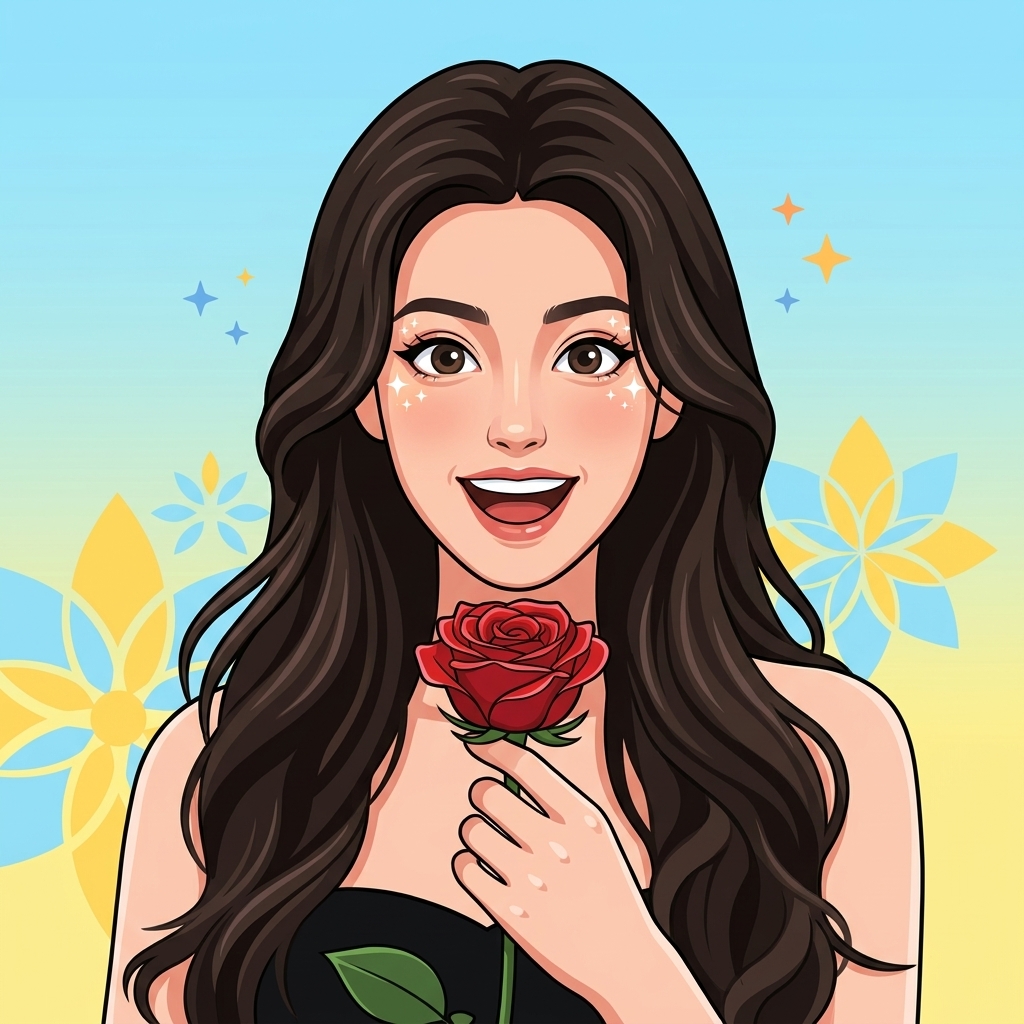
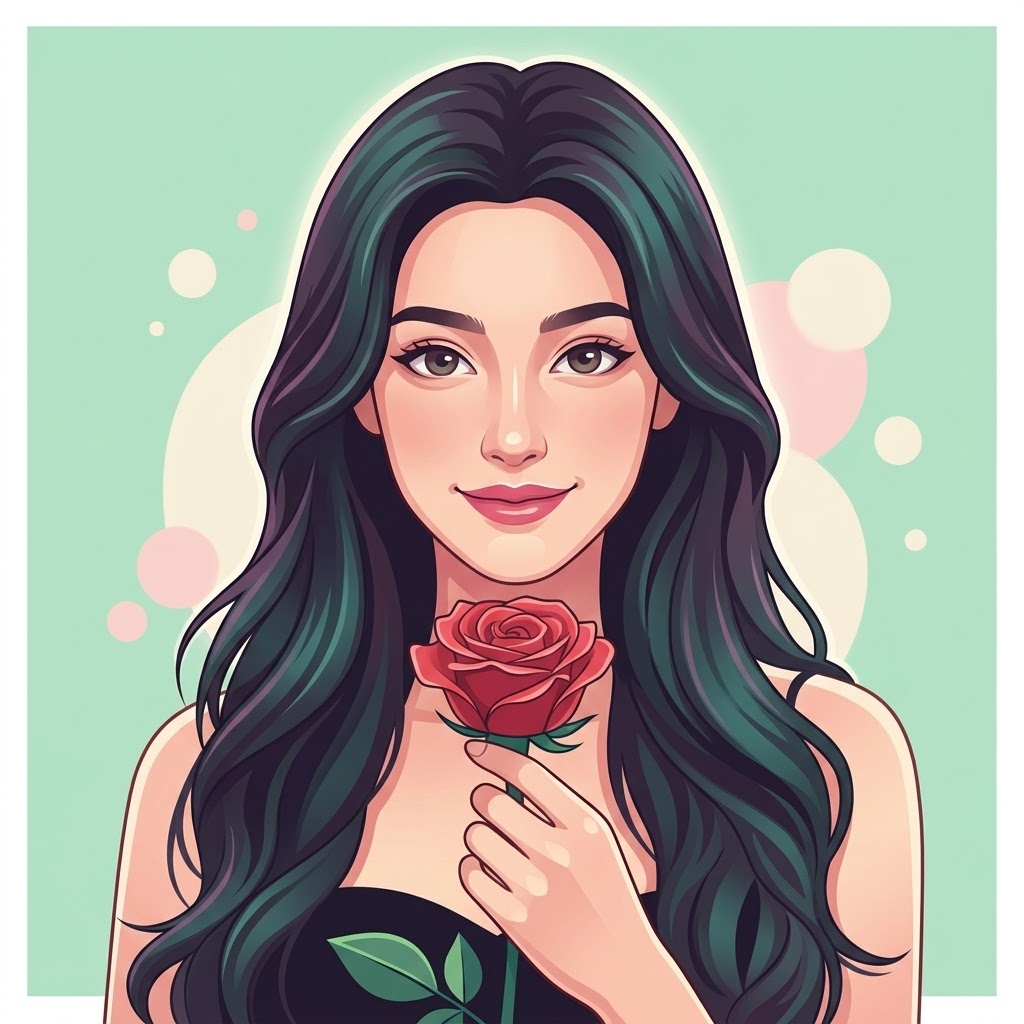

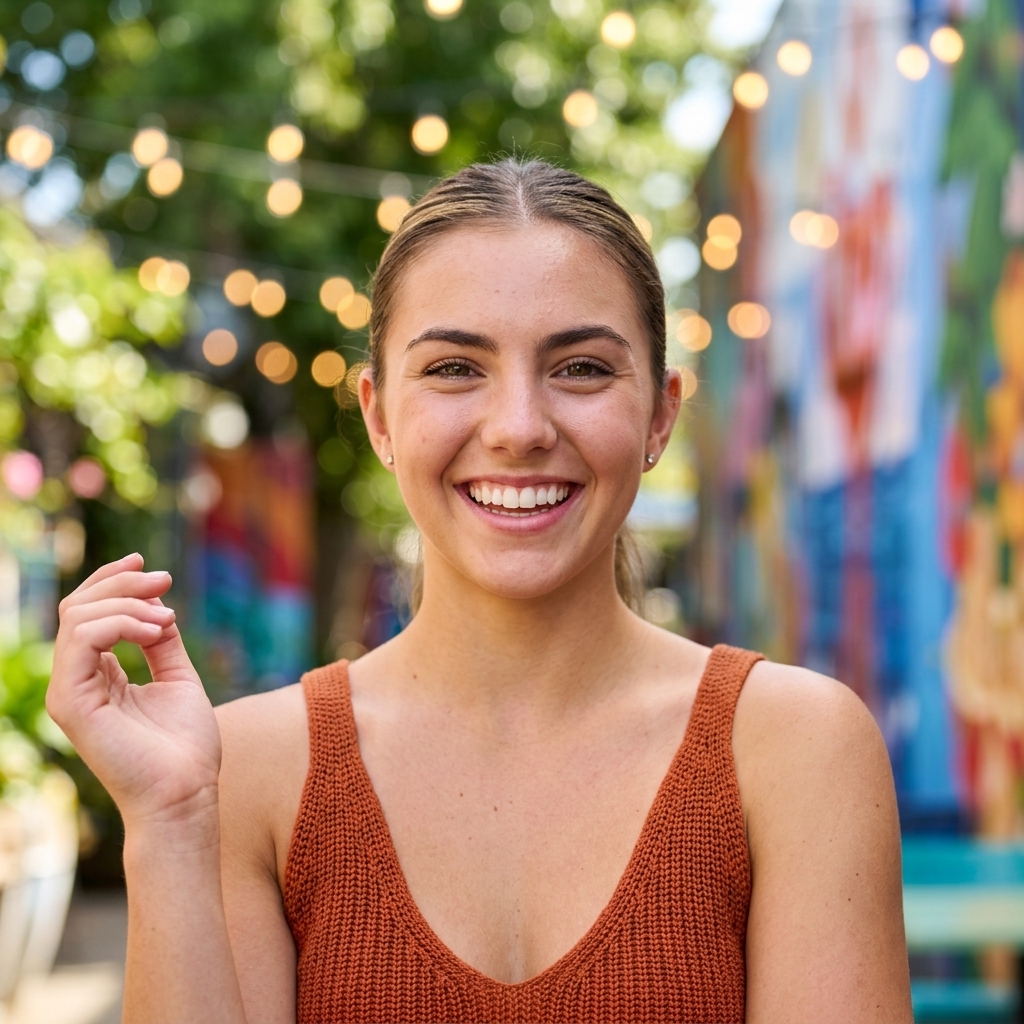
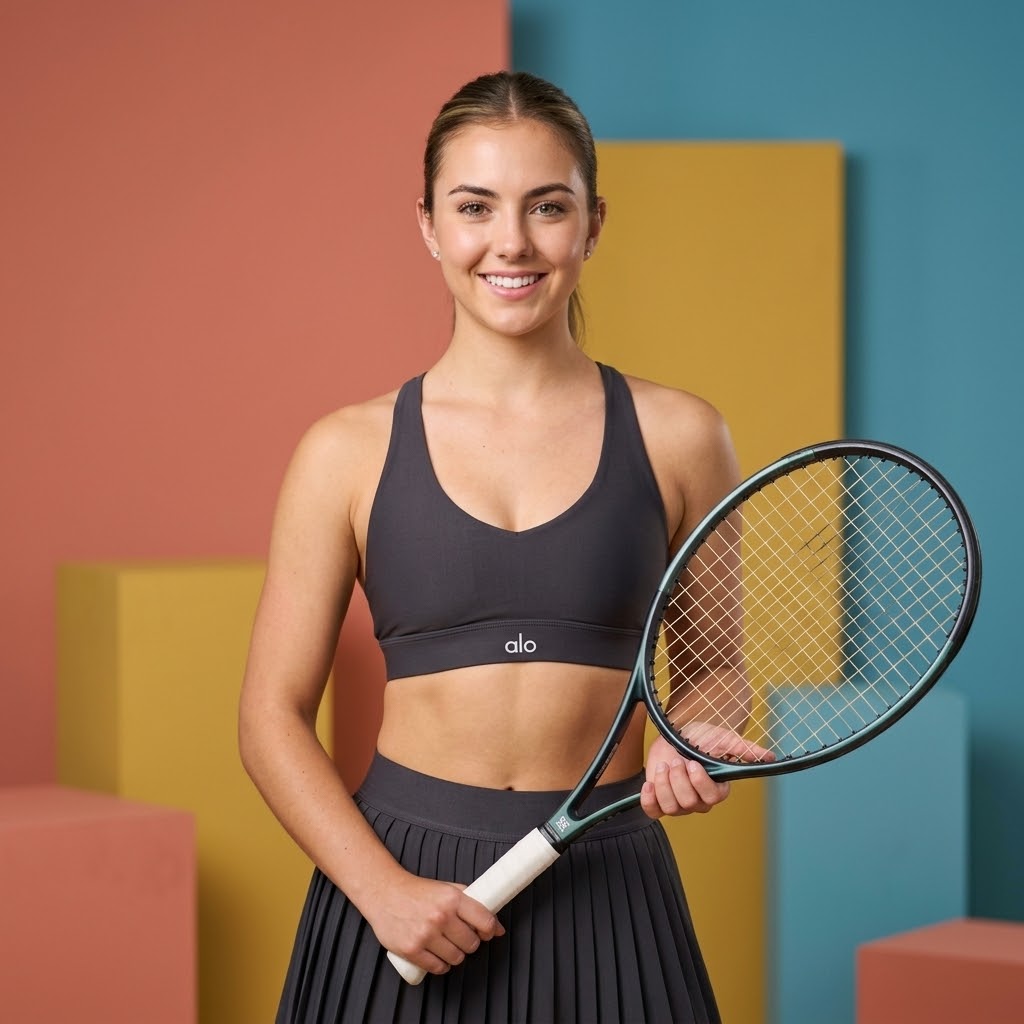
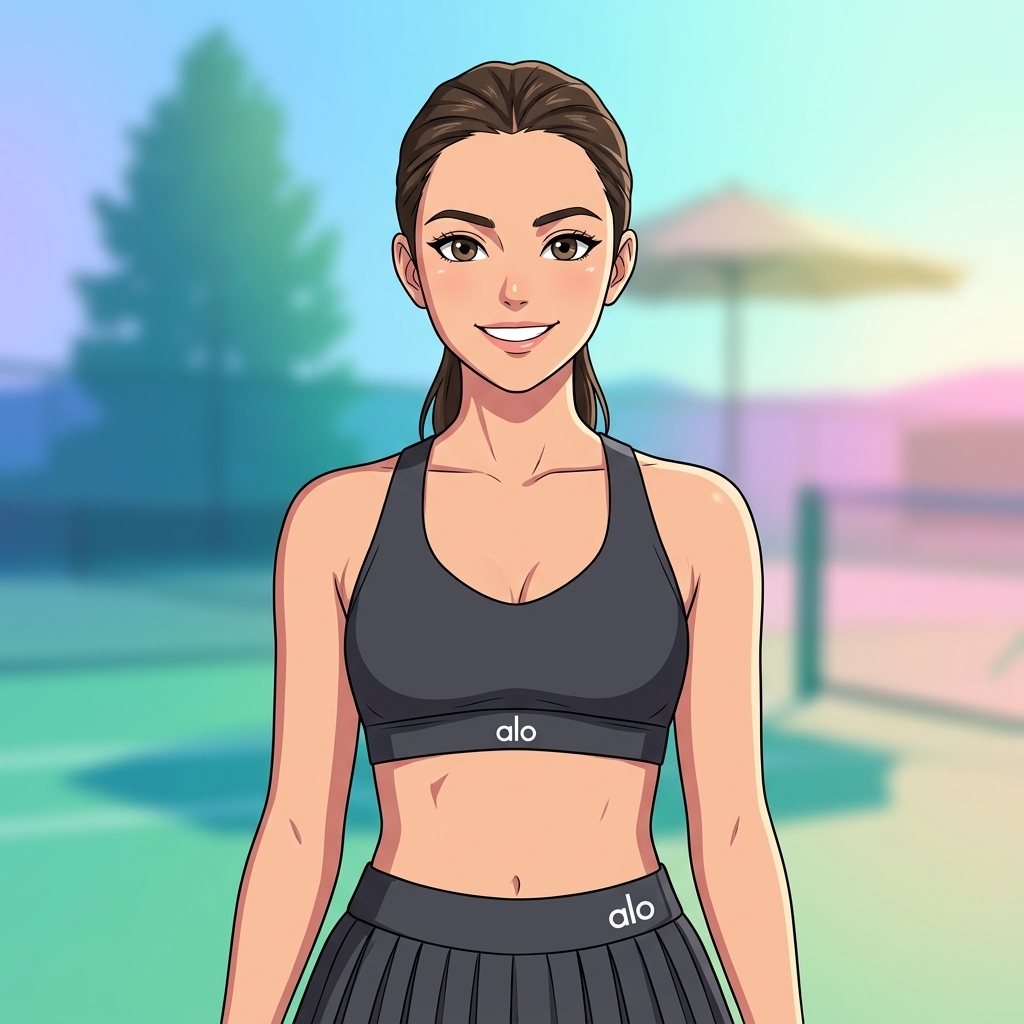
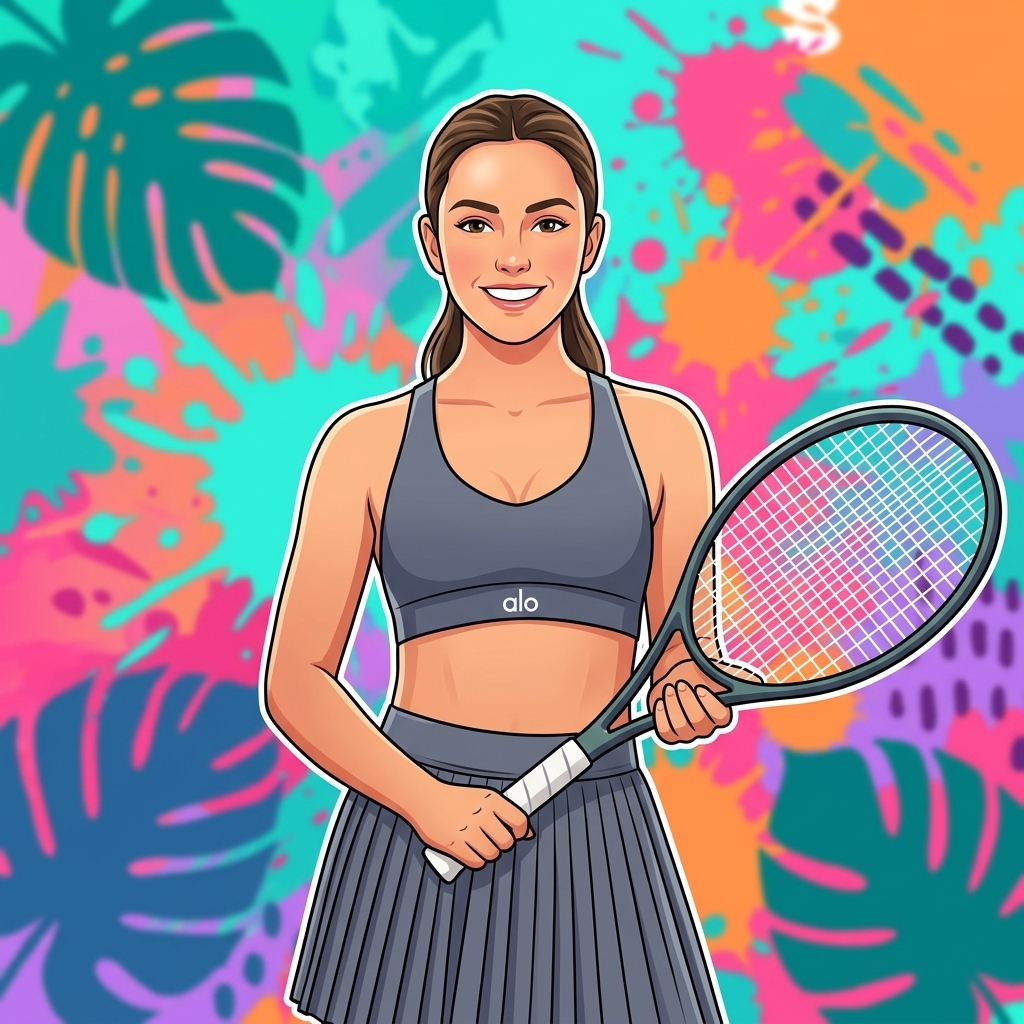
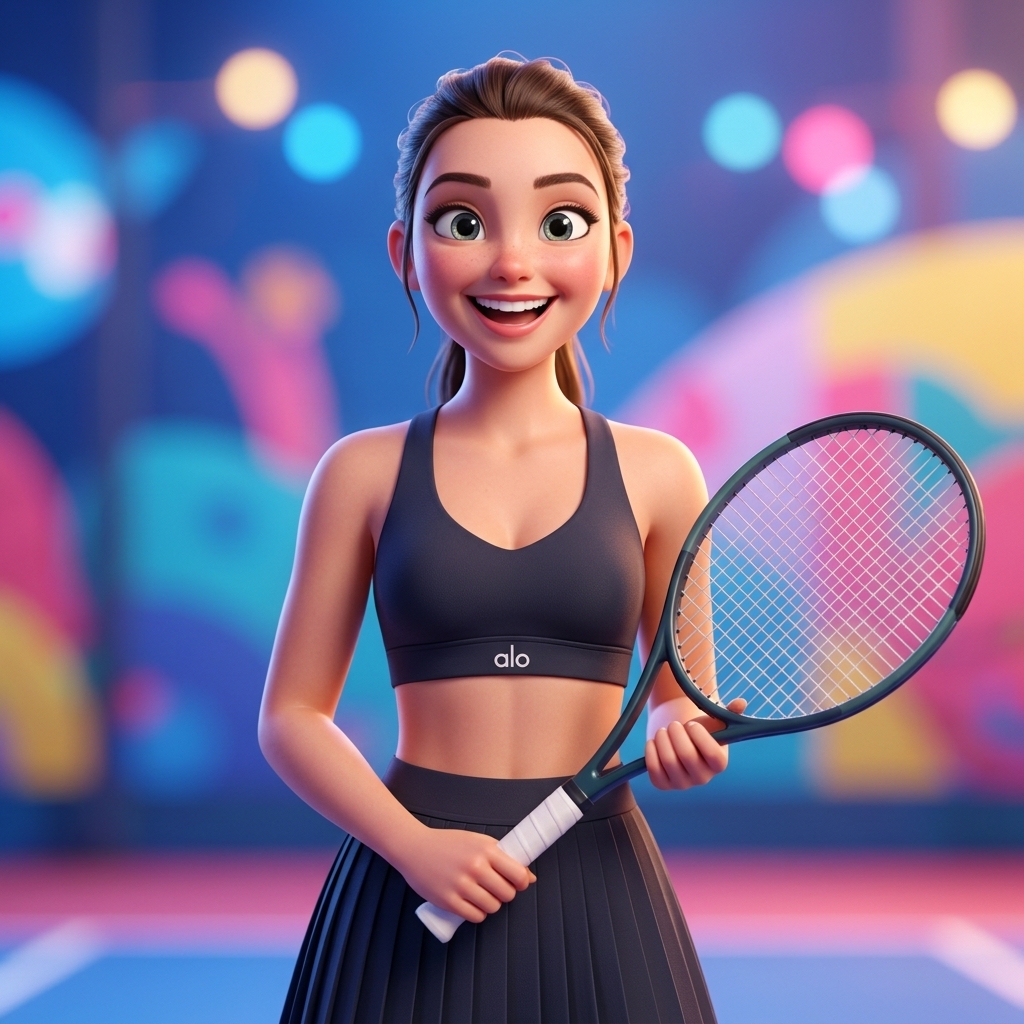
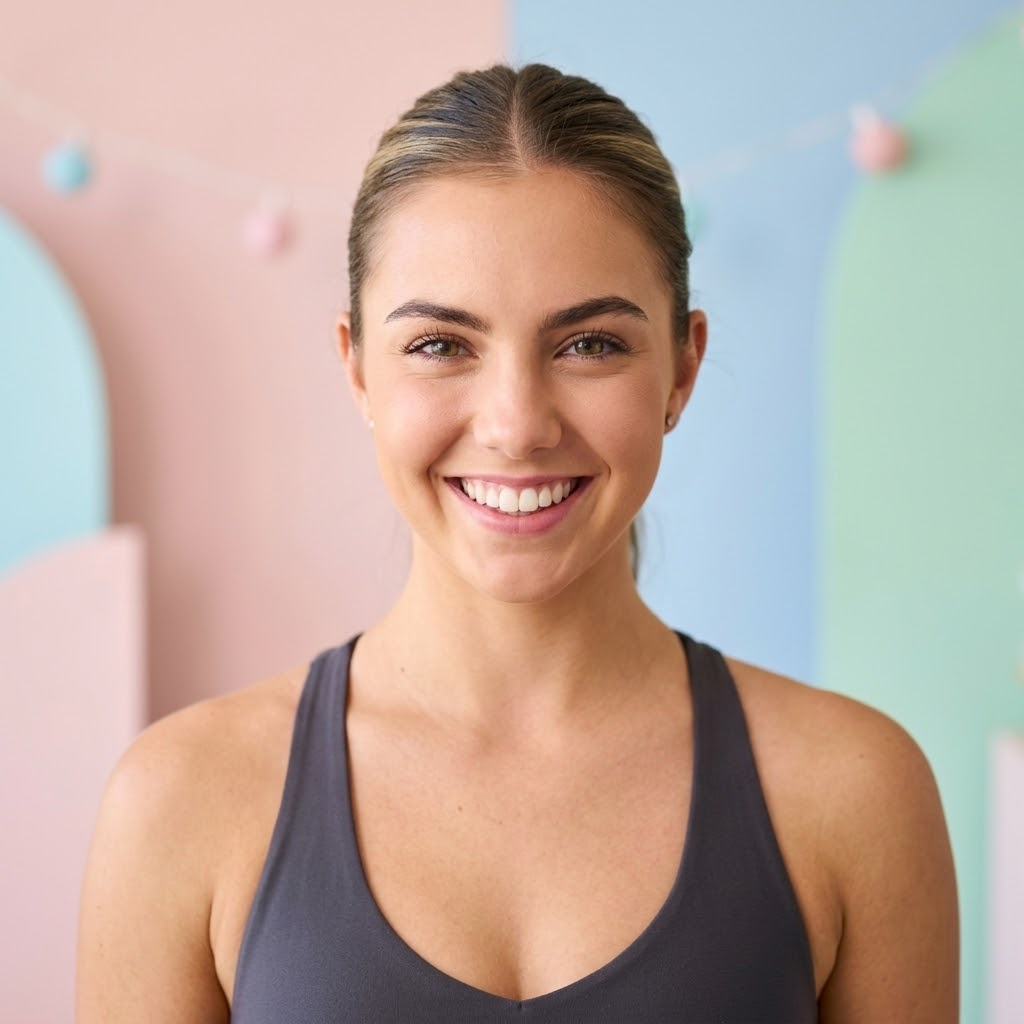
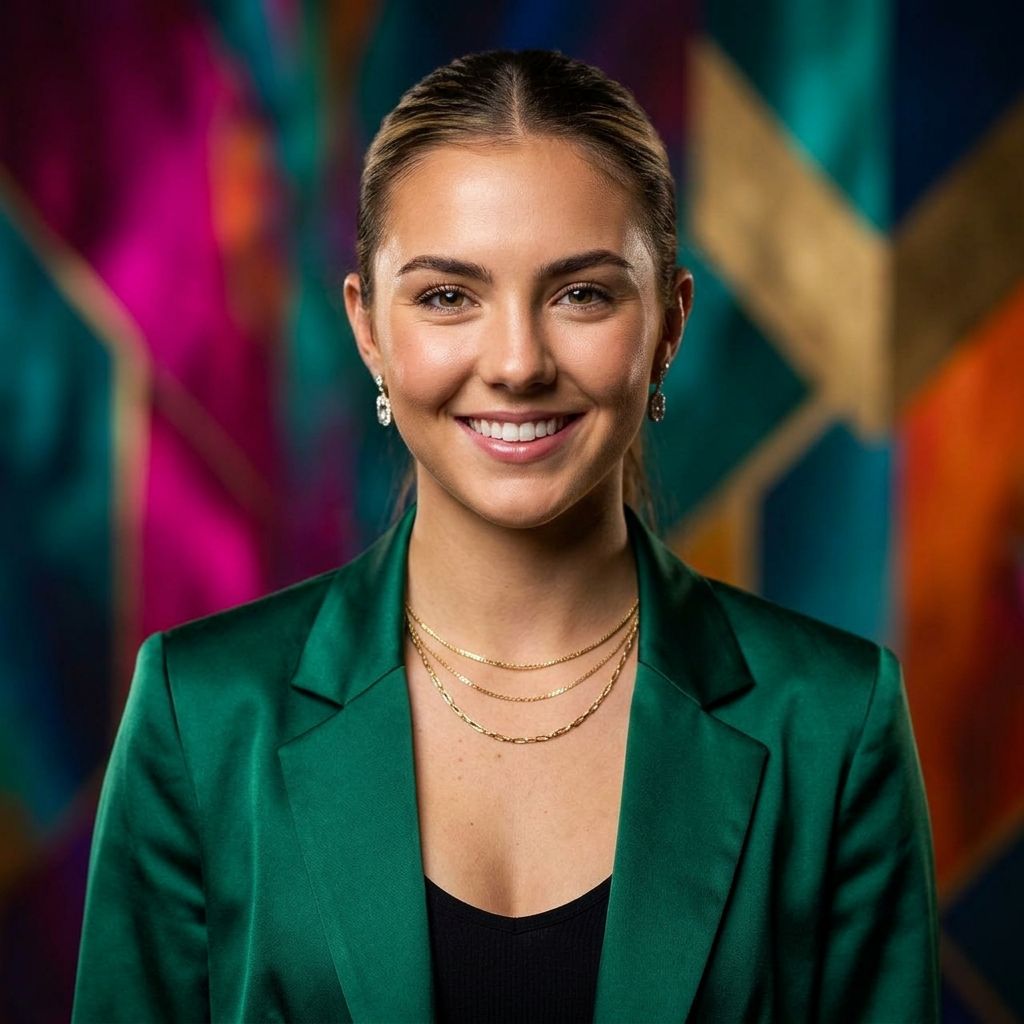
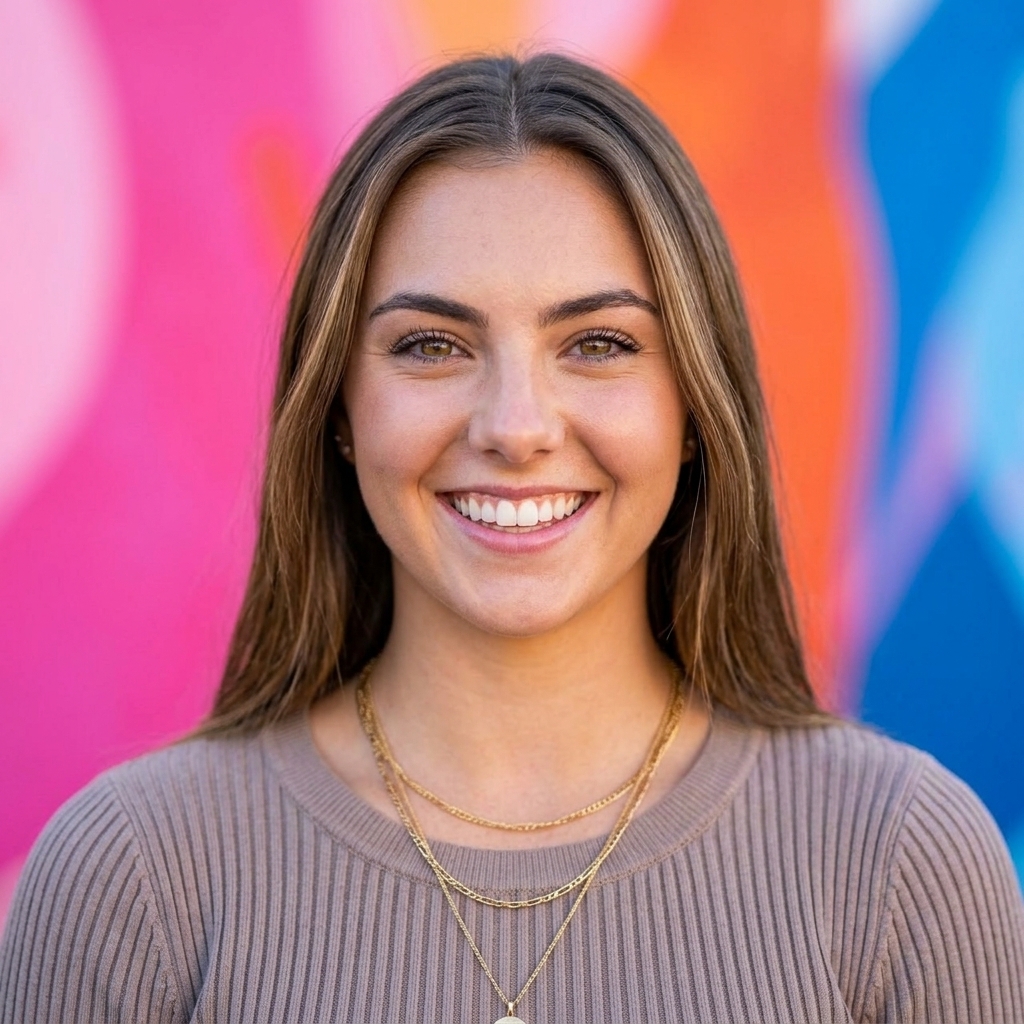
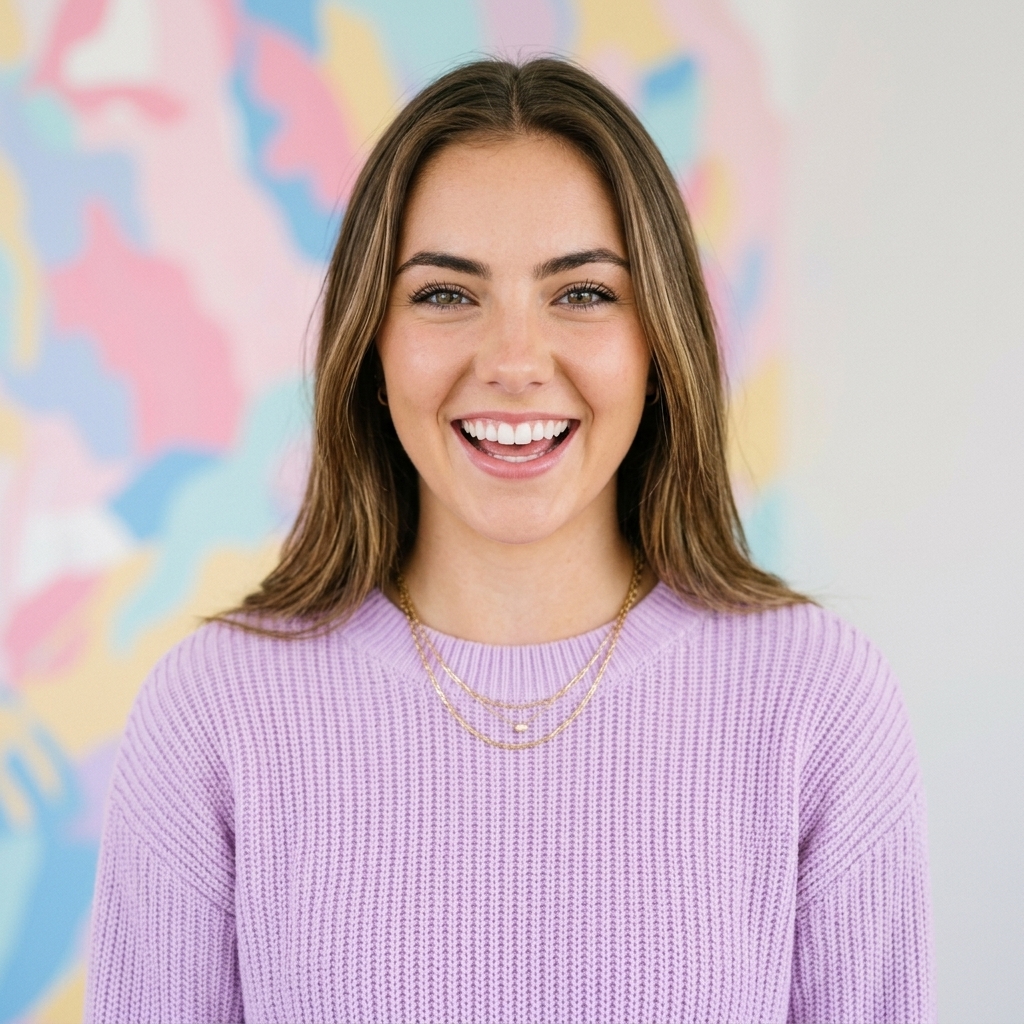
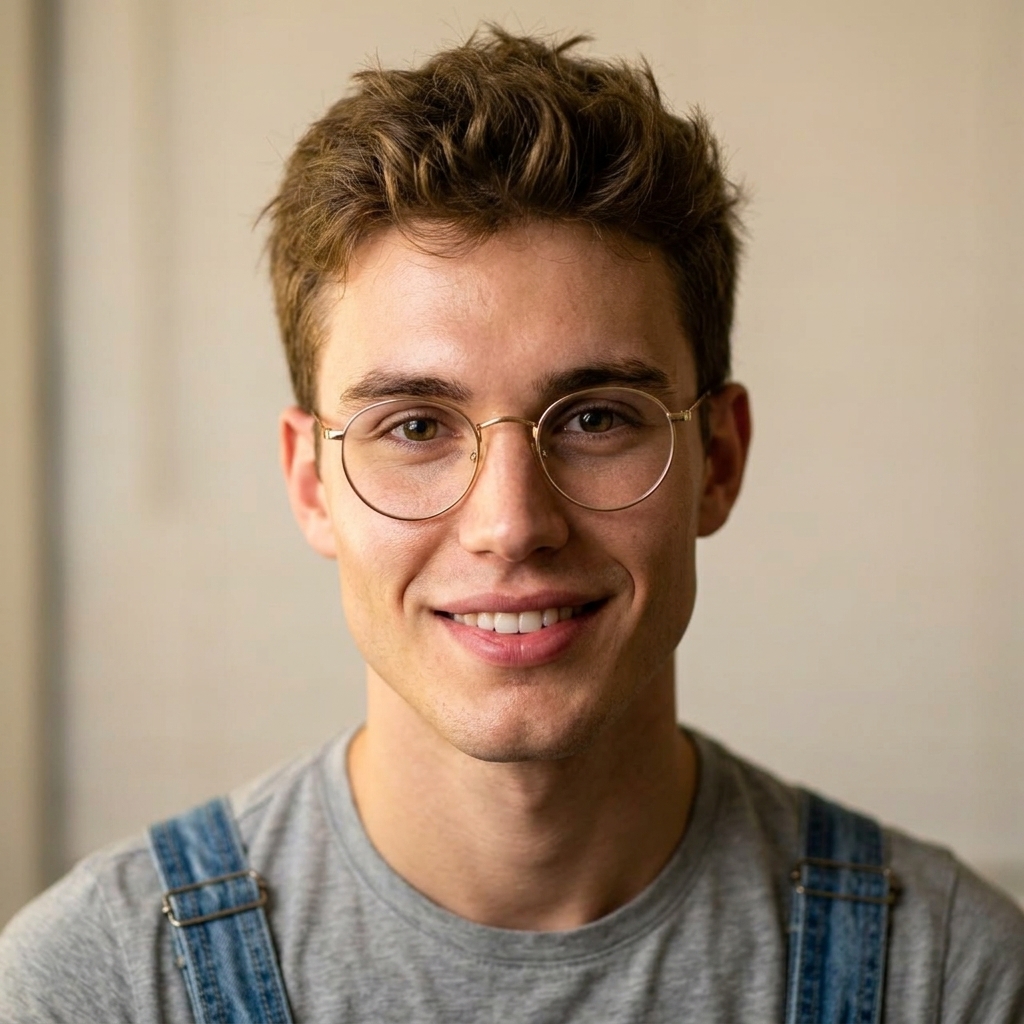
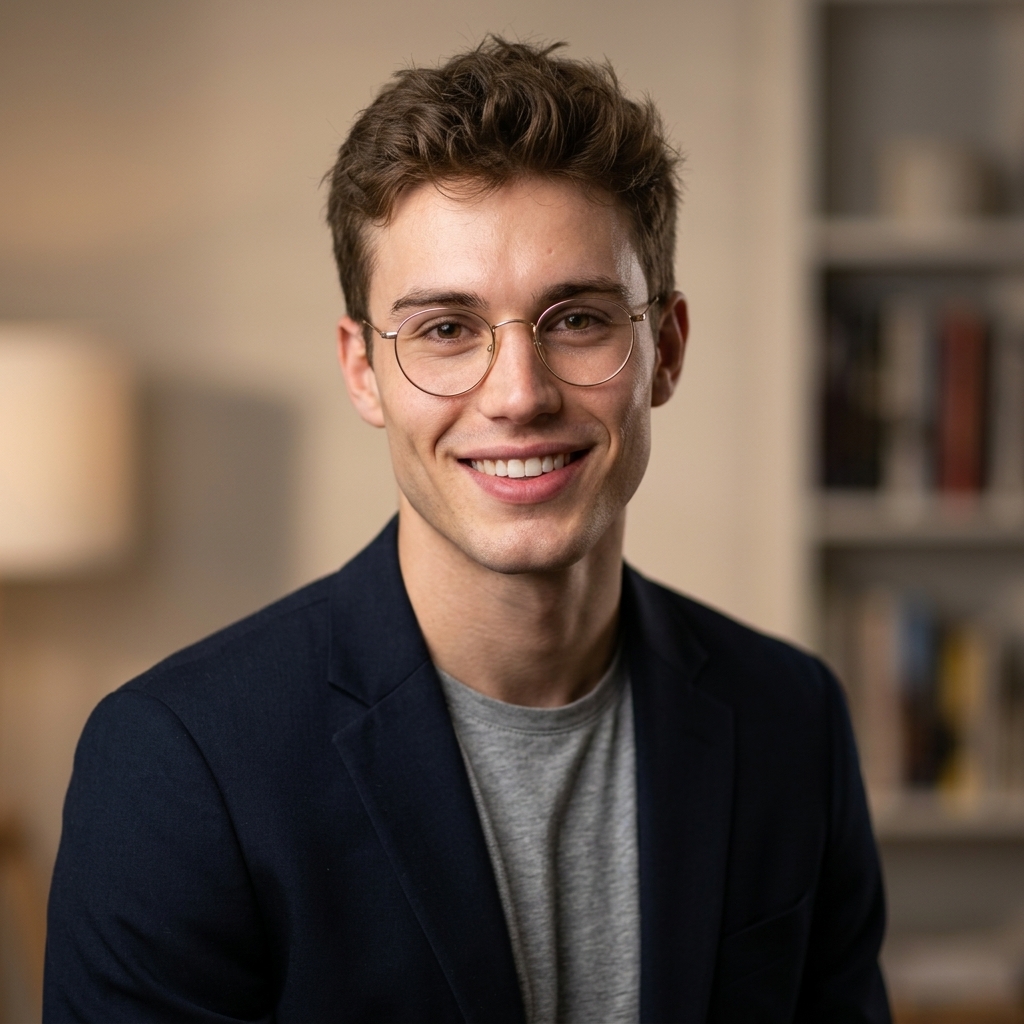
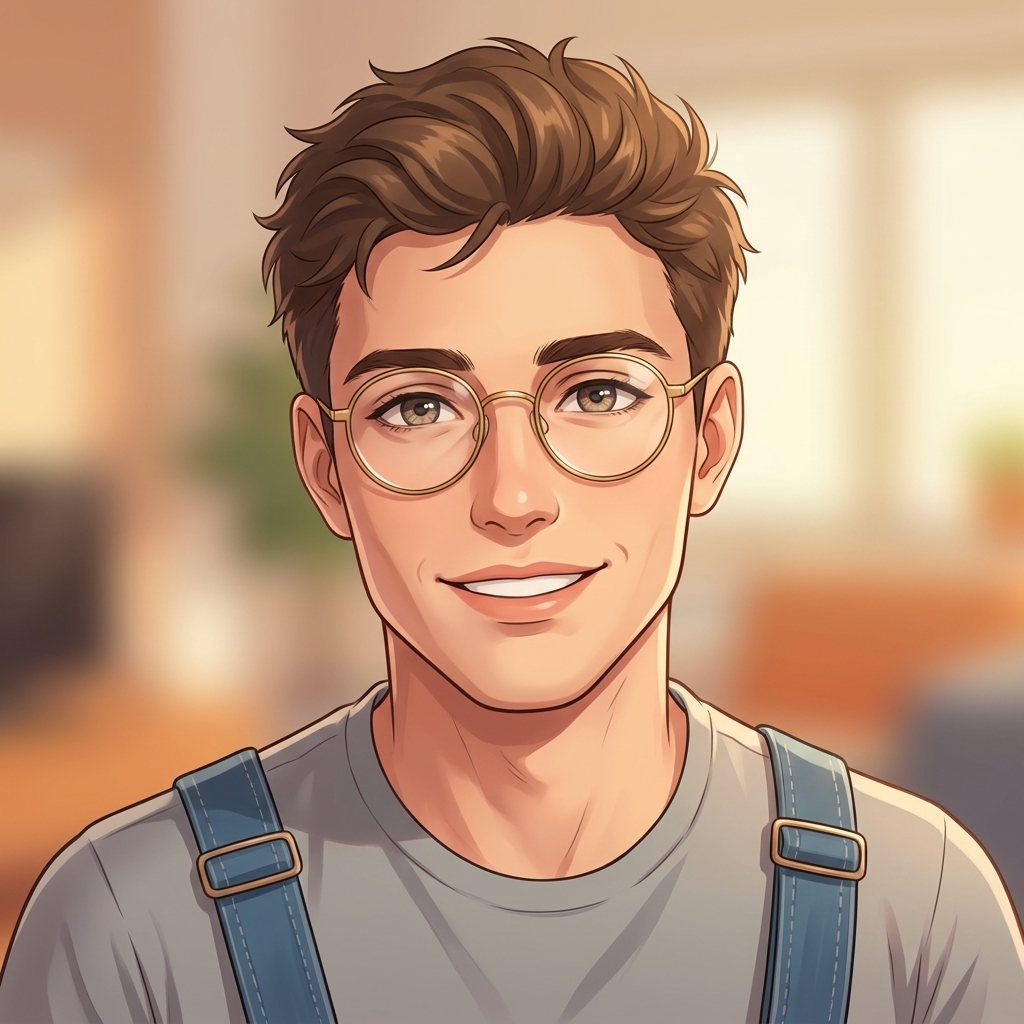
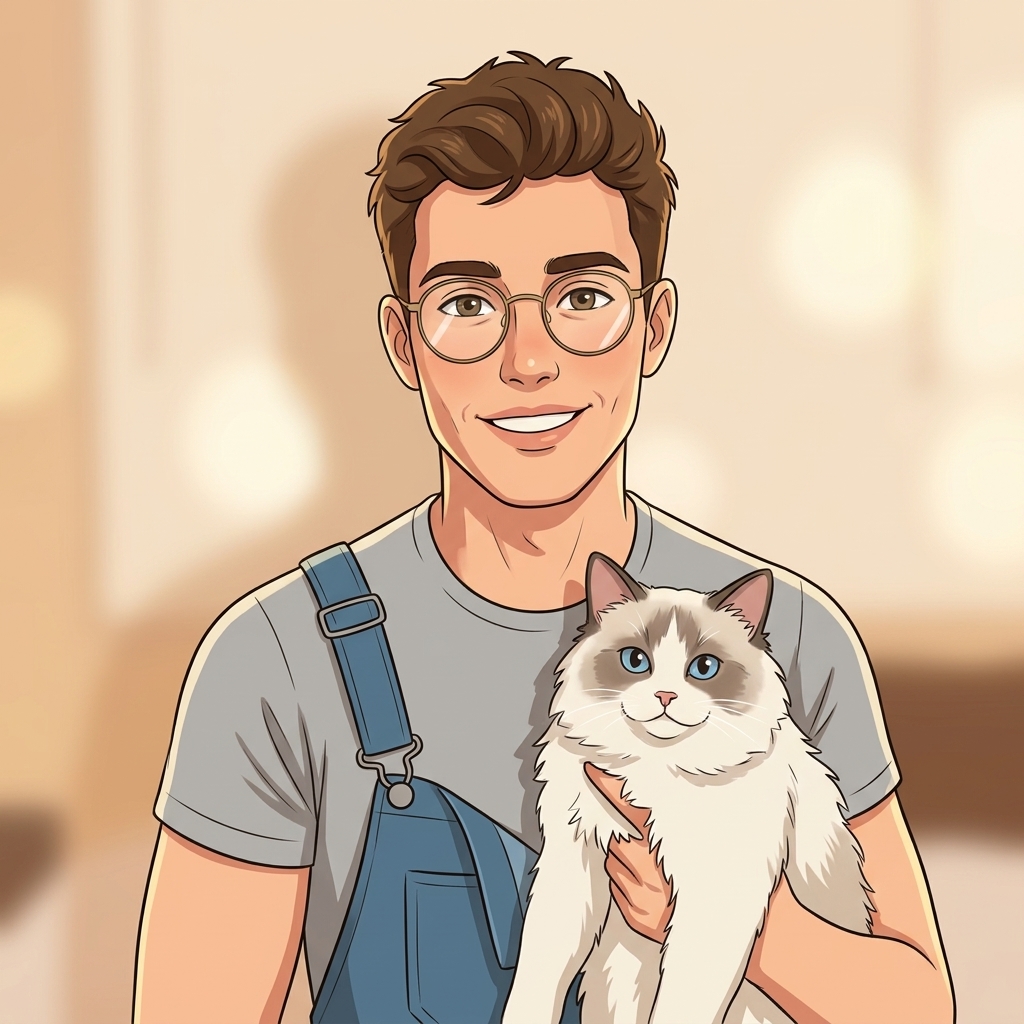
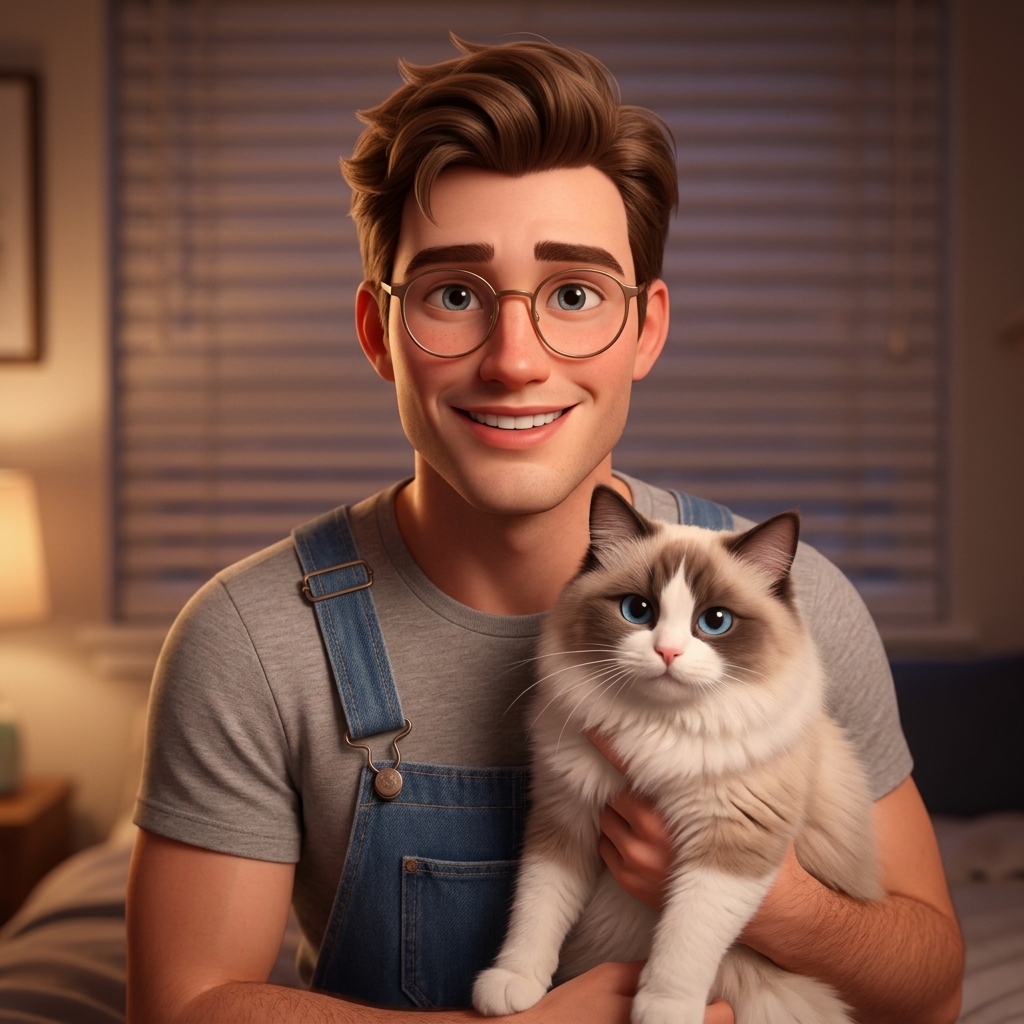
Creative Suite: AI Video Generator & AI Image Generator Tools
Power up your creative workflow with our AI-driven tools. Generate stunning videos, create images, and apply custom adjustments - our AI Video Generator and AI Image Generator offer a complete solution for all your creative needs.
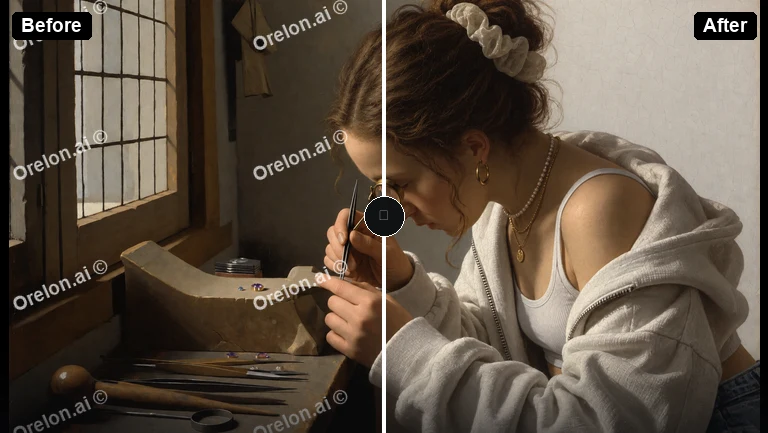
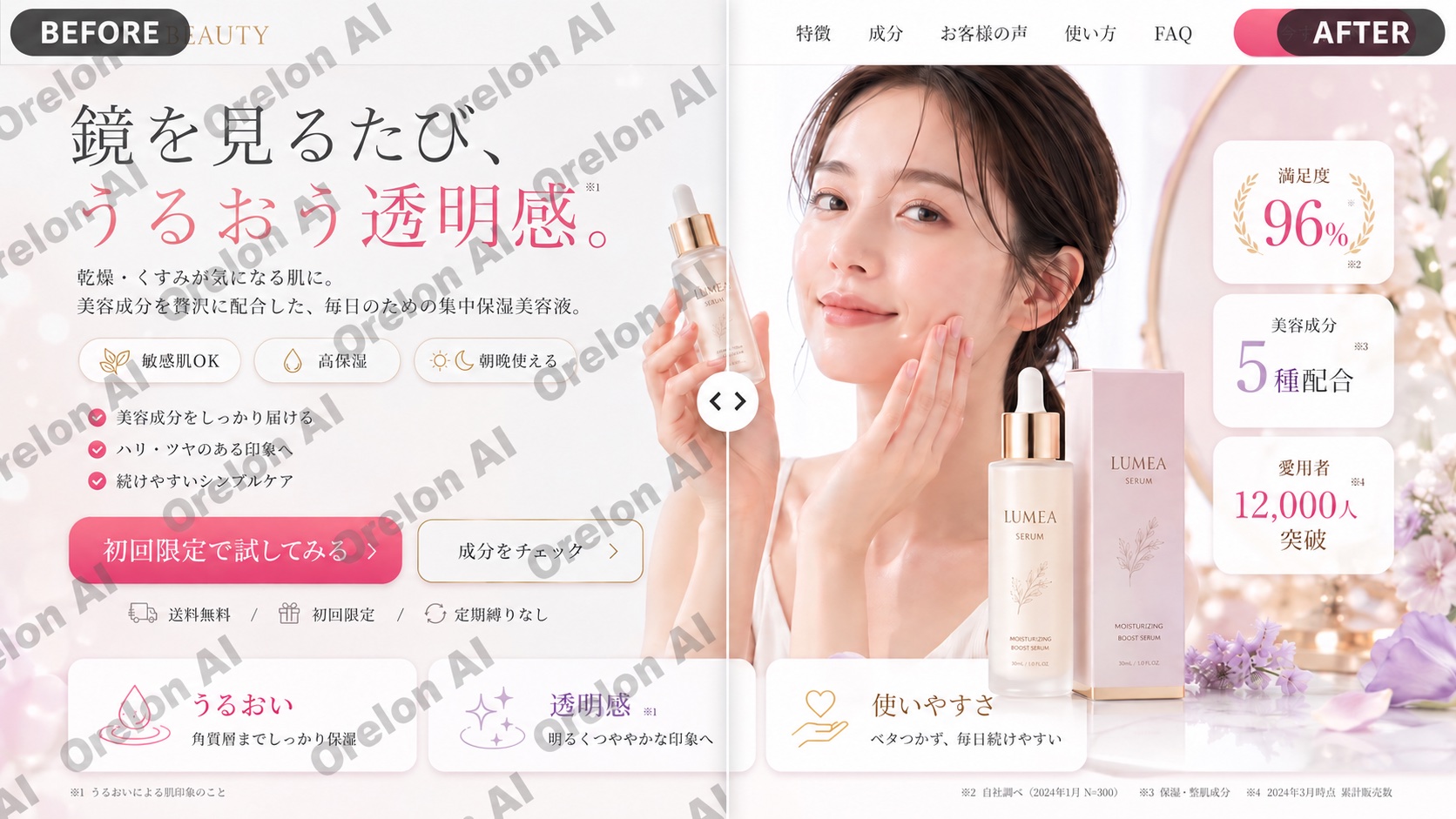
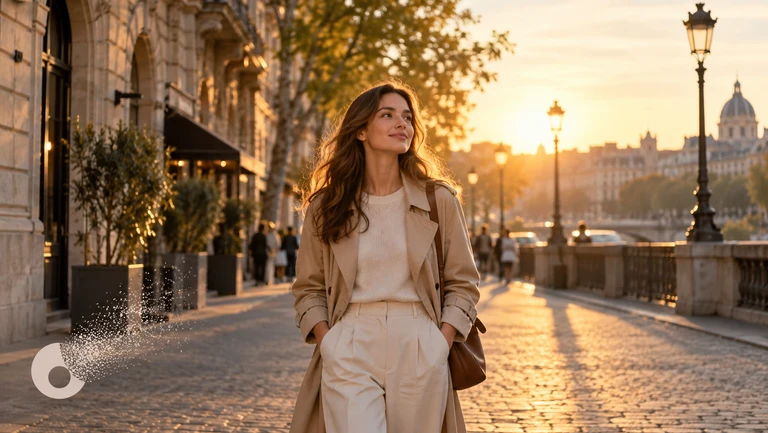
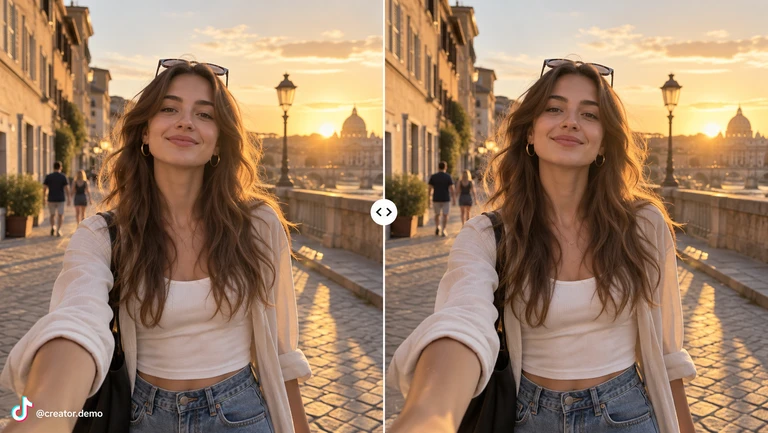
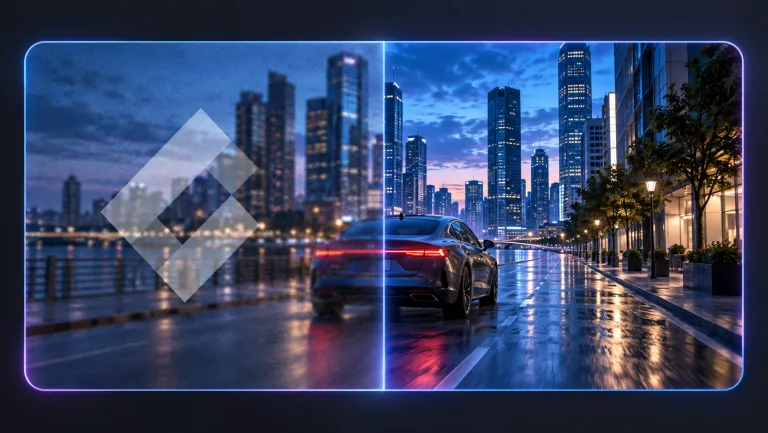
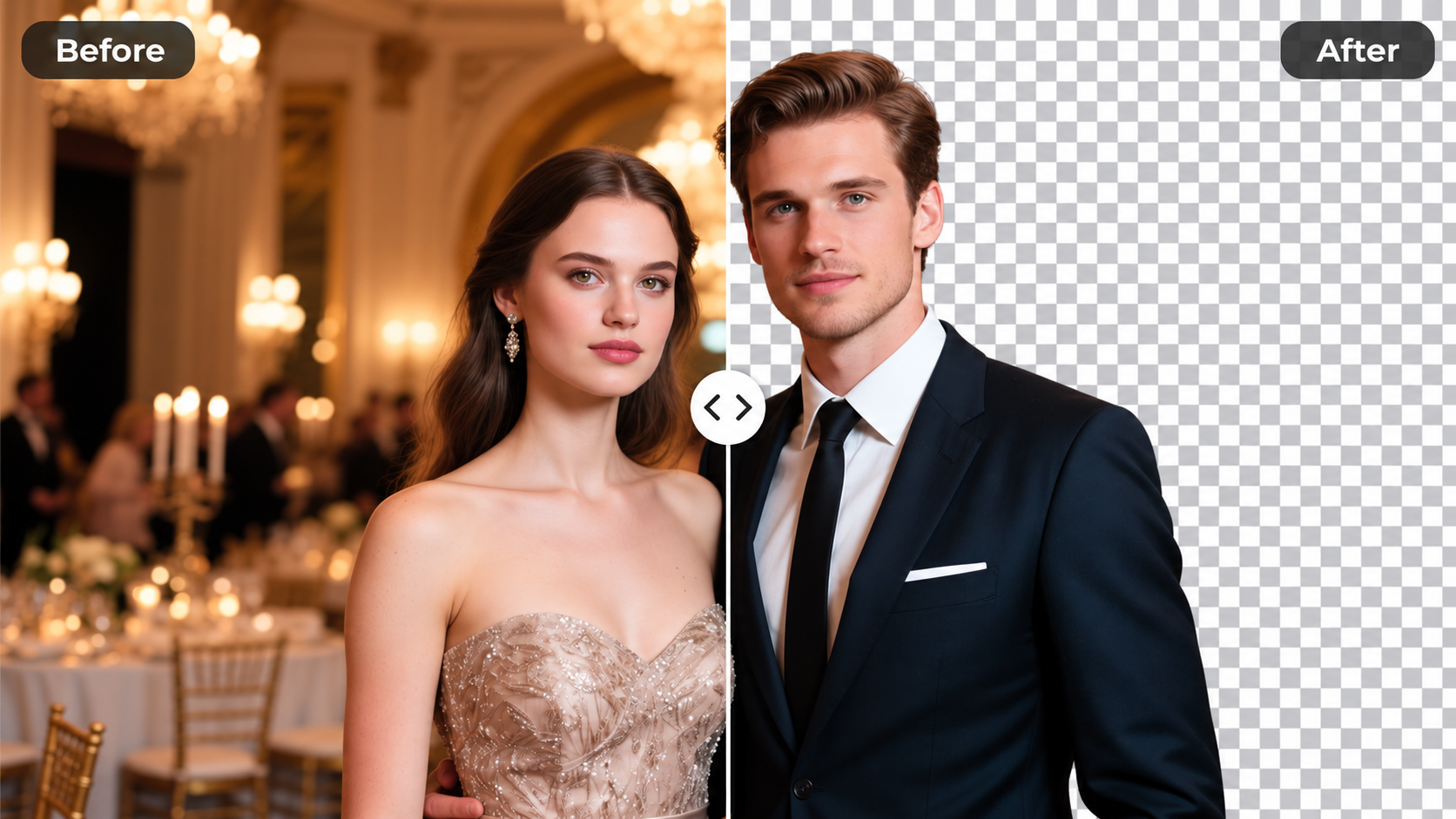
AI Profile Picture Generator — Look the Part, Instantly Profile Picture
Upload a photo and get a polished LinkedIn headshot, a creative anime avatar, or a clean aesthetic portrait in seconds. No studio, no photographer, no Photoshop skills required.
Whether you need a professional headshot for a job application or a fun avatar for Discord, our AI handles the heavy lifting so you can focus on showing up at your best.
- Results in Under 30 Seconds
- LinkedIn-Ready Headshots
- Anime, Pixar & Creative Styles
- 9 Scenarios × 9 Styles
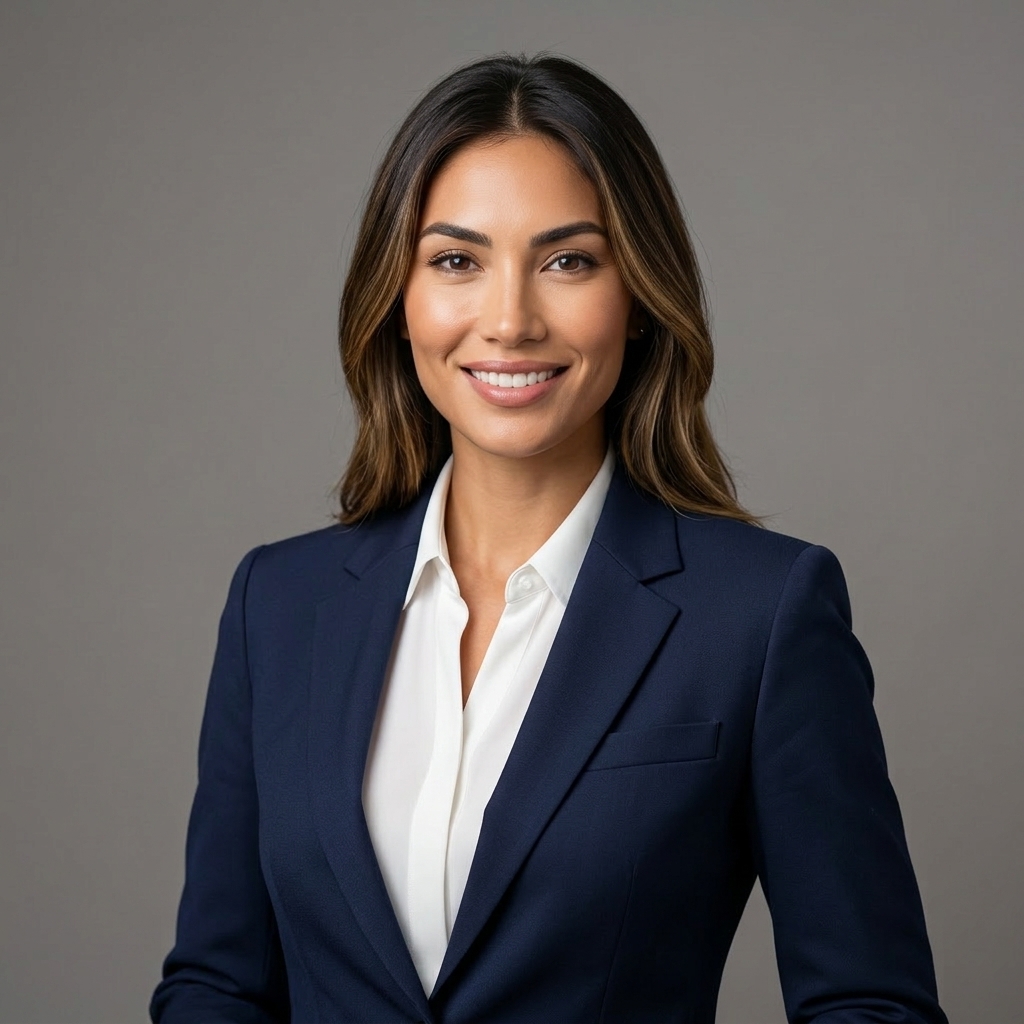
Create Profile Pictures with AI — One Photo, Dozens of Looks.
Most people have one decent photo on their phone but need a completely different look for each platform. A casual selfie doesn't work for a LinkedIn profile. A stiff headshot doesn't fit a Discord server. Our generator lets you transform a single upload into whatever style the moment calls for — without retaking the photo.
Pick a scenario, pick a style, and see the result. If you don't love it, try another combination. There are 81 possible outputs from a single upload.
Generate Your Avatar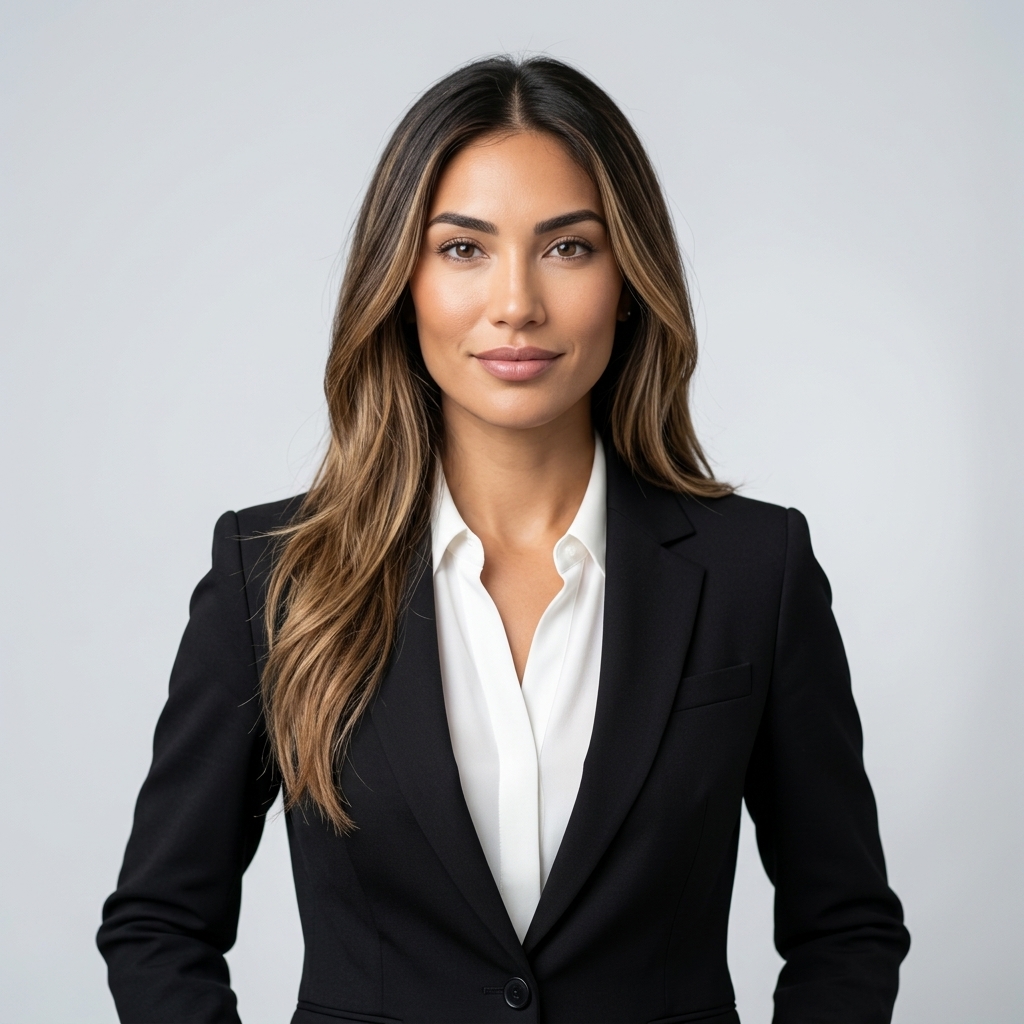
LinkedIn Headshots That Get Callbacks
Recruiters spend an average of seven seconds on a profile before deciding whether to keep reading. A blurry selfie or a cropped group photo sends the wrong signal. Upload a clear photo, select the LinkedIn scenario with a Realistic or Studio style, and get a clean, confident headshot with neutral background and professional lighting — the kind that makes your profile look like you mean business.
Anime Profile Picture Generator for Gaming and Social
Not every platform needs a suit and tie. Discord servers, Twitch channels, and Twitter profiles often reward personality over polish. The Anime, Cartoon, and Pixar styles transform your photo into a stylized avatar that still looks like you — just with a creative twist. It's a surprisingly effective way to stand out in a sea of generic profile pictures.
Dating & Social Profiles That Show Your Best Side
First impressions on dating apps are almost entirely visual. The Dating scenario is tuned for warm tones, natural smiles, and flattering lighting — the kind of photo that feels approachable rather than staged. Pair it with Soft Light or Aesthetic style for a portrait that looks candid but polished. Several users have told us they got more matches after switching to an AI-generated photo.
How to Create Your AI Profile Picture
Four steps. Under a minute. No account needed to start.
Upload a Clear Photo
Use any photo where your face is clearly visible and well-lit. A front-facing shot works best. Avoid heavy shadows or sunglasses.
Choose a Scenario
Pick the platform or context: LinkedIn, Instagram, Dating, Discord, and more. This sets the background, lighting, and overall mood.
Pick a Style
Choose how you want to look: Realistic, Studio, Anime, Cartoon, Pixar, Soft Light, Luxury, Minimal, or Aesthetic. Mix and match freely.
Generate and Download
Hit Generate. Your new profile picture is ready in seconds. Sign up to download in full resolution — it's free to get started.
Best AI Profile Picture Styles — Anime, Pixar, Aesthetic & More
Every combination produces a different result. Here's a quick overview of what's available.
Professional Scenarios
LinkedIn, Business, and Corporate — clean backgrounds, confident posture, and lighting that reads as credible and trustworthy.
Social Media Scenarios
Instagram, TikTok, and Discord — vibrant, expressive, and platform-native. Designed to perform in feeds and profile grids.
Personal Scenarios
Dating, Attractive, and Casual — warm tones, natural expressions, and approachable energy. Great for apps and personal profiles.
Realistic & Studio Styles
Natural skin texture, cinematic lighting, and sharp focus. The closest thing to a professional studio shoot without booking one.
Anime Profile Picture Generator, Cartoon Avatar & Pixar Style
Anime, Cartoon, and Pixar — stylized avatars that keep your likeness while adding a creative, illustrated quality.
Aesthetic Profile Picture AI — Soft Light, Luxury & Minimal
Soft Light, Luxury, Minimal, and Aesthetic — pastel tones, clean compositions, and a polished editorial feel.
Pricing
Choose the credit package that works best for you.
No hidden fees • Cancel anytime • Unused credits roll over
Starter
Perfect for trying out AI creation.
Credits
200 credits / month
- Up to 20 videos per month
- Up to 100 images per month
Billed monthly
First-time subscribers get 30% off their first month, then standard price
What's included
- Credits never expire
- Standard models
- HD, Watermark-Free Downloads
- Private Generation
- Faster Generation Speed
- Ad-free experience
Basic
Perfect for light creators.
Credits
500 credits / month
- Up to 50 videos per month
- Up to 250 images per month
Billed monthly
First-time subscribers get 30% off their first month, then standard price
What's included
- Credits never expire
- Standard models
- HD, Watermark-Free Downloads
- Private Generation
- Faster Generation Speed
- Ad-free experience
Pro
PopularBest value for creators
Credits
1,200 credits / month
- Up to 120 videos per month
- Up to 600 images per month
Billed monthly
What's included
- Credits never expire
- All models + Early access to new models
- HD, Watermark-Free Downloads
- Private Generation
- Faster Generation Speed
- Ultra HD resolution
- Ad-free experience
Ultra
For video creators and power users.
Credits
5,000 credits / month
- Up to 500 videos per month
- Up to 2,500 images per month
Billed monthly
What's included
- Credits never expire
- All models + Early access to new models
- HD, Watermark-Free Downloads
- Private Generation
- Faster Generation Speed
- Ultra HD resolution
- Ad-free experience
Free
Standard models only — upgrade to unlock premium models.
Credits
10 free credits on signup
Questions? Contact us at support@domer.io
Frequently Asked Questions
Real questions from people who've used the tool.
Vidu Q4 Alternatives: 4K AI Video Models Compared (2026)
Vidu Q4 alternatives compared: Kling 4.0, Seedance 2.5, Wan 3.0, and Runway Gen-4 — 4K support, input modes, durations, audio, and what each costs in credits on Domer.
Top 4K AI Image Generators in 2026: 5 Models Compared on Real Costs
The top 4K AI image generators on Domer compared: Flux 3 Klein, Nano Banana 2.1, GPT Image 2.5, GPT Image 2, and Nano Banana Pro — 4K credit costs, reference limits, and speed.
Nano Banana 2.1 vs GPT Image 2.5: Which Image Model Should You Use? (2026)
Nano Banana 2.1 vs GPT Image 2.5 Flare compared: credit costs per resolution, aspect ratios, reference images, text rendering, and which tasks fit each model.
Kling 4.0 vs Vidu Q4: Which AI Video Model Should You Use? (2026)
Kling 4.0 vs Vidu Q4 compared on Domer: text-to-video vs image-to-video, 1080p vs 4K, audio, durations, and credit costs per second — plus which one fits your shot.
Kling 4.0 Alternative: 4 Ways to Generate Kling-Quality Video (2026)
Looking for a Kling 4.0 alternative? Compare how to run Kling 4.0 itself, Kling 3.0, Vidu Q4, and Seedance 2.5 — durations, resolutions, audio, and credit costs per second.
Best AI Poster Generators in 2026: Typography That Actually Fits
The best AI poster generators compared: Ideogram 4.5, Nano Banana 2.1, Flux 3 Klein, and GPT Image 2.5 — text rendering, poster formats, reference support, and credit costs.
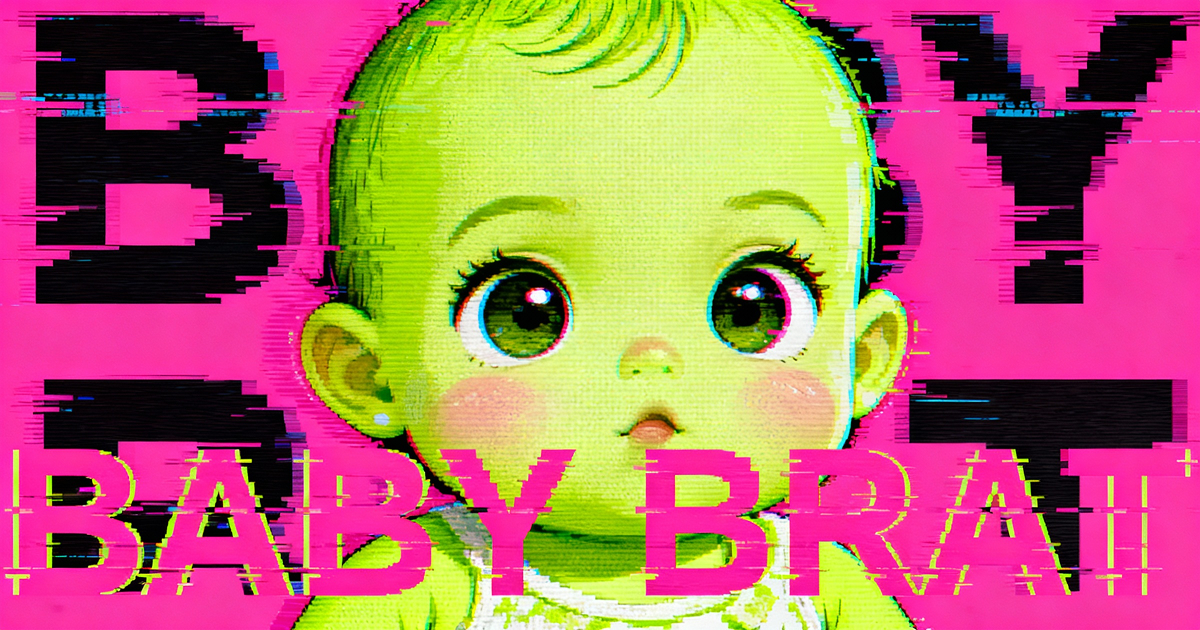
Baby Brat Meme Generator: How to Create Cursed-Cute AI Images
Complete guide to creating Baby Brat memes—the cursed-cute trend combining baby filters with brat aesthetics. Get the best AI prompts, tools, and tips for viral-worthy images.
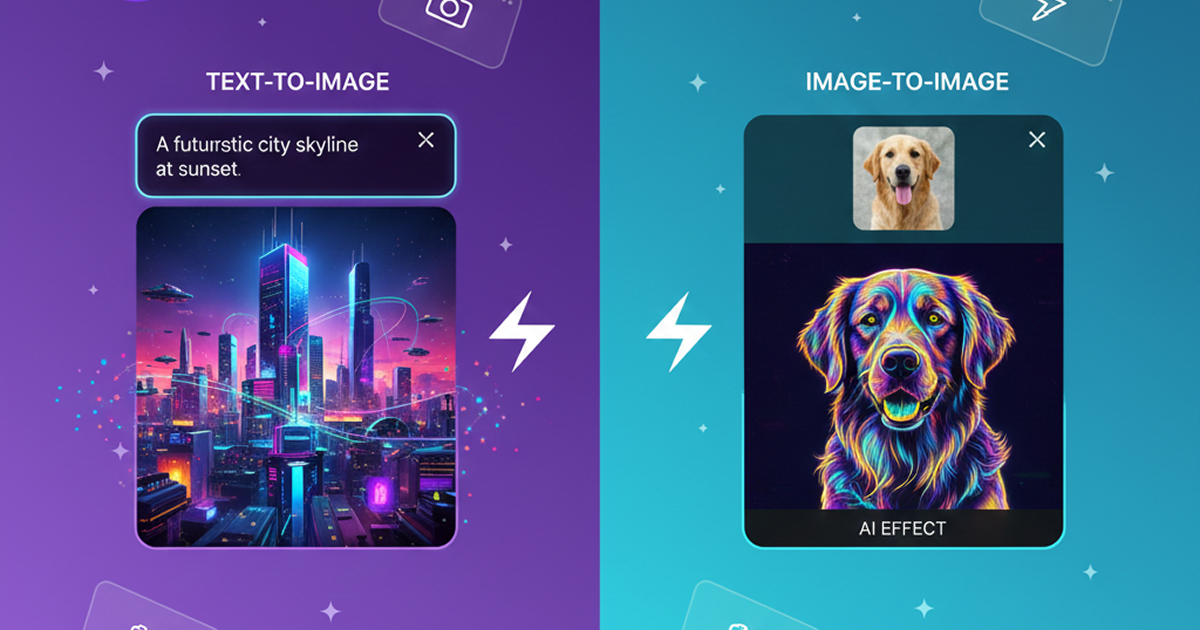
Domer: Free AI Image Generator - Complete Features & Guide
Everything you need to know about Domer AI—a fast, free image generator for creating memes, art, and transformations. Get 10 free credits to start.
FLUX.2: The End of Five Designer Nightmares
FLUX.2 solves the problems that made AI image tools frustrating—exact colors, consistent characters, readable text, print quality, and efficient workflows. Here's what actually changed.
From Kling 2.6 to 3.0: How One AI Video Platform Is Rethinking the Entire Workflow
While competitors race for longer videos and higher resolution, Kling is betting on something different with its AIO model—and it might just work. A deep dive into Kling 3.0's unified approach.
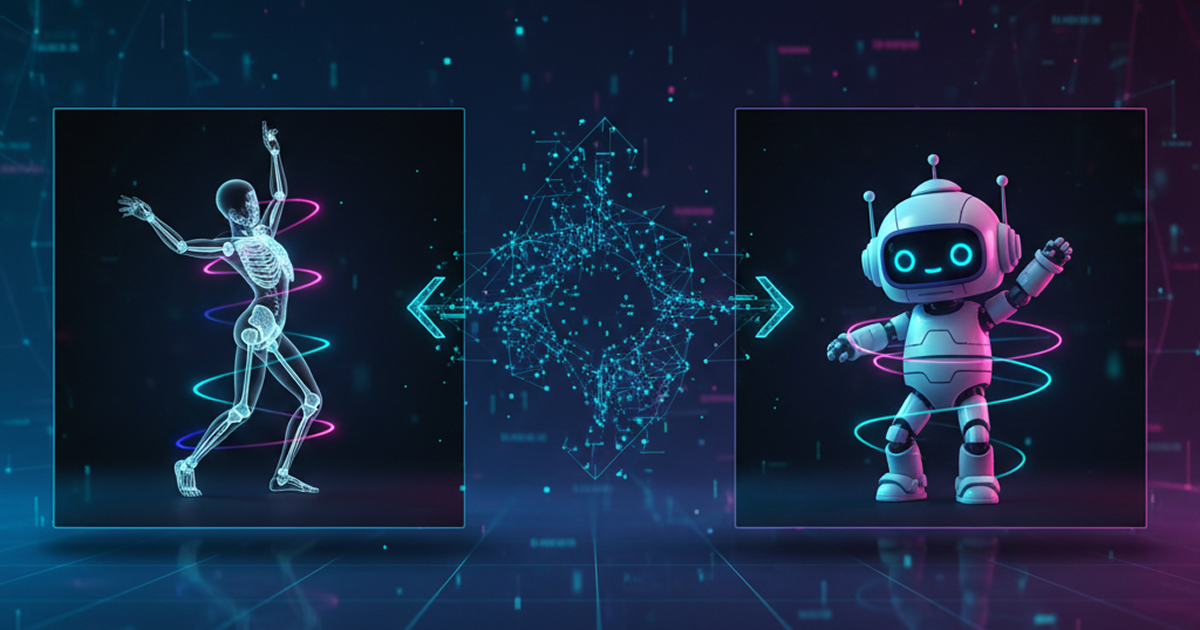
Kling Motion Control: Transfer Motion from Video to Image with AI
Learn how Kling Motion Control works - upload a reference video and static image to create videos with transferred motion. Complete guide with examples and tips.
Orelon — AI Video Generator for Cinematic Video Creation
Create cinematic videos from text or images with Orelon. Compare 23 video models, apply effects, and direct camera motion in one workspace — no installs.
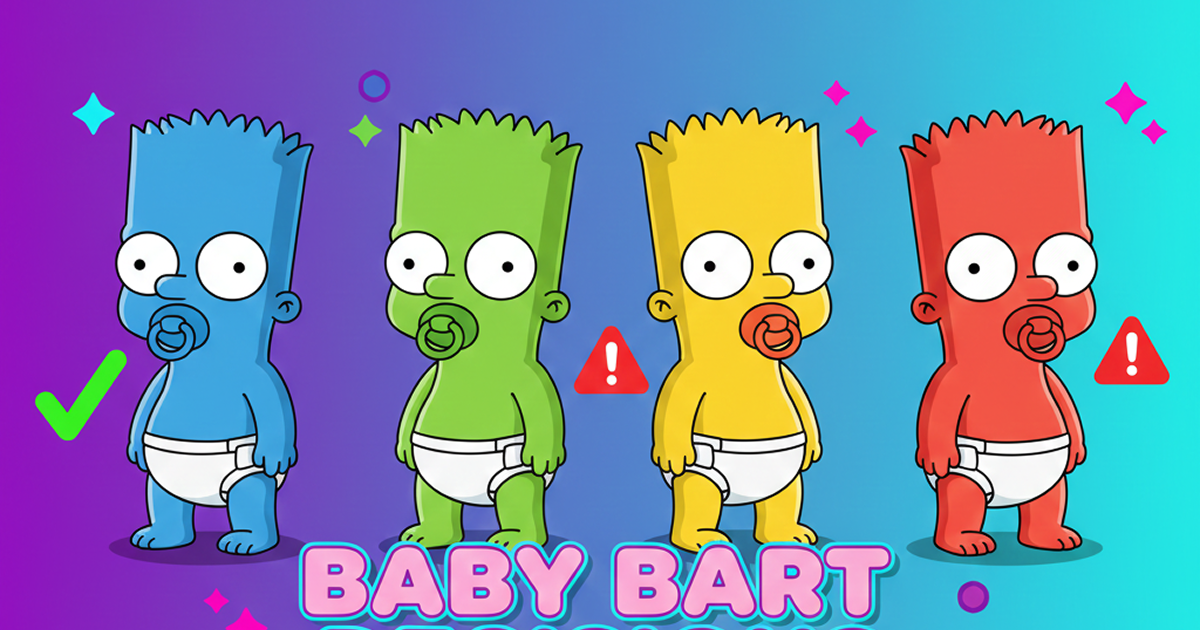
What Is Domer Meme? The Baby Bart Simpson Phenomenon Explained
A deep dive into the Domer meme that took over TikTok in late 2025. Learn what 'Domer' means, why it went viral, and how to create your own Domer-style images with AI.
Your Next Profile Picture Is One Upload Away
Try it free. No design skills, no photographer, no waiting. Upload a photo and see what your best self looks like.