
Agent AI Image Generator from Text
Describe any scene, style, or concept and produce a custom image in seconds. Adjust your prompt and generate again to refine the result.
AI Image Generator
0/20000 characters
My images
Loading...
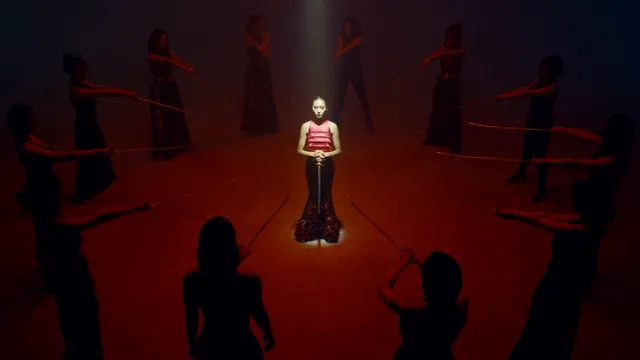
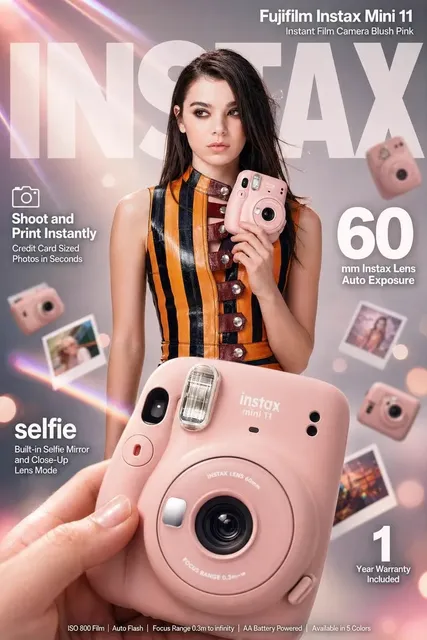
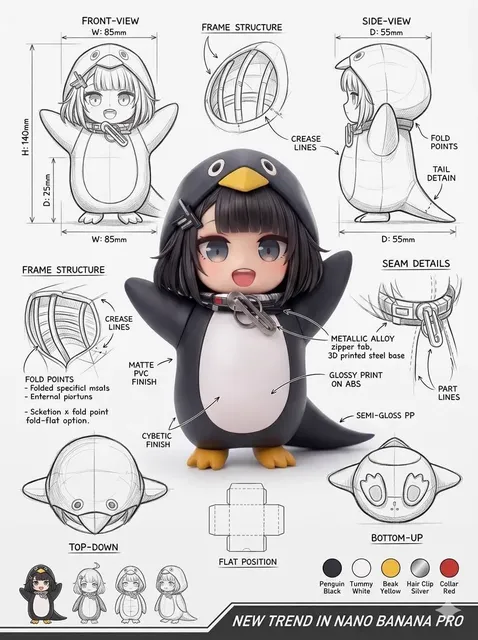
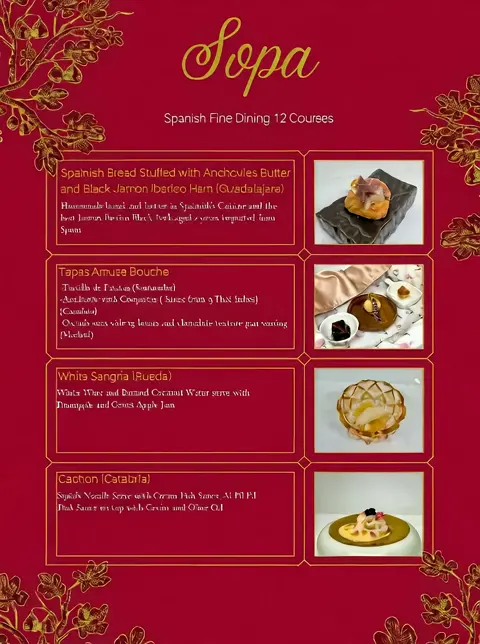
How does an agent AI image generator work?
An agent AI image generator creates custom images from text prompts. You describe what you want to see — scenes, objects, characters, abstract designs — and the tool interprets your description to generate a visual. You can adjust the style, mood, and composition through the available settings, then iterate on your prompt until the image matches your vision.
Agent AI Image Generator from Text
Detailed scene with specific elements
Input
A cozy cabin in a snowy forest at twilight, warm light glowing from windows, smoke rising from chimney, footprints in fresh snow
Expected output
A winter scene image with the described cabin, lighting, and atmospheric details
Stylized artistic concept
Input
A portrait of a person made entirely of geometric shapes, vibrant colors, cubist style, abstract background
Expected output
An abstract portrait with geometric composition and bold color palette
Quick visual idea
Input
A steaming coffee cup on a desk with an open laptop, morning light
Expected output
A simple, relatable workspace scene with the core elements described
Create custom images from text descriptions using an agent-driven workflow
Visualize any idea
Describe what you see in your mind and let the agent ai image generator turn it into an image you can review and refine.
No artistic skill needed
You do not need drawing or design experience. A clear text prompt is all the agent ai image generator needs to work.
Iterate quickly
Adjust your prompt or settings and generate again. The agent ai image generator supports fast experimentation.
How It Works
1
Describe the image
Describe the desired image.
2
Pick generation settings
Choose the available generation settings.
3
Generate and download
Generate, review, and download a suitable result.
Getting the best result
A clear prompt and the right settings make a difference.
Input Constraints
- Keep prompts clear and specific for better results.
- Review generated images before using them.
- Respect content guidelines when describing subjects.
Practical Tips
- Start with a simple prompt and add details gradually.
- Mention style, mood, and composition for more control.
- Experiment with different word choices to vary results.
Privacy
- Do not upload personal or sensitive material unless you have permission to use it.
Usage Rights
- Confirm that you have the rights needed for the inputs and intended use of the result.
Prompt recipes
Copy a structure, then adjust the subject, lighting, camera, and output details for your own result.
Atmospheric landscape for a game concept
A vast desert landscape with ancient ruins partially buried in sand, orange sunset sky, long shadows, epic scale, concept art style
Combines setting, lighting, mood, and style cues to create a cohesive visual direction suitable for game development.
Modern product visualization
A sleek wireless earbud case on a marble surface, soft studio lighting, minimalist composition, white and silver tones
Specifies product, surface, lighting, and color palette, giving the generator clear instructions for a clean product shot.
Character design for illustration
A young adventurer wearing a leather jacket and backpack, standing on a cliff edge overlooking a valley, determined expression, animated film style
Describes character appearance, pose, setting, and emotional tone, which are essential for narrative character art.
Abstract art for interior design
Flowing organic shapes in shades of blue and gold, overlapping layers with soft transparency, modern abstract painting style
Focuses on form, color, and composition without a literal subject, ideal for decorative or mood-based visuals.
Social media graphic concept
A bold quote card with the text 'Keep Moving Forward' in large serif font, warm gradient background from peach to coral, inspirational design
Describes text content, typography style, color scheme, and mood, making it easy to generate shareable social graphics.
Best use cases
Match the workflow to the input you have and the result you need before opening the generator.
Creating custom visuals for presentations and reports
Input: Clear description of the concept or metaphor you want to illustrate, with style and mood keywords
Result: Unique images that match your presentation theme better than generic stock photos
Tool: Text to Image with descriptive prompts tailored to each slide's message
Generating concept art for creative projects
Input: Detailed scene or character description with composition, lighting, and style references
Result: Visual references you can use for planning, pitching, or refining creative direction
Tool: Text to Image with concept art or cinematic style keywords and iterative refinement
Producing unique images for blog posts and articles
Input: Scene or metaphor that connects to the article topic, with clear visual elements
Result: Custom images that reinforce the article's message and stand out from stock imagery
Tool: Text to Image, adjusting prompts to match the tone and subject of each article
Limitations to know before generating
- The generator interprets text descriptions but cannot read your exact mental image, so iteration is often necessary.
- Complex scenes with many elements or fine details may require several prompt adjustments to get right.
- Text within images (signs, labels, quotes) is often unclear or garbled and may need manual correction.
- Results vary based on prompt clarity — vague descriptions produce unpredictable outputs.
- Always review generated images for accuracy, appropriateness, and rights before using them publicly or commercially.
Creative Suite: AI Video Generator & AI Image Generator Tools
Power up your creative workflow with our AI-driven tools. Generate stunning videos, create images, and apply custom adjustments - our AI Video Generator and AI Image Generator offer a complete solution for all your creative needs.
Strictly Prohibits Adult/NSFW Content








Pricing
Choose the credit package that works best for you.
No hidden fees • Cancel anytime • Unused credits roll over
Starter
Perfect for trying out AI creation.
Credits
200 credits / month
- Up to 20 videos per month
- Up to 100 images per month
$6.99/ month$9.9930% OFF
Billed monthly
First-time subscribers get 30% off their first month, then standard price
What's included
- Credits never expire
- Standard models
- HD, Watermark-Free Downloads
- Private Generation
- Faster Generation Speed
- Ad-free experience
Basic
Perfect for light creators.
Credits
500 credits / month
- Up to 50 videos per month
- Up to 250 images per month
$13.99/ month$19.9930% OFF
Billed monthly
First-time subscribers get 30% off their first month, then standard price
What's included
- Credits never expire
- Standard models
- HD, Watermark-Free Downloads
- Private Generation
- Faster Generation Speed
- Ad-free experience
Pro
PopularBest value for creators
Credits
1,200 credits / month
- Up to 120 videos per month
- Up to 600 images per month
$39.99/ month
Billed monthly
What's included
- Credits never expire
- All models + Early access to new models
- HD, Watermark-Free Downloads
- Private Generation
- Faster Generation Speed
- Ultra HD resolution
- Ad-free experience
Ultra
For video creators and power users.
Credits
5,000 credits / month
- Up to 500 videos per month
- Up to 2,500 images per month
$99.99/ month
Billed monthly
What's included
- Credits never expire
- All models + Early access to new models
- HD, Watermark-Free Downloads
- Private Generation
- Faster Generation Speed
- Ultra HD resolution
- Ad-free experience
Free
Standard models only — upgrade to unlock premium models.
Credits
10 free credits on signup
Questions? Contact us at support@domer.io
Ready to generate an image?
Open the agent ai image generator tool and describe what you want to see.