
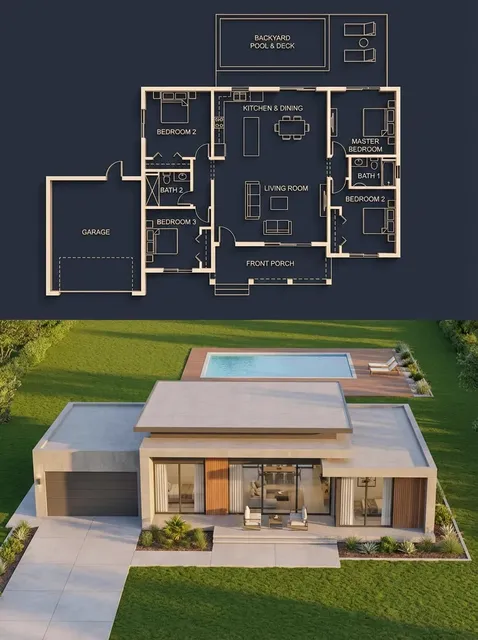
AI Image Generator From Words
Turn words into images. Describe what you want in plain text, generate options, and download the visual that matches your idea.
AI Image Generator
0/20000 characters
My images
Loading...
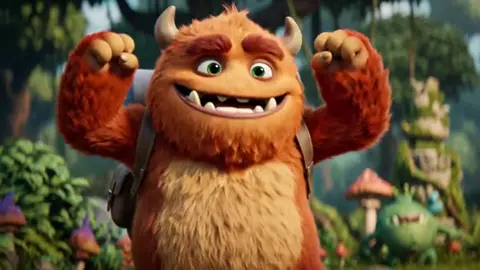
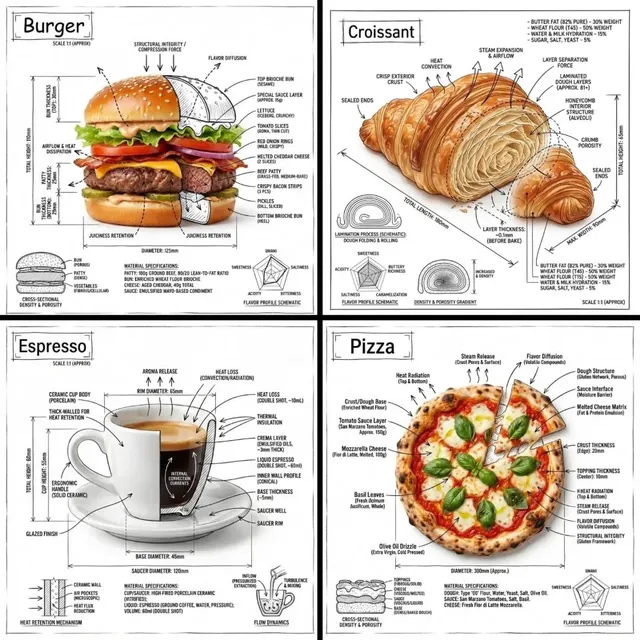
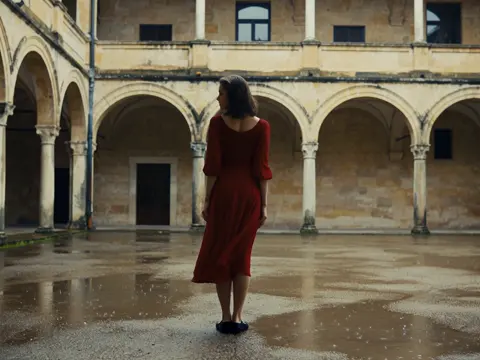
How does an AI image generator from words work?
You type a description of the image you want using everyday language, the tool processes your words, and generates a visual based on the subjects, settings, and details you wrote.
AI Image Generator From Words
Scene from a sentence
Input
A quiet village at night with warm lights glowing from cottage windows and a crescent moon above the rooftops
Expected output
A nighttime village scene with lit cottage windows and a crescent moon
Concept from keywords
Input
Robot gardener tending flowers in a futuristic greenhouse, soft natural light, bright green plants all around
Expected output
A futuristic image of a robot tending plants in a greenhouse
Mood from descriptive text
Input
Rain falling on a cobblestone street with colorful umbrellas and reflections in puddles, moody atmosphere
Expected output
A moody street scene with rain, umbrellas, and puddle reflections
Convert written words into visual images using an AI tool
Words to visuals instantly
Bridge the gap between written ideas and visual representation without any design tools.
Natural language input
Describe what you want in plain words without needing technical or artistic vocabulary.
From simple to detailed
Start with a short phrase and expand with details to refine the result in subsequent generations.
How It Works
1
Describe the desired image.
Describe the desired image.
2
Choose the available generation settings.
Choose the available generation settings.
3
Generate, review, and download a suitable result.
Generate, review, and download a suitable result.
Tips for writing good prompts
Clear and specific language produces more accurate results.
Input Constraints
- Describe the main elements of the scene
- Include setting and atmosphere details
- Keep the description focused on visual elements
Practical Tips
- Start with the subject, then add environment and mood
- Use adjectives to specify colors, textures, and lighting
- Structure prompts as a complete scene description
Privacy
- Do not upload personal or sensitive material unless you have permission to use it.
Usage Rights
- Confirm that you have the rights needed for the inputs and intended use of the result.
Prompt recipes
Copy a structure, then adjust the subject, lighting, camera, and output details for your own result.
Nature scene
A forest path covered in autumn leaves, sunlight filtering through the trees, a wooden bench on the side
Combines a clear subject with seasonal details and lighting for a complete outdoor scene.
Character concept
A young wizard in a purple cloak holding a glowing staff, standing in a library filled with ancient books
Defines the character, attire, props, and setting for a cohesive fantasy portrait.
Interior design
A minimalist living room with a gray sofa, a large window with city view, soft evening light
Describes the space, key furniture, and lighting for a realistic interior image.
Abstract mood
Swirling clouds of deep purple and gold, soft gradients, dreamy and ethereal atmosphere
Uses color, texture, and mood words to create an abstract visual without needing objects.
Product illustration
A sleek silver watch on a marble surface, dramatic side lighting, black background, studio photo style
Specifies product, surface, lighting, and style for a professional product shot.
Best use cases
Match the workflow to the input you have and the result you need before opening the generator.
Blog post header
Input: Wide landscape or scene with open space for text
Result: A horizontal image that fits above article content
Tool: Text to Image with wide aspect ratio
Social media post
Input: Single subject with bold colors and clear focus
Result: A square or vertical image that stands out in feeds
Tool: Text to Image with square or portrait crop
Presentation slide
Input: Simple icon or concept with minimal background
Result: A clean image that does not distract from slide text
Tool: Text to Image with minimalist prompt
Creative project
Input: Detailed scene with multiple elements and specific style
Result: A rich, layered image for visual storytelling
Tool: Text to Image with full paragraph prompt
Limitations to know before generating
- Short or vague prompts can produce generic or unclear images.
- The tool interprets your words; it may not match your exact mental picture without iteration.
- Text within generated images is often illegible or incorrectly spelled.
- Complex prompts with many subjects can result in cluttered or inconsistent compositions.
- The tool generates new images from scratch; it does not edit existing visuals.
- You are responsible for confirming you have rights to use the result for your intended purpose.
Creative Suite: AI Video Generator & AI Image Generator Tools
Power up your creative workflow with our AI-driven tools. Generate stunning videos, create images, and apply custom adjustments - our AI Video Generator and AI Image Generator offer a complete solution for all your creative needs.
Strictly Prohibits Adult/NSFW Content








Pricing
Choose the credit package that works best for you.
No hidden fees • Cancel anytime • Unused credits roll over
Starter
Perfect for trying out AI creation.
Credits
200 credits / month
- Up to 20 videos per month
- Up to 100 images per month
$6.99/ month$9.9930% OFF
Billed monthly
First-time subscribers get 30% off their first month, then standard price
What's included
- Credits never expire
- Standard models
- HD, Watermark-Free Downloads
- Private Generation
- Faster Generation Speed
- Ad-free experience
Basic
Perfect for light creators.
Credits
500 credits / month
- Up to 50 videos per month
- Up to 250 images per month
$13.99/ month$19.9930% OFF
Billed monthly
First-time subscribers get 30% off their first month, then standard price
What's included
- Credits never expire
- Standard models
- HD, Watermark-Free Downloads
- Private Generation
- Faster Generation Speed
- Ad-free experience
Pro
PopularBest value for creators
Credits
1,200 credits / month
- Up to 120 videos per month
- Up to 600 images per month
$39.99/ month
Billed monthly
What's included
- Credits never expire
- All models + Early access to new models
- HD, Watermark-Free Downloads
- Private Generation
- Faster Generation Speed
- Ultra HD resolution
- Ad-free experience
Ultra
For video creators and power users.
Credits
5,000 credits / month
- Up to 500 videos per month
- Up to 2,500 images per month
$99.99/ month
Billed monthly
What's included
- Credits never expire
- All models + Early access to new models
- HD, Watermark-Free Downloads
- Private Generation
- Faster Generation Speed
- Ultra HD resolution
- Ad-free experience
Free
Standard models only — upgrade to unlock premium models.
Credits
10 free credits on signup
Questions? Contact us at support@domer.io
Turn your words into an image
Open the tool, type what you want to see, and generate a visual result from your words.