
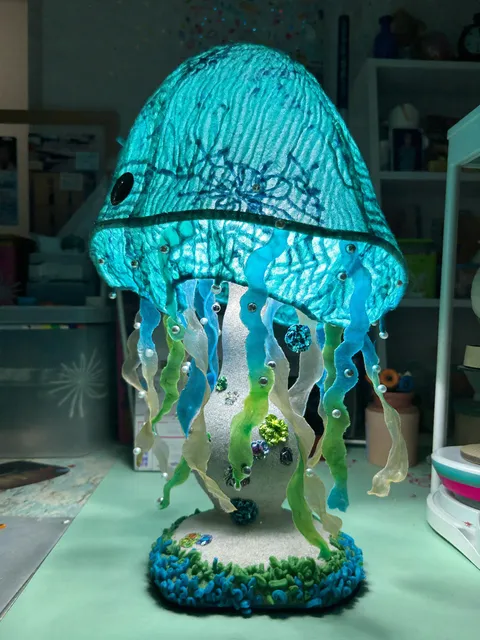
AI Image Generator with Picture
Describe picture styles and elements in text to generate matching images. Create variations or complementary visuals from descriptions.
AI Image Generator
0/20000 characters
My images
Loading...
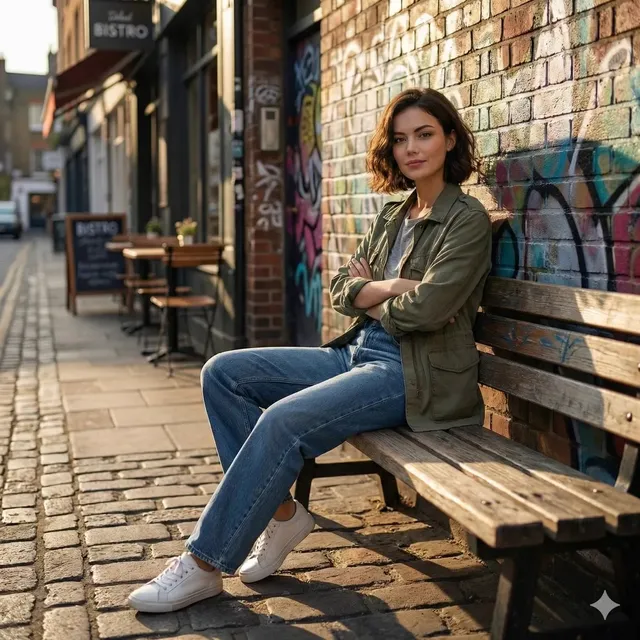
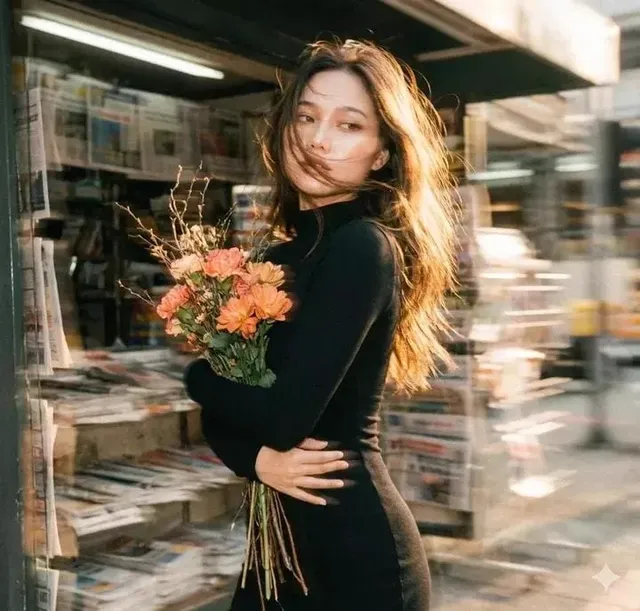
Can I use an AI image generator with a picture?
This tool generates from text descriptions only. Describe the style, colors, composition, and key visual elements of your reference picture, and the generator creates a new image based on that description.
AI Image Generator with Picture
Visual variation
Input
A variation of a coastal cliff scene with a lighthouse, but at sunset with purple and orange sky instead of daytime, more dramatic clouds
Expected output
A coastal cliff scene with a lighthouse at dramatic sunset with purple and orange sky
Companion image
Input
A companion image to a forest photo: same type of mossy trees and ferns, but with a small stream running through the center and golden light filtering
Expected output
A forest scene matching a woodland style with mossy trees, ferns, a stream, and golden light
Style match
Input
An architectural interior in the same minimalist style as a reference: clean white walls, large windows, natural wood furniture, soft gray shadows
Expected output
A minimalist interior with white walls, wood furniture, large windows, and soft gray shadows
Create new images by describing existing picture styles and elements in text
Create matching visuals
Generate new images that match the style or content of existing pictures through text description alone.
Describe from memory
Describe what you want based on your memory of an image, without needing to upload the original.
Expand your visual set
Create complementary images for projects by describing the look and feel you need.
How It Works
1
Describe the desired image.
Describe the desired image.
2
Choose the available generation settings.
Choose the available generation settings.
3
Generate, review, and download a suitable result.
Generate, review, and download a suitable result.
Working with picture references
Describe the reference image's style and key elements in text.
Input Constraints
- Do not describe copyrighted images to create near-copies.
- Avoid extracting personal information from reference images.
- Generated images are new creations based on text, not copies of existing images.
Practical Tips
- Describe the style, color palette, and composition of the reference image.
- Mention specific visual elements you want to carry over.
- Use comparative language like similar to or in the style of followed by descriptive details.
Privacy
- Do not upload personal or sensitive material unless you have permission to use it.
Usage Rights
- Confirm that you have the rights needed for the inputs and intended use of the result.
Prompt recipes
Copy a structure, then adjust the subject, lighting, camera, and output details for your own result.
Matching Color Palette
A landscape with the same color palette as a vintage postcard: muted blues, warm sepia tones, soft contrast, nostalgic film photography feel
Focuses on color and mood descriptors to match an existing picture's aesthetic without copying composition.
Complementary Composition
A second image for a product series: same clean white background, same soft diffused lighting, but featuring a different item from the same product line
Maintains visual consistency for a set by describing shared stylistic elements while changing the subject.
Seasonal Variation
The same garden scene as a reference but in winter: snow-covered branches, frost on leaves, cold blue light instead of green and sunny
Preserves scene structure while systematically changing seasonal visual characteristics for a series.
Stylistic Consistency
A character illustration matching the art style of an existing image: thick black outlines, flat colors, limited palette, comic book aesthetic
Describes art style attributes to maintain visual consistency across multiple images in a project.
Complementary Angle
The same building as a reference but from a different angle: view from the side instead of front, same architectural details and materials visible
Changes perspective while maintaining recognizable elements for a multi-angle visual set.
Best use cases
Match the workflow to the input you have and the result you need before opening the generator.
Create matching series images
Input: Description of shared style elements with subject variation
Result: Cohesive image set with consistent visual language
Tool: Text to Image
Generate complementary visuals
Input: Reference style description with new subject or angle
Result: New image matching the aesthetic of existing ones
Tool: Text to Image
Expand visual library
Input: Detailed description of reference style and new variation
Result: Additional images for a project with consistent look
Tool: Text to Image
Style-matched content
Input: Art style and visual characteristics of reference
Result: New image following the same artistic approach
Tool: Text to Image
Limitations to know before generating
- Generated images interpret your description and may not precisely match specific reference pictures
- Complex style combinations or subtle aesthetic qualities may not transfer exactly
- Describing copyrighted images to create near-copies may infringe on intellectual property rights
- Without uploading the reference, the generator relies entirely on how well you describe it
- Results are new creations, not modifications of your original picture
Creative Suite: AI Video Generator & AI Image Generator Tools
Power up your creative workflow with our AI-driven tools. Generate stunning videos, create images, and apply custom adjustments - our AI Video Generator and AI Image Generator offer a complete solution for all your creative needs.
Strictly Prohibits Adult/NSFW Content








Pricing
Choose the credit package that works best for you.
No hidden fees • Cancel anytime • Unused credits roll over
Starter
Perfect for trying out AI creation.
Credits
200 credits / month
- Up to 20 videos per month
- Up to 100 images per month
$6.99/ month$9.9930% OFF
Billed monthly
First-time subscribers get 30% off their first month, then standard price
What's included
- Credits never expire
- Standard models
- HD, Watermark-Free Downloads
- Private Generation
- Faster Generation Speed
- Ad-free experience
Basic
Perfect for light creators.
Credits
500 credits / month
- Up to 50 videos per month
- Up to 250 images per month
$13.99/ month$19.9930% OFF
Billed monthly
First-time subscribers get 30% off their first month, then standard price
What's included
- Credits never expire
- Standard models
- HD, Watermark-Free Downloads
- Private Generation
- Faster Generation Speed
- Ad-free experience
Pro
PopularBest value for creators
Credits
1,200 credits / month
- Up to 120 videos per month
- Up to 600 images per month
$39.99/ month
Billed monthly
What's included
- Credits never expire
- All models + Early access to new models
- HD, Watermark-Free Downloads
- Private Generation
- Faster Generation Speed
- Ultra HD resolution
- Ad-free experience
Ultra
For video creators and power users.
Credits
5,000 credits / month
- Up to 500 videos per month
- Up to 2,500 images per month
$99.99/ month
Billed monthly
What's included
- Credits never expire
- All models + Early access to new models
- HD, Watermark-Free Downloads
- Private Generation
- Faster Generation Speed
- Ultra HD resolution
- Ad-free experience
Free
Standard models only — upgrade to unlock premium models.
Credits
10 free credits on signup
Questions? Contact us at support@domer.io
Create a picture-compatible image
Describe the style and content you want and generate your image.