
Create
AI Photo Generator for LinkedIn
Use ai photo generator for linkedin to turn a text prompt into a professional photo for your LinkedIn profile. Describe the look, lighting, and background.
AI Image Generator
0/20000 characters
My images
Loading...

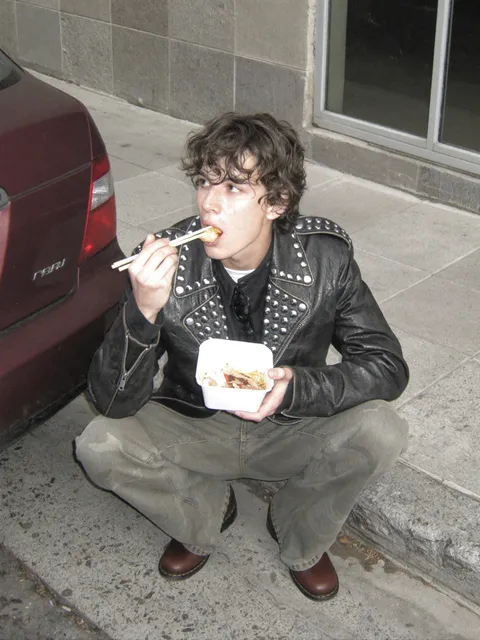
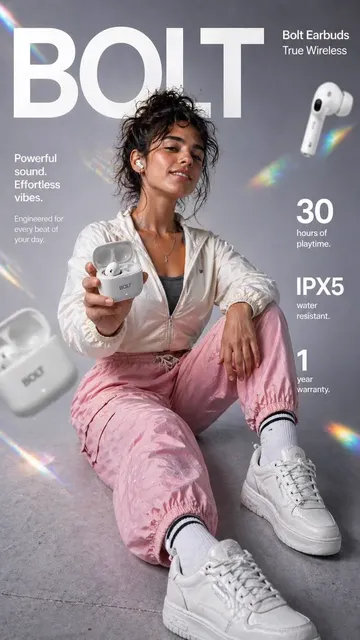
How do I generate a LinkedIn photo with AI?
Describe the professional look you want—clothing, background, lighting, and framing. The text-to-image tool generates an image you can review and download for your profile or posts.
AI Photo Generator for LinkedIn
Corporate headshot
Input
A professional headshot, person in a dark blazer, plain gray background, even studio lighting
Expected output
A tidy, centered headshot that suits a business profile.
Warm smart-casual portrait
Input
A smiling portrait in smart-casual clothing, soft blurred office background
Expected output
An approachable professional portrait.
Neutral background photo
Input
A straight-on portrait against a plain white background, natural lighting
Expected output
A clean photo with a plain, uncluttered background.
Generate a professional-looking photo from a text prompt for LinkedIn profiles and posts.
Match a professional tone
Describe the clothing, background, and lighting that fit a professional profile.
Skip the photoshoot setup
Work from a text prompt instead of booking a session or browsing stock photos.
Review and refine
Generate, check the result, and tweak the prompt until the photo reads as professional.
How It Works
1
Describe the image
Describe the desired image.
2
Pick settings
Choose the available generation settings.
3
Generate and review
Generate, review, and download a suitable result.
Prompting a professional photo
A focused prompt helps the generator return a photo that looks right for a profile.
Input Constraints
- Focus on one subject in one setting.
- Avoid naming real people or copyrighted material.
- Plan to regenerate to refine the lighting and framing.
Practical Tips
- State the background color and lighting clearly.
- Describe the clothing and posture.
- Keep the framing close, such as headshot or half-body.
Privacy
- Do not upload personal or sensitive material unless you have permission to use it.
Usage Rights
- Confirm that you have the rights needed for the inputs and intended use of the result.
Prompt recipes
Copy a structure, then adjust the subject, lighting, camera, and output details for your own result.
Corporate headshot with solid background
Professional headshot of a person in a dark navy blazer and white shirt, plain gray background, even studio lighting, centered composition
Names attire, background, lighting, and framing for a clean, corporate-style portrait.
Friendly smart-casual portrait
Smiling portrait of a person in a light blue button-down shirt, soft blurred office background with plants, natural window light
Describes clothing, background detail, and lighting source for a warm, approachable look.
Minimal white background headshot
Straight-on headshot against a pure white background, person in a charcoal blazer, soft natural light, professional and clean
Simple background and clear lighting cues create a versatile, LinkedIn-ready image.
Creative industry portrait
Portrait of a person in a casual black turtleneck, soft focus modern office background, warm side lighting, relaxed confident expression
Balances professional clothing with a creative setting and lighting for design or media roles.
Outdoor professional photo
Portrait of a person in a light gray blazer standing outdoors with a soft cityscape background, natural daylight, professional and approachable
Outdoor setting and natural light suggest an active, people-facing role while staying professional.
Best use cases
Match the workflow to the input you have and the result you need before opening the generator.
Corporate LinkedIn profile photo
Input: Dark blazer, plain solid background, even studio lighting, centered headshot
Result: A formal, polished portrait suitable for finance, law, or consulting
Tool: Text-to-image with clear background and lighting cues
Startup or tech profile photo
Input: Smart-casual clothing, blurred office background, natural light, friendly expression
Result: An approachable portrait that fits tech and creative industries
Tool: Text-to-image with soft focus and warm lighting prompt
LinkedIn post visual
Input: Portrait with space for text overlay, neutral background, good lighting
Result: An image ready to pair with a quote or announcement
Tool: Text-to-image with composition cues and clean framing
Limitations to know before generating
- The tool generates an original image from your description, not a photo of you.
- Fine details like exact facial features and expressions may require several tries.
- Review the result for professionalism and accuracy before uploading to your profile.
- Some industries or employers may prefer real headshots over AI-generated images.
- Confirm you have the rights to use the result for your intended purpose.
Creative Suite: AI Video Generator & AI Image Generator Tools
Power up your creative workflow with our AI-driven tools. Generate stunning videos, create images, and apply custom adjustments - our AI Video Generator and AI Image Generator offer a complete solution for all your creative needs.
Strictly Prohibits Adult/NSFW Content








Pricing
Choose the credit package that works best for you.
No hidden fees • Cancel anytime • Unused credits roll over
Starter
Perfect for trying out AI creation.
Credits
200 credits / month
- Up to 20 videos per month
- Up to 100 images per month
$6.99/ month$9.9930% OFF
Billed monthly
First-time subscribers get 30% off their first month, then standard price
What's included
- Credits never expire
- Standard models
- HD, Watermark-Free Downloads
- Private Generation
- Faster Generation Speed
- Ad-free experience
Basic
Perfect for light creators.
Credits
500 credits / month
- Up to 50 videos per month
- Up to 250 images per month
$13.99/ month$19.9930% OFF
Billed monthly
First-time subscribers get 30% off their first month, then standard price
What's included
- Credits never expire
- Standard models
- HD, Watermark-Free Downloads
- Private Generation
- Faster Generation Speed
- Ad-free experience
Pro
PopularBest value for creators
Credits
1,200 credits / month
- Up to 120 videos per month
- Up to 600 images per month
$39.99/ month
Billed monthly
What's included
- Credits never expire
- All models + Early access to new models
- HD, Watermark-Free Downloads
- Private Generation
- Faster Generation Speed
- Ultra HD resolution
- Ad-free experience
Ultra
For video creators and power users.
Credits
5,000 credits / month
- Up to 500 videos per month
- Up to 2,500 images per month
$99.99/ month
Billed monthly
What's included
- Credits never expire
- All models + Early access to new models
- HD, Watermark-Free Downloads
- Private Generation
- Faster Generation Speed
- Ultra HD resolution
- Ad-free experience
Free
Standard models only — upgrade to unlock premium models.
Credits
10 free credits on signup
Questions? Contact us at support@domer.io
Create your LinkedIn photo
Open the generator, describe the professional look you want, and review a photo built from your prompt.