
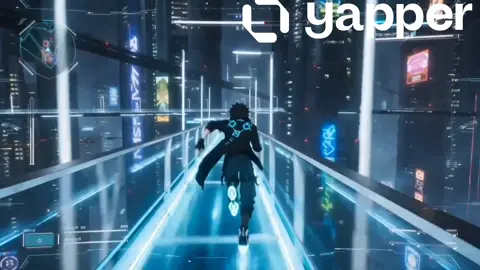
Flux Dev AI Image Generator
Turn text descriptions into visuals. Describe what you want to see, choose settings, and review the generated image.
AI Image Generator
0/20000 characters
My images
Loading...
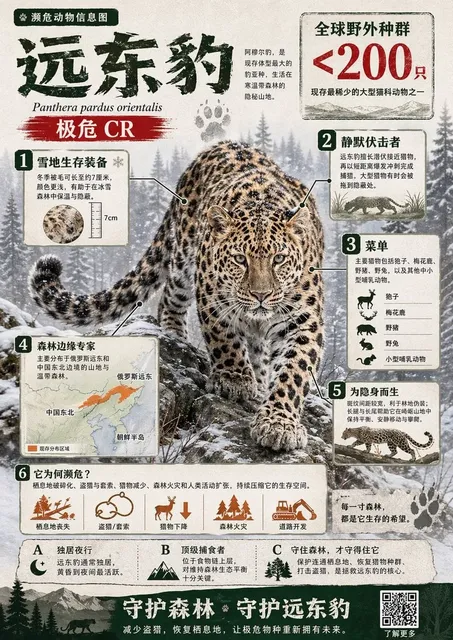
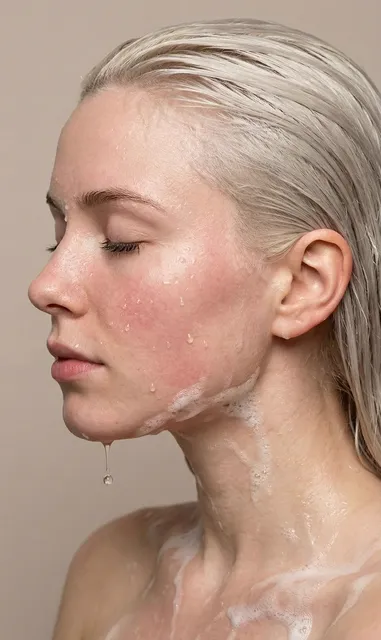
What is a flux dev ai image generator?
A flux dev ai image generator creates images from text descriptions. You type what you want to see—subject, style, colors, lighting—and the tool generates a visual result. Use it to prototype designs, explore artistic directions, or produce visual content without design software.
Flux Dev AI Image Generator
Experimental art
Input
Experimental abstract composition with vivid purples and oranges, dramatic rim lighting, fluid organic shapes
Expected output
A generated abstract image with bold color contrast and dramatic lighting
Design prototype
Input
Modern minimalist chair design, walnut wood, clean geometric lines, studio lighting on white background
Expected output
A generated product rendering of a minimalist chair concept
Narrative illustration
Input
A lone explorer standing at the edge of a glowing forest, soft blue moonlight, tall twisted trees
Expected output
A generated moody narrative scene with forest and figure
Turn text descriptions into images for creative projects
Prototype without design tools
Generate visual concepts from simple text descriptions instead of sketching or using complex design software.
Explore visual directions
Test multiple styles, compositions, and color schemes by adjusting your prompt and generating again.
Iterate rapidly
Produce and compare visual options faster than traditional creation methods, then refine what works.
How It Works
1
Describe your image
Describe the desired image.
2
Adjust settings
Choose the available generation settings.
3
Generate and download
Generate, review, and download a suitable result.
Tips for using the flux dev ai image generator
Clear prompts lead to better results. These tips help you write effective descriptions.
Input Constraints
- Avoid describing real people, trademarks, or copyrighted characters.
- Focus on visual styles rather than specific brands or products.
- Keep descriptions appropriate for general audiences.
Practical Tips
- Be specific about style: realistic, cartoon, oil painting, watercolor.
- Describe lighting direction and quality: soft morning light, dramatic side lighting.
- Mention mood or atmosphere: calm, tense, energetic, melancholy.
- Include details about foreground and background elements.
- Start with a short prompt and add details as you refine.
Privacy
- Do not upload personal or sensitive material unless you have permission to use it.
Usage Rights
- Confirm that you have the rights needed for the inputs and intended use of the result.
Prompt recipes
Copy a structure, then adjust the subject, lighting, camera, and output details for your own result.
Portrait with mood lighting
Close-up portrait of a woman in her forties, soft window light from the left, thoughtful expression, warm tones, shallow depth of field
Specifies subject, lighting direction, mood, color palette, and depth of field for a coherent portrait composition.
Architectural concept
Modern glass pavilion in a forest clearing, floor-to-ceiling windows, afternoon sunlight filtering through trees, minimalist interior visible
Combines architectural form, natural setting, lighting condition, and interior detail for a clear design concept.
Product visualization
Sleek wireless headphones on a marble surface, metallic finish with subtle reflections, studio lighting with soft shadows, neutral background
Describes product, surface material, finish, lighting setup, and background for a professional product shot.
Fantasy landscape
Floating islands connected by rope bridges, waterfalls cascading into clouds below, golden sunset light, distant mountain peaks, epic scale
Establishes fantastical elements, spatial relationships, lighting, and scale for an immersive fantasy scene.
Abstract emotion piece
Swirling forms suggesting movement and tension, deep blues transitioning to fiery oranges, dynamic composition, oil painting texture
Uses motion, emotion cues, color progression, composition energy, and medium texture to guide abstract generation.
Best use cases
Match the workflow to the input you have and the result you need before opening the generator.
Concept art for a game or story
Input: Detailed scene description with setting, characters, lighting, and mood
Result: A narrative illustration matching your world-building vision
Tool: Text-to-image generator with style keywords like cinematic or concept art
Social media visual content
Input: Eye-catching subject with strong colors and clear composition
Result: A bold, attention-grabbing image suitable for posts or stories
Tool: Text-to-image generator with vibrant or modern style cues
Design mockup or prototype
Input: Product or space description with materials, lighting, and perspective
Result: A realistic rendering you can use as a reference or placeholder
Tool: Text-to-image generator with photorealistic or studio lighting keywords
Artistic exploration
Input: Abstract or experimental prompt with color, texture, and emotion words
Result: A unique visual that explores style, form, or mood
Tool: Text-to-image generator with artistic medium keywords like oil painting or watercolor
Limitations to know before generating
- Results depend on prompt clarity; vague descriptions may produce unexpected outputs.
- Generated images may require multiple iterations to match your vision closely.
- Complex scenes with many elements may not align perfectly with your spatial intent.
- Text rendering within images is often illegible or incorrect.
- Human anatomy, hands, and fine details may appear distorted and need review.
- You are responsible for confirming that inputs and intended use respect applicable rights and permissions.
Creative Suite: AI Video Generator & AI Image Generator Tools
Power up your creative workflow with our AI-driven tools. Generate stunning videos, create images, and apply custom adjustments - our AI Video Generator and AI Image Generator offer a complete solution for all your creative needs.
Strictly Prohibits Adult/NSFW Content








Pricing
Choose the credit package that works best for you.
No hidden fees • Cancel anytime • Unused credits roll over
Starter
Perfect for trying out AI creation.
Credits
200 credits / month
- Up to 20 videos per month
- Up to 100 images per month
$6.99/ month$9.9930% OFF
Billed monthly
First-time subscribers get 30% off their first month, then standard price
What's included
- Credits never expire
- Standard models
- HD, Watermark-Free Downloads
- Private Generation
- Faster Generation Speed
- Ad-free experience
Basic
Perfect for light creators.
Credits
500 credits / month
- Up to 50 videos per month
- Up to 250 images per month
$13.99/ month$19.9930% OFF
Billed monthly
First-time subscribers get 30% off their first month, then standard price
What's included
- Credits never expire
- Standard models
- HD, Watermark-Free Downloads
- Private Generation
- Faster Generation Speed
- Ad-free experience
Pro
PopularBest value for creators
Credits
1,200 credits / month
- Up to 120 videos per month
- Up to 600 images per month
$39.99/ month
Billed monthly
What's included
- Credits never expire
- All models + Early access to new models
- HD, Watermark-Free Downloads
- Private Generation
- Faster Generation Speed
- Ultra HD resolution
- Ad-free experience
Ultra
For video creators and power users.
Credits
5,000 credits / month
- Up to 500 videos per month
- Up to 2,500 images per month
$99.99/ month
Billed monthly
What's included
- Credits never expire
- All models + Early access to new models
- HD, Watermark-Free Downloads
- Private Generation
- Faster Generation Speed
- Ultra HD resolution
- Ad-free experience
Free
Standard models only — upgrade to unlock premium models.
Credits
10 free credits on signup
Questions? Contact us at support@domer.io
Start creating with the flux dev ai image generator
Open the text-to-image tool, describe what you want to create, and generate your first result in moments.